When you’ve made a commitment to get fit or you’ve decided it’s time to start adopting healthier daily habits, you can get tremendous value from a health tech device, whether that’s a fitness or activity tracker, smartwatch, or even smart ring. But how do you know which wearable is right for you? Should you buy a smartwatch or a fitness tracker? You want to consider the type as well as the brand and compatibility with your phone. Some devices work only with certain phones, while others support both major mobile platforms. A smartwatch and screened fitness tracker provide things like access to apps and phone notifications on your wrist. A screenless fitness tracker or smart ring, meanwhile, provides a passive, distraction-free background experience.
Does it have a subscription and is that monthly cost worth it? Plus, what are the key features you want to help you achieve your goals? You might want something that will encourage you to get off the couch, improve your endurance, and challenge you to improve your physical and mental health. Or maybe wellness tracking is a priority. Perhaps you want something that can do it all. There are a lot of different choices when it comes to activity and health trackers. Here is a look at what’s available so you can choose the right tracker for you.

Table of Contents:
- Which type of fitness tracker is right for you?
- Everyday activity and sleep tracking
- Fitness and training features
- Screenless fitness trackers
- Smart rings for health and sleep tracking
- Seven things to consider when choosing a fitness tracker
- FAQs
Which type of fitness tracker is right for you?
Before diving in, here’s a handy chart to help you streamline your decision.
| If you want… | Consider | Why? |
| Simple everyday activity and sleep tracking | Fitness tracker | Straightforward tracking in a compact device |
| Passive tracking without a screen | Screenless fitness tracker | No distractions and app-based insights |
| Exercise stats and information on your wrist | Screened fitness tracker or smartwatch | A display, workout data, GPS, and broader fitness features |
| Discreet sleep and wellness tracking | Smart ring | A small form factor without a wrist display |
| Calls, notifications, apps, and fitness features together | Smartwatch | Connected features combined with health and activity tracking |
| Longer battery life | Screenless fitness tracker, smart ring | Batteries that last at least a week, some up to two |
Choosing an activity tracker
Everyone has a favourite activity or activities they like or do most often. While you may be a runner or like long walks, your friend might like to do gym workouts like strength training. Every activity tracker has basic features to track your favourite activity right out of the box, and you can use that data to work toward your goals.
Everyday activity and sleep tracking
When you’re just starting out and you’re wondering how much activity you get every day, a fitness tracker can give you that information and inspire you to keep moving. The basic features of activity trackers include step, distance, sport/activity, and calorie tracking. Most trackers also track stairs climbed or elevation and sleep as part of the basic features.
Every movement counts, and a fitness tracker can help you establish a baseline and set personal activity goals. Canadian physical activity guidelines recommend that adults get at least 150 minutes of moderate-to-vigorous physical activity per week. A fitness tracker, smartwatch, or smart ring can help you keep on top of that.
Alongside capturing not only how many steps you take but how many active minutes you have engaged in, these wearables can also advise on data like distance traveled. Ones with built-in or connected GPS, the latter leveraging your phone’s GPS, can even show your route. Many wearables estimate calories burned during daily activity and workouts. Treat this as a general estimate rather than an exact measurement, and use it alongside other activity trends to understand how your movement changes over time.
Sleep is also an important part of all these devices. They can track sleep duration but also quality. This includes how long you slept as well as how much time you spent in sleep stages like deep, REM, and awake time. Some provide a sleep score and other data like how restless you were, how restorative your sleep was, and more.
Performance activity tracking
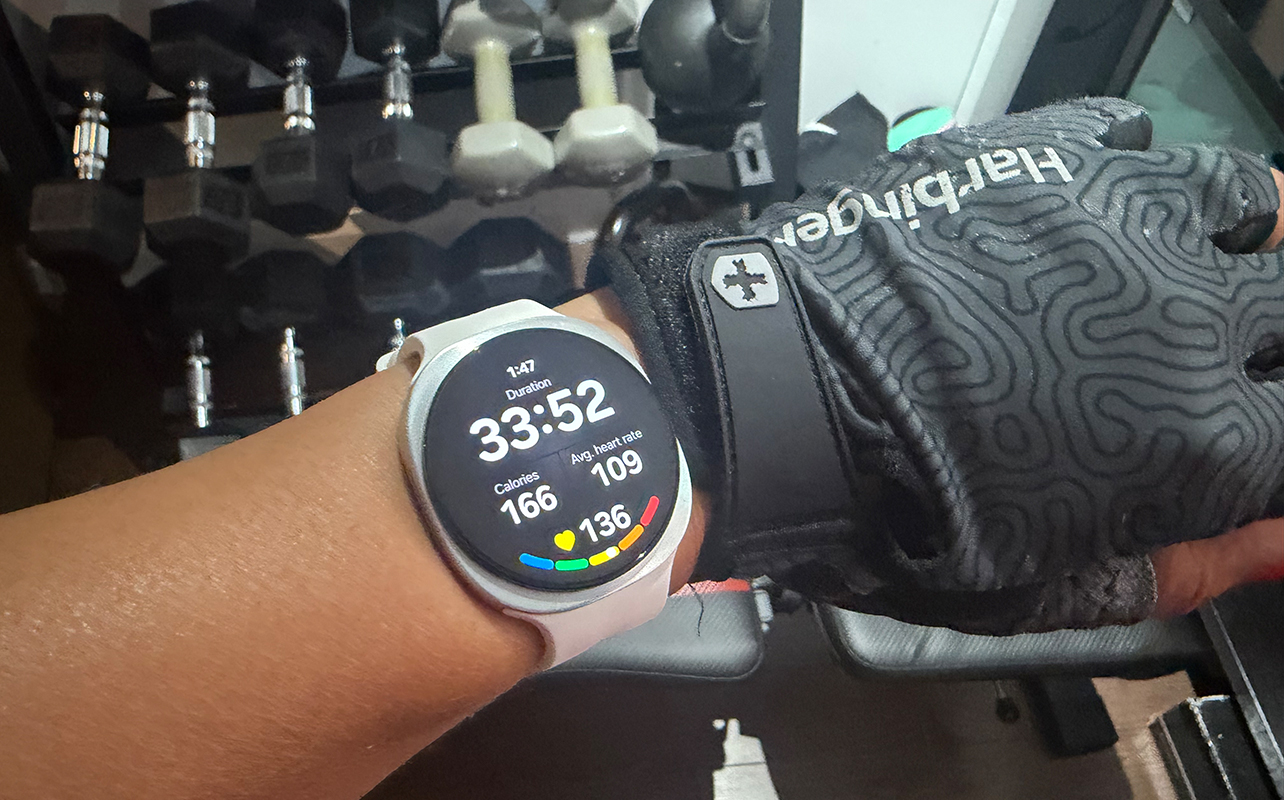
Advanced activity tracking features are great for someone who is exercising regularly or preparing for a competition. But the more advanced features they provide can be beneficial to just about anyone who cares about their health and wellness.
Heart rate monitoring
Heart-rate data can help you understand workout intensity and how long you spend in different training zones. It’s also important that you keep an eye on your status so you don’t overexert yourself. You may also want to use this as an indication to pick up the pace if your heart rate hasn’t reached the next zone. Additionally, many fitness trackers can also monitor your resting heart rate. This ties to overall health and could alert you to issues if you recognize that your resting heart rate is too high, for example. Some fitness trackers can even take on-demand ECG readings so you can check heart health on the fly. Some also send notifications for low or high heart rate, monitoring for conditions like Afib.
GPS and route tracking
If the activity tracker has GPS, you can keep track of your routes on a map, viewable in the app. You can also see additional details about your activity, including heart rate, pace, and more. Some fitness trackers designed specifically for runners will provide more specific data, like speed, cadence, and general pace. Some trackers have more accurate GPS satellite positioning than others. There are two ways to use GPS with a fitness tracker. Built-in GPS means the tracker itself has this feature, so you can leave your phone at home. With connected GPS, the tracker needs to be within range of your phone to capture the data alongside mapping.
Some smartwatches can show mapping for things like local trails, even let you download ones for offline access. Many smartwatches and fitness trackers can also work with navigation apps like Google Maps or Apple Maps to provide navigation when you’re walking an unfamiliar route. Elevation tracking is helpful for hikers as well as runners who want to see if they’re improving their pace on higher elevations as they run the same route. Learn more in our smartwatch buying guide.
Multisport tracking
There are so many different types of activities to try. Not everyone is a runner or wants to walk for fitness. Fitness trackers with multisport tracking let you select from a variety of workout, activity, and sport types. These commonly include walking, running, treadmill, rowing, cycling, strength training, and even swimming for models that are water-resistant. More recently, you’ll find ones like HIIT (High-Intensity Interval Training), jump rope, even activities like Tai Chi, skating, martial arts, even gardening with some models. In most cases, this is merely for the purposes of you keeping track of what you did and when. But for some, special sports modes have special tracking features. Swim tracking, for example, might keep on top of your laps. HIIT training may include times for rest between vigorous sets.
Workout detection
With every device, you can use the companion app to start and stop a workout. With smartwatches and fitness trackers, you can do so right from the device screen. If you choose a smart ring or screenless fitness tracker, you’ll want one that excels at automatic activity detection. Otherwise, you need to manually start and stop each workout from the app on your phone. Devices like the Oura Ring 5 (see our Oura Ring 5 review) and Fitbit Edge (see our Fitbit Edge Stephen Curry Edition review) excel in this space. The Garmin CIRQA (see our Garmin CIRQA review) is a screenless tracker as well, but it has a side button you can press to start and again to stop a workout session. You can later visit the app to name it accordingly.
Training and recovery insights
Most devices offer training and recovery insights to help you decide how to approach the day and review how the session went after. A readiness score takes into account metrics like your sleep and recovery and advises how you should tackle the day ahead. It might be that you’re ready for a major sweat session or should take a rest day. These come with other names like Body Battery for Garmin devices. Apple recently added readiness score with its Apple Watch Series 12 (see our Apple Watch Series 12 review).
After training, you can see how much time you spent in heart rate zones, even compare data over time through weeks, months, even years. For runners, that might be to analyze how your pace has improved. For strength training, you might see if you’re more efficient in burning calories. Some devices come with premium subscriptions or free AI assistants that provide additional insight. With Google Health Premium, for example, which works with Google Pixel smartwatches and Fitbit trackers, you can ask questions about your training and recovery to get personalized analysis.
Heart rate zones
Many trackers estimate heart-rate zones to show how hard you are working during exercise. A commonly used estimate for maximum heart rate is 220 minus your age, but individual results can vary. The American Heart Association describes moderate-intensity activity as approximately 50% to 70% of estimated maximum heart rate and vigorous activity as approximately 70% to 85%. Treat these figures as general guidance and speak with a healthcare professional if you have questions about exercising safely or interpreting unusual readings.
Features such as ECG readings and irregular heart-rhythm notifications are available only on certain devices and may vary by region. They are not a substitute for professional medical advice or diagnosis.
Other features to consider when choosing an activity tracker
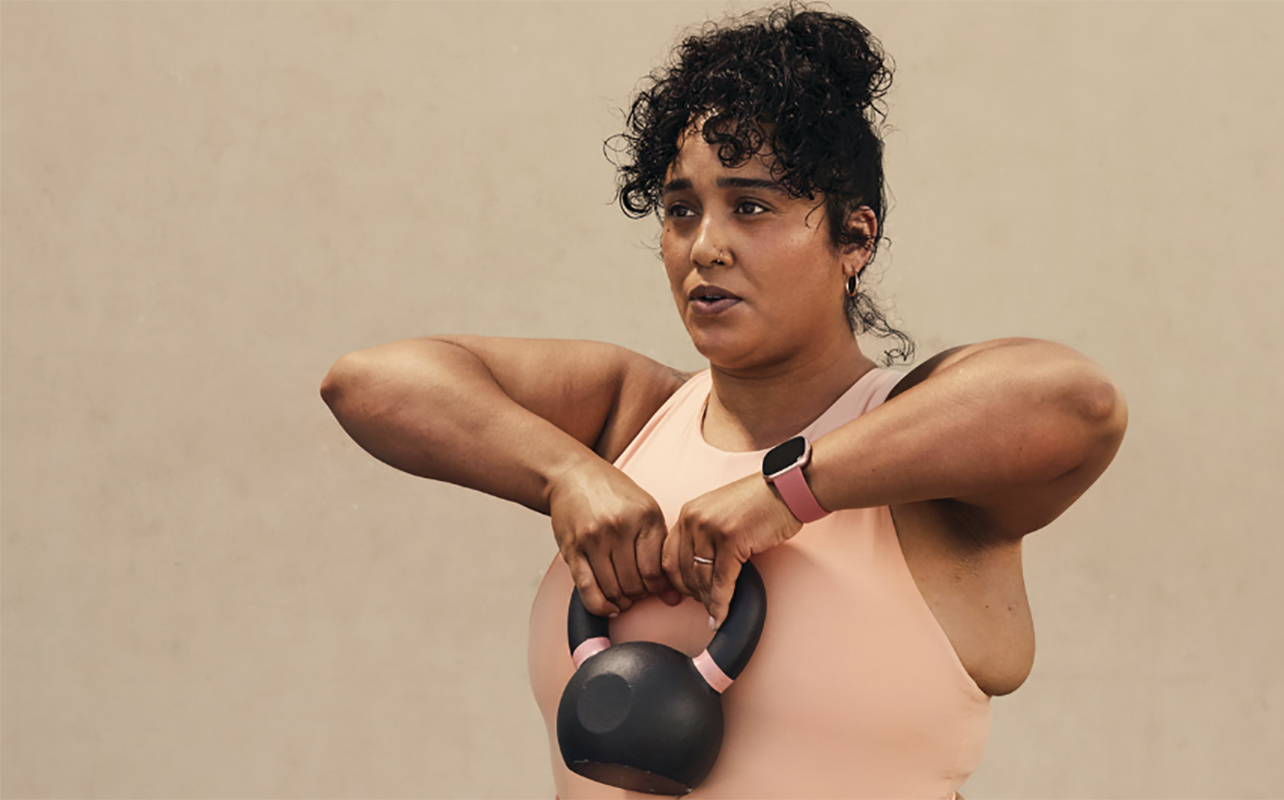
The most basic features of activity trackers are important. The same goes for some of the advanced features noted above, depending on how and when you want to use it. But there are also a few other considerations you’ll want to keep in mind when choosing a tracker.
What style of health tracker do you like?
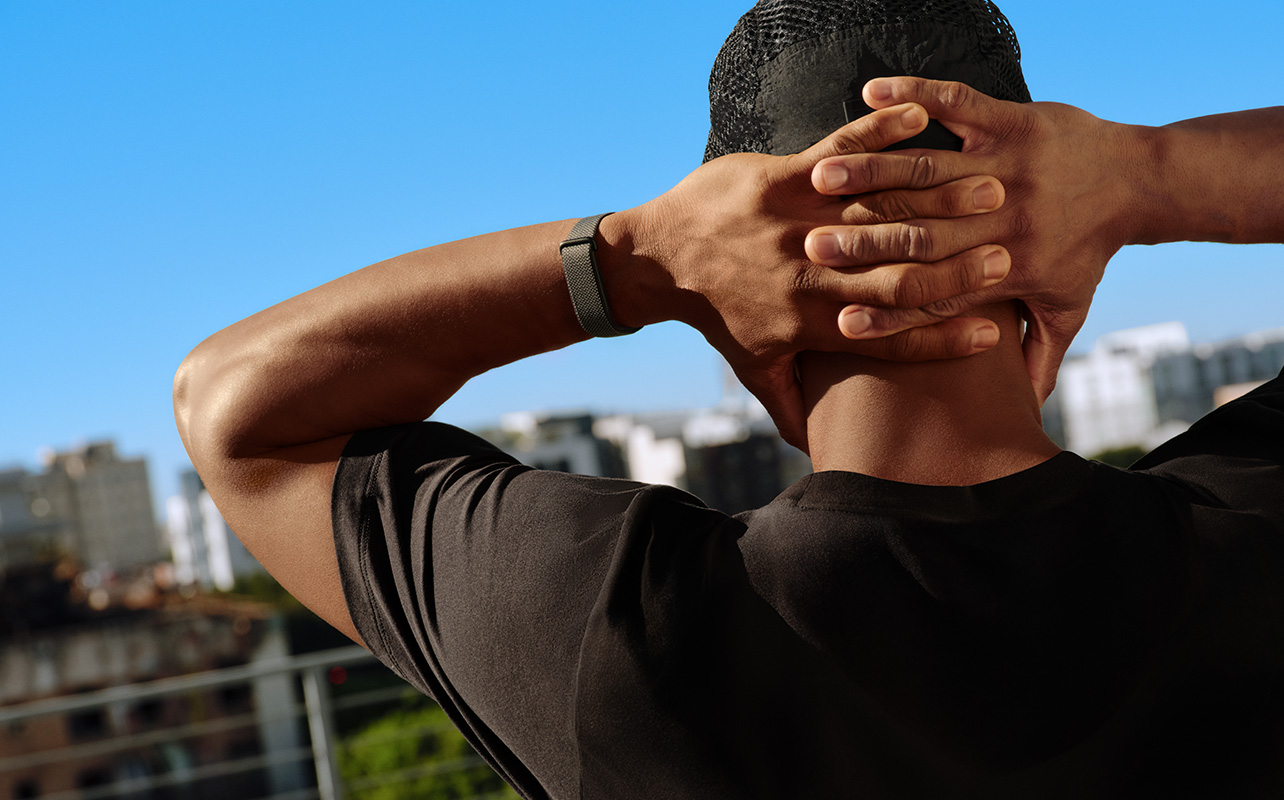
The style of health trackers varies. You can find smartwatches and fitness trackers that are discrete. Some smartwatches even look like traditional watches. Swap out the bands so it flows with your style for a night out. Screenless trackers look like bracelets, so you can still wear a traditional wristwatch on the opposite arm without it looking silly. If you want to keep your wrists free, you can consider a smart ring.
You should also keep in mind that there are different styles of activity trackers available for the entire family. Kids activity trackers will track basic data like steps, distance, and sleep. Additionally, some children’s trackers help encourage healthy habits with regular reminders for brushing their teeth, doing chores or homework, and more. Some have games and even connectivity features. See our smart rings versus smartwatch guide to help you decide between those two.
Display on activity trackers
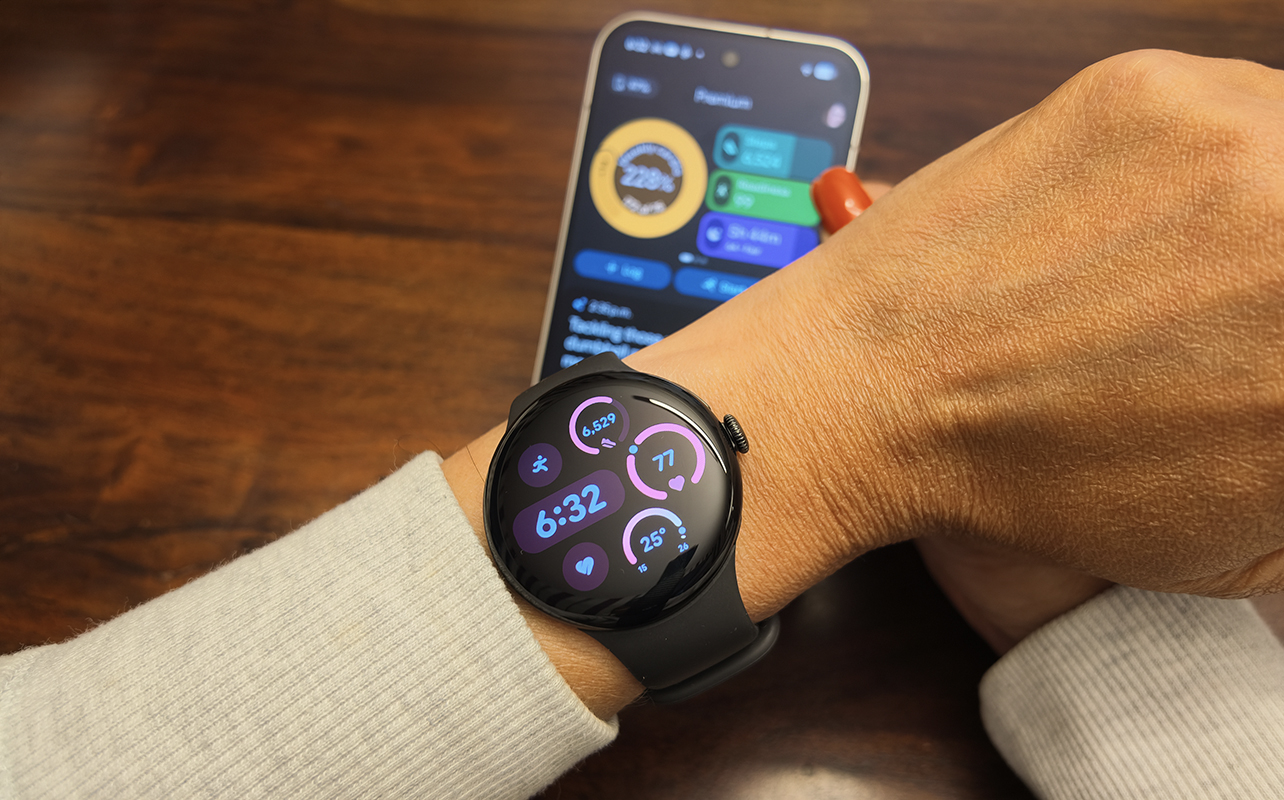
You can choose what type of display your fitness tracker has. Most traditional fitness trackers have a long, rectangular display with text that scrolls across for notifications. Some have wider faces than others, like the new Fitbit Edge. When you get into the larger sizes and squares and circles, you are into the smartwatch category. But there are sleek ones in this category, too, like the Google Pixel Watch 5 (see our Google Pixel Watch 5 review.)
Battery life
Some people might choose a fitness tracking device solely based on battery life. While you can find smartwatches with fantastic battery life, like some Garmin models, especially ones with solar power options, the best battery life is often found with fitness trackers, and especially smart rings. The Whoop MG, for example, lasts for up to 14 days per charge and uses a convenient Wireless Powerpack that slides onto the sensor to recharge on your wrist. The RingConn Gen 3 (see our RingConn Gen 3 review) lasts up to two weeks per charge as well, and recharges in a convenient wireless charging case you can bring with you. Most screened fitness trackers last about a week per charge, while some smartwatches need to be recharged daily.
Screenless fitness trackers do it all in the background
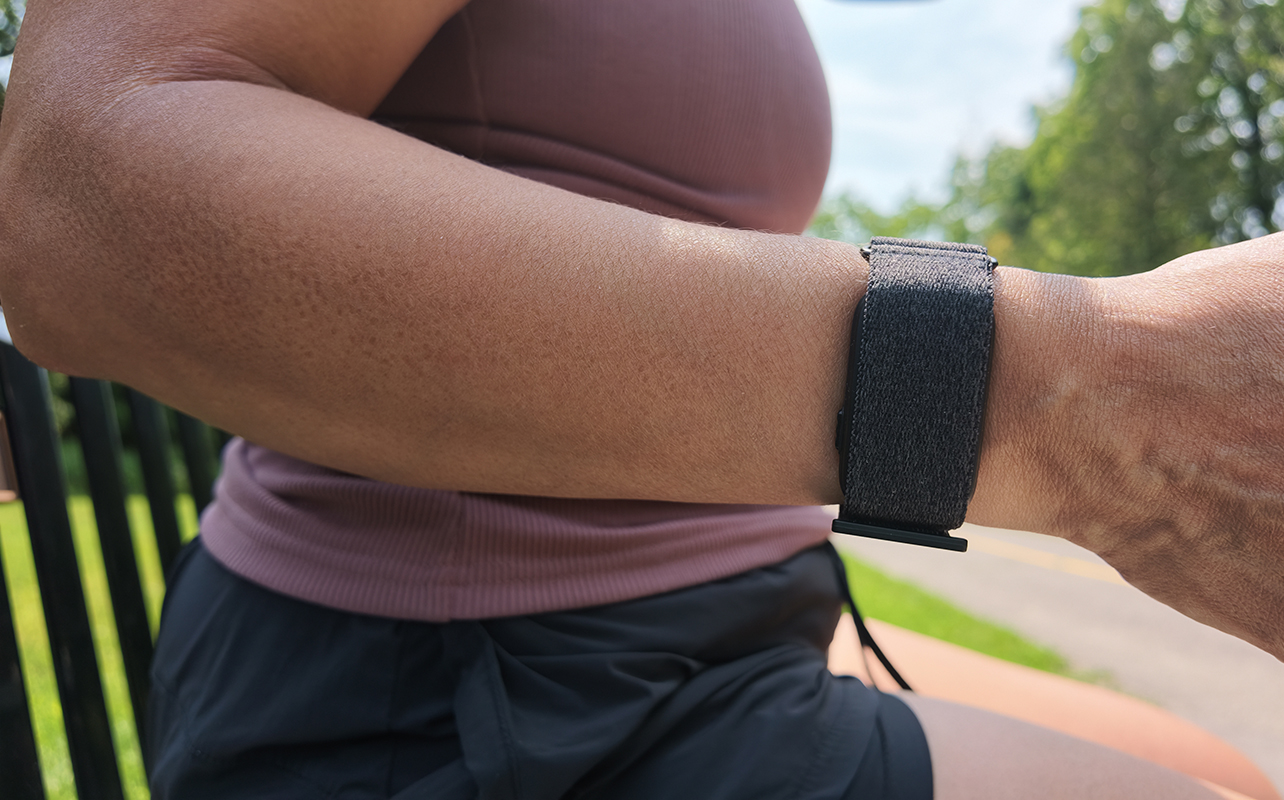
New to this type of wearable? Learn more about what a screenless fitness tracker is and how it differs from a conventional tracker with a display. While screenless fitness trackers aren’t necessarily new – the first Fitbit tracker didn’t really have a screen and Whoop launched its first model back in 2015 – there has been a resurgence of the category recently. This is thanks to a desire to eliminate tech distractions and lean towards simpler, background devices. Models like the Fitbit Air, Garmin CIRQA, and Whoop MG and Whoop 5.0 are just a few examples. They are comfortable bands with the sensor fitted inside, discreetly hidden under fabric, silicone, or metal, depending on the band you choose. These are ideal if you want a distraction-free, app-driven experience. The downside when considering a screenless tracker versus smartwatch is that you don’t get any data on your wrist, no notifications or on-device app access. You need to rely solely on the companion app, which may drive you to look at your phone more. Some of them also require a subscription either to use at all, like Whoop, or as an upgrade, like Fitbit Air, to unlock advanced features. You can see our comparison of the Fitbit Air versus Garmin CIRQA if you have those two on your radar.
Smart rings for discreet health and sleep tracking

It doesn’t get more discreet than smart rings. Wear one on your finger just like a traditional ring and it handles everything in the background. They are among the most comfortable for wearing overnight. But it’s an entirely app-driven experience. An important thing to note is that you need to purchase a sizing kit first and wear a dummy ring for at least 24 hours to know the proper size. This impacts not only comfort but also effective tracking since the sensor on the underside needs to be in contact with your skin. It should not be too tight but not loose enough that you can easily slide it off your finger. While smart rings don’t have screens like traditional fitness trackers, they collect all of the same data. Some smart rings do require a subscription, like Oura. Some, like Ultrahuman and models like the Ultrahuman Ring Pro (see our Ultrahuman Ring Pro review) and Ultrahuman Ring Air (see our Ultrahuman Ring Air review) do not, but do have a subscription option. Brands like RingConn have a completely subscription-free experience.
Seven things to check before buying
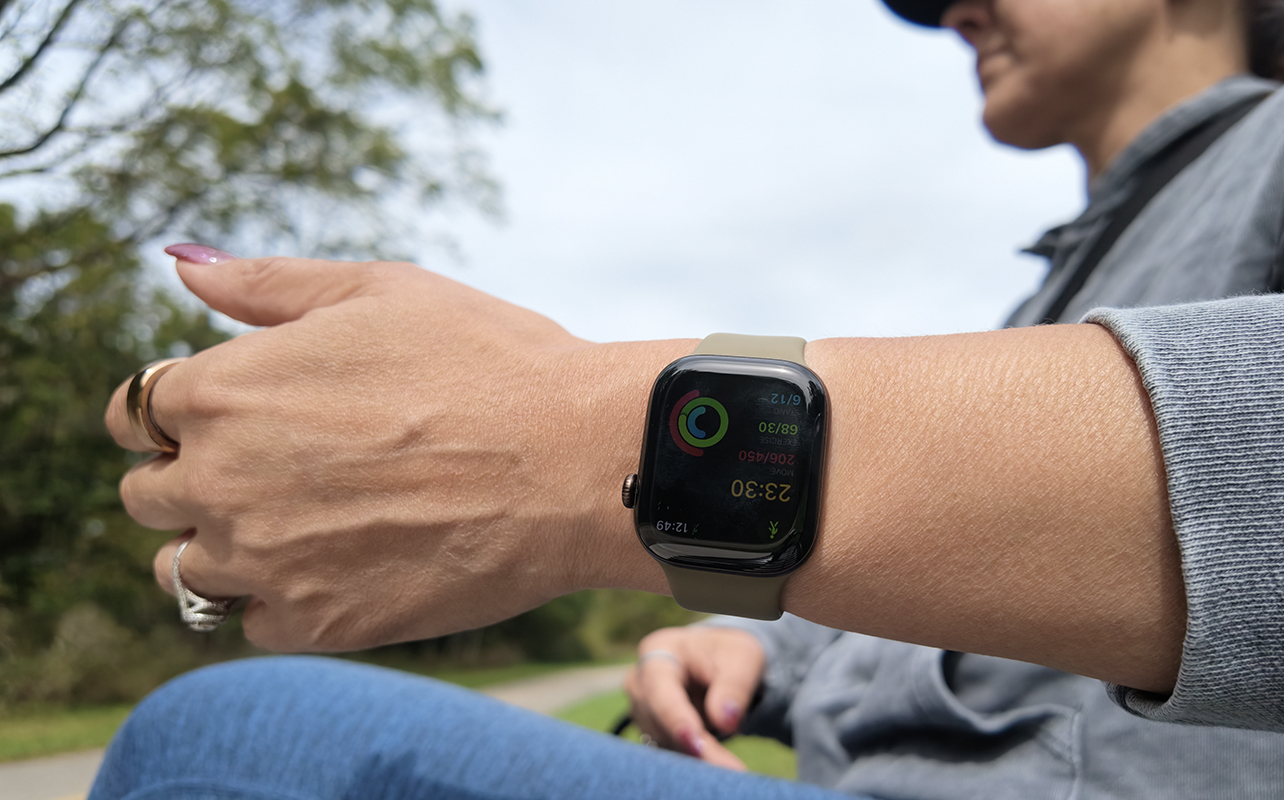
To recap, let’s look at the most crucial things to consider when deciding which wearable is right for you.
1. Fitness goal
Are you most concerned about tracking workouts and activity, and are you a runner or do you do structured training? How important is sleep, recovery, or general wellness alongside this? See smartwatch health features explained to learn about everything smartwatches as well as other wearables can track and what it all means. See smart ring features explained for that specific category and the smart ring buying guide for everything you need to know.
2. Phone and app compatibility
Check operating system support, account requirements, and ecosystem restrictions. Apple Watch, for example, only works with iPhone. Google Pixel Watch works with any Android phone and while you can use Google Health Premium on iPhone, you won’t get other connected features. You also get specific features when pairing a Google Pixel Watch with a Google Pixel phone. A Samsung Galaxy Watch works with any Android phone with special features when connected to a Galaxy phone, and does not work with iPhone. Fitbit, Garmin, Amazfit, and other devices work with both phone platforms, as do most smart rings with the exception of the Samsung Galaxy Ring (see our Samsung Galaxy Ring review).
3. Built-in versus connected GPS
If you’re a runner who wants to travel light and leave your phone at home, you will need a device that has built-in GPS. If you have your phone with you anyway, connected GPS might be sufficient. Some advanced smartwatches and trackers have more precise GPS positioning you may appreciate as well.
4. Battery life
Consider your lifestyle and if you can work in daily charging with your schedule or prefer something with longer battery life. Consider that if you use features like GPS often, this drains battery life. Screenless fitness trackers and smart rings are best for battery life.
5. Comfort and form factor
Most wearables are comfortable to wear all night, but some may prefer the thinner, sleeker feel of a screenless band or smart ring for wearing overnight.
6. Water resistance
Water resistance varies by device, so check the manufacturer’s rating and approved activities before wearing a tracker in the shower or pool. An IP rating describes resistance to dust and water under specified test conditions, while an ATM rating indicates tested water pressure. Neither rating should be interpreted without checking the product’s specific usage guidance. Some smartwatches, like Apple Watch, have a water lock feature to prevent unintentional triggering of buttons while underwater. It will even expel water once you come out and press and hold the Digital Crown. Some smartwatches, like the Apple Watch Ultra 4 and Samsung Galaxy Ultra 2 are dive certified and much more rugged.
7. Subscriptions
Compare the hardware cost and subscription costs if any. For devices that have optional subscriptions, compare what you get without it versus what is added with it. Look at what trials are offered as well. For ones that require a subscription, calculate the overall annual cost and factor that into your decision.
Take the next step

So, how do you choose? Start by narrowing it down to the type, choosing a smartwatch, fitness tracker, screenless fitness tracker, or smart ring. Go with a smartwatch or fitness tracker if you want on-device metrics and real-time stats, a screenless tracker or smart ring for background tracking. Then jot down the no-compromise features, like blood oxygen, ECG, GPS and narrow down the list further. Confirm compatibility with your phone, then look at design. Is it comfortable to wear both all day and night, as well as while doing the activities you typically do? Some people, for example, prefer bands over smart rings if they lift heavy weights. Finally, consider battery life, price, and subscription requirements.
There are so many great fitness and activity trackers available, you can narrow the options to the tracker that best fits your needs. Take a look at all of the activity and health trackers available right now on Best Buy, including smartwatches, screenless fitness trackers, and smart rings as well.
FAQs
A fitness tracker generally focuses on activity, exercise, sleep, and wellness in a smaller form factor. Some have a compact display, while screenless models rely entirely on a phone app. A smartwatch typically has a larger display and adds broader connected features such as apps, notifications, calls, payments, or navigation. Available features vary by model.
Neither is universally better. Smart rings and fitness trackers can monitor many of the same everyday activity, sleep, and wellness metrics, but their form factors and on-device experiences differ. Choose a smart ring for discreet, app-driven tracking or a screened fitness tracker when you want to see information on your wrist.
GPS is useful if you want to record outdoor routes, distance, and pace. Choose built-in GPS if you want to leave your phone behind; connected GPS may be sufficient if you normally carry your phone. GPS can also be helpful for cycling, hiking, and walking, but it is not essential for every shopper.
Some fitness trackers require a subscription, while others offer one as an optional upgrade. Compare which tracking features are included with the device and which insights, coaching tools, or reports require an additional monthly or annual payment.