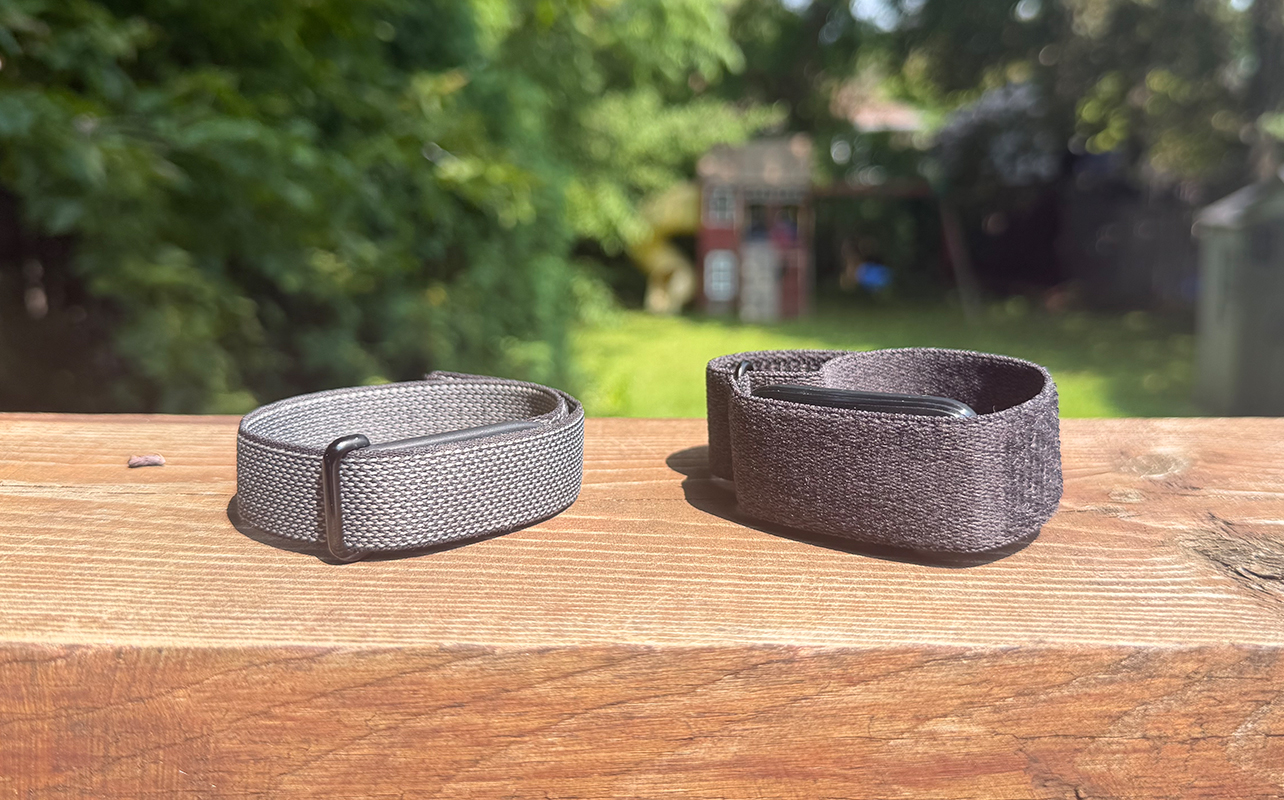
The two most recent screenless trackers to offer an app-driven, distraction-free exprience are the Fitbit Air and Garmin CIRQA. How do they compare, and which one is best for you? I have been lucky enough to spend significant time with both. In doing so, I have been able to determine where each one excels and to whom each might be best suited. So, let’s get to it!


Fitbit Air vs. Garmin CIRQA: By the numbers
Before diving into the features, here’s a handy chart to compare key specs, subscription options, and pricing.
| Fitbit Air | Garmin CIRQA | |
| Size | S 130-175mm, L 165-210mm (textile and polyurethane OS 130-210mm) | S-M 120-200mm, L-XL 145-240mm |
| Band Materials | Textile with stainless steel buckle | Fabric ComfortFit bands |
| Band Colours | Obsidian, Berry, Lavender, Fog | French Grey, Captain Blu, Mauve, Black |
| Sensors | Heart rate, respiration/pulse OX, stress, skin temperature, accelerometer, vibration motor | Heart rate, respiration/pulse OX, stress, skin temperature, accelerometer |
| Sleep Tracking | Yes (basic stages without subscription) | Yes (with sleep coach, alignment, breathing variations, nap detection) |
| Automatic Workout Detection | Yes | Yes |
| Battery Life | Up to 7 days | Up to 10 days |
| GPS | Connected | Connected |
| Water Resistance | 5ATM | 5ATM |
| Unique Subscription Features | AI Health Coach/Ask Coach with detailed guidance, analysis, and assistance, nutrition tracking, detailed sleep tracking, create custom workouts | Active intelligence, nutrition tracking, live activities in app, LiveTrack, Garmin Trails, 3D maps, training guidance and workouts, wheelchair workouts |
| Subscription and Price | $12.99/mo., three-month trial; included with Google AI Pro, AI Ultra subscription | $9.99/mo. ($99.99/yr.), one-month trial |
| Hardware Price | $129.99 | $279.99 |
Design and comfort
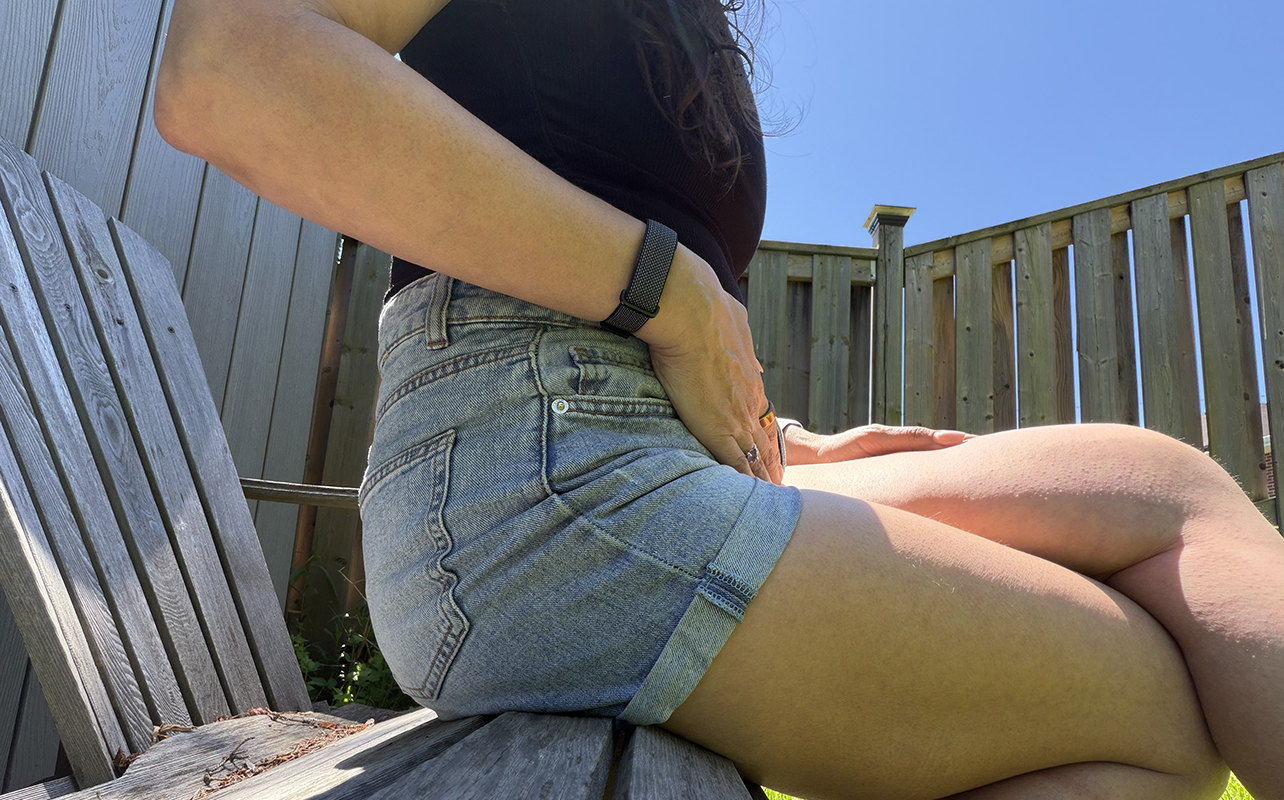
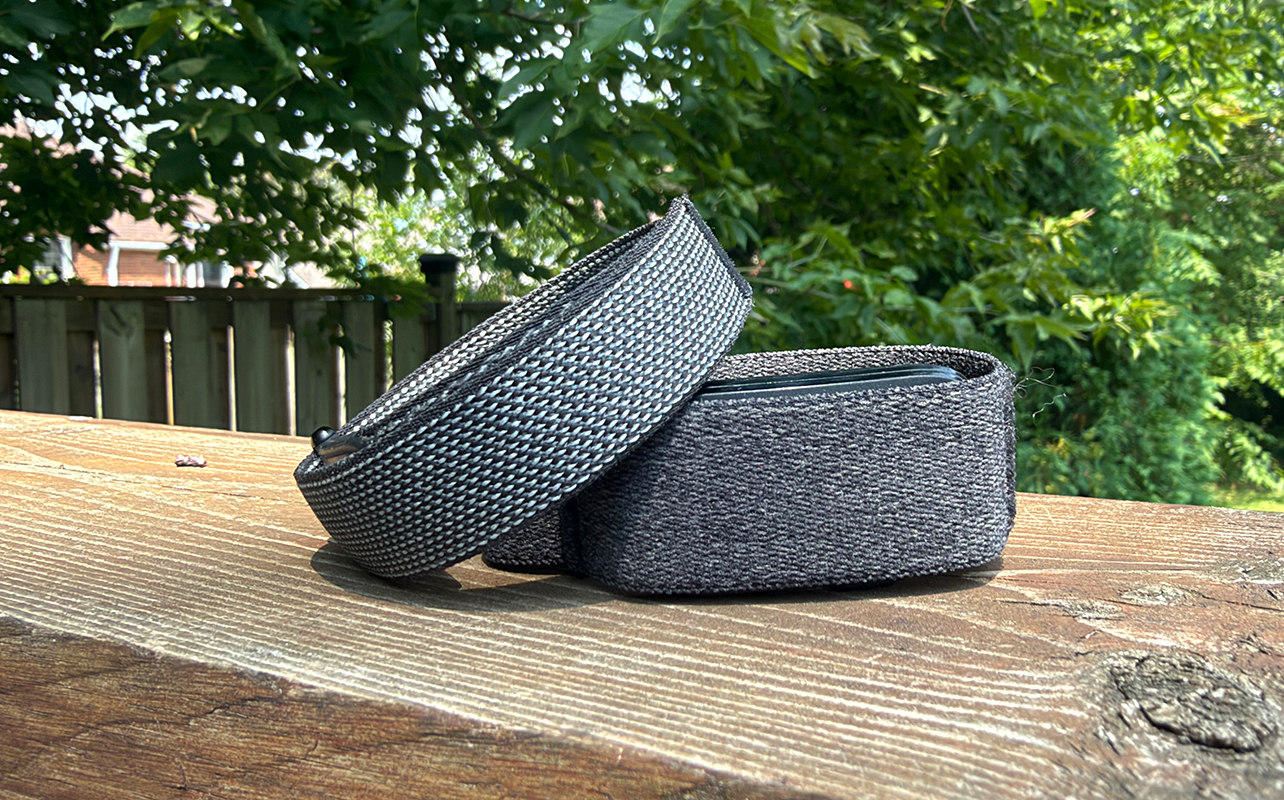
Both bands are incredibly comfortable, with the sensor hidden beneath fabric with the option for different coloured, swappable bands. The band release process is much simpler with the Fitbit Air, which I recently reviewed. The Fitbit Air is sleeker in design, about half the width of the Garmin CIRQA, which I also recently reviewed. It looks more like a bracelet whereas the Garmin CIRQA is wider, thicker, and looks like a tech product with the sensor that isn’t as neatly hidden.
The app experience
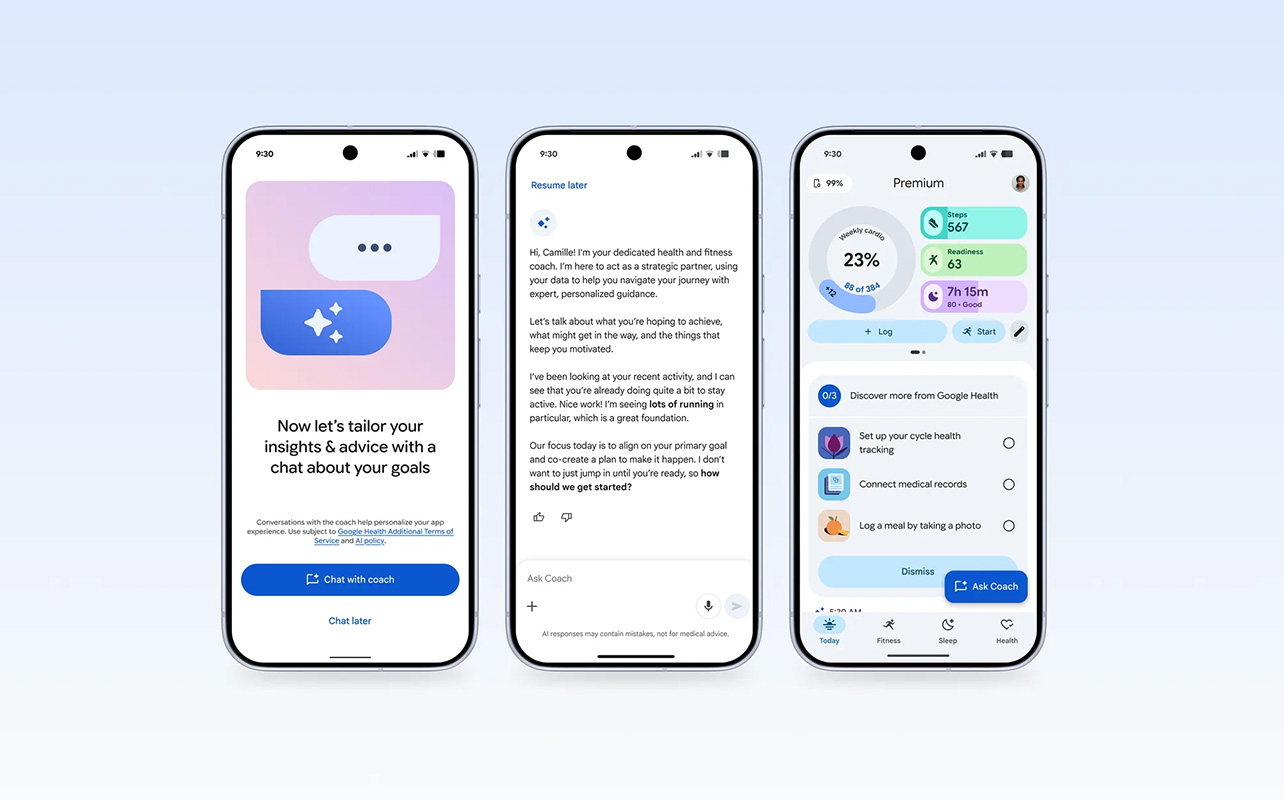
The companion apps are both easy-to-navigate, which is crucial since one of the biggest advantages with a screenless tracker is that you don’t interact with it, only the app. The Google Health app for the Fitbit Air, which replaces the Fitbit app, is cleaner and more nicely organized. The Garmin Connect app is customizable, however, so you can move more important metrics to the at-a-glance view if desired.
Tracking and accuracy
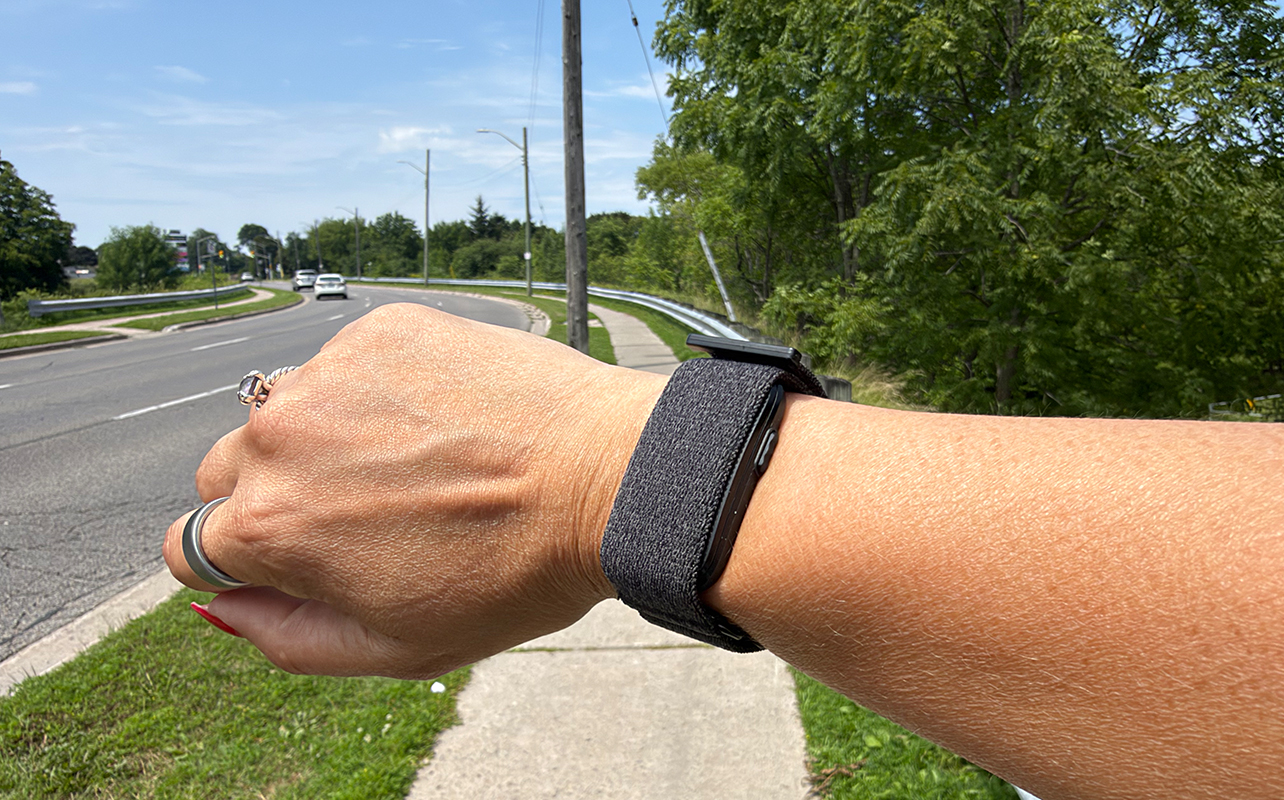
Tracking activities and workouts, calories, sleep, blood oxygen, stress, vitals, and more are accurate with both. But the Fitbit Air locks much of the analysis behind the Google Health Premium subscription. You get a lot of advanced data without a subscription with the Garmin CIRQA. This includes detailed sleep analysis, fitness age, training readiness, and more.
Both offer automatic activity tracking, but the Garmin CIRQA does a much better job with this. The Fitbit Air missed many of my strength training sessions or didn’t pick them up until well into the workout. The Garmin CIRQA rarely missed one. Both, however, accurately track walks with connected GPS to show your route, leveraging the phone’s GPS.
The Garmin CIRQA adds a feature I love, which is the option to upload a post-workout selfie to the workout summary. You can also share the image via messages or on socials as part of a fun card that also contains information like the workout type and stats. Another helpful feature is the side button. You can press it to manually start live tracking a workout and press again to end. Visit the app after to rename the activity if you want.
Subscription comparison
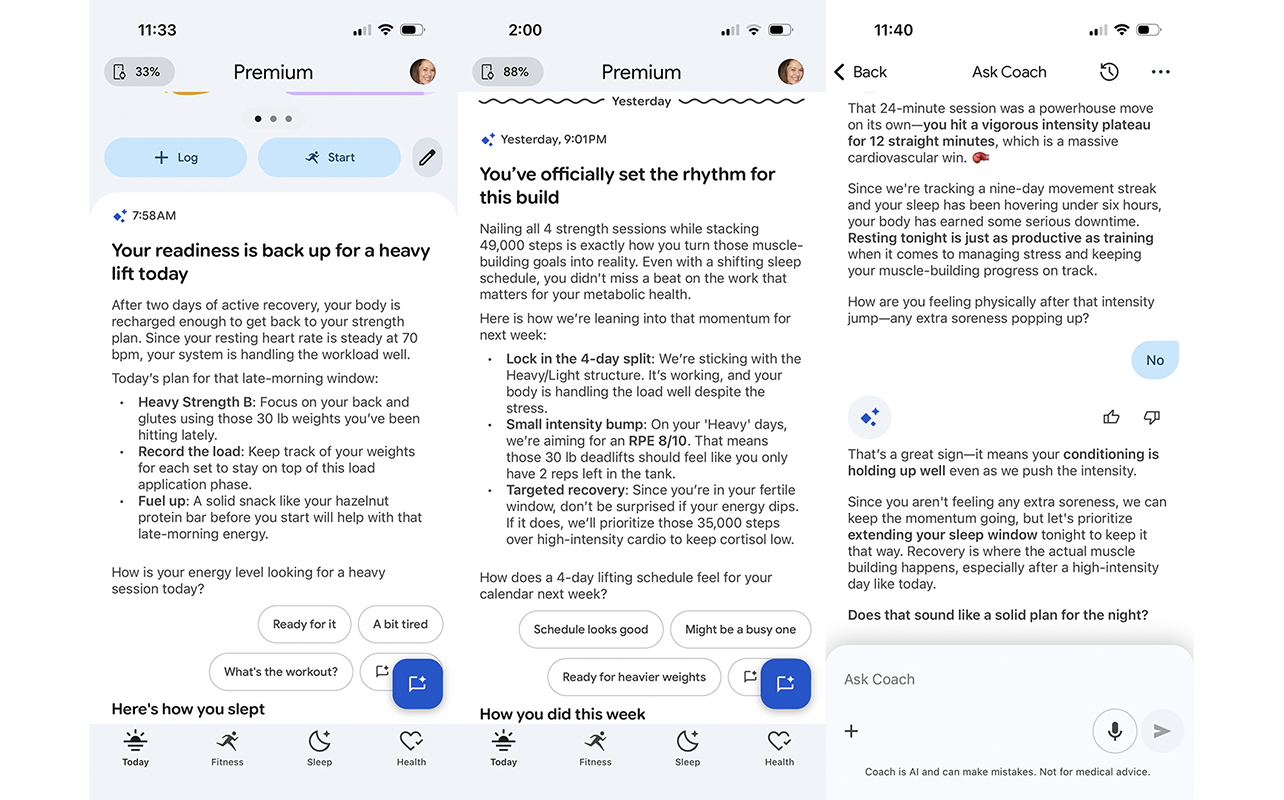
The Fitbit Air works with the Google Health app but you can also upgrade to a Premium subscription. It unlocks AI features and analysis for $12.99/mo., free if you already have a Google AI Pro or AI Ultra subscription. Garmin offers a subscription tier as well with Connect+ ($9.99/mo., $99.99/yr.) that offers light AI guidance along with some additional features.
Fitness additions
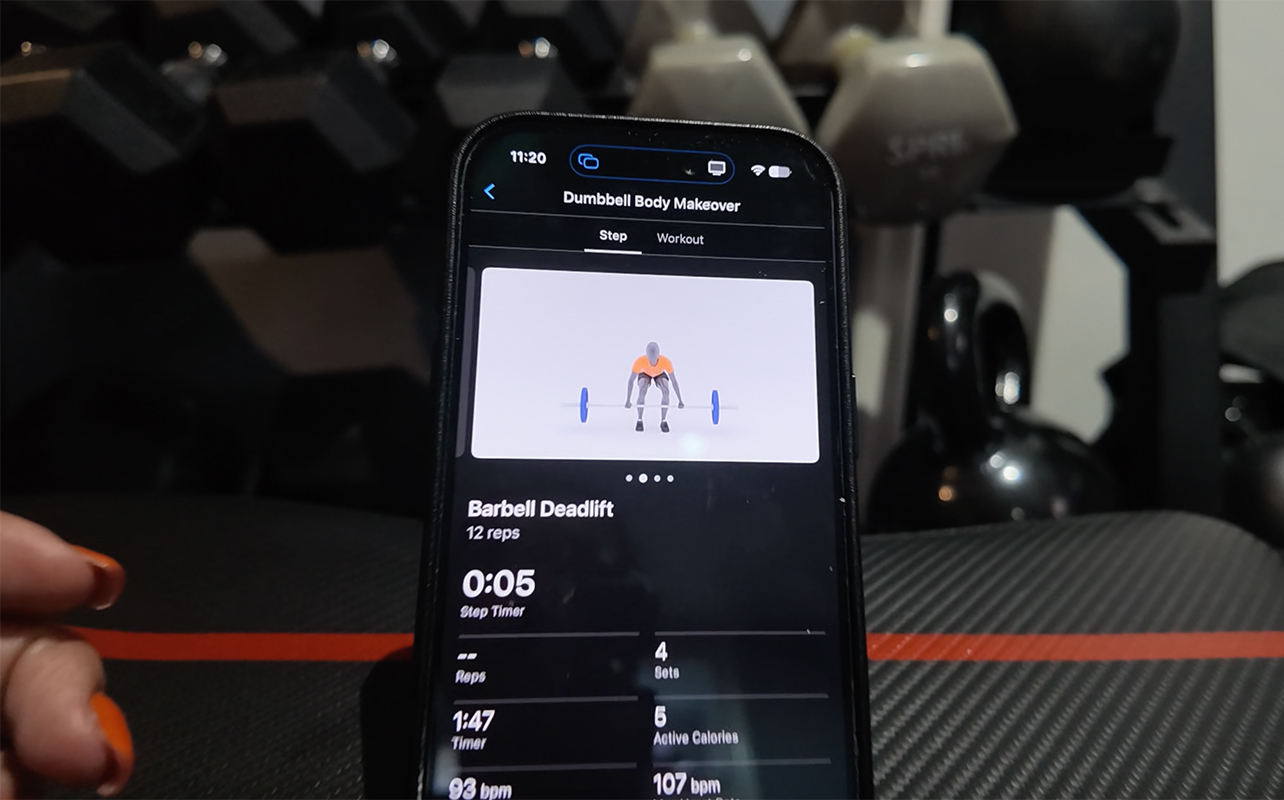
Most notably with Google Health Premium, there’s AI Coach. You go through an onboarding process discussing what types of exercises you do, how often, your fitness level, goals, even equipment. From there, it walks you through your days with advice and guidance. You can ask questions about virtually anything related to your health and wellness. I once had a long conversation about a case of frozen shoulder, for example. It walked me through how to modify exercise to avoid injury. You do also get a library of guided workouts and adaptive fitness plans. But I prefer to follow my own separate app and fitness plan. However, there are plenty of workout options with real-life trainers guiding you though everything from a session of yoga to full-body strength training,
Garmin Connect+ isn’t nearly as robust. You get AI insights, but it’s basically one detail each morning that doesn’t really offer anything meaningful. The most notable update is the inclusion of Garmin Coach. You can create training plans, access workouts, and more. However, much like with Google Health, I didn’t have much use for it. Plus, the presentation isn’t an actual library of workouts but just an animated image showing you the moves. The one advantage that is worthwhile is being able to see real-time stats like heart rate and calorie burn being captured from the band on your phone’s screen as you do the session. Since the CIRQA doesn’t have a screen, this is invaluable.
It’s also worth noting that Garmin Connect+ adds wheelchair workouts. There’s also more enhanced LiveTracking that lets you share your location with family members and friends. Further, Garmin Trails and 3D maps, available with Connect+, will be appreciated by runners, hikers, cyclers, and other outdoor adventurers.
Nutrition tracking
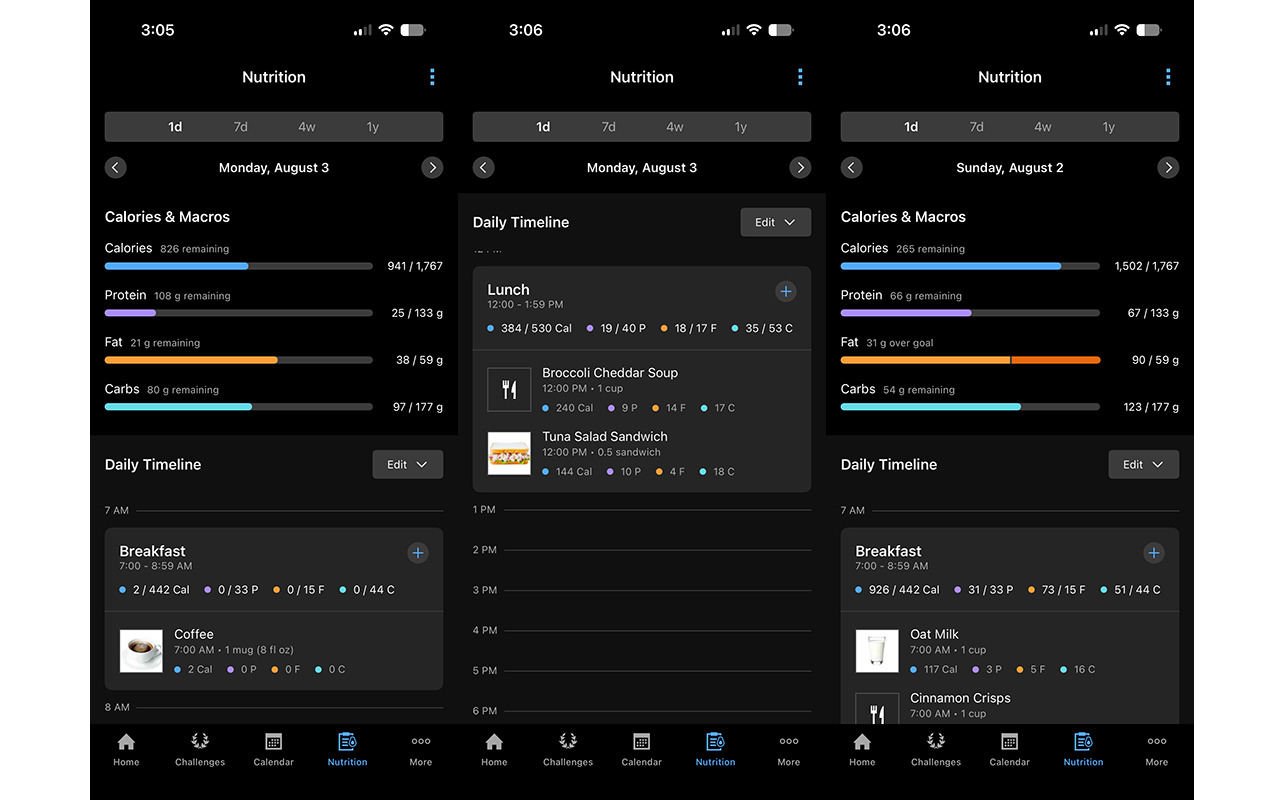
Nutrition tracking with the Fitbit Air works incredibly well. You can audibly dictate what you’re eating or snap a photo of the meal, and it intelligently analyzes and logs it. It also breaks down protein, carbs, and fat, helping you count macros and stay within desired or recommended limits. You can adjust portion sizes or ingredient details for better accuracy as needed.
Garmin Connect+ includes nutrition tracking as well, breaking things down similarly to Google Health Premium. But it’s not as easy to add meals nor as intuitive to use. You can search through a library, add favourite meals, or take a photo of the food or package barcode, too. But the experience doesn’t flow as nicely as it does with the contextual and conversational input you get with the Fitbit Air. I love being able to just say “I had a black coffee with three eggs and spinach for breakfast and a protein bar after my workout.”
The subscription verdict

While Google Health Premium is by far the better upgrade, the Garmin CIRQA includes essentials out of the box. The base Google Health app is still comprehensive with the Fitbit Air, mainly missing detailed sleep insights, workouts, and adaptive fitness plans. But once you trial Premium, you’ll realize how valuable it is.
By contrast, most people will be fine without the Garmin Connect+ subscription. Some users may find value in the upgrades, like if you want the trail running features or to be able to track your nutrition using the same app. But the features aren’t enough to entice most users to pay for a subscription. In most cases, better options for the features it adds can be found with third-party apps, even if the experience isn’t as seamless.
Battery life
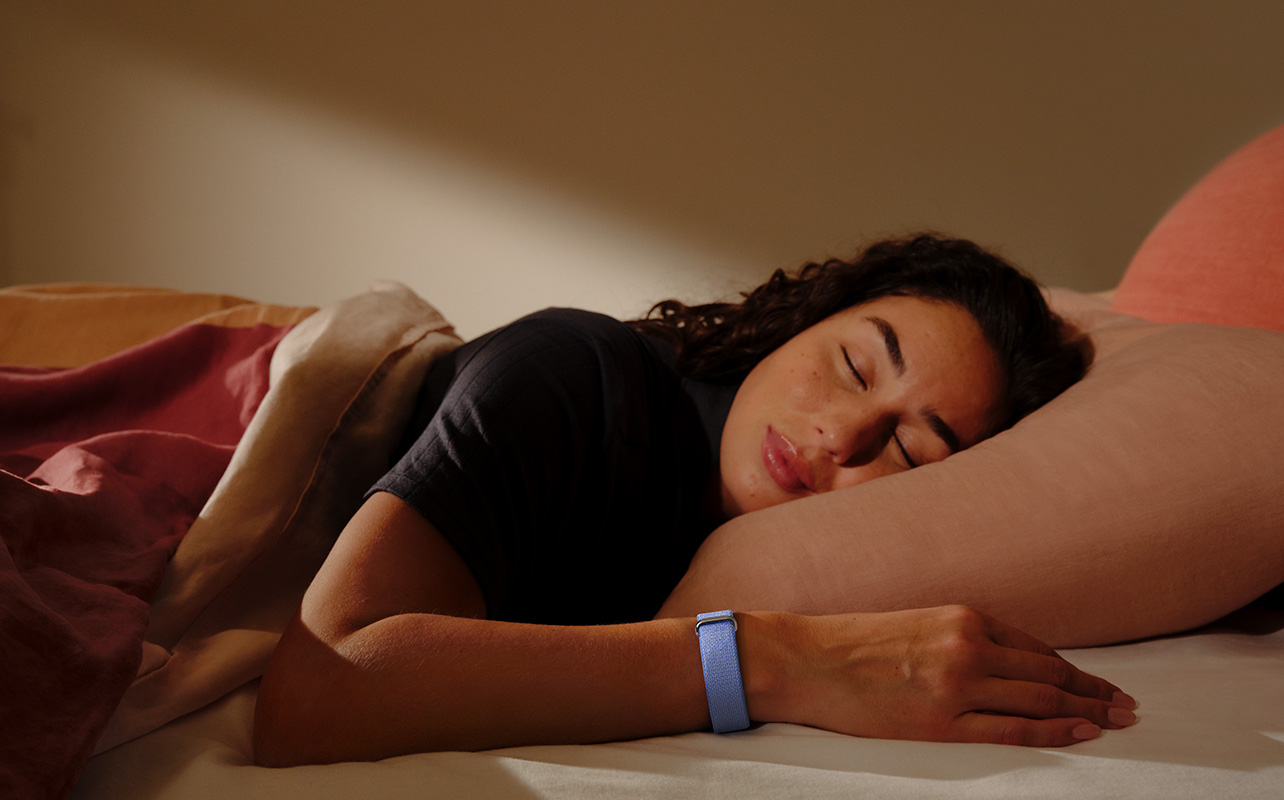
The Fitbit Air is rated to last for up to seven days per charge, and I found this to be accurate in my tests. The Garmin CIRQA is rated to last up to 10 days, and with all the advanced features active like 24/7 pulse OX measurements, it was closer to six or seven days. Either way, you can confidently wear both for a full work week before recharging.
Fitbit Air vs. Garmin CIRQA: which is right for you?
If you have decided that a screenless fitness tracker fits your lifestyle, both these models provide a wealth of data at your fingertips through comprehensive apps. Both are comfortable to wear and last for a week per charge. The Fitbit Air is the nicer looking of the two. The hardware is also cheaper. But you need the subscription to unlock most of the advanced analysis, and what the subscription offers is pretty tough to resist.
That said, if you’re willing to pay the monthly fee, you get incredible guidance to help you along with a fitness journey. AI Coach can answer all your pressing questions, devise workout plans for you, and even help you adapt to changes, like injuries, new equipment, even your mood. Plus, it’s fun to use. I’m not ashamed to admit that I had entire conversations with AI Coach about everything from why I don’t burn as many calories as my friends doing the same workouts to what I should have for dinner after my big lunch to asking how much I lifted the last time I did sumo squats.
That said, the Garmin CIRQA app provides everything most people will need out of the box if you’re not looking for intense training guidance. This includes stats you only get with the Fitbit Air by paying for the subscription, like advanced sleep data. The automatic activity detection works much better with the CIRQA. And you’ll get more bang for your buck over time without a subscription, even though it costs more upfront.
Final decision time
Decide on your priorities and willingness to pay a subscription. If you’d rather pay more upfront and get comprehensive tracking, the Garmin CIRQA is for you. If you are okay with paying a monthly fee for the advantage of having a virtual coach at your fingertips that can guide you along with workouts, health, nutrition, and more like a personal trainer at your fingertips, the Fitbit Air does a better job in this regard.
Once you make your decision, find both the Fitbit Air and the Garmin CIRQA at Best Buy Canada.
FAQs
Do the Fitbit Air and Garmin CIRQA require subscriptions?
No. Both can work on their own without a subscription. You get AI analysis and guidance with Google Health Premium ($12.99/mo., three-month trial). With Garmin Connect+ ($9.99/mo., $99.99/yr., 30-day trial), you get some upgrades, but the base experience will meet most user needs out of the box.
What is the advantage of a screenless tracker?
A screenless tracker versus on-wrist display provides distraction-free passive tracking versus convenient access from your wrist. You can check the app only when you want, focusing more on your day to day.
How does automatic activity detection work?
It uses the optical heart rate sensor to determine heart rate elevation and the accelerometers to detect movement patterns. Low-intensity activities may not be captured if your heart rate isn’t elevated. It can typically detect activities with distinct motions, like walking or running, lifting weights, rowing, and cycling.
How do you manually track an activity?
Start a workout from the app and stop tracking when you’re done. You can record workout details after the fact with Fitbit Air. With Garmin CIRQA, you can also press the side button to start and stop a a timed workout.
Is a subscription worth it?
For the Fitbit Air, yes. You get helpful AI analysis and coaching. For the Garmin CIRQA, for most people, the benefits aren’t worth the price.