
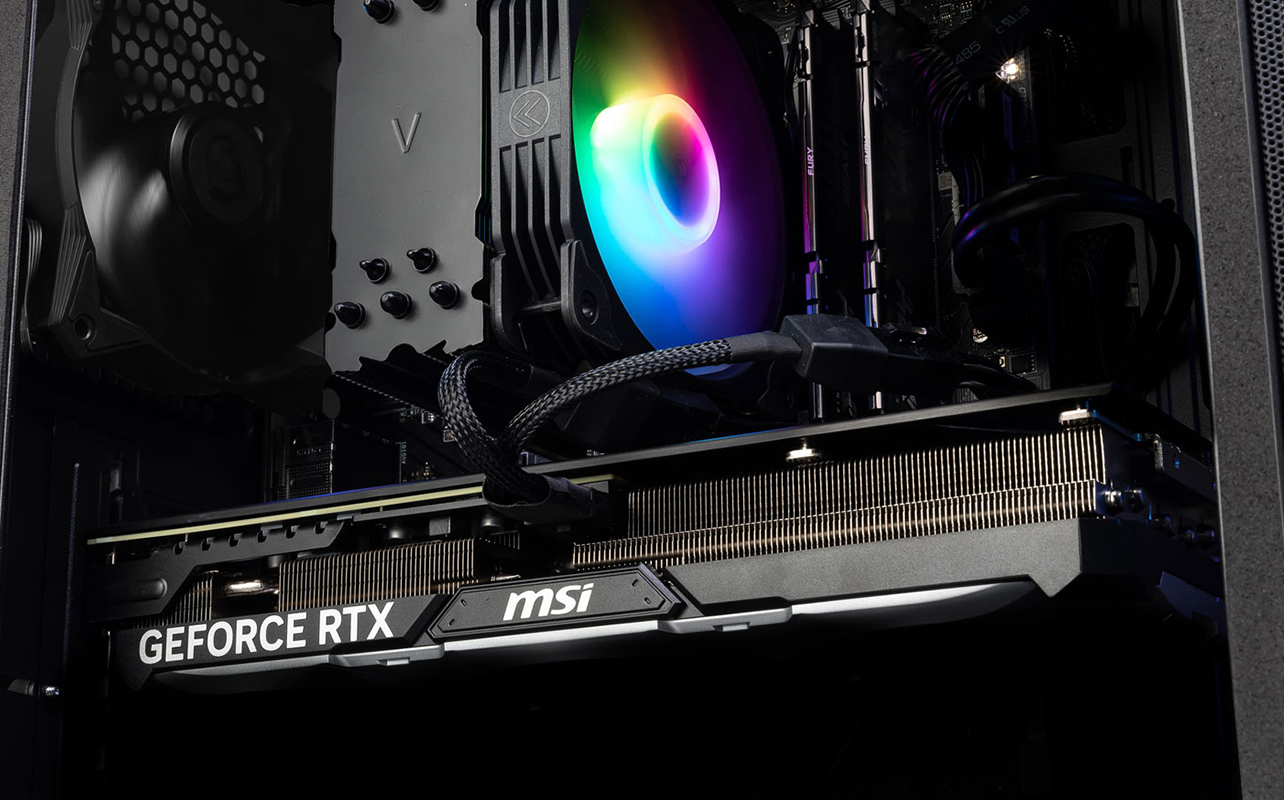
Your gaming PC might not need replacing just yet. If you’re happy with your current setup but want to enjoy newer games with better visuals, smoother gameplay or higher settings, upgrading your graphics card could be the change you’re looking for. A graphics card like the NVIDIA GeForce RTX 5070 is one way to get more from the PC you already own.
It isn’t a guaranteed fix, though. A new card works best when your power supply, case, processor and monitor can keep up with it, and the checks near the end of this guide help you find out before you buy.

In this guide
- Does your gaming PC need replacing, or just a graphics card upgrade?
- What can a new graphics card change in your games?
- What is the NVIDIA GeForce RTX 5070, and why consider it?
- Which NVIDIA GeForce RTX 5070 model should you choose?
- Will a new graphics card work with your gaming PC?
- Should you consider another GeForce RTX card instead?
- Ready to keep your rig and upgrade your game?
- FAQs
Does your gaming PC need replacing, or just a graphics card upgrade?
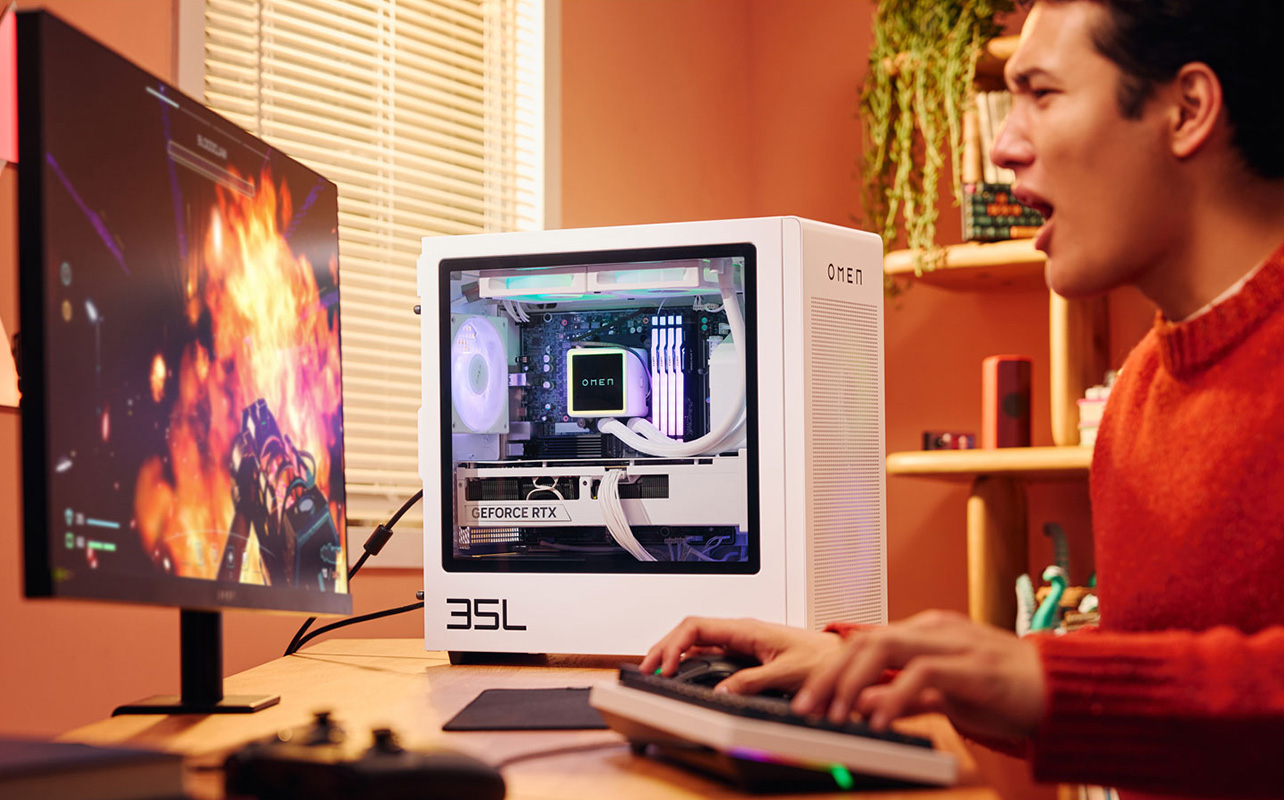
Often, only the graphics card. A gaming desktop is a set of separate parts: processor, memory, storage, power supply, case and graphics card. They are designed to be swapped one at a time. The graphics card, also called the GPU (graphics processing unit), handles much of the work involved in rendering the images you see on screen. That’s why it is usually the first part to feel dated when games start to look or run worse.
When does a graphics card upgrade make sense?
It makes sense when your complaints are about the games themselves:
- Frame rates dip in newer titles.
- You’ve had to turn settings down to keep things playable.
- You bought a sharper or faster monitor, and your PC can’t use it fully.
If the rest of your system is healthy and you’re happy with your case, keyboard, and desk setup, one component can change a lot.
When is a new PC the better call?
Sometimes the graphics card isn’t the weak link. If your processor, memory, motherboard and power supply are all old, a new card may be held back by everything around it. A GPU upgrade also isn’t automatically cheaper than a new PC, especially if you’d need a new power supply or case to go with it. Add up everything you’d have to change before you decide. Our guide to upgrading an older gaming PC versus replacing it walks through that decision in more detail.
What can a new graphics card change in your games?
A new graphics card changes how your games run and how they look. It can lift your frame rate so motion feels smoother, let you raise resolution and detail settings without the game struggling, and make demanding lighting effects such as ray tracing practical to turn on. It can also unlock AI features like DLSS that can improve image quality or generate additional frames in supported games. What it won’t change much is anything the graphics card doesn’t handle, such as how quickly a game loads, which depends more on your storage.
What does a graphics card actually do?
Your graphics card renders the images you see while gaming, creating multiple frames every second. A more powerful GPU can produce frames faster and handle more demanding visual effects, helping games look smoother and more detailed.
What do frame rate, resolution, and ray tracing mean?
Three terms come up in almost every upgrade conversation:
- Frame rate (fps): how many frames appear each second. Higher numbers feel smoother, especially in fast games.
- Resolution: how many pixels make up the picture. 1080p, 1440p, and 4K are common steps, and each step up looks sharper but is harder for the card to render.
- Ray tracing: a lighting technique that simulates how light bounces around a scene, producing more realistic reflections and shadows. It looks striking in supported games and demands a lot from the card.
What is DLSS, and why do gamers care?
NVIDIA DLSS (Deep Learning Super Sampling) uses AI to improve gaming performance and image quality in supported games. DLSS 4.5 introduces a second-generation transformer model for Super Resolution, which can reconstruct a sharper image from a lower-resolution render.
For GeForce RTX 50 Series graphics cards such as the RTX 5070, DLSS 4.5 also supports Dynamic Multi Frame Generation and up to 6X Multi Frame Generation in compatible games. These technologies generate additional frames to make motion appear smoother.
Feature availability depends on the graphics card, game and software configuration. Generated frames can improve displayed frame rates, but they aren’t the same as frames rendered directly by the GPU. For competitive games where responsiveness matters, consider how frame generation affects your experience and whether NVIDIA Reflex is supported.
What is the NVIDIA GeForce RTX 5070, and why consider it?
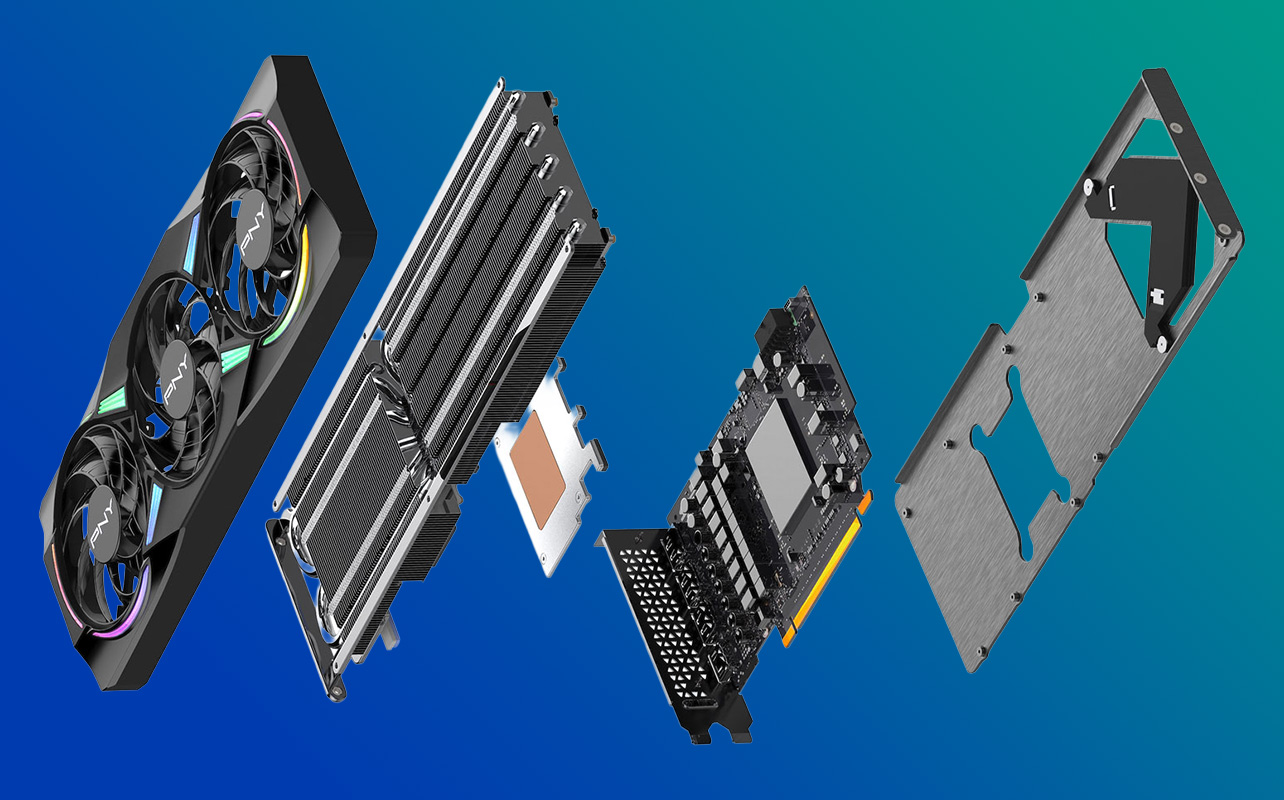
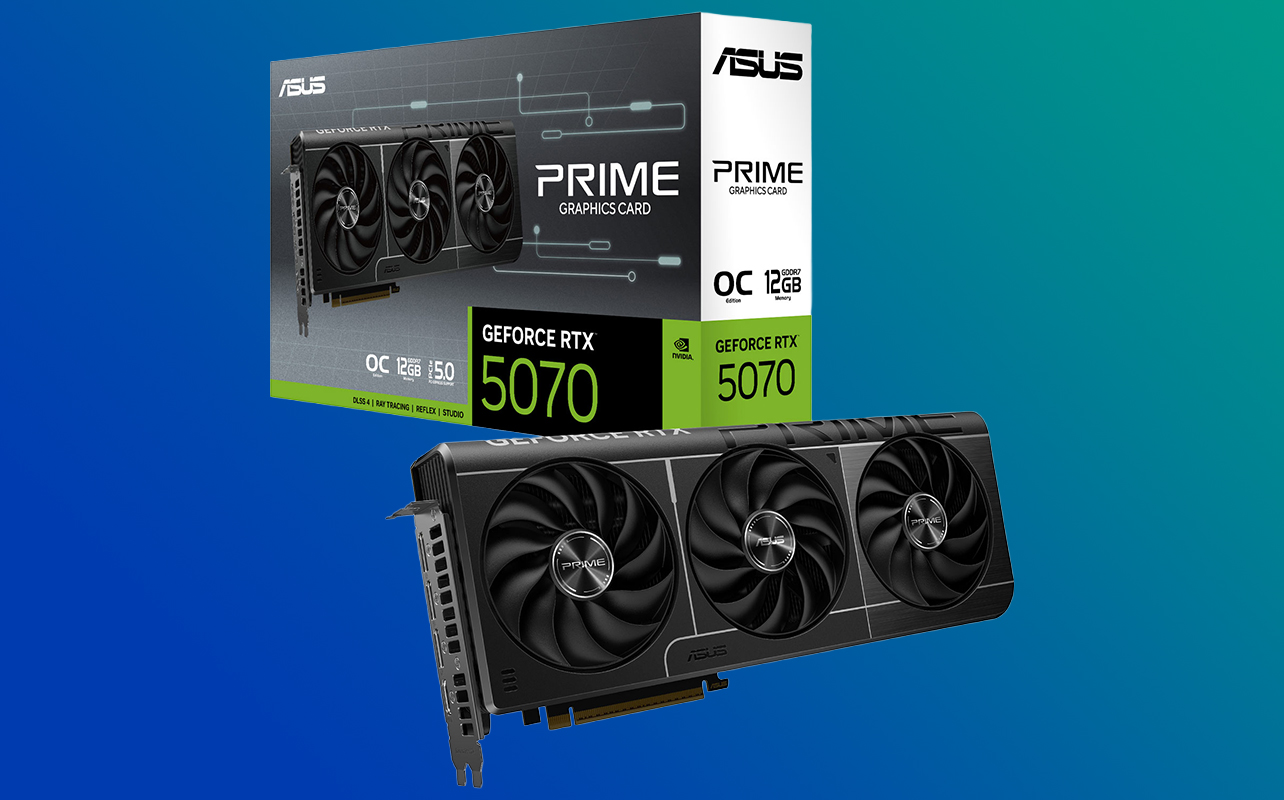
The NVIDIA GeForce RTX 5070 is a graphics card with 12 GB of GDDR7 video memory and 6,144 CUDA cores (NVIDIA’s name for the small processing units that do the drawing). It belongs to the GeForce RTX 50 Series and is built on NVIDIA’s Blackwell architecture. Several manufacturers, including PNY, MSI, and ASUS, make their own versions of it.
Why consider it? It combines NVIDIA’s Blackwell architecture, dedicated ray tracing hardware and support for DLSS 4.5 technologies. These features can help deliver more detailed visuals and smoother gameplay in supported games, making it an option worth considering if you’re looking to upgrade an existing desktop.
You may only need to replace the graphics card, provided the rest of your system meets the requirements of the specific model you choose.
What does Blackwell architecture mean for gamers?
An architecture is the underlying design of the chip, and Blackwell is the design behind the whole 50 Series. In practice, it brings 4th-generation RT cores, which are dedicated hardware for ray tracing, and 5th-generation Tensor Cores, which run the AI features behind DLSS. The faster GDDR7 memory feeds the card data more quickly. For a gamer, that means ray-traced lighting and AI upscaling run on hardware built for those jobs, rather than competing with everything else the card is doing.
What does DLSS 4.5 add?
DLSS 4.5 builds on NVIDIA’s AI-powered rendering technology with improvements to image quality and frame generation. Its features include:
- Super Resolution, which uses AI to reconstruct a sharper image from a lower-resolution render.
- Frame Generation, which creates additional frames between traditionally rendered frames.
- Ray Reconstruction, which uses AI to improve lighting and image quality in supported ray-traced games.
- Multi Frame Generation, which is available on GeForce RTX 50 Series GPUs and can generate multiple additional frames for each traditionally rendered frame. DLSS 4.5 also introduces Dynamic Multi Frame Generation, which adjusts the frame generation multiplier to target a display’s refresh rate in supported games.
Keep in mind that these technologies depend on game support and software settings. More displayed frames don’t necessarily mean the same increase in input responsiveness.
How much faster is it than previous cards?
Independent testing gives a useful reference point. In TechPowerUp’s launch review of the NVIDIA-built RTX 5070 Founders Edition, run at 1440p on a Ryzen 7 9800X3D system, the card was about 22% faster than the GeForce RTX 4070 in standard rendering and about 15% faster with ray tracing. Your results will depend on your processor, your games, and your settings. If you’re upgrading from an older card, look up independent benchmarks for your exact model.
Note: These results are a reference from a specific test system, not a guarantee of the performance improvement you’ll see after upgrading.
Is 12 GB of video memory enough?
Video memory (VRAM) holds the textures and data your game needs close at hand. Reviewers found 12 GB comfortable for 1440p gaming, including with ray tracing, while 4K with ray tracing and Frame Generation can push it harder in some titles. A 12 GB card also leaves less headroom than a 16 GB one, so a very demanding future game may ask you to ease off a texture setting.
Your ideal amount of VRAM depends on the games you play, resolution, graphics settings and how long you plan to keep the card.
Which NVIDIA GeForce RTX 5070 model should you choose?
Start with your case size and power supply when comparing these models. The MSI model is the shortest at 231 mm, while the PNY and ASUS cards are about 300 mm long and use three-fan cooling designs.
All three cards below use the same RTX 5070 chip. What differs is the board built around it. Each manufacturer (called a board partner) designs its own cooler, size, lighting, and power setup. “OC” means factory overclocked, so the maker runs the card slightly faster than NVIDIA’s reference speed. All three have the same display outputs, so ports won’t help you choose.
| Feature | PNY GeForce RTX 5070 ARGB OC | MSI GeForce RTX 5070 Shadow 2X OC | ASUS Prime GeForce RTX 5070 OC |
| Cooling | Three fans | Two TORX Fan 5.0 fans; fans stop at low temperatures (Zero Frozr) | Three axial-tech fans; dual BIOS switch |
| Size (L × W × H) | 300 × 120 × 48 mm | 231 × 126 × 50 mm | 304 × 126 × 50 mm |
| Slot width | 2.4 slots | Not listed | 2.5 slots |
| Listed boost clock | 2685 MHz | 2542 MHz | 2557 MHz (2587 MHz in OC mode) |
| Power input | One 16-pin; adapter to two 8-pin included | One 16-pin | One 16-pin |
| Listed power supply | 650 W | 650 W | 750 W |
| Lighting | ARGB (per product name) | Not listed | Not listed |
| Warranty | 3-year limited (per PNY) | Check with MSI | Check with ASUS |
The listed boost clocks are relatively close, so case clearance, power requirements and design features are more useful factors when choosing between these cards.
The manufacturers’ recommended power supply ratings are guidelines based on their specified system configurations. Your actual requirements depend on the other components in your PC.
Who is the PNY GeForce RTX 5070 ARGB OC for?
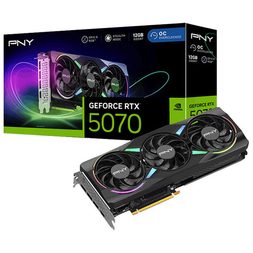
The PNY GeForce RTX 5070 ARGB OC is the card for gamers who want a triple-fan design with lighting that matches a glass-sided build. Its ARGB lighting gives you another way to personalize a gaming PC. It also includes an adapter for power supplies with two 8-pin cables. The trade-off is size: at about 300 mm long and 2.4 slots thick, it needs a roomy case.
Who is the MSI GeForce RTX 5070 Shadow 2X OC for?
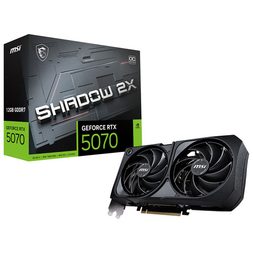
At 231 mm, the MSI GeForce RTX 5070 Shadow 2X OC is the most natural fit for smaller compatible cases and compact gaming builds. Its TORX Fan 5.0 design uses two fans, and MSI’s Zero Frozr technology stops the fans at low temperatures. The trade-offs are two fans instead of three and no lighting listed. It also uses a single 16-pin power connector, so check whether your power supply has the appropriate cable or requires a compatible adapter.
Who is the ASUS Prime GeForce RTX 5070 OC for?
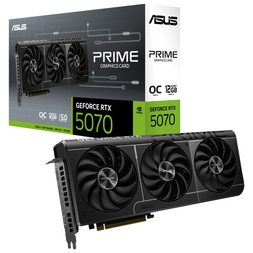
The ASUS Prime GeForce RTX 5070 OC suits gamers who like options: three Axial-tech fans and a dual BIOS switch that lets you choose between Quiet and Performance profiles. It’s also the longest of the three at 304 mm. ASUS lists a 750 W power supply, higher than the other two, though its guidance assumes a fully overclocked CPU and GPU, so it isn’t necessarily a sign the card draws more.
How do you choose between them?
Once your case is sorted, check your power supply against the listed wattage. Then choose based on the features that matter most to your build, such as card dimensions, cooling design and lighting. Explore more NVIDIA GeForce RTX 5070 graphics cards at Best Buy Canada.
Will a new graphics card work with your gaming PC?
Usually, yes, if four things line up: your power supply can feed the card, the card physically fits your case, your motherboard has a full-length PCIe slot, and your processor and monitor can make use of it. Work through these checks before you buy, using the product page for the exact model you choose.
Is your power supply strong enough?
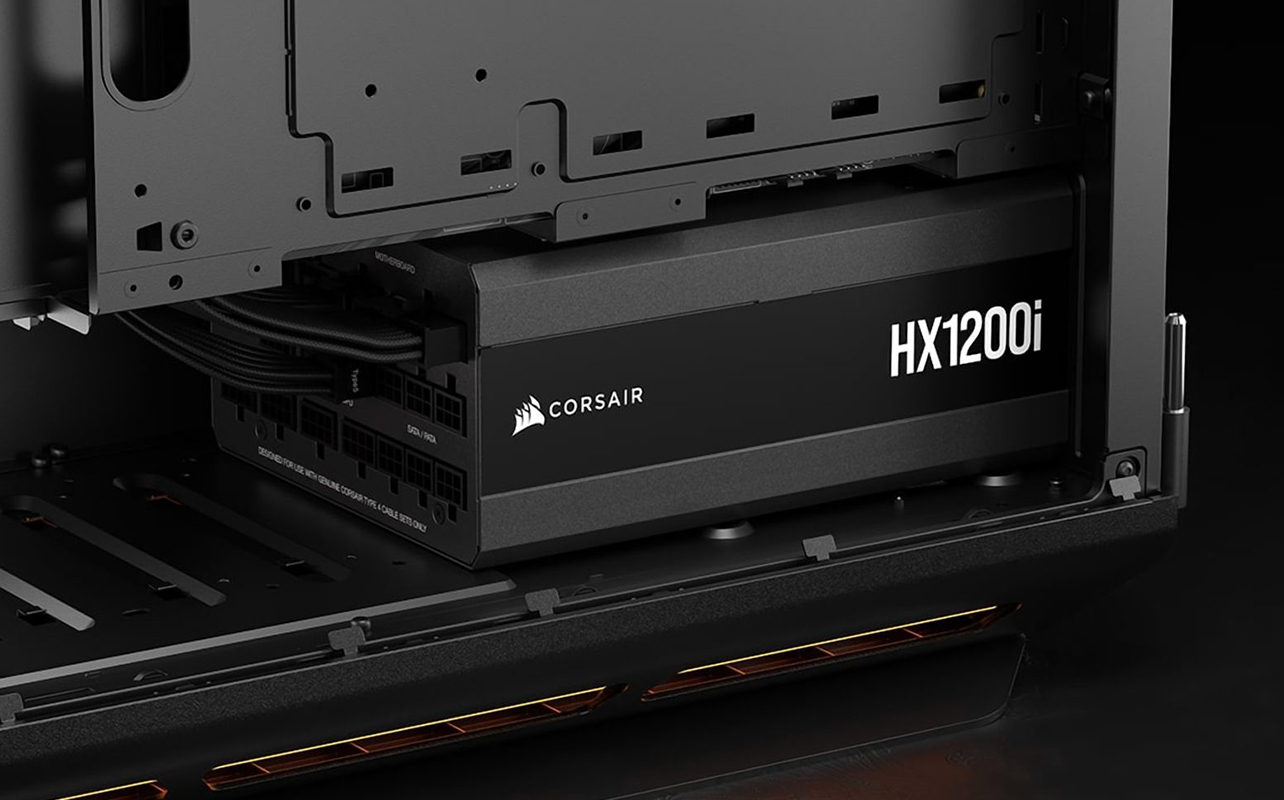
Your power supply (PSU) feeds every part of the PC, and the graphics card is its biggest customer. NVIDIA lists 650 W as the system power requirement for the reference RTX 5070, based on a high-end test system, and ASUS lists 750 W for its card. Your own needs depend on your processor, drives, and other parts.
Connectors matter too. These cards use a single 16-pin power connector. Newer power supplies include a matching cable, while older ones use two 8-pin cables, which is what an adapter bridges. PNY includes one. Check the exact card’s included accessories and your power supply’s available connections before purchasing. If your PSU has a native compatible 16-pin cable, follow the power supply and graphics card manufacturers’ connection instructions. Make sure the connector is fully seated and avoid sharply bending the cable near the connection. Our guide to choosing the right power supply covers wattage and cables in more detail.
Will the card fit in your case?
Measure the space from the back bracket to the nearest obstacle, such as a front fan or drive cage, and compare it with the card’s length. Then check thickness: a 2.4 or 2.5-slot card covers the slot beside it, which may block a sound card or other add-in.
Also check the available clearance around the power connector, since the cable needs enough room to connect without being sharply bent against the case panel.
Does your motherboard have the right slot?
The RTX 5070 is built for PCIe 5.0 and fits a standard full-length x16 slot. It also works in older PCIe slots because PCIe is backward compatible, though a very old system may leave some performance on the table.
Will your processor hold the card back?
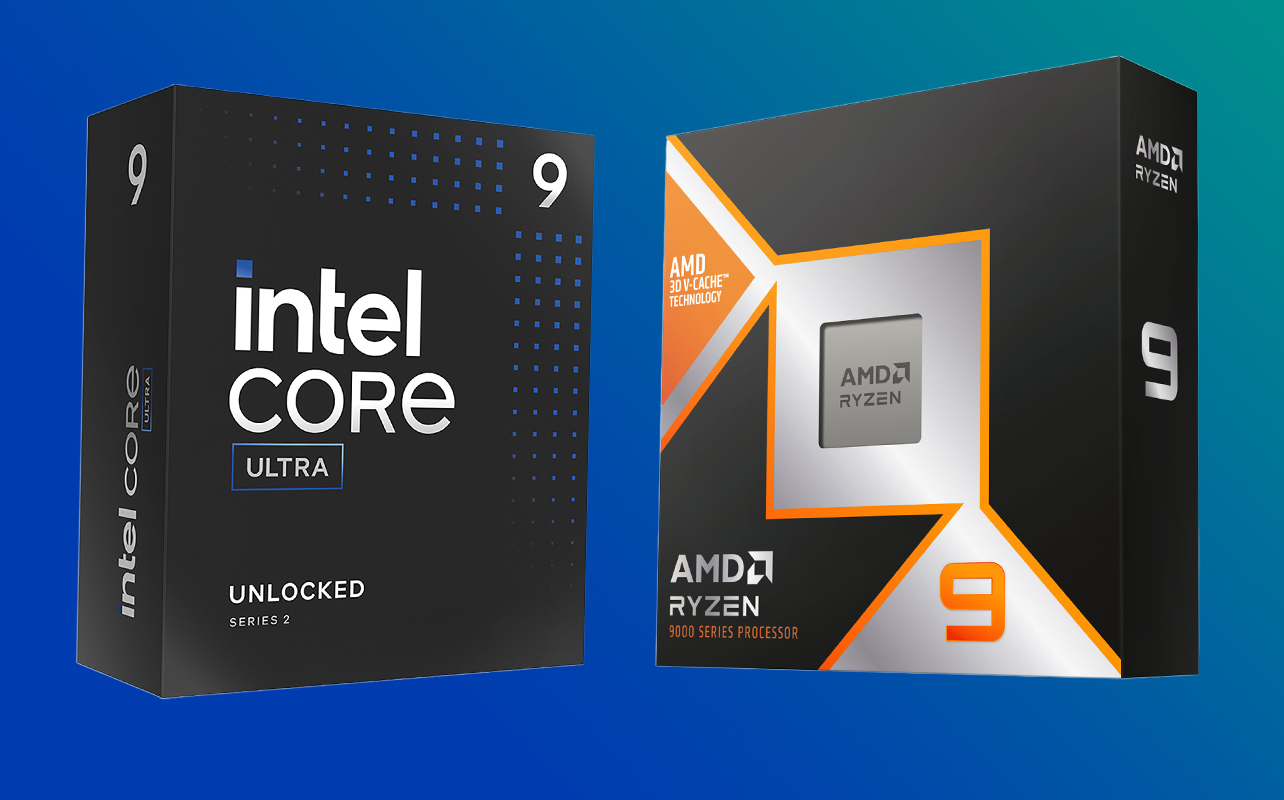
Your processor handles game instructions and calculations that work alongside the graphics card. If it’s too old to keep up, a new card will spend time waiting. A common sign is a game where one processor core is maxed out while graphics card usage stays low. A GPU upgrade won’t fix a processor, memory or cooling limit, so test this first. Task Manager shows both in real time.
Is your monitor ready for the upgrade?
A card can only show you what your monitor can display. A 1080p, 60 Hz screen (Hz is how many times per second the screen refreshes) may limit how much you notice the benefits of a more powerful graphics card, particularly when it comes to higher resolutions and refresh rates. However, a GPU upgrade can still improve frame rates and graphics settings at 1080p.
All three RTX 5070 models have three DisplayPort 2.1b outputs and one HDMI 2.1b output, and they support up to four displays. If you’re pairing a new card with a new screen, see what to look for in a gaming monitor.
What happens when you install it?
Shut down and unplug the PC, remove the old card, seat the new one in the x16 slot, and connect its power cable. After booting, download the latest NVIDIA Game Ready Driver so your games can use the card properly.
Before starting, consult the graphics card manufacturer’s installation instructions. If you’re switching from a different GPU manufacturer, check whether you need to remove existing graphics drivers before installing the new card. If you’re not comfortable working inside your PC, consider getting help with the installation.
Should you consider another GeForce RTX card instead?
Yes, if your power supply, case, or monitor points that way. A lower-power card suits a smaller power supply or case, and the RTX 5070 Ti suits a roomier build with a higher-resolution monitor. These cards are not direct equivalents, and the specifications below are NVIDIA’s reference figures, so individual models vary.
- PNY GeForce RTX 5070 Ti ARGB Epic-X RGB OC Triple-Fan 16GB: A step up, with 16 GB of memory and 8,960 CUDA cores. It needs more power (300 W graphics power, 750 W system power), so check your power supply first.
- PNY GeForce RTX 5060 Ti OC Dual-Fan 16GB and ASUS Prime GeForce RTX 5060 Ti 16GB: These are alternatives for gamers who want 16 GB of video memory in a lower-tier GPU. NVIDIA lists 180 W graphics power and 600 W system power for the RTX 5060 Ti reference configuration.
- PNY GeForce RTX 5060 Ti OC Dual-Fan 8GB: The same card family with 8 GB of memory. Compare the price difference with the 16 GB models before you decide.
- PNY GeForce RTX 5060 OC 8GB: An entry-level alternative in the RTX 50 Series, with NVIDIA positioning the RTX 5060 for high-frame-rate 1080p gaming. Its reference specifications list 145 W graphics power and 550 W system power.
The best alternative depends on your gaming resolution, performance expectations, available power and budget. Compare the individual models and their requirements before deciding which one belongs in your build.
Ready to keep your rig and upgrade your game?
Your gaming PC may have more life left in it than you think. A graphics card upgrade can help you enjoy better visuals, smoother gameplay and newer gaming technologies without necessarily starting from scratch. Check your system’s compatibility, consider your gaming goals and explore the NVIDIA GeForce RTX 5070 models to find the right fit for your setup.
When you’re ready to explore your options, browse NVIDIA GeForce RTX 5070 graphics cards at Best Buy Canada and find a model that suits your gaming PC.
A new card also doesn’t have to be the last upgrade. Memory, storage, and a processor can follow later, one part at a time, and the PC components buying guide shows how each piece fits together. For a closer look at individual parts such as processors, cases, cooling, and power supplies, Best Buy Blog’s PC Builder Lab guides go into more detail. If your checks suggest the rest of the system is holding you back, the desktop PC buying guide can help you decide whether a fresh build is worth it.
FAQs
On Windows, open Task Manager, go to the Performance tab, and select GPU. The card’s name appears in the top right.
Yes. A graphics card isn’t tied to a processor brand. What matters is the slot, power, and fit, covered above.
Usually not. Installing the latest NVIDIA driver after the swap is typically all your system needs. If you’re switching from another graphics card manufacturer, check the recommended driver removal and installation process before starting.
Yes. The RTX 5070 supports up to four displays using its three DisplayPort and one HDMI outputs.