
Computers, Laptops & Tablets
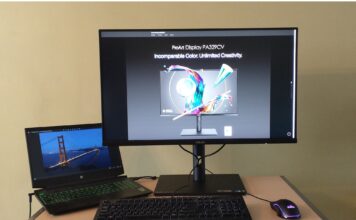
ASUS ProArt 32” 4K UHD (PA329CV) monitor review
The ASUS ProArt 32" is a monitor promising high quality imaging for digital content creators with adjustable ergonomics and high colour accuracy. Here's a look at all it offers.

PC gaming buying guide
Everything you need to know about buying or upgrading a gaming PC, including desktop vs. laptop and key components, in a single guide.

TP-Link Deco X60 next-gen whole home mesh Wi-Fi 6 system review
My review of the new Deco X60, a user friendly whole-home mesh system with Wi-Fi 6 support and advanced TP-Link HomeCare service.

Comprehensive RAM compatibility guide: ensuring your computer memory works seamlessly
Ensure your RAM is compatible with your PC components. Our comprehensive RAM compatibility guide 2024 covers motherboards, CPUs, and installation tips.
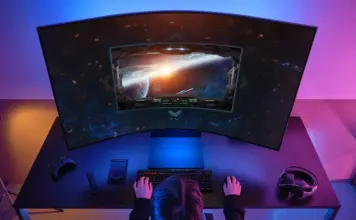
Gaming monitor buying guide
Gaming monitors are a crucial component of your gaming enjoyment and immersion. This guide will help you choose a monitor for your needs.
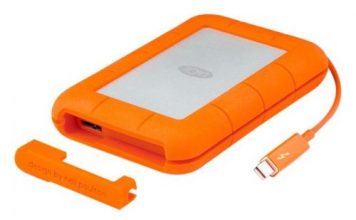
Is a solid state hard drive the coolest tech gift this...
Generally overlooked, hard drives have never been the coolest computer peripherals, but with faster and more capacious Solid State Drives now available as direct replacements or as external backup storage, they’re not only desirable tech gifts, they can completely change the way we work and play.

Enter to win one of two super fast Wi-Fi 6 ASUS...
We are giving away two ASUS Wi-Fi 6 (802.11ax) routers so your home Wi-Fi network will be lightning fast, supper-efficient and future-proof.
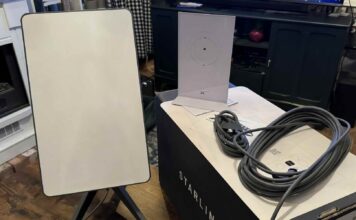
SpaceX Starlink satellite internet kit review
I tested out the Starlink satellite internet. Within a week I was reaching impressive speeds of 200mbps via SpaceX's satellite internet service.

Learn about Intel processors and enter for a chance to win...
Familiarize yourself with Intel's new processors, then enter for a chance to win an amazing Intel powered laptop.

5 tech items teens want this holiday season
Teens are difficult to buy for, so we checked in with a few of different ages to get an idea of what tech they want this holiday season.