The morning commute in 2026 looks very different for many Canadians. Instead of traffic and transit passes, the workday often begins with a coffee mug, a quiet corner of the house, and a laptop opening on the kitchen table or home office desk. Working from home has become a long-term way of working, where meetings happen on video calls and productivity depends more on the tools you use than where you sit. In this routine, your laptop isn’t just a device it’s your office, meeting room, and main work partner.
Not every laptop is built for this kind of work. Some struggle with multitasking, while others fall short during video calls or don’t last a full workday on battery. That’s why choosing the right laptop in 2026 matters. This guide breaks down the best laptops for working from home, helping you find the right option for your needs whether you’re managing emails, leading virtual meetings, or creating content from home.


What’s changed with work-from-home laptops in 2026
Laptops in 2026 are built with remote work in mind. Manufacturers now focus heavily on battery life, video call quality, and performance that can handle multitasking without slowing down. You’ll notice three big improvements compared to older laptops:
- More efficient processors that deliver strong performance while using less power
- Better webcams and microphones for clearer video calls
- Lighter designs that make it easier to work from anywhere in your home
Whether you’re on Zoom meetings all day, managing spreadsheets, editing videos, or switching between multiple apps, modern laptops are designed to keep up without frustration.
What to look for in a work-from-home laptop
Before choosing a laptop, it helps to understand which features truly matter for remote work especially if you don’t follow tech updates closely. A good work-from-home laptop should quietly support your day without slowing you down or getting in the way.
Performance that doesn’t slow you down
Your laptop should feel smooth even when you have multiple tabs, emails, and apps open at once. For everyday remote work in 2026, look for laptops with modern processors such as:
- Intel Core Ultra Series 3 or Series 2 processors
- Apple M5, M5 Pro or M4, M4 Pro chips
- AMD Ryzen AI 400 or AI 300 series
These processors are designed to handle multitasking efficiently, load applications quickly, and stay responsive during long work sessions whether you’re switching between documents, video calls, or browser tabs.
Enough memory and storage for daily work
Along with the processor, memory and storage play a big role in how fast your laptop feels. For most people:
- 8 GB of RAM is the minimum for smooth everyday work
- 16 GB of RAM is better if you multitask heavily or use demanding apps
- 256 GB of storage or more gives you enough space for files, software, and updates
More memory helps prevent slowdowns, while sufficient storage keeps your system running smoothly over time.
Battery life that lasts a full workday
A reliable work-from-home laptop should offer at least 8 hours of battery life. This allows you to work comfortably without being tied to a power outlet, especially if you like changing rooms or working away from your desk.
Longer battery life also means fewer interruptions during meetings and less stress about charging throughout the day.
A good webcam and microphone
Since video calls are now a regular part of work, camera and audio quality matter more than ever. Look for:
- 1080p or higher webcam resolution for a clearer, more professional appearance
- Noise-reducing microphones that help your voice sound clear even in busy environments
These features make meetings feel more natural and help you communicate confidently.
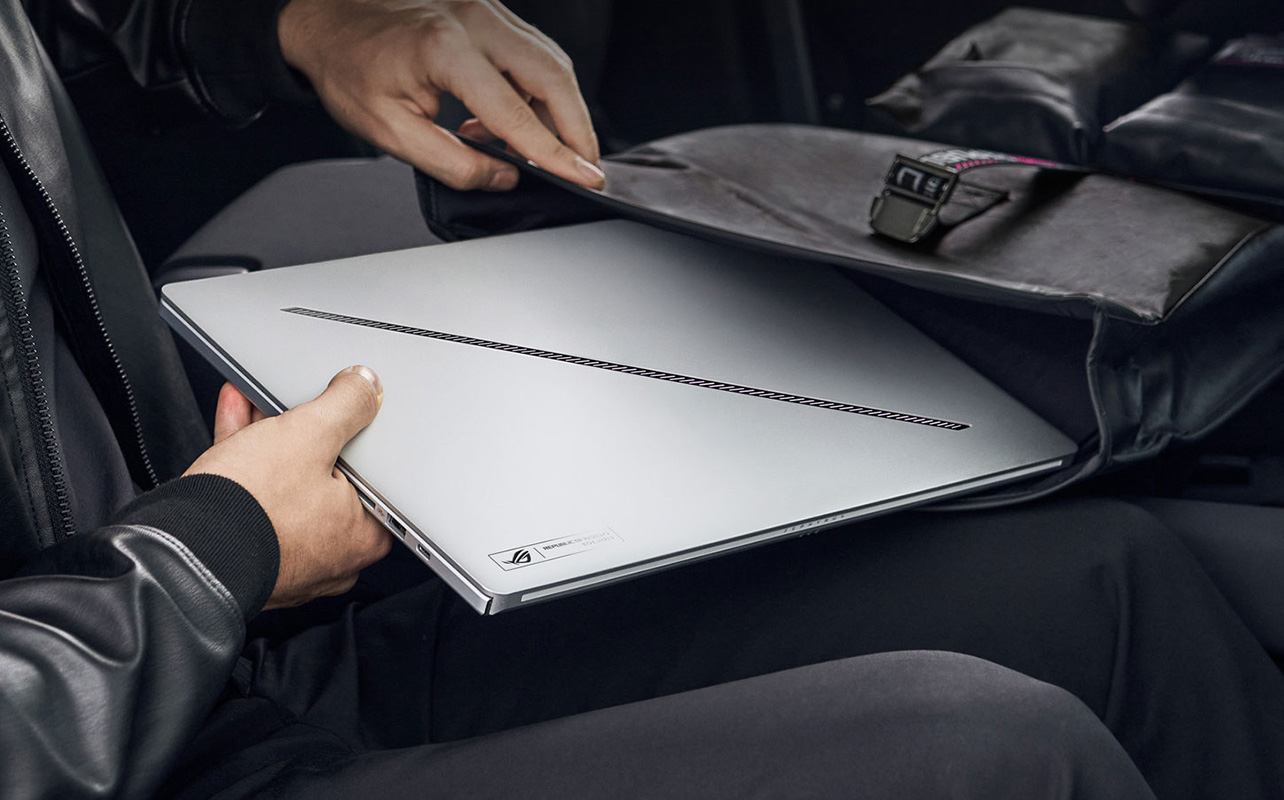
Comfortable screen and keyboard
You’ll likely spend hours looking at your screen and typing, so comfort is key. A display between 13 and 15 inches offers a good balance between screen space and portability. Clear text, good brightness, and minimal glare all help reduce eye strain.
A comfortable keyboard is just as important. Well-spaced keys and good key travel make typing easier and reduce fatigue during long workdays.
Portability vs. desktop replacement
Think about how and where you work most often:
- If you mainly work at a desk, a larger laptop can act as a desktop replacement
- If you move around the house or work remotely, a lighter laptop is easier to carry
There’s no right or wrong choice it simply depends on your routine.
Connectivity and ports
A good work laptop should connect easily to accessories like monitors, keyboards, and external drives. Look for:
- USB-C or Thunderbolt ports
- HDMI or DisplayPort support (or the option to add a hub)
- Reliable Wi-Fi for stable video calls
These small details make day-to-day work much smoother.
Operating system preference
Finally, choose the operating system you’re most comfortable with:
- Windows 11 offers flexibility and wide software compatibility
- macOS delivers smooth performance and excellent battery efficiency
- ChromeOS works well for simple, web-based tasks and affordability
The best choice is the one that fits your work style and the tools you already use.
Best overall laptops for remote work
These are the laptops I’d recommend if you want a reliable, well-rounded experience for working from home. Think strong performance, good battery life, and no daily frustrations.
Apple MacBook Air M5
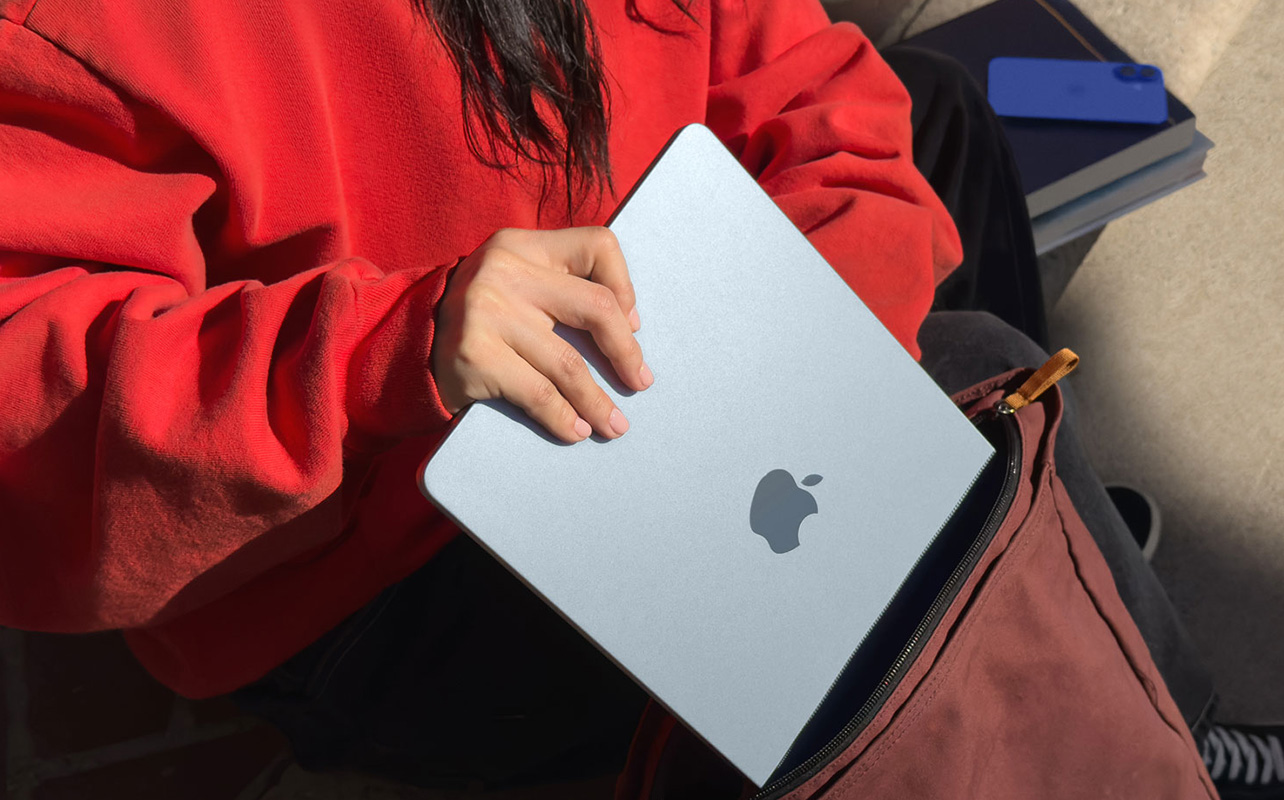
This is one of the easiest laptops to recommend for remote work in 2026. It’s light, silent, and powerful enough for everything from emails to long video calls. I especially like how dependable the battery life is, it easily gets through a full workday without feeling slow.

Dell XPS 13
If you prefer Windows, the Dell XPS 13 is a solid choice. It feels premium, travels well, and handles multitasking without any hiccups. I’d suggest this for professionals who want something compact and polished without sacrificing performance.
ASUS ZenBook 14 OLED
The ZenBook 14 OLED stands out if you want great value with a really nice screen. The display looks excellent, and overall performance is smooth for everyday work. It’s a good option if you want something practical but still enjoyable to use.
Best budget laptops for working from home
If you mainly use your laptop for emails, documents, browsing, and video calls, you don’t need to overspend.

Acer Aspire 5
This is a straightforward, no-fuss laptop that does the basics well. I’d recommend it if you want something dependable for everyday tasks without paying for features you won’t use.
Lenovo IdeaPad Slim 3i
The IdeaPad Slim 3i feels more refined than you’d expect at this price. It’s comfortable to use, easy to carry around, and holds up well for daily work. A good pick if you’re on a budget but still want something that feels modern.
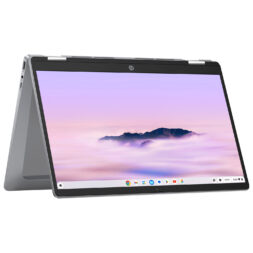
HP x360 14″ Touchscreen Chromebook
For web-based work, this Chromebook keeps things simple. It boots quickly, works smoothly with Google tools, and has a decent webcam for meetings. I’d suggest this for students or anyone whose work mostly lives in the browser.
Best laptops for video calls and virtual meetings
If your day revolves around meetings, presentation calls, or interviews, camera and audio quality become crucial.
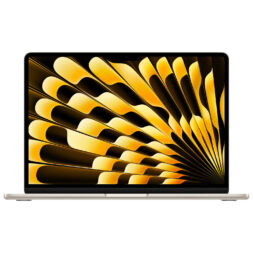
Apple MacBook Air M4 or M5
MacBook Air models are consistently good for video calls. The camera and microphones are reliable, and you don’t have to worry about sounding muffled or looking grainy. It’s a safe choice if meetings are a big part of your workday.

Microsoft Surface Laptop
The Surface Laptop works especially well if you’re deep into the Microsoft ecosystem. Video quality is clear, audio is strong, and it integrates nicely with Windows 11 and Teams. I’d recommend it for corporate or office-focused roles.
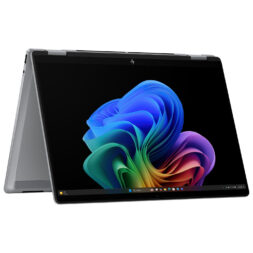
HP OmniBook
HP’s OmniBook laptops are a good option if you want strong call quality without adding extra accessories. The webcam and audio are clear, and the 2-in-1 design gives you some flexibility during the day.
Best laptops for creative work from home
Creative professionals need more power especially for tasks like video editing, design, or development. Some performance-focused laptops used for creative work can also handle gaming, and if that’s something you’re considering, this guide to the best gaming laptops by budget and specs can help you compare options.
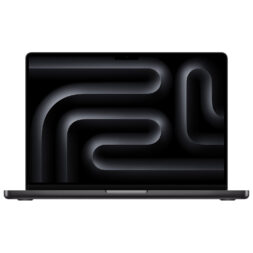
Apple MacBook Pro M5
The MacBook Pro is built for demanding workloads. I’d recommend it if you use creative software regularly and want a laptop that can keep up without slowing you down during heavy tasks.
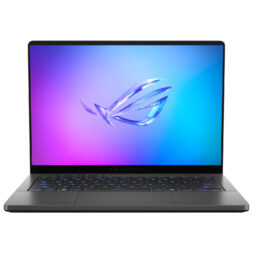
ASUS ROG Zephyrus G14
Even though it’s marketed as a gaming laptop, the Zephyrus G14 works really well for creative work. It packs a lot of power into a compact design, which makes it easier to use at home without taking up too much space.
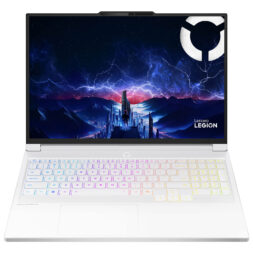
Lenovo Legion
The Lenovo Legion series is a good choice if you want desktop-level performance in a laptop. It’s powerful, handles heavy multitasking well, and works best as a stationary setup for creative or intensive work at home.
Best lightweight laptops for portability
If you like moving around the house or working on the go, weight and battery life become much more important.

LG gram 14 or 16
LG gram laptops are impressively light for their size. I like them for people who want a large screen but don’t want to carry around a heavy laptop. They’re easy to move and last long enough for full workdays.

Apple MacBook Air M5
This is still one of the easiest laptops to carry around. It’s quiet, slim, and reliable, which makes it great if you work from different rooms or travel occasionally.
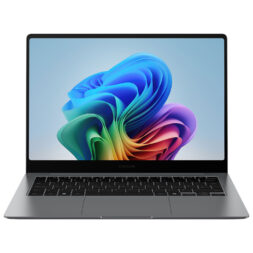
Samsung Galaxy Book5 Pro
The Galaxy Book5 Pro is a good pick if you want something lightweight with a great screen. It feels fast for everyday tasks and is easy to carry, making it well suited for working from home or on the move.
Accessories that improve your work-from-home setup
I’ve found that a good laptop is only part of a comfortable work-from-home setup. The real difference comes from the small accessories you add around it, especially if you’re sitting at your desk for most of the day.
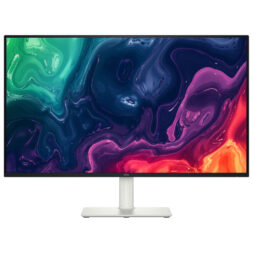
External monitor
One of the easiest upgrades is an external monitor. Having extra screen space makes a noticeable difference, especially on busy days. I like being able to keep meetings open on one screen while working on documents or spreadsheets on another. It cuts down on constant window switching and makes multitasking feel much more manageable.

Docking station / Hub
A docking station or USB-C hub is another accessory that quickly proves its value. Instead of connecting multiple cables every time you sit down to work, a single connection can handle charging, monitors, and accessories all at once. It saves time and keeps your desk from turning into a tangle of wires.
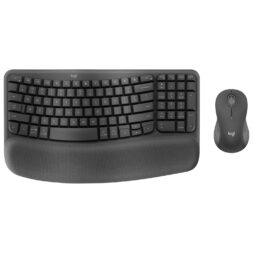
Ergonomic keyboard and mouse
For long workdays, an ergonomic keyboard and mouse are worth considering. Laptop keyboards and trackpads work fine for short sessions, but external options feel more comfortable over time. Better hand positioning helps reduce strain and makes typing and clicking feel less tiring by the end of the day.

Laptop stand
A laptop stand or riser can also make a big difference. Raising the screen to eye level helps with posture and creates a more natural camera angle during video calls. When paired with an external keyboard and mouse, it turns a laptop into a much more comfortable workstation.
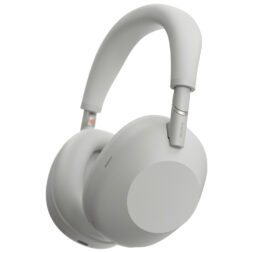
Noise-cancelling headphones
Finally, noise-cancelling headphones can be a real lifesaver when working from home. Whether it’s background noise from the house or distractions outside, they help me stay focused and make meetings easier to follow. Clear audio also means less effort during long calls.
Together, these accessories don’t just upgrade your setup, they make working from home feel smoother, more comfortable, and easier to maintain over the long term.
Finding the setup that works for you
Working from home isn’t about settling for whatever device you have on hand. It’s about building a setup that supports how you work throughout the day. The right laptop blends into your routine, it stays reliable during meetings, keeps up with your workload, and lets you focus without constant interruptions.
Whether you need a lightweight laptop to move around the house, a powerful option for creative work, or something dependable for everyday tasks, the best choice is the one that fits your work style. With the right accessories and the wide range of options available at Best Buy Canada, it’s easier to build a setup that feels comfortable, focused, and easy to work with every day.