
Back to School

Beyond entertainment: how tablets boost productivity and learning
Discover how tablets support learning, work, and creativity, from note-taking to video calls. See why they’re more than just entertainment devices.

reMarkable vs. eReaders vs. tablets: What’s best for you?
Comparing digital notepads, eReaders, and tablets? Discover which device is right for studying, writing, and productivity.
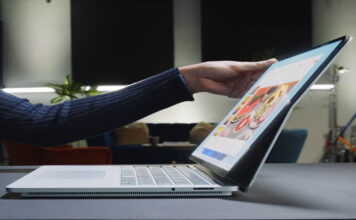
Are premium Windows laptops worth it for school or work?
Thinking of upgrading your laptop? Discover why premium Windows laptops are worth the investment, with better performance, battery life, and AI features like Copilot+ PCs.

Kobo eReader guide for students and teachers
Discover how a Kobo eReader helps students and teachers with notetaking, colour reading, and library access.

How Can a Copilot+ PC Help You Save Time at School?
Learn how a Copilot+ PC can help students stay organized, take better notes, and save time with built-in AI tools like Recall and Cocreator.

Smart ways to save on Back to School tech: Trade-In, Financing...
Discover smart ways to save on back to school tech at Best Buy Canada. Trade in your old device, finance your next one, or subscribe monthly to the tools you need.

What can you actually do with a digital notepad for school?
Discover how a digital notepad for school can help students take better notes, stay organised, and avoid distractions, perfect for focused learning.

Back to School Tech Setup for Under $750
If you can manage a $750 budget, you can find some great tech to get ready for back to school with the right strategy and patience.

Why digital notetaking is the future (and which tablet to use)
Digital notetaking is the smart, future-ready choice with top stylus-ready tablets, and student-friendly options at Best Buy Canada.

Tablets vs. laptops for notetaking: which is better for students?
Compare tablets vs. laptops for digital notetaking through handwriting tools, app support, portability, and budget tips.