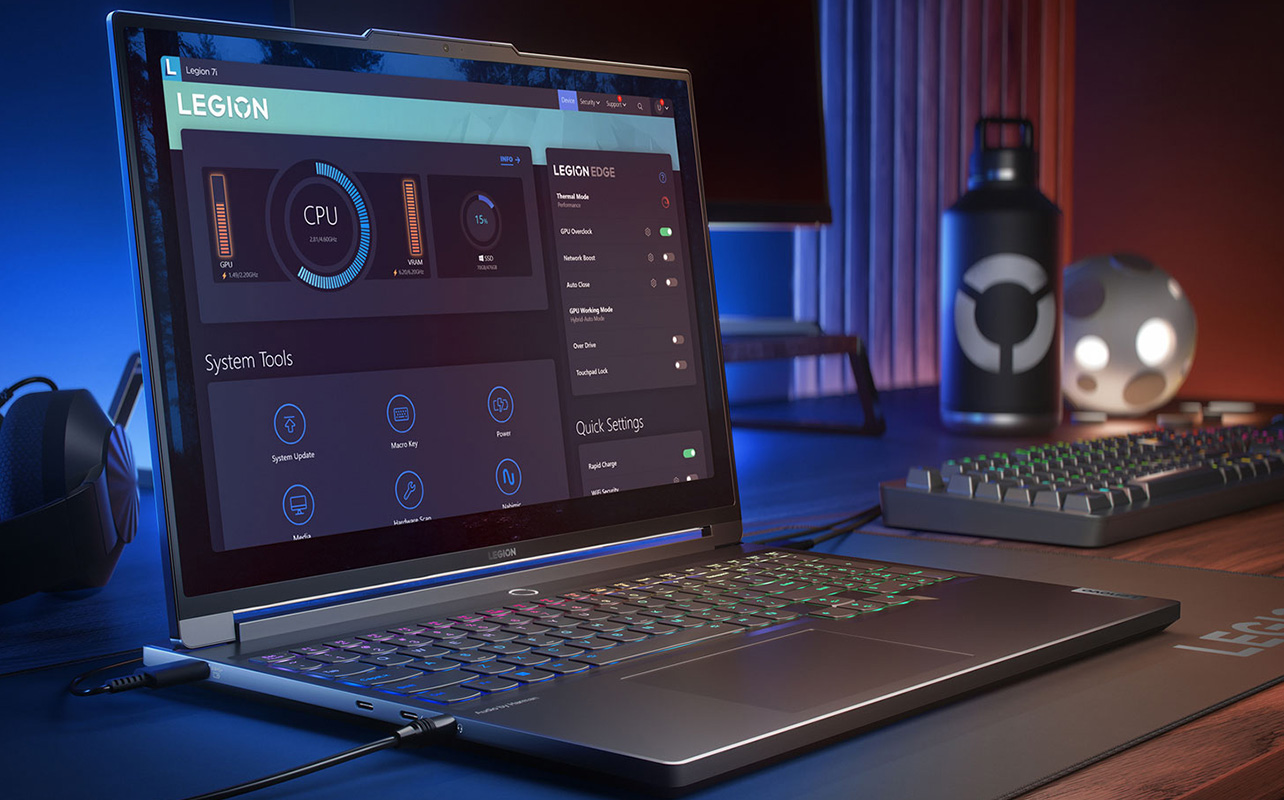
If you’re shopping for a gaming laptop and feeling overwhelmed by the options, you’re not alone. The specs can feel like alphabet soup RTX this, i9 that, and the price range stretches from under $1,000 to well over $3,000. But the core question is actually simple: how much performance do you need for the games you play, and what are you willing to spend to get it?
This guide answers that question by breaking down the best gaming laptops available at Best Buy Canada, tier by tier. Whether you’re a student picking up your first gaming machine or an enthusiast hunting for desktop-level power in a portable form, you’ll find clear Tabrecommendations and honest tradeoffs at every budget level.
Table of contents:
- What makes a gaming laptop different from a regular one?
- Best gaming laptops by budget
- How to choose a gaming laptop
- Best budget gaming laptops (under $1,500)
- Best mid-range gaming laptops ($1,500–$2,000)
- Best premium gaming laptops ($2,000–$3,000)
- Ultra-premium and desktop-replacement gaming laptops ($3,000+)
- FAQs
What makes a gaming laptop different from a regular one?
A regular laptop is designed around efficiency, a thin build, a long battery, and enough power to handle everyday tasks. A gaming laptop is built around sustained performance. That means a dedicated graphics card (GPU), a faster display, more capable cooling, and a more powerful processor working together under real load. The dedicated GPU is what separates a gaming laptop from everything else.
It handles all the visual rendering that makes games look and run the way they do, independently of the main processor. Without one, you’re relying on integrated graphics, which can technically run some older titles but will struggle with anything modern. Everything else in a gaming laptop is engineered to support that GPU: the chassis, the cooling system, the display, and the power delivery. Understanding that foundation makes every other spec decision easier.
Quick snapshot: best gaming laptops by budget
Here’s a quick look at the top picks at each price tier before we get into the details. Each recommendation is covered in full further down. This table is a reference point, not a ranking. The right laptop for you depends on your specific needs, which the sections below will help you work out:
| Budget range | Top picks |
| Best budget gaming laptops (under $1,500) | • Acer Nitro 5 • MSI Thin 15 • HP Victus 15/16 • ASUS V16 |
| Best mid-range gaming laptops ($1,500–$2,000) | • ASUS TUF F15 • MSI Sword 16 • HP Omen 16 |
| Best premium gaming laptops ($2,000–$3,000) | • Alienware Aurora 16 • Lenovo Legion 7i 16 • ASUS ROG Strix G16 • HP Omen Max 16 |
| Ultra-premium and desktop-replacement ($3,000+) | • HP Omen 16 Max • MSI Raider 18 HX • ASUS ROG Zephyrus G16 • ASUS ROG Strix SCAR 18 |
How to choose a gaming laptop: key specs explained
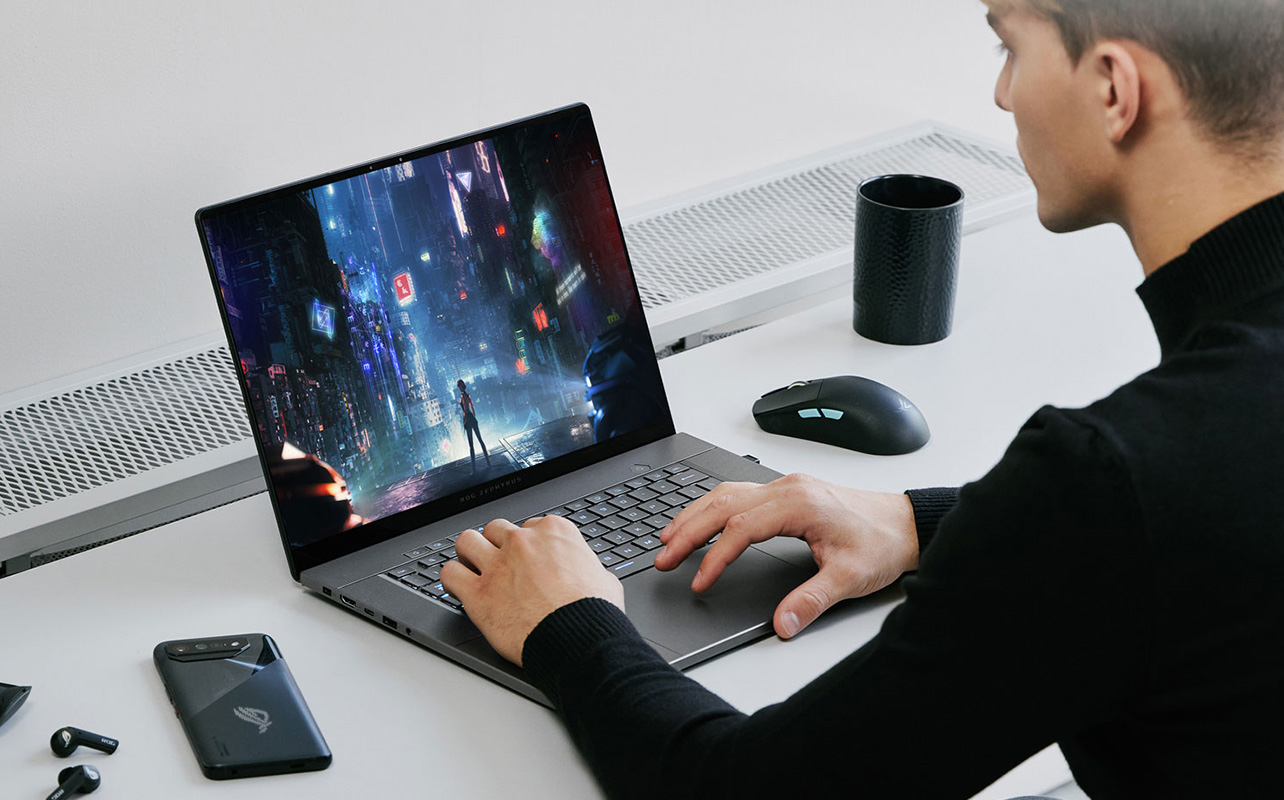
Before jumping to the picks, it helps to understand what each spec actually does in a gaming context. These aren’t just numbers on a box; each one has a direct effect on how your games look, feel, and perform day to day.
Graphics card (GPU): the most important spec
The GPU is the single most critical component in any gaming laptop. It determines what settings you can run, what frame rates you can hit, and whether the experience feels smooth or choppy.
NVIDIA’s RTX 40-series, the RTX 4050, 4060, and 4070, covers most of the budget and mid-range market and performs well at 1080p and 1440p. The newer RTX 50-series (RTX 5060, 5070, 5070 Ti, 5080, 5090) is available from mid-range upward and brings two meaningful upgrades: better raw performance, and DLSS 4 with Multi Frame Generation AI-powered technology that generates additional frames beyond what the GPU renders natively, boosting smoothness without extra GPU load. It’s substantially more effective on the 50-series than the 40-series, and one of the strongest reasons to consider stepping up if budget allows.
Also worth knowing: a MUX switch bypasses the integrated graphics chip and connects the display directly to the dedicated GPU, improving in-game frame rates by 10–20% with no hardware change. It’s increasingly common at the mid-range and above, worth checking for when comparing similarly priced models.
One note for first-time buyers: a laptop GPU and a desktop GPU with the same name are not the same chip. The RTX 4070 in a laptop runs at lower wattage than its desktop counterpart. The performance gap is real, not a flaw, but a tradeoff worth knowing before you compare benchmarks.
Processor (CPU): the engine behind the scenes
The CPU manages everything that isn’t graphics, game logic, physics simulation, background tasks, and multitasking. For most games, a mid-range processor is more than enough. But if you plan to stream while gaming, record footage, or run demanding open-world titles, a stronger CPU makes a noticeable difference.
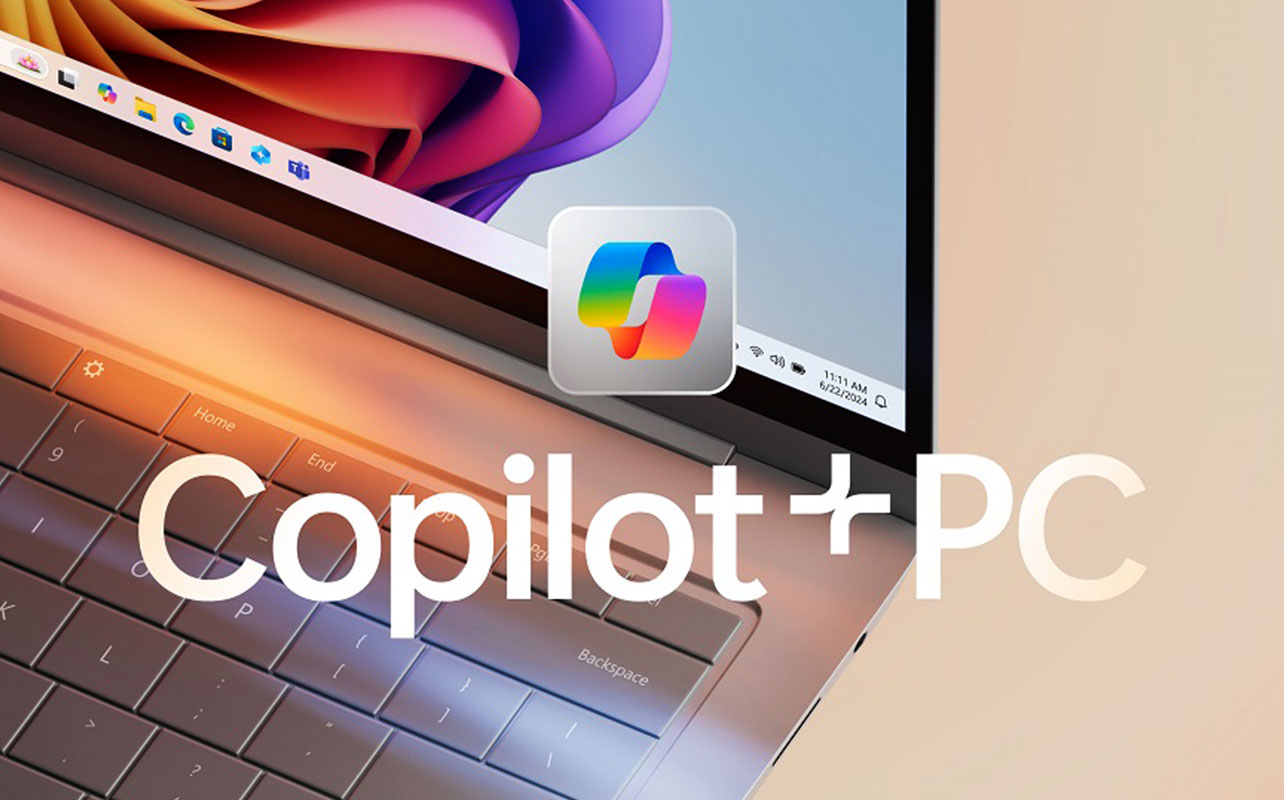
Intel Core i7 and AMD Ryzen 7 handle the vast majority of gaming workloads comfortably. The newer Intel Core Ultra processors (Core Ultra 7, Core Ultra 9) and AMD Ryzen AI HX chips go further, integrating dedicated AI acceleration that enables features beyond gaming, including Copilot+ PC functionality for productivity workflows. These chips appear in the premium and ultra tiers and are worth the step up if the laptop doubles as a work or creative machine.
RAM (memory): give your system room to breathe
RAM is your laptop’s working memory. It holds the data your system is actively using, from the game itself to your browser and background apps. 16GB is the practical minimum for gaming. Some budget laptops still ship with 8GB, which is noticeably limiting in newer AAA games. 32GB is the right call if you also do video editing, 3D work, or run multiple demanding applications at the same time.
Storage: faster is better, and more is almost always needed
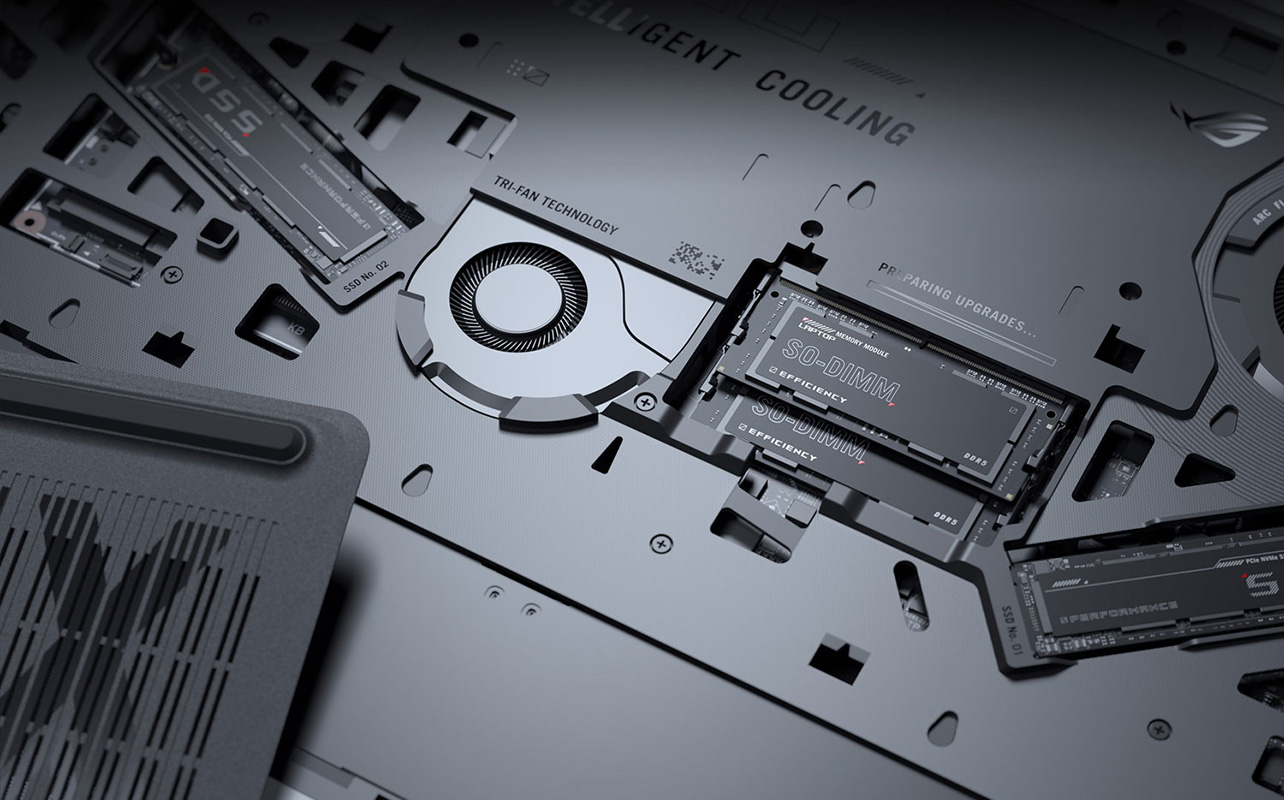
Modern games take up substantial space; some individual titles exceed 100GB. An NVMe SSD loads game assets and levels dramatically faster than older hard drives and is now standard across nearly all gaming laptops. At minimum, aim for 1TB; 512GB fills up quickly once you have a few large games installed. Many laptops include a second M.2 slot for a future storage upgrade, which is a useful long-term option.
Display: resolution, refresh rate, and panel type
Three specifications define how a gaming laptop’s screen performs:
- Resolution: Determines how sharp the image looks. 1080p (Full HD) is standard at the budget and mid-range level. 1440p (QHD) is the sweet spot for the premium tier, noticeably sharper without demanding as much GPU power as 4K. True 4K gaming makes the most sense at the ultra-premium tier, where the GPU can sustain it.
- Refresh rate: Determines how many frames the screen can display per second. The higher the number, the smoother fast motion feels. 144Hz is the minimum worth targeting for gaming; 165Hz or higher is better for competitive or fast-paced titles. A high refresh rate screen only delivers its benefit if the GPU can match it with enough frames.
- Panel type: Affects colour, contrast, and durability. IPS panels are accurate and widely used across all tiers. OLED delivers deeper blacks, more vibrant colour, and better contrast, but costs more and is found mainly in premium models. Mini-LED sits between the two, with better contrast than standard IPS, more durable for extended gaming sessions than OLED, and increasingly common at the premium tier.
Cooling system: the spec that doesn’t appear on the box
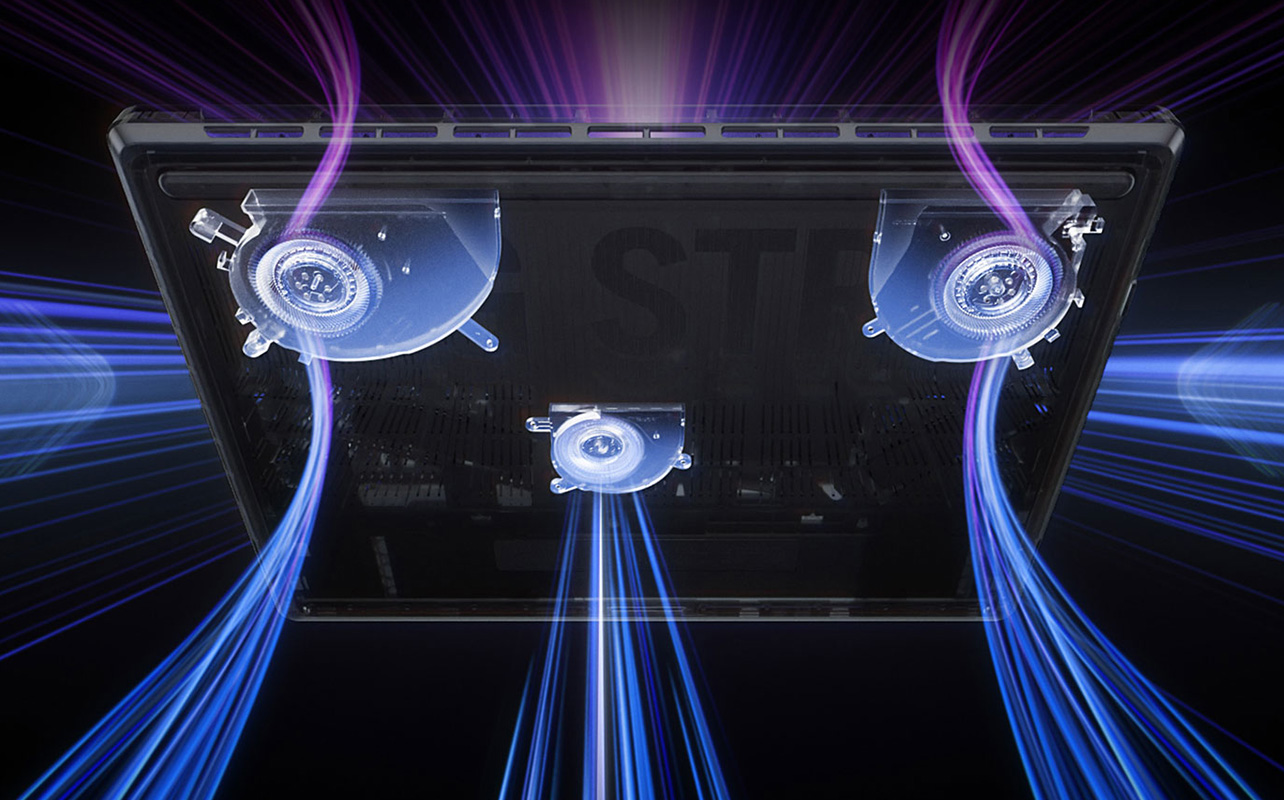
Heat is a gaming laptop’s biggest enemy. When components overheat, they automatically reduce performance to protect themselves through a process called thermal throttling. That means your frame rates can drop mid-session on a laptop with inadequate cooling, regardless of how capable the GPU is on paper.
Larger chassis (16″–18″) have more room for heatsinks, heat pipes, and exhaust vents, which is one reason bigger gaming laptops often outperform slimmer models with identical specifications. Features like vapour chamber cooling and liquid metal thermal compound are signs of serious thermal engineering at the premium tier.
Battery life: plan to stay plugged in for gaming
Even the most premium gaming laptop will last only one to three hours under full gaming load. The GPU draws too much power for battery life to compete. Some models with NVIDIA Advanced Optimus (automatic GPU switching) can extend to five to eight hours for light tasks like web browsing or note-taking by switching to the integrated graphics chip when the dedicated GPU isn’t needed. For actual gaming, a power outlet is a practical requirement.
Keyboard and audio: easy to overlook, hard to ignore
Gaming laptops typically feature keyboards with RGB backlighting and deeper key travel than standard laptops. Premium models move to near-mechanical or fully mechanical switches for a more tactile typing and gaming feel. It is genuinely useful if you spend long sessions at the keyboard.
Built-in audio varies widely. Budget models tend toward thin, mid-heavy sound. Higher-end systems now include Dolby Atmos-certified or Hi-Res Audio speaker configurations that hold up without headphones for casual play, though a dedicated gaming headset is still worth considering for competitive or immersive titles.
Portability vs. power: the honest tradeoff
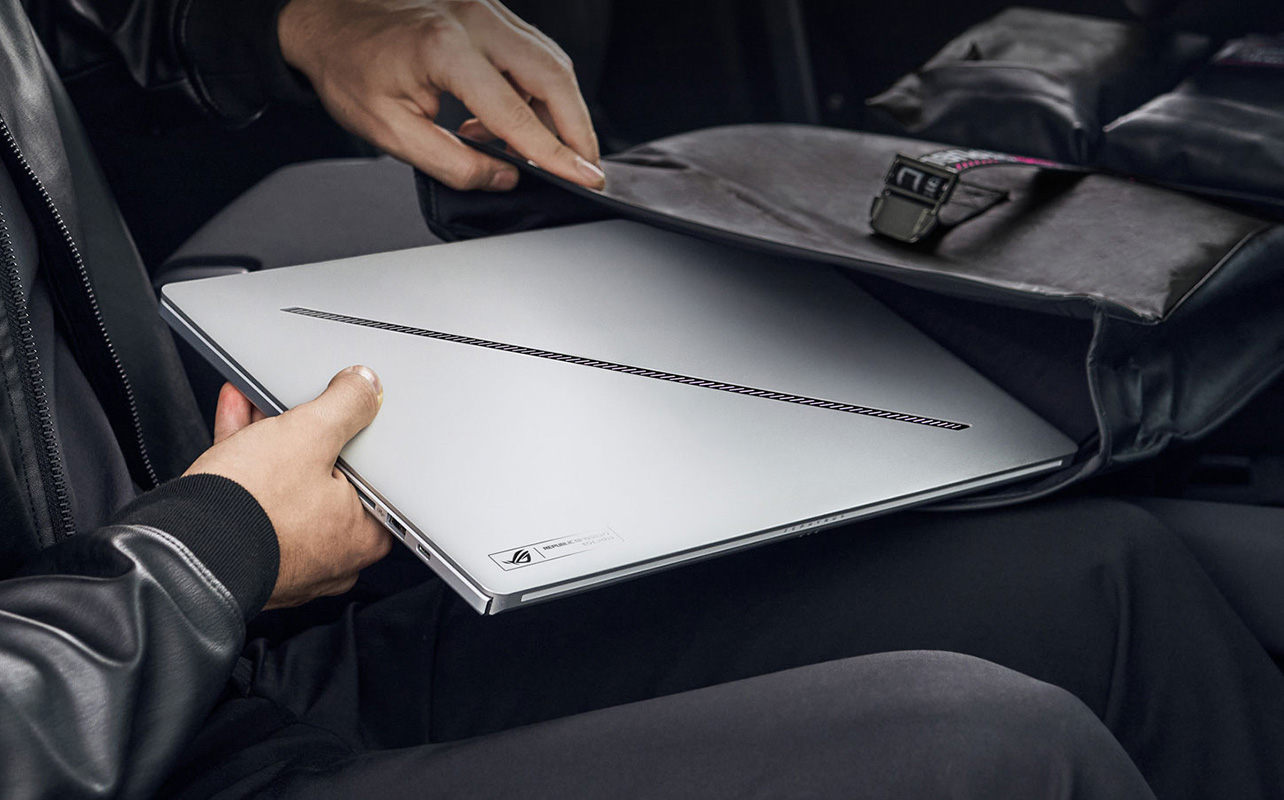
This is the central tension of every gaming laptop purchase. Thinner, lighter 14″–15″ models are genuinely comfortable to carry daily but typically run GPU configurations tuned to lower power limits to manage heat in a compact chassis. Larger 16″–18″ models are heavier and harder to throw in a bag every day, but deliver meaningfully better sustained performance because the chassis can actually breathe.
If the laptop is primarily a desk machine that you occasionally carry, go larger. If you’re commuting or moving between classes daily, factor portability in; honestly, a heavy machine you resent carrying is the wrong machine.
Ports and connectivity: think about what you’ll plug in
A well-specified gaming laptop should include multiple USB-A ports, at least one USB-C (ideally Thunderbolt), HDMI or DisplayPort for external displays, and a wired Ethernet port for stable online gaming. Wi-Fi 6E or Wi-Fi 7 are worth looking for if you play wirelessly, as they offer lower latency and more stable connections on congested networks.
Upgradeability: a path to extending your investment
Not every gaming laptop allows hardware upgrades, but many still provide access to RAM slots and M.2 SSD bays. Being able to add storage or increase RAM down the line extends the useful life of your machine considerably. If longevity matters to you, check the upgrade options before buying.
Want to go deeper on the broader gaming setup, peripherals, monitors, and accessories? The PC gaming buying guide on the Best Buy Blog covers everything beyond the laptop itself.
Best budget gaming laptops (under $1,500)
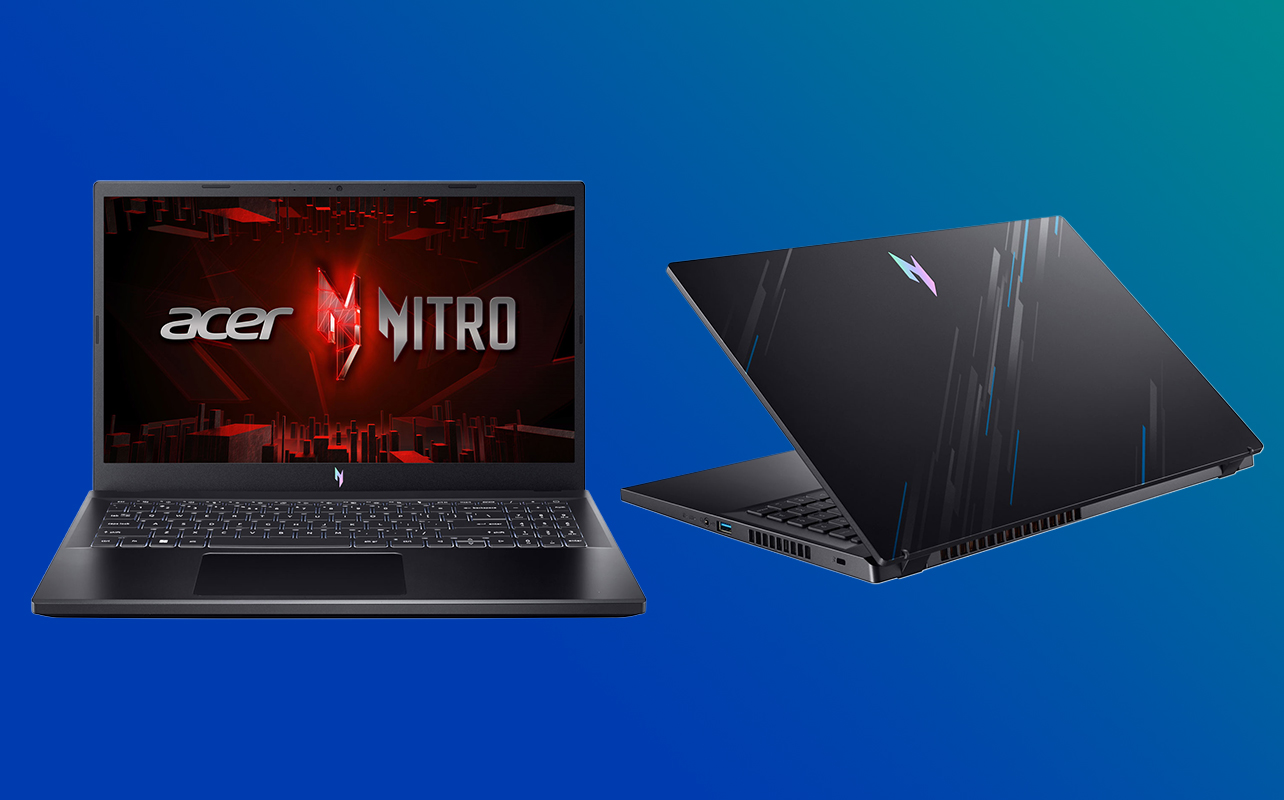
This tier is built for casual gamers, students, and anyone stepping into PC gaming for the first time. The GPU range here centres on the RTX 4050 and the newly available RTX 5050, paired with Intel Core i5/i7 or AMD Ryzen 5/7 processors. These machines run esports titles like Valorant, League of Legends, and Fortnite at high settings without issue, and handle older or less demanding AAA games at medium settings comfortably.
What you’re trading for the lower price: build quality is mostly plastic, thermals are workable but not impressive, and you’ll notice the ceiling on newer AAA titles at high settings. These are real limitations, but for the use case this tier is designed for, they’re entirely acceptable.
A note on the RTX 3050: it’s a previous-generation GPU still found in some older stock. If you’re buying new in 2026, look for RTX 4050 or better.
Top picks
- Acer Nitro V 15: A dependable entry point with solid thermal management and RTX 4050 graphics. The Nitro line has a strong track record for consistent 1080p gaming without overheating, and the RAM and storage slots are accessible for future upgrades. A good first machine for a student who also needs to handle coursework.
- MSI Thin 15: Offers a Core i7 and RTX 4060 pairing at an aggressive price, putting it at the top of what this tier can deliver. The upgrade-friendly design (accessible RAM and SSD bays) is a practical long-term advantage.
- HP Victus 15/16: Clean design, reliable thermals, and available in both Ryzen and Intel configurations. A sensible pick if you want performance without the aggressive gaming-laptop aesthetic, it passes as a work machine just as easily.
- ASUS V16: A 16″ display in a budget chassis gives you more screen real estate than most competitors at this level. The Core 7 240H paired with an RTX 4050 makes it a comfortable everyday gaming machine for desk use.
What to expect: Smooth 1080p gameplay in esports and older AAA titles, plastic chassis construction, 60–144Hz screens, average audio, and modest battery life. A solid foundation, just know what you’re working with.
Best mid-range gaming laptops ($1,500–$2,000)
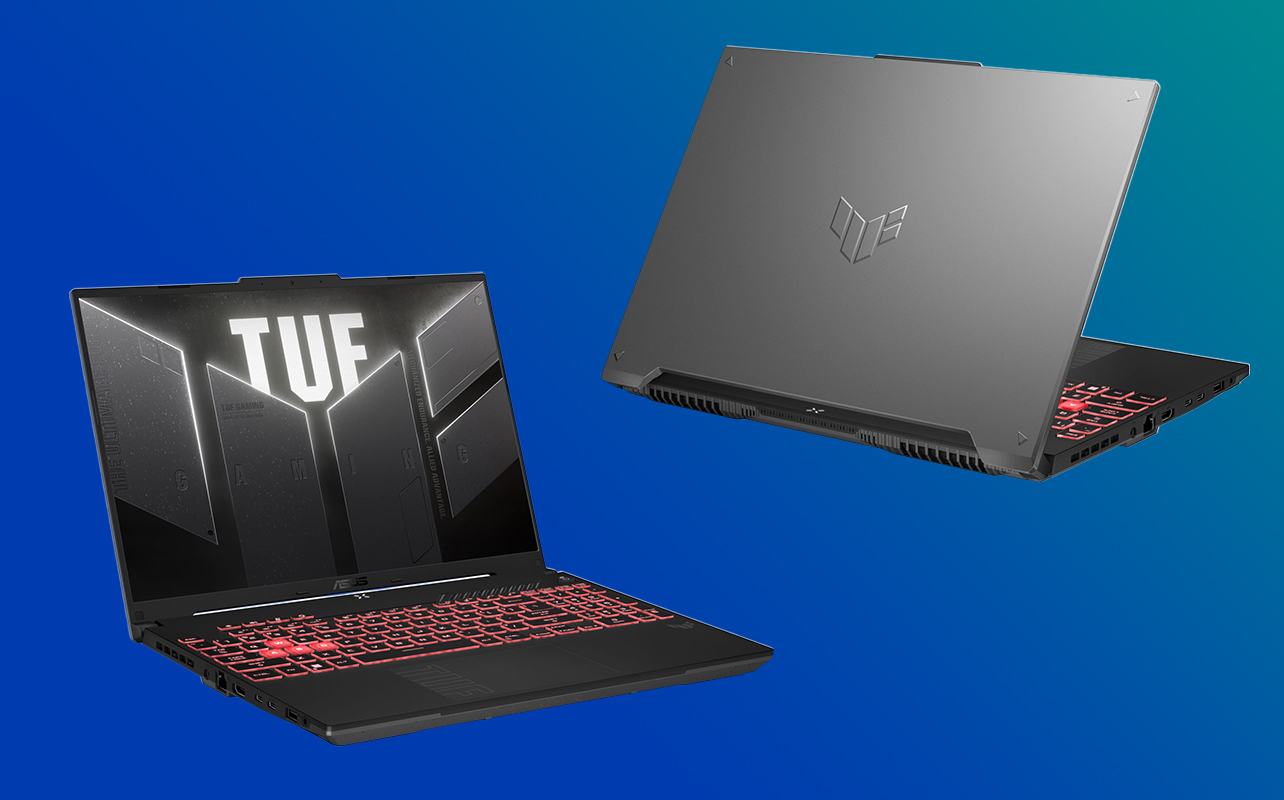
This is the most competitive range in the market right now, and it shows. The RTX 4060 and RTX 5060 GPUs at this tier handle modern AAA games at high to ultra settings, support smooth 1080p and capable 1440p, and with the 5060’s DLSS 4 support, can push frame rates well beyond what the raw specs suggest.
Build quality takes a meaningful step up here too, more metal in the chassis, better keyboard feel, and stronger cooling. If you’re a regular gamer who plays frequently and wants a machine that stays relevant for three or four years, this is the tier to focus on. The tradeoff compared to the premium tier is mostly display quality (most screens here cap at 1080p or entry-level 1440p) and GPU ceiling for the most demanding titles.
Top picks
- ASUS TUF F15: One of the most consistently recommended mid-range gaming laptops for good reason. MIL-SPEC tested for durability, strong thermal management, and the Core i7-13620H + RTX 4060 combination hits the right balance of price and performance. The right choice if build quality and long-term reliability matter as much as raw speed.
- MSI Sword 16: The 16″ display and Core i7-14650HX + RTX 4060 pairing deliver a solid gaming experience in a well-cooled chassis. Good keyboard feel and reliable everyday performance make it comfortable for extended sessions.
- HP Omen 16: The standout pick in this tier. The RTX 5060 configuration puts it ahead of competing RTX 4060 machines in raw performance, and the Omen line is consistently well-regarded for thermal design. If you want to buy into a current-generation GPU at the mid-range price, start here.
What to expect: 144–165Hz displays, high to ultra settings in most games, a noticeably sturdier build than the budget tier, and improved but still limited battery life.
Best premium gaming laptops ($2,000–$3,000)
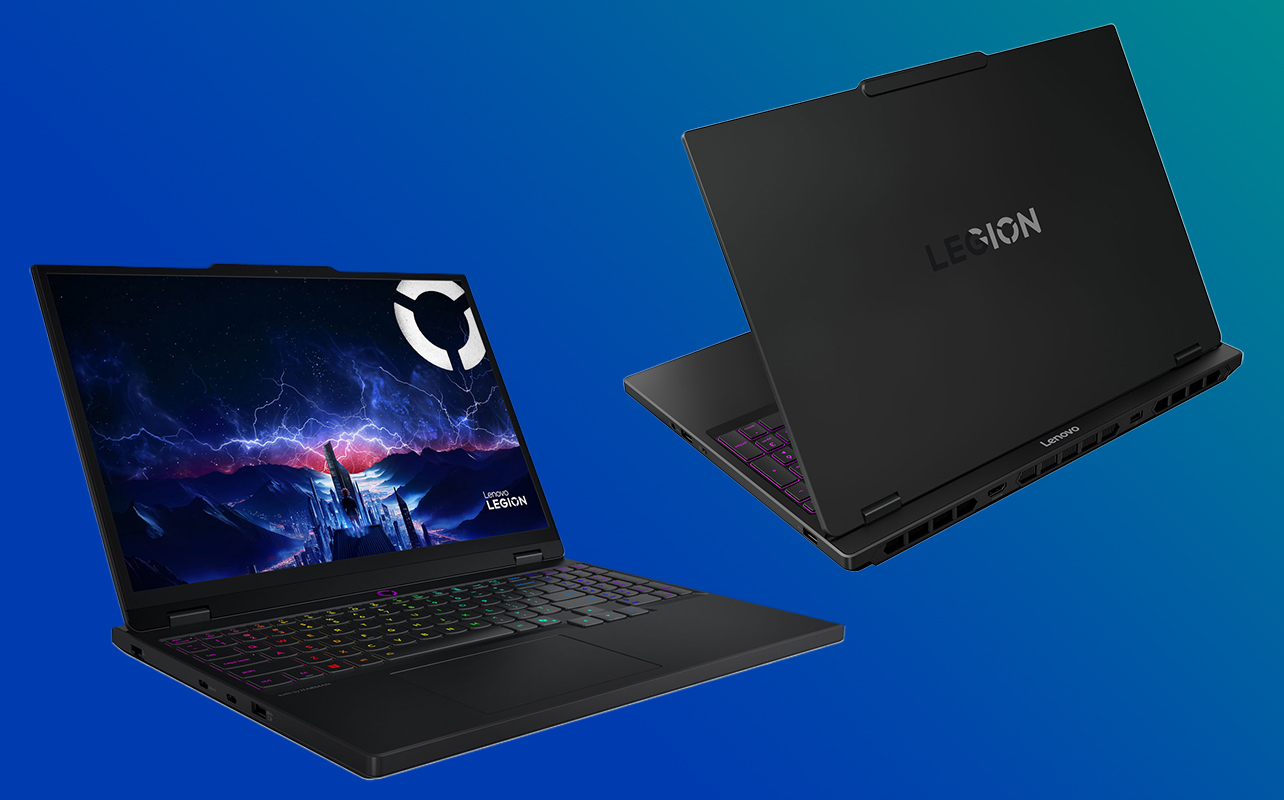
At this level, the gap between a gaming laptop and a gaming desktop starts to close in a meaningful way. GPUs like the RTX 4070, RTX 5070, and RTX 5070 Ti deliver strong 1440p performance and are capable of 4K. Displays in this tier are often QHD, Mini-LED, or OLED, a genuine visual upgrade over the 1080p standard below. Build quality is premium throughout: better keyboards, better speakers, better screens.
These machines are also genuinely versatile. The performance that handles ultra settings gaming also handles video editing, 3D rendering, and creative work with equal capability. If your laptop needs to serve both gaming and demanding professional tasks, this is the tier where that crossover becomes practical without compromise.
The tradeoff versus the ultra tier is primarily GPU ceiling. The RTX 5070 and 5070 Ti are strong but don’t match the 5080 or 5090 for the most demanding scenarios.
Top picks
- HP Omen Max 16: Core Ultra 7-255HX paired with an RTX 5070 is one of the strongest combinations at this price point. The Omen Max thermal design holds up under sustained load, and the current-gen GPU with DLSS 4 support adds real longevity to the machine. A strong choice for both gaming and creative work.
- Lenovo Legion 7i 16: The i9-14900HX + RTX 4070 pairing remains genuinely capable in 2026, and the Legion 7i is known for its premium build, display quality, and excellent thermal management. A smart option if you want a well-engineered machine at the lower end of this tier’s price range.
- Alienware Aurora 16: Alienware machines carry a premium for their design, display calibration, and thermal engineering, and the Aurora 16 earns it. Best suited to buyers who want the Alienware ecosystem and aesthetic alongside strong performance. Verify the GPU configuration carefully; Aurora 16 models vary across the range.
- ASUS ROG Strix G16: Stylish build with ROG’s refined cooling and strong display options. The configuration at this tier pairs a Core i7-14650HX with an RTX 5050 at the entry end, worth stepping up to a higher GPU configuration within the ROG Strix line if budget allows, as the chassis and cooling system can support considerably more than the base spec.
What to expect: Near-desktop performance, QHD or OLED displays, premium keyboards with deeper travel, immersive audio, and a build quality that’s built to last through several years of regular use.
Ultra-premium and desktop-replacement gaming laptops ($3,000+)
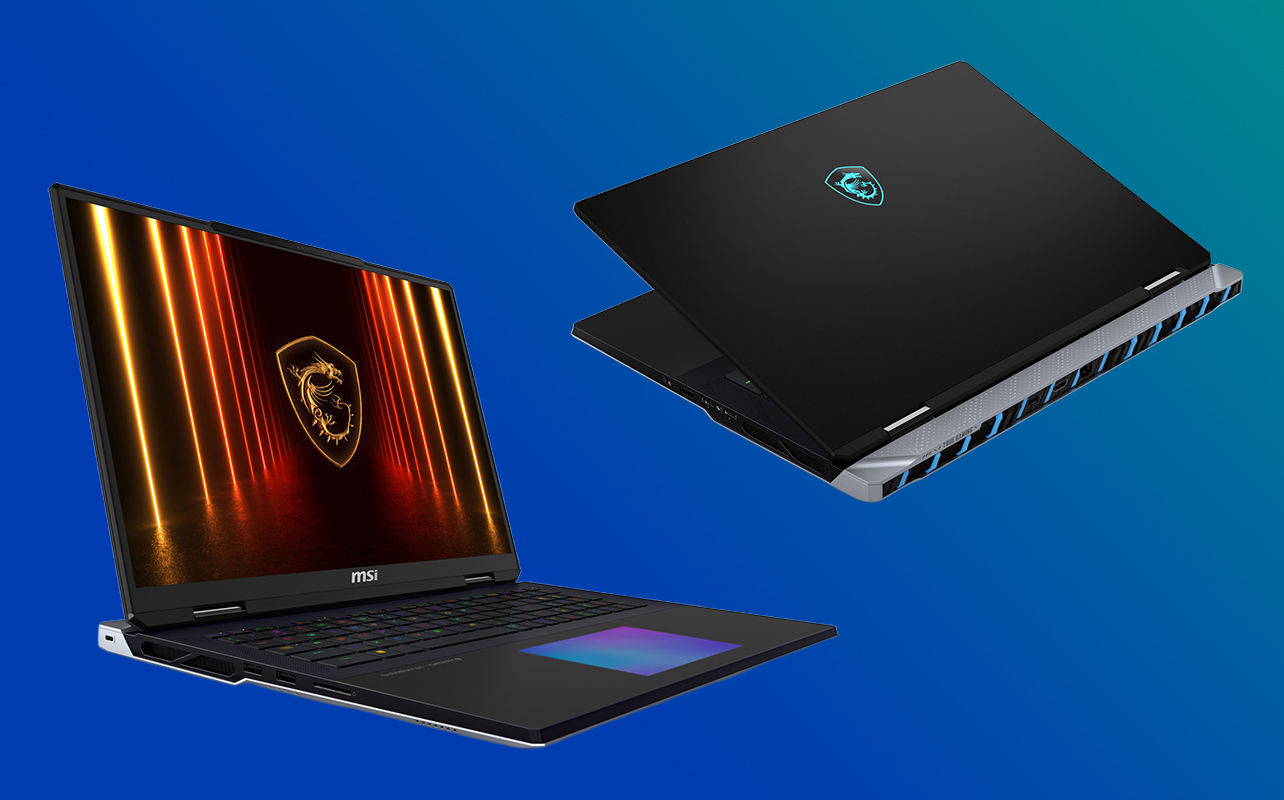
This tier is for one type of buyer: someone who wants the absolute best available in a laptop form factor, full stop. RTX 5080 and RTX 5090 GPUs, Intel Core Ultra i9 or AMD Ryzen 9 HX processors, 32–64GB of RAM, and 16″–18″ displays that rival dedicated gaming monitors in resolution and refresh rate. These are not everyday carry machines; they’re portable gaming stations.
The buyers who make genuine sense here are enthusiasts chasing top-of-stack performance, content creators who run game capture and video encoding simultaneously, and streamers whose machine needs to handle everything at once without compromise. The tradeoffs are weight, portability, and price, all significant.
Top picks
- MSI Raider 18 HX: An 18″ powerhouse pairing a Core Ultra 9-285HX with an RTX 5090 and 64GB of RAM as standard. The boldest, most capable option in this tier is built for buyers who want nothing left on the table.
- ASUS ROG Zephyrus G16: The outlier at this level: a sleeker, more refined 16″ chassis carrying a Core Ultra 9-285H + RTX 5090 in platinum white. If you want flagship performance without the 18″ bulk, this is the machine that delivers it. The most portable ultra-premium option by a clear margin.
- ASUS ROG Strix SCAR 18: Flagship 18″ form factor with a Core Ultra 9-275HX and RTX 5080, designed for both competitive play and maximum immersion. The advanced cooling and high refresh rate display make it particularly well-suited to buyers who push frame rates as high as possible.
- HP Omen 16 Max: A Core Ultra 9-275HX + RTX 5080 configuration in a 16″ form factor, for buyers who want ultra-tier GPU performance with slightly less desk presence than an 18″ machine. The thermal tradeoff of a more compact chassis is real, but manageable for most use cases.
What to expect: 4K or QHD+ displays at 165–240Hz, advanced cooling systems with vapour chambers and liquid metal, premium or near-mechanical keyboards, and the highest sustained performance available in a laptop today.
Gaming laptop specs comparison by budget tier
The table below gives you a consolidated view of what to expect at each tier in terms of core components and display. Use it as a quick reference when comparing specific models, keeping in mind that individual configurations within a tier can vary:
| Tier | Typical GPU | CPU | RAM | Storage | Display |
| Budget (under $1,500) | RTX 4050 / RTX 5050 | Core i5/i7 or Ryzen 5/7 | 8–16GB | 512GB–1TB NVMe SSD | 15″–16″ 1080p, 60–144Hz |
| Mid-range ($1,500–$2,000) | RTX 4060 / RTX 5060 | Core i7 or Ryzen 7 | 16GB | 1TB NVMe SSD | 15″–16″ 1080p/QHD, 144–165Hz |
| Premium ($2,000–$3,000) | RTX 4070 / RTX 5070–5070 Ti | Core i7/i9 or Core Ultra 7 | 16–32GB | 1TB NVMe SSD | 16″ QHD/OLED/Mini-LED, 165–240Hz |
| Ultra ($3,000+) | RTX 5080 / RTX 5090 | Core Ultra i9 or Ryzen 9 HX | 32–64GB | 1–2TB NVMe SSD | 16″–18″ QHD/4K, 165–240Hz |
Finding the best gaming laptop for your journey
By now, you have everything you need to make a confident decision. You know what each spec actually does, what the honest tradeoffs are at every price level, and which tier matches your gaming habits and budget. That’s the hardest part of buying a gaming laptop: the confusion clears up quickly once the key factors are laid out plainly.
Lead with GPU, match your budget tier to the games you play and how often you play them, and factor in whether the laptop needs to double as a school or work machine. From there, the right tier tends to pick itself. Whatever you land on, Best Buy Canada carries gaming laptops across every budget, and if you want to stretch your budget further than a single purchase allows, financing options are worth a look before you settle.
Frequently asked questions
Is the RTX 50-series worth the extra cost over the RTX 40-series?
For buyers in the budget tier, generally no, the RTX 40-series handles 1080p gaming well and costs less. At the mid-range tier, the RTX 5060 is the stronger buy if the price difference is modest, primarily because of DLSS 4 Multi Frame Generation support. At the premium tier and above, the 50-series is meaningfully better and worth the step up if it fits your budget.
What is a MUX switch, and do I need one?
A MUX switch bypasses the integrated graphics chip and routes the display output directly through the dedicated GPU. The result is a 10–20% improvement in in-game frame rates at no hardware cost; you simply toggle it in the laptop’s software. Mid-range and premium models increasingly include one. It’s not a dealbreaker if a machine you like doesn’t have it, but it’s a genuine free performance upgrade worth checking for.
Why does a laptop GPU with the same name perform differently from a desktop GPU?
Laptop GPUs operate at lower power limits than their desktop counterparts to manage heat and battery draw in a compact chassis. An RTX 4070 in a laptop is a different chip running at a different wattage than a desktop RTX 4070. Performance will be lower; this is by design, not a defect, but it’s worth understanding before comparing benchmarks between laptop and desktop builds.
Can I use a gaming laptop for school or work as well?
Yes, and this is one of the genuine advantages of buying a gaming laptop over a standard notebook. The hardware that handles gaming handles demanding professional software, video editing, large spreadsheets, CAD, and coding environments equally well. The honest tradeoffs are weight and battery life, which matter more in a carry-everywhere school context than a desk-primary work setup.
Should I buy now or wait for newer models?
The RTX 50-series is already available across most tiers as of early 2026, so there’s no compelling reason to hold off waiting for the next hardware generation. RTX 40-series models have softened in price and represent solid value, particularly at the budget and mid-range levels. Buy when your budget and timing align, there will always be something newer coming.
Are refurbished gaming laptops worth considering?
They can offer meaningful value, particularly at the budget tier, where a certified refurbished RTX 40-series machine may outperform a new entry-level laptop at a similar price. Best Buy Canada carries certified refurbished products with warranty coverage, which reduces the risk significantly compared to buying used privately.
What accessories should I consider alongside my new gaming laptop?
A gaming headset, an external mouse, and a laptop stand are the most common additions. For desk-primary setups, an external monitor, mechanical keyboard, and laptop cooling pad are worth looking at. Wired Ethernet via a USB-C adapter is a practical investment for online gaming if your router isn’t close by.