Fast charging power banks are part of everyday life now. You reach for one when your phone battery drops during a long day, a commute, or while travelling expecting a quick boost to keep things moving. Sometimes it works exactly as expected. Other times, it barely makes a difference. That’s where the confusion begins.
Not all “fast charging” power banks behave the same way. Some charge your phone quickly but take hours to recharge themselves. Others prioritise convenience over speed, or work best only with certain devices. This guide breaks down what fast charging really means, how wired, wireless, and MagSafe charging differ, and what actually affects charging speed so you can choose the right option with confidence.

What does “fast charging” mean for power banks?
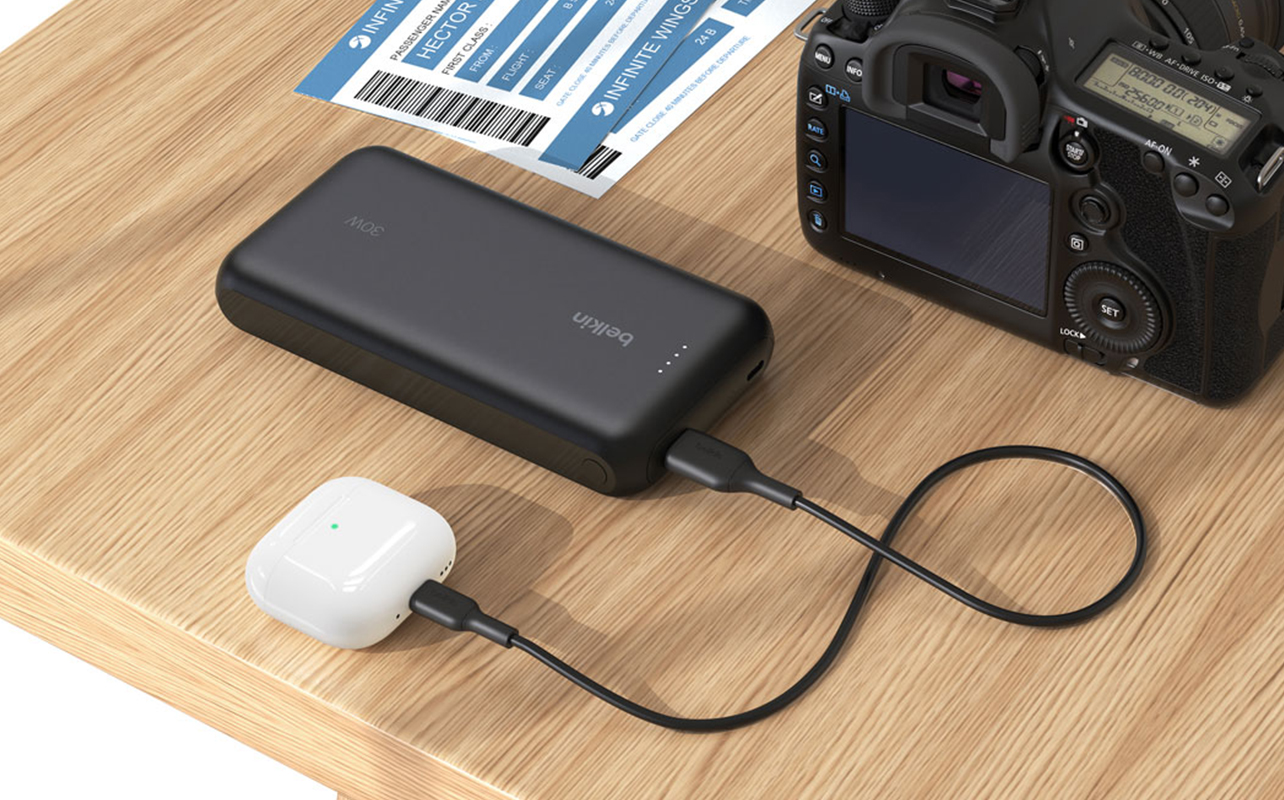
When you see “fast charging” printed on a power bank’s box, it doesn’t always mean the same thing across products. Some brands use the term because the power bank supports a recognised fast-charging standard, while others use it simply because it charges a little faster than very basic USB charging.
What makes this confusing is that fast charging is not a regulated label. There’s no single speed that officially qualifies as fast. As a result, two power banks sitting side by side both labelled “fast charging” can perform very differently once you actually use them. One might noticeably boost your phone in minutes, while the other feels only marginally quicker than an older wall charger.
This is why relying on marketing language alone can be misleading. The real story is always in the specifications, not the headline on the box.
Charging your device vs charging the power bank itself
Another common misunderstanding is assuming that fast charging applies equally in both directions. A power bank actually has two separate charging speeds:
- how fast it can charge your phone or device.
- how fast it can recharge its own internal battery.
These are not automatically the same. A power bank might be excellent at charging your phone quickly but still take many hours to recharge itself from a wall outlet. On the other hand, some power banks refill very quickly yet only charge phones at regular speed.
For everyday use, this distinction matters more than many people expect. If your power bank takes a long time to recharge, it may not be ready when you need it again. That’s why it’s important to check both output (device charging) and input (power bank recharging) specifications before buying.
Why wattage, not capacity, determines charging speed
Many shoppers assume that a higher mAh number automatically means faster charging. In reality, capacity and speed are two completely different things. Capacity, measured in mAh, tells you how long a power bank can keep your devices running. Charging speed, measured in watts (W), tells you how quickly energy flows into your device. A simple way to think about this is with water:
- mAh is the size of the water tank
- wattage is the width of the pipe
A large tank with a narrow pipe still fills slowly. A smaller tank with a wide pipe fills much faster. In the same way, a large power bank can still charge slowly if its wattage is low, while a smaller power bank can deliver very fast charging if it supports higher wattage. When it comes to fast charging, wattage not capacity is what really matters.
Power bank charging methods at a glance
Power banks charge devices in three main ways: wired USB-C, wireless (Qi), and MagSafe. While they all serve the same basic purpose, each method is designed around a different priority whether that’s speed, convenience, or compatibility with specific devices. Looking at them side by side makes the differences much clearer.
| Feature | USB-C (Wired) | Wireless (Qi) | MagSafe |
| Charging speed | Fastest option, supports higher wattage for rapid charging | Slower than wired, typically 5W–15W | Up to 15W on compatible iPhones |
| Compatibility | Works with most phones, tablets, accessories, and some laptops | Works with most Qi-enabled smartphones and earbuds | Designed for iPhone 12 and newer |
| Ease of use | Requires a cable | Cable-free, must place device correctly | Cable-free, magnetic snap-on alignment |
| Best for | Speed, efficiency, and versatility | Everyday convenience and shared spaces | iPhone users who want reliable wireless charging |
At a glance, USB-C stands out for speed and efficiency, wireless charging focuses on cable-free convenience, and MagSafe offers a more reliable wireless experience for iPhone users. None of these options is universally “better”, the right choice depends on how quickly you need power, what devices you use, and how you prefer to charge throughout the day.
The sections below take a closer look at each method, explaining how they work in real life and when each one makes the most sense.
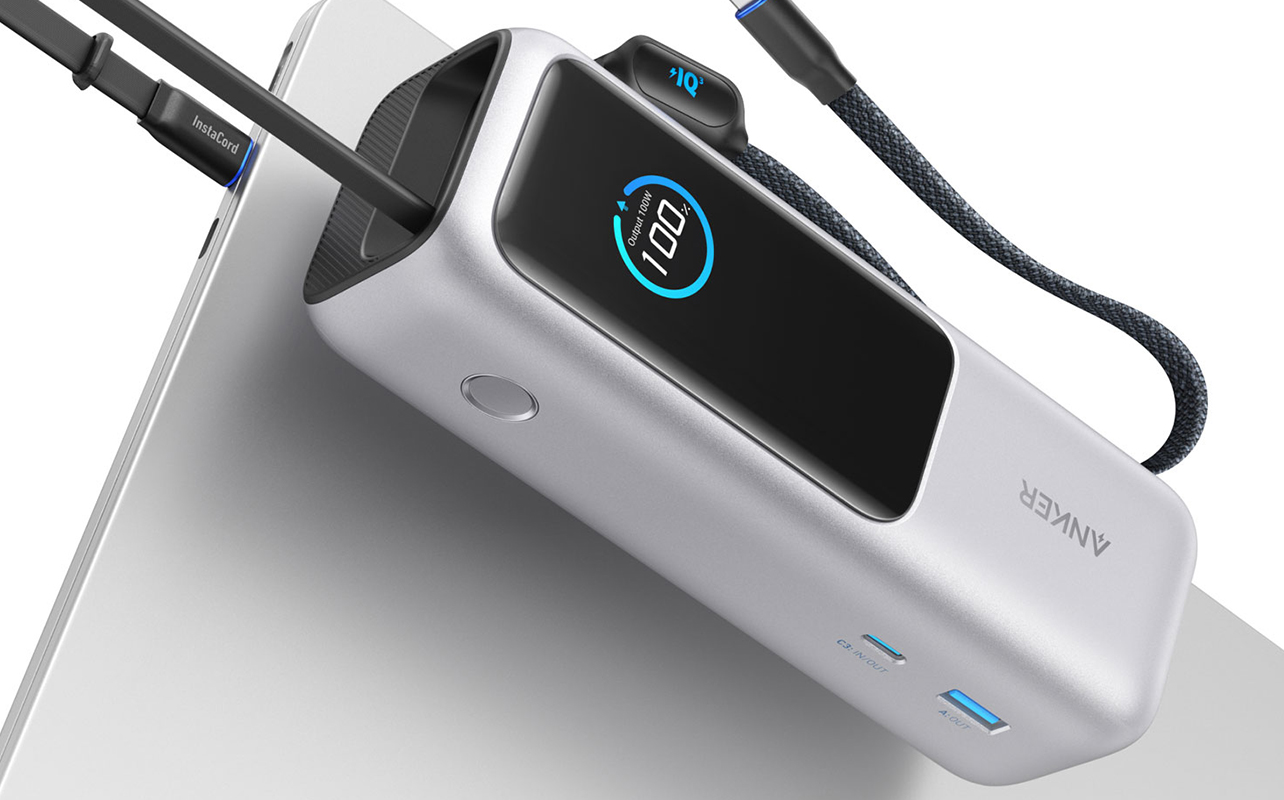
Wired fast charging with USB-C power delivery
When most people talk about fast charging today, they’re usually referring to USB-C power delivery, often shortened to USB-C PD. This is the technology behind the quickest and most reliable charging experiences offered by modern power banks.
USB-C power delivery is designed to move more power safely and efficiently, which is why it has become the standard for fast charging across many devices.
What USB-C power delivery is
USB-C power delivery is a smart charging system that allows your power bank and your device to communicate before charging begins. Instead of sending a fixed amount of power, both sides agree on how much power can be delivered safely.
This allows USB-C PD to support much higher wattage than older USB standards. The system automatically adjusts power levels based on what the device can handle, making charging both fast and safe.
How wattage affects real-world charging speed
Wattage plays a direct role in how quickly your device charges. A power bank that supports higher wattage can deliver more energy in less time provided your device supports fast charging as well. In real-world use, this often means modern smartphones can reach around half their battery capacity in well under an hour when connected to a high-wattage USB-C power bank.
This makes USB-C especially useful when you need a quick top-up during a busy day. If a device doesn’t support fast charging, the power bank automatically reduces output. Fast charging only happens when both the power bank and the device are compatible.
Why USB-C is the preferred option for fast charging
USB-C strikes the best balance between speed, efficiency, and versatility. It works across phones, tablets, headphones, gaming accessories, and even some laptops. Because it uses a wired connection, USB-C delivers power more efficiently and produces less heat.
It also remains stable while you continue using your device, whether you’re browsing, streaming, or navigating. For anyone who values fast, dependable charging especially while on the move USB-C remains the most practical and widely supported option.
Device and cable compatibility considerations
Even with a fast power bank, charging speed can be limited by the cable you use. Older or poor-quality cables may not support higher wattage, which can slow charging or cause inconsistent performance.
To get the full benefit of USB-C fast charging, all three components must support it: the power bank, the device, and the cable. Using a certified, high-quality USB-C cable helps ensure power flows efficiently and safely.
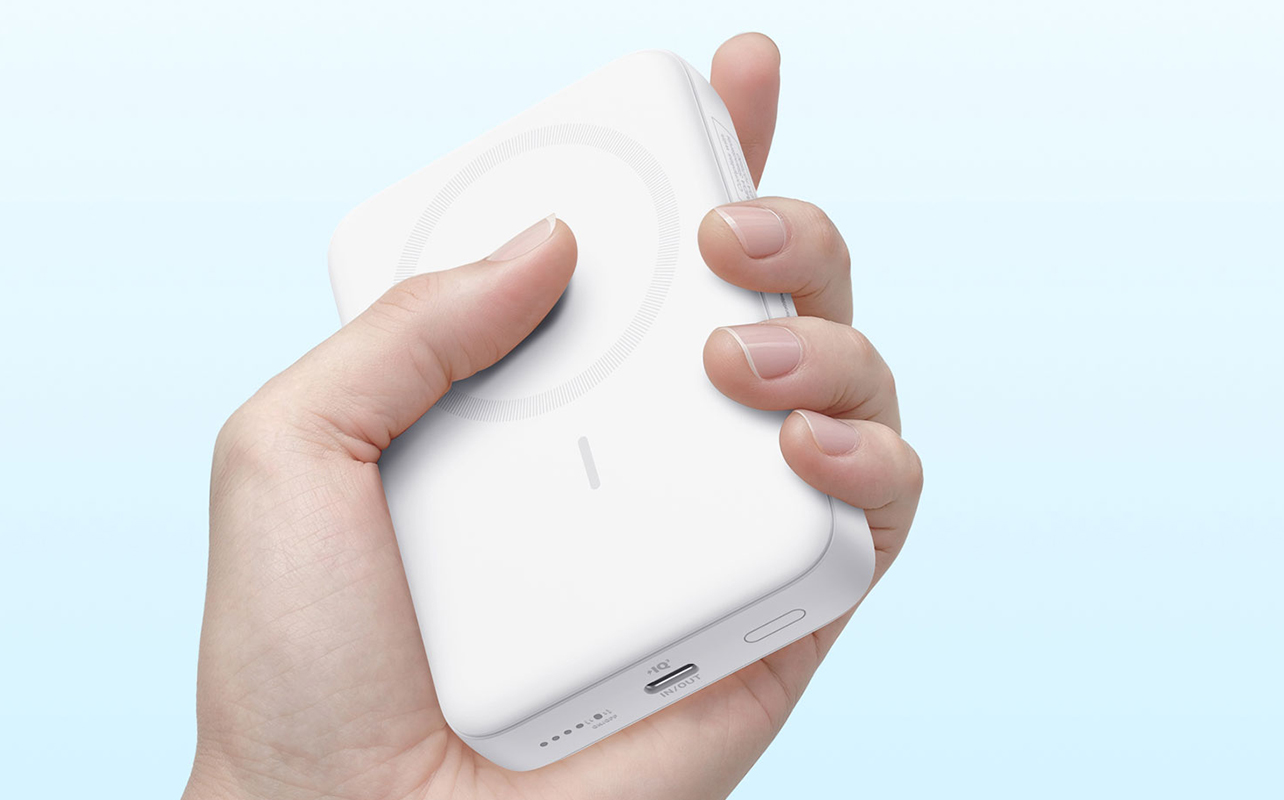
Wireless charging power banks (Qi)
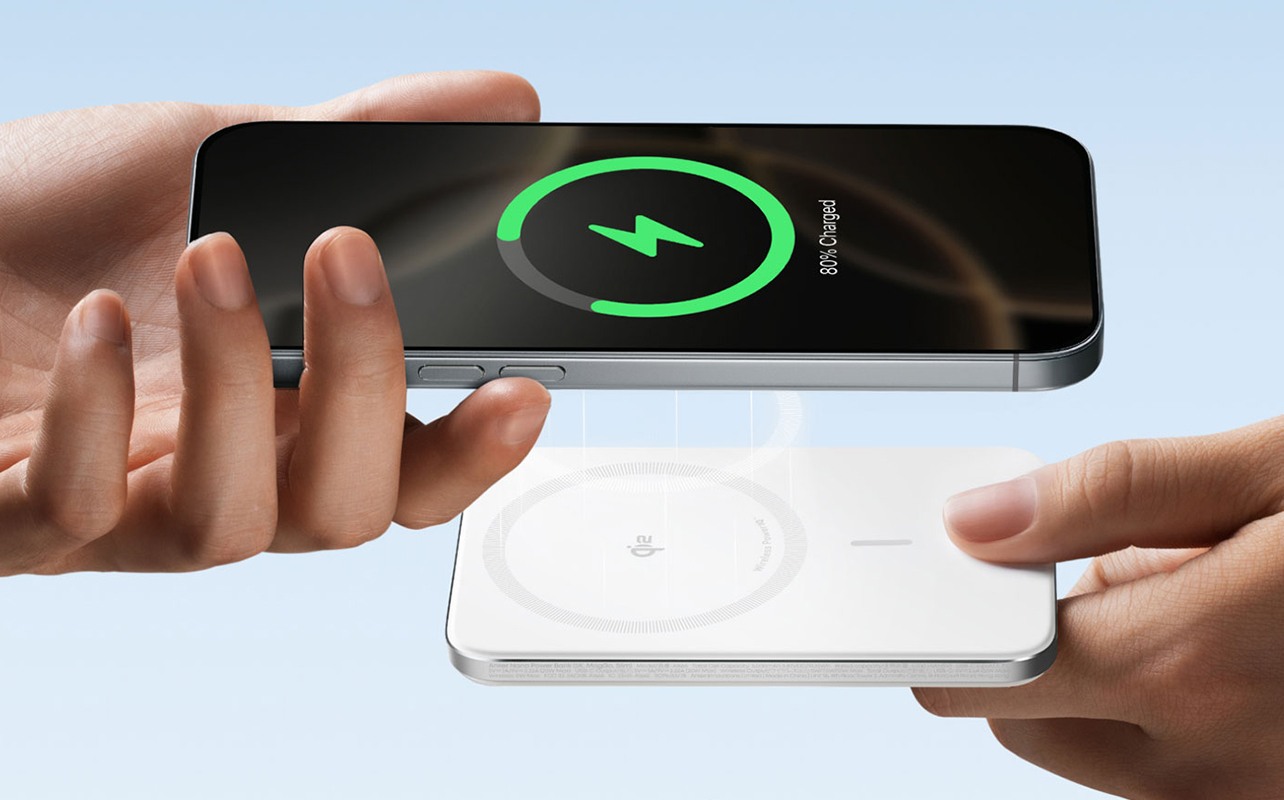
Wireless charging power banks use the Qi standard, which is supported by most modern smartphones and many accessories such as wireless earbuds. Instead of connecting a cable, the power bank charges your device simply by making contact with it. This type of charging is designed around ease and flexibility, rather than speed.
How Qi wireless charging works
Qi wireless charging transfers energy through electromagnetic fields. Inside both the power bank and your phone are charging coils. When the phone is placed on the charging surface, these coils align and allow power to move wirelessly between them.
From the user’s perspective, it’s straightforward: place your phone down, and charging begins automatically.
Convenience vs efficiency trade-offs
The biggest advantage of wireless charging is convenience. There’s no plugging or unplugging, making it easy to use throughout the day and suitable for shared spaces.
The trade-off is efficiency. Wireless charging is slower than wired charging and generates more heat due to energy loss during transfer. Because of this, it’s best suited for situations where time isn’t critical such as overnight charging, desk use, or casual top-ups.
When wireless charging makes sense for power banks
Wireless power banks are a good choice when speed isn’t the top priority. They work well on nightstands, workspaces, or anywhere you frequently place your phone down and pick it up again. For many users, wireless charging becomes a “set it and forget it” option rather than a fast-charging solution.
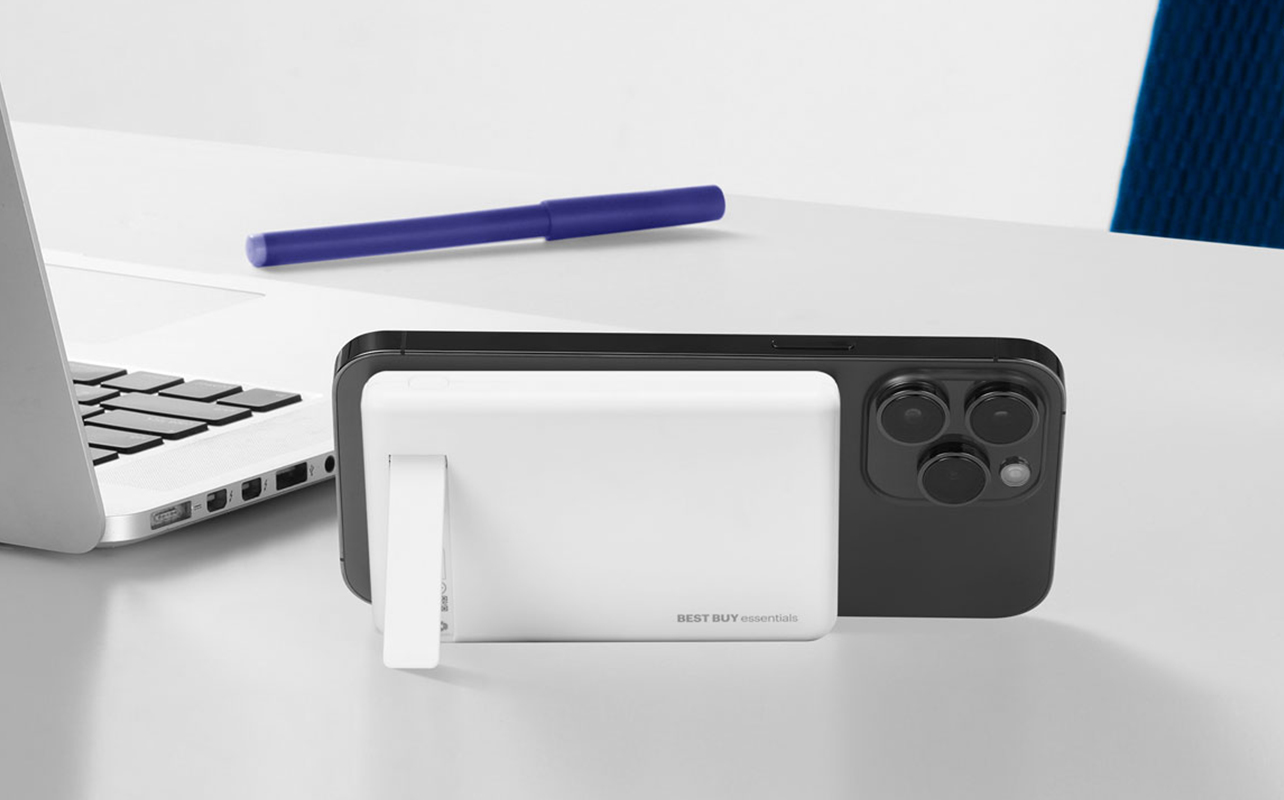
MagSafe power banks explained
MagSafe builds on wireless charging by adding magnetic alignment, and it’s designed specifically for newer iPhones. It keeps the benefits of wireless charging while solving some of its biggest usability issues.
What makes MagSafe different from standard Qi charging
MagSafe uses built-in magnets in both the iPhone and the power bank to automatically align the charging coils. When you bring the power bank close to the phone, it snaps into the correct position on its own. This removes the guesswork often involved with standard wireless charging, where slight misalignment can slow or stop charging.
Magnetic alignment and consistency benefits
Because the power bank locks into place, charging remains consistent and reliable even while moving around. The phone stays properly aligned, reducing interruptions. This makes MagSafe power banks easier to use while walking, commuting, or multitasking situations where standard wireless charging might fail.
Charging speed expectations for iPhone users
For iPhones, MagSafe charging is faster and more stable than standard Qi wireless charging, though it still doesn’t match the speed of wired USB-C fast charging. MagSafe offers a balanced middle ground: more convenient and reliable than regular wireless charging, but not as fast as a cable. For iPhone users who value ease of use and seamless integration with their devices, MagSafe provides a practical and everyday-friendly charging experience.
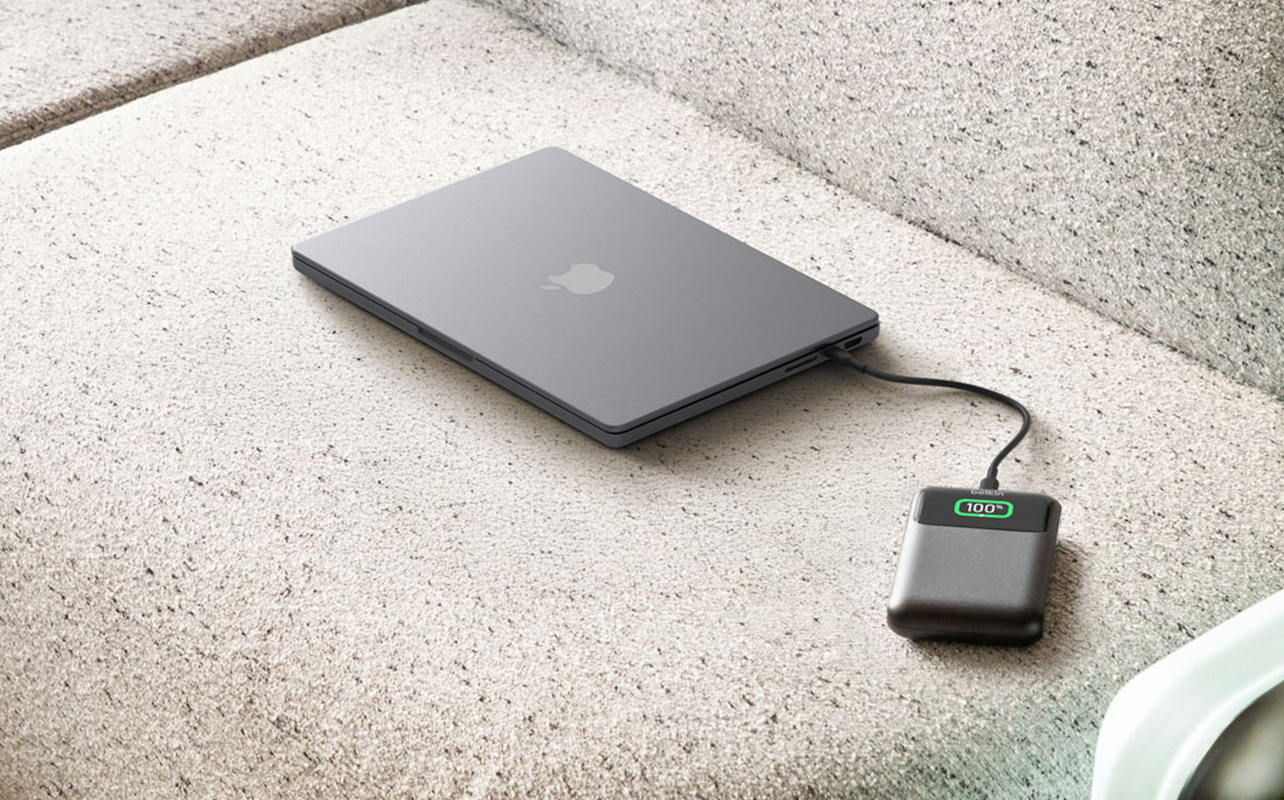
What actually affects charging speed in real life
Even when a power bank is labelled as fast charging, the speed you experience in daily use can vary. Charging performance isn’t determined by one factor alone it’s the result of how your power bank, device, and accessories work together.
Power bank output vs device limits
Your device ultimately decides how much power it can accept. Even if a power bank can deliver high wattage, your phone will only draw as much power as it’s designed to handle. A powerful power bank cannot force faster charging on a device that doesn’t support it. When the device reaches its limit, the power bank automatically adjusts to keep charging safe.
Cable quality and type
For wired charging, the cable plays a bigger role than many people realise. Low-quality, damaged, or outdated cables may not support higher power levels, which can reduce charging speed or cause inconsistent performance. Using certified, good-quality cables helps maintain a stable power flow and ensures your devices charge as efficiently as possible especially when using fast charging power banks.
Battery temperature and efficiency
Heat directly affects charging speed. As batteries warm up, devices automatically slow charging to protect long-term battery health. Wireless charging and heavy phone usage such as gaming, navigation, or video streaming can generate additional heat. When this happens, charging may slow down even if the power bank itself supports fast charging.
Why two “fast charging” power banks may perform differently
Not all fast charging power banks are built the same. Differences in supported charging standards, wattage limits, internal efficiency, and heat management all affect real-world performance. That’s why two power banks with similar labels can feel very different when used. The real experience depends on how efficiently each power bank delivers and manages power.
Choosing the right fast charging option for your needs
The best power bank isn’t necessarily the fastest one it’s the one that fits how you use your devices every day. For a broader look at capacity, portability, and lifestyle considerations, read our guide on how to choose the best power bank for every lifestyle.
When wired USB-C fast charging is the best choice
Wired USB-C fast charging is ideal if speed and efficiency matter most. It’s well-suited for travel, busy days, and quick top-ups, and it offers the widest compatibility for charging phones, tablets, accessories, and even some laptops.
When wireless or MagSafe charging is worth prioritising
Wireless charging makes sense when convenience matters more than speed. It works well on desks, nightstands, and in shared spaces. For iPhone users, MagSafe adds magnetic alignment and more reliable wireless charging, making everyday charging easier and more consistent.
Matching charging method to your routine
If you’re often short on time, wired charging is usually the better choice. If you prefer fewer cables and a simpler setup, wireless or MagSafe may fit better. Many people use a mix of both wired charging for speed, wireless options for everyday convenience.
Fast charging isn’t about choosing the biggest power bank it’s about choosing the right one. And with a wide range of wired, wireless, and MagSafe power banks available at Best Buy Canada, it’s easy to find an option that fits your routine, whether you’re at home, at work, or on the go.