
Choosing a laptop for school comes down to finding the balance in specs that work best for you. Between the processor, RAM, storage, and endless marketing claims, you don’t want to end up in either extreme: overspending on features you’ll never use or buying a device that struggles to keep up with your coursework.
As a student, you don’t need a high-end laptop with all the bells and whistles. Typical schoolwork, note-taking, web browsing, video calls, and productivity applications work well on a mid-range laptop. There are some nuances here, though, and we’ll break them down here.

Table of contents:
- Processor and everyday performance
- RAM for multitasking and school apps
- SSD storage for speed and reliability
- Portability, battery life, and screen size
- Frequently asked questions

What most students need
For the majority of students, the ideal laptop includes:
- Intel Core i5 or AMD Ryzen 5 processor: An Intel Core i5 or AMD Ryzen 5 processor offers the right balance of performance and value, providing enough power for web browsing, Microsoft Office, Google Workspace, video conferencing, research, note-taking, streaming, and everyday multitasking.
- 8GB–16GB RAM: 8GB of RAM is the practical minimum for running multiple browser tabs, productivity apps, and video calls smoothly. 16GB is a worthwhile upgrade for students who code, use engineering software, work with large datasets, or frequently multitask across many applications.
- 256GB–512GB SSD storage: 256GB is sufficient for documents and cloud-based work, while 512GB provides more flexibility for applications, projects, and long-term use.
- 13″–15″ display: A laptop within this range delivers a strong balance between portability and usability. It’s easy to carry around campus while still providing enough screen space for research, writing, and multitasking.
- At least 8 hours of battery life: A minimum of eight hours of real-world battery life helps students get through a typical school day without constantly searching for an outlet.
Recommended laptop specs by student type
| Student type | Recommended RAM | Recommended storage | Recommended CPU |
| Budget/Basic Use | 8GB | 256GB SSD | Chromebook or entry-level CPU |
| General Schoolwork | 8GB | 256GB SSD | Intel Core i5 / AMD Ryzen 5 |
| STEM & Coding | 16GB | 512GB SSD | Intel Core i7 / AMD Ryzen 7 |
| Design & Editing | 16GB+ | 512GB–1TB SSD | Higher-end CPU with dedicated GPU |
Check out our feature on how to choose between a laptop, desktop, and mini PC.
Core laptop specs that matter most for students
For a smooth experience look for the following core specs:
Processor and everyday performance
The processor (CPU) is essentially the brain of a laptop. It handles calculations, runs applications, and determines how smoothly your device performs daily tasks. An Intel Core i5 or AMD Ryzen 5 processor provides an excellent balance of performance and affordability for what most students tend to do on a laptop. These processors can comfortably handle web browsing, Microsoft Office, Google Workspace, video conferencing, streaming media, research and note-taking, and moderate multitasking.
Breaking that down further, moving up to an Intel Core i7 or AMD Ryzen 7 processor will be better suited for students in engineering, computer science, data analysis, or creative programs. They usually have more demanding software necessities, which is why a CPU upgrade makes sense.
That doesn’t necessarily mean you need a gaming laptop or gaming-level performance. Unless you’re regularly editing videos, creating 3D models, or playing demanding games, premium processors often won’t make any meaningful difference for academic work.
Read this guide comparing AMD and Intel CPUs.
RAM for multitasking and school apps
RAM (Random Access Memory) determines how many applications and browser tabs your laptop can keep open at the same time. Today, 8GB RAM is the practical minimum for students because it supports multiple browser tabs, Microsoft Office applications, video calls, streaming, and basic multitasking. Anything less than 8GB will struggle, especially since software is only getting more demanding over time.
Consider 16GB RAM if you write code or use development environments, use engineering software, work with large datasets, edit photos or videos, and frequently multitask across many applications. You will notice the difference when working with dozens of browser tabs, Zoom meetings, coding tools, and productivity apps simultaneously.

SSD storage for speed and reliability
Storage affects how quickly your laptop boots, launches applications, and accesses files. Solid State Drives (SSDs) have largely replaced traditional Hard Disk Drives (HDDs) in modern laptops. SSDs have faster startup times, load apps and files quicker application, offer improved responsiveness, better durability, and lower power consumption. That’s a nice combination to have for any student.
But how much is enough? Considering the difference between 256GB vs 512GB of storage depends on various factors. For starters, 256GB will be fine if you’re working with less demanding tasks or apps, like documents, presentations, and utilizing cloud storage.
That calculus changes a lot once you factor in room for applications and projects, especially those involving coding, engineering, and creative work. More storage never hurts in that regard simply because of the greater long-term flexibility. Not to mention you won’t need to manage storage space as often. Students planning to keep a laptop for several years often find 512GB SSD storage worth the investment.
Read more from our SSD buying guide.
Laptop specs by student use case
Whether you need a laptop for writing a 10-page essay or creating a video presentation for your class, consider key specs and features that meet your needs:
Note-taking, browsing, and writing
When the focus primarily lies in essays, research, online classes, and note-taking, it’s better to lean toward some other key variables. A lightweight design makes it easier to do all those things anywhere and everywhere. A comfortable keyboard and trackpad are always important for long-term use. Strong battery life ensures you can do it without worrying about finding a nearby outlet.
Chromebooks and budget-friendly Windows laptops are usually the best options for this sort of lighter workload. In this case, 8GB of RAM and 256GB storage should be fine, just as an entry-level processor in the Intel Core i5 and AMD Ryzen 5 range should suffice.
Coding, STEM, and data-heavy programs
Students in computer science, engineering, mathematics, and technical programs typically benefit from additional performance. This is where you typically want to venture into 16GB RAM territory, as well as doubling up to 512GB of storage and an Intel Core i7 or Ryzen 7 processor. Battery life can vary at these configurations, but you are more likely to get ports capable of seamlessly connecting to an external monitor.
One good rule of thumb is to review what’s typical of the software requirements for the department you’re studying in. While not all academic programs do that, certain engineering and scientific applications can have specific hardware recommendations.
Design, video editing, and gaming
Creative and graphics-intensive workloads demand more powerful hardware. This is actually a pretty broad category when combined. It can include graphic design, animation, video production, architecture, 3D modeling, and game development, among others.
In these instances, a dedicated graphics card (GPU) is preferable but your budget may have to settle for a decent integrated one instead. Prioritize 16GB or more of RAM, and 512GB of storage should be your floor. Don’t go lower. Good CPU performance and a nice screen are also important specs given the visual nature of work in these fields.
These programs often involve rendering, editing, and processing large files that place significantly greater demands on laptop hardware. Hence, machines that are better suited for these tasks will generally cost more.
Portability, battery life, and screen size
Performance matters, but portability is often just as important for students carrying laptops across campus every day. Here’s a quick guide when choosing the right screen size:
| Screen size | Best for | Trade-off |
| 13″–14″ | Most students | Best portability |
| 15″–16″ | Multitasking and creative work | Heavier |
| 17″ | Gaming and desktop replacement | Poor portability |
For most students, a 13″–14″ laptop provides the ideal balance between usability and portability.
When a larger screen is worth it
You might like a larger laptop screen if you frequently edit photos or videos, write code, use split-screen multitasking, work with large spreadsheets, or create visual designs. It’s just a simple fact that more screen real estate makes it easier to do these tasks.
Bearing in mind that larger screens also usually mean less battery life and portability, you may have to compromise on screen size if you care a lot about those things, too.
Read more on the key factors you should consider when buying a laptop for school.
How much battery life do students really need?
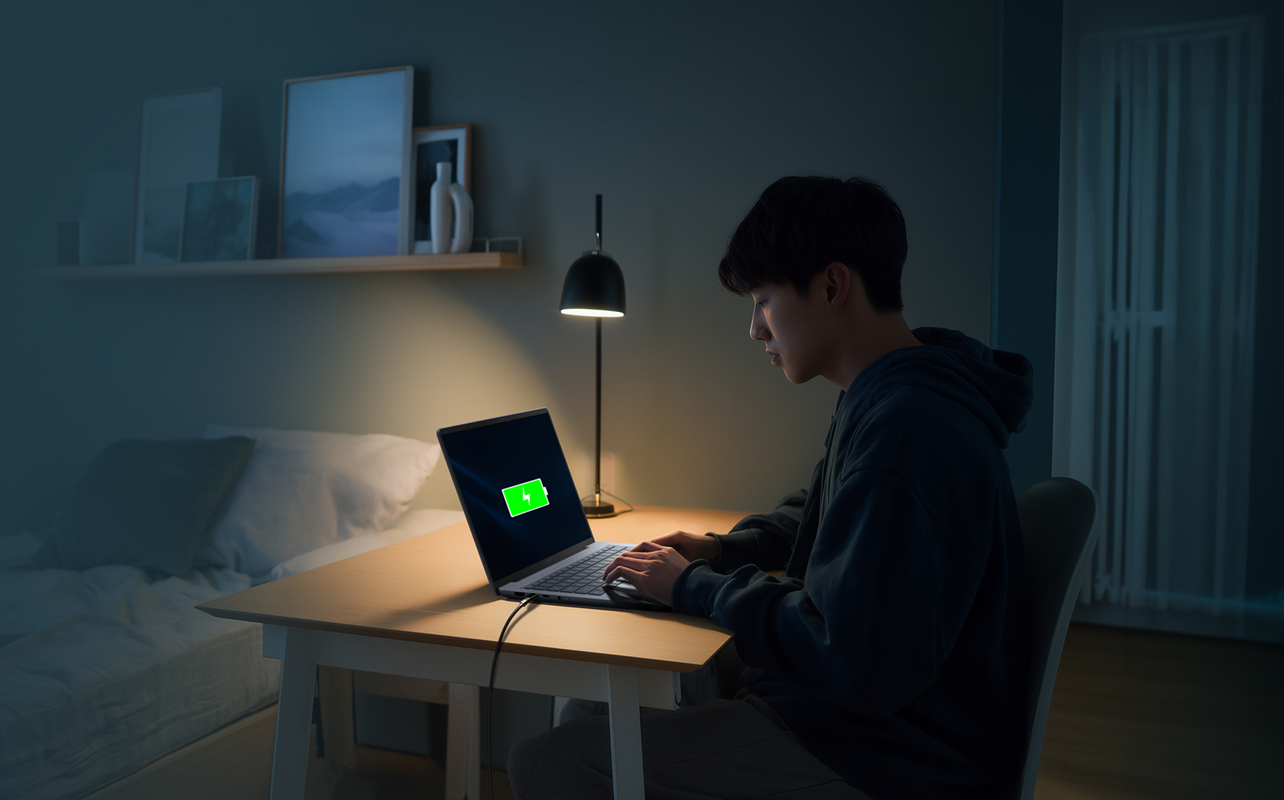
The sweet spot for a student is at least eight hours of real-world battery life. That’s enough to get you through a school day—even better if you have time to plug in between classes, especially in college or university. Since you’re just as likely to work on things in libraries, study halls, and during commutes, performance and battery life tend to stand out more in those instances.
Just don’t go by the manufacturer’s battery claims because they’re always based on ideal conditions. The apps you use, power consumption, screen brightness, and various other factors all contribute to battery drain. Hence, real-world usage typically produces lower results, especially when using video conferencing, multiple browser tabs, and demanding applications.
Common mistakes when buying a student laptop
Buying a new laptop for yourself or for a student you know? Steer clear of these mistakes many shoppers make:
Buying too little RAM or storage
A very common mistake is buying a laptop with minimal specs to save money upfront. It’s very hard to upgrade most laptops easily after purchase, so you may end up paying more in the long run just to replace that machine. Choose at least 8GB RAM and 256GB SSD storage as a starting point to help ensure the device remains useful for several years. If you can see more will be necessary a year or two down the line, go higher on both to stretch it out further.
Overpaying for performance you won’t use
Many students are drawn to premium gaming laptops with powerful processors and graphics cards because they can serve a dual purpose. That’s often very true but you also have to take into account that they will be more expensive, heavier, louder, and shorter on battery life. It’s overkill for typical schoolwork, which is why a sort of hybrid machine might be the better buy.
Ignoring school software requirements
Before buying a laptop, always verify any program-specific software requirements first. What, if anything, does your school or department recommend? Is Windows or Mac compatibility a factor? Engineering programs are usually more specific about things like this, so you want to be aware of what their recommendations are. Design and creative apps may go either way when it comes to operating system, whereas certain university programs may explicitly state which platform you need to have.
Here’s what you need to know when you’re switching from Windows to MacBook for school.
Frequently asked questions
Is 8GB RAM enough for students?
For general schoolwork, web browsing, Office apps, streaming, and note-taking, 8GB RAM should do it. Coding, engineering, or creative programs will do better with 16GB RAM.
How much storage should a student laptop have?
256GB SSD storage works for many students, but 512GB SSD provides more flexibility for applications, projects, media files, and long-term use.
Do students need a dedicated graphics card?
Most students don’t need a dedicated GPU. However, gaming, 3D modeling, video editing, architecture, and design programs can benefit from dedicated graphics performance.
Is battery life important for students?
Yes, absolutely. Long battery life is one of the most important laptop features for students moving between classes, libraries, study spaces, and remote learning environments.
Are Chromebooks good for students?
Chromebooks can work well for basic schoolwork, web browsing, and cloud-based learning. At the college and university level, however, software may require Windows or macOS, so students should verify compatibility before purchasing.