
For most students, 16GB of RAM and a 512GB SSD hits the sweet spot between performance and value. If you’re on a tight budget and mostly do web-based work, 8GB RAM with a 256GB SSD can still get the job done but you’ll eventually feel the limitations sooner than later.
That doesn’t mean that you should chase maximum specs all the time as an average student. A lot of it is about finding the right balance for what you need to do. Consider a laptop with enough RAM to keep your browser, Zoom, and Office apps running smoothly alongside a reasonably sized SSD. Together, they should serve you far better over time than an underpowered machine with extra storage you barely use. Or, even a maxed-out rig that blows your entire budget on specs you don’t need. A good way to start is to match your specs to how you actually work.
If you’re still figuring out which laptop features matter most for your classes, check out our guide to what laptop specs do students actually need for a broader look at processors, battery life, display quality, and other key considerations before you buy.

Table of contents
- RAM vs. storage: what each one does
- Recommended specs by school use
- How to choose the right balance
- FAQs
RAM vs. storage: what each one does
RAM (a computer’s memory)
Think of RAM as a large workspace your computer uses to manage active tasks. It holds everything you’re actively using, be it open applications, open browser tabs, active Zoom calls, a Word document, and music streaming running in the background. The more RAM you have, the more you can keep on the “table” without things slowing down.
When RAM runs low, your laptop or desktop temporarily uses available storage as virtual memory. Despite that, it’s in these very cases that you start to notice lag, freezing, and frustrating pauses mid-task.
More RAM makes a real difference for:
- Keeping 10+ browser tabs open at once
- Running Zoom or Teams while working in other apps
- Using Microsoft Office, Google Docs, or coding environments simultaneously
- Running creative software like Adobe Photoshop, Premiere Pro, DaVinci Resolve, and others
Low RAM doesn’t just slow things down a little, it can make a laptop feel genuinely unusable during heavy multitasking sessions.
Storage (a computer’s SSD or hard drive)
Storage is where your apps and files are always stored, so that includes the operating system, your apps, documents, photos, videos, and downloads. Space doesn’t impact how your computer multitasks, it simply determines how much stuff you can keep on your device.
Modern laptops use SSDs (solid-state drives) rather than traditional hard drives. SSDs are significantly faster at loading apps and files because there are no physically moving parts inside. Older hard drives work somewhat like a record player, with a read/write head moving across a spinning disk to access data. This is a big reason why a budget SSD laptop will feel snappier than an older machine with a hard drive.
Let’s break it down by what each storage tier roughly means in practice:
- 256GB SSD — Fits your OS, core apps, and school documents, but fills up faster than you’d expect because media files, creative projects, and games are generally larger than they were before.
- 512GB SSD — This is a comfortable middle ground for most students. There’s usually room for everything you need plus a reasonable buffer.
- 1TB SSD — Much better for students who edit video, work with large design files, or maintain a gaming library alongside their schoolwork.

Why students confuse the two
In computing, the term “memory” sounds like it could be RAM and storage, or even both. It could be equally confusing since laptop specs often show them side-by-side but they do entirely different things.
RAM isn’t permanent storage because everything in it disappears when you shut down your computer. Don’t assume that having more storage equates to faster multitasking because you run out of runway anyway. While virtual memory from empty storage helps, that doesn’t mean a 2TB SSD will help your laptop handle more open apps like a breeze. That’s RAM’s job.
Both affect your experience in different ways. RAM handles how much you can multitask and how responsive apps and tasks tend to be. Storage handles actual capacity, as in what you’ve actually stored and downloaded to the computer, along with how quickly you access those files.
Recommended specs by school use
Basic schoolwork and web-based classes
If your schoolwork revolves around Chrome, Google Docs, Microsoft Office, Zoom calls, and general web browsing, you don’t need a powerhouse machine. Chromebooks and entry-level Windows or MacBook models with 8GB RAM handle these tasks comfortably. None of them are all that taxing on specs like that.
But there’s a catch. Any computer with 8GB of RAM starts to show strain when you push past a dozen browser tabs or run multiple video calls alongside other apps. If your school provides cloud storage through Google Drive or OneDrive, a 256GB SSD is workable. But if you prefer keeping files locally, consider stepping up to 512GB.
Heavy multitasking, STEM, and creative courses
Students in computer science, data science, engineering, or design programs will feel the difference that 16GB RAM provides almost immediately. Running VS Code or PyCharm alongside a browser, terminal, and documentation is a completely different experience with 16GB compared to 8GB. If that’s your world, it’s a no-brainer to go this route.
Likewise, Adobe Creative Cloud apps—Photoshop, Illustrator, Premiere Pro, Firefly—chew up memory, so they need additional RAM to run smoothly. Data analysis tools like MATLAB, R Studio, or Jupyter Notebooks also perform more reliably when RAM isn’t the bottleneck.
Higher memory and lower storage can present difficult challenges in this regard. Consider a 512GB SSD the minimum for peace of mind to keep your project files handy, along with a reasonable library of assets without constantly shuffling things to external drives.
Gaming, video editing, and large project files
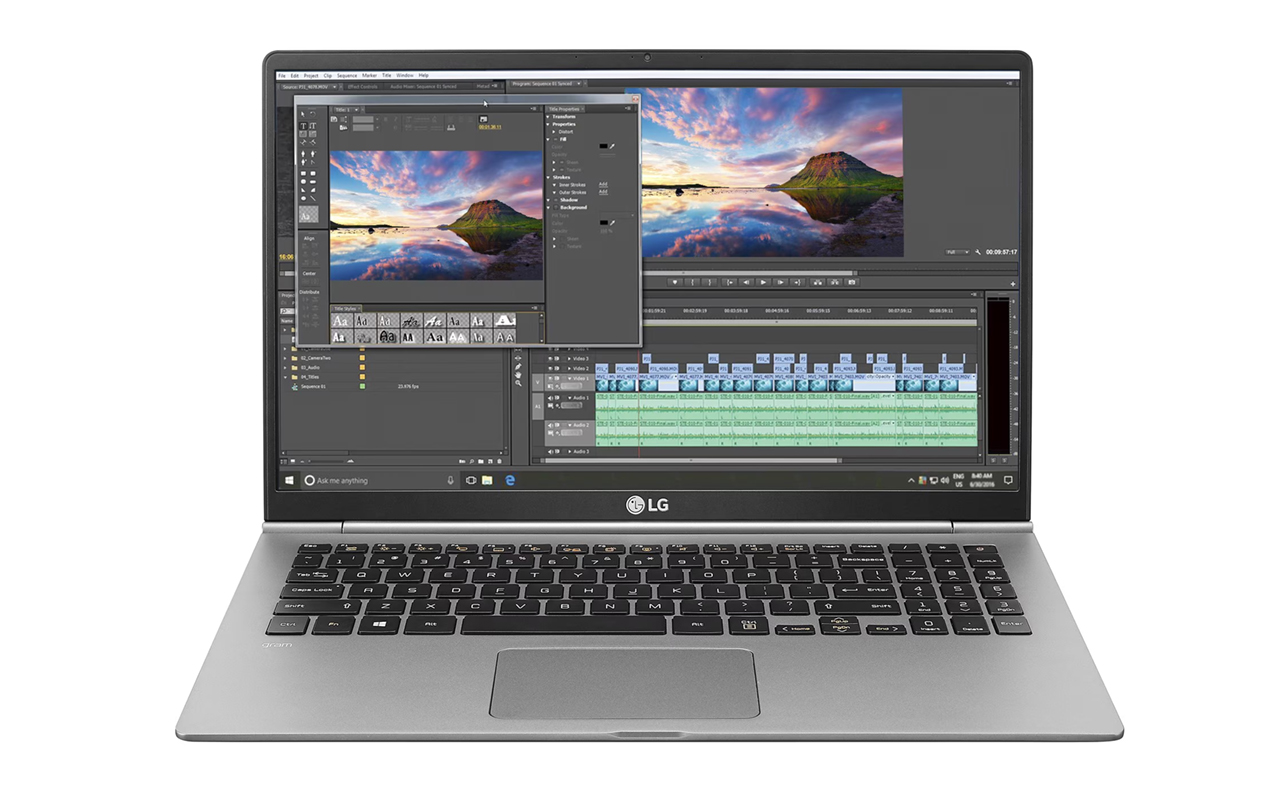
Students who are into gaming, video editing, or producing music more seriously need to have a storage plan. A single 4K video project can easily consume 50–100GB. A modest game library burns through a 256GB or 512GB drive quickly. Even if you go with a 1TB drive, plan ahead knowing that you will likely need external SSDs to work as backups. It’s also possible to pull in files directly from the drive when using editing programs, so they don’t actually store on the computer itself.
At this level, a dedicated GPU also becomes relevant, not just for gaming but for creative software that utilizes GPU acceleration in rendering and effects. Plan for at least 1TB of local storage and consider an external SSD for archives and backups.
How to choose the right balance
Minimum specs vs. comfort specs
There’s a difference between specs that technically work and specs that work comfortably over four years of school. Here’s a practical comparison:
| Usage Level | Minimum Specs | Recommended Comfort Specs |
| Basic school use | 8GB / 256GB | 16GB / 512GB |
| STEM & coding | 16GB / 512GB | 16GB+ / 1TB |
| Creative work | 16GB / 512GB | 32GB / 1TB |
Minimum specs get you through year one without issue. Comfort specs ensure your laptop keeps pace as software demands grow, your project files accumulate, and your coursework gets more complex.
Cloud storage and external drives
You don’t have to carry everything on your laptop’s internal drive. Several free and affordable cloud options can meaningfully extend a 256GB or 512GB SSD:
- Google Drive — Most schools offer students expanded Google Drive storage, often 15GB to unlimited depending on your institution.
- OneDrive — Microsoft 365 Education plans frequently include 1TB of OneDrive storage, which integrates neatly with Windows and Office.
- iCloud — If a Mac is your preference, Apple provides 5GB of storage for free and makes sharing within an Apple ecosystem easier.
- External SSDs — A portable external SSD (500GB to 2TB) is an affordable way to store archived projects, large media files, or backups without paying for a higher-tier laptop.
Beyond Google Drive and OneDrive, there are many other cloud storage providers. Box, Dropbox, Proton Drive, Sync, and others are readily available with different tiers. They don’t offer much for free but if you can handle a monthly or yearly subscription, they’re worth a look.
Since cloud storage requires an internet connection for access, you will need to have a strong internet connection. If you frequently work offline, like on a train, in areas with spotty Wi-Fi, or during travel, make sure your local storage covers what you need without relying on the cloud.
Future-proofing for later semesters
Software requirements rarely stay the same throughout a degree. A laptop that comfortably handles first-year coursework can feel strained by third or fourth year. Projects may get larger and tools become more demanding, all while you’re juggling more open applications at once. With that in mind, there are two things to keep in mind when buying:
- Slightly higher specs extend lifespan — Spending a bit more on 16GB RAM instead of 8GB today can easily add two or three years of comfortable use to a laptop’s life. Think of it as investing ahead of time to buy more time down the line.
- Upgrades on modern laptops are limited — Many current laptops and MacBook models have RAM and SSD soldered directly to the motherboard, meaning what you buy is what you’re stuck with. Always check upgrade options before purchasing. If a laptop’s RAM isn’t upgradeable, buying the right amount upfront matters even more.
Frequently asked questions
Is 8GB RAM enough for school?
Yes, 8GB RAM is sufficient for many students with a very modest workload. That would fall under using web browsers, Office apps, streaming, and online classes. Students in STEM, coding, or creative programs will likely notice the limitations and benefit from 16GB.
Is 256GB storage enough for students?
It can be, but it also depends. Basic school use can make do with 256GB, particularly if you rely on cloud storage like Google Drive or OneDrive for most of your files. Students storing large files, games, videos, or creative projects will generally be more comfortable with 512GB or 1TB.
Should students prioritize more RAM or more storage?
For most students, upgrading RAM has a bigger impact on day-to-day performance than extra storage. The equation changes for students who regularly work with large files. Think video, audio, photography, or large codebases, where additional SSD capacity becomes considerably more important.
Is 16GB RAM worth it for school?
Yes. The simple fact is 16GB RAM provides smoother multitasking and better long-term performance for coding, design work, STEM workloads, and anyone who keeps many browser tabs or apps open simultaneously. It’s also more future-proof as software demands increase over time. If you’re in a creative field and your budget allows, consider 32GB.
Do students need 1TB storage?
Most students don’t need 1TB of storage unless they work with video editing, photography, gaming libraries, or large creative projects. For typical academic work, 512GB is a comfortable and practical choice.