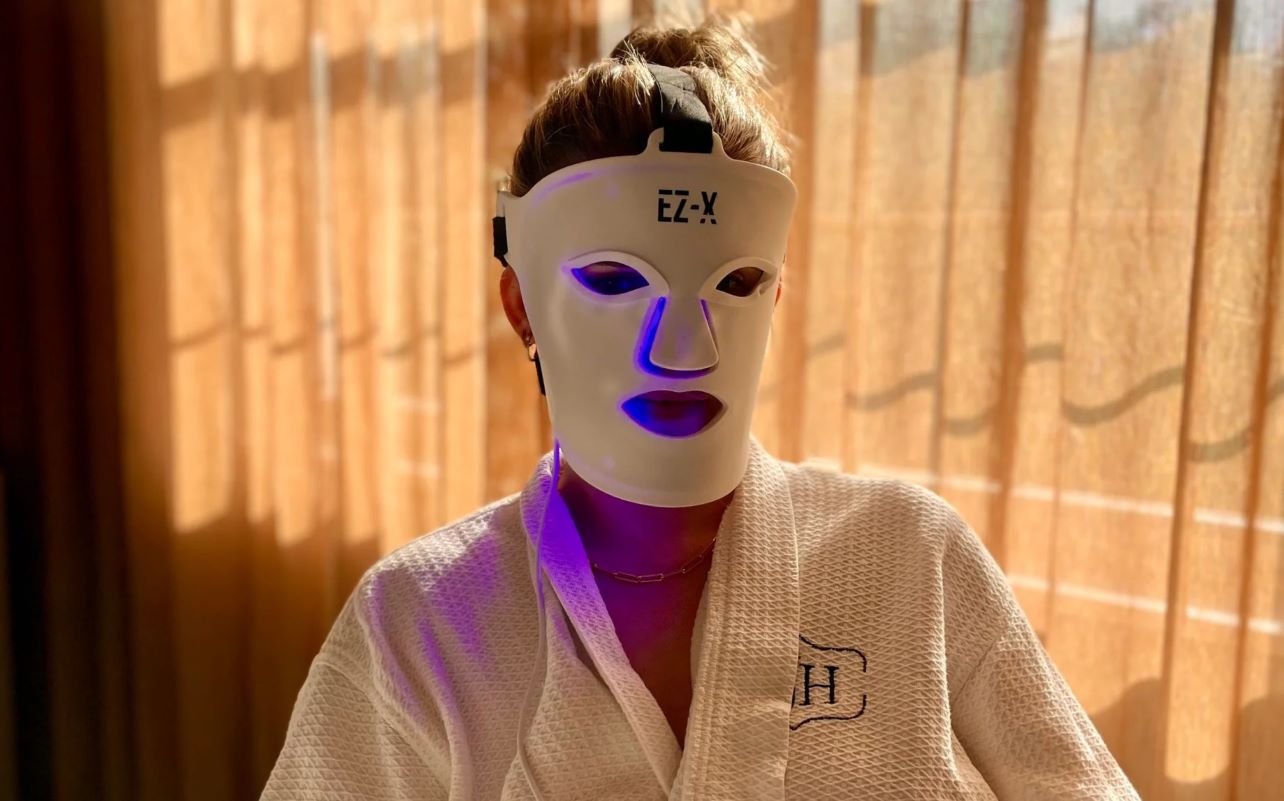
So you’ve just brought home your first skincare device and want to set it up safely and properly—but where do you start? The good news is most devices are designed to be user-friendly, and with a few simple steps, getting started is easier than it seems.
This beauty tech setup guide walks you through what to do before your first session. Whether you’re using an LED mask, microcurrent tool, cleansing brush, or facial therapy gadget, these steps will help you set up correctly, avoid common pitfalls, and feel confident from day one.

Start by reading the device instructions
Every at-home beauty device works differently. How LED face masks work is totally different from how microcurrent devices work, and so on. That’s why the manufacturer’s instructions should always be your first stop when you’re asking yourself, “how do I set up my skincare device for the first time?”
Each product’s manual will tell you exactly how to charge, clean, and use your specific device and model. It will also flag any contraindications that mean you shouldn’t use the device at all, such as certain skin conditions, recent procedures, or pregnancy.
Before you do anything else, take a few minutes to flip through the included booklet or QR-linked website. Look for information about:
- How the device works
- Recommended prep steps
- Compatible and incompatible skincare products (if any),
- Safety warnings specific to your device type, and
Also, identify what’s included in the box—such as charging cables, gels, straps, or attachments—so you’re not guessing later. Starting here helps you avoid misuse and ensures you’re following the correct process for your specific device.
Check what comes in the box before setup
When you unbox a new product, lay everything out and compare it against the packing list in your manual to make sure you have everything you need. You can also consult your product’s page on BestBuy.ca, where you’ll find a list of accessories under “About This Product” –> “What’s included.” This step prevents frustration during your first session and ensures your device works as intended.
| What might be included | Why it matters |
|---|---|
| The device itself | Confirm it matches what you ordered |
| Charging cable or dock | Some devices use proprietary chargers |
| Attachments or treatment heads | You may need specific ones for different areas |
| Protective covers or storage case | Helps keep the device clean between uses |
| Instruction manual | Your primary setup resource |
| Starter accessories | Some kits include gels, serums, or eye protection |
If anything is missing or damaged, contact Best Buy or the product’s manufacturer before proceeding.
Charge the device fully before first use
Many battery-powered skincare devices arrive with only a partial charge. Using them right away can lead to inconsistent performance or a session that cuts off mid-treatment. Most manufacturers recommend a full initial charge before your first use. Check the manual for the recommended charging time and watch for indicator lights that signal when the battery is ready.
If this is your first time using beauty tech, charging your device before use will give you a little extra time to get used to your next steps—and consult a beauty tech setup guide like this one.
Clean the device before it touches your skin
Even brand-new devices can pick up dust, residue, or oils during manufacturing and packaging. Cleaning yours before first use is a simple step that protects your skin.
That said, how to prepare a skincare device varies significantly by device type. A silicone cleansing brush can usually be soaped and rinsed with water, while an LED mask should be wiped with a soft, dry cloth. Electronic components should never be submerged or exposed to excess moisture unless the manual specifically says it’s safe.
Follow the manufacturer’s cleaning instructions exactly. Using the wrong method can damage the device or void your warranty. This is an essential step in learning how to use a skincare device for the first time, so make sure to read your manuals!
Prep your skin before using the device

How you prepare your skin also depends on what type of device you’re using. Some work best on clean, bare skin. Others require a specific product to function properly.
For example, microcurrent devices typically need a water-based conductive gel on the skin to deliver their electrical currents effectively, while LED face masks typically need to be placed over product-free skin. Using the wrong skincare can make the treatment less effective or uncomfortable.
Never assume that what works for one device will work for another.
Do a quick safety check before your first treatment
Before you power on your device for the first time, take a moment to confirm everything is in order:
- Inspect the device for any damage,
- Make sure the device is fully assembled, including attachments if relevant,
- Check your skin to ensure you’re good to use the product, and
- Confirm whether eye protection is required, especially for LED devices that emit bright light.
Skincare contraindications to watch out for will be listed in the manual. They might include things like active breakouts, pregnancy, Accutane use, or recent skin treatments like laser resurfacing or microneedling. When in doubt, consult a dermatologist before proceeding.
Choose the right settings for your first session
A great skincare device first use tip is to start with the gentlest options, from your treatment intensity to your session length. Your first use is about getting used to the device and making sure it’s a good match for your skin, not about maximizing results on day one.
Starting too aggressively can lead to skin reactions like irritation and discomfort, as your skin isn’t accustomed to the technology yet.
Pay attention to how your skin responds during and after the first few uses. You can always increase intensity gradually once you know what feels right for you.
What to do after your first use
Once you’ve finished your session, power the device off and clean it according to its instructions. Store your device in a clean, dry place—ideally with its accessories and/or in any protective case or pouch that it came with—to keep it safe from dust and damage.
Most importantly, follow your device’s recommended usage schedule. Overuse can irritate your skin or reduce the device’s effectiveness over time.
Common first-time setup mistakes to avoid
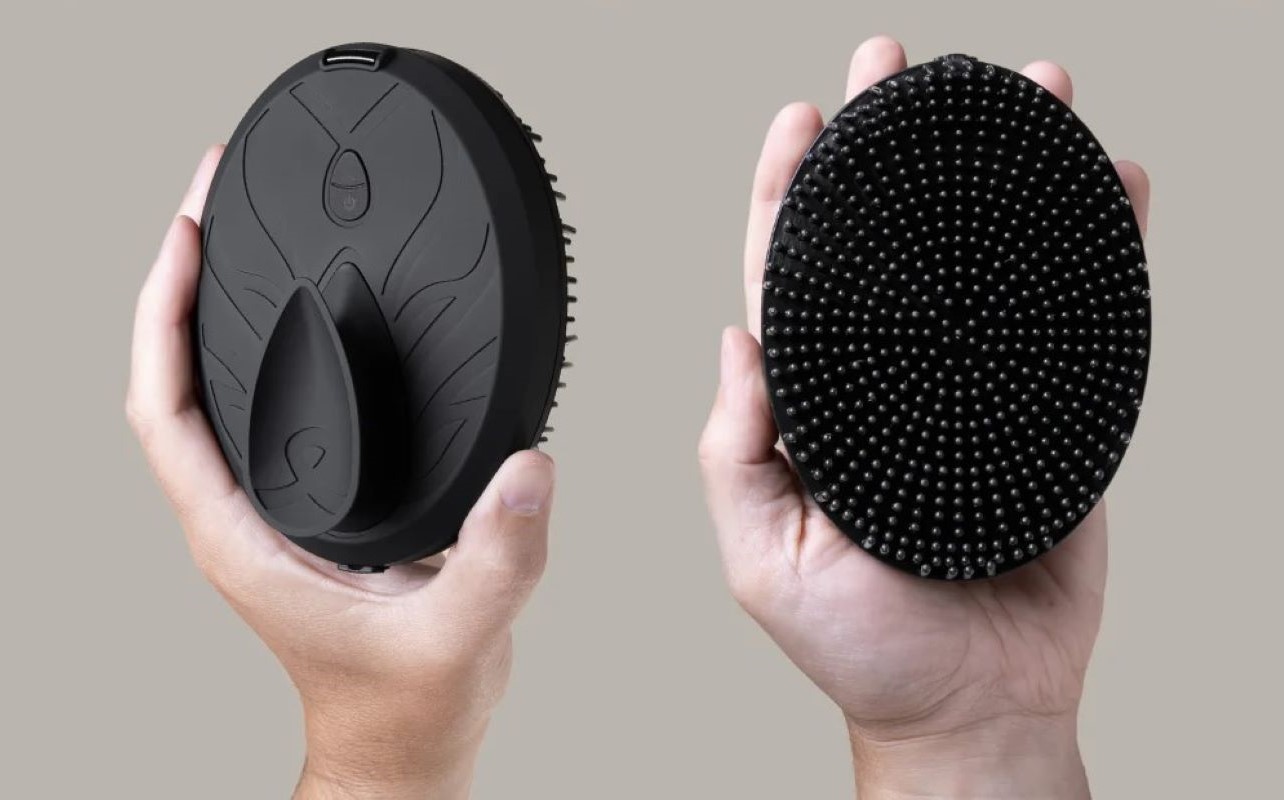
Even with the best intentions, first-time users may make errors. Here’s what to watch out for:
- Skipping the manual – Every device is different, and assumptions can lead to misuse.
- Not charging fully – A partial charge can affect long-term battery performance and session length.
- Using incompatible products – The wrong gel or serum can reduce effectiveness or damage the device.
- Starting at the highest setting – More intensity isn’t better, especially for sensitive skin.
- Careless storage – Leaving the device exposed to dust, moisture, or heat shortens its lifespan.
Avoiding these mistakes will help your device last longer and keep your skin happy—but following them is easy, and makes it easy to use a skincare device for the first time. This article on best practices for safely using skincare devices at home can be helpful.
If you’re still deciding which device is right for you, explore Best Buy’s collection of skincare devices to compare options by type, brand, and features.
Frequently asked questions
How do I set up a skincare device for the first time?
Start by reading the instructions, checking all included parts, and charging the device fully if needed. Clean it according to the manual before your first use, and prep your skin as recommended.
Should I charge my skincare device before using it?
Typically, yes. Battery-powered skincare devices often need a full charge before first use, but always follow the manufacturer’s instructions.
Do I need to clean a new skincare device before first use?
Yes. It’s a good idea to clean the device as directed before it touches your skin, even if it’s brand new.
What should I put on my skin before using a skincare device?
This depends on the device. Some are used on clean, dry skin, while others require a compatible gel, serum, or conductive product. Always follow the device instructions.
What setting should I use the first time?
If the device offers multiple settings, starting with a lower or beginner-friendly setting is usually the safest and most comfortable approach.
What mistakes should I avoid when using a skincare device for the first time?
Common mistakes include not reading the manual, starting at the highest intensity, forgetting to charge the device, using incompatible skincare products, and not cleaning or storing the device properly after use.

This article was drafted using AI technology and then reviewed, fact-checked, and revised by a member of our editorial team.