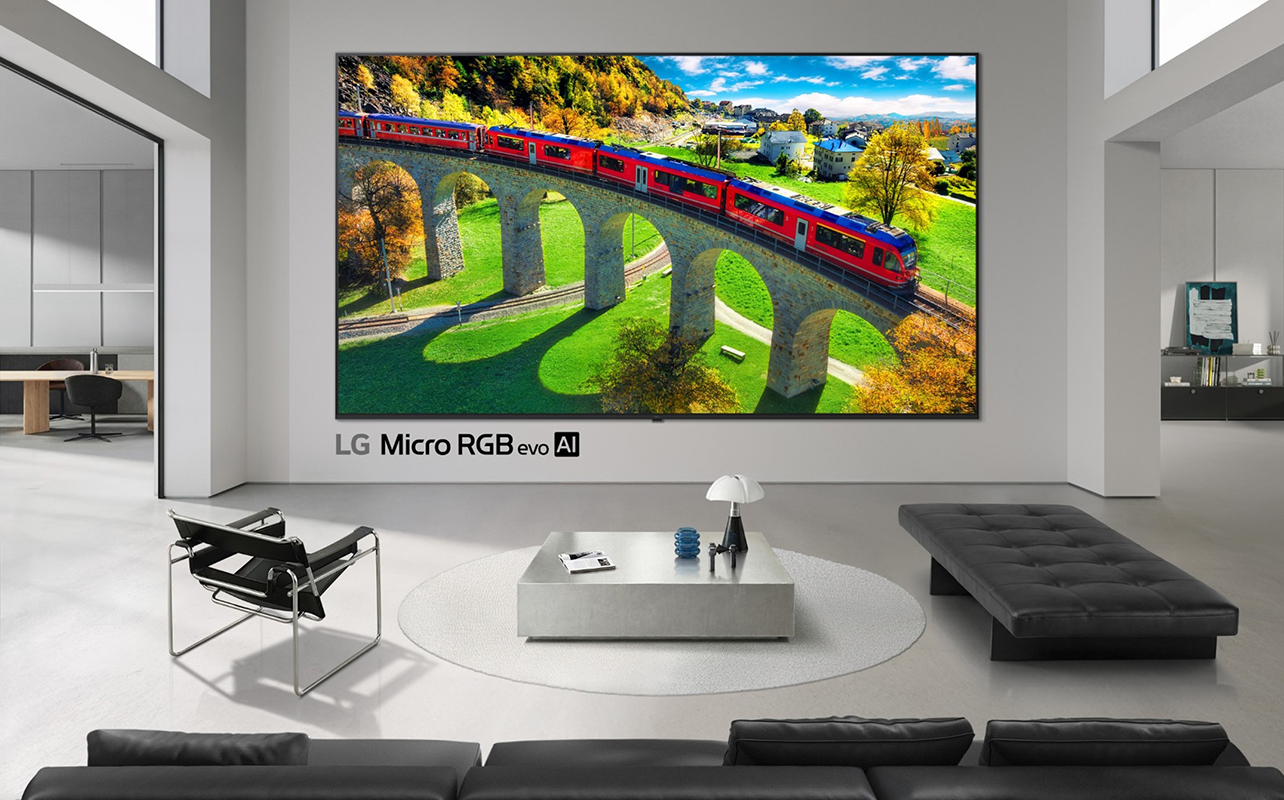
RGB LED TVs are all the rage right now, and with Samsung, Sony, and LG leading the charge, it’s important to understand how each brand differs. This can help you choose the right model to fit your lifestyle and living room. They all use an RGB backlight with red, green, and blue lights as a direct source, resulting in rich, vibrant colours and better detail across the board.
But there are certain things these three brands do differently to improve the picture and the experience overall that sets them apart. This includes different processors and picture processing techniques, anti-glare treatments, specific RGB LED TV features for gamers, improved audio, different smart TV platforms, and more. And these technologies and the results may sway your purchase decision.
So, while there’s a lot that makes these RGB LED TVs the same, the most important question I’ll answer here is what makes Samsung, Sony, and LG TVs different from one another?
For the purposes of this comparison, I’ll focus on the most premium flagship models from each manufacturer. These offer the top-of-the-line features and overall best viewing experience. They also showcase everything each brand has to offer. Once you have an idea of how each brand excels with their premium models and prioritize your needs, you can also find less expensive options in each line to consider.

Table of contents
- Samsung Micro RGB
- Sony True RGB
- LG Micro RGB evo
- What actually sets them apart?
- What about the less expensive models?
- What should you look for when buying an RGB LED TV?

What do Samsung, Sony, and LG RGB LED TVs have in common?
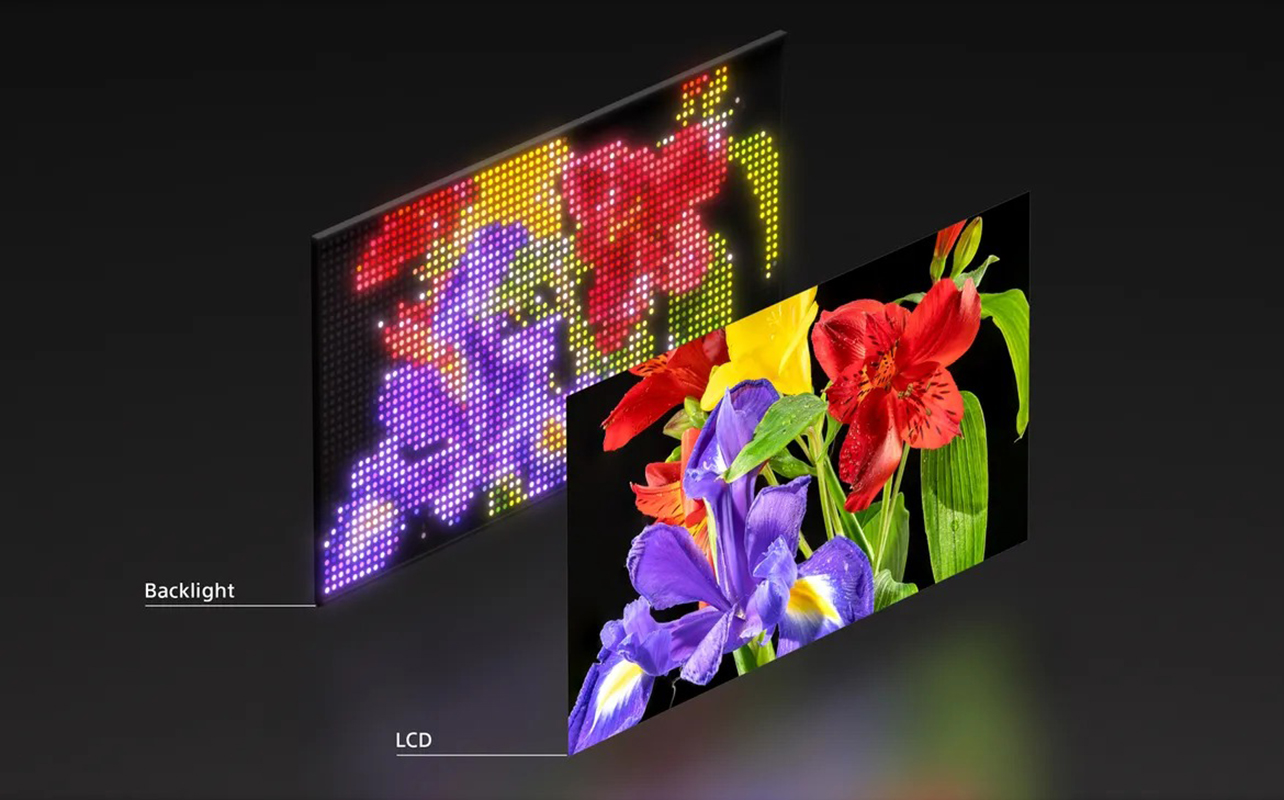
They all, of course, use RGB LED TV technology, which we explain in detail in our handy guide on RGB LED TVs. Individual red, green, and blue LEDs shine light onto the screen versus going through a filter, as with conventional LCD TVs.
With individual LEDs handling individual colours, you get ultra-precise pictures with better brightness, richer colours, and purer detail. RGB LED TVs are great for watching movies and TV shows. Bright highlights don’t look blown out and there’s no sacrifice to colour accuracy and intensity. When you’re considering a big-screen TV, this is especially impactful.
But how do these three brands differ?
Samsung Micro RGB
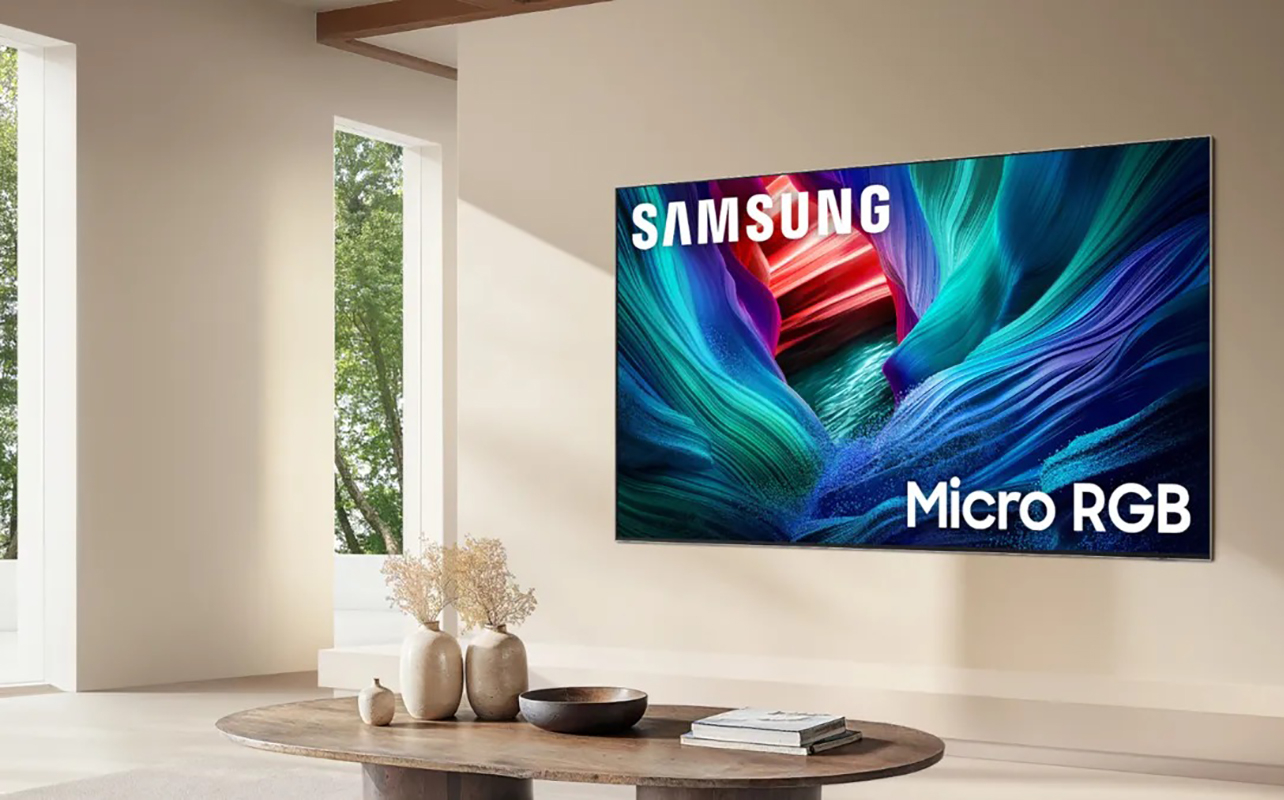
Samsung Micro RGB LED TVs models like the flagship Samsung R95H Micro RGB TV excel when it comes to not only picture quality, but also the AI-powered features. There’s also the strong smart TV and Samsung product ecosystem.
Samsung Vision AI
AI doesn’t just come in the form of a virtual assistant, though you get that, too, with the integration of Microsoft Copilot and Samsung Bixby. It’s also with picture (and sound) improvements. AI-powered picture processing through the Micro RGB AI Engine Pro further enhance colour, contrast, HDR, clarity, and motion.
The Samsung R95H uses red, green, and blue Micro LED backlighting with more zones than the step down Samsung R85H. AI is also used for 4K upscaling, so even 1080p content can look as close as possible to 4K. With Auto HDR Remastering Pro, I noticed in my comparison of the Samsung R95H versus R85H that even old westerns looked great thanks to the behind-the-scenes technology working to improve the old, grainy picture.
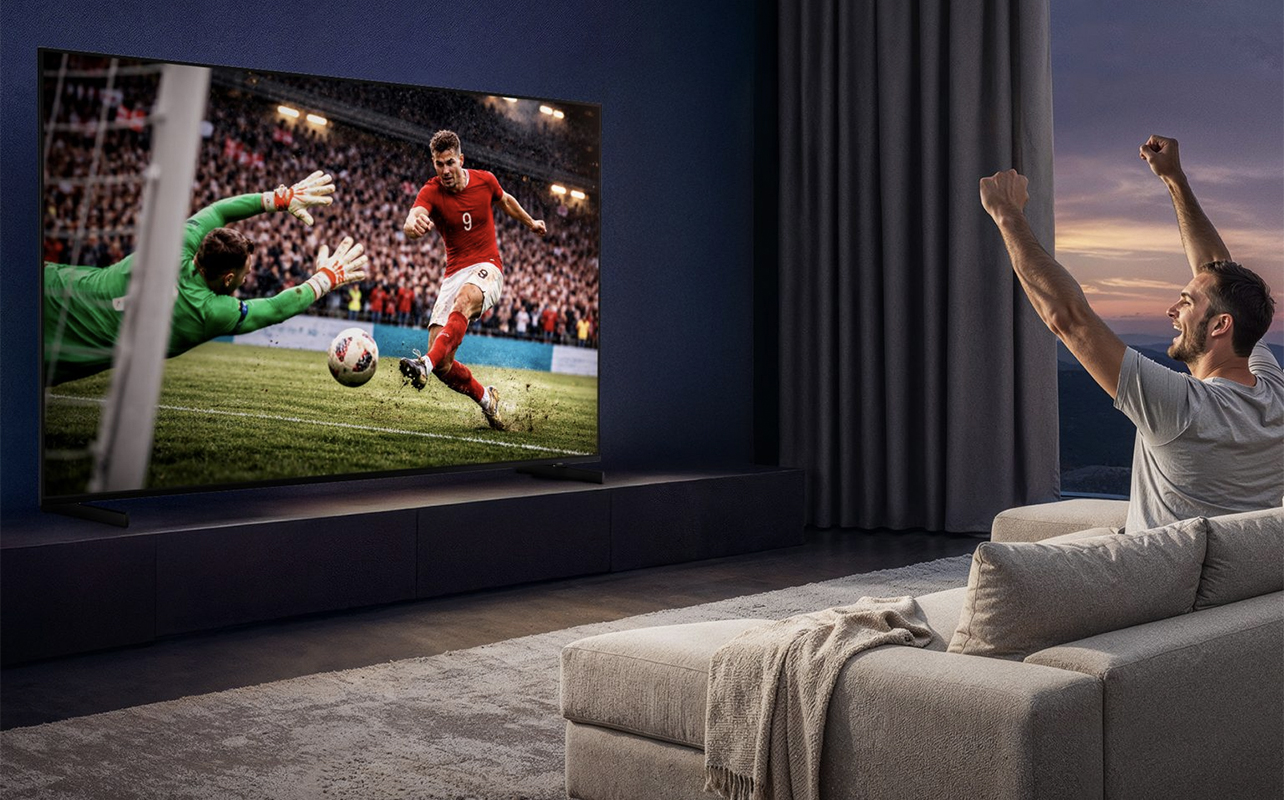
There are also features like AI Soccer Mode Pro for adjusting settings when watching sports to provide a stadium-like picture. You can amplify or quiet the crowd or announcer for your preferred listening experience. This offers a wonderful level of personalization and a tailored viewing experience.
Glare-free panel
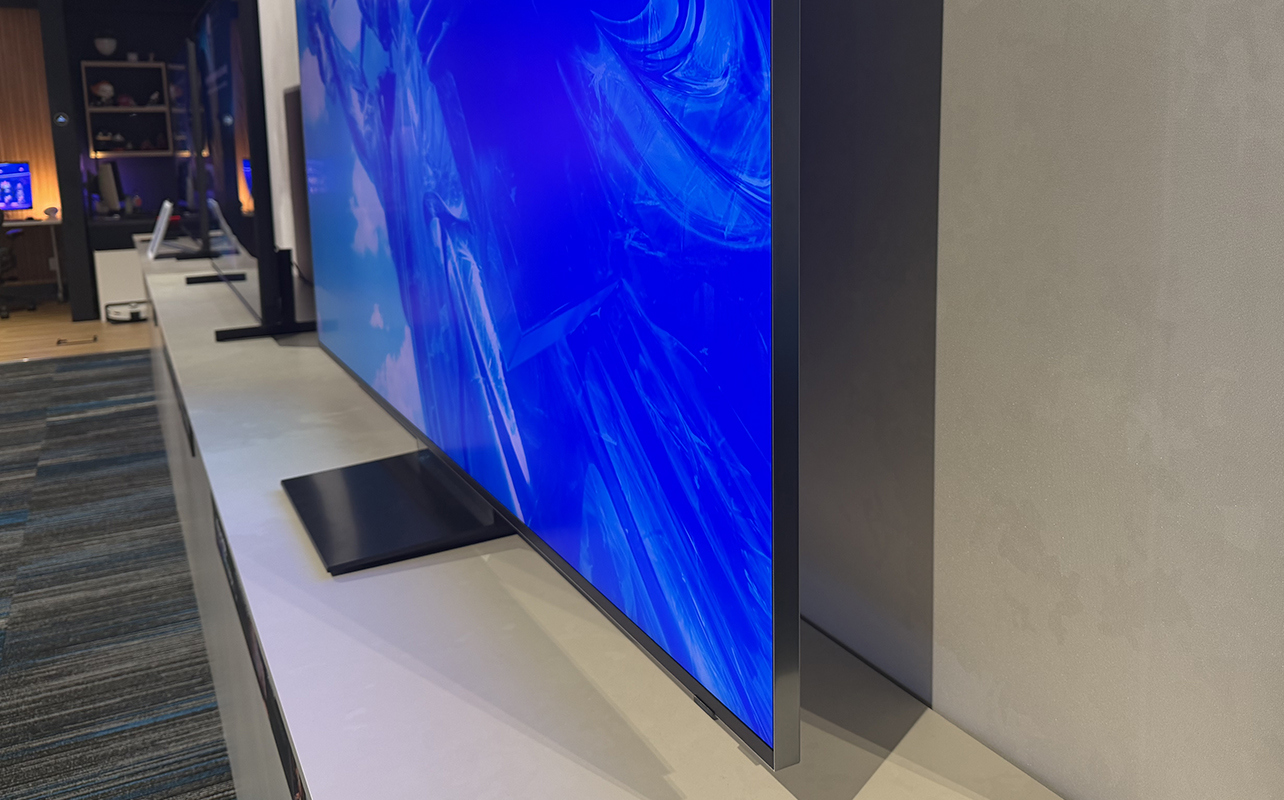
Its Glare-Free panel offers a noticeable improvement, especially with off-axis viewing. You will see virtually no glare, great for when the entire family is gathered to watch. It’s also useful for rooms with large windows and overhead lighting.
Gaming
For gaming, Samsung R95H’s 165Hz refresh rate (144Hz in the R85H) can keep up with even intense video games, reducing motion blur and lag. Both models also include HDMI 2.1, Variable Refresh Rate (VRR), Auto Low Latency Mode (ALLM), and 4K high-refresh-rate gaming, making either of them great for serious gamers. (See our guide to TV terminology and acronyms for more details on what this all means).
Along with a higher refresh rate, the R95H also offers higher audio output and pro-level processing. You can access the Samsung Gaming Hub with both.
Smart TV, smart home integration, audio
The Tizen smart TV OS, one of several popular smart TV OSs, comes with Samsung TV Plus free channels and seven years of OS updates. It’s simple to use, offering access to all your favourite apps.
There’s also seamless integration with Samsung SmartThings smart home devices and compatibility with Samsung mobile products. For example, you can control your TV using a compatible Samsung Galaxy Watch, like the new Samsung Galaxy Watch 9 that I reviewed. With Q-Symphony, you can pair the TV with compatible Samsung audio products for a fully synced audio experience.
Choose Samsung’s higher-end RGB option if…
The TV will sit in a bright living room, and multiple people will often be watching together. If reflections are an issue in that room, this model will be a worthwhile upgrade. Finally, AI features like AI Soccer Mode Pro make this a good option for sports fans who want to feel more immersed in the game.
Sony True RGB
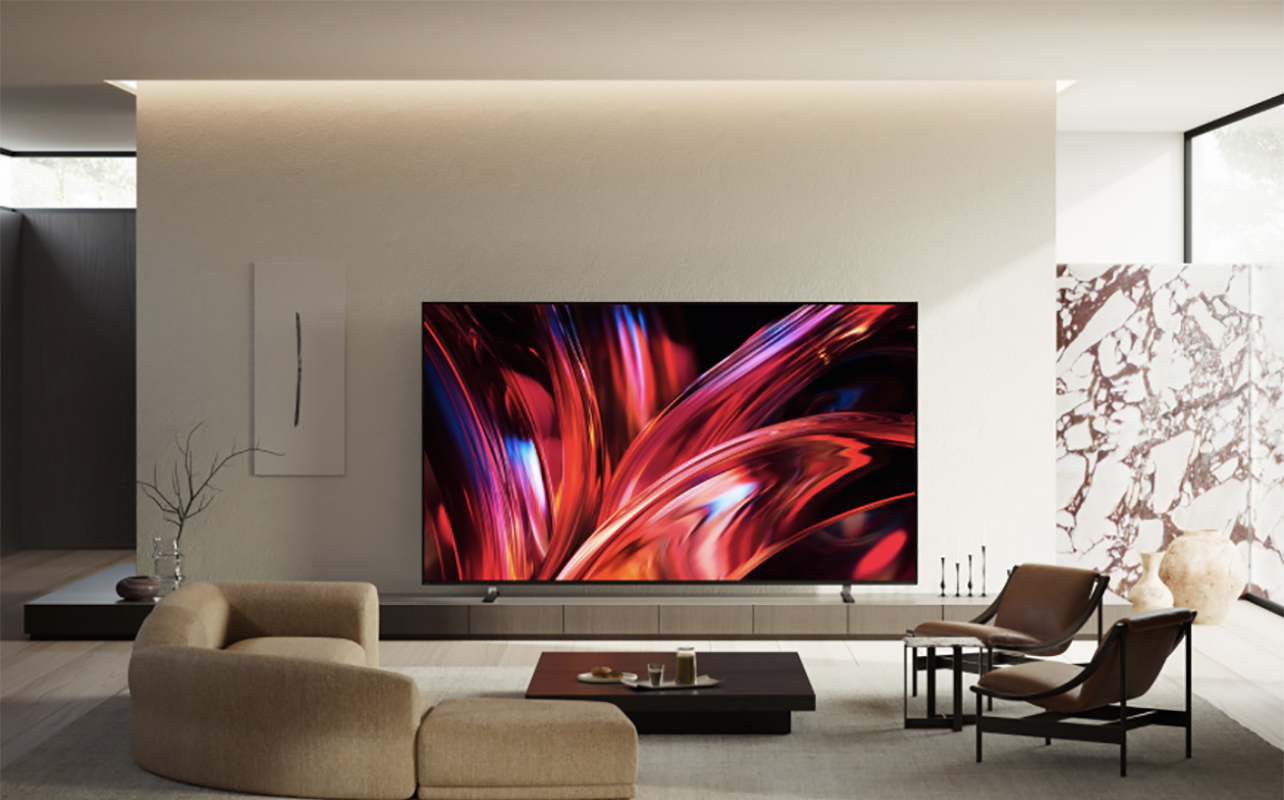
The RGB LED technology in Sony’s latest RGB LED TVs is called True RGB. The premium model, the new Sony Bravia 9 II, promises improved colour, processing, and precise backlight control with red, green, and blue LEDs within each backlight zone. According to Sony, its RGB technology can deliver roughly four times the colour volume of a conventional Mini LED TV. Sony PlayStation integration makes it a top option for gamers as well.
Cognitive Processor XR + XR Backlight Master Drive
The core of Sony’s line is its Cognitive Processor XR and XR Backlight Master Drive, which work together to control colour, upscaling, motion, local dimming, scene recognition, and backlight behaviour. The Cognitive Processor XR analyzes how we see images (and audio) and adjusts focus and depth accordingly for real-world scenarios. Sony’s processor also uses scene recognition to identify what you’re watching and distinguish among different types of content, like action movies, sports, and animation.
The XR Backlight Master Drive, meanwhile, uses Sony’s proprietary local dimming algorithm to independently control clusters of Mini LEDs. The result is a reduction in blooming and halo artifacts along with higher peak brightness and deep blacks.
In his first impressions of the new Sony RGB TV line at the Canadian launch event, Ted Kritsonis observed the “warm reds and yellows of a sunset,” with richer colours and no blooming, fringing, or banding.
Extremely high brightness and HDR
One of the biggest selling points of the flagship Bravia 9 II is its incredible brightness. You get up to 5,000 nits peak brightness with 5,000 independent dimming zones and 15,000 LED elements arranged in RGB clusters. This results in a beautifully bright image, even in brighter rooms. While not every Sony TV boasts these same specs, you can expect that brightness and HDR performance is excellent in virtually every True RGB model.
Immersive Black Screen Pro
The anti-glare treatment, called Immersive Black Screen Pro, reduces reflections to maintain a clean image in brighter rooms. It’s ideal if you watch a lot of TV during the day. It’s oddly not available on the largest 115-inch Bravia 9 II model though you will find it on the smaller 65-, 75-, and 85-inch ones.
Gaming

It makes sense that Sony would support seamless gaming connectivity and enhanced features for gaming. This includes Auto HDR Tone Mapping, which optimizes HDR settings for deeper shadows and brighter highlights, and Auto Genre Picture Mode that automatically switches to Game Mode to reduce lag and increase responsiveness. 4K/120Hz and VRR support provides smooth, high frame rate gaming, combined with VRR and ALLM.
Access the PlayStation Remote Play app for easily streaming and controlling a compatible console (PS4, PS5, and PS5 Pro) directly from the TV. A dedicated game menu consolidates all the game settings, status adjustments, and assist functions in one spot. With two HDMI 2.1 ports, you can connect multiple devices using this advanced standard.
Smart TV and audio
Sony TVs come loaded with the Google TV OS, which is arguably among the best smart TV interfaces (and one of my favourites, which I use on a Sony TV in my living room!) Along with Google Gemini integration for voice control and search, you get features like built-in Chromecast, AI-driven content recommendations, and access to the Google Play Store and its apps.
Add the TV to a Google Home and use it to control other Google smart devices, like speakers. You get features like top picks to watch, easy one-click access to continue watching something, no matter what service it was on, and a nicely organized and browsable menu for content. Sony has its own audio system that ensures seamless connection with Sony sound bars and speakers as well as enhanced built-in audio. With Direct Connect, you can connect to compatible rears and a sub without needing a sound bar.
Choose Sony’s higher-end RGB option if…
You plan to place the TV in a bright room, watch a lot of bright content like animated movies, and watch premium streaming content and sports. It’s a solid option for Sony PlayStation gamers.
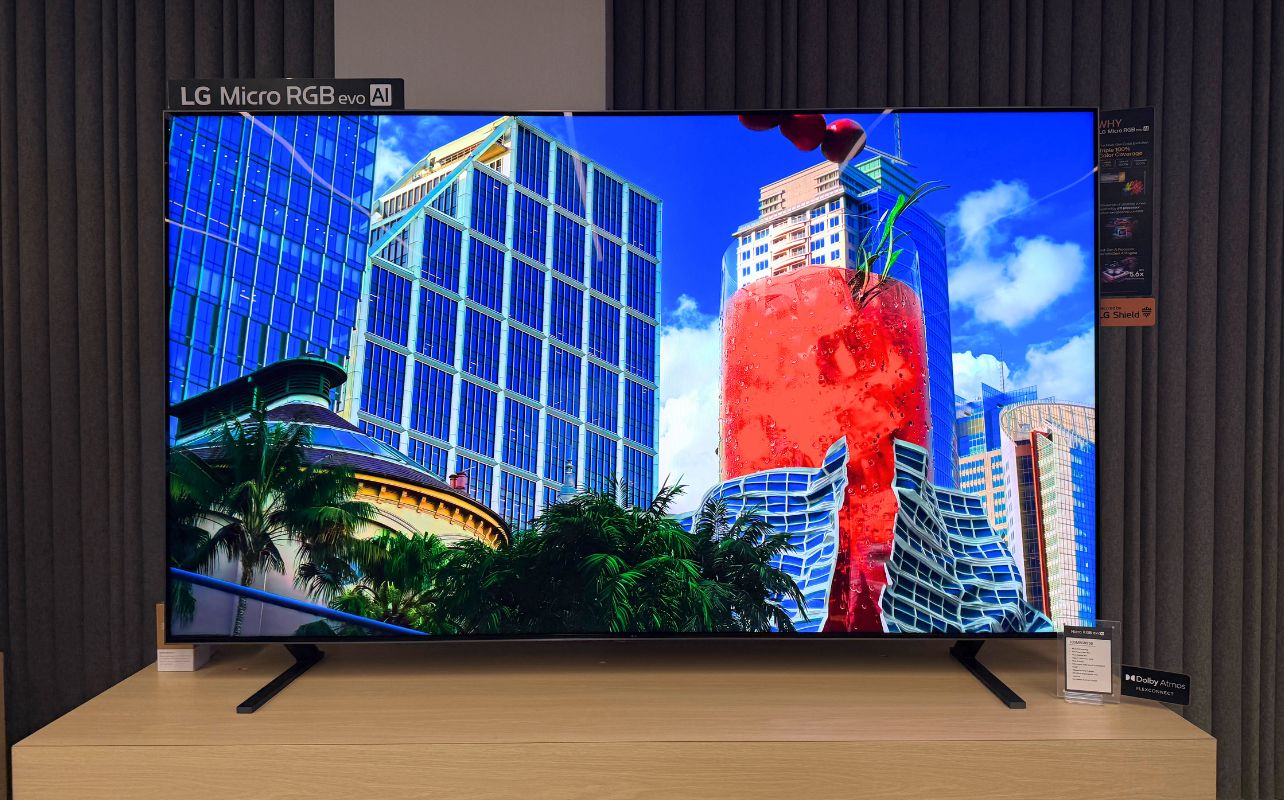
LG Micro RGB evo
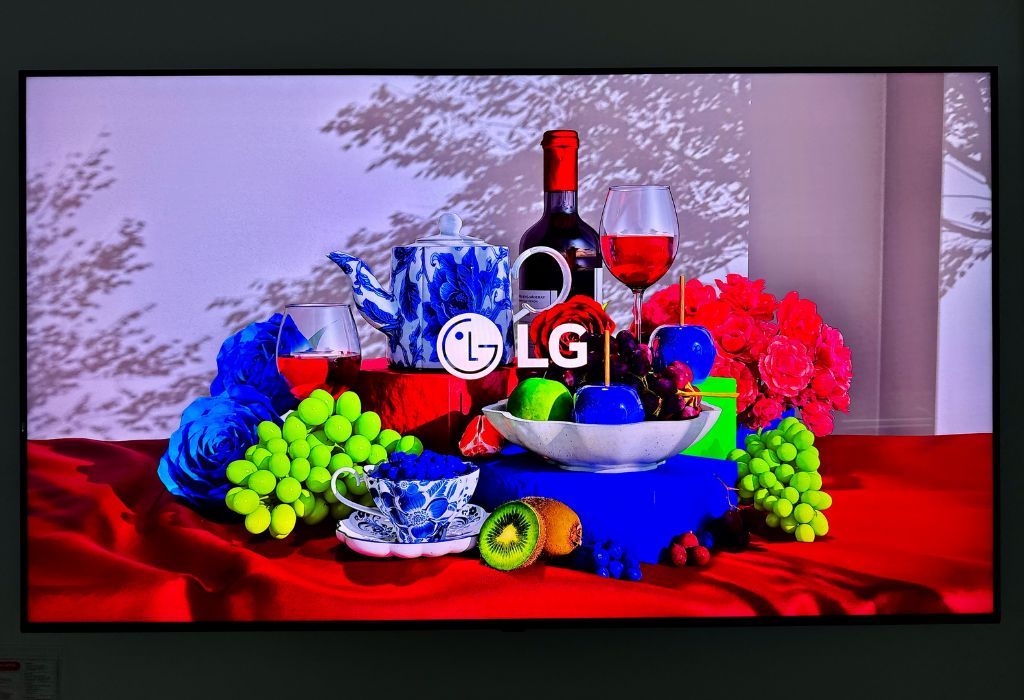
LG Micro RGB evo TVs, like the LG MRGB95B, stand out for exceptional brightness and colour, Dolby Vision, and gaming features. Dedicated red, green, and blue LEDs behind the 4K panel provide rich, vibrant colours with independent micro RGB light control and certified Triple 100% Color Coverage. Indeed, Matthew Rondina wrote a review of the LG MRGB95B and observed “incredible colour range” without any over-saturation.
With established picture processing through its Alpha processors and the popular and intuitive webOS smart TV interface (another of my favourites!), LG is a good all-around brand to consider as well.
a11 AI Processor Gen3
The Alpha 11 processor Gen 3 processor and Dual AI Engine handles everything from upscaling lower-resolution content to tone mapping, smooth motion, and local dimming. Gamers and movie fans will benefit from features like Dolby Vision and Dolby Atmos. Matthew preferred Filmmaker Mode with Ambient Light Technology for a “more restrained, faithful picture.”
Brightness
LG’s Micro Dimming Technology Ultra aims to improve contrast and offer more precise control over lighting. Thousands of dimming zones can be individually controlled, resulting in not only brighter colours but also deeper blacks.
Matthew found that the TV displayed vibrant colours, even when placed in a room with significant ambient light. HDR highlights had strong impact, and bright colours retained their intensity. He said scenes with neon lights, explosions, and bright blue skies especially benefited from the boost in brightness. But he did notice some blooming around bright objects.
Dolby Vision
LG supports Dolby Vision, alongside its HDR processing features. This is one notable point of differentiation compared to Samsung, which instead supports HDR10+. Dolby Vision and HDR10+ are both advanced High Dynamic Range (HDR) formats. But Dolby Vision supports a higher colour bit depth at 12-bit versus 10-bit, and it’s more widely supported by streamers (HDR10+ is the standard on Amazon Prime Video).
Gaming
Matthew singles out LG’s gaming features as being among the best on the market. Gamers will appreciate VRR 165Hz refresh with compatible hardware (native 120Hz refresh rate) and Motion Booster 330. Access game settings via Game Optimizer to ensure a smooth, optimized experience while gaming. There’s also AMD FreeSync Premium, designed to combat screen tearing and stuttering during especially quick and intense games.
There’s ALLM and HDR Gaming Interest Group (HGiG) support. Started by Microsoft and Sony with LG and Samsung joining as well, HGiG assures that HDR games will look as accurate as possible on displays. Matthew, an avid gamer, found the bright HDR effects, colour reproduction, and particle effects to be especially great while gaming.
Smart TV and audio
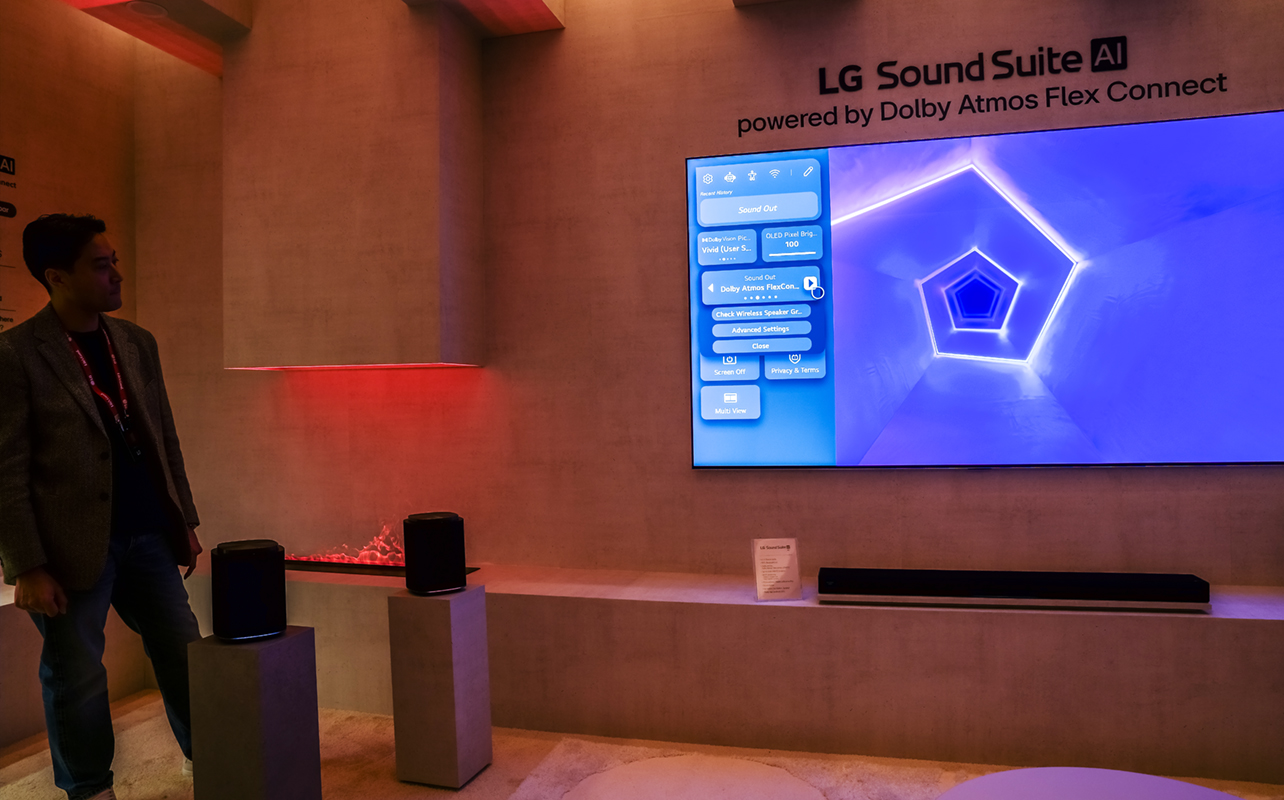
LG uses webOS 26, widely considered to be one of the best smart TV interfaces. It excels in navigation and organization, though it can feel busy with all the options. But you also get plenty of personalization features through Quick Cards for accessing favourites, Voice ID profiles for everyone in the home, and an advanced AI assistant.
There’s support for all the major streaming services along with features like Google Cast and Apple AirPlay, which I use daily on my basement LG TV for casting workouts. Access free LG Channels and your ThinQ dashboard to monitor and control compatible smart home appliances, like a washer and dryer. With LG Sound Suite, add speakers to enhance audio and expand the modular system easily over time as the need arises.
Choose LG’s higher-end RGB option if…
You are placing it in a bright living room and plan to watch a lot of daytime TV and HDR content, like nature documentaries and animated and action movies, all of which require precise colour rendering and vibrancy for maximum impact. When comparing LG RGB TV versus LG OLED TV, it’s as close to an OLED experience in terms of vivid colours, without spending more for an OLED TV.
Samsung vs Sony vs LG: what actually sets them apart?
When looking at the most premium options head-to-head-to-head, you can see some of the differences more clearly.
| If you care most about… | Consider… | Why? |
| Reflections in bright rooms | Samsung R95H | The Glare-free panel is wonderful |
| AI-powered features | Samsung R95H | Soccer Mode Pro, SmartThings, are a cut above |
| Intuitive smart TV interface | Sony Bravia 9 II | Google TV is intuitive, feature-rich, familiar, compatible with smart home |
| Gaming | Sony Bravia 9 II LG MRGB95B | • Sony Bravia 9 II has special features for PlayStation owners • LG MRGB95B has been dubbed among the best on the market |
| Dolby Vision | LG MRGB95B Sony Bravia 9 II | Both support this format |
| Seamless audio integration | Samsung R95H LG MRGB95B | Specific setups (Q-Symphony, Sound Suite) to integrate compatible soundbars and speakers with ease |
Note that all these TVs offer fantastic experiences across the board, so this chart is merely suggestion. Plus, you will find different specs throughout each brand’s respective line-up.
What about the less expensive models?
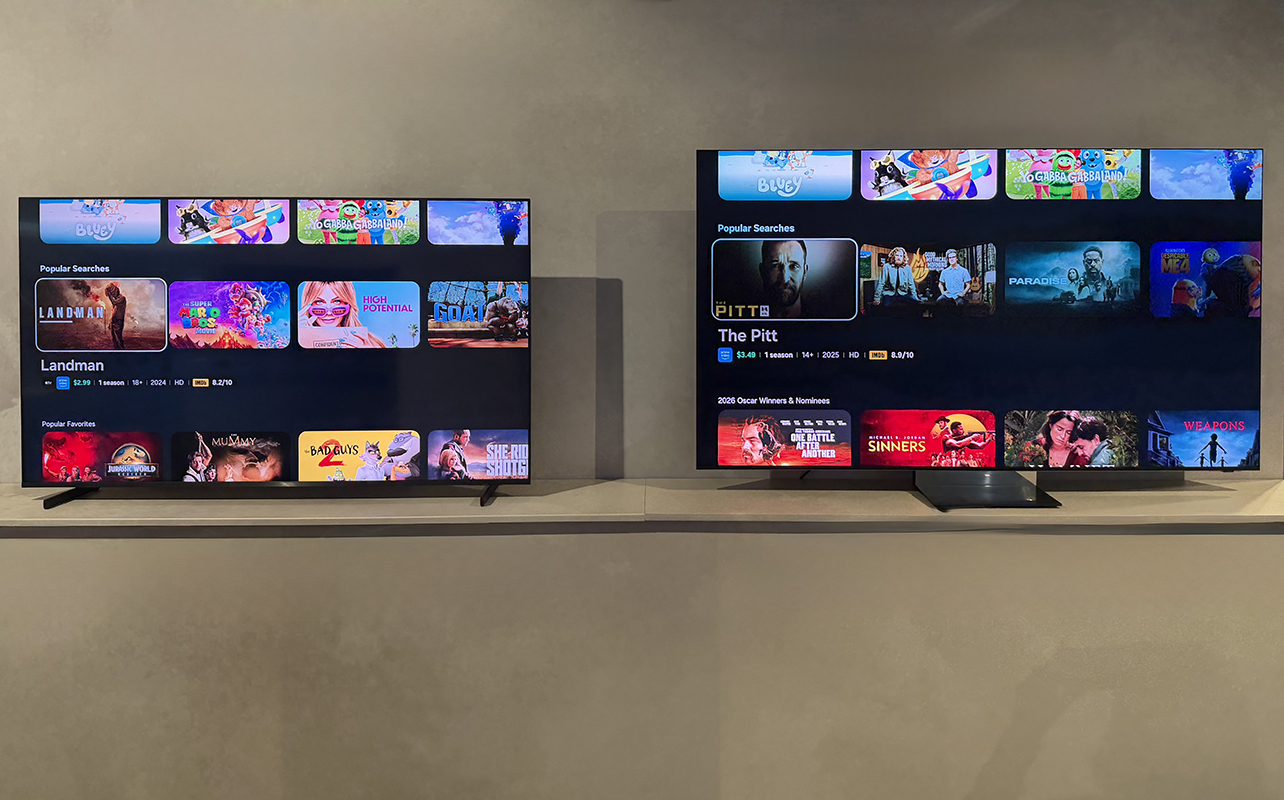
That brings me to the important question: what if you aren’t planning to buy the top-line model? The specs won’t be the same for others but the core technologies will be the same or similar.
In my dedicated review of the Samsung R85H, for example, I was impressed with the R85H’s performance as well. You get strong colour and contrast, high brightness, wide viewing angles (albeit with slight glare in very bright rooms), and smooth motion. It offers the same AI and Tizen smart TV experience.
While the Samsung R95H offers upgrades like the glare-free panel, pro-level processing, higher refresh rate, more powerful built-in audio, and more advanced AI features, most families will find that the Samsung R85H offers better value overall.
Models like the Sony Bravia 7 II, meanwhile, share the same True RGB architecture as the Bravia 9 II, but the premium model uses a less dense backlight. In stepping down, you get lower peak brightness, fewer effective dimming zones, and no Immersive Black Screen Pro anti-glare treatment. But depending on your setting and budget, you might be OK with that.
Which RGB LED TV should you get?
To help you decide, jot down the features that are most important to you (e.g. gaming, daytime viewing, sports modes). Then seek out a model from your preferred brand that addresses these.
- Choose Samsung if you want a feature-rich smart TV with strong AI integration, Samsung ecosystem compatibility, excellent gaming support, unique sports viewing features. With the Samsung R95H, you also get an effective glare-free screen.
- Sony is best if you prioritize Sony’s picture processing, very high brightness, HDR performance, PlayStation integration, and the company’s approach to True RGB backlighting.
- Choose LG if you want very high brightness and vivid colour, Dolby Vision support, strong gaming features, and LG’s webOS ecosystem with personalization options for every member of the family. Opt for a lower-tier RGB model if you don’t need the pro-level processing or anti-glare treatment. This may also suffice if you will be connecting your own speakers, and aren’t a serious gamer.
What should you look for when buying an RGB LED TV?
Now that you’re familiar with what these three top brands have to offer, it’s time to create that checklist I mentioned. This section will help you do just that!
1. Brightness
Consider how much natural light enters the room. Also note what time of the day and under what lighting conditions you will most often watch TV.
2. Anti-glare treatment
This is useful for rooms with large windows or bright overhead lighting. It’s also important for larger families or those who entertain for viewing parties.
3. Local dimming and backlight control
More precise control can improve contrast, reduce unwanted blooming, and yield a richer, clearer picture overall. That’s worth it for premium content.
4. HDR format support
Dolby Vision is more widely supported and may provide a more precise image. This is because it analyzes every scene for brightness and colour. HDR10+ might not yield the same results, but you’ll get enhanced brightness and colour throughout.
5. Refresh rate and gaming features
A minimum for gamers should be 120Hz, but ideally higher. VRR, ALLM, and HDMI 2.1, which supports higher resolution data transmission, are important, too. Other gaming technologies and features are icing on the cake!
6. Smart TV platform
Usability is a personal preference. So, if you have the opportunity, visit a Best Buy store and get familiar with each. Beyond that, consider add-ons like free channels, personalization, apps, wireless casting, and smart home compatibility.
7. Audio ecosystem
If you will be relying on the TV’s built-in speakers, make this a priority. Adding a sound bar? Look into companion options that offer seamless connectivity. If you plan to connect a full home theatre system, audio may not be as important a consideration.
Find the right TV for you!
Over the years, I have owned Samsung, Sony, and LG TVs. Right now, I have two LG TVs and a Sony TV in my home. I don’t yet have an RGB LED TV (an upgrade is in the cards!) But I have reviewed many of them and observed them at trade shows and local events. They all offer excellent brightness, rich colours, and depth of picture. But they also have their own unique approaches and differentiating features.
You’re in good hands with a TV from any of these three brands. And you don’t have to feel compelled to go with the most premium model. Use the checklist, mark your priorities, stick with your budget, and scale down if needed. The good news? All three brands have extensive lines, so you’ll easily find a model that fits your needs.
Shop a wide selection of RGB LED TVs from Samsung, Sony, and LG at Best Buy Canada.
FAQs
There isn’t a one-size-fits all answer. Compare top brands and their differentiating features, specs, and reviews to help you decide. The best fit will depend on what you prioritize.
All three use individual red, green, and blue lights that provide a precise image with superior contrast, brightness, and colours. The processor is what differentiates each one, along with other features on top of that.
Both RGB LED TVs and Mini LEDs represent the latest evolution in backlit LCD technology. One isn’t better than the other; it comes down to the specific TV.
RGB LED TVs generally excel in brightness and colour reproduction, while OLED is still tops for black levels and contrast in dark rooms. But the gap is slowly closing.
As with any other TV type, consider the proper TV viewing distance along with your room size and budget. Don’t choose based on resolution alone.