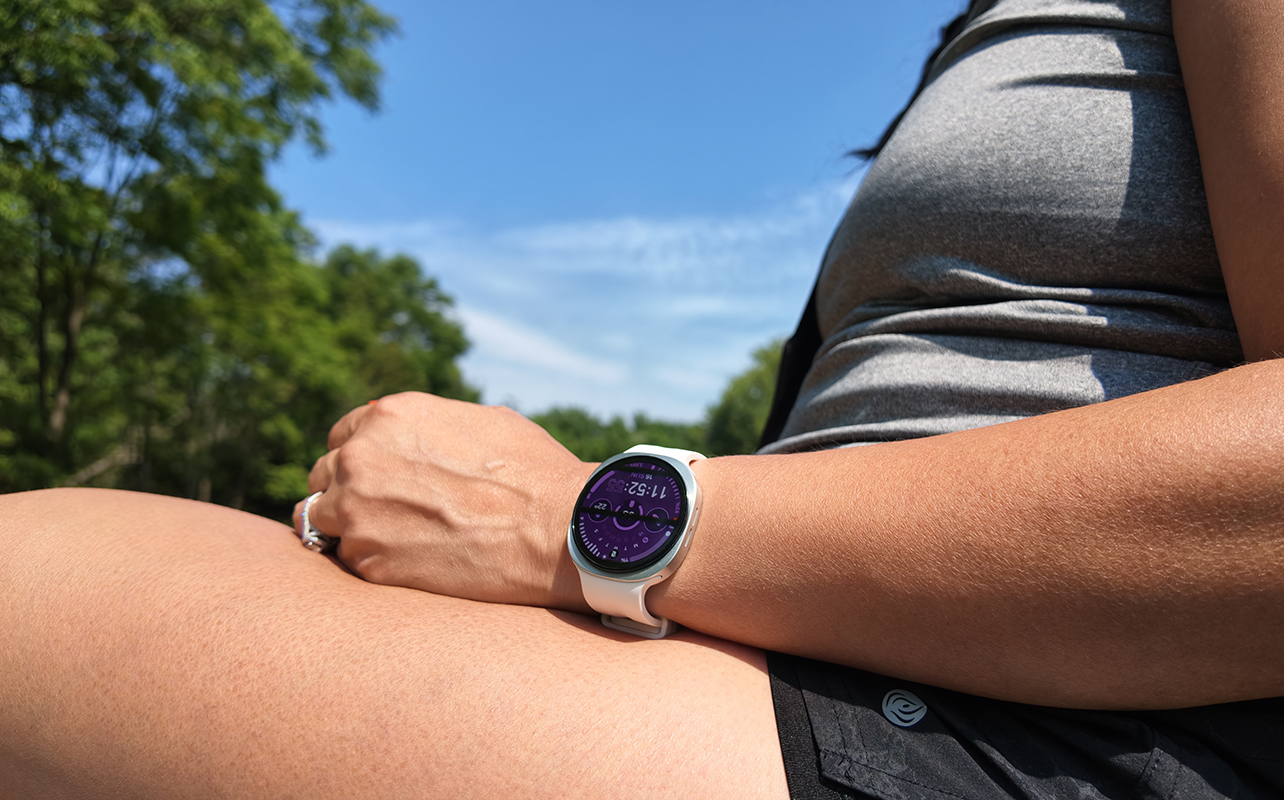
A Samsung Galaxy Watch, especially the new Samsung Galaxy Watch9, is the most logical option to pair with your Samsung Galaxy phone. You get health, wellness, and fitness tracking as well as notifications and apps on your wrist. It works with other Android phones, too. This smartwatch was announced alongside the new Galaxy Watch Ultra2 and it’s the best option for most people. But is it right for you?
I spent weeks with the Galaxy Watch9 paired with the new Samsung Galaxy Z Fold8 foldable phone. Here, I talk about the design, its new vitals tracking, workouts, sleep and other metrics. Check out my entire experience.


Watch my review of the Samsung Galaxy Watch9
From the new vitals tracking to helpful Gemini experience, the Samsung Galaxy Watch9 has tons of features. It’s a worthwhile upgrade if you have an Android phone, and especially if you’re using a Samsung Galaxy phone.
Design and comfort
The Samsung Galaxy Watch9 looks very similar to the Galaxy Watch 8 (see also my side-by-side comparison towards the end of this article). But its band is softer and very comfortable: I never felt like the watch got in the way throughout the day and when I slept. The screen is incredibly bright so it’s easy to see in all types of settings, including outdoors in direct sunlight. I love that there are so many watch faces from which to choose to personalize the look. You can even add your own photo.
Basic and advanced tracking
Tracking workouts
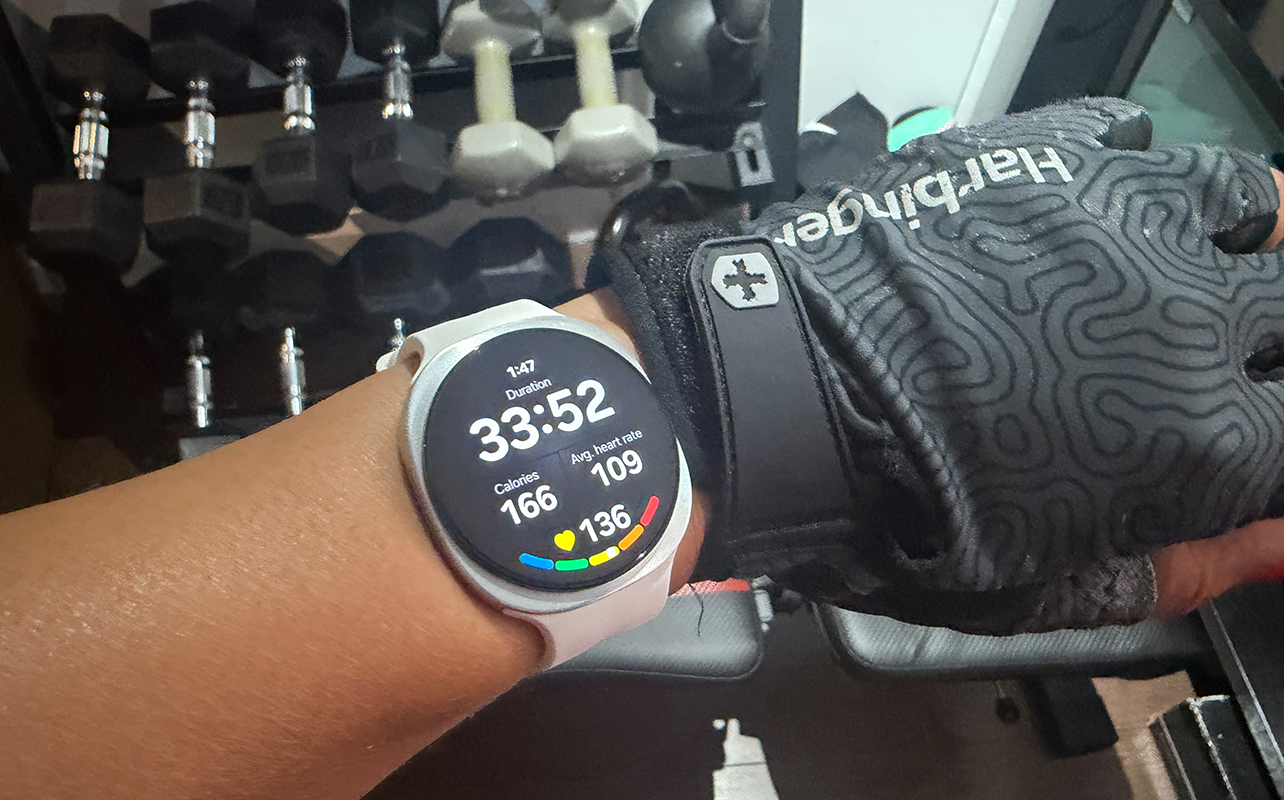
Powered by the Samsung BioActive sensor, you get measurements for pertinent health vitals, including 24/7 heart rate as well as real-time heart rate data while exercising, detailed sleep tracking, stress, blood oxygen, temperature, and more. Starting and stopping a workout is easy to do right from the watch face. I love being able to look over and see the ongoing duration as well as colour-coded real-time heart rate data. Stats were comparable to other devices, though the Galaxy Watch9 often showed that I burned far more calories than other devices indicated. That’s even when it measured similar average and max heart rates.
Oddly, among all the workout types available, strength training isn’t one of them. There are tons of individual exercises, like push-ups, bench press, and deadlifts, but not overall strength training. You can create your own exercise and workout routine by combining various moves. But since I use my own workout program with a separate app, I just chose circuit training for this.
Speaking of workouts, while Samsung thankfully does not hide any data behind a subscription paywall at this time, there are iFit workouts you can access for a fee. These include both individual workouts and full programs. If you’re looking for a workout program to seamlessly integrate with the watch, it’s worth considering. I tried one free workout and while it’s decent, I prefer using other apps. The benefit with iFit, however, is that the workout automatically syncs and starts on the watch face when you press play.
Advanced fitness and health metrics
Advanced fitness and health metrics are included in this model, including Antioxidant Index (measuring for adequate fruits and vegetables intake), AGEs Index (measuring metabolic health and biological aging rate), blood pressure monitoring (with an initial cuff measurement for calibration and monthly baselines), and Running Coach, all of which were available with the Galaxy Watch 8. But new to this one is a Vitals Dashboard that monitors metrics like heart rate, respiratory rate, and skin temperature overnight and compares them to your baseline. But this should be available in the Galaxy Watch 8 once the OS update trickles down to compatible older models.
Vitals Dashboard divides your data into five pillars—sleep, activity, nutrition, mindfulness, and vitals—all analyzed by AI to provide you with helpful advice. This is important because while raw data is great, what’s most useful with wearables is when the companion app can look at everything together to provide useful insights.
Other app health features
The app also includes mindfulness features, like breathing exercises, meditations, and mood check-ins. You can log meals and hydration in the nutrition section. You can also log blood glucose readings, taken from other devices, so you have all your health and wellness data in one section to keep track of changes and patterns over time. A hearing health feature, meanwhile, allows you to track sound exposure to ensure you aren’t in a loud environment for too long that could be harmful to your hearing.
Handy gesture controls
The Galaxy Watch9 works with various gestures, including pinch, shake, and knock knock. I used knock knock, where you make a fist and flick your wrist up and down twice to simulate knocking on a door, to instantly pull up a circuit training workout. It’s so convenient to get going quickly without having to swipe and select on the screen. But it’s finicky and sometimes takes a few tries to get it to work.
Also new is Raise-to-Talk where you can simply raise your wrist slowly and intentionally towards your mouth and speak a command without the “Hey Google” wake words, and Gemini will respond.
Notifications, apps, and Google Gemini
The Galaxy Watch9’s biggest upgrade is its processor, as it now comes with a Snapdragon Wear Elite processor that should deliver huge performance boosts, especially for the new advanced AI functions. Speaking of which, the watch has Google Gemini built in natively, as did the Galaxy Watch 8. That makes leveraging its features snappier and more seamless overall.
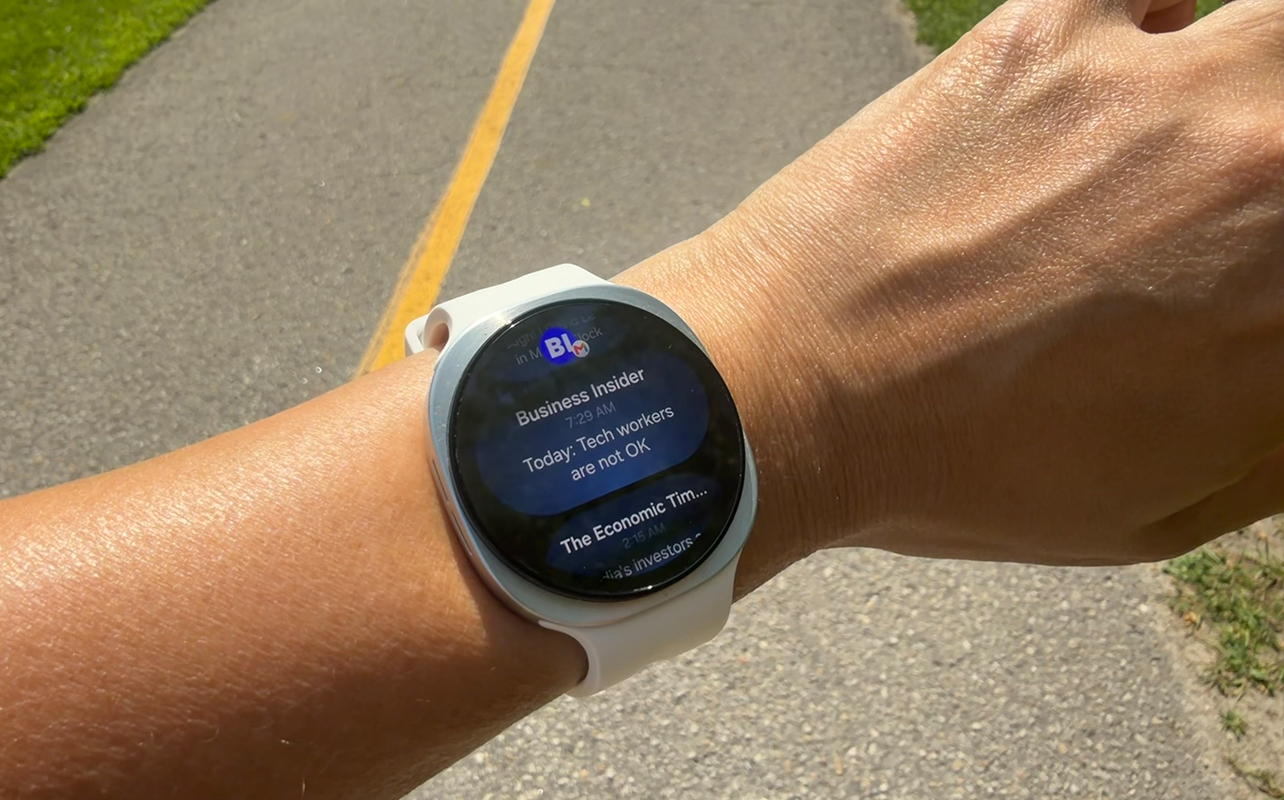
Once connected to your compatible smartphone, you can receive notifications for incoming calls, messages, calendar updates, app updates, and more. Using the pinch and shake gestures, which are exactly as they sound, you can do things like pick up a call, dismiss a call or notification, and more. This is great if you’re walking from the grocery store with your hands full and need to answer a call to let your kids know you’re on the way home, or don’t want to miss an important work call.
Once you set up Gemini, tap the side button to summon this virtual assistant and ask it anything you want. It might be for details about the weather, to convert measurements while cooking, or to summarize your health status. I asked it for help when I was feeling ill to determine if it was food poisoning or a stomach virus! Responses can appear as text on screen, and you can also listen audibly through the watch’s built-in speaker. I asked it how long it would take to get to a doctor’s appointment, and it not only provided the time but pulled up a Google Map screen I could click on to open driving, walking, or transit directions.
Battery life is the weak point
If there’s one low point for this smartwatch, it’s battery life. It has a bigger battery than the Pixel Watch 4 and it should last up to 30 hours, even with the always-on display. The more powerful processor should also presumably lead to greater battery efficiency. But over several weeks of testing, I never got an entire day out of it. The battery was always drained enough by the evening and if I didn’t recharge, it would almost certainly die in the middle of the night.
There is a low power mode you can use, but if you want all the functions working all the time, expect to charge this smartwatch daily. If you get into a routine, it’s not a huge deal. But considering that many other competing Android and third-party smartwatches can run for days, it’s one area Samsung really needs to work on in this space.
Is the Samsung Galaxy Watch9 right for you?
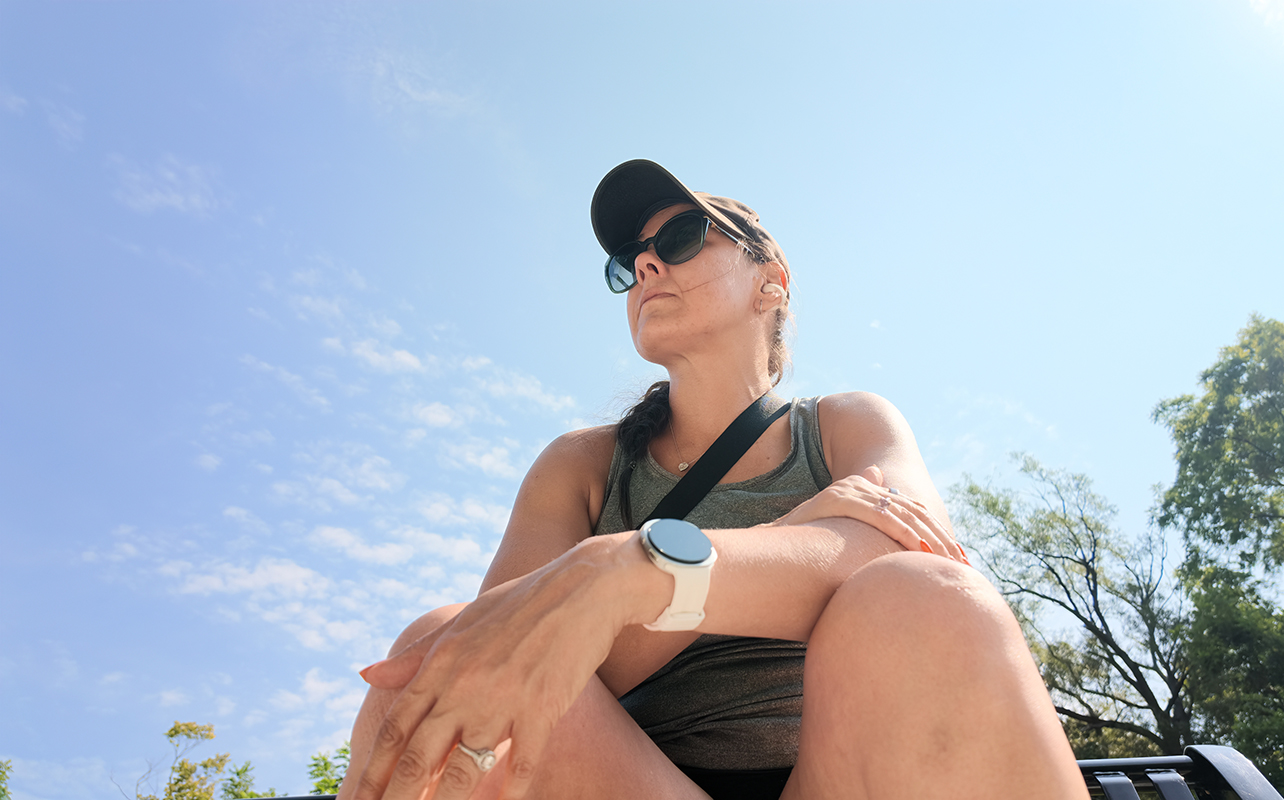
The Samsung Galaxy Watch9 is best suited to those who own a Samsung Galaxy phone. While it can work with any Android device, you unlock specific features with Galaxy devices. These include things like ECG and sleep apnea measurements, custom watch face layouts, and more. That said, if you own a Samsung Galaxy phone, it’s a perfect companion.
Need help choosing the best smartwatch for you? Check out our smartwatch buying guide.
Galaxy Watch9 vs. Galaxy Watch8
Let’s look at how it compares to the previous generation Galaxy Watch8. If you already own that smartwatch, you might be wondering if it’s worth the upgrade.
In terms of differences between the Galaxy Watch9 vs. Galaxy Watch8, it isn’t a massive step-up in features. The biggest upgrade comes with the processor, which will result in much snappier performance. This will be noticeable for power users, giving you smoother animations on screen and faster app opening. You’ll also notice faster on-device responses through Gemini. Unfortunately, it doesn’t seem to have led to better battery efficiency.
Other notable upgrades include a better version of Bluetooth that should provide a more stable connection with fewer dropouts and features like Raise-to-Talk. While it comes with the newer OS, both watches can be updateable for years. This means you will eventually be able to get features that are part of with WearOS and One UI with both watches.
| Specs | Samsung Galaxy Watch9 | Samsung Galaxy Watch8 |
| Size | 40mm, 44mm | 40mm, 44mm |
| Colours | Graphite, Silver, Cream | Graphite, Silver |
| Sensors | BioActive, electrical heart, optical heart rate, BIA, temperature, accelerometer, barometer, gyro, geomagnetic, light | BioActive, electrical heart, optical heart rate, BIA, temperature, accelerometer, barometer, gyro, geomagnetic, light |
| Processor | Snapdragon Wear Elite | Exynos W1000 |
| Software | Wear OS 7, One UI 9 (updateable) | Wear OS 6, One UI 8 (updateable) |
| Sleep tracking | Yes | Yes |
| Automatic workout detection | Yes | Yes |
| Battery life | Up to 30 hour with AOD (40 hours with AOD off) | Up to 30 hours with AOD (40 hours with AOD off) |
| GPS | Built-in | Built-in |
| Durability | 5ATM, IP68, MIL-STD-810H | 5ATM, IP68, MIL-STD-810H |
| Bluetooth | 6.0 | 5.3 |
| Unique features | Antioxidant Index, Running Coach, Vascular Load, AGEs Index, Vitals dashboard, Heart Health Score, Fitness Index, Gemini, Raise-to-Talk | Antioxidant Index, Running Coach, Vascular Load, AGEs Index, Vitals dashboard, Heart Health Score, Fitness Index (with OS update), Gemini |
| Hardware price | Starts at $519.99 | Starts at $499.99 |
Should you get the Samsung Galaxy Watch9?
If you’re upgrading from a much older model or looking to get your first Samsung Galaxy Watch (congratulations!), the Samsung Galaxy Watch9 is a good starting point. It’s elegant and can be customized via an endless number of watch faces. The screen is ultra bright and easy to read. And you get a companion for both keeping on top of your busy days and your health.
The only downside is battery life. You can find many other Android smartwatches and brand-agnostic models that last for days, even up to a week, per charge. But if you’re okay with the trade-off of charging daily to remain within the Samsung ecosystem, you’ll love this smartwatch. If you want longer battery life and a more rugged design, consider the Samsung Galaxy Watch Ultra2, though you’ll have to spend a bit more.
Get the Samsung Galaxy Watch9 at Best Buy Canada.