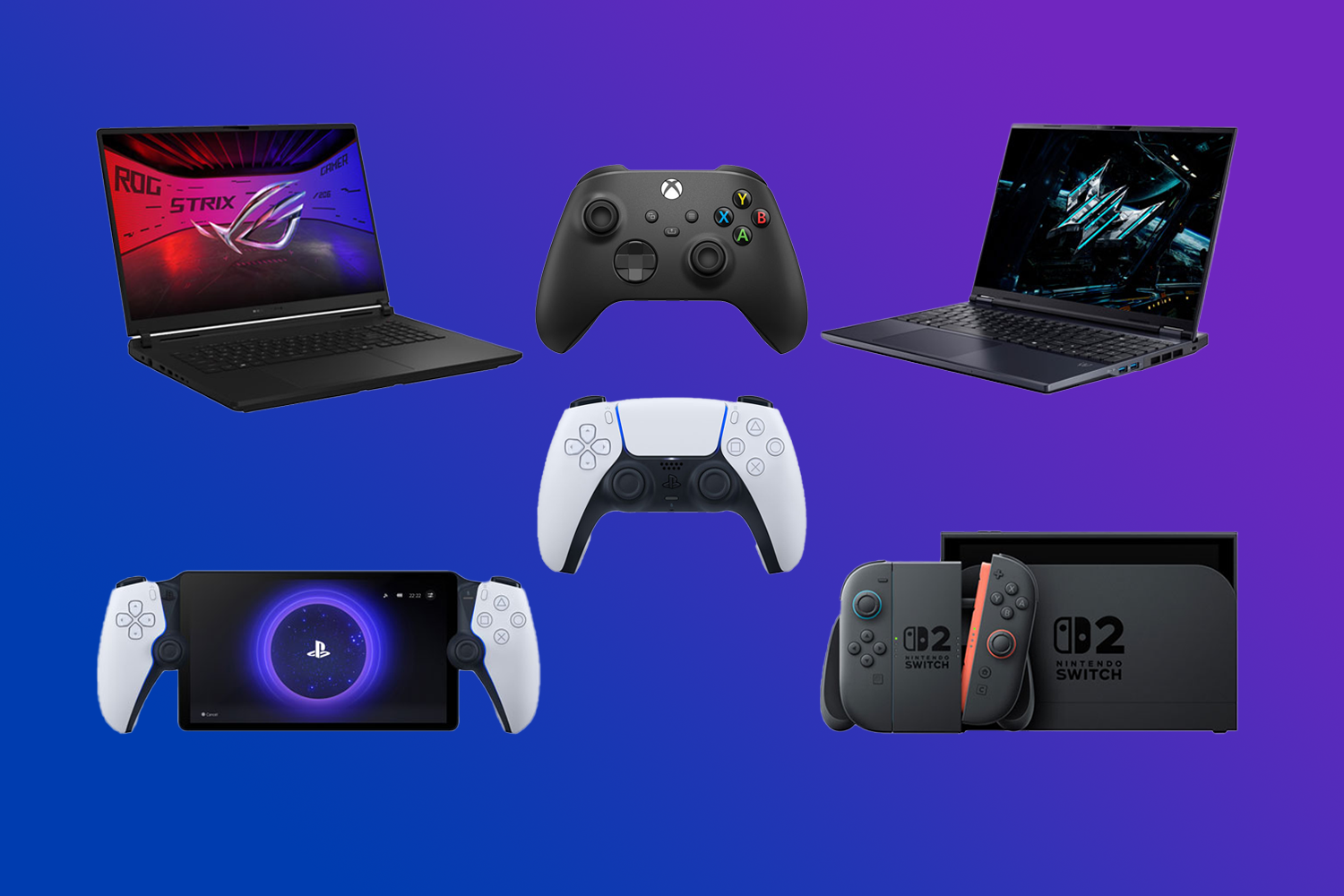
Finding the right gaming gift starts with knowing what someone plays and how they like to play it. Whether you’re shopping for a PC gamer, console fan, or someone who enjoys games with friends, these ideas will help you choose something they’ll actually use.

Table of contents:
- Best gifts for PC gamers
- Best gifts for console gamers
- Best gifts for handheld gamers
- Best gifts for competitive gamers
- Best gifts for casual and social gamers
- Best gaming accessories
What type of gamer are you shopping for?
Start with their favourite way to play, then jump to the matching gift ideas below.
| Gamer type | Gifts to consider |
|---|---|
| PC gamer | Laptop, keyboard, mouse, monitor, or headset |
| Console gamer | PlayStation, XBOX, or Nintendo hardware and controllers |
| Handheld gamer | Portable gaming device, case, or extra storage |
| Competitive gamer | Performance monitor, mouse, keyboard, or controller |
| Casual or social gamer | Multiplayer games, extra controllers, or Nintendo accessories |
Before you buy
Five quick questions can narrow down the choices:
- What platform do they use? Find out whether they play on PC, PlayStation, XBOX, Nintendo Switch 2, or another gaming device. Accessories aren’t always compatible across platforms.
- What gaming hardware do they already own? Someone with a new console might appreciate additional accessories more than another expensive piece of hardware.
- Where do they play? A gamer who sits at a desk has different needs from someone who plays on a television or takes their games on the go.
- What types of games do they enjoy? Competitive shooters, racing games, sports games, and family-friendly multiplayer games can benefit from different accessories.
- Would an upgrade make more sense than a new device? A better headset, controller, keyboard, or storage accessory might improve the setup they already enjoy.
Best gifts for PC gamers
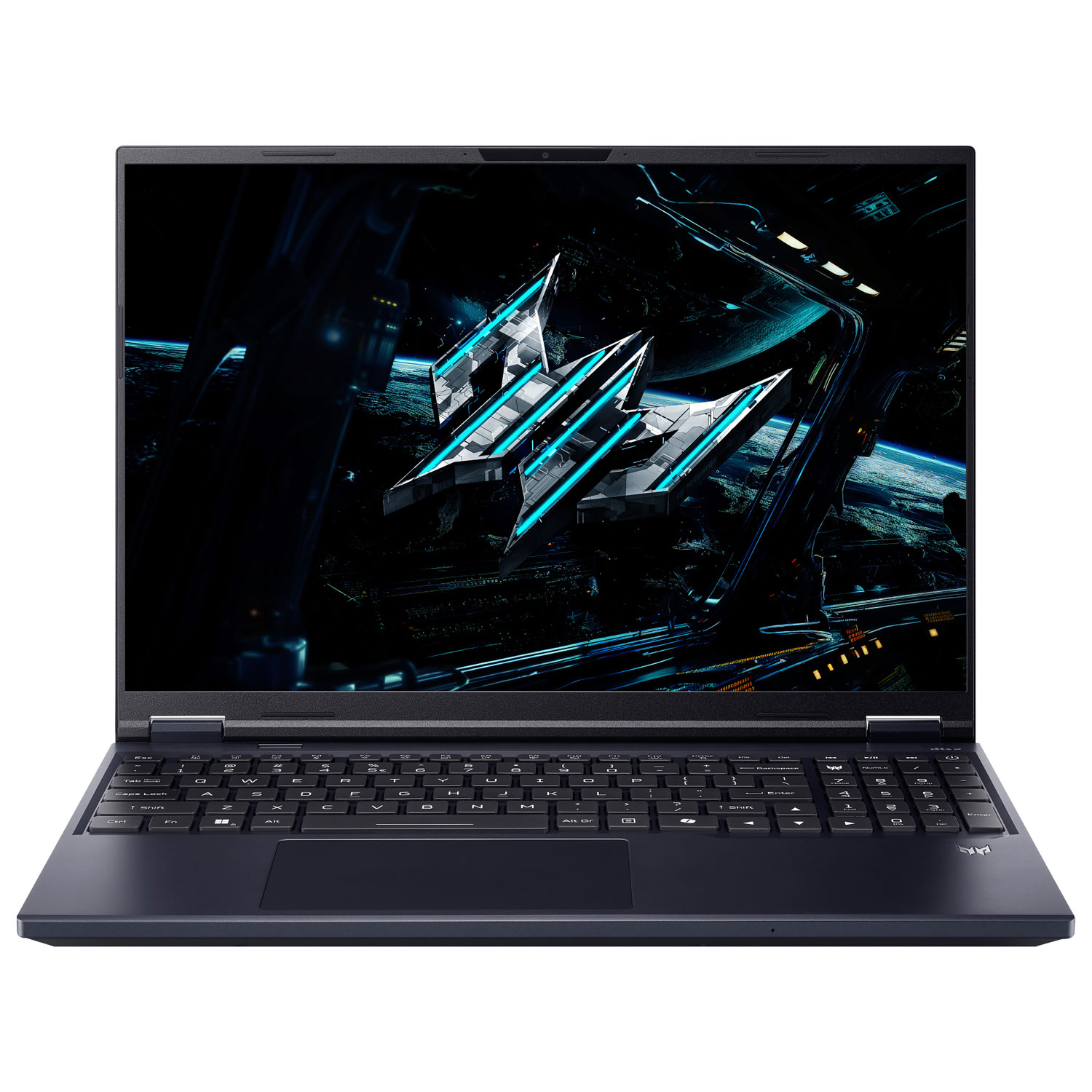
Acer Predator Helios Neo 16 gaming laptop
Best for: Someone getting into PC gaming or upgrading to a more powerful laptop.
The Acer Predator Helios Neo 16 lets someone play PC games without being tied to a desktop computer. With NVIDIA GeForce RTX 5060 graphics and a 16-inch high-refresh-rate display, it has the hardware for modern games. They can use it for school, work, and everyday tasks too.
A new laptop makes more sense for someone upgrading an older computer than for a gamer who already has a capable desktop.
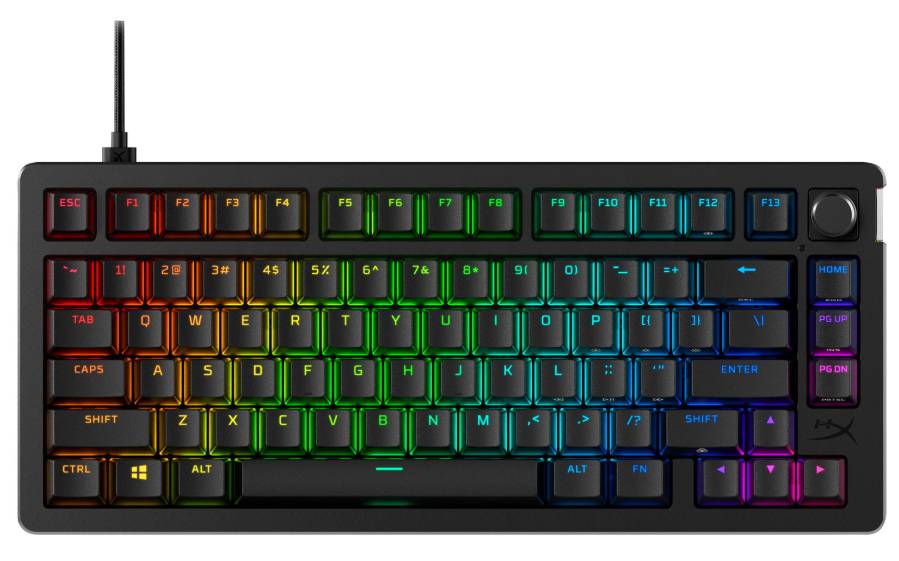
HyperX Alloy Rise 75 mechanical gaming keyboard
Best for: An existing PC gamer who wants a more customizable keyboard without taking up too much desk space.
If they’re still using an older keyboard, this is an upgrade they’ll notice every time they sit down to play. The HyperX Alloy Rise 75 mechanical gaming keyboard has a compact 75% layout that leaves more room for mouse movement. Its hot-swappable switches also let them change the typing experience without replacing the entire keyboard.
It’s wired, so it’s best for someone comfortable with a USB keyboard.
For more PC-specific gift ideas, our Best Gifts for PC Gamers in 2026 guide takes a closer look at gaming gear and upgrades. You can also explore the PC gaming buying guide, gaming laptops, and keyboards and mice at Best Buy Canada.
Best gifts for console gamers
For console gamers, platform compatibility matters. A PlayStation accessory won’t necessarily work with XBOX, so choose hardware or an accessory for the system they use.
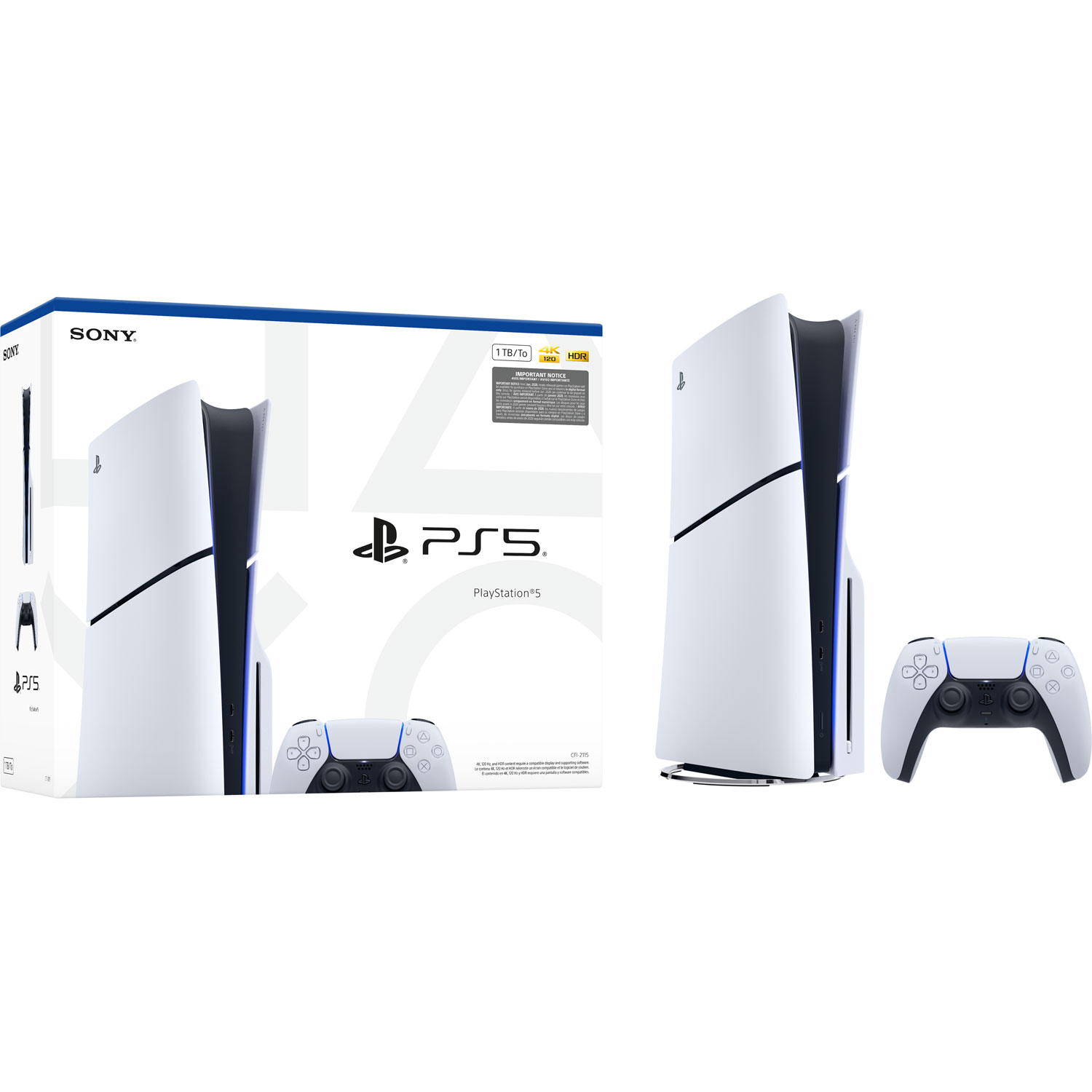
PlayStation 5 Slim 1TB console
Best for: Someone getting their first PlayStation 5 or upgrading from PlayStation 4.
The PlayStation 5 Slim 1TB console is a good starting point for new PS5 players or those moving from PS4. Its disc drive plays physical PS5 games and compatible PS4 discs, while PlayStation Store handles digital downloads.
For someone who wants a premium upgrade, PS5 Pro offers enhanced graphics in supported games and additional storage. It doesn’t include a disc drive, though. Compatible PS5 Pro and PS5 Digital Edition Slim models can use the separately sold PlayStation 5 Disc Drive, which requires an internet connection for initial pairing.
See our PS5 buying guide for a closer comparison, or browse PlayStation 5 consoles and our best PS5 accessories guide for more ideas.
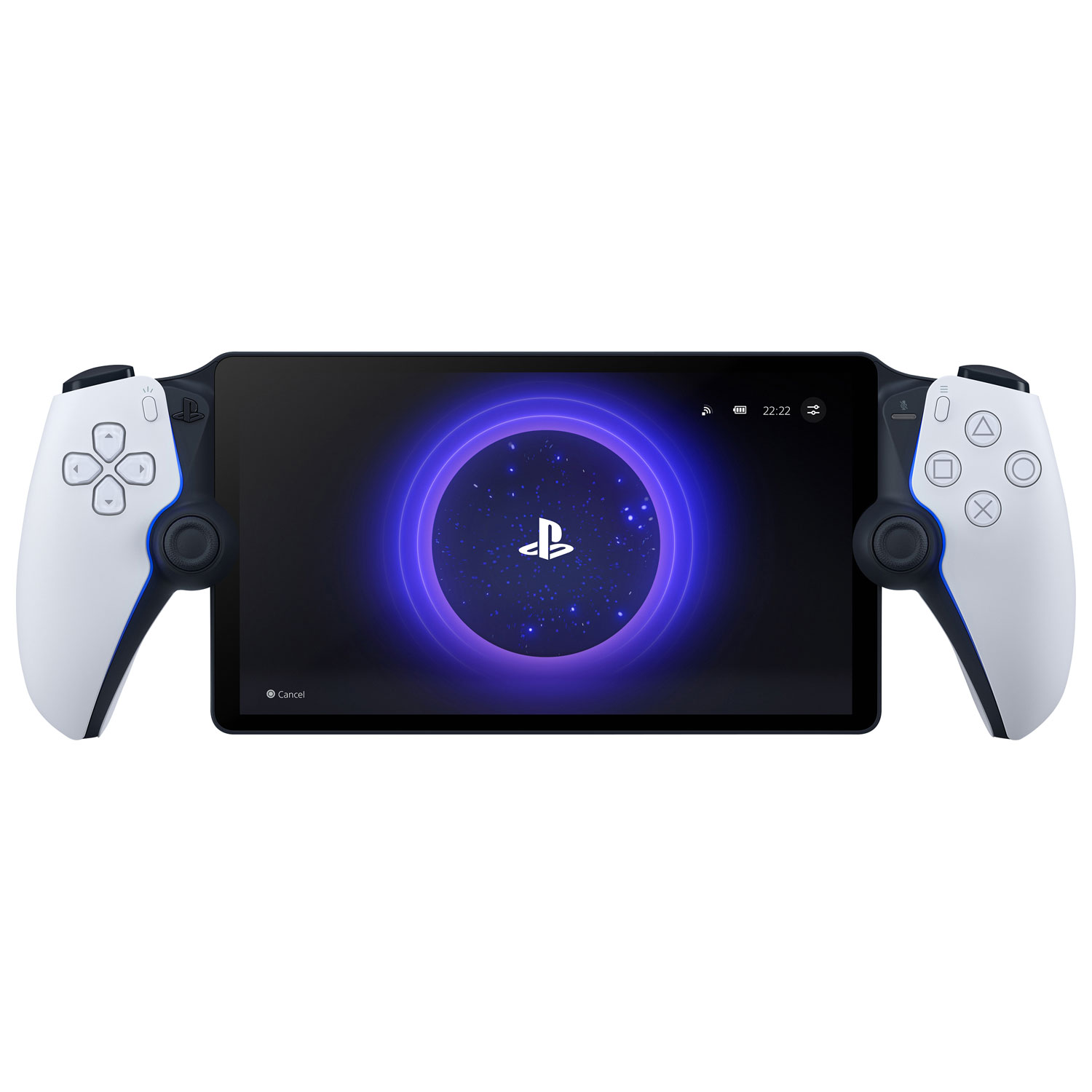
PlayStation Portal remote player
Best for: A PlayStation gamer who wants to play compatible PlayStation 5 games away from the television.
The PlayStation Portal remote player streams compatible games from a PS5 over Wi-Fi. That gives someone another way to play when the household television is in use.
There’s another option too. With PlayStation Plus Premium, they can stream supported PS5 games directly from the cloud without owning a PS5 console. They’ll need an active membership and a suitable internet connection.
Unlike a standalone handheld, PlayStation Portal streams games rather than installing them locally.
Our PlayStation Remote Play guide explains how remote gaming works on PlayStation Portal and other compatible devices.
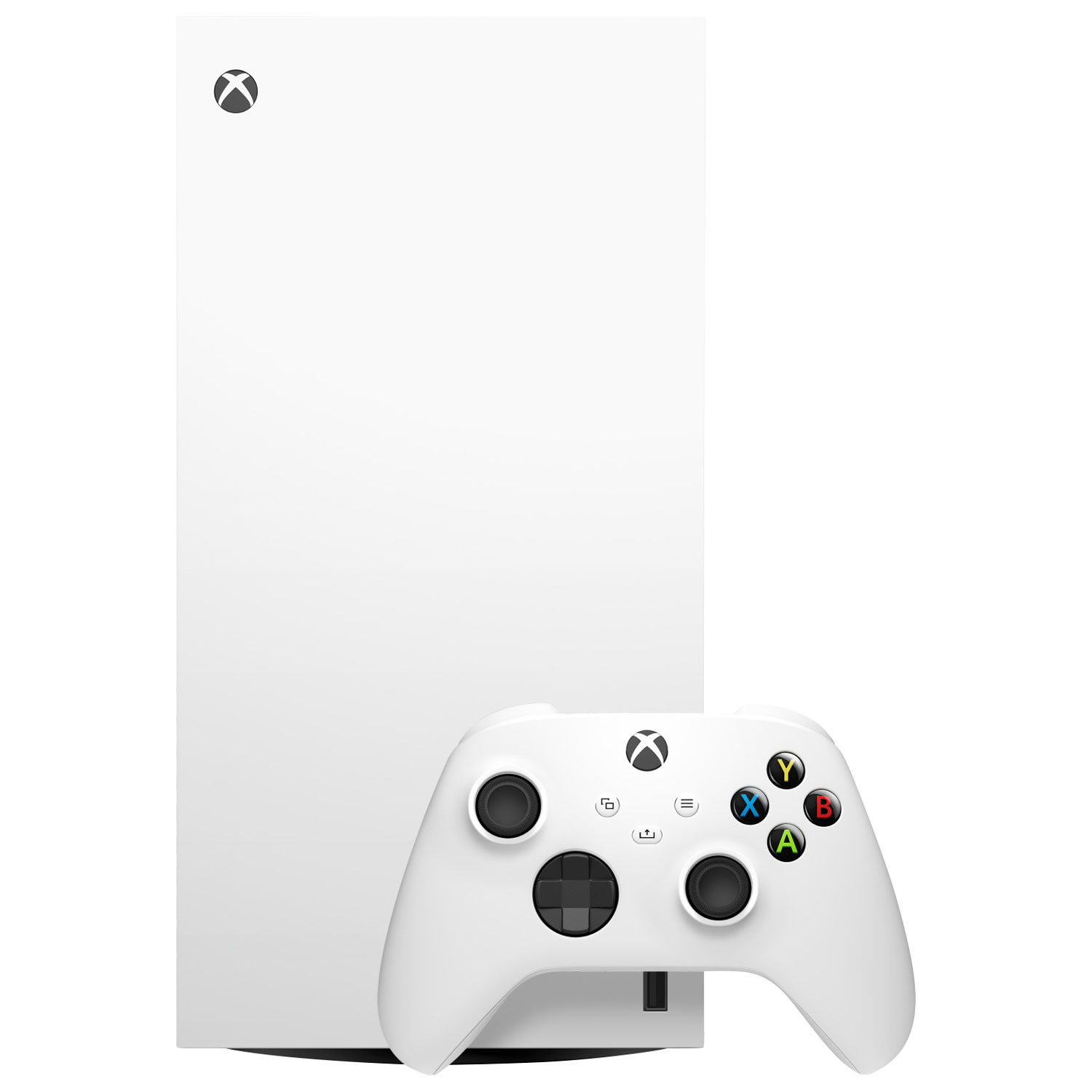
XBOX Series X 1TB Digital Edition console
Best for: Someone entering the XBOX ecosystem who wants higher-performance console gaming and prefers digital games.
The XBOX Series X 1TB Digital Edition supports 4K gaming in compatible games and offers more graphics power than the Series S. Its 1TB SSD provides space for digital downloads, while Quick Resume makes switching between supported games more convenient.
This model has no disc drive, so games must be purchased digitally.
For someone with physical XBOX games, a disc-equipped XBOX Series X is the better choice.
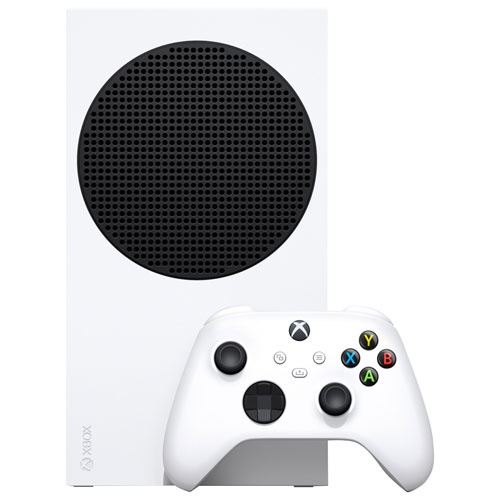
XBOX Series S 1TB console
Best for: Someone getting their first XBOX who wants a more affordable way into current-generation gaming.
The XBOX Series S 1TB is a smaller, more affordable way to play current XBOX games. It’s a better match for someone who wants to get into XBOX gaming without paying for the Series X’s extra graphics power.
It supports Quick Resume and has 1TB of storage for digital downloads.
Like the Series X Digital Edition above, Series S can’t play discs.
For a broader comparison, see the video game console and game streaming buying guide, or explore XBOX consoles, games, and accessories at Best Buy Canada.
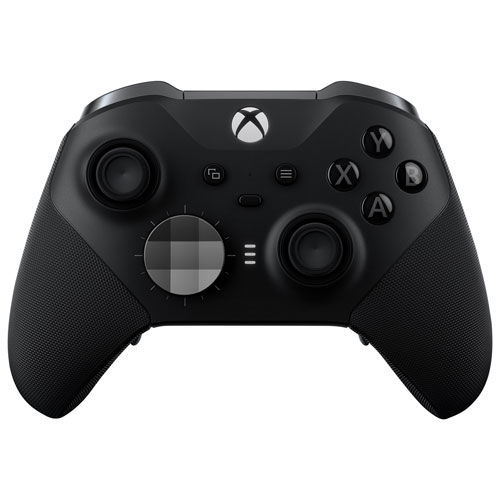
XBOX Elite Wireless Controller Series 2
Best for: An experienced XBOX gamer who wants more control over their controller setup.
The XBOX Elite Wireless Controller Series 2 offers adjustable-tension thumbsticks, trigger locks, and interchangeable components. Players can fine-tune stick resistance and shorten trigger travel for games where quick responses matter, or adjust their controls for a different playing style.
It costs more than the standard XBOX Wireless Controller. For someone who just needs a second controller, the regular version is likely enough.
You can compare additional XBOX controllers at Best Buy Canada.
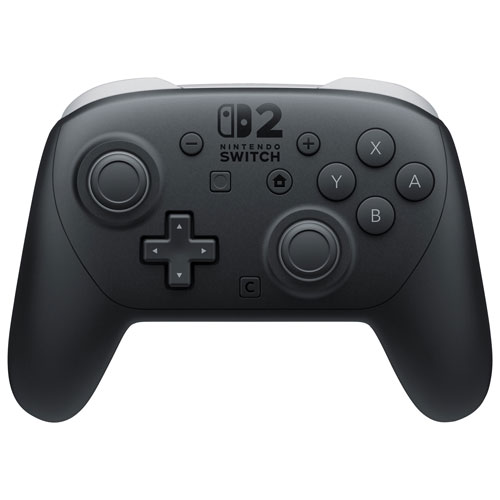
Nintendo Switch 2 Pro Controller
Best for: A Nintendo Switch 2 gamer who prefers a traditional controller when gaming on a television.
The Joy-Con 2 controllers included with Nintendo Switch 2 work well for many games, but some gamers prefer playing with a conventional controller. The Nintendo Switch 2 Pro Controller gives them that option, particularly during longer sessions.
It also includes remappable GL and GR buttons, so they can customize certain controls.
Best gifts for handheld gamers
Handheld gaming spans dedicated Nintendo hardware and portable Windows PCs. They play different game libraries and require different levels of setup.
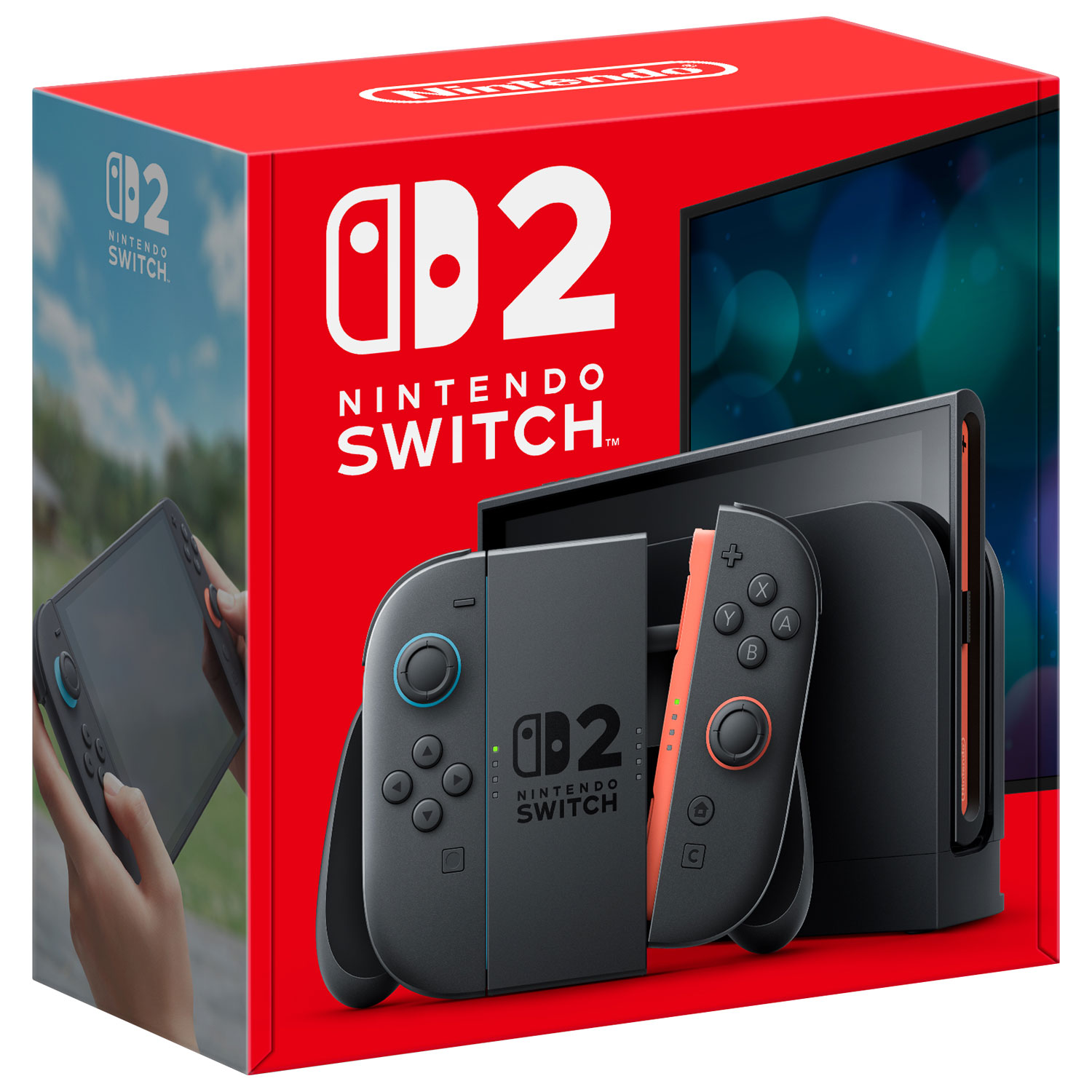
Nintendo Switch 2 console
Best for: Someone who wants to enjoy a wide variety of games at home or on the go.
If you’re shopping for someone who enjoys gaming on a TV but also wants to take their games with them, Nintendo Switch 2 gives them both options. Its library includes Nintendo favourites such as Mario Kart World and The Legend of Zelda: Ocarina of Time, alongside major third-party games like Call of Duty: Modern Warfare 4 and Cyberpunk 2077: Ultimate Edition.
They can play on its built-in 7.9-inch screen, set the console down for tabletop gaming, or connect it to a television.
Nintendo Switch 2 includes 256GB of internal storage and supports many compatible games from Nintendo Switch. That’s useful if they already have a collection of games they want to continue playing.
And if they’d rather enjoy their games on a dedicated console without dealing with Windows or PC game settings, Nintendo Switch 2 provides that experience.
Read our Nintendo Switch 2 review for a closer look at the hardware, or browse Nintendo Switch 2 games at Best Buy Canada.
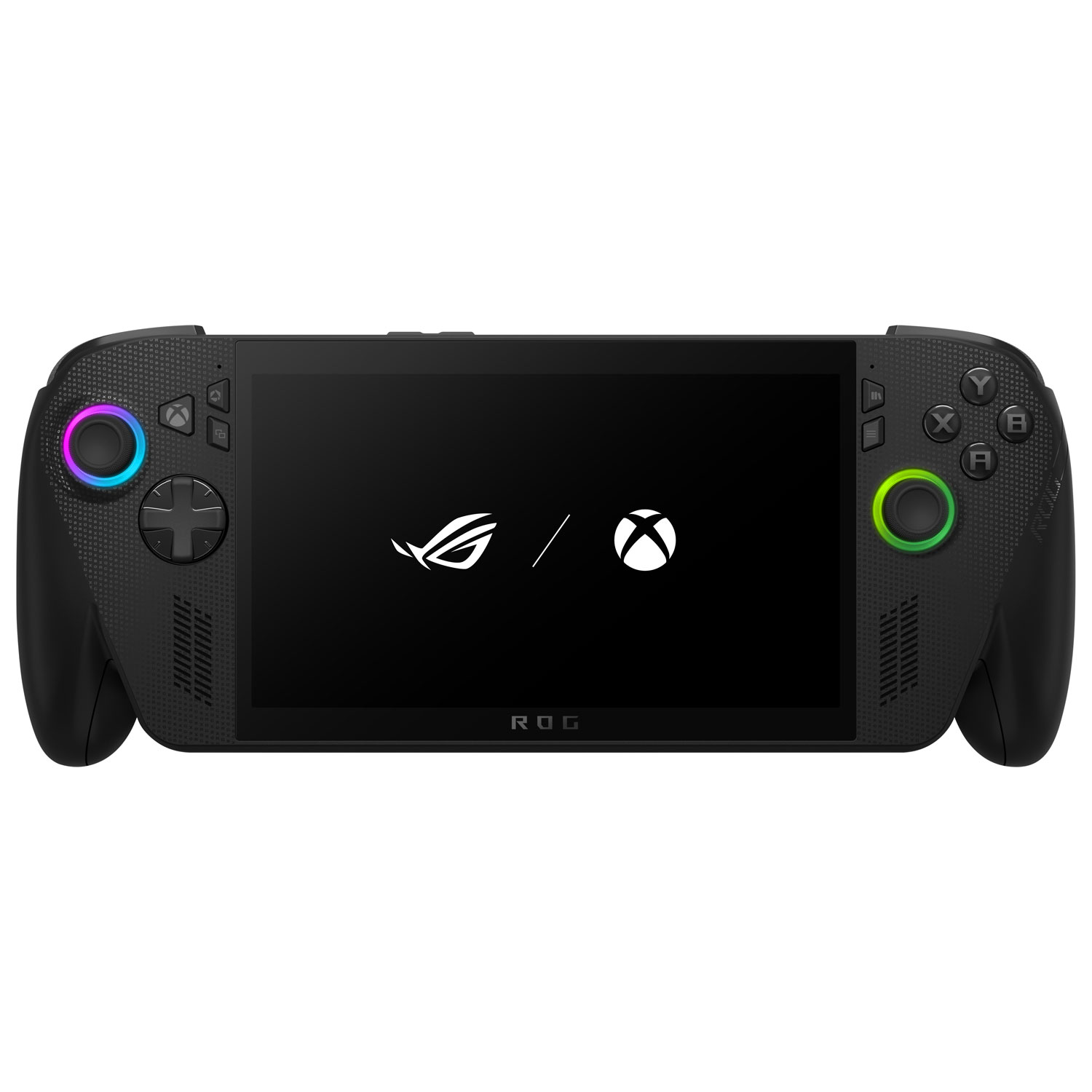
ASUS ROG XBOX Ally X
Best for: An experienced PC gamer who wants access to compatible PC games on a handheld device.
If they already have a library of PC games, the ASUS ROG XBOX Ally X lets them take many of those games on the go. It runs Windows 11 and includes an AMD Ryzen AI Z2 Extreme processor, a 7-inch 120Hz display, and 1TB of storage.
It supports compatible games from multiple PC storefronts rather than a single console library.
The tradeoff is that it’s still a Windows gaming PC. They’ll sometimes need to adjust graphics settings, install updates, and manage storage. Battery life also varies depending on the games they play and the performance settings they choose.
For more detail, read our hands-on ASUS ROG XBOX Ally X article and ASUS ROG XBOX Ally versus Ally X comparison.
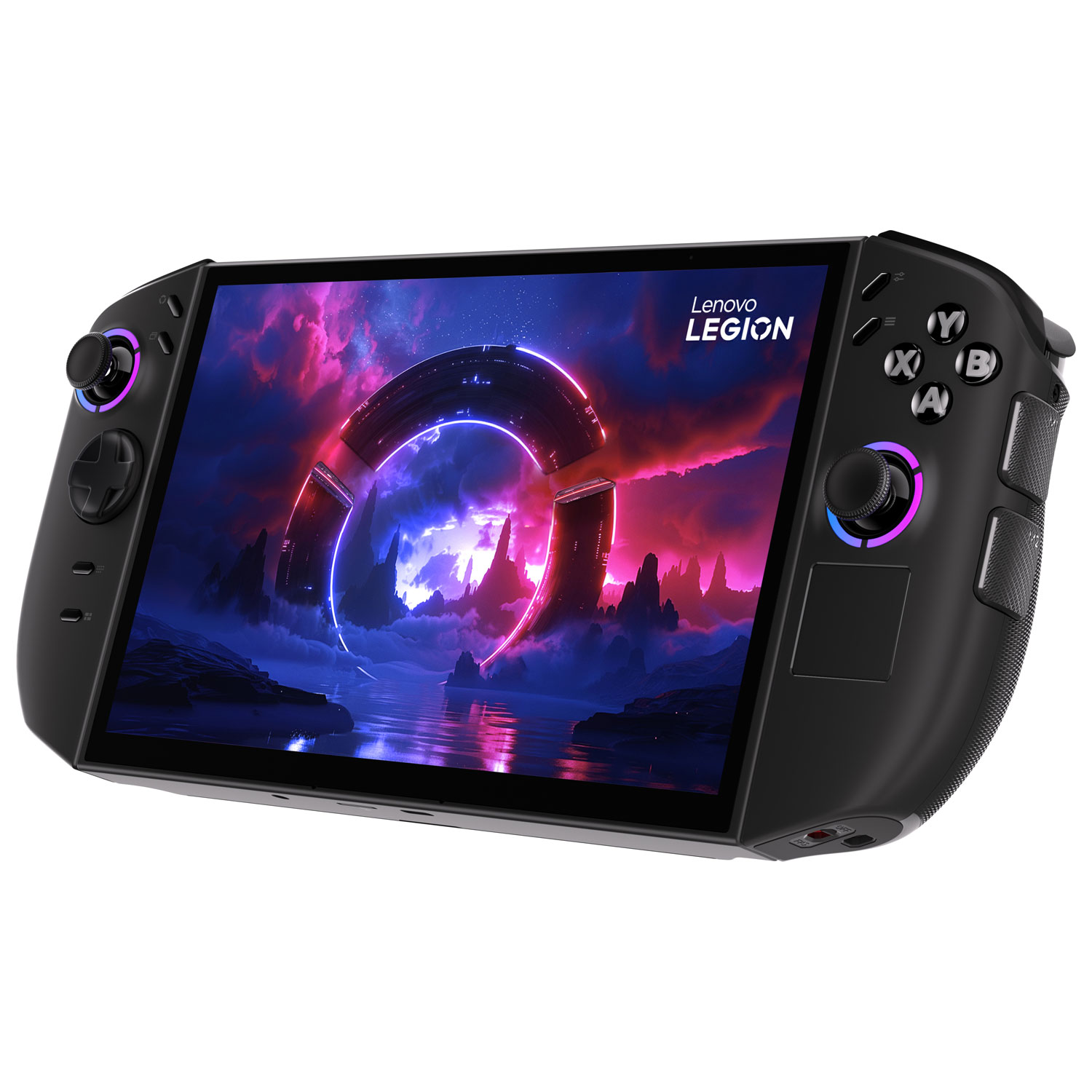
Lenovo Legion Go 2
Best for: Someone who wants a larger handheld gaming display and additional ways to play.
The Lenovo Legion Go 2 has an 8.8-inch OLED display, giving PC games more screen space than the ASUS ROG XBOX Ally X. Its detachable controllers and built-in kickstand also let someone set it down and play without holding the device.
It also runs Windows, supporting compatible PC gaming libraries.
It’s bulkier to carry than the ASUS handheld, and battery life depends on the game and performance settings.
Explore more handheld gaming PCs at Best Buy Canada.
Best gifts for competitive gamers
Competitive gamers may appreciate a faster display or a more customizable mouse, depending on the hardware they already use.
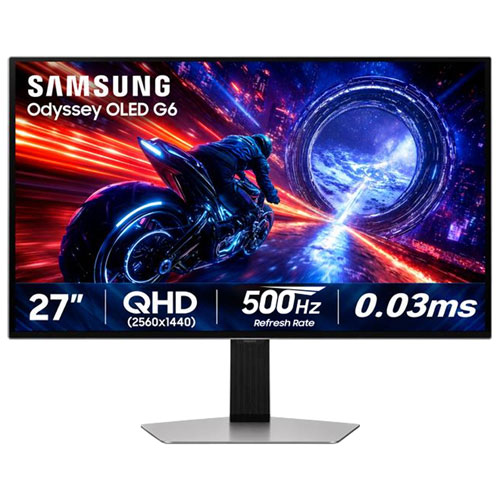
Samsung Odyssey OLED G6 500Hz gaming monitor
Best for: A serious competitive PC gamer whose computer can run games at very high frame rates.
If the person you’re shopping for plays fast-paced competitive games, they’ll probably appreciate a responsive display. The Samsung Odyssey OLED G6 combines a 27-inch QHD OLED screen with a 500Hz refresh rate.
The 500Hz refresh rate can make fast movement appear smoother, but only if their PC delivers sufficiently high frame rates to take advantage of it.
Our gaming monitor buying guide explains refresh rates and display features. You can also browse gaming monitors at Best Buy Canada.
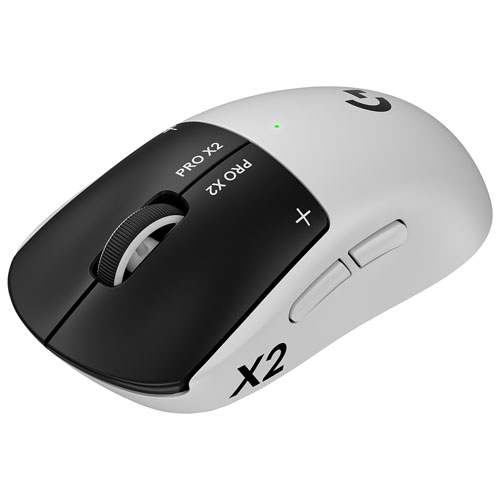
Logitech PRO X2 SUPERSTRIKE wireless gaming mouse
Best for: A competitive PC gamer who wants more control over mouse-button responsiveness.
The Logitech PRO X2 SUPERSTRIKE wireless gaming mouse uses the Haptic Inductive Trigger System (HITS) to customize click actuation, reset points, and haptic feedback.
It replaces conventional mechanical microswitches with adjustable click sensing, giving competitive players more control over how the main buttons respond.
This is a specialist accessory for someone who wants those settings. A casual gamer may be happy with a simpler mouse.
Read our Logitech PRO X2 SUPERSTRIKE review for firsthand testing, or explore more gaming mice at Best Buy Canada.
Best gifts for casual and social gamers
For people who enjoy gaming with friends or family, an accessible multiplayer game or another controller may be more useful than a hardware upgrade.
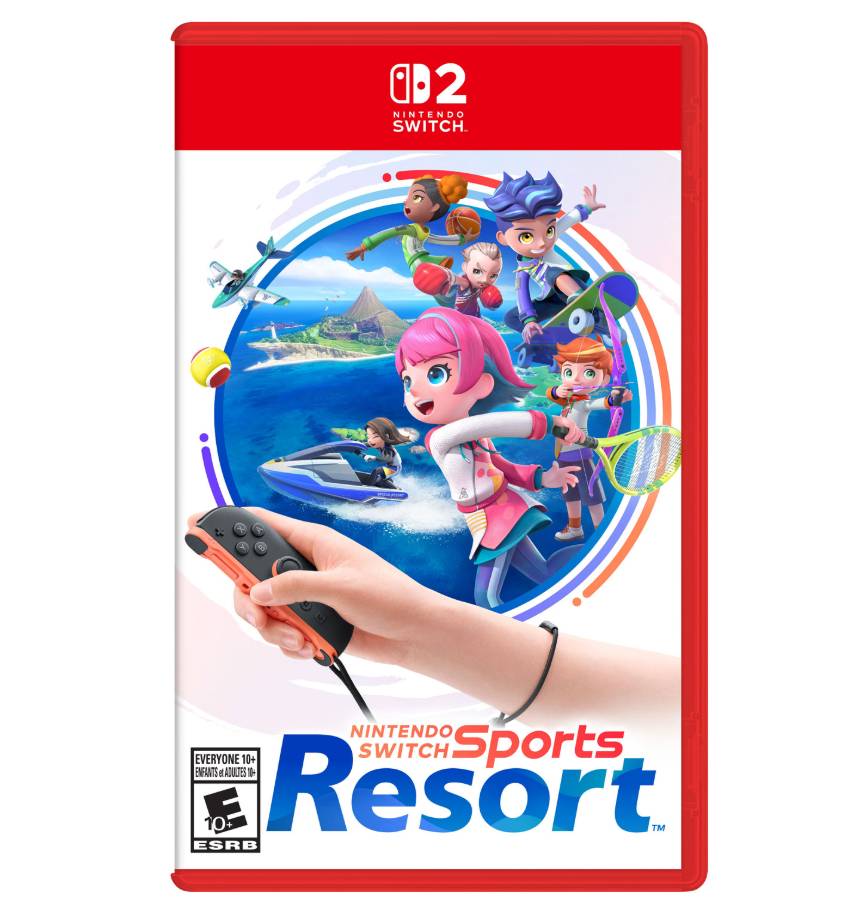
Nintendo Switch Sports Resort
Best for: Nintendo Switch 2 gamers who enjoy active games with friends and family.
Nintendo Switch Sports Resort brings 12 motion-controlled sports to Nintendo Switch 2, including bowling, tennis, basketball, boxing, and golf. Players swing, aim, and compete using Joy-Con 2 controllers, making the activities approachable even if they don’t regularly play video games.
It’s suited to group game nights where people enjoy getting up and moving.
Nintendo Switch Sports Resort supports TV and tabletop modes, with the controllers detached. It doesn’t work in handheld mode, and player counts and controller requirements vary by sport.
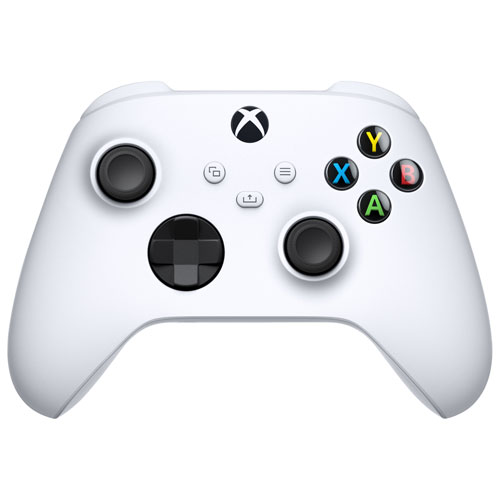
XBOX Wireless Controller
Best for: An XBOX gamer who wants another controller for compatible local multiplayer games.
An extra controller might not sound exciting, but it’s a gift that can get used the next time friends come over. The XBOX Wireless Controller lets another player join supported local multiplayer games without sharing a controller.
It also works with compatible Windows PCs, giving them another way to use it.
A second controller is most useful when they don’t already have extras.
Best gaming accessories when you are not sure what to buy
If you’re unsure what to give, consider audio, multiplayer, handheld protection, PC setup upgrades, or a smaller digital gift.
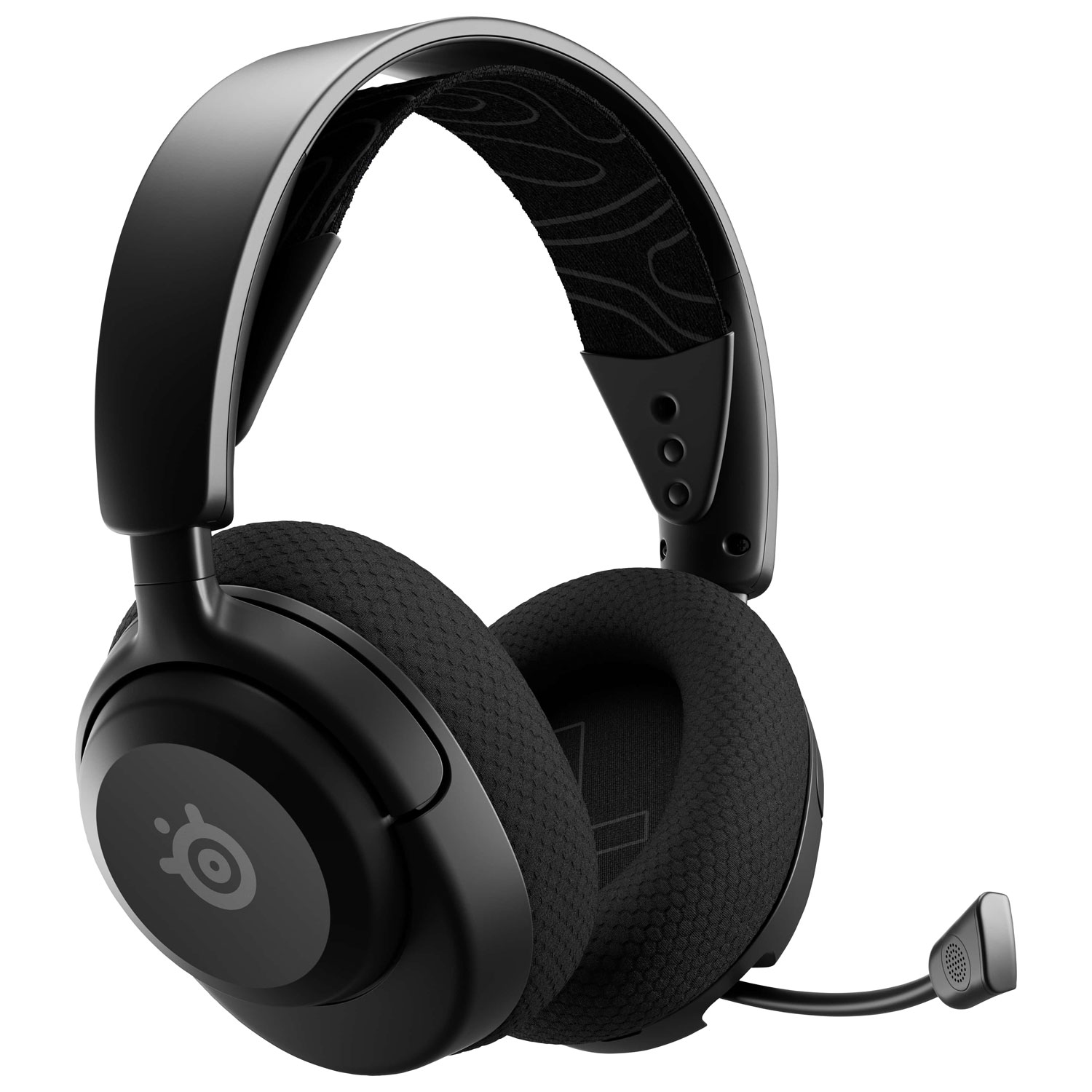
SteelSeries Arctis Nova 5 wireless gaming headset
Best for: Someone who wants better game audio and voice chat on a compatible PC, PlayStation, or Nintendo setup.
If they regularly play online with friends, a good headset can make gaming more enjoyable. The SteelSeries Arctis Nova 5 wireless gaming headset provides wireless audio and a retractable microphone for voice chat.
The Arctis Nova 5 works with supported PC, PlayStation, and Nintendo systems, but not XBOX consoles. If you’re shopping for an XBOX gamer, the Arctis Nova 5X is the version you’ll want to look for instead.
For fit and microphone guidance, see how to choose a gaming headset, or browse gaming headsets at Best Buy Canada.
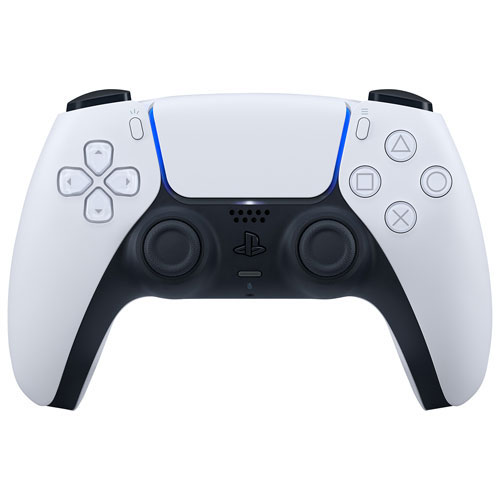
PlayStation 5 DualSense wireless controller
Best for: A PlayStation 5 gamer who could use a second controller for multiplayer gaming.
If they have a PlayStation 5 but only have the controller that came with it, another DualSense wireless controller is a practical gift. It lets a second person join compatible local multiplayer games and gives them a spare when their main controller needs charging.
The DualSense also offers haptic feedback and adaptive triggers that add tactile effects in supported games.
It works with compatible PC and mobile games too, although some controller features vary depending on the platform.
Compare options in our Best PS5 Controllers in 2026 guide. Our best multiplayer PlayStation 5 games and DualSense PC and iPhone setup guide offer additional ideas. You can also browse PlayStation 5 accessories at Best Buy Canada.
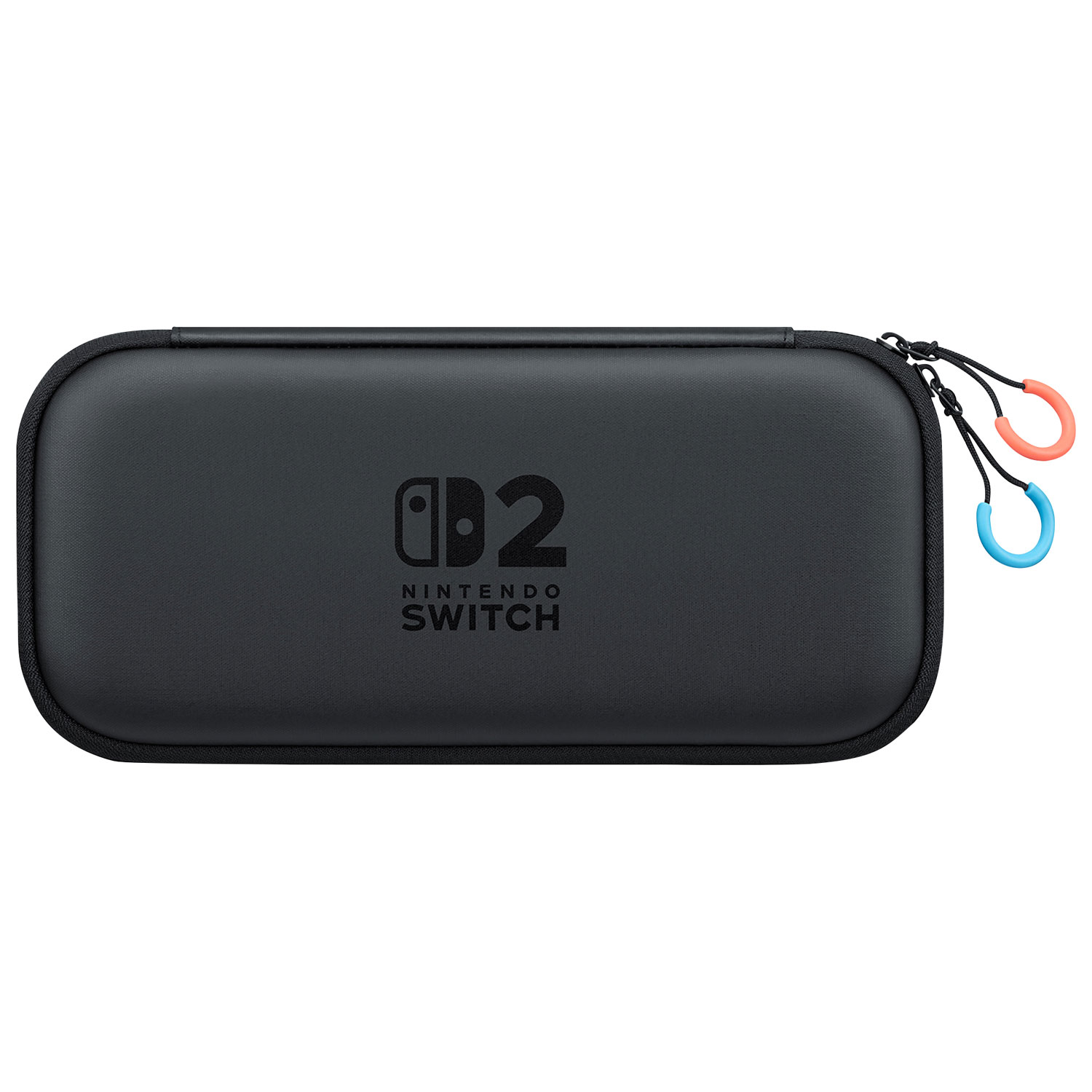
Nintendo Switch 2 carrying case and screen protector
Best for: A Nintendo Switch 2 gamer who regularly travels with their console.
If the gamer you’re shopping for often takes their Nintendo Switch 2 out of the house, a carrying case is something they’ll appreciate. Nintendo’s official carrying case and screen protector bundle includes protection for the console, along with a screen protector and cleaning cloth.
It’s made specifically for Nintendo Switch 2, so it won’t be the right accessory for Nintendo Switch.
For more travel and storage ideas, see our Nintendo Switch 2 accessories guide or browse Nintendo Switch 2 accessories at Best Buy Canada.
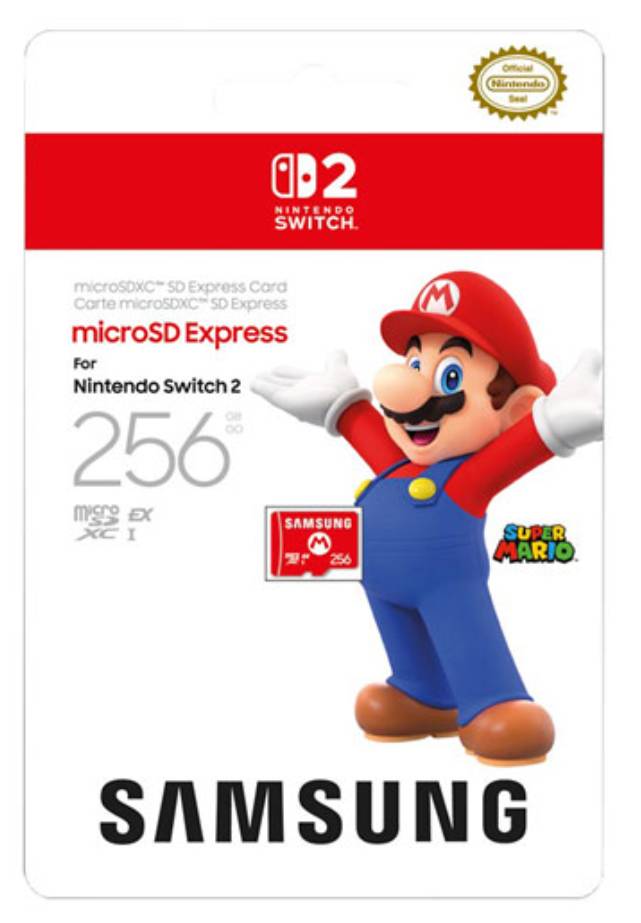
Samsung Super Mario 256GB microSD Express card
Best for: A Nintendo Switch 2 gamer who downloads games and needs additional storage.
If someone downloads most of their games, storage can fill up faster than expected. The Samsung Super Mario 256GB microSD Express card gives them more room for compatible game downloads on Nintendo Switch 2.
Nintendo Switch 2 requires microSD Express cards for expanded game storage, so you’ll want to make sure you’re buying the right type.
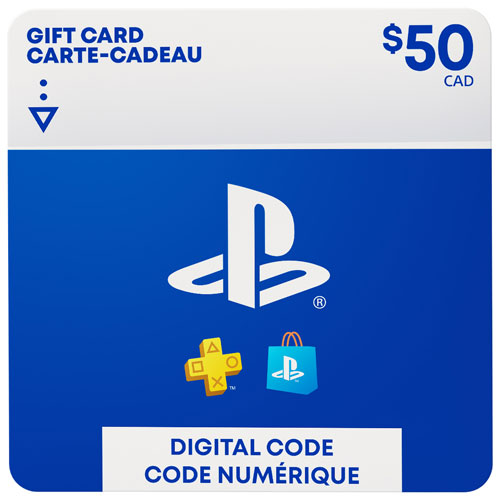
PlayStation Store $50 gift card
Best for: A PlayStation gamer whose specific game preferences you don’t know.
Not sure which game to buy? A PlayStation Store $50 gift card lets them decide for themselves. They can redeem it toward eligible digital games and other supported PlayStation Store purchases.
This gift card can only be redeemed on a Canadian PlayStation account, so the account region matters. Digital gift cards are generally non-refundable.
You can find other denominations among PlayStation Store gift cards at Best Buy Canada.
Choosing the right gaming gift
Use this final comparison to narrow down a gift by platform and play style.
| If they primarily… | Consider gifting… | Check before buying |
|---|---|---|
| Game on PC | Laptop, keyboard, or monitor | Existing computer and peripherals |
| Play on PlayStation | PS5, PlayStation Portal, or DualSense | Console and account compatibility |
| Play on XBOX | Series X or S, or controller | Disc versus digital games |
| Love Nintendo gaming | Switch 2, games, or accessories | Console generation |
| Game on the go | Switch 2 or Windows handheld | Preferred games and portability |
| Play competitively | Performance monitor or mouse | PC performance and current gear |
| Play with friends and family | Multiplayer game or extra controller | Supported player count and platform |
A new console can be exciting, but an accessory they use every day may be more useful.
Explore gaming consoles, PC gaming gear, controllers, games, and accessories available at Best Buy Canada whenever you’re shopping for the gamer in your life.
How we decide what’s best
At Best Buy Canada, curating a “Best of” or “Top X” list is a thoughtful and transparent process. We evaluate products based on brand reputation, popularity, customer interest, and relevance within their category. Our bloggers then bring deep product knowledge and hands-on experience to help identify the best options for you.
Testing goes far beyond unboxing—products are used in real-world scenarios, with our bloggers putting themselves in your shoes to better understand how a device or accessory performs day to day and whether it meets expectations. Where possible, they compare similar models and assess key factors such as design, performance, and category-specific features to offer well-rounded, informed recommendations. For niche or new product categories where broader hands-on testing might not be possible within that category as a whole, our skilled bloggers evaluate the products using every objective method they can.
In some cases, a blogger may not have direct experience with a specific product. When that happens, they draw on broader expertise, such as time spent with comparable items, an understanding of the brand’s current lineup, and its overall reputation. We also draw on insights from Best Buy’s in-house category experts and aggregate feedback from both trusted reviewers and customer ratings to make the best selections.
We’ll always be clear about the basis of our recommendations—whether they stem from first-hand testing or extensive research. Authenticity matters to us. Every “Best of” guide is built on objective insights, product knowledge, and a commitment to helping you make confident buying decisions.