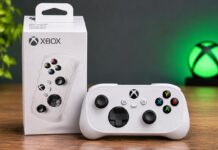
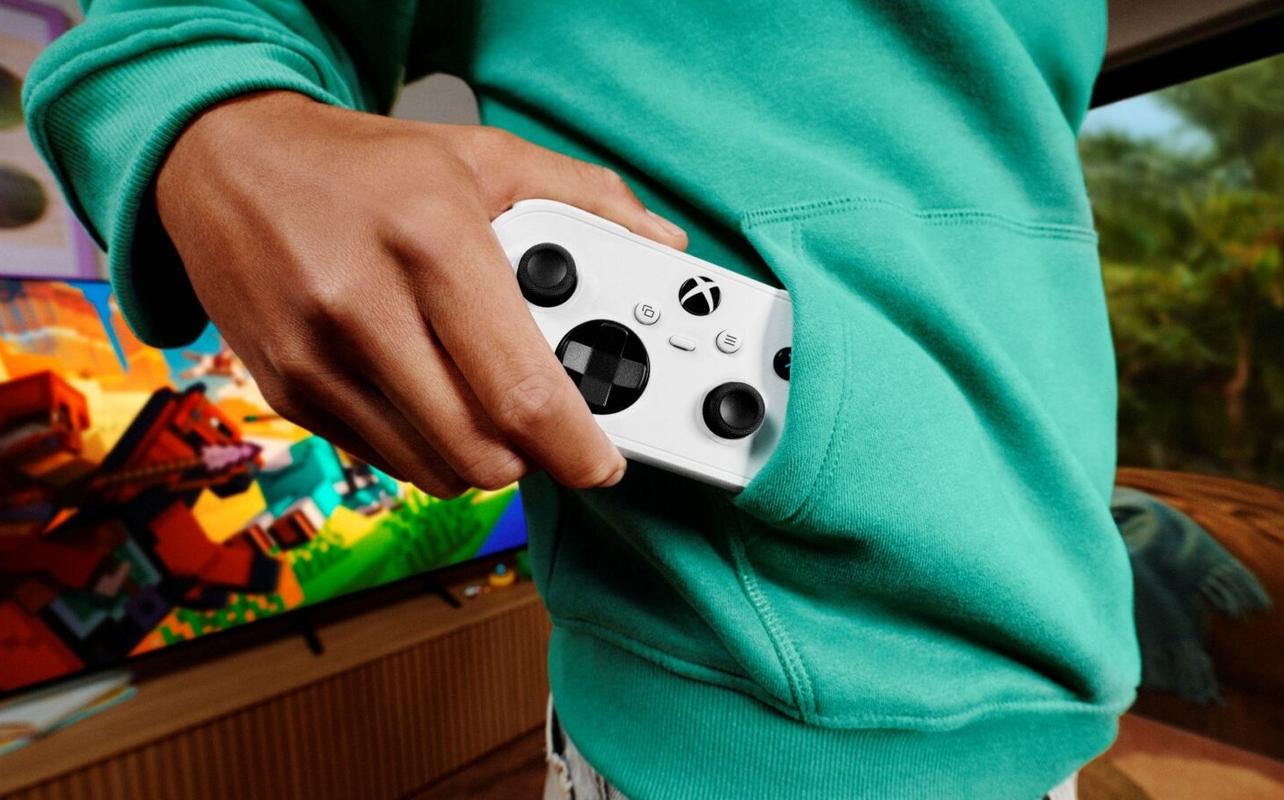
The XBOX Nano Controller is XBOX’s smallest controller yet, with all 18 standard gameplay inputs in a compact design. At approximately 13 cm (just over five inches) long, it could be easier for smaller hands to hold and simpler to pack when you’re gaming away from home. It’s also an extra controller you can have ready when friends or family want to join you. With support for XBOX consoles and several other devices, it doesn’t have to stay in front of your television.

A smaller XBOX controller with familiar controls
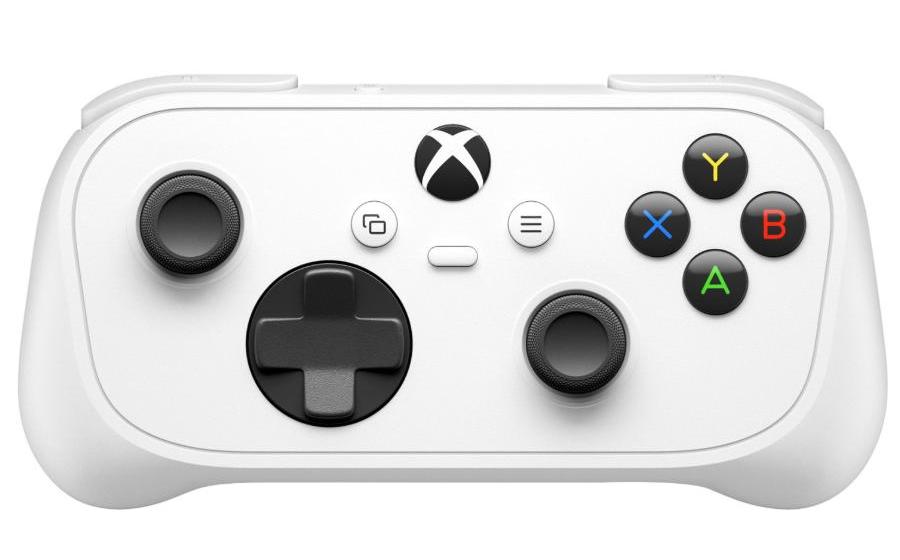
The XBOX Nano Controller weighs approximately 99 g (3.5 oz). If you’ve used an XBOX controller before, you’ll recognize the thumbsticks, directional pad, face buttons, triggers, and bumpers.
All 18 standard gameplay inputs are included, even with the smaller size. The XBOX Nano Controller doesn’t include vibration feedback.
A younger gamer can learn where everything is without switching to a controller with fewer buttons. And when you want to play, the controls are arranged the way you’re already used to.
There’s also a programmable Action Button. You can set it up for functions such as taking screenshots or capturing gameplay without opening a menu. On PC, you’ll need the XBOX Accessories app to program it.
The built-in rechargeable battery means you won’t have to keep disposable batteries on hand. You can charge the XBOX Nano Controller using a USB-C cable, which is sold separately.
Play across XBOX consoles, PC, and other devices
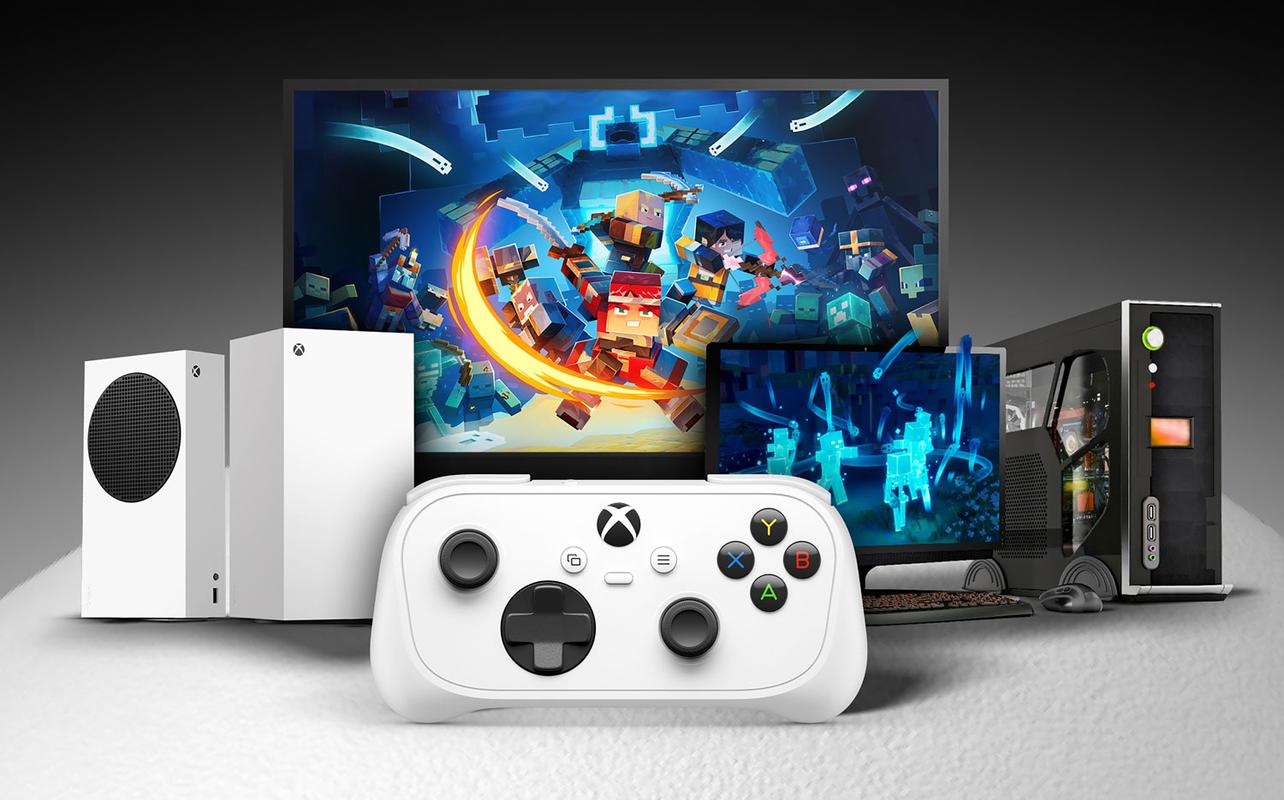
The XBOX Nano Controller connects to XBOX Series X|S and XBOX One consoles using XBOX Wireless. If you already own one of these consoles, you can keep it nearby for games that support local multiplayer.
You can also connect the XBOX Nano Controller over Bluetooth to compatible Windows PCs, Android devices, iPhones, iPads, and smart TVs. On a compatible Samsung Smart TV, you can use the XBOX app to play supported games through XBOX Cloud Gaming without owning an XBOX console. All you’ll need is a reliable internet connection and an eligible XBOX Game Pass subscription for most games.
Prefer a controller over a keyboard and mouse for certain PC games? On a compatible tablet, you can also use thumbsticks and physical buttons instead of touchscreen controls. If you’re putting together a PC gaming setup, our best gifts for PC gamers guide covers other accessories to consider. On Windows 11, you can connect using Bluetooth, a compatible USB-C cable, or an XBOX Wireless Adapter. The adapter is sold separately. Some features vary by device and software version, and the game itself needs to support controller input on that device.
Everyday ways to use the XBOX Nano Controller
Your usual XBOX controller can stay where it is. The XBOX Nano Controller can be the extra one for family gaming or the one you pack with your laptop.
Give smaller hands a familiar way to play
If you’ve watched a child struggle to reach the buttons on a full-sized controller, you know how awkward it can be. The XBOX Nano Controller keeps the standard XBOX layout but puts the controls closer together, which may help younger gamers reach them more comfortably.
They can practise moving a character with one thumbstick, adjusting the camera with the other, and finding the face buttons and triggers. Because all the standard inputs are there, they can use the same controls as everyone else when a game calls for them.
Of course, hand sizes vary, so a smaller controller won’t be the perfect fit for every child.
Keep an extra controller ready for game night
When a friend or family member wants to join a multiplayer game, it’s handy to have another controller ready. You can keep using the full-sized controller you’re comfortable with and hand them the XBOX Nano Controller.
Minecraft Dungeons II is one example. On XBOX Series X|S, it supports two to four people playing together in local co-op. Whether you’re working through a dungeon with your kids or playing with friends, everyone can join on the same console.
Travel with the XBOX Nano Controller
Heading away for the weekend with a laptop or tablet? The XBOX Nano Controller takes up less room in your bag than a full-sized controller. With Bluetooth support for compatible laptops and tablets, you can leave your regular XBOX controller at home and still use the button layout you’re used to.
Is the XBOX Nano Controller right for you?
For families sharing an XBOX Series X|S or XBOX One console, the XBOX Nano Controller offers another set of controls without changing the button layout. And if you play on a compatible PC or tablet too, it’s small enough to bring along when you travel.
The controller could also make a practical holiday gift for someone who plays on XBOX Series X|S, XBOX One, or another supported device. For more ideas, Best Buy Canada’s XBOX Series X gift ideas page covers games and accessories, while its gaming gift guides have options for other players.
Get the XBOX Nano Controller at Best Buy Canada
Ready for a smaller way to play? Get the XBOX Nano Controller at Best Buy Canada and keep it handy for family game nights or gaming on the go.