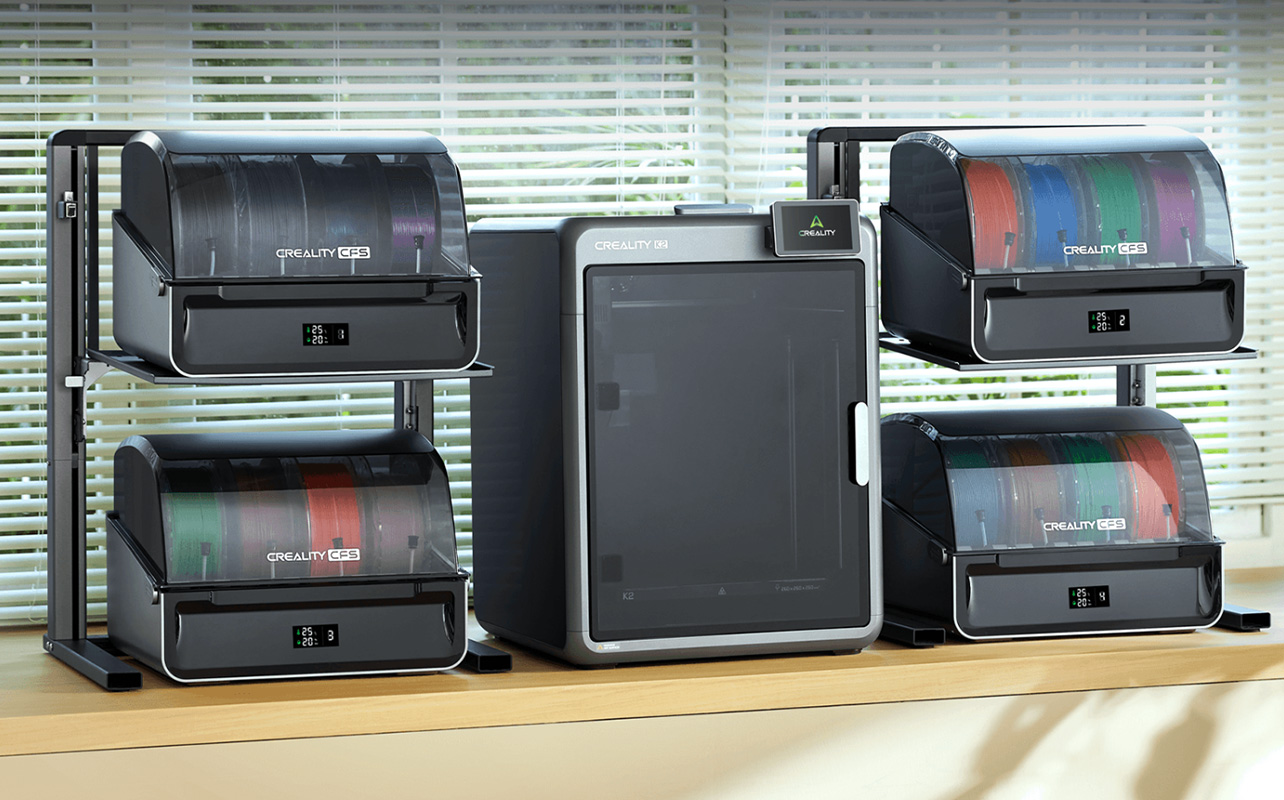
The best 3D printer for you depends on what you want to make and how much you want to spend. For beginners, the Bambu Lab A1 mini is an easy place to start: it arrives pre-assembled, handles bed levelling automatically and can be ready to print in about 20 minutes. If budget is your priority, consider the Creality Ender-3 V3 SE. For multicolour printing, consider the Bambu Lab P2S AMS Combo.
Below, we’ve picked nine 3D printers from Bambu Lab, Creality and Flashforge for different needs and budgets, along with PLA filament options to get you started. New to all this? Our 3D printer buying guide covers the basics.

Best 3D printers by budget
Best budget 3D printer
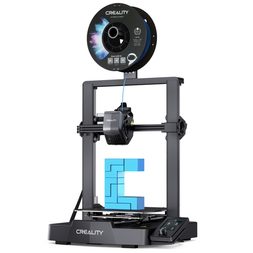
Creality Ender-3 V3 SE 3D printer
- 220 × 220 × 250 mm build volume, up to 250 mm/s print speed, 260°C nozzle, CR Touch auto-levelling and Sprite direct-drive extruder.
- Best for: Starting out without spending much, backed by the popular Ender-3 family’s large user community.
- Worth knowing: It needs a little more hands-on calibration than the Bambu Lab models, and it has no enclosure.
It’s designed for PLA, PETG and TPU, the materials listed for this printer. ABS and ASA are harder to print on an open-frame machine because drafts can cool the print unevenly and cause warping. An enclosed printer is generally a better choice for these materials. If a print fails, our guide to common 3D printing problems and fixes covers the usual suspects.
Best mid-range 3D printer for hobbyists
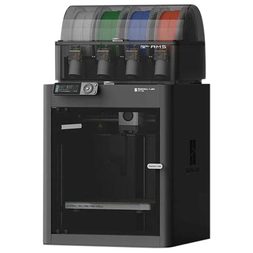
Bambu Lab P1S Combo 3D printer
- 256 × 256 × 256 mm build volume, up to 500 mm/s, 300°C hotend, enclosed frame, built-in camera and AMS included for multicolour printing. The included AMS supports four colours, with support for up to 16 colours when additional compatible AMS units are added.
- Best for: Hobbyists who want less manual tuning and the option to print with ABS and ASA.
- Worth knowing: The enclosure helps retain heat, but the printer doesn’t have an active chamber heater.
The AMS (Automatic Material System) is Bambu Lab’s automatic filament-feeding system. It holds several spools and switches between filaments during a print, making multicolour printing possible. Not sure which brand to choose? Our Bambu Lab vs Creality comparison breaks it down.
Best premium 3D printer for larger projects
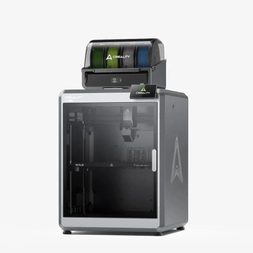
Creality K2 Plus Combo 3D printer
- 350 × 350 × 350 mm build volume, up to 600 mm/s, 350°C nozzle, enclosed frame with an active chamber heater that reaches up to 60°C, and Creality Filament System (CFS) for multicolour printing. The included CFS supports four colours, expandable to 16 with three additional units.
- Best for: Large projects printed in one piece, like a cosplay helmet.
- Worth knowing: At approximately 35 kg, it’s a heavy machine, and learning to use the CFS may take some practice.
If you’ve outgrown a mid-range printer, a larger build volume can make a real difference. On a smaller machine, a large print may need to be split into sections and glued together.
Best 3D printers by project
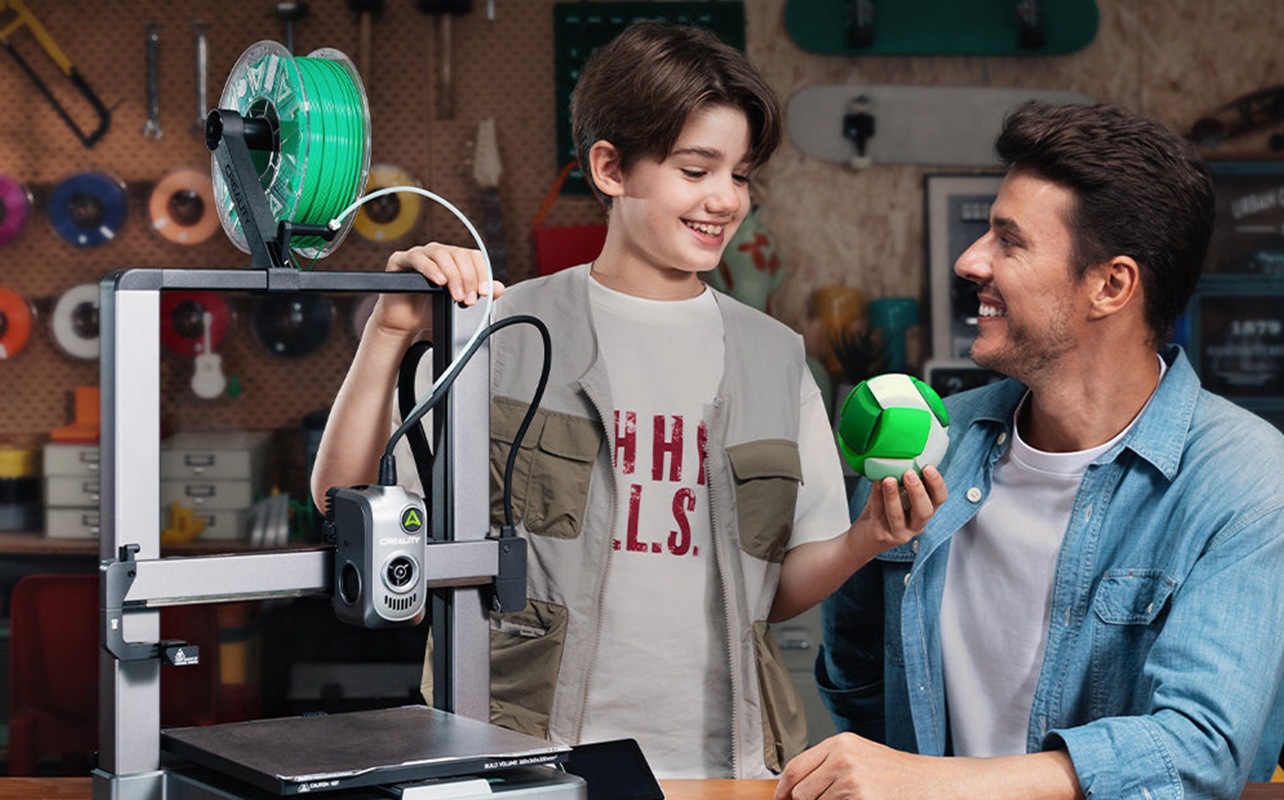
Budget is only half the picture. The other half is what you want to print. These picks cover getting started, multicolour printing, detailed models and everyday single-colour projects.
Best 3D printer for beginners
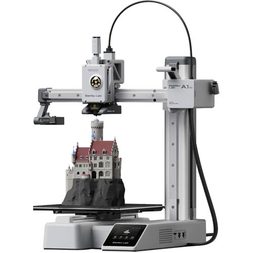
Bambu Lab A1 mini 3D printer
- 180 × 180 × 180 mm build volume, up to 500 mm/s, 300°C hotend, fully automatic calibration, built-in camera and 2.4-inch touchscreen.
- Best for: For first-time users, the Bambu Lab A1 mini is an easy place to start. It arrives pre-assembled, handles calibration automatically and can be ready to print in about 20 minutes.
- Worth knowing: The build volume is on the smaller side. This listing is for the standalone A1 mini, which prints one colour at a time. Bambu Lab’s AMS lite multicolour system is compatible but isn’t included.
If ease of use matters more to you than build volume, start here. Bed levelling helps set the right distance between the nozzle and print bed. Getting this right is important for a successful first layer, so automatic bed levelling can make a big difference. New to printing? Start with our guide to how to start 3D printing at home.
Best multicolour 3D printers
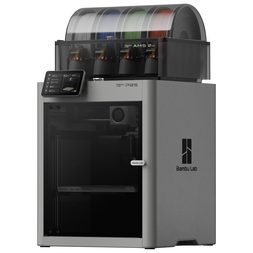
Bambu Lab P2S AMS Combo 3D printer
- 256 × 256 × 256 mm build volume, up to 600 mm/s, 300°C nozzle, enclosed frame, built-in camera and AMS 2 Pro included for multicolour printing.
- Best for: Buyers who want multicolour printing as a core feature rather than an occasional add-on.
- Worth knowing: Multicolour prints switch filaments through a single nozzle, which can increase filament waste and print time.
Multicolour printing switches filaments mid-print, so you can create several colours in one object without painting it. Curious how Bambu Lab’s AMS compares with Creality’s CFS? Our Bambu Lab vs Creality comparison puts the two systems side by side. A few spools of Bambu Lab PLA Basic in Blue and Red are an easy way to see colour changes in action.
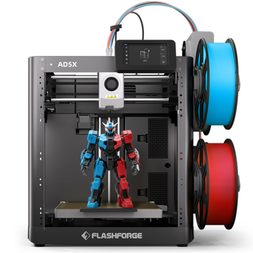
Flashforge AD5X 3D printer
- 220 × 220 × 220 mm build volume, up to 600 mm/s travel speed and 300 mm/s print speed, 300°C nozzle, Intelligent Filament System (IFS) for up to four colours and automatic bed levelling.
- Best for: Trying multicolour printing on a smaller budget than the P2S.
- Worth knowing: It has an open frame with no enclosure. Like other single-nozzle multicolour printers, it can waste filament when changing colours.
If the AD5X interests you, our Flashforge AD5X review takes a closer look at its fast, colourful printing and what it’s like to use day to day.
Best 3D printer for detailed models
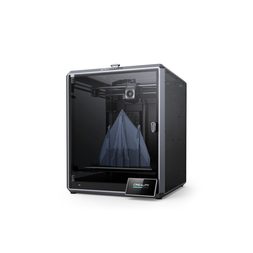
Creality K1 Max 3D printer
- 300 × 300 × 300 mm build volume, up to 600 mm/s, 300°C nozzle, enclosed frame, AI LiDAR first-layer scanning and carbon filter.
- Best for: Detailed prints at a larger size, like display models and prototypes.
- Worth knowing: It prints one colour at a time. For very fine details, such as miniatures and jewellery, resin printers are generally a better choice.
Resin printers require a ventilated space and additional post-processing, but they can produce smoother surfaces and finer details than most filament printers. Our FDM vs resin 3D printers comparison explains the trade-offs, and you can explore resin 3D printers if that’s your goal.
The K1 Max is the better fit when your models are larger or more practical. Its AI LiDAR scans the first layer to help identify potential printing issues. The enclosed design and large build volume make it a good fit for larger models and prototypes. For smoother surfaces, try reducing the print speed in your slicing software.
Best single-colour 3D printer
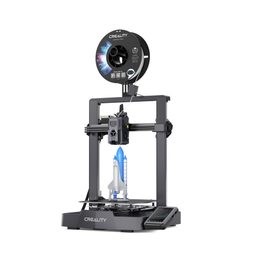
Creality Ender-3 V3 KE 3D printer
- 220 × 220 × 240 mm build volume, up to 500 mm/s, 300°C nozzle, CR Touch auto-levelling and power-loss recovery.
- Best for: Everyday single-colour prints, with faster printing than the V3 SE and a 300°C nozzle.
- Worth knowing: The listing shows ABS and ASA support, but without an enclosure those materials can be harder to print well. PLA and PETG are easier choices for many everyday projects.
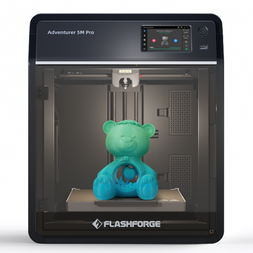
Flashforge Adventurer 5M Pro 3D printer
- 220 × 220 × 220 mm build volume, up to 600 mm/s, 280°C nozzle, enclosed frame and built-in camera.
- Best for: Single-colour printing in shared spaces, with an enclosure and dual-layer HEPA and activated-carbon filtration designed to help reduce airborne particles and volatile organic compounds (VOCs).
- Worth knowing: It prints one colour at a time, and the listing doesn’t mention an active chamber heater.
A single-colour printer like the Ender-3 V3 KE is all you need for the practical projects in our guide to what you can make with a 3D printer, such as cable clips, hooks, and drawer organizers. It also avoids the extra filament use and print time that can come with multicolour printing. If you’d rather have an enclosure, the Adventurer 5M Pro adds one along with filtration, which may suit shared spaces like a classroom or small office.
How do these 3D printers compare side by side?
Each of these printers has a different strength. Use this table as a quick reference if you’ve read the picks above, or as a starting point if you want to compare the specifications. Maximum speeds are manufacturer ratings, and actual print speeds are usually lower.
| Model | Category | Build volume | Key advantage |
| Creality Ender-3 V3 SE | Budget FDM | 220 × 220 × 250 mm | Entry-level pick with auto-levelling and a large user community |
| Bambu Lab P1S Combo | Mid-range FDM | 256 × 256 × 256 mm | AMS included (four colours, expandable to 16), in an enclosed frame |
| Creality K2 Plus Combo | Premium large-format FDM | 350 × 350 × 350 mm | Largest build volume here, with an active heated chamber |
| Bambu Lab A1 mini | Beginner FDM | 180 × 180 × 180 mm | Fully automatic calibration removes the guesswork for first-timers |
| Bambu Lab P2S AMS Combo | Multicolour FDM | 256 × 256 × 256 mm | AMS 2 Pro included, up to 600 mm/s, enclosed |
| Flashforge AD5X | Multicolour FDM | 220 × 220 × 220 mm | Four-colour IFS at up to 600 mm/s |
| Creality K1 Max | Detailed-model FDM | 300 × 300 × 300 mm | AI LiDAR first-layer scan in an enclosed frame |
| Creality Ender-3 V3 KE | Single-colour FDM | 220 × 220 × 240 mm | Up to 500 mm/s with quick setup |
| Flashforge Adventurer 5M Pro | Enclosed single-colour FDM | 220 × 220 × 220 mm | Enclosed frame with dual-layer filtration and a built-in camera |
Want to understand what each of these specs means for your own prints? Our 3D printer buying guide walks through build volume, speed, enclosures, and more.
Which filament should you buy first?
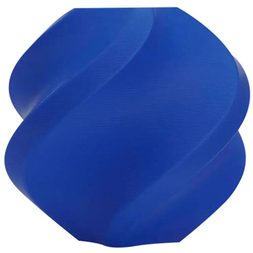
Bambu Lab PLA Basic filament, 1 kg spool
- PLA, 1.75 mm diameter, 1 kg spool, RFID chip for automatic settings, available in four colours (Black, Jade White, Blue and Red), each sold as its own spool.
- Best for: First spools, with a smooth finish and easy printing. Black and Jade White are versatile choices for everyday functional prints, while Blue and Red make good test colours for multicolour projects.
- Worth knowing: The RFID chip lets a compatible Bambu Lab AMS recognize the filament and apply its settings automatically. On other setups, you’ll choose the settings yourself.
Start with PLA, one of the easiest filaments to print. Our 3D printer filament guide compares PLA, PETG and ABS.
When you’re ready, shop 3D printers at Best Buy Canada or browse more 3D printing materials. Our guide to essential 3D printer accessories for beginners covers what to add first.
How we decide what’s best
At Best Buy Canada, curating a “Best of” or “Top X” list is a thoughtful and transparent process. We evaluate products based on brand reputation, popularity, customer interest, and relevance within their category. Our bloggers then bring deep product knowledge and hands-on experience to help identify the best options for you.
Testing goes far beyond unboxing—products are used in real-world scenarios, with our bloggers putting themselves in your shoes to better understand how a device or accessory performs day to day and whether it meets expectations. Where possible, they compare similar models and assess key factors such as design, performance, and category-specific features to offer well-rounded, informed recommendations. For niche or new product categories where broader hands-on testing might not be possible within that category as a whole, our skilled bloggers evaluate the products using every objective method they can.
In some cases, a blogger may not have direct experience with a specific product. When that happens, they draw on broader expertise, such as time spent with comparable items, an understanding of the brand’s current lineup, and its overall reputation. We also draw on insights from Best Buy’s in-house category experts and aggregate feedback from both trusted reviewers and customer ratings to make the best selections.
We’ll always be clear about the basis of our recommendations—whether they stem from first-hand testing or extensive research. Authenticity matters to us. Every “Best of” guide is built on objective insights, product knowledge, and a commitment to helping you make confident buying decisions.