If you’re trying to decide between an FDM and a resin 3D printer, you’re essentially choosing between ease of use and precision. FDM printers work by melting and extruding plastic filament. They’re easier to set up, more affordable, and practical for a wide range of everyday projects. Resin printers use liquid material hardened by UV light to produce incredibly smooth, highly detailed prints, but they require more setup, more cleanup, and a bit more care throughout the whole process.
The better choice isn’t about which technology is superior. It comes down to what you want to create, how much effort you’re willing to invest, and where you plan to use your printer. This guide breaks down everything you need to know, print quality, speed, materials, cost, maintenance, and safety. If you’re already browsing options, you can explore the full range of 3D printers available at Best Buy Canada as well as this guide on how to choose your first 3D printer.

Table of contents:
- Which has better print quality?
- Print speed: Which one is faster?
- Materials: Filament vs resin
- Ease of use and maintenance
- Safety considerations
- Cost comparison: Upfront and ongoing
- Frequently asked questions
Understanding the two main types of 3D printing
Both FDM and resin printers build objects layer by layer, but the way they form those layers is completely different, and that difference is what drives everything else, from print quality and speed to cost and cleanup.
What is an FDM printer?
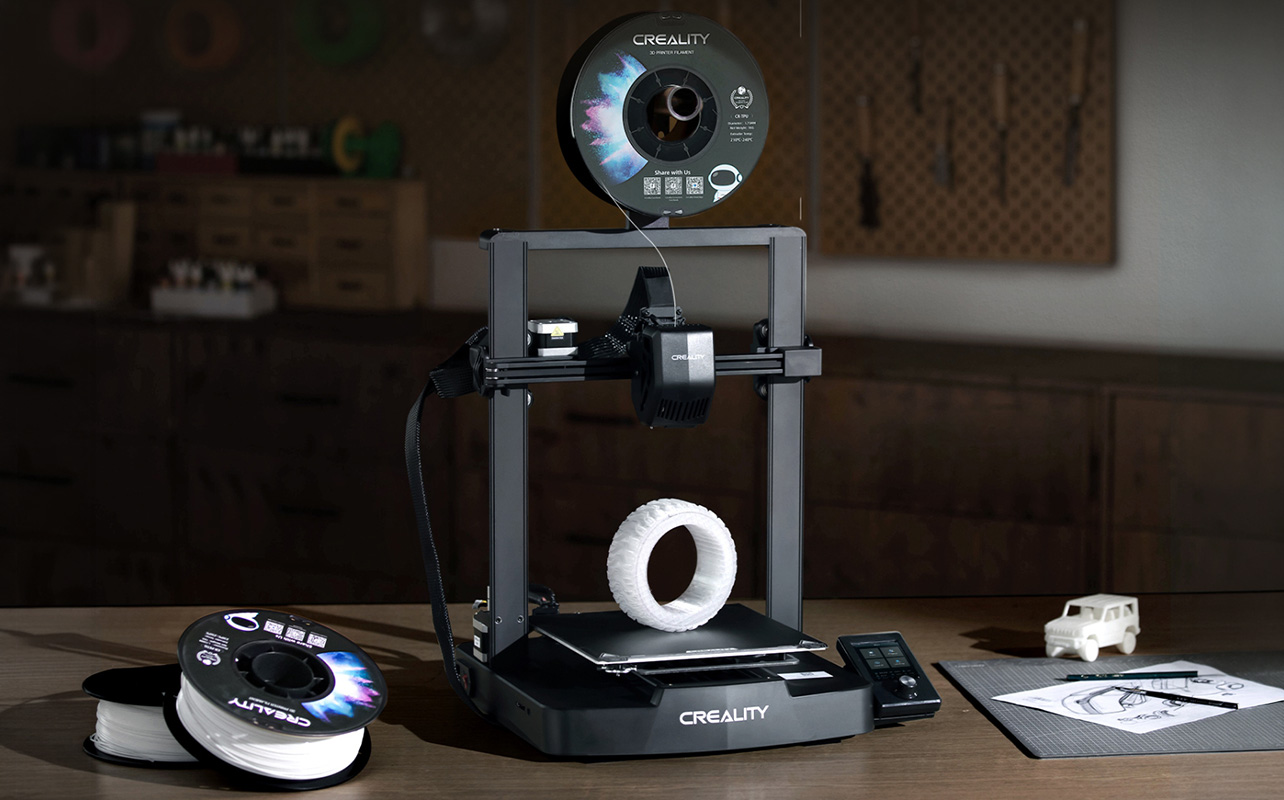
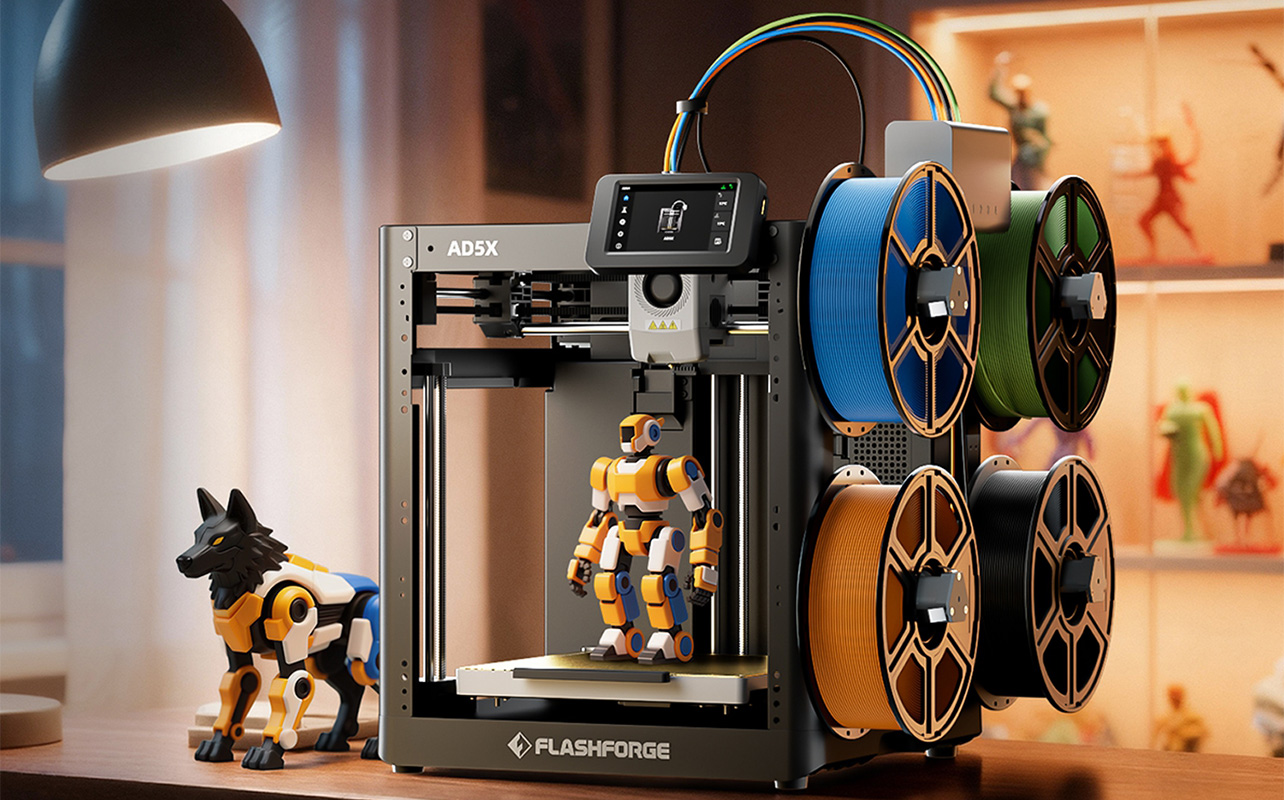
FDM (fused deposition modelling) printers work by heating plastic filament and pushing it through a nozzle. The printer traces precise paths, laying down thin lines of melted plastic that stack on top of each other, similar in concept to how a hot glue gun draws shapes, but with far more precision. It’s a straightforward, reliable process that’s been widely adopted for everything from hobbyist printing to functional prototyping.
What is a resin printer?
Resin printers take a fundamentally different approach. Instead of melting plastic, they use liquid photopolymer resin that hardens when exposed to UV light. There are two main technologies in this category:
- SLA (stereolithography) uses a laser to cure the resin point by point.
- MSLA (masked stereolithography) uses an LCD screen to expose and cure an entire layer at once.
Most affordable resin printers sold today use MSLA technology, which is worth knowing because it’s faster and more cost-effective than SLA at the entry level. When people talk about home resin printers, they’re almost always referring to MSLA machines.
The core distinction is this: FDM builds objects by extruding melted plastic line by line, while resin builds objects by curing liquid resin one full layer at a time using light. That fundamental difference is what shapes every other comparison in this article.
FDM vs resin: key differences
If you want a quick overview before diving into the details, the table below covers the most important differences between FDM and resin printers. Think of it as your starting point; the sections that follow will explain each category in full so you can make a well-informed decision.
| Feature | FDM 3D printers | Resin 3D printers |
| Print quality | Good, with visible layer lines | Excellent, very smooth and detailed |
| Ease of use | Beginner-friendly, simple setup | More complex, requires setup and cleanup |
| Materials | Solid filament (PLA, PETG, ABS) | Liquid photopolymer resin |
| Post-processing | Minimal (remove supports when needed) | Required (washing and UV curing after every print) |
| Safety | Generally safe, minimal fumes with PLA | Requires ventilation and careful handling |
| Cost | Lower upfront and ongoing cost | Higher ongoing costs |
| Print size | Better for larger objects | Limited build volume |
Both technologies are capable and well-supported; the right choice depends entirely on what you need. You can browse filament 3D printers and resin 3D printers at Best Buy Canada to see what’s available in each category.
Which has better print quality?
Print quality is where resin printers genuinely pull ahead, but “quality” means different things depending on what you’re making. That distinction matters a lot when choosing the right printer for your needs.
Resin printers are built for detail and surface finish. Because they cure liquid resin with light rather than extruding plastic through a nozzle, they can produce extremely fine layers, typically between 0.01 and 0.05 mm. The result is smooth, clean surfaces with almost no visible layer lines, even on small or intricate shapes. If you’re printing something where the finish really matters, something that will be painted, displayed, or examined up close, resin delivers a noticeably superior result. Common use cases where resin excels include:
- Miniatures and figurines for tabletop gaming
- Display models and collectibles
- Dental, medical, or jewellery prototypes
- Highly detailed artistic or creative work
FDM printers, on the other hand, prioritize strength and practicality over surface perfection. They typically print at layer heights of 0.1 to 0.3 mm, which means layer lines are often visible, particularly on curved or organic shapes. That said, FDM prints are generally stronger and more durable than resin prints, making them well-suited for anything that needs to hold up to real-world use. Common use cases where FDM performs well include:
- Functional parts like brackets, clips, and tool holders
- Prototypes and test models
- Replacement parts for household items
- Larger structural prints
The bottom line on print quality: if surface detail and finish are your top priorities, especially for something you’ll display or paint, resin is the clear winner. If you need parts that are durable, functional, and hold up to regular handling, FDM is the more practical choice. And if you’re going the resin route for display work, the smooth surface finish will save you a significant amount of sanding and post-finishing time compared to FDM.
Print speed: which one is faster?
Speed in 3D printing isn’t as simple as it might seem. It’s not just about how fast the printer moves, it’s also about how each layer gets formed, and that’s where FDM and resin behave very differently.
Resin printers cure entire layers at once. The UV light source exposes the full layer of resin in a single step, which means the time it takes to complete one layer stays roughly the same regardless of how many objects are sitting on the build plate. This is where resin has a meaningful speed advantage: batching. If you’re printing ten small miniatures at once, a resin printer completes all ten in roughly the same time it would take to print just one, because every layer across all ten objects cures simultaneously.
FDM printers, by contrast, draw each layer line by line. The nozzle has to physically trace every detail of every object on the plate, so the more you add, the longer it takes. Print time on an FDM machine scales directly with the size and complexity of what you’re making.
Here’s a practical guide to help you think about printing speed:
| Scenario | Faster option | Why |
| Printing 10 small miniatures at once | Resin | All objects cure in the same layer time |
| Printing one large functional part | FDM | Resin build volumes are smaller; FDM handles scale better |
| Printing a single detailed small model | Resin | Layer cure times are fast and consistent |
| Printing a large prototype | FDM | Less limited by build volume; scales more efficiently |
The common assumption that resin is always faster isn’t quite right. Resin wins on batching small objects, but FDM is often the quicker option for single large prints. Understanding this distinction helps you match the technology to how you actually plan to print.
Materials: filament vs resin
The material you use affects much more than just how your prints look. It shapes how you work day to day, how you store your supplies, how you handle them, what happens when a print fails, and what the final part can actually do. This is one of the most practical differences between the two technologies.
FDM materials (filament)
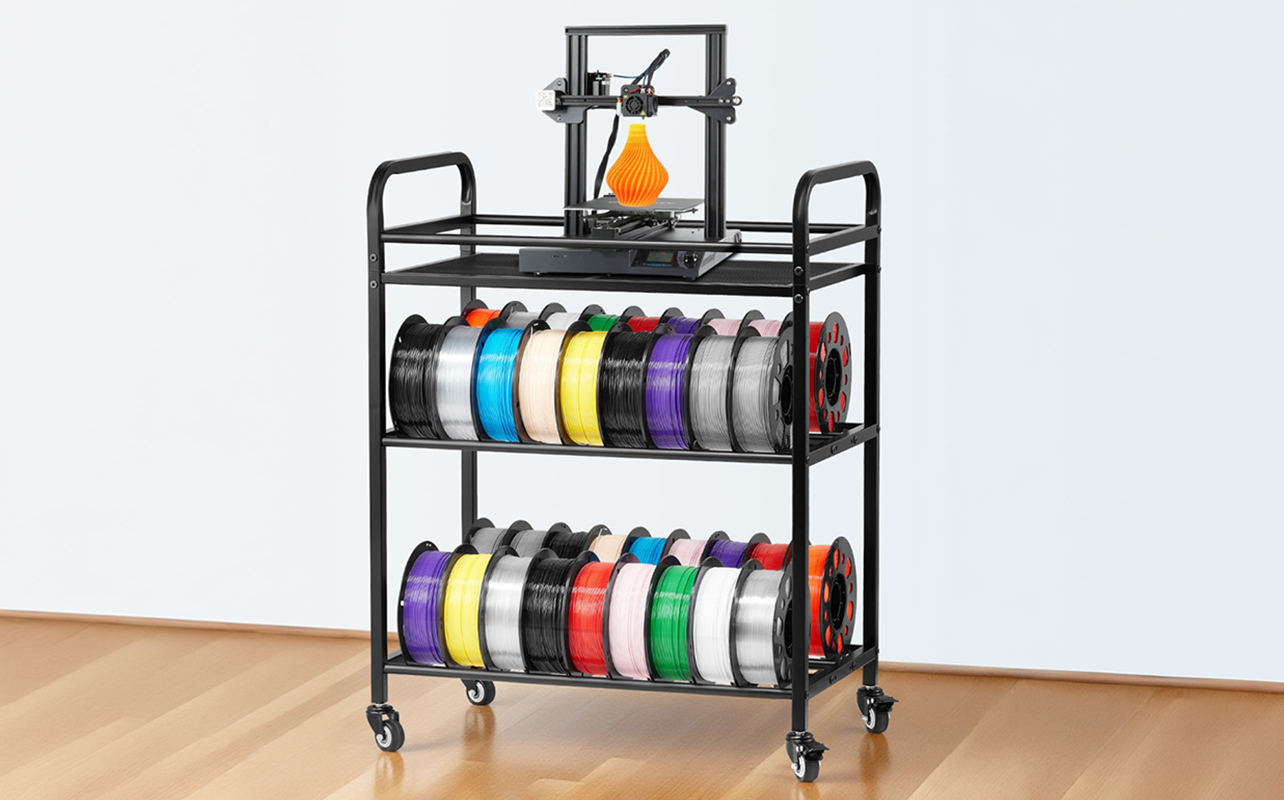
FDM printers use solid plastic filament that comes wound on spools. It’s clean, dry, and easy to store; you can leave a spool on the printer between sessions without much concern. Filament is widely available and beginner-friendly in every sense. The most common types are:
- PLA: the easiest filament to work with, low warping, and forgiving for beginners. Great for general hobby printing and display models.
- PETG: more durable and slightly flexible than PLA, making it a solid choice for functional parts that need a bit of give.
- ABS: strong and heat-resistant, but requires more controlled printing conditions and produces more fumes; ventilation is a good idea with ABS.
From a cost perspective, filament is very accessible. PLA and PETG typically run around $20 to $40 per kilogram, and failed prints waste relatively little material since you can often pause and recover mid-print. If you want a more detailed breakdown of how PLA, ABS, and PETG behave in practice, including which to start with and when to switch, the filament guide covers each material in plain terms.
Resin materials
Resin printers use liquid photopolymer resin that hardens when exposed to UV light. Because it’s a liquid, it requires more careful handling and storage; it’s light-sensitive, so it needs to be kept in a sealed container away from direct sunlight. Resin also has a limited shelf life once opened, which is worth factoring into your planning if you don’t print frequently. The main resin types available include:
- Standard resin: general-purpose printing, good surface finish.
- Tough resin: designed for stronger, more impact-resistant parts.
- Flexible resin: produces bendable parts for specific applications.
- Castable resin: used for jewellery making and mould production.
Resin is noticeably more expensive than filament; most resins cost between $40 and $100 per litre. Failed prints also tend to waste more material, since partially cured resin can be harder to recover and reuse.
Handling and durability differences
Beyond price, the day-to-day experience of working with each material is quite different. Filament is dry, stable, and simple; you load it, print, and move on. The resulting parts are generally strong and durable, making them suitable for functional use.
Resin requires more care at every stage. It’s a liquid chemical that can irritate skin so always wear gloves during handling. It also needs to be cleaned off tools and the build plate after each session. The final prints, while visually excellent, are often more brittle than FDM parts unless you use a specialized tough or flexible resin.
In short: if you want low-maintenance materials and strong, practical results, filament is the better fit. If fine detail and surface quality are your priority and you’re comfortable with more involved handling, resin offers more flexibility, at a higher cost and with more effort involved.
Ease of use and maintenance
This is often the deciding factor for anyone buying their first 3D printer, and the gap between FDM and resin is significant. It’s not just about initial setup; it’s about what the full workflow looks like every time you print.
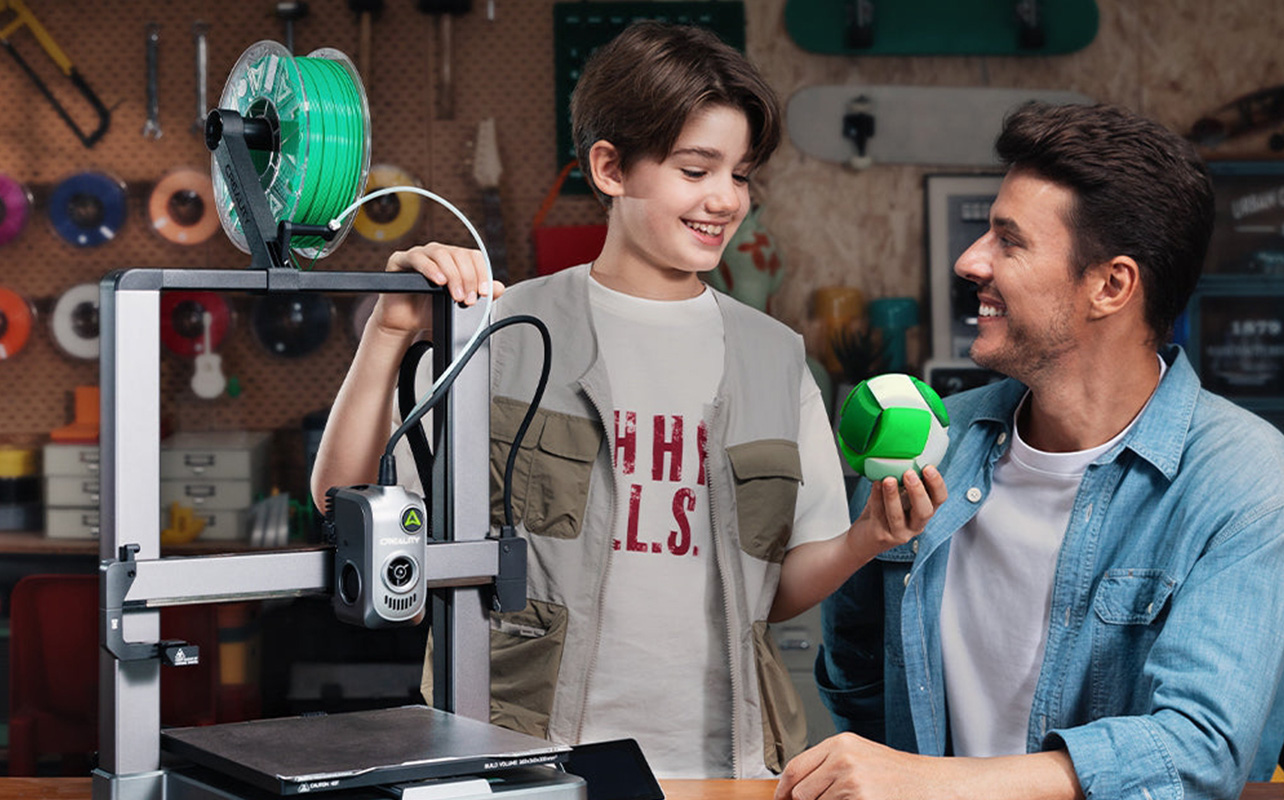
FDM printers are genuinely straightforward. You load the filament, prepare your file, start the print, and when it’s done, you remove the object. Most of the process is hands-off, and the cleanup is minimal. If a print fails, it’s usually easy to remove the material and try again, and if you’re not sure what caused the failure in the first place, the guide to common 3D printing problems walks through the most likely culprits and how to fix each one.
Resin printing involves a more involved workflow at every stage. The printing step is only part of the process; once your print finishes, it still needs to be washed to remove uncured resin, then cured under UV light to fully harden. The printer itself also needs attention after each session.
Here’s how the two workflows compare:
| Step | FDM 3D printers | Resin 3D printers |
| Setup | Load filament and level bed | Pour resin carefully and prepare the build plate |
| Printing | Start and monitor | Start and monitor |
| After print | Remove the object | Remove, wash in isopropyl alcohol, and UV cure |
| Cleanup | Remove supports if used; minimal effort | Clean the vat, build plate, tools, and any spills |
| Time per print | Mostly hands-off | Requires active post-processing after each print |
This difference adds up meaningfully over time. A typical FDM print session is largely “set it and come back when it’s done.” A resin session often requires 20 to 45 minutes of active post-processing work after the print itself finishes, washing, curing, and cleaning up your workspace and tools.
Learning curve and ongoing maintenance
FDM printers are straightforward to learn and maintain. Most upkeep tasks are occasional and simple: cleaning the nozzle now and then, re-levelling the print bed every few sessions, and replacing the nozzle if it gets worn. These are low-effort tasks that most users pick up quickly.
Resin printers require more consistent upkeep. The resin vat and build plate need to be cleaned regularly, and the FEP film at the bottom of the vat, which the resin cures against, needs to be replaced periodically as it wears. You’ll also need a washing and curing station as a permanent part of your setup, which adds both cost and space to the equation.
If you want a low-effort, beginner-friendly experience, FDM is the more practical choice. If you’re willing to invest time in post-processing for the benefit of higher detail and better finish, resin can absolutely be worth it, but go in knowing what the workflow actually involves.
Safety considerations
Safety is a practical factor worth thinking through before you buy, especially if you plan to use your printer at home, in a bedroom, or in a shared space. Both types are safe when used properly, but they require very different levels of care.
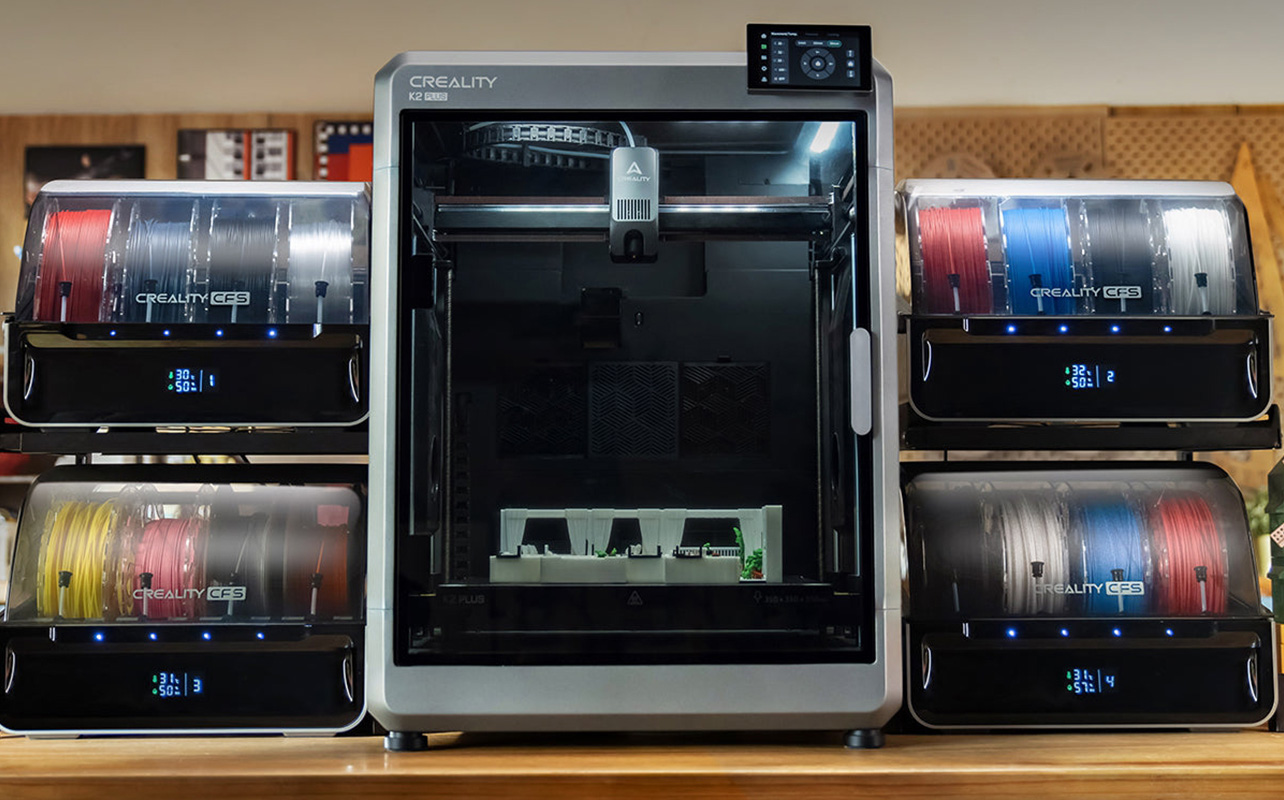
FDM printers are generally easy to use in most home environments. When printing with PLA, the most common filament, there are minimal fumes and no liquid chemicals to deal with. Basic precautions apply: keep the hot nozzle and heated bed covered when not in use, place the printer on a stable surface, and keep children and pets at a safe distance. It’s worth noting that some FDM filaments, particularly ABS and ASA, do produce more fumes during printing and benefit from good ventilation or an enclosure. If you plan to use those materials regularly, factor that into your workspace setup.
Resin printers require more careful handling. Liquid photopolymer resin can irritate skin and eyes on contact, and it releases VOCs (volatile organic compounds) during printing that require proper ventilation to manage safely. This doesn’t make resin printing dangerous, but it does mean you need a more intentional setup. Key safety practices for resin printing include:
- Always wear nitrile gloves when handling liquid resin, build plates, or freshly printed parts.
- Ensure your workspace has good ventilation; an open window or a dedicated exhaust fan makes a real difference.
- Avoid skin contact; wash any exposed areas immediately with soap and water.
- Store resin in a cool, dark place in its original sealed container.
- Never pour uncured liquid resin down the drain, dispose of it responsibly according to your local guidelines.
- Keep isopropyl alcohol and cleaning supplies on hand as part of your standard setup.
In practical terms, FDM printers are the easier option for bedrooms, home offices, and casual workspaces. Resin printers are better suited for a dedicated area, a garage, workshop, or well-ventilated room, where you can manage airflow and handle materials properly without concern.
Cost comparison: upfront and ongoing
The sticker price of a printer is only one part of the cost picture. To understand the real difference between FDM and resin, you need to factor in materials, additional equipment, and ongoing maintenance over time.
FDM printers are generally the more affordable option across the board. Entry-level models typically start between $200 and $500, with mid-range machines running around $500 to $800. Filament costs $20 to $40 per kilogram on average, waste is minimal, and the printer itself requires very little in terms of accessories or consumables beyond an occasional nozzle replacement.
Resin printers fall in a similar upfront range; most entry-level models are priced between $300 and $700, with higher-end options reaching $1,000 or more. However, the ongoing costs are noticeably higher. Resin costs $40 to $100 per litre, prints can fail and waste more material, and the process requires a dedicated washing and curing station, isopropyl alcohol for cleaning, nitrile gloves, and periodic FEP film replacements for the resin vat. These add-ons aren’t optional; they’re part of the core workflow.
Here’s how the costs compare across both printer types:
| Cost factor | FDM 3D printers | Resin 3D printers |
| Printer price | $200–$800 (entry to mid-range) | $300–$1,000+ (entry to mid-range) |
| Material cost | $20–$40 per kg | $40–$100 per litre |
| Extra equipment needed | Minimal | Washing station, curing lamp, IPA, gloves |
| Ongoing maintenance cost | Low | Moderate to high |
| Long-term cost | More affordable overall | More expensive with frequent use |
If you’re budget-conscious or just getting started, FDM is the more financially predictable choice. If you’re focused on high-detail output and willing to invest in a proper setup, resin can absolutely be worth it; just factor in the full cost of ownership before you commit.
Best use cases for each type
At this point, the differences between FDM and resin are clear, but the simplest way to land on the right choice is to think about what you actually want to make. Each technology has a natural home, and matching the printer to your use case will make more of a difference than any single spec.
FDM is best for practical, everyday printing
FDM printers are built for versatility. They handle larger prints well, produce strong and durable parts, and are approachable enough for beginners to learn on without much frustration. They’re the kind of printer you reach for when you have a real problem to solve, and if you’re deciding between the two biggest FDM brands right now, a head-to-head look at Bambu Lab vs Creality can help you narrow it down further.
Common FDM use cases include:
- Functional parts like brackets, mounts, clips, and tool holders
- Prototypes and design models before final production
- Larger objects like organizer trays, enclosures, or structural parts
- General hobby projects, learning 3D printing, and iterative making
In real-world terms, an FDM printer is what you’d use to print a phone stand for your desk, a replacement clip for a broken household item, a cable management solution, or a custom mount for a shelf. It’s a practical, problem-solving tool that suits a wide range of everyday needs.
Resin is best for detail-focused and display models
Resin printers shine when precision and surface quality matter most. They’re purpose-built for smaller, highly detailed objects where even subtle imperfections would be visible and where the final appearance is the whole point.
Common resin use cases include:
- Miniatures and figurines for tabletop games like Dungeons & Dragons or Warhammer
- Display models, dioramas, and collectibles
- Jewellery prototypes and casting moulds
- Dental, medical, or precision artistic work
In real-world terms, a resin printer is what you’d reach for when the finish has to be flawless, detailed character models that will be painted and displayed, custom jewellery designs, or professional-grade prototypes. The smooth surface and fine detail that resin delivers would take significantly more work to achieve with an FDM printer, if it’s achievable at all.
FDM vs resin: which type of 3D printer should you choose?
Here’s a simple framework to help you decide.
Choose an FDM printer if:
- You’re buying your first 3D printer and want a smooth learning experience. If you’re at that stage, the complete beginner’s guide to 3D printing at home is a good place to get the full picture before you buy
- You plan to print larger or functional objects for everyday use
- You want a low-maintenance workflow without post-processing after every print
- You’re working within a budget and want predictable ongoing costs
- You’ll be using the printer in a bedroom, home office, or casual space
Choose a resin printer if:
- You need high-detail, professional-looking prints with smooth surface finishes
- You’re printing miniatures, figurines, jewellery, or precision display models
- Visual quality and accuracy are more important to you than convenience
- You have, or can set up, a dedicated workspace with proper ventilation
- You’re comfortable with a more involved workflow and higher ongoing costs
Still not sure? Start with an FDM printer. It covers the widest range of use cases, gives you a forgiving and accessible entry into 3D printing, and costs less to run over time. Once you’ve gained experience and have a clearer sense of what you want to make, especially if that includes highly detailed models, you can always add a resin printer to your setup later. Many experienced makers end up owning both.
You can explore the full range of 3D printers at Best Buy Canada, including both filament 3D printers and resin 3D printers, to find the right option for where you’re starting.
Frequently asked questions
Is resin printing better than FDM?
Resin printing produces significantly higher detail and smoother surface finishes, making it ideal for miniatures, display models, and precision work. However, FDM printing is easier to use, more affordable, and better suited for most everyday applications. Whether one is “better” depends entirely on what you’re making and how much effort you’re willing to invest in the process.
Which 3D printer type is best for beginners?
FDM printers are the best starting point for most beginners. They’re easier to set up, require less cleanup, have lower overall costs, and offer a more forgiving learning experience. Unless you have a specific need for high-detail prints right from the start, FDM is the more practical first printer.
Are resin printers more expensive?
Resin printers can be similarly priced upfront, but they tend to be more expensive over time. Resin material costs more per litre than filament costs per kilogram, and the process requires additional equipment like a washing station, curing lamp, isopropyl alcohol, and protective supplies. These ongoing costs add up meaningfully with regular use.
Is resin 3D printing safe at home?
Yes, resin printing can be done safely at home with the right precautions. This means using nitrile gloves when handling resin or freshly printed parts, ensuring good ventilation in your workspace, storing resin properly, and disposing of waste responsibly. With a sensible setup, resin printing is a manageable and safe process.
Can FDM printers produce detailed prints?
Yes, FDM printers can produce detailed prints, particularly with finer layer height settings and good calibration. However, they typically can’t match the level of surface smoothness and precision that resin printers achieve, especially on small or intricate objects.
What should I buy as my first 3D printer?
For most people, an FDM printer is the best first choice. It’s versatile, beginner-friendly, and well-suited for a wide range of projects. You can browse filament 3D printers at Best Buy Canada to find a model that fits your budget and goals. If you already know you need high-detail prints specifically, a resin printer may be worth considering but for general use, FDM is the more flexible and forgiving starting point.