For kids and students, 3D printing sits at a rare intersection: it’s genuinely fun, and it teaches real skills at the same time. The ability to take an idea, even a simple one, and hold a physical version of it an hour later is the kind of immediate payoff that keeps children engaged in a way that most screen-based activities don’t. And unlike a lot of “educational” tech, a 3D printer doesn’t stop being useful once the novelty wears off. The projects get more ambitious, the skills carry forward, and the connection to real STEM learning deepens over time.
This guide is for parents and educators who are weighing whether a 3D printer is worth it for home or classroom use. It covers the best beginner projects by age group, explains which materials are safest for kids, walks through what to look for in a first printer, and sets realistic expectations for what the experience actually involves. If you’re starting from scratch, this guide on how to choose your first 3D printer and our beginner’s guide to home 3D printing can help give you a clear overview of what 3D printing at home looks like before diving into kids-specific guidance.

Table of contents
- Is 3D printing good for kids and students?
- Easy 3D printing projects for kids
- Best beginner 3D printing projects by age group
- Fun and educational 3D printing project ideas
- What material is safe for kids?
- Safety rules for 3D printing with kids
- How does 3D printing support STEM learning?
- Choosing a 3D printer for kids
- FAQs
Is 3D printing good for kids and students?
The short answer is yes, with some realistic expectations. 3D printing teaches children skills that go well beyond making objects. The design-to-print process introduces basic engineering thinking, encourages iterative problem-solving, as in what do you do when a print fails?, and makes abstract concepts like geometry and structure tangible in a way that a textbook or screen simply can’t.
That said, 3D printing isn’t a plug-and-play toy. Printers require occasional maintenance, failed prints are a normal part of learning, and the machines themselves involve hot components that require adult supervision, especially with younger children. For families and educators going in with realistic expectations, it’s a genuinely rewarding tool. For those expecting an effortless experience, the learning curve can be surprising.
At the beginner level, kids can:
- Experiment with simple designs using free, browser-based tools like Tinkercad.
- Download ready-made models from platforms like Printables or Thingiverse and print them immediately.
- Observe how a digital file becomes a physical object layer by layer.
- Troubleshooting minor issues is a valuable engineering habit in itself.
What are easy 3D printing projects for kids to start with?
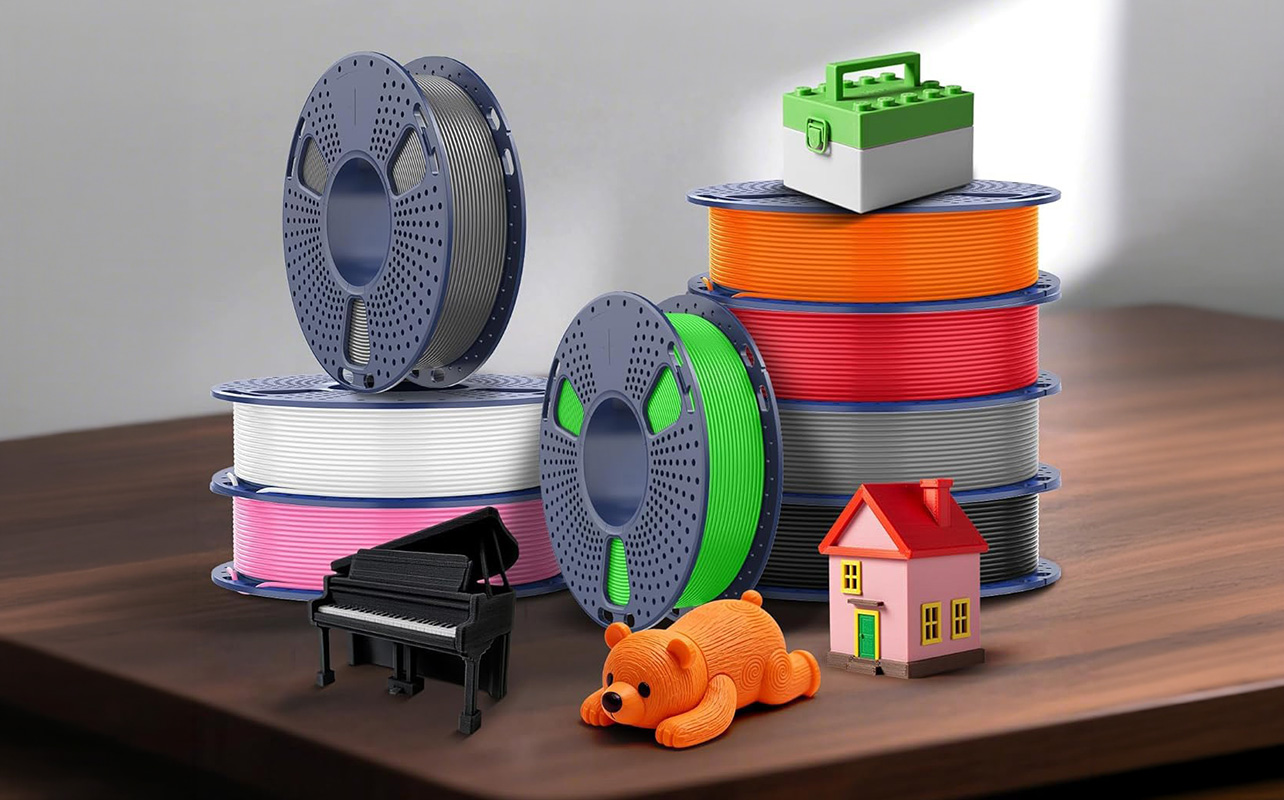
The best beginner projects share a few qualities: they’re quick to print, require little or no design from scratch, and produce something the child will actually use or want to show off. Here are reliable starting points:
- Name tags and personalised keychains: short print time, easy to customise, and a quick confidence-builder.
- Pencil holders and desk organisers: practical enough that kids see the real-world value of what they’ve made.
- Simple toys and figurines: great for introducing kids to model download platforms like Printables.
- Puzzle pieces and brain teasers: add a layer of logic and problem-solving to the experience.
- Phone or tablet stands: functional, used daily, and satisfying to make.
- Basic geometric shapes: useful for classroom learning and surprisingly engaging for younger children.
- Classroom models: simple rulers, fraction tiles, or geometric solids that reinforce what kids are learning at school.
Most of these can be completed in under two hours, and name tags or small keychains can be printed in as little as 20–30 minutes, a realistic session length for keeping younger children engaged.
Best beginner 3D printing projects by age group
One of the practical strengths of 3D printing is that it scales with a child’s age and ability. Projects that feel achievable at six are genuinely different from what a fourteen-year-old can take on.
Ages 6-9
At this age, the goal is engagement and immediate reward. Kids in this group work best with pre-made models that require no design work, something they can simply download, choose a colour, and watch print. Name tags, small animal figurines, and basic shapes are ideal. Adult involvement is essential throughout: setup, loading filament, starting the print, and monitoring the machine should all be handled by a grown-up. The child’s role is choosing and watching, which is genuinely exciting at this age.
Ages 10-13
Children in this range can begin exploring basic design tools. Tinkercad (free, browser-based, and widely used in schools) lets kids build simple 3D models without any prior experience. Pencil holders, small organisers, and simple interlocking parts are well-suited to this age group’s projects that feel useful, not just decorative. This is also the age where troubleshooting failed prints starts to become a learning exercise rather than just a frustration, and when it helps to know what’s actually causing the problem and how to fix it.
Ages 14 and up
Older students can handle more complex design software, longer print times, and more ambitious projects. Functional objects like phone docks, replacement parts, or scale models for science class are realistic at this level. This age group can also begin to take on more of the printer setup and maintenance independently, with guidance from an adult.
Fun and educational 3D printing project ideas
Once kids have a successful first print behind them, the real fun begins. The projects below are reliable crowd-pleasers that balance engagement with genuine learning value, a good mix of quick wins and slightly more ambitious ideas to grow into.
Personalised name tags and keychains
Name tags are the classic first project for good reason. They’re fast (often under 30 minutes), require no design skill, free templates are readily available on Printables and Thingiverse, and produce something the child will immediately want to use or give as a gift. The act of typing in a name, choosing a font or shape, and watching it appear as a physical object is a powerful first experience with digital fabrication. For younger children, this is the project most likely to hook them on the whole process.
Pencil holders and desk organisers
These are a step up in complexity but still very beginner-friendly. They take longer to print, typically one to two hours depending on size, but the end result is something genuinely useful. For parents trying to justify the investment, this is the kind of project that makes the answer easy: the child learned design principles and came away with something they’ll actually use. It also introduces the concept of designing for a specific purpose, which is a core engineering habit.
Simple toys and figurines
Platforms like Thingiverse and Printables host thousands of free models of animals, characters, vehicles, and miniatures that can be downloaded and printed without any design work. For kids who are new to 3D printing, this is often the most engaging entry point. It removes the design barrier entirely and lets the child focus on the experience of making. Once they’ve printed a few ready-made models, many kids naturally become curious about creating their own.
Puzzle pieces and brain teasers
Interlocking puzzles and mechanical brain teasers are an excellent middle ground between play and learning. They require some attention to fit and tolerance; pieces need to be sized correctly to lock together properly, which introduces kids to one of the fundamental challenges of physical design. For older children and students, this is also a natural entry point for understanding how precision matters in engineering.
Basic STEM models: shapes, gears, and structures
Geometric solids, working gear trains, and simple bridge or arch structures are the kind of projects that align directly with what kids are learning in school. A set of printable 3D shapes can reinforce a geometry lesson more effectively than anything drawn on a whiteboard. A simple gear mechanism that the child can hold, spin, and test makes the concept of mechanical advantage real. These projects tend to be particularly effective in classroom settings, where the print can be tied directly to a curriculum topic.
What material is safe for kids? PLA filament explained
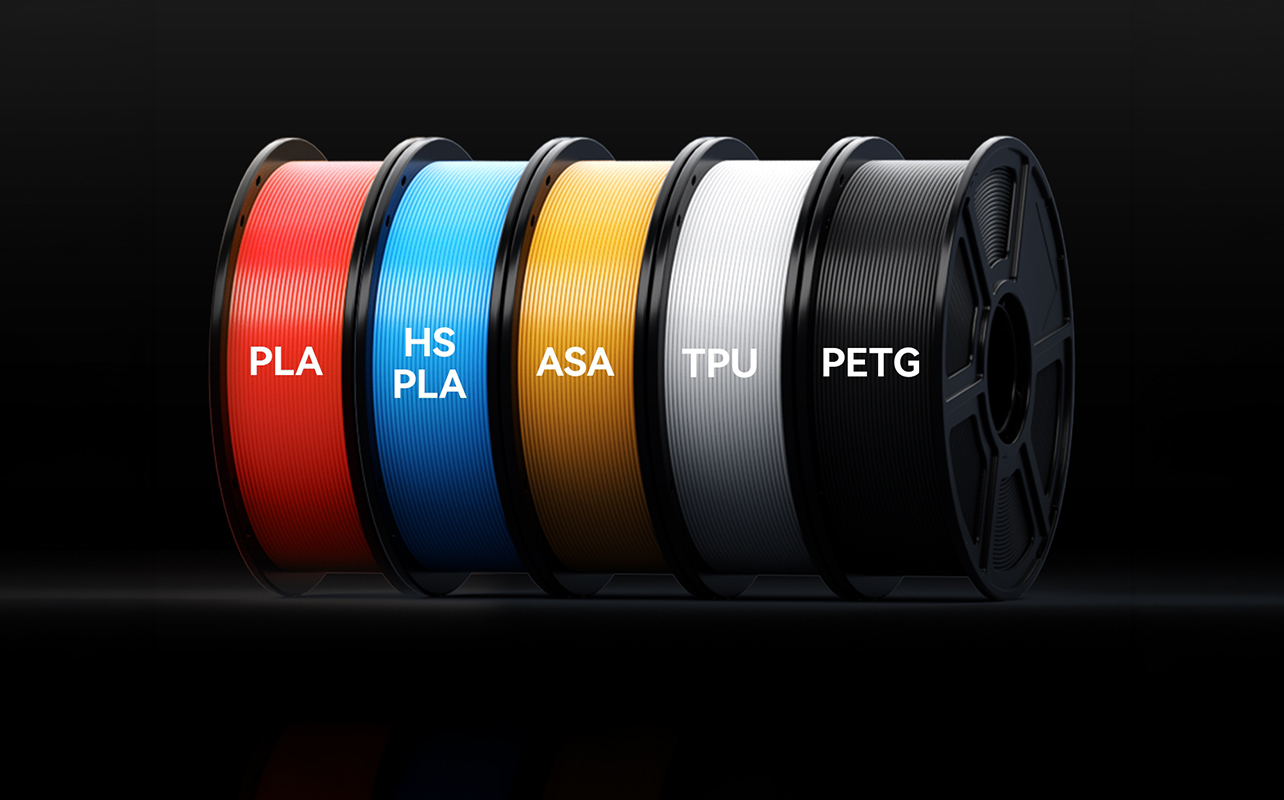
For families and schools, PLA (polylactic acid) filament is the clear choice. It’s the most widely used 3D printing material, and it has real safety advantages over alternatives like ABS.
PLA is derived from plant-based starches (typically corn or sugarcane), which makes it biodegradable and generally lower in harmful emissions than petroleum-based filaments. It prints at lower nozzle temperatures than ABS (typically around 190–220°C, compared to ABS at 220–250°C), produces significantly fewer volatile organic compounds during printing, and is far less prone to warping, which means fewer failed prints and less frustration.
That said, a few things are worth clarifying for parents: PLA still requires a hot nozzle and a heated print bed, both of which can cause burns on contact. “Lower fumes” does not mean “no fumes”. Printing in a ventilated space remains good practice even with PLA. And the material is not food-safe by default, so printed containers or utensils aren’t appropriate for food use without further processing.
For beginner use at home or in a classroom, PLA in standard 1.75mm diameter is the right choice. It’s widely available, comes in hundreds of colours, and works with virtually every FDM printer on the market.
What are the safety rules for 3D printing with kids?
A 3D printer is not dangerous in the way a power tool is, but it does require sensible precautions, especially with younger children. The main hazards are heat (the nozzle and print bed), moving parts, and, to a lesser extent, fumes from the melting filament:
- Supervision: Children under 10 should not operate a printer unsupervised. Even in the 10–13 range, adult oversight during setup, loading filament, and the start of a print is recommended. Older teens can take on more independence, but it’s still good practice to have an adult nearby for the first several sessions.
- Heat: The printer nozzle can reach temperatures above 200°C. The heated bed, depending on the printer and material, can reach 50–70°C. Both can cause burns on contact. Kids should be clearly taught not to touch these components, and younger children should be kept at a safe distance while the printer is running.
- Ventilation: Even with PLA, printing in a space with reasonable air circulation is sensible. This doesn’t require an industrial ventilation system; an open window or a room with decent airflow is usually sufficient for occasional home use.
- Placement: Keep the printer on a stable, flat surface out of reach of very young children. The moving print head and the build plate can pinch fingers.
- Maintenance: Cleaning the nozzle, removing failed prints, and adjusting settings are adult tasks. Kids shouldn’t be managing these on their own.
How does 3D printing support STEM learning?
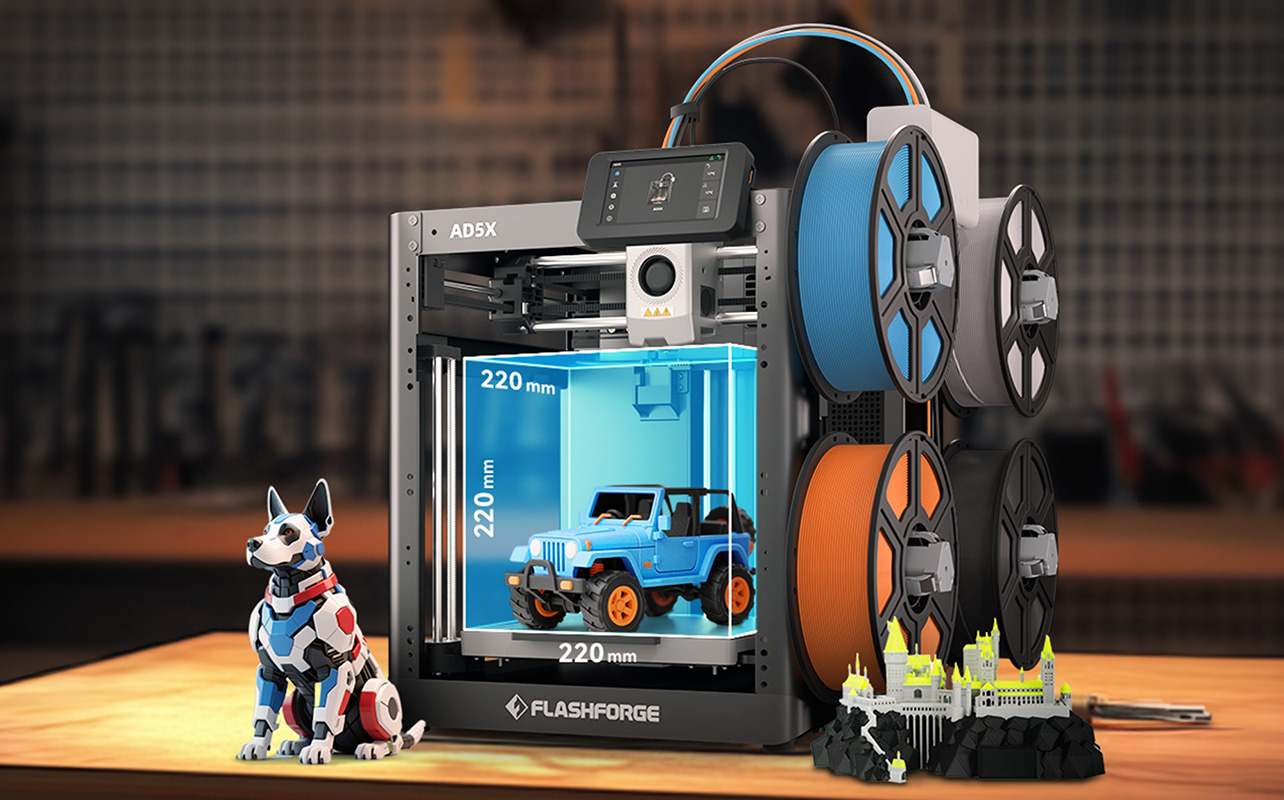
The reason 3D printing has found a foothold in schools and STEM programmes isn’t just because it’s engaging; it’s because it naturally incorporates multiple disciplines at once.
- Design thinking: It starts the moment a child decides what to make. Even downloading a pre-made model involves choices about size, orientation, and material. For older students who design their own models, it requires thinking through how parts fit together, where the load will be applied, and how to represent a real-world object digitally.
- Problem-solving: Shows up constantly. Prints fail. Pieces don’t fit. A design looks right on screen, but doesn’t work physically. Learning to diagnose and fix these issues, rather than give up, is one of the most valuable skills 3D printing develops, and it mirrors what practising engineers do daily.
- Mathematics: Appears in geometry (designing shapes), measurement (sizing parts to fit), and even basic algebra (adjusting scale and calculating dimensions).
- Science: Connects to material properties, heat, and layer adhesion, all of which come up naturally as a child learns how printing works.
For classroom use, 3D printing is most effective when it’s tied to a specific curriculum topic rather than treated as a standalone activity. A science class printing a model of a cell, or a design class prototyping a product concept, gets significantly more educational value than open-ended printing sessions without a defined goal.
What should you look for in a 3D printer for kids?
Choosing the right printer for a child or classroom comes down to a few practical criteria, and it’s worth taking the time to get it right, a printer that’s frustrating to use will quickly go unused.
Ease of use
It is the most important factor for beginners. Look for printers that arrive with minimal assembly required and include auto-levelling (also called automatic bed levelling), which removes one of the most common sources of failed first prints. Printers that guide users through setup via an on-screen interface are significantly more beginner-friendly than those that require manual configuration.
Enclosed vs. open-frame design
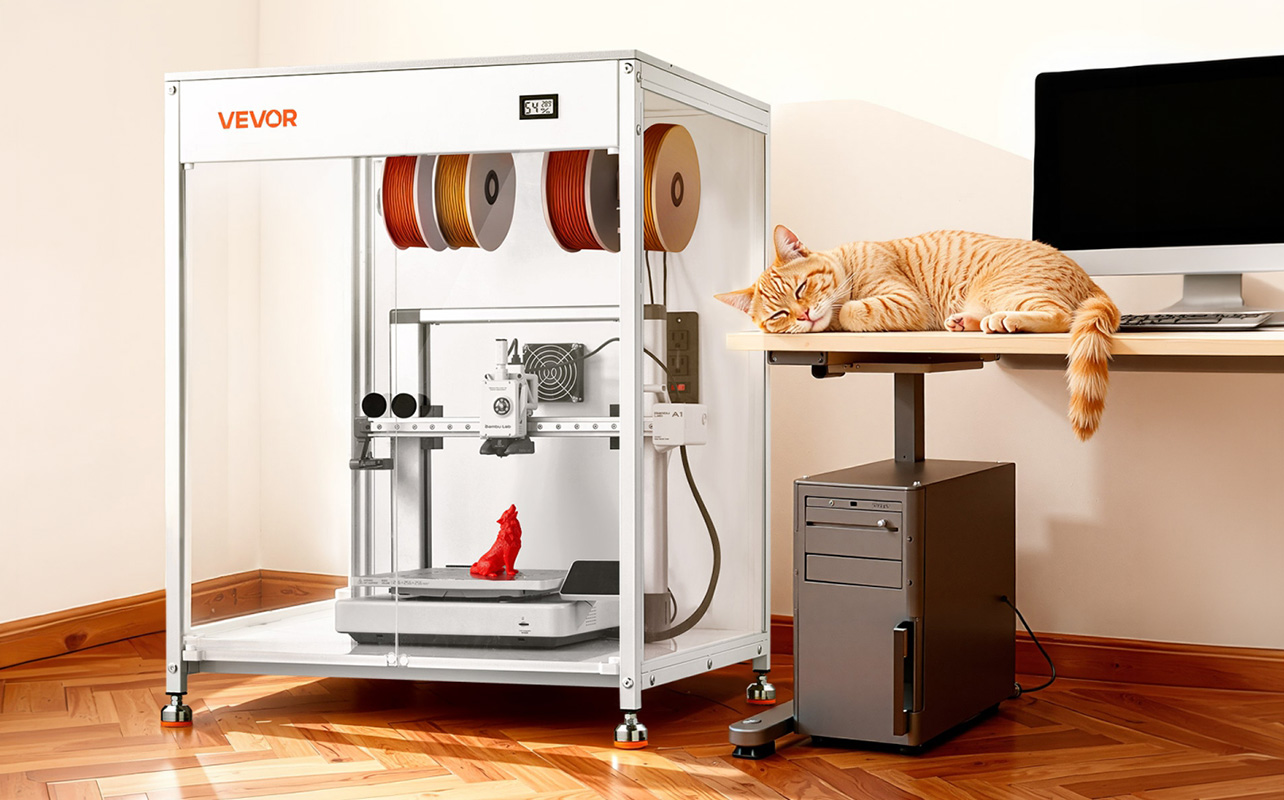
Enclosed printers have a covered build chamber, which serves two purposes: it improves print quality for some materials, and it reduces the risk of small hands reaching the hot nozzle or moving parts. For younger children specifically, an enclosed design is worth prioritising.
Print quality and reliability
A printer that consistently produces clean results with minimal tuning is more appropriate for kids than one that delivers better peak results but requires frequent adjustments. Entry-level printers from established brands like Bambu Lab and Creality have improved significantly in recent years and represent solid starting points.
Software
Most modern printers come with or support free slicing software (the tool that converts a 3D model file into printer instructions). Look for options that are well-documented and have active user communities, which makes troubleshooting much easier.
Resin 3D printers, the other main category alongside filament (FDM) printers, are not recommended for home use with children. Liquid resin is a skin and eye irritant, requires protective equipment to handle, and demands careful disposal of waste materials. If you’re curious about how the two technologies compare beyond safety, our FDM vs. resin breakdown covers the full picture. For families and schools, FDM filament printers are the right starting point.
How do you get kids started with 3D printing?
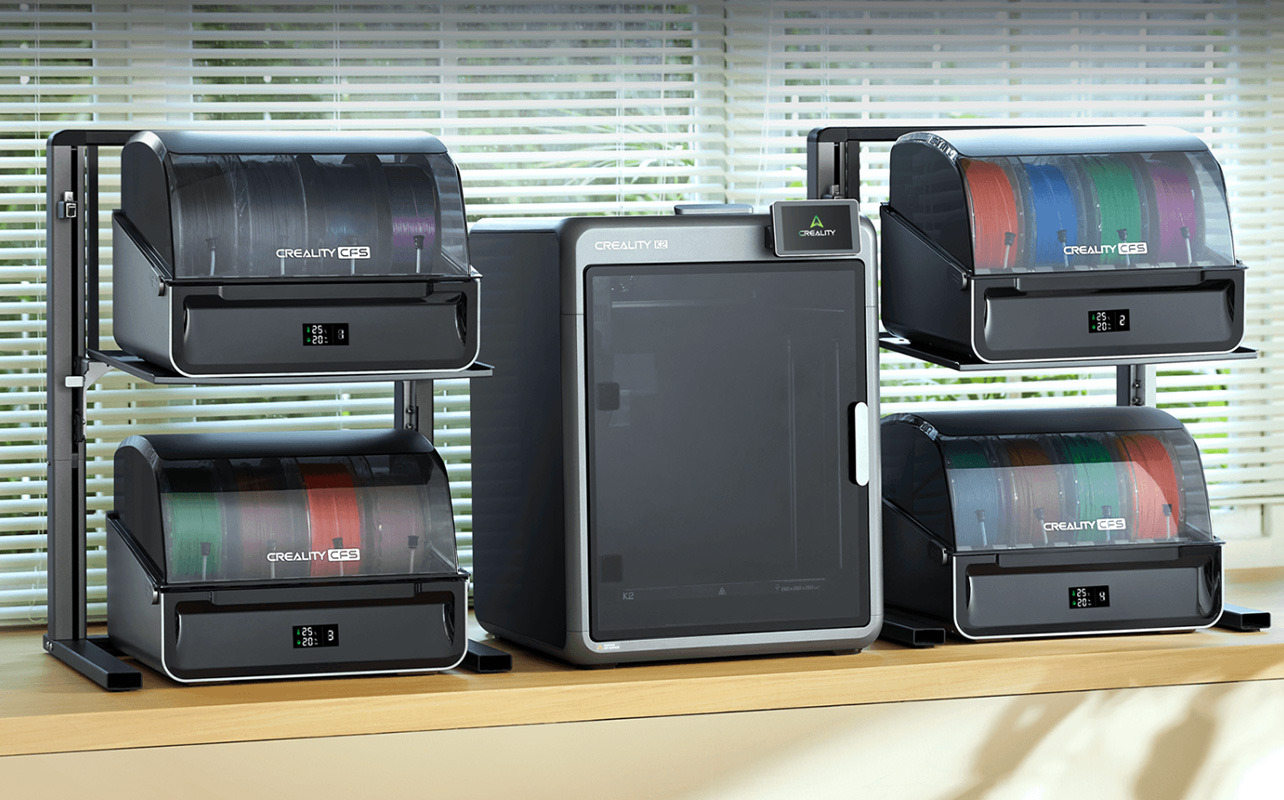
The first session sets the tone for everything that follows, so it’s worth setting it up for success. Here’s how you can start:
- Start with a ready-made model: Don’t begin by trying to design something from scratch. Download a simple, well-reviewed model from Printables or Thingiverse, something the child is genuinely excited about, and focus entirely on the printing experience. The design side can come later.
- Choose a short print: A first print should take under an hour. Name tags, small figurines, and simple keychains are good choices. A long first print risks losing a child’s interest before the result arrives, and if something goes wrong, it’s a bigger setback.
- Involve the child in setup: Even if an adult is doing most of the work, narrating what you’re doing and why “we’re levelling the bed so the first layer sticks” builds understanding and makes the experience feel collaborative rather than passive.
- Celebrate the first print, regardless of quality: A slightly rough first print is normal, and it’s still something the child made. The goal of the first session is a positive experience, not a perfect object.
- Introduce design tools gradually: Once a child has a few successful prints under their belt, Tinkercad is a natural next step. It’s free, browser-based, requires no installation, and is specifically designed for beginners. Many schools already use it as part of their technology curriculum.
Beginner 3D printing ideas for kids at a glance
The projects below represent reliable starting points across different age groups and skill levels. Print times are approximate and will vary depending on the printer and settings used:
| Project | Difficulty | Approx. print time | Educational benefit |
| Name tags / keychains | Easy | 20–30 min | Personalisation, creativity |
| Pencil holders | Easy | 1–2 hrs | Organisation, design thinking |
| Toys and figurines | Easy | 30 min–2 hrs | Engagement, model exploration |
| Puzzle pieces | Medium | 1–3 hrs | Logic, problem-solving |
| STEM models (gears, shapes, structures) | Medium | 1–4 hrs | Engineering concepts, curriculum support |
Ready to start printing?
3D printing rewards curiosity, and that’s exactly what makes it such a natural fit for kids and students. The projects in this guide aren’t just ways to pass the time; they’re entry points into design thinking, problem-solving, and the kind of hands-on learning that actually sticks. A name tag or a pencil holder may seem modest, but they’re the prints that build the confidence to attempt something harder next time.
The good news is that getting started costs less than most people expect. Best Buy Canada carries a solid range of beginner-friendly 3D printers and PLA filament, everything you need to go from unboxing to first print in a single afternoon. Start simple, celebrate the early wins, and let the projects grow from there.
Frequently asked questions
Is 3D printing safe for kids?
Yes, with appropriate supervision and the right materials. PLA filament is the safest choice for home and classroom use; it produces fewer fumes than alternatives like ABS and prints at relatively lower temperatures. That said, the printer nozzle and heated bed both reach temperatures that can cause burns, so adult supervision is important, especially with younger children.
What age can kids start 3D printing?
Children as young as six can participate in 3D printing with hands-on adult supervision, primarily as observers who choose models and colours while an adult manages the machine. By around age ten, children can begin to take on more of the process independently, including basic design work with tools like Tinkercad. Teenagers can typically manage most aspects of printing on their own, with adults available for guidance.
What filament is best for kids?
PLA is the standard recommendation for families and schools. It’s widely available, comes in a wide range of colours, and has better safety characteristics than most alternatives for indoor use. Look for PLA in 1.75mm diameter, which is compatible with the majority of consumer FDM printers.
Do kids need supervision when using a 3D printer?
Yes. Younger children should always have an adult present. The hot nozzle and moving parts present real injury risks for unsupervised younger children, and even older students benefit from adult oversight during setup and the start of new prints.
Where do you find 3D printing models for kids?
Printables (run by Prusa) and Thingiverse are the two most widely used free platforms. Both have large libraries of beginner-friendly, printable models in categories like toys, educational tools, and household objects. Makerworld is another strong option with a growing library.
What are the easiest 3D printing projects for beginners?
Name tags, keychains, pencil holders, and small figurines are the most reliable starting points. They’re quick to print, widely available as free models, and produce a result the child will actually use or want to keep.
Is a 3D printer a good educational tool?
It can be, but context matters. 3D printing delivers the most educational value when it’s connected to a real goal, a classroom project, a problem to solve, or a concept to illustrate. Used as an open-ended creative tool, it encourages design thinking and problem-solving. Used without a purpose, it can feel more like a novelty. For families serious about STEM learning, it’s one of the more versatile tools available.