Starting out in 3D printing comes with a learning curve, and the accessories you choose play a bigger role in that experience than most beginners expect. A capable printer is only part of the equation without the right supporting tools; even a well-calibrated machine will produce inconsistent results. The good news is that the most impactful upgrades are also the most affordable, and knowing what to prioritise from the start saves a lot of trial and error.
This guide covers the essential 3D printer accessories for beginners: what they do, when you need them, and how to build your setup in a logical order. Whether you’re printing on a filament printer (FDM) or a resin printer (MSLA/SLA), most of these tools apply, with a few important differences called out along the way.
If you’re still choosing your first machine, the complete guides on how to choose your first 3D printer to everything you need to start 3D printing at home covers the full picture, from choosing a printer to running your first successful print. And if you haven’t decided between filament and resin yet, it’s worth understanding the key differences before committing to a setup.

Table of contents
- Must-have 3D printing accessories
- How nozzles affect printing
- Build plates and first layer success
- Filament storage and moisture control
- Cleaning and maintenance for long-term performance
- Enclosures and environmental stability
- Everyday tools that make printing easier
- 3D printing accessories checklist
- FAQs
Why do 3D printer accessories matter?
A 3D printer doesn’t operate in isolation; it’s a system, and each part of that system affects the final print. The printer handles the mechanics, but accessories shape everything around it: how filament behaves during printing, how well the first layer adheres to the build surface, how cleanly you can remove a finished model, and how long the machine keeps running reliably.
Most early frustrations beginners face, such as prints not sticking, warped edges, clogged nozzles, stringing (thin threads of melted filament dragging across a print), aren’t signs of a bad printer. They’re signs of a setup that needs a few targeted additions. If you’re already experiencing any of these issues, the guide to common 3D printing problems and how to fix them walks through each one in detail.
The right accessories don’t just fix problems; they prevent them. A reliable build surface reduces adhesion failures. A spare nozzle means a clogged extruder doesn’t ruin your session. A dry filament spool produces cleaner, stronger prints. These aren’t optional upgrades; they’re what turns a printer into a productive, consistent tool.
What are the must-have 3D printing accessories?
The list below covers the core accessories that have the most direct impact on print quality and day-to-day usability. Not everything needs to be purchased at once. The section on buying priorities further down explains the order that makes the most practical sense.
- Spare nozzles
- Build plate or surface upgrade
- Filament dryer or airtight storage
- Cleaning and maintenance kit
- Basic tool kit (scraper, flush cutters, tweezers)
- Enclosure (for specific materials or environments)
For filament printers, all of these apply. For resin printers, some categories are different; resin printing requires dedicated safety gear and post-processing equipment, which is covered separately below.
How do nozzles affect print quality?
The nozzle is where the melted filament exits the printer and gets deposited layer by layer. It’s a small component, but it controls two things that matter enormously: how precisely the filament is placed, and how quickly prints are completed.
Most printers ship with a standard 0.4 mm brass nozzle, which is a solid starting point for general printing. Having a few spares on hand is one of the smartest first purchases a beginner can make. Nozzles wear out over time, and being able to swap one quickly keeps your workflow moving.
- Nozzle size: It changes the balance between detail and speed. Smaller nozzles (0.2–0.3 mm) lay down finer lines, which is useful for miniatures, jewellery, and detailed figurines, but prints take longer. Larger nozzles (0.6 mm and above) print faster and suit functional parts or prototypes where surface detail matters less.
- Nozzle material: It matters more than most beginners realise. Brass nozzles work well for standard filaments like PLA and PETG, but wear down quickly when printing abrasive materials like carbon fibre-filled PLA or glow-in-the-dark filaments. A hardened steel nozzle handles these materials without degrading, though it costs more and transfers heat slightly differently. For most beginners, printing in standard PLA or brass is the right choice; just keep a spare or two on hand. If you’re not yet sure which filament types you’ll be working with, the 3D printer filament guide breaks down the most common materials and what each one needs from the printer.
One honest tradeoff: nozzle swaps can be tricky on some printers, particularly when performed cold or on machines without easy toolhead access. On printers like the Bambu Lab A1 or Creality Ender 3, the process is straightforward, but it’s worth watching a printer-specific video the first time to avoid stripping threads. If you’re still deciding between those two brands, the Bambu Lab vs Creality comparison covers how they differ in setup and maintenance.
What is a build plate and why does it matter?
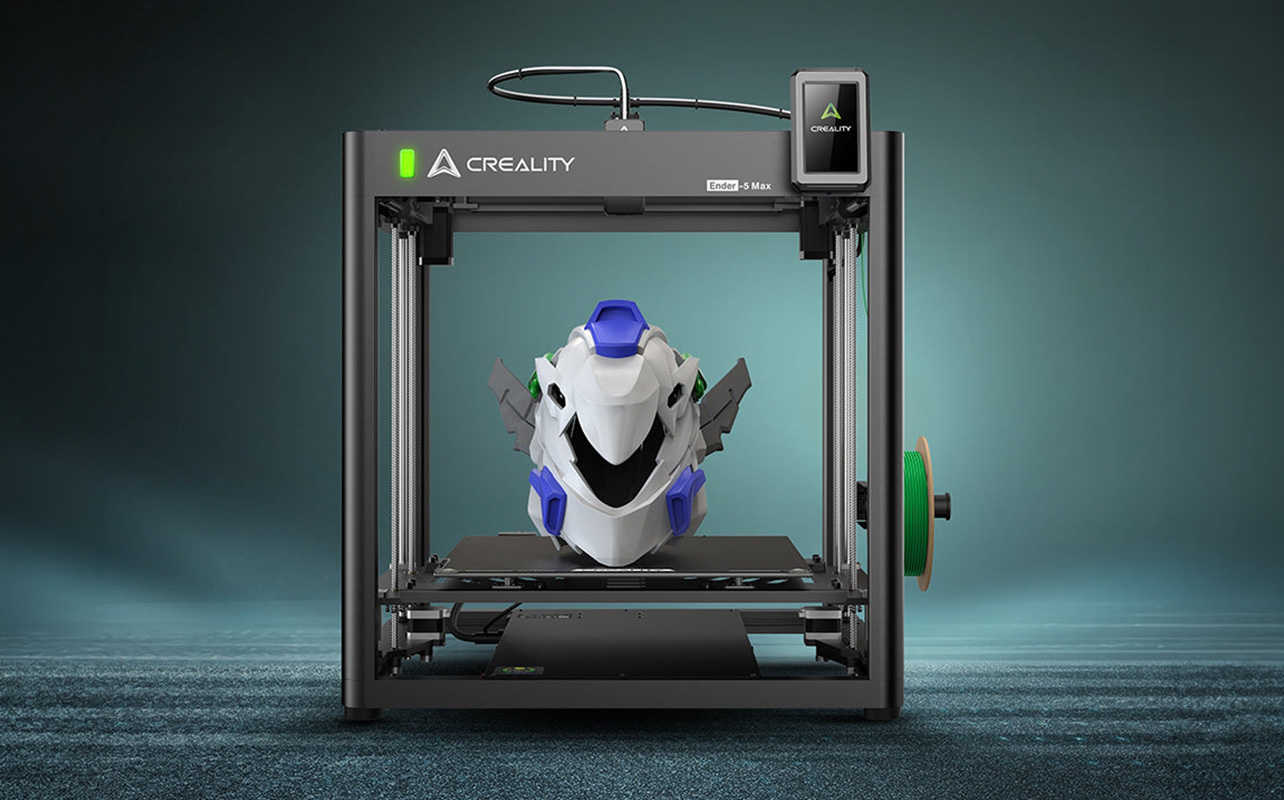
The build plate, also called the print bed, is the surface where every print begins. If the first layer doesn’t adhere properly, nothing that follows matters. Adhesion problems are the single most common reason prints fail mid-job, and the build surface is the first place to look when they occur. The most common issues beginners run into are prints lifting at the corners (warping), partial detachment during printing, or uneven first layers caused by inconsistent surface texture.
Glass plates offer a smooth, flat surface that’s easy to clean and produces a glossy bottom finish. They’re durable and work well for PLA, but adhesion can be inconsistent on some materials without an adhesive aid like a glue stick, and they can crack under rapid temperature changes.
Flexible PEI-coated spring steel plates have become the standard on most modern printers (Bambu Lab, Creality K-series, Prusa MK4) and for good reason. PEI (polyetherimide) provides strong adhesion when the surface is warm and releases prints easily once it cools, often with a simple flex of the plate. The tradeoff is that PEI surfaces can degrade over time, especially if PETG is printed directly on them without a release agent, and they require the same care as any textured surface.
If your printer didn’t ship with a PEI plate, upgrading is one of the highest-impact, lowest-cost changes you can make. If it did ship with one, having a spare means you’re never waiting for a plate to cool before starting the next print.
Do you need a filament dryer?
Filament absorbs moisture from the air over time, and that moisture causes real problems: stringing between parts of the print, rough or bubbly surface textures, weak layer adhesion, and inconsistent extrusion. The materials most susceptible to moisture uptake are nylon, TPU (flexible filament), and PETG. Standard PLA is relatively forgiving but will still degrade with prolonged exposure in humid environments. For most beginners printing in PLA, a filament dryer isn’t immediately necessary, but proper storage is.
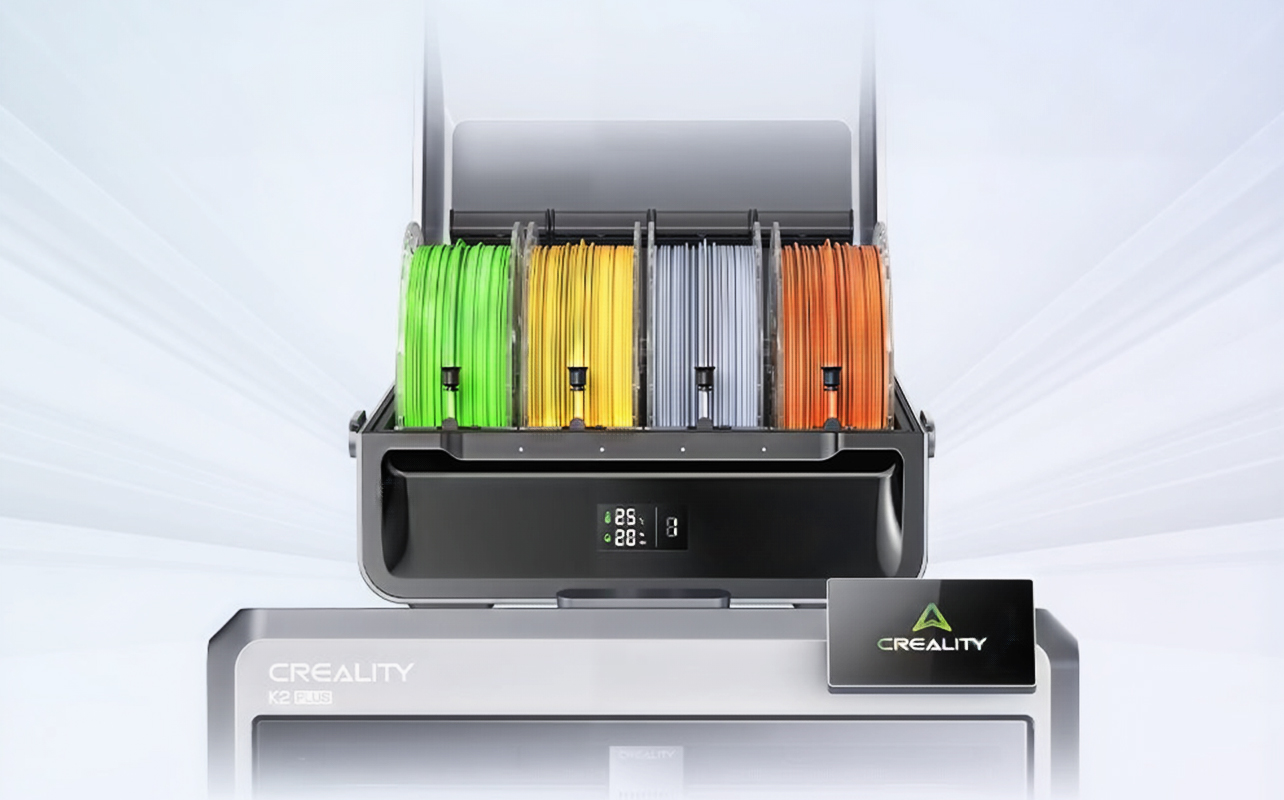
Keeping filament in an airtight container with silica gel desiccant packets extends its shelf life significantly and is an inexpensive first step. A dedicated filament dryer actively heats the spool to remove absorbed moisture. Some models allow you to print directly from the dryer while drying continues, which is useful for moisture-sensitive filaments like nylon. These units typically run at 40–50°C and require a few hours to dry a spool thoroughly.
The tradeoff: a filament dryer is an added cost (typically $40–$100 CAD) and isn’t worth the investment for someone printing only in PLA a few times a week. As you expand into nylon, TPU, or PETG, revisiting the investment makes sense. Here’s our 3D printer filament guide covering which materials are most moisture-sensitive and how to choose the right one for your projects.
What cleaning and maintenance tools does a 3D printer need?
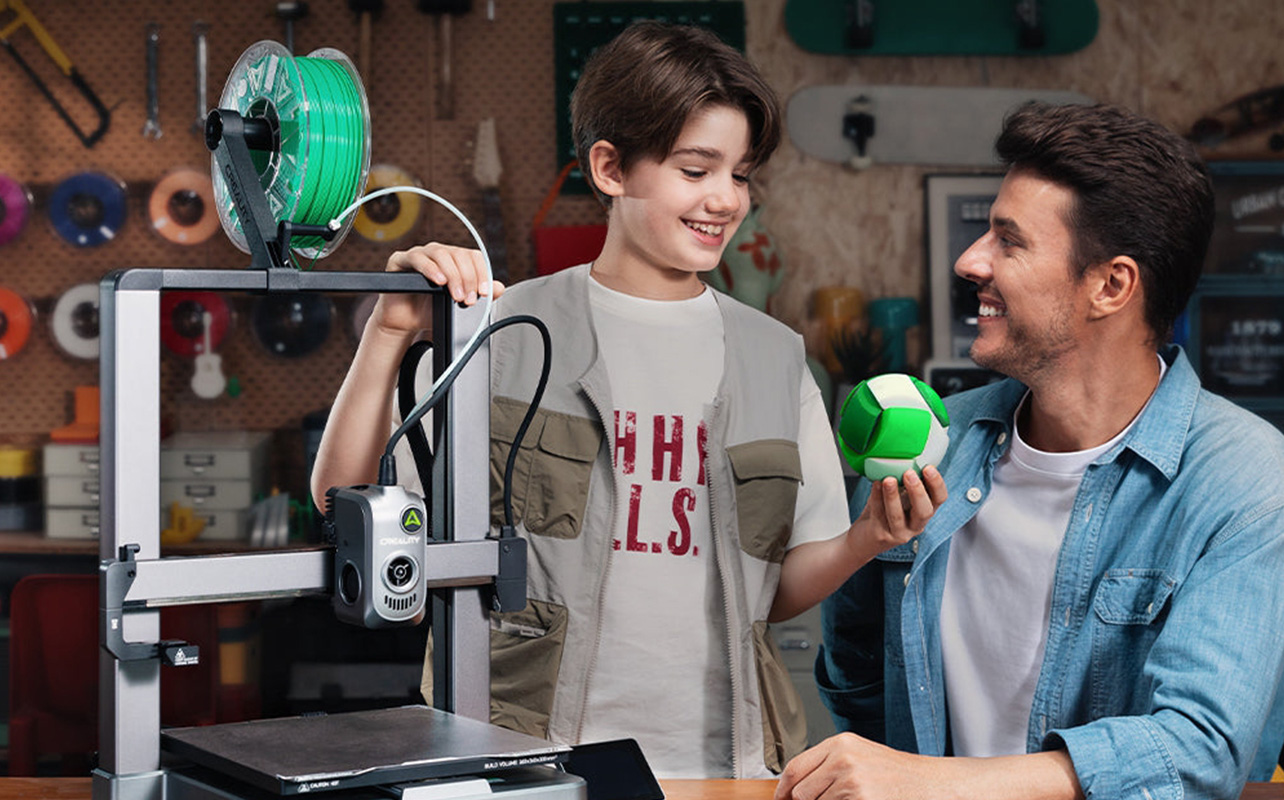
3D printers are mechanical devices with moving parts, heated components, and residue-prone surfaces. Regular maintenance prevents the kind of gradual degradation that causes prints to drift in quality over time without an obvious single cause.
The most important maintenance tasks for beginners are nozzle cleaning, bed surface cleaning, and basic lubrication of guide rails. For each of these, having the right tools makes a significant difference:
- Nozzle cleaning needles (sometimes called acupuncture needles or cold pull tools): These are thin metal pins used to clear partial clogs. A partial clog doesn’t always stop printing it just causes uneven extrusion or slight under-extrusion, which can be hard to diagnose. If you notice your prints looking off but can’t pinpoint why, a clogged nozzle is one of the first things to check and here’s our troubleshooting guide that walks through exactly how to identify and clear one.
- Brushes: Specifically, stiff brass or nylon brushes help remove burnt filament residue from the nozzle exterior and hotend.
- Scrapers: These serve double duty; cleaning the build surface between prints and removing stubborn residue from the nozzle area.
For resin printers, maintenance is more involved. The FEP/nFEP film that lines the bottom of the resin vat needs to be checked regularly for cloudiness or punctures. A damaged film is one of the most common causes of failed prints on MSLA printers and needs to be replaced when worn.
When do you need an enclosure for a 3D printer?
An enclosure surrounds the printer in a temperature-controlled chamber, protecting prints from drafts, ambient temperature fluctuations, and airflow that can cause warping or layer separation. It also contains fumes and fine particles, genuinely relevant for certain materials and household environments.
For most beginners printing in PLA, an enclosure is not necessary. The situation changes with:
- ABS and ASA: These materials shrink significantly as they cool and are highly prone to warping without a stable temperature environment. Printing ABS without an enclosure in a drafty room is a recipe for failed prints. Warping caused by temperature instability is one of the more frustrating problems to diagnose without knowing the cause.
- Nylon and polycarbonate: Similarly sensitive to temperature variation and benefit from the consistent heat retention an enclosure provides.
- Households with children or pets: Enclosed printers reduce the risk of accidental contact with the hotend and help contain ultrafine particle emissions produced during FDM printing.
The tradeoff is practical: enclosures take up more space and add cost. Some also limit effective build volume due to airflow considerations. DIY enclosures are an option for budget-conscious makers, but pre-built enclosures offer better thermal performance.
What basic tools does every 3D printer owner need?
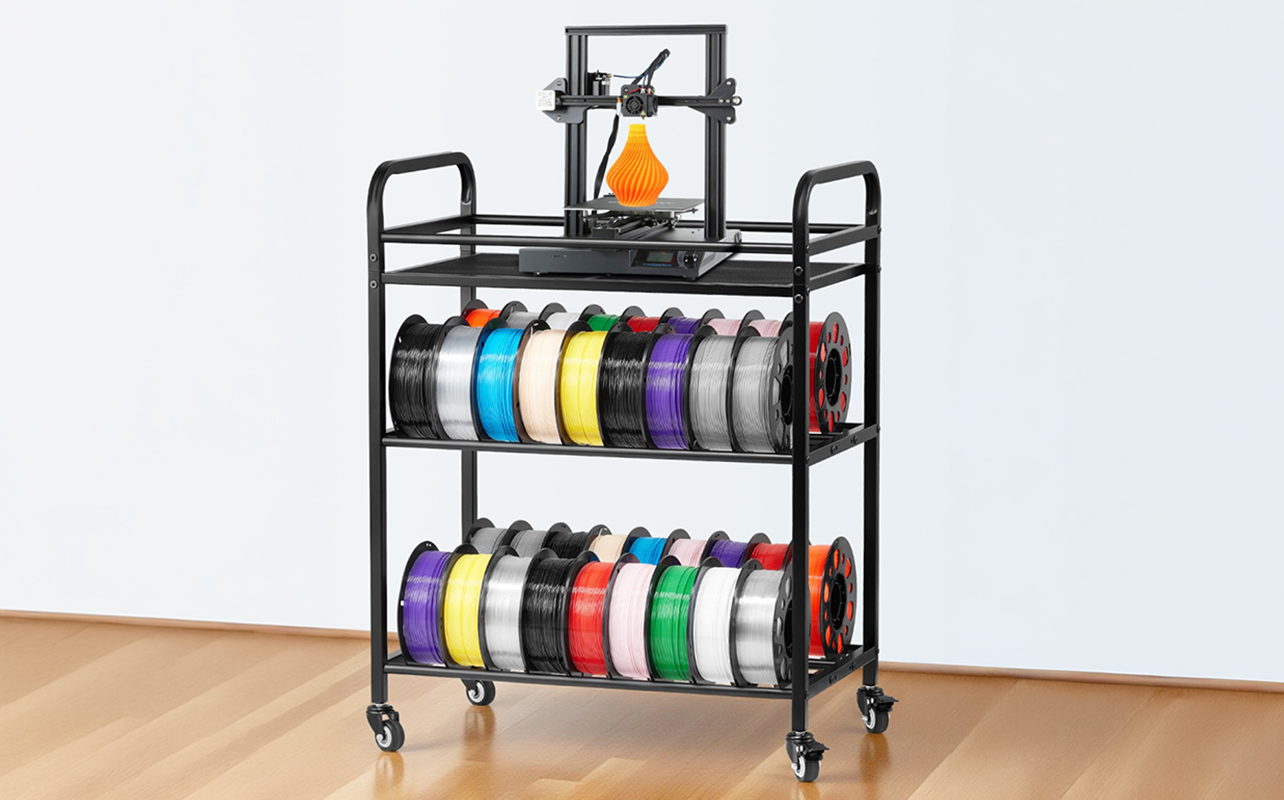
A small set of hand tools makes a noticeable difference in the post-processing side of 3D printing, specifically removing prints from the build plate and cleaning up support structures.
- A scraper or spatula: It is the first tool most beginners reach for. Flexible metal scrapers work better than rigid ones because they can follow the curve of a slightly warped print. Avoid prying at an angle; this is how glass plates get chipped, and PEI surfaces get gouged.
- Flush cutters (also called side cutters): These are used to remove support structures, the temporary scaffolding generated by slicer software to hold up overhanging sections of a model. A clean cut leaves a much better finish than trying to remove supports by hand.
- Tweezers: Useful for pulling away thin support filaments, handling small parts, and clearing debris from around the hotend. A set with both curved and straight tips is ideal.
These tools are inexpensive and make post-processing noticeably cleaner and faster. Most beginner tool kits bundle all three together.
What accessories do resin 3D printers need?
Resin printing (MSLA) requires a meaningfully different set of accessories than filament printing, and some of them are non-negotiable from a safety standpoint. Liquid resin is a UV-reactive photopolymer that is both a skin irritant and potentially harmful with repeated exposure handling it without protection is not advisable.
- Nitrile gloves: These are essential. Always wear them when handling liquid resin, cleaning the vat, or removing prints from the build plate.
- Safety glasses: These protect against resin splashes during vat removal or when dealing with a failed print.
- A wash and cure station (such as the Bambu Lab Wash & Cure Station or Anycubic Wash & Cure Plus): It is the most significant accessory investment for resin printing. Resin prints need to be washed in isopropyl alcohol (IPA) to remove uncured resin, then exposed to UV light to fully cure and harden. Without proper washing and curing, prints remain tacky, structurally weak, and potentially skin-irritating. Dedicated wash and cure units do both steps in a controlled way.
- Resin funnels and filter papers: These allow you to pour unused resin back into its bottle safely, filtering out any cured fragments. This extends the life of your resin supply and prevents contamination of fresh resin.
- A UV-blocking storage container: This keeps unused resin from prematurely curing under ambient light between print sessions.
Which 3D printer accessories should you buy first?
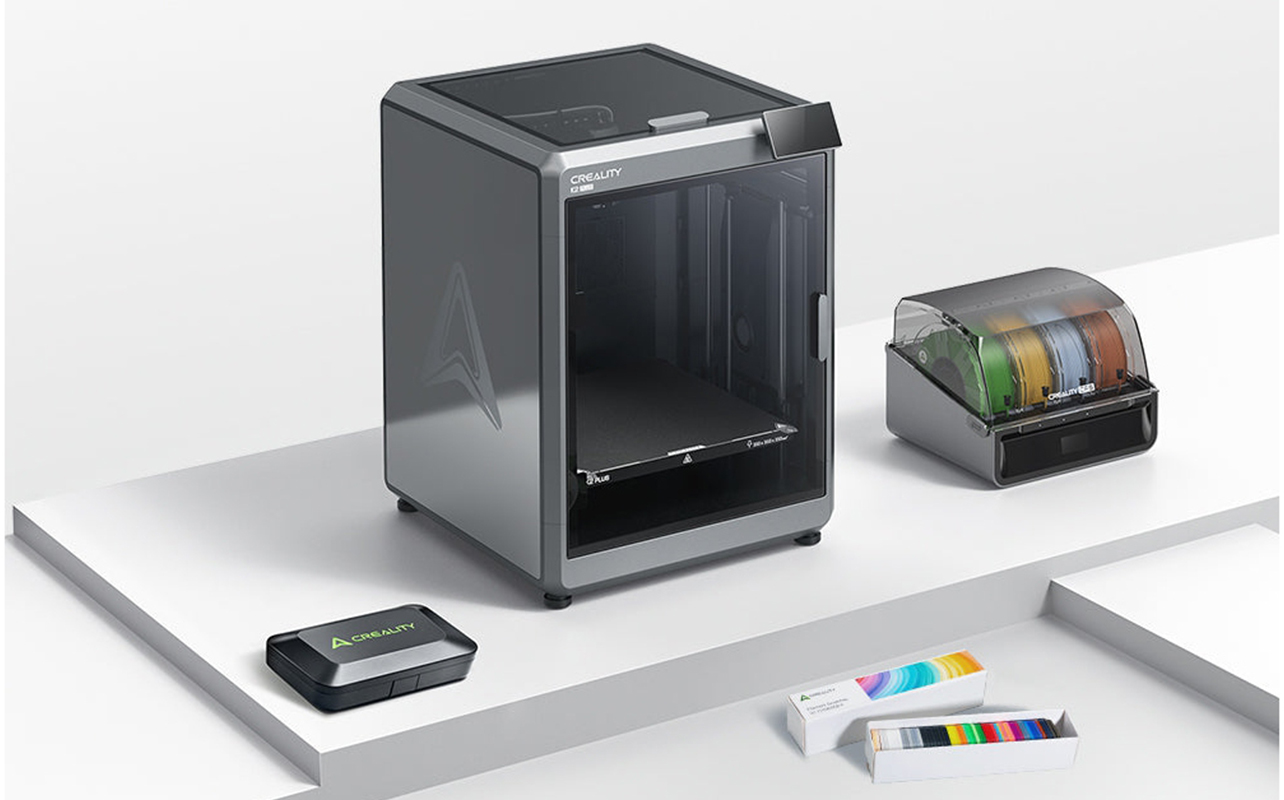
Not every accessory needs to be purchased on day one, and spending on everything at once before you know what your printer actually needs is one of the most common beginner mistakes. Here’s a practical priority order.
Start here (day one):
- Spare nozzles are inexpensive, and you will need them eventually.
- A build plate upgrade (if your printer didn’t ship with a PEI-coated plate).
- A basic tool kit: scraper, flush cutters, tweezers.
Add next (within the first month):
- Airtight filament storage with silica gel if humidity is a concern in your area.
- A filament dryer if you plan to print nylon, TPU, or PETG regularly.
Add later (as your printing expands):
- An enclosure, if you want to print ABS or ASA, or if household safety is a priority.
How do accessories improve your 3D printing experience?
The cumulative effect of the right accessories is a setup that’s more predictable and less frustrating to use. Prints succeed more consistently because adhesion, moisture, and maintenance are controlled. Post-processing takes less time because you have the right tools. The machine runs longer between issues because cleaning and nozzle maintenance are routine rather than reactive.
For beginners especially, that consistency matters. 3D printing has a real learning curve, and reducing the number of variables that lead to failures keeps the focus on learning the craft rather than troubleshooting preventable problems.
3D printing accessories checklist
Every beginner’s setup will look a little different depending on the printer type and how quickly your printing expands, but the table below covers the full range of accessories worth knowing about, what’s essential from day one, what’s worth adding soon after, and what can wait:
| Category | Essential? | Why it matters |
| Spare nozzles | Yes | Controls extrusion quality; wears over time and with certain materials |
| Build plate upgrade | Yes (if not included) | Reliable adhesion is the foundation of every successful print |
| Filament dryer / storage | Recommended | Moisture degrades print quality; critical for nylon, TPU, PETG |
| Cleaning and maintenance kit | Yes | Prevents clogs, residue buildup, and gradual print quality decline |
| Basic tool kit | Yes | Scraper, flush cutters, and tweezers are essential for post-processing |
| Enclosure | Optional | Required for ABS/ASA; useful for safety and temperature stability |
| Resin PPE + wash & cure station | Yes (resin printers only) | Non-negotiable for safe resin handling and proper post-processing |
Start building your 3D printing setup
Building a solid 3D printing setup doesn’t mean buying everything at once. It means starting with the accessories that have the most direct impact on print success: a reliable build surface, spare nozzles, and a basic tool kit and adding to that foundation as your printing expands and your needs become clearer. For resin printer owners, safety gear and a wash and cure station belong in that first purchase alongside the printer itself. For filament printer owners, proper filament storage is worth sorting out early, and a dryer becomes a worthwhile investment once you move beyond PLA into more moisture-sensitive materials.
The consistent thread across every accessory in this guide is that small, targeted investments reduce the variables that lead to failed prints and fewer failed prints mean a faster, less frustrating path to getting good at this. Whatever stage you’re at, first printer, first upgrade, or first time branching into a new material, you’ll find the printers, filament, and accessories to match at Best Buy Canada
Frequently asked questions
What accessories do I need for a 3D printer?
At minimum: spare nozzles, a reliable build plate, and a basic tool kit. If you’re printing moisture-sensitive filaments like nylon or TPU, add airtight storage or a filament dryer. For resin printers, nitrile gloves and a wash and cure station are essential.
Are 3D printer accessories necessary for beginners?
The core accessories, nozzles, a good build plate, and basic tools make a meaningful difference to print success from the very first session. They’re not optional if you want consistent results.
What tools improve print quality the most?
Build plate quality and nozzle condition have the largest direct impact on print outcomes. A fresh nozzle on a reliable surface eliminates two of the most common causes of print failure.
Do you need a filament dryer?
Not necessarily at first, it depends on what you’re printing and how you store your filament. For PLA stored properly in a sealed container, it’s not urgent. For nylon, TPU, or PETG, a dryer is highly recommended.
What is a build plate and why does it matter?
The build plate is the surface your print grows from. If the first layer doesn’t adhere properly, the print will fail or warp. A quality build plate, particularly a flexible PEI-coated spring steel plate, ensures strong adhesion and easy print removal.
How do you maintain a 3D printer?
Regular nozzle checks and cleaning, bed surface cleaning between prints, and keeping filament in sealed storage are the three most impactful maintenance habits. For resin printers, checking and replacing the FEP film regularly is equally important.
Are enclosures necessary for 3D printing?
Not for PLA. They become important when printing materials sensitive to temperature variation, primarily ABS and ASA, and are worth considering for households with children or pets.
What are the most important upgrades for beginners?
A PEI build plate upgrade (if not already included), spare nozzles, and a basic tool kit deliver the most noticeable improvement for the least cost. For resin printers, a wash and cure station is the priority upgrade.
What accessories should you buy alongside your first 3D printer?
Spare nozzles, a scraper, flush cutters, and tweezers cover the most immediate needs. If you’re buying a resin printer, add nitrile gloves and a wash and cure station to that list.