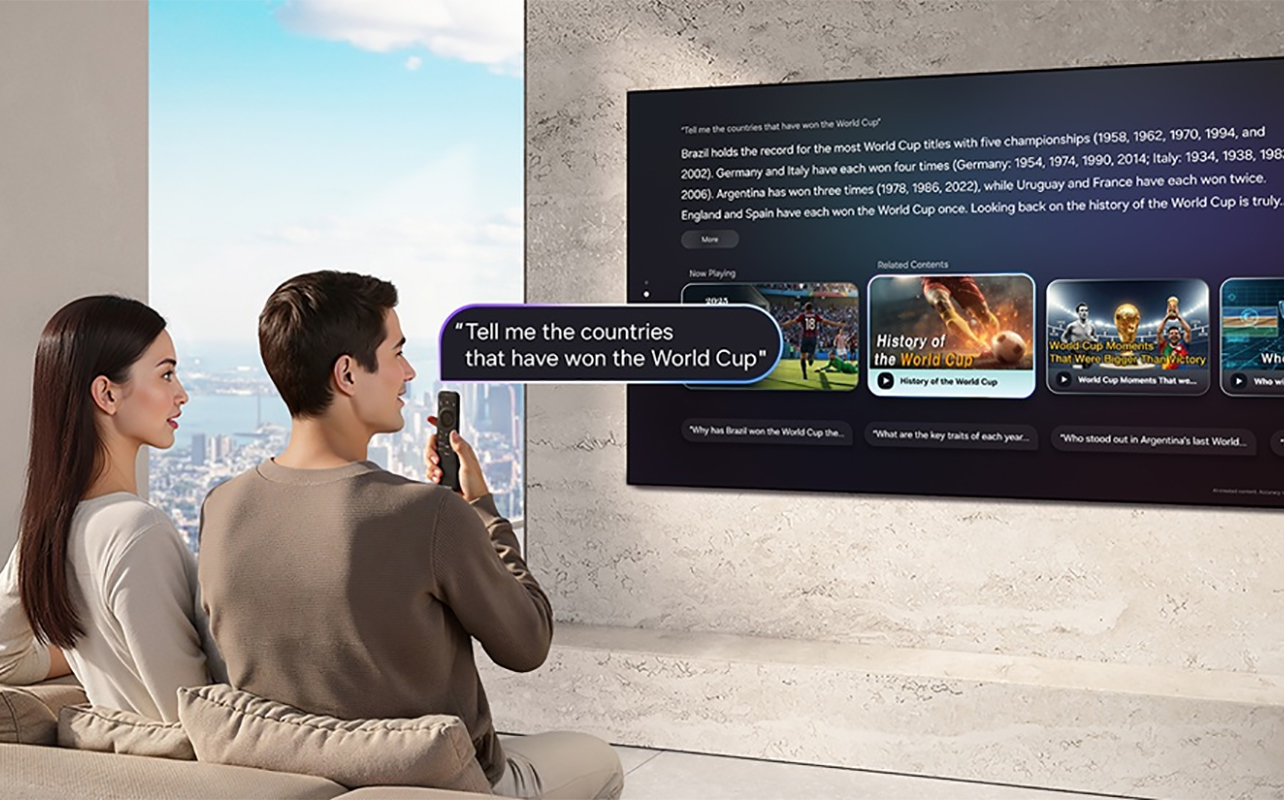
From picture quality and sound to voice control and personalized recommendations, nearly every major TV brand now promotes the latest AI-powered features in its televisions. But what do these features actually do, and are they worth paying attention to when you’re considering what to look for when buying a new TV?
The short answer is yes. AI in televisions works quietly behind the scenes. It analyzes what you’re watching and automatically adjusts settings to give you the best possible experience with less effort on your part. Whether you’re streaming the latest drama, cheering on your favourite sports team, enjoying family movie night, or playing the newest video game, an AI TV can help make the picture look better, voices easier to hear, and everyday tasks simpler.
Let’s take a closer look at how AI works in today’s TVs and how each brand uses it to improve your viewing experience.


What does AI actually do in a TV?
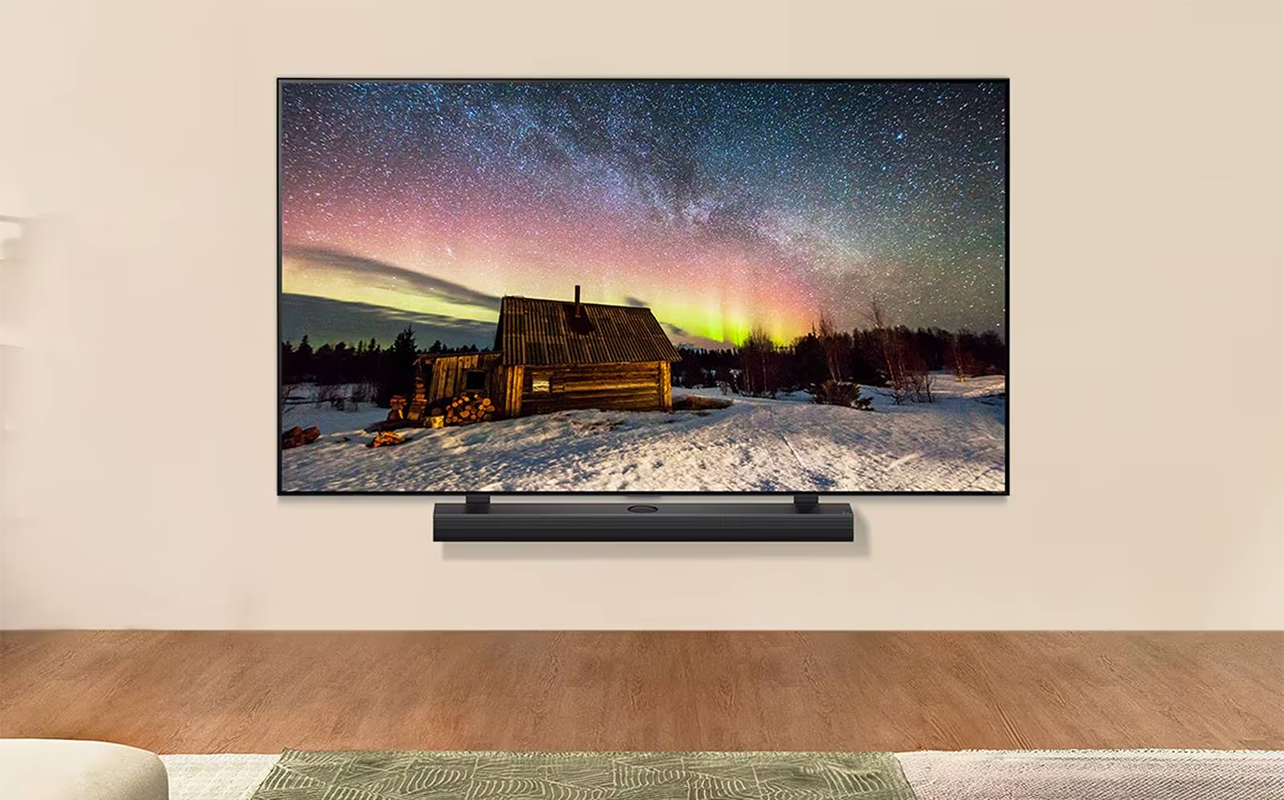
The easiest way to think about AI in a television is as an intelligent assistant that’s constantly working in the background. Instead of expecting you to manually adjust picture modes, sound settings, brightness, or gaming options, the TV does much of that work automatically.
While every manufacturer uses different technology and different names for its AI features, most AI-powered TVs focus on five main areas.
1. Improves picture quality automatically
One of the biggest benefits of AI is picture optimization. Televisions now receive content from many different sources. You might watch a new 4K movie one evening, an older HD sitcom the next, and then stream sports over the weekend. Not all content is created with the same image quality. AI helps bridge those differences.
For example, if you’re watching an older television series that wasn’t filmed in 4K, AI upscaling analyzes every frame and intelligently fills in missing detail to make the image appear sharper and cleaner on today’s high-resolution displays. It can’t magically turn old footage into native 4K, but it can significantly improve clarity compared to basic upscaling.
AI also continuously adjusts brightness, contrast, colour, and sharpness based on what’s happening on screen. During a dark thriller, it may improve shadow detail just enough to reveal what’s hiding in the scene. During a colourful animated movie, it can enhance colours without making them look unnatural.
The result is a picture that looks more balanced with fewer manual adjustments.
2. Adapts to your viewing environment
Your living room doesn’t always look the same throughout the day. Sunlight streaming through large windows can make darker scenes difficult to see, while nighttime viewing often benefits from different brightness levels.
Many mid-range and premium AI-powered TVs use built-in light sensors to detect the room’s lighting conditions and adjust the picture accordingly. Instead of constantly reaching for the remote to change brightness settings, your TV automatically adapts to the environment.
This is especially useful in homes where lighting changes throughout the day or where multiple family members have different viewing preferences.
3. Makes dialogue easier to hear
Have you ever found yourself turning the volume up because characters are whispering, only to scramble for the remote when an action scene suddenly becomes much louder? Those who watch TV late at night, especially with family members who turn in early, babies, or thin walls, know the struggle. AI is helping solve one of the most common TV frustrations.
Many televisions now use AI to identify dialogue separately from background music and sound effects. When people are speaking, the TV can make voices clearer while keeping explosions, crowd noise, and music under better control. Imagine watching a mystery series where the detective quietly reveals an important clue. Instead of missing the conversation because of dramatic background music, AI can subtly boost speech so it’s easier to follow. You no longer have to rely on subtitles just so you know what’s going on without waking the entire house!
Some TVs can even detect ambient noise, such as a running dishwasher or air conditioner, and adjust the sound automatically.
4. Recognizes different types of content
Watching hockey? Motion processing may be adjusted to help keep the puck easier to follow. Starting a movie? The TV may switch to more natural colours and cinematic contrast. Launching a game console? Some TVs automatically enable Game Mode to reduce input lag for more responsive gameplay.
Different content benefits from different picture settings. Rather than asking you to switch picture modes every time you change content, many AI-powered TVs can recognize what you’re watching and automatically select the most suitable settings. These adjustments happen in the background, creating a smoother experience without requiring technical knowledge.
5. Personalizes your TV experience
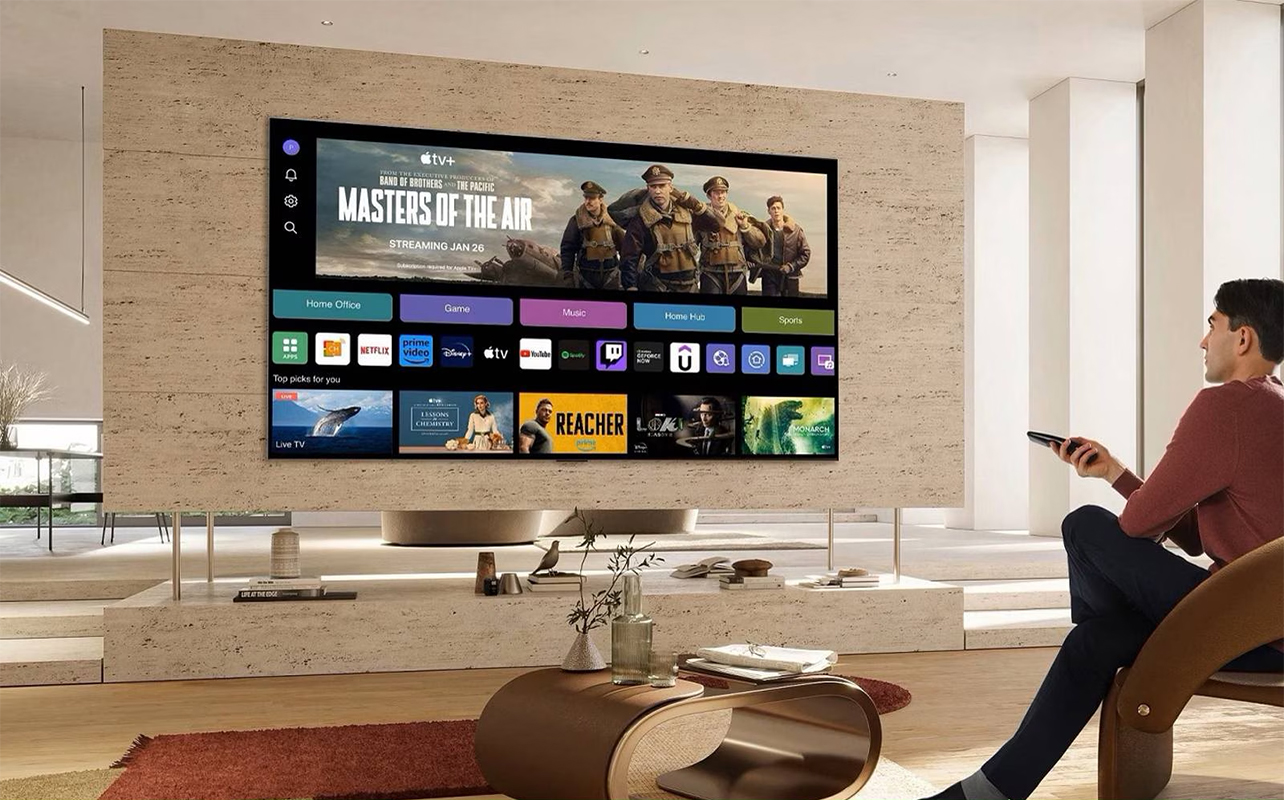
AI is increasingly making smart TVs feel more personal. Instead of showing the same recommendations to everyone in the household from content available through the TV’s built-in smart TV operating system, some platforms learn viewing habits and suggest movies, shows, or apps based on individual users. Several manufacturers like LG also allow multiple user profiles, so family members can receive personalized recommendations and customized settings. This means less time scrolling through menus and more time actually watching something you’ll enjoy. Beyond that, you can also do things like use Generative AI to create custom wallpapers with things like beautiful scenery or landscapes.
Which AI TV features make the biggest difference?
While manufacturers often introduce new AI features every year, a handful of technologies tend to have the greatest impact on everyday viewing.
AI upscaling helps older content look better
Not everything you watch is filmed in native 4K. Older TV shows, DVDs, cable channels, and some streaming content are still produced at lower resolutions. AI upscaling analyzes the original image and intelligently fills in additional detail to make it appear sharper on today’s larger, higher-resolution screens. If you’re revisiting a favourite sitcom from the early 2000s (or even earlier! or watching older sports highlights, AI upscaling can make the picture look noticeably cleaner than standard upscaling.
AI picture optimization reduces the need for manual adjustments
If you rarely change your TV’s picture settings because you aren’t sure which mode works best, AI picture optimization removes much of the guesswork. By automatically adjusting brightness, contrast, colour, and sharpness based on the content, your TV delivers a more consistent viewing experience whether you’re watching movies, sports, documentaries, or live TV. For those who aren’t particularly tech-savvy and don’t know what settings to adjust, AI takes over for you.
AI sound makes conversations easier to follow
Dialogue enhancement is one of the most practical AI features available today. Instead of constantly reaching for the remote whenever characters start whispering, AI can separate voices from background sounds and make speech clearer without making everything else uncomfortably loud. For many households, this alone can noticeably improve everyday viewing.
AI gaming features improve responsiveness
If you play video games, AI can simplify the setup process. Many TVs now automatically detect when a console is connected and switch into Game Mode, reducing input lag while optimizing picture settings for gameplay. This means you can spend less time adjusting menus and more time enjoying your favourite games.
AI personalization saves time
One of the less obvious benefits of AI is how it helps you spend less time searching for something to watch. Personalized recommendations, user profiles, and intelligent search features learn your viewing habits over time, helping surface content you’re more likely to enjoy. For families sharing one TV, this can make finding everyone’s favourite shows much easier.
Compare current AI features from major TV brands
Here’s a look at how Samsung, LG, Sony, Hisense, and TCL use AI to improve picture quality, sound, and your overall viewing experience.
Samsung Vision AI
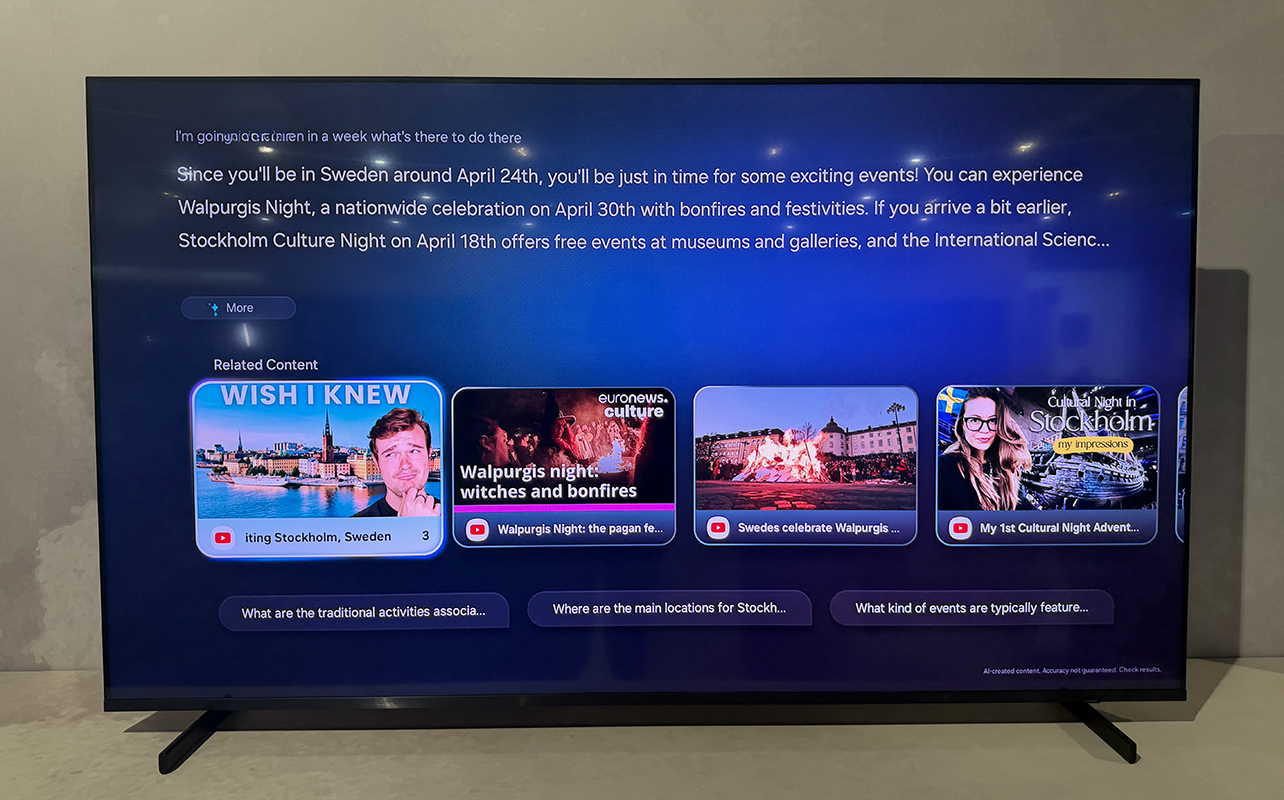
Samsung Vision AI helps your TV adapt to what you’re watching. Instead of manually switching picture modes for every movie, sporting event, or TV show, it lets the TV analyze the content and optimize the picture and sound for you. AI Picture, AI Sound, and AI Optimization work together to fine-tune brightness, contrast, audio, and other settings based on what’s on screen and your viewing environment, so you spend less time adjusting menus and more time enjoying your content.
If you’re watching older HD movies or TV shows, AI Upscaling intelligently analyzes each frame and adds detail to make the image appear sharper and more refined on a 4K or 8K screen. Sports fans can also benefit from AI Soccer Mode Pro, which automatically recognizes when you’re watching a soccer match and adjusts picture and sound to make the action feel more immersive. If you’re watching international content, Live Translate can generate subtitles in your preferred language on supported broadcasts, making it easier to enjoy programming from around the world.
You can learn more about how Samsung Vision AI works in our review of the Samsung R85H Micro RGB TV.
LG AI TV
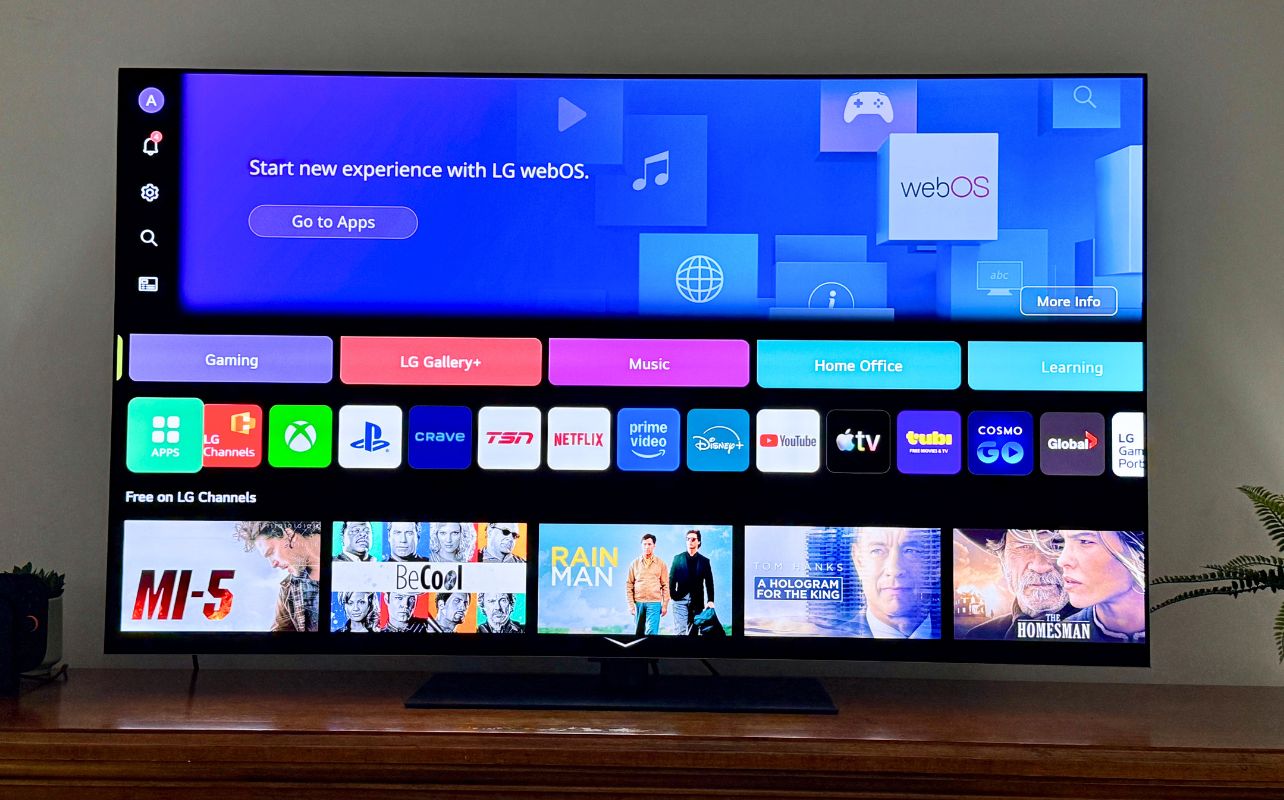
LG’s AI TV is built around personalization through a feature called AI Concierge. Using the Alpha AI Processor and LG ThinQ platform, it automatically tailors the viewing experience to your preferences. Rather than applying the same settings to every type of content, the TV continuously analyzes what you’re watching and adjusts the picture and sound accordingly.
When you stream an older movie or TV show, AI Super Upscaling enhances lower-resolution content so it looks sharper and closer to native 4K. AI Picture Pro further refines each scene by analyzing individual objects, improving detail, depth, and colour to create a more realistic image. If your room becomes brighter during the day, AI Brightness Control automatically adjusts the screen so the picture remains comfortable to watch. On the audio side, AI Sound Pro creates immersive virtual surround sound while keeping dialogue clear.
Beyond picture and audio, LG ThinQ also makes the TV easier to use. Features like personalized recommendations, hands-free voice control with “Hi LG,” and you can use the Magic Remote help you quickly find content and navigate menus naturally, creating an entertainment experience that feels more personal and effortless.
Read how the Alpha AI Processor boosts TV performance in our review of the LG G6 OLED TV.
Sony’s XR Processor

Sony’s XR Processor is designed to recreate movies, shows, and games the way people naturally see and hear them. Instead of analyzing picture elements like colour and contrast separately, it cross-analyzes hundreds of thousands of visual and audio elements simultaneously, much like the human brain. As you watch a movie, the processor identifies the scene’s focal point, such as the lead actor’s face or the hockey player carrying the puck, and enhances that area while adding realistic depth throughout the rest of the image. This makes important details naturally stand out without making the picture look artificial.
AI scene recognition also continuously adjusts picture quality to better match each scene, while advanced sound processing positions audio where it should appear on screen. For example, if a helicopter flies overhead, the sound is processed to make it feel like it’s moving above you rather than simply coming from the TV speakers, creating a more immersive viewing experience.
Hisense Hi-View AI Engine PRO
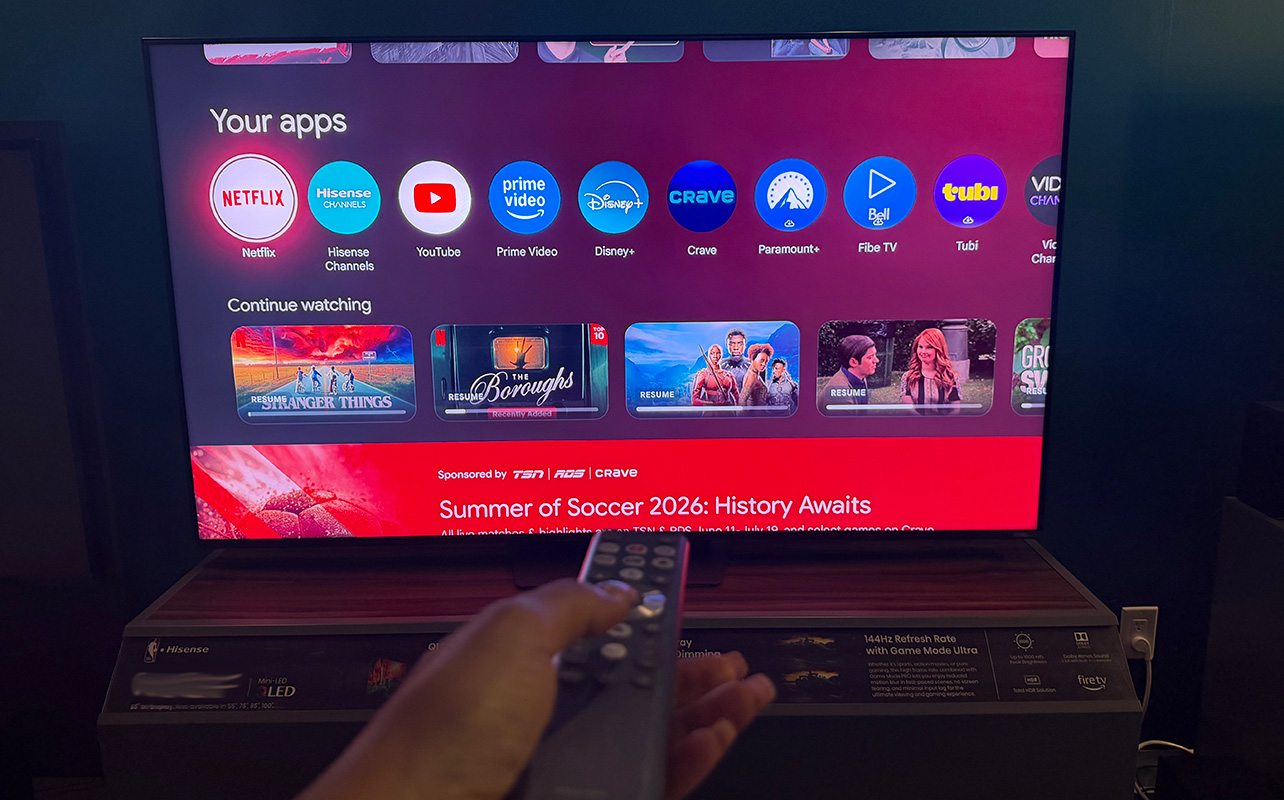
Hisense uses its Hi-View AI Engine PRO to automatically improve picture, sound, and energy efficiency without requiring constant adjustments. The processor recognizes what’s happening on screen and fine-tunes skin tones, contrast, colours, and graphics to create more lifelike images. Sports fans can benefit from AI Sports Mode, which smooths fast-moving action while enhancing crowd noise and commentary to create a more immersive game-day experience. AI Clear Voice makes dialogue easier to understand by reducing background noise and boosting speech, making it especially useful for news, sports, and talk shows.
Hisense also uses AI HDR Upscaler to enhance HDR and standard dynamic range content for richer colours and improved contrast, while AI Light Sensor adjusts screen brightness based on the lighting in your room to improve comfort and energy efficiency. Stay tuned for our upcoming review of one of Hisense’s newest TVs.
TCL AiPQ Processor

TCL’s AiPQ Processor continuously analyzes what’s on screen and intelligently adjusts picture settings in real time, helping everything from movies to sports look more natural without requiring manual adjustments.
As you watch, the processor evaluates colour, contrast, brightness, and clarity to create an image that’s closer to how you would see it in real life. For example, a sunset scene can maintain warm, natural colours while still preserving detail in darker foreground objects. TCL’s Ai-CONTRAST further improves realism by recognizing multiple objects within each scene and balancing light and shadow independently. This helps reveal subtle details in both bright highlights and dark areas, whether you’re watching a brightly lit nature documentary or a suspenseful movie set almost entirely at night. Rather than relying on a single picture preset, the TV continuously optimizes every frame as the content changes.
Learn more about the latest TCL TVs from our CES 2026 coverage.
Note: While every TV manufacturer has its own names for AI technologies, many of the core benefits are surprisingly similar. Keep in mind that AI features can vary by TV series and model year. Always check the specifications of the model you’re considering to confirm which AI features are included.
Which AI TV brand is best for you?
While all of today’s AI TVs use artificial intelligence to improve picture quality and sound, each brand has a different area of focus. Here’s a quick guide to help you find the one that best matches your viewing habits.
Samsung Vision AI
Best for: Smart home users and viewers who want an intelligent, all-around TV experience. Sports fans.
If you like technology that works seamlessly in the background, Samsung Vision AI is a strong choice. AI Picture, AI Sound, and AI Optimization automatically adjust the viewing experience based on what you’re watching and your surroundings, while features like AI Upscaling improve older content. Samsung also offers unique tools like AI Soccer Mode Pro for sports fans and Live Translate for supported broadcasts in different languages. Samsung offers some of the best TVs for sports fans.
LG AI TV
Best for: Families and anyone who wants a more personalized TV experience.
The LG ThinQ platform is designed to learn your viewing habits and tailor the experience to you. AI Picture Pro and AI Super Upscaling improve image quality automatically, while AI Brightness Control adjusts the screen as lighting changes throughout the day. Features like personalized recommendations, the AI Magic Remote, and hands-free “Hi LG” voice control also make it easier to find content and navigate the TV.
Sony XR Processor
Best for: Movie lovers and home theatre enthusiasts.
If your priority is enjoying films the way the director intended, Sony stands out. The XR Processor analyzes picture and sound much like the human brain, identifying the focal point of each scene to create more realistic depth and texture. Combined with AI scene recognition and immersive audio processing, it delivers a cinematic viewing experience that’s especially well suited to movies and prestige TV shows.
Hisense Hi-View AI Engine PRO
Best for: Sports fans and viewers who want automatic optimization with minimal effort.
Hisense focuses on making everyday viewing easier. AI Sports Mode enhances fast-moving action and stadium audio during live games, while AI Clear Voice makes dialogue easier to hear during news, talk shows, and sports broadcasts. AI HDR Upscaler and the AI Light Sensor also work behind the scenes to improve picture quality and adjust brightness automatically, so you rarely need to change settings yourself.
TCL AiPQ Processor
Best for: Viewers who want consistently great picture quality across all types of content.
TCL’s AiPQ Processor continuously analyzes every scene and automatically optimizes colour, contrast, brightness, and clarity. Technologies like Ai-CONTRAST help preserve detail in both bright and dark scenes, making everything from nature documentaries to action movies look more natural. If you’re looking for a TV that quietly fine-tunes picture quality without requiring manual adjustments, TCL is a compelling option.
Are AI TVs worth buying?
An AI-powered TV won’t completely transform poor-quality content into stunning 4K video, nor will it replace a great sound system or professional picture calibration. AI’s real value lies in making hundreds of small improvements that add up over time.
Convenience is its biggest advantage. Instead of constantly adjusting picture modes, changing sound settings, or tweaking brightness throughout the day, AI handles much of that work automatically. The result is a TV that’s easier to use and delivers consistently good performance across a wide variety of content.
AI is especially valuable if you regularly watch different types of entertainment at different times of the day and night. A family might stream movies on Friday night, watch soccer on Saturday afternoon, play video games in the evening, and catch up on TV shows during the week. Rather than requiring different settings, AI helps optimize the experience automatically.
That said, not every AI feature is available on every model. Premium TVs generally include more advanced processors and additional AI capabilities, while entry-level models may offer a smaller selection of intelligent features. It’s also worth remembering that every manufacturer takes a slightly different approach.
AI in TVs is part of the larger AI evolution in consumer tech we’re seeing across the board. Rather than asking which brand has “the best AI,” it’s often more useful to consider which features match your own viewing habits.
Check out our wide TV selection from all the top brands.
AI-powered TV FAQs
Yes. Many TVs now use AI to recognize when a game console is connected and automatically enable Game Mode. This reduces input lag, optimizes picture settings, and can improve motion handling for a smoother gaming experience. Some TVs also use AI to enhance HDR performance and make details easier to see in darker scenes.
Many AI picture and sound features work directly on the TV and don’t require an internet connection. However, features like personalized recommendations, cloud-based voice assistants, smart home controls, and certain AI search functions may require the TV to be connected to the internet and signed in to your account.
In many cases, no. Most AI features are enabled by default and work automatically in the background. Depending on the TV, you may also have the option to adjust or disable individual AI settings if you prefer more manual control over picture or sound.
Not necessarily. While AI has become common across many new TVs, the available features vary depending on the manufacturer, model series, and price range. Premium models typically include more advanced AI processors and additional capabilities, while entry-level models may offer a smaller set of AI-powered features.

This article was drafted using AI technology and then reviewed, fact-checked, and revised by a member of our editorial team.