
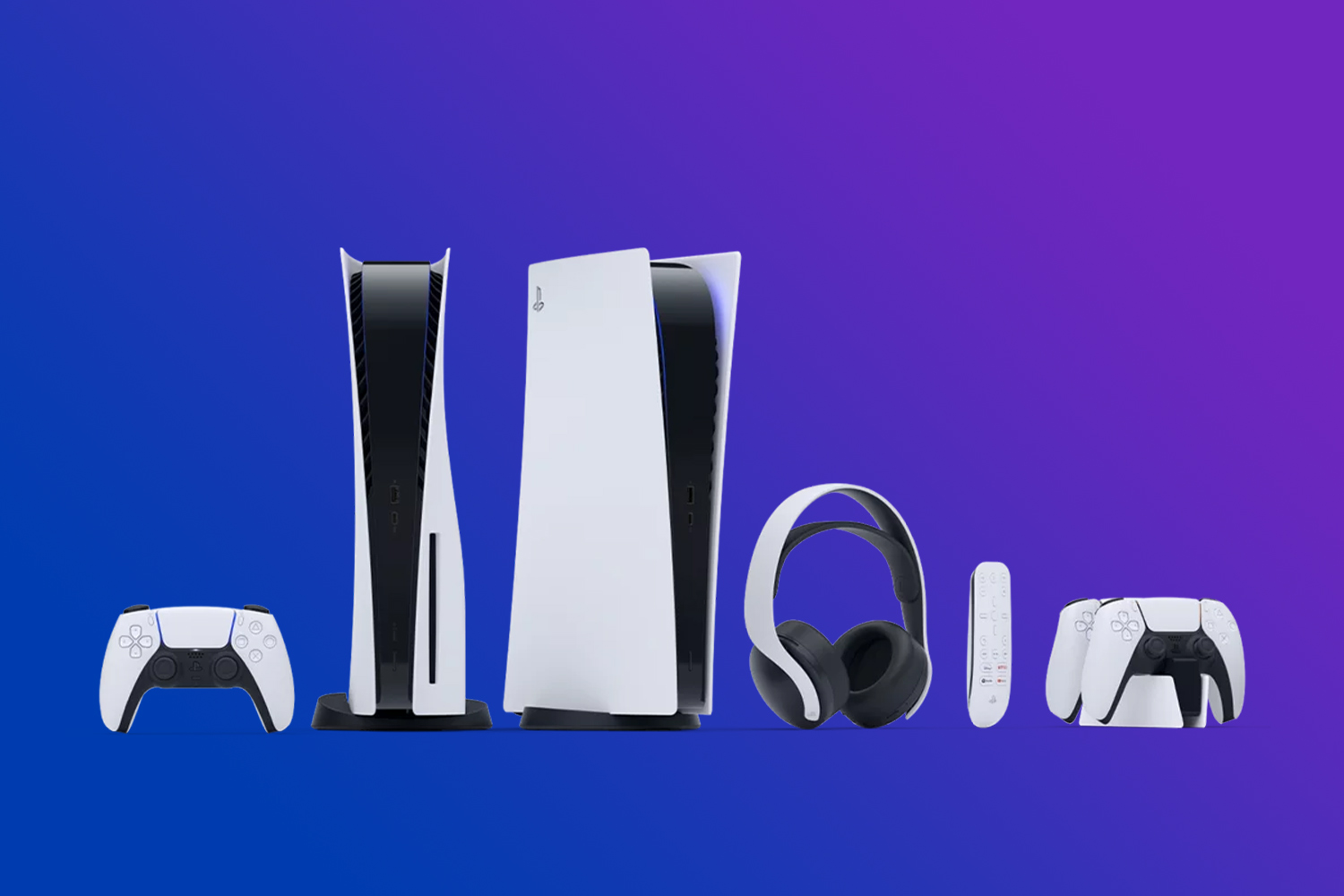
The PlayStation 5 continues to grow year after year, and the accessory lineup has expanded right alongside it. Powerful performance and great games are at the core of the console, but the right PS5 accessories can make daily gaming smoother, more comfortable, and a lot more convenient. Whether you want better audio, faster storage, or easier ways to keep your controllers ready, small upgrades can make a noticeable difference.
This guide covers the best PS5 accessories available today and explains how each one fits into a modern PlayStation setup. You can browse the full selection of PS5 accessories at Best Buy Canada as you explore the list below.
From the PULSE Elite headset and PULSE Explore earbuds to extra DualSense controllers, SSD storage, charging stations, and the PlayStation Portal, these accessories round out your PS5 experience and support the way you like to play.

What to consider when buying PS5 accessories
Picking the right PS5 accessories goes beyond just choosing what’s popular. To make the most of your setup, consider these key factors:
Gaming needs and preferences
Think about how you like to play. If clean, reliable audio is a priority, a PlayStation gaming headset like the PlayStation PULSE Elite or wireless earbuds like the PlayStation PULSE Explore is a strong fit. If you want flexibility around the house, the PlayStation Portal now supports cloud gaming. Your preferences help highlight the accessories that match your routine.
Comfort and usability
Comfort matters, especially with gear you’ll use for long gaming sessions. Look for well-designed accessories with ergonomic builds, whether it’s a headset, controller, or add-on grip. Items that fit naturally into your hands or workspace make a noticeable difference over time.
Performance and compatibility
Make sure each accessory works fully with the PS5. For storage expansions, choose an NVMe SSD that meets Sony’s speed requirements for smooth performance. For audio, PlayStation Link devices offer the most consistent low-latency experience, and some accessories may require a PS5 system update to unlock full functionality.
Budget
PS5 accessories cover a wide range of prices. Some items, like the DualSense Charging Station, offer simple convenience at a lower cost, while others, such as PS VR2, represent a larger investment. Pick accessories that fit your needs without stretching your budget.
Space and setup
Consider how much room you have. Charging stations, controller docks, and storage expansions take up very little space, while PS VR2 needs space for movement and clear tracking. Choose accessories that work within your gaming area and help keep things organized.
By keeping these factors in mind, you can choose PS5 accessories that support your play style and help your setup run smoothly.
Best PS5 accessories in 2025
PlayStation Portal Remote Player for PS5 console
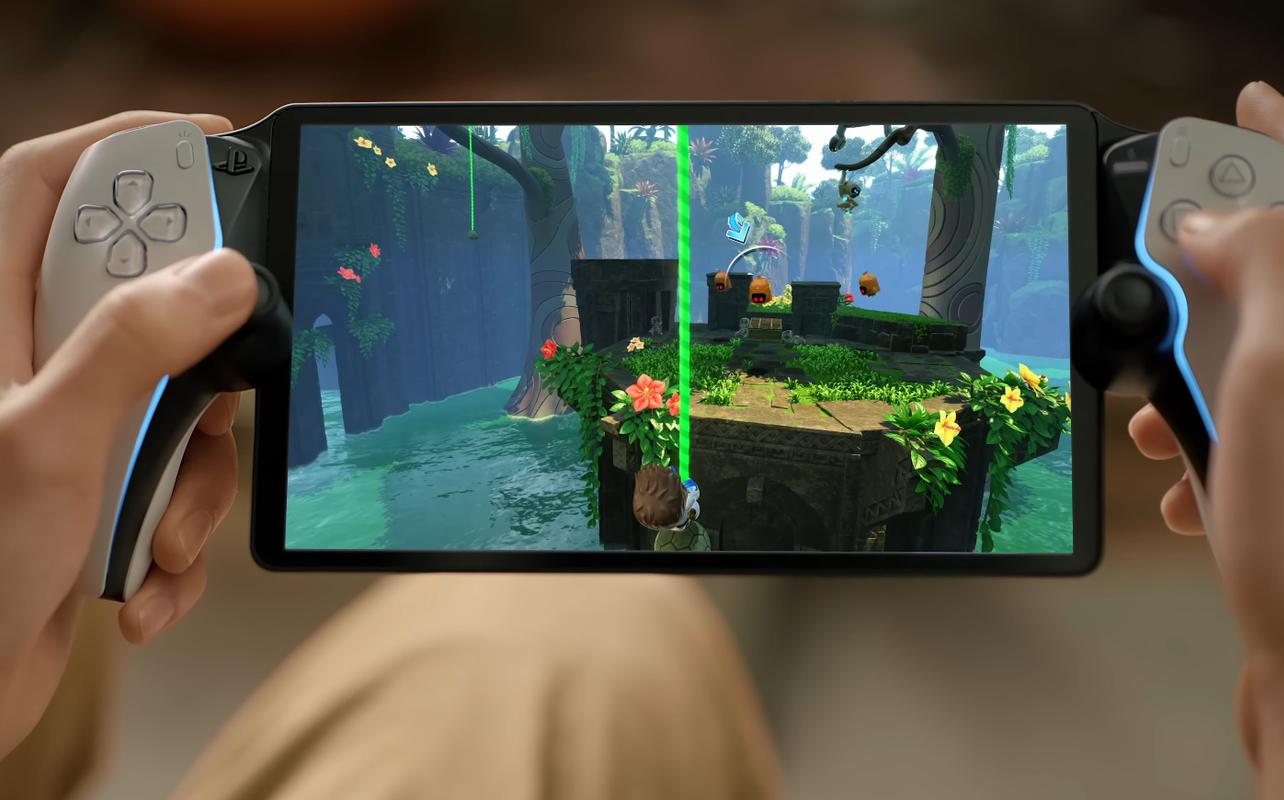
The PlayStation Portal has seen major updates since its original release. What started as a Remote Play device now supports cloud gaming, giving you a lot more freedom in how you play. You can stream supported PS5 games directly from the cloud without needing to own a PS5. If you do have a PS5, it no longer needs to be powered on. Cloud gaming makes the Portal more flexible than before.
Performance: The PlayStation Portal features an 8 inch HD display that streams games at 1080p and 60fps. Adaptive triggers and haptic feedback carry over from the DualSense controller, giving you a familiar PlayStation feel. Cloud gaming makes it possible to play PS5 games throughout the house without relying on local Remote Play, and the overall experience feels smoother with a strong internet connection.
Pros: 1080p 60fps streaming, adaptive triggers and haptic feedback, works for cloud gaming without a PS5, lightweight handheld design.
Cons: No offline play, remote play still depends on owning a PS5, requires consistent Wi Fi speeds.
Who it’s for: The PlayStation Portal is ideal if you want a handheld way to play supported PS5 games around the house without staying near your PS5. It now supports cloud gaming without needing a PS5 at all. And if you do have one, the console doesn’t need to be nearby or powered on. And it fits well for families who often share the TV. Read our review of the Playstation Portal Remote Player for PS5 console.
PlayStation PULSE Elite Wireless Gaming Headset
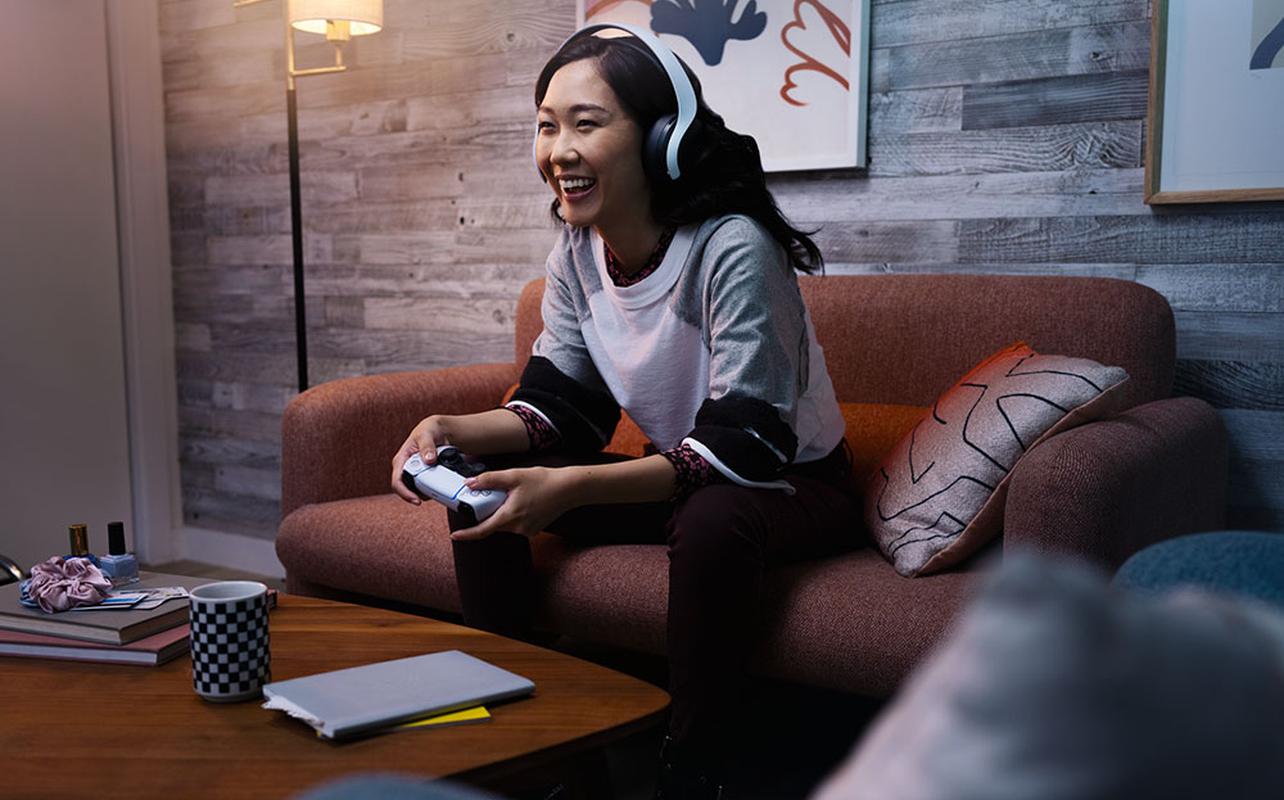
Sony’s PlayStation PULSE Elite Wireless Gaming Headset delivers clear, detailed sound using Tempest 3D AudioTech. It’s built for PS5 gaming and offers strong audio performance without adding extra setup steps.
Performance: The headset produces clean positional audio through its planar magnetic drivers, which helps in games with a lot of directional cues. It connects through PlayStation Link, giving you a stable, low-latency wireless connection on PS5, PC, Mac, and the PlayStation Portal. The boom mic keeps voices clear during in-game chat and party sessions.
Pros: Clear positional sound with Tempest 3D AudioTech, low-latency wireless connection through PlayStation Link, comfortable for extended gaming sessions.
Cons: Higher cost than basic wireless headsets, some users may prefer lighter earbuds over a full headset.
Who it’s for: The PlayStation PULSE Elite Wireless Gaming Headset is a strong choice if you want a dependable wireless headset made for PS5 and PlayStation Link devices. It works well for competitive games where directional audio matters, and it’s a simple fit for anyone who wants clear sound across multiple PlayStation devices without switching headsets.
PlayStation PULSE Explore Wireless Earbuds
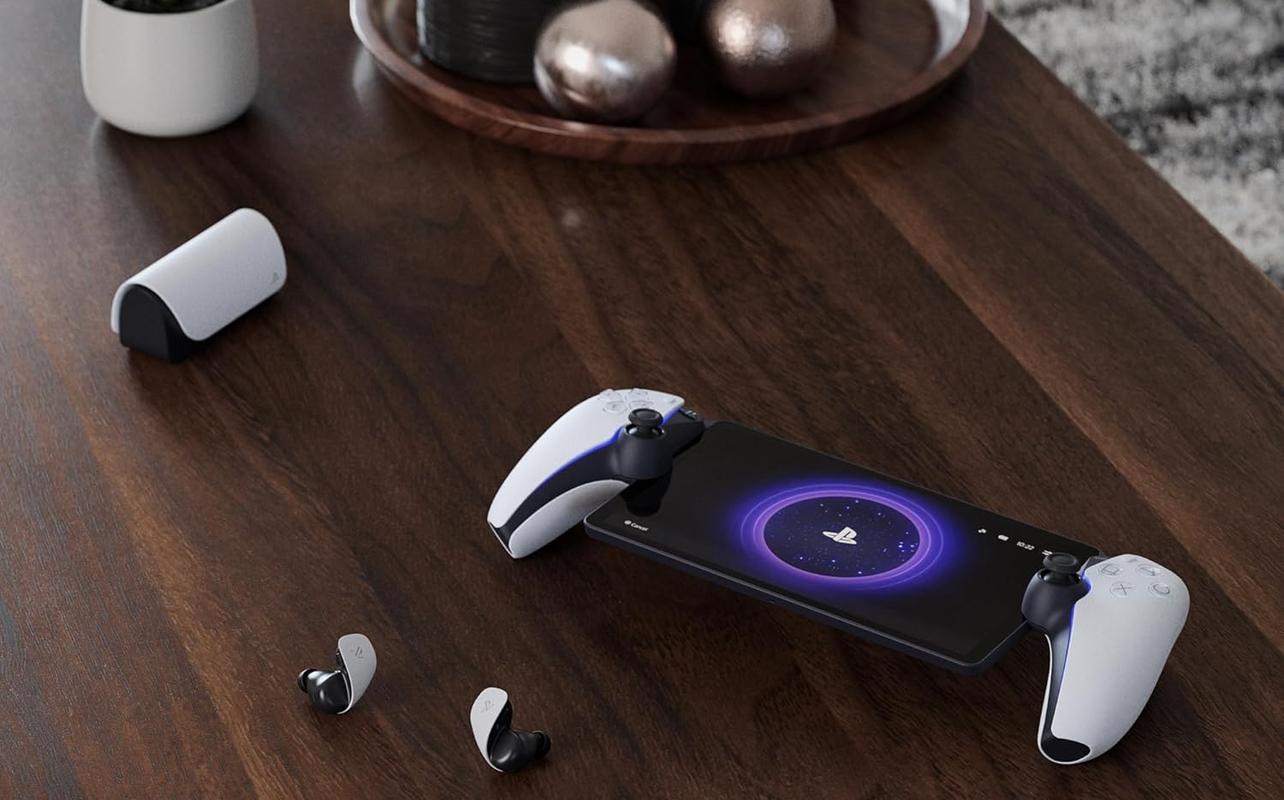
PlayStation’s PULSE Explore Wireless Earbuds offer a more compact alternative to the PlayStation PULSE Elite Wireless Gaming Headset while still delivering detailed audio tuned for PlayStation gaming. They’re built around the same PlayStation Link wireless technology, giving you a low-latency connection across PS5, PC, Mac, and the PlayStation Portal without extra setup.
Performance: The PULSE Explore earbuds use planar magnetic drivers, the same style found in the PlayStation PULSE Elite Wireless Gaming Headset, to deliver clear, accurate sound with strong detail in both games and media. Because they connect through PlayStation Link, audio stays in sync even during fast-paced action. The built-in microphones handle voice chat clearly, and the included charging case makes it easy to take the earbuds between rooms or use them with other devices. They also work well for cloud gaming on the PlayStation Portal thanks to the stable wireless connection.
Pros: Compact and portable, PlayStation Link low-latency audio, strong sound clarity from planar magnetic drivers, works across multiple PlayStation devices.
Cons: Higher price than standard earbuds, shorter battery life than a full headset during extended sessions.
Who it’s for: The PlayStation PULSE Explore Wireless Earbuds are ideal if you prefer a lightweight, portable audio option that works seamlessly across PS5, PlayStation Portal, PC, and mobile devices. They’re a strong fit if you want PlayStation Link audio without wearing a full headset, or if you move between rooms often and want something easier to carry than traditional gaming headphones.
PlayStation 5 DualSense Wireless Controller Charging Station
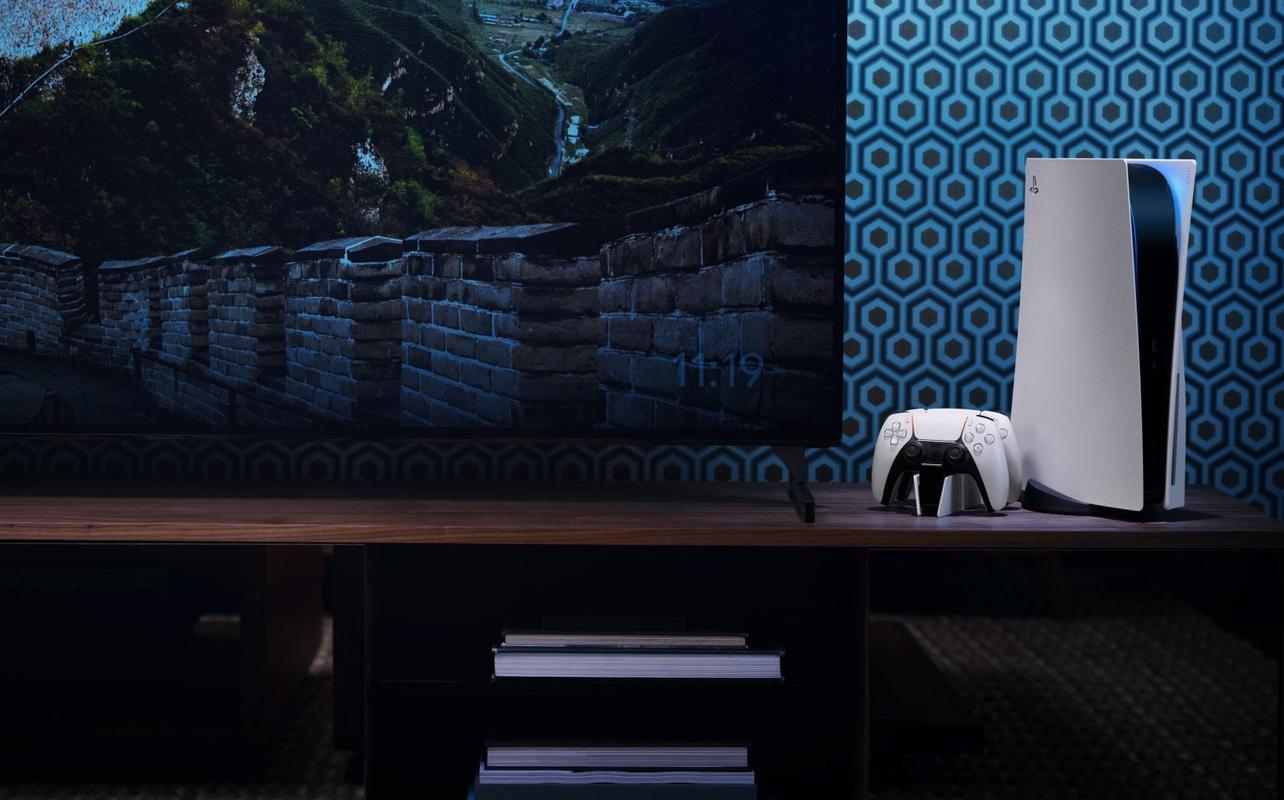
Sony’s official PlayStation 5 DualSense Wireless Controller Charging Station gives you an easy way to keep two controllers ready for gaming. It charges up to two DualSense controllers at once and removes the need to connect USB cables directly to the console.
Performance: The charging station uses a quick-connect design that lets you place the controllers onto the charging pins without plugging anything in. It frees up USB ports on the PS5 or PS5 Slim and helps keep your setup organized. The low-profile design also blends well with both console models.
Pros: Charges two controllers at once, frees up USB ports and reduces cable clutter, matches the PS5 and PS5 Slim design.
Cons: Requires power outlet, slightly higher price for a simple charging solution.
Who it’s for: The DualSense Charging Station is a good fit for PS5 owners who want a simple way to keep controllers charged and stored neatly. It’s especially useful for households with multiple controllers or anyone who prefers a clean, cable-free setup.
Extra PlayStation 5 DualSense Wireless Controllers
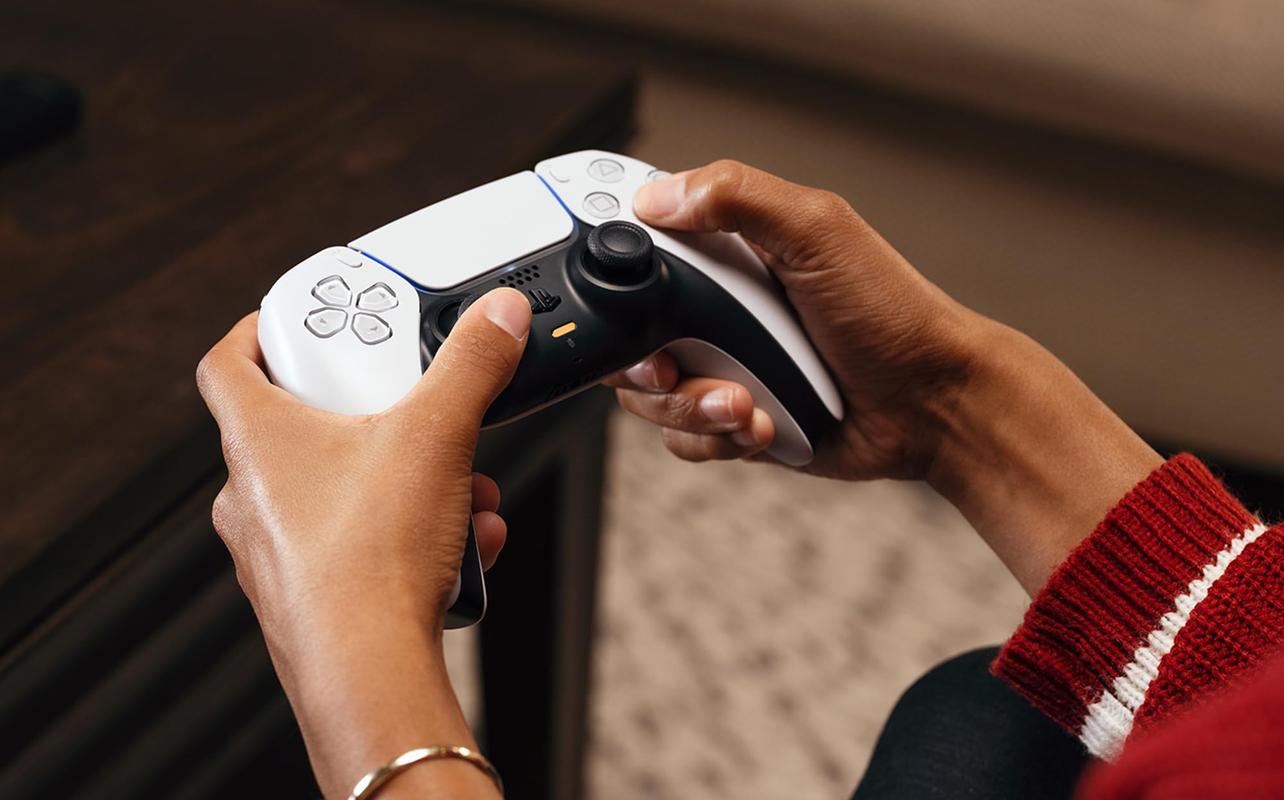
Adding an extra PlayStation 5 DualSense Wireless Controller is still one of the most useful upgrades for any PS5 setup. It lets friends or family join in for local co-op, and it’s helpful to have a second controller ready when your main one needs to recharge. Best Buy Canada carries several DualSense colours, including options like Chroma Indigo, Chroma Pearl, Chroma Teal, Starlight Blue, and Galactic Purple.
Level up your PS5 setup with the Hyperpop collection, featuring the Rhythm Blue, Remix Green, Techno Red, designs, plus the Marathon Limited Edition controller. Available for pre-order now and launching soon, these controllers combine bold, electrifying colours with the immersive adaptive triggers and haptic feedback you love. Perfect for adding style and energy to your gaming sessions.
Performance: The DualSense controller includes adaptive triggers and haptic feedback, which add tactile response to supported games. Keeping a second (or third) controller charged makes switching between sessions easier, whether you play couch co-op or simply want a backup ready for long play days.
Pros: Great for local multiplayer, built-in rechargeable battery, wide variety of colours.
Cons: Premium cost, requires frequent recharging with heavy use.
Who it’s for: Extra DualSense controllers are ideal for anyone who plays local multiplayer or wants a second controller ready between charging sessions. They’re also a good fit if you want different colours for your setup or prefer swapping controllers during longer gaming sessions.
DualSense Edge Wireless Controller
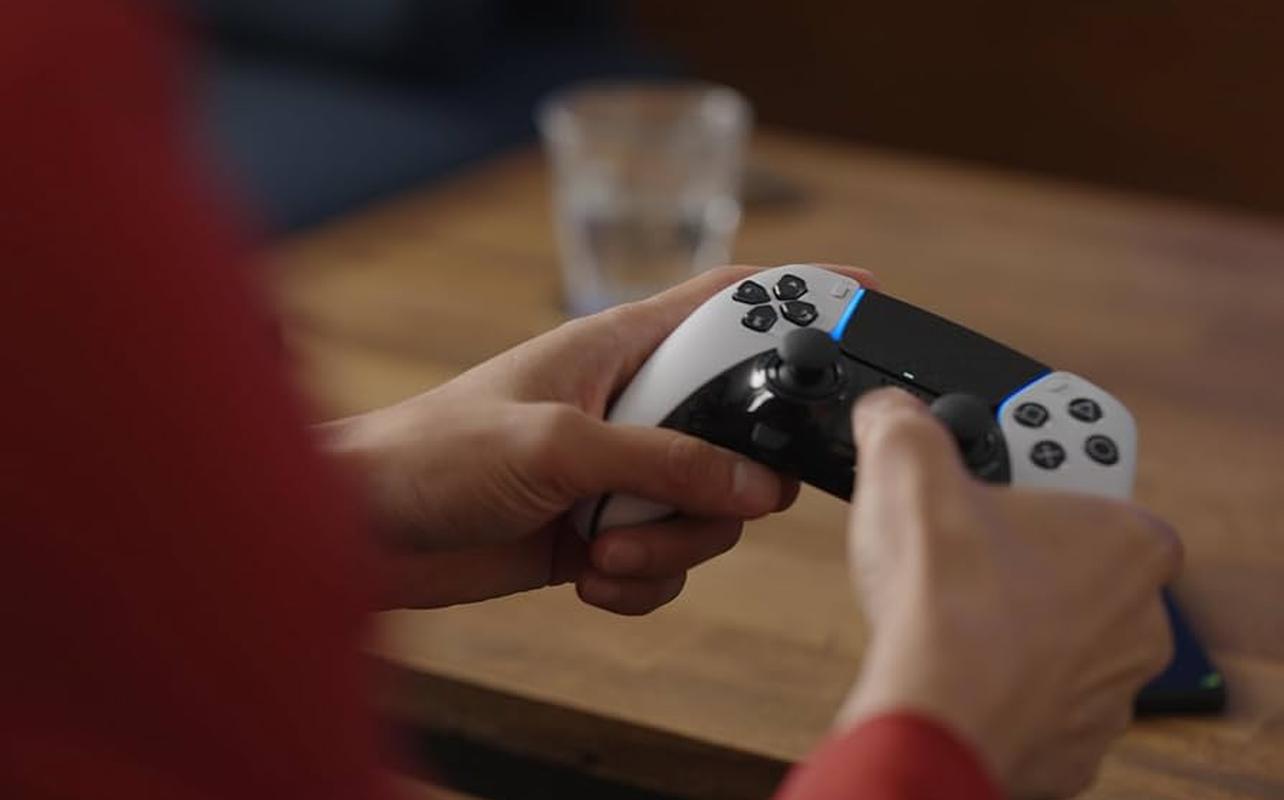
Sony’s DualSense Edge Wireless Controller is the PS5’s pro-grade controller, offering deeper customization and more control than the standard DualSense. It’s available in both White and Midnight Black at Best Buy Canada, giving you a choice that fits your setup. The controller includes adjustable trigger stops, remappable buttons, multiple control profiles, and replaceable stick modules. For competitive play or fine-tuning your layout, it delivers a more personalized gameplay experience than the standard PS5 controller.
Performance: The DualSense Edge keeps the adaptive triggers and haptic feedback of the regular DualSense while adding advanced tuning options. You can adjust stick sensitivity, dead zones, trigger tension, and save multiple profiles for different games. The two included back buttons help with faster inputs, and the replaceable stick modules extend the controller’s lifespan. It connects just like a standard DualSense and fits naturally into any PS5 setup.
Pros: Highly customizable controls, ideal for competitive and fast-paced games, back buttons included, replaceable stick modules add long-term value.
Cons: Premium price, slightly shorter battery life than the standard DualSense.
Who it’s for: The DualSense Edge is a great choice if you want extra control, faster inputs, and personalized settings for shooters, fighting games, and high-precision titles. It also suits anyone who prefers pro-level hardware or wants a more durable long-term controller option. Whether you’re refining your competitive playstyle or simply enjoy fine-tuning your setup, the DualSense Edge is one of the most advanced PS5 accessories available.
PlayStation VR2
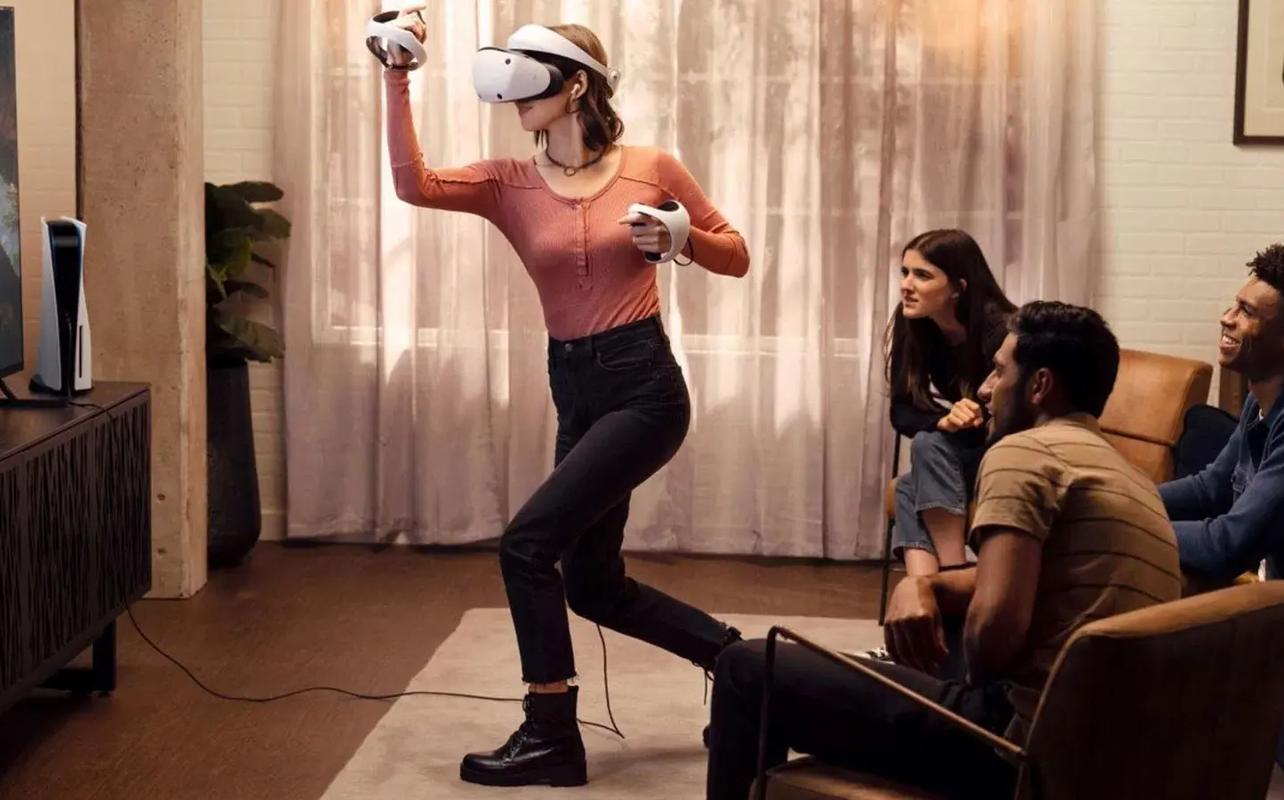
PlayStation VR2 delivers high-resolution visuals and responsive tracking through its Sense controllers, offering a strong VR option for PS5 owners. It builds on the features of the original PS VR and provides clearer visuals and more precise motion input.
Performance: The PS VR2 supports a 4K HDR display, inside-out tracking, and responsive Sense controllers with adaptive triggers and haptics. Setup is simple with a single USB-C connection to the PS5. One of the newest additions is support for PC VR through the PlayStation VR2 PC Adapter, which lets you access VR games on Steam when used with a compatible PC. This expands the headset’s library well beyond console-exclusive titles.
Pros: High-resolution OLED display, sense controllers with haptics and adaptive triggers, simple setup with a single cable, optional PC VR support with the PlayStation VR2 PC Adapter.
Cons: Higher price point, smaller game library compared to non-console VR options, requires a clear play space
Who it’s for: PS VR2 is a good choice for PS5 owners who want a dedicated VR headset that works directly with the console. It fits well for gamers who prefer a streamlined setup and want access to PS5-compatible VR titles. And with the PlayStation VR2 PC adapter, it’s also a strong pick for anyone interested in playing PC VR titles through Steam without buying a separate PC-only headset. Read our PlayStation VR2 review. Also, check out our PlayStation VR2 tips and ticks guide to get the best PS VR2 experience.
Expanding storage with a NVMe PCI-e Internal Solid State Drive
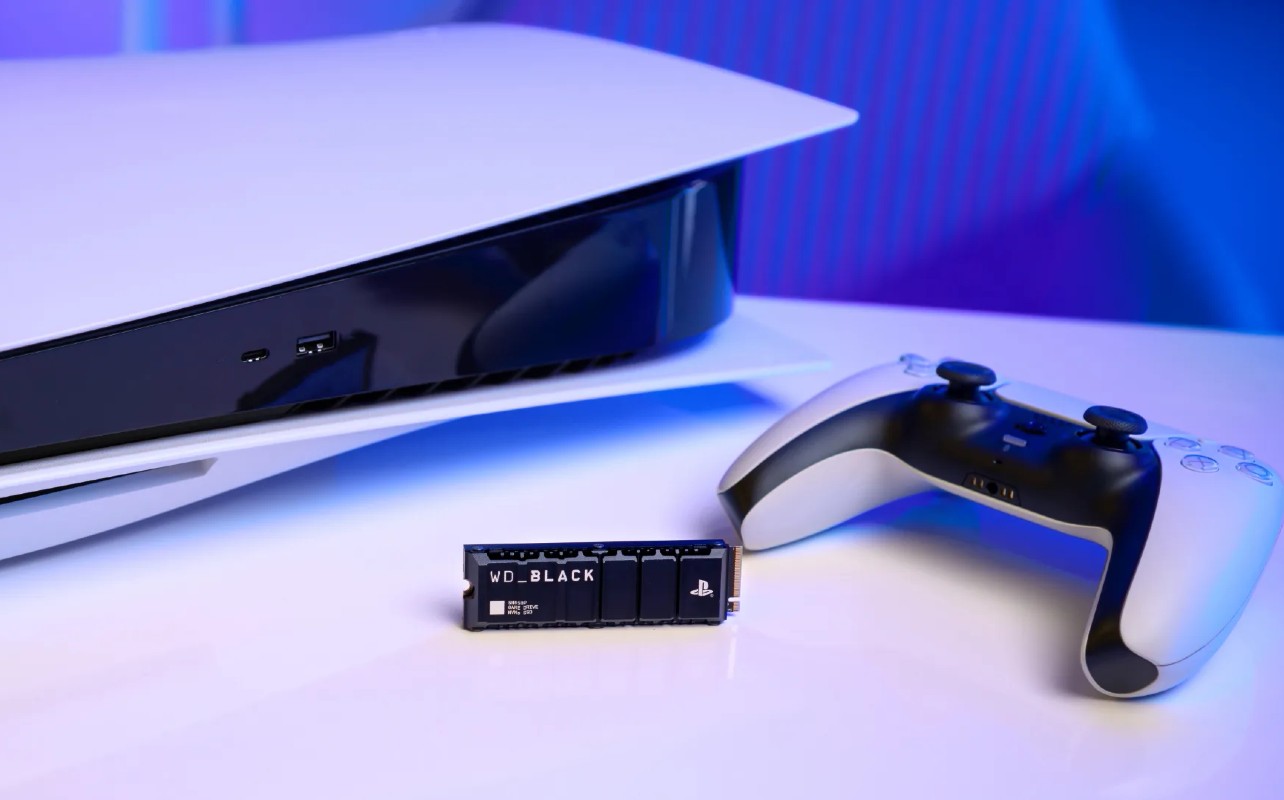
Expanding your PS5’s storage with an NVMe PCI-e Internal Solid State Drive is still one of the most useful upgrades you can make. Modern PS5 games continue to grow in size, and the console’s built-in storage fills up fast. Installing an internal SSD gives you significantly more space without relying on external drives or moving games back and forth.
Performance: A compatible PCIe 4.0 NVMe SSD matches the speed of the PS5’s built-in storage, so load times and performance remain fast and responsive. Games run exactly the way they would on the internal drive. If you’re new to upgrading storage, you can follow my step-by-step guide on how to expand storage on your PS5 with an M.2 SSD. It’s a comprehensive guide from start to finish. You can also check Matthew’s article offers a detailed look at SSD installation on the PS5 Pro, including the newest high-speed drive options.
Pros: Large boost in storage for today’s game sizes, no cables or external hardware needed, matches PS5’s internal drive speed.
Cons: Requires opening the console to install, higher cost for larger 2TB+ models.
Who it’s for: This upgrade is ideal if you download many PS5 games or rotate between large titles and want more space without constantly deleting and reinstalling games. If you want a simple way to build a bigger library while keeping everything fast and accessible, an NVMe M.2 SSD is one of the best PS5 accessories available. Check out our review of the Samsung 990 Pro PCIe 4.0 NVMe M.2 SSD.
Other PS5 accessories to consider
PlayStation 5 Media Remote Control
The PlayStation 5 Media Remote Control makes it easier to control streaming apps and Blu-ray playback with dedicated buttons for services like Netflix and Disney+. If you regularly use your PS5 for entertainment as well as gaming, this small accessory adds convenience without taking up extra space in your setup.
PlayStation Link USB Adapter
The PlayStation Link USB Adapter is useful if you use PlayStation Link headsets or earbuds across multiple devices. Plugging the adapter into a PS5, PC, or laptop lets you switch your PULSE Elite or PULSE Explore audio between devices while keeping the same low-latency wireless connection you get on the PS5. It’s a simple add-on that keeps your audio setup consistent if you move between platforms.
Disc Drive For PlayStation 5 Digital Edition, PlayStation 5 Slim Digital Edition and PlayStation 5 Pro Consoles
This disc Drive For PlayStation 5 Digital Edition, PlayStation 5 Slim Digital Edition and PlayStation 5 Pro Consoles lets you play physical PS5 and PS4 games, as well as Blu-ray movies. It attaches directly to compatible PS5 models, giving you the flexibility to use physical media whenever you want. It’s a great option if you’re upgrading from a disc-based console or want access to older physical games in your collection.
Frequently asked questions
What PS5 accessories are essential for most gamers?
Most PS5 gamers benefit from a few core accessories. A DualSense charging station helps keep controllers ready without cable clutter, and having an extra DualSense controller is useful for multiplayer or swapping during long sessions. For audio, the PULSE Elite or PULSE Explore offers excellent 3D sound designed for PS5 games. A storage upgrade is also recommended as game file sizes continue to grow.
How much storage should I add to my PS5?
Modern PS5 and PS5 Pro games take up more space than ever, so a PCIe 4.0 NVMe SSD upgrade is one of the most valuable accessories. A 1TB SSD works for moderate play, but many gamers now prefer 2TB for long-term flexibility. If you want a deeper breakdown, you can check both the original M.2 installation guide and Matthew’s new PS5 Pro storage article for extra details.
Can I use my PS4 accessories with the PS5?
Some PS4 accessories still work with PS5, but with limitations. The DualShock 4 controller works only with PS4 games on the PS5. Many PS4 wired and USB headsets work without issue. Specialty accessories (flight sticks, racing wheels, arcade sticks) vary by model, so it’s worth checking compatibility before buying.
Is it worth getting a VR headset for the PS5?
PlayStation VR2 delivers a high-end VR experience with 4K HDR visuals and advanced tracking, and Sony recently opened the platform to PC VR games through the PlayStation VR2 PC Adapter. If you want premium VR without building a PC, or if you’d like one headset that works across PS5 and PC, PS VR2 is a strong option. Just be sure you have space for movement and games in your library that support it.
How can I protect my PS5 from overheating?
Good airflow makes a big difference in long play sessions. Keep your PS5 or PS5 Pro in an open space, avoid enclosed cabinets, and clean dust from vents occasionally. Using accessories like charging stations or stands is fine, but avoid placing items directly against ventilation areas. Maintaining a dust-free environment helps ensure the console runs quietly and efficiently.
Enhance gameplay with the best PS5 accessories
That wraps up our look at the best PS5 accessories available today. Whether you’re adding more storage, upgrading your audio, picking up a pro controller, or trying out new options like the PlayStation Portal, these accessories help you get more out of your PlayStation setup. Each one supports the way you like to play, making your PS5 experience smoother, more comfortable, and easier to use every day.
Click here to see the full line of video game software available at Bestbuy.ca
Click here to see digital video game downloads offered at BestBuy.ca






A 2TB SSD is a necessity. I filled mine up so can’t image life without one. Charging station is also very convenient. I have been considering a portal so thanks for the writeup.
The m.2 SSD upgradable storage is one of the most useful things any user can do for their PS5. It’s getting quite inexpensive now to add even 2TB, which releases the strain of what games you can have installed/need to uninstall.
The PS Portal sounds intriguing. I imagine it would work best in the home on a 5ghz network!
Ooooh I love my PSVR2! There’s some amazing immersive games on there like Resident Evil 4/8 and Horizon Call of the Mountain.
I attempted to get the limited edition PS Portal but failed. I’m waiting for a discount/clearance deal before I get it.
I really need to expand my PS5 storage at some point. 1TB doesn’t cut it, especially with Call of Duty installed!
The PSVR2 Is the best accessory for PS5 because let’s you experience games available only in VR. I also play many times in remote and I don’t own a PS Portal only because I already have alternative ways to access my games in remote play.