
Back-to-school shopping looks a little different every year, but one thing remains the same: the right technology can help students stay organized, work more efficiently, and feel prepared for whatever the school year brings. From online research and digital assignments to video calls, creative projects, and AI-powered study tools, today’s students rely on their devices throughout the day—whether they’re in the classroom, at home, or studying on campus.
Whether you’re shopping for an elementary school student, a high school learner, or someone heading to college or university, choosing technology that fits their needs can make all the difference. The best setup doesn’t always mean buying the most expensive device. It’s about finding the right balance of performance, portability, and features for the way they’ll learn.
This back-to-school buying guide covers everything you need to build a productive study setup, including laptops, monitors, workspace essentials, backpacks, accessories, phones, tablets, and printers.

Table of contents
- When is the best time to shop back-to-school?
- Finding the right laptop
- How to choose a monitor
- Setting up the right workspace
- Choosing a backpack
- Essential tech accessories
- Choosing a phone for communication and productivity
- Tablets: does your student need one?
- Do students still need a printer?

When to shop for back-to-school deals
The main back-to-school shopping season usually starts in mid-summer and runs through early fall. This is when most laptops, tablets, monitors, and accessories are widely available and often included in seasonal promotions.
If you like to plan ahead, it can help to spread purchases out. Smaller items like headphones, backpacks, and laptop stands often go on sale throughout the year. Bigger purchases like laptops and monitors are usually best timed closer to back-to-school season when selection is at its widest.
A simple approach works best. Buy what you already know you need first, then fill in the rest once classes begin and daily routines become clearer.
Finding the right laptop for school

For most students, a laptop is the most important piece of technology they’ll own. It’s used for writing papers, attending online classes, collaborating on group projects, conducting research, editing presentations, and increasingly, using AI-powered tools to brainstorm ideas, summarize notes, or organize coursework.
Even if a school provides shared devices, having a personal laptop gives more flexibility. It allows students to work on their own schedule, study in different places, and build a setup that fits their learning style.
The best laptop is not just about raw performance. It is about balancing portability, battery life, ease of use, and enough power to last through several years of school.
What to look for when choosing a laptop
1. Size and portability
Students move between classes, libraries, and study spaces, so portability matters a lot.
A 13-inch laptop is compact and easy to carry, which makes it a good choice for lighter workloads or younger students. A 14-inch laptop is the most balanced option for most people. It gives enough screen space for multitasking without feeling bulky. Larger 15- or 16-inch laptops work better for students who need extra room for creative work, coding, or split-screen multitasking.
| Laptop size | Best for |
|---|---|
| 13-inch | Light use, portability, younger students |
| 14-inch | Everyday school use for most students |
| 15–16 inch | Creative work, multitasking, technical programs |
2. Display quality
Since students spend hours reading documents, watching lectures, and researching online, display quality plays a major role in comfort.
Look for:
- Full HD (1080p) resolution or higher
- IPS displays for better colour accuracy and wider viewing angles
- Anti-glare screens for studying in bright environments
- Touchscreen or 2-in-1 designs if note-taking or drawing is important
Convertible 2-in-1 laptops paired with a stylus can be especially useful for handwritten notes, sketching diagrams, solving math problems, and annotating PDFs.
3. Battery life
Battery life has become one of the most important features for students.
A laptop should comfortably last through a full school day without constantly searching for an outlet. Long battery life also means fewer chargers to carry between classes and more flexibility when studying in libraries, cafés, or common spaces.
Many newer laptops also support USB-C charging, making it easier to charge with a compact charger or compatible portable battery pack.
4. Operating system
The right operating system depends on the student’s school, courses, and personal preferences. Before buying, it’s always worth checking whether a specific program or school has software requirements.
| Option | Best for |
|---|---|
| Chromebook | Younger students and web-based learning with Google Classroom, Google Drive, and Microsoft 365 |
| Windows laptop | The most versatile choice for students using a wide range of educational, creative, coding, and engineering software |
| Copilot+ PC | Students looking for a Windows laptop with built-in AI features, excellent battery life, and enhanced performance for everyday productivity |
| MacBook | Students already invested in the Apple ecosystem who want seamless integration with iPhone, iPad, and other Apple devices |
Chromebooks are a great choice for elementary students and anyone whose schoolwork primarily happens online. They’re easy to use, secure, and designed for cloud-based learning.
Windows laptops remain the most flexible option for most students. They support the widest variety of educational software and are well suited for everything from writing papers and attending virtual classes to coding, engineering, and creative projects.
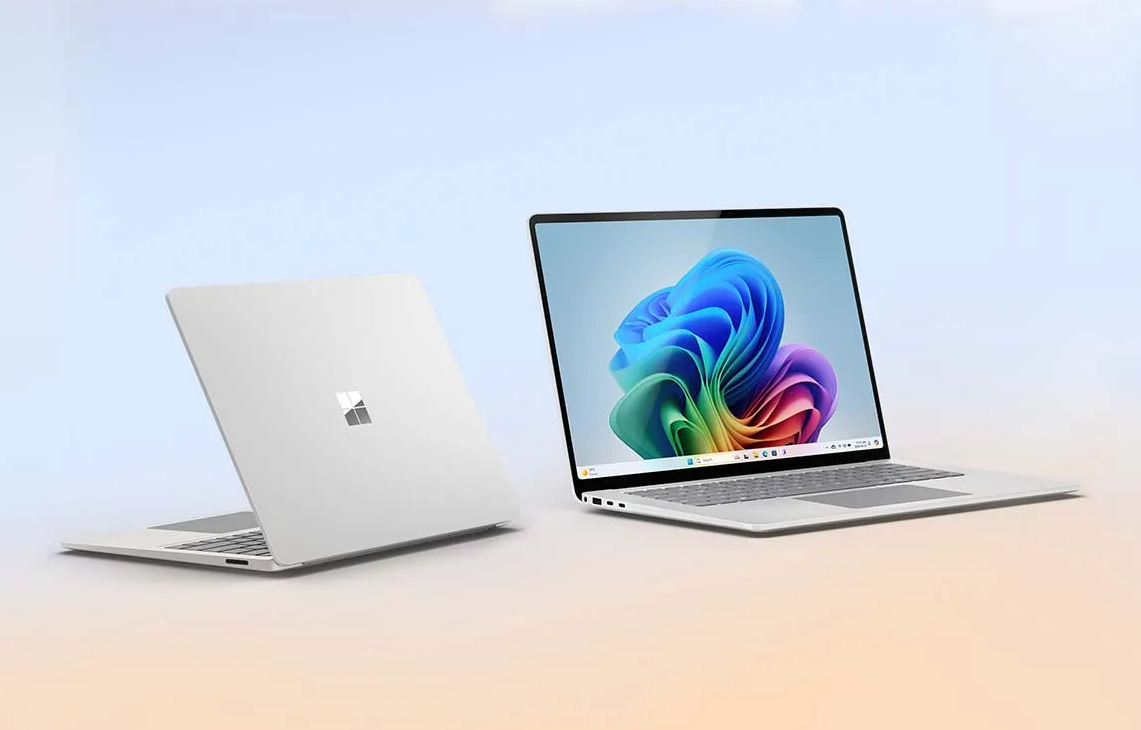
Students who want the latest Windows experience may also want to consider a Copilot+ PC laptop. These laptops are designed with AI-powered features that can help improve productivity, enhance video calls, and streamline everyday tasks like organizing information, summarizing notes, and managing workflows. Many models also offer impressive battery life and responsive performance, making them an excellent choice for students who expect to use their laptop throughout the day.
MacBook is an excellent choice for students already using Apple devices. Features like AirDrop, iCloud, Universal Clipboard, and seamless integration with iPhone and iPad make it easy to move between devices for studying, note-taking, and file sharing.
No matter which platform you choose, the best laptop is one that supports the software your student needs today while offering enough performance to keep up throughout the school year and beyond.
5. Storage
While cloud storage is now part of everyday school life, local storage still matters.
Students regularly download documents, presentations, photos, apps, and offline files. Creative software and large projects can also quickly fill available storage.
As a general guideline:
| Storage | Recommended for |
|---|---|
| 256GB SSD | Most elementary, high school, and university students |
| 512GB SSD | Creative programs, business students, multitaskers |
| 1TB SSD | Video production, engineering, large media libraries |
Solid-state drives (SSDs) provide faster performance than traditional hard drives, helping laptops boot faster and launch applications more quickly.
6. RAM
RAM affects how smoothly a laptop handles multiple applications at once.
Students today often have dozens of browser tabs open while running video calls, note-taking apps, presentation software, streaming lectures, and AI tools simultaneously.
For most buyers:
| RAM | Best for |
|---|---|
| 8GB | Basic web browsing and lighter schoolwork |
| 16GB | Recommended for most high school, college, and university students |
| 32GB+ | Video editing, engineering, programming, professional creative work |
While 8GB can still handle basic everyday tasks, 16GB has become the recommended choice for students who want their laptop to stay responsive for several years.
7. Performance for different programs
Different programs place different demands on a laptop.
Students studying business, education, communications, or humanities generally don’t need specialized hardware beyond a modern processor, 16GB of RAM, and an SSD.
Creative students using software for graphic design, photography, music production, animation, or video editing should consider faster processors, more memory, and larger SSDs.
Engineering, architecture, computer science, and STEM students may require laptops capable of running specialized software, virtual machines, or development tools. Some schools even recommend Windows devices for compatibility with required applications, so it’s worth checking program requirements before buying.
8. AI-ready laptops
Many of today’s laptops include built-in AI features that help improve productivity.
Depending on the software students use, AI tools can help summarize notes, organize information, generate study guides, draft presentations, improve writing, translate languages, or assist with coding projects.
AI-enabled PCs can also improve video calls with features like background blur, automatic framing, and enhanced noise reduction without placing extra strain on the processor.
These features aren’t essential for every student, but they can help simplify everyday schoolwork and may become increasingly useful throughout the life of the laptop.
Should you buy new or refurbished?
A refurbished laptop can be an excellent value, especially for younger students or families shopping on a budget.
New laptops typically offer the latest processors, longer battery life, and newer features, while refurbished models can provide excellent performance at a lower price.
Whichever option you choose, look for products that have been professionally inspected and include warranty coverage for added peace of mind.
Laptop buying checklist
Before choosing a laptop, it helps to quickly run through a few basics:
- Easy to carry between classes or study spaces
- All-day battery life
- At least 16GB RAM for smooth multitasking
- 256GB SSD or more for storage
- Compatible with required school software
- Strong enough to last through multiple school years
See our laptop buying guide for details about various options and continue on for some tips on choosing the right one.
How to choose a monitor for study setups
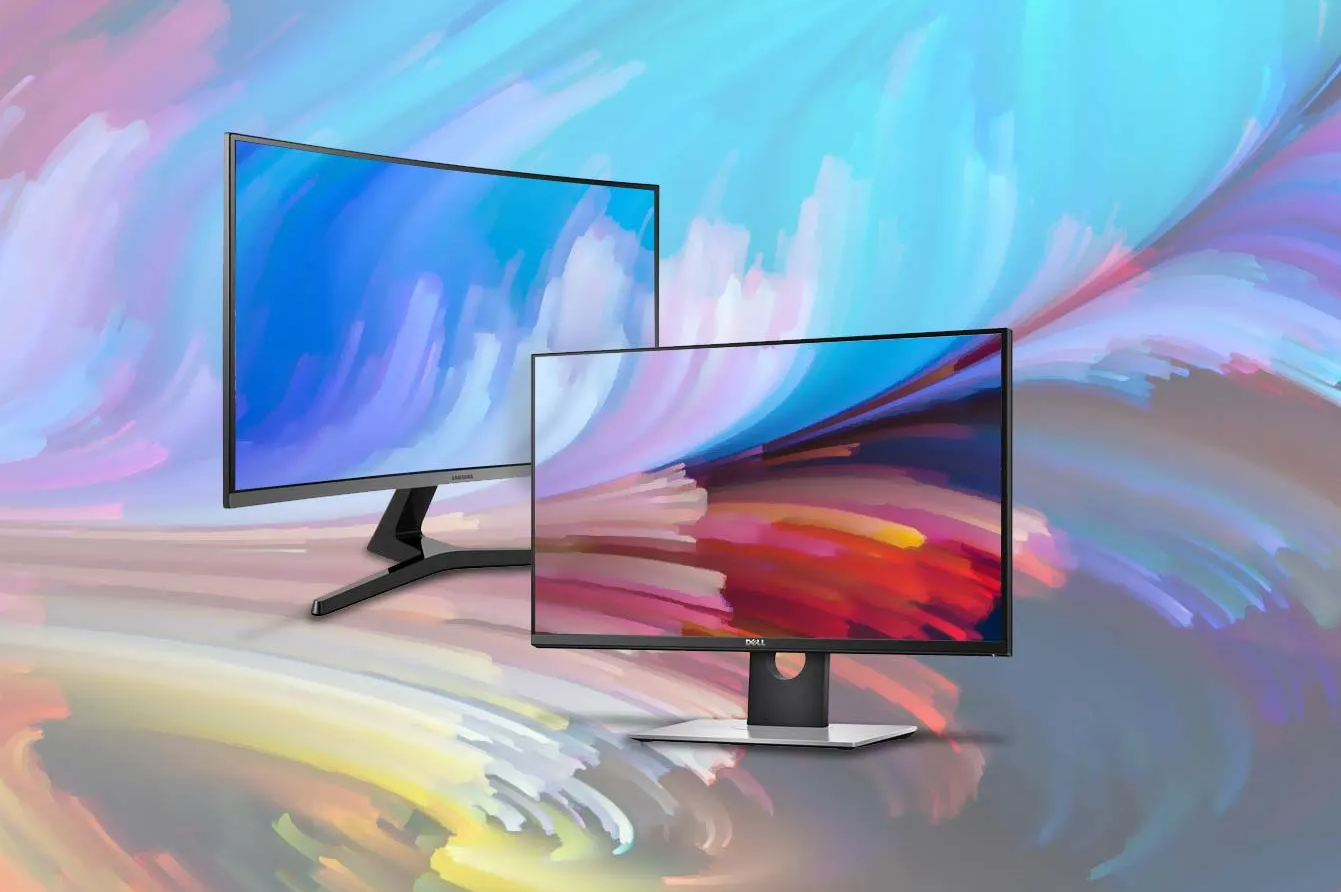
A monitor is one of those upgrades that can make studying feel much easier, especially for students who spend long hours on assignments, research, or creative projects. It gives more space to work with, reduces constant tab switching, and makes multitasking far more comfortable.
Even if a laptop is the main device, adding a monitor can turn a small desk setup into a much more productive workspace.
What to look for when choosing a monitor
1. Size and desk space
Monitor size depends on how much room is available and how the student plans to use it.
A 24-inch monitor is a great starting point for most study setups. It fits comfortably on smaller desks while still giving enough space for multitasking. A 27-inch monitor is better for students who work with split screens, spreadsheets, coding, or creative software.
Ultra-wide monitors are also becoming more popular, especially for students who prefer side-by-side windows without needing a second screen.
| Size | Best for |
|---|---|
| 24-inch | Smaller desks, everyday studying |
| 27-inch | Multitasking, coding, creative work |
| Ultrawide | Split-screen workflows and productivity setups |
2. Resolution
Resolution affects how sharp text and images look, which matters a lot for reading and writing assignments.
Full HD (1080p) is still common and works well on smaller monitors. However, 1440p has become a strong sweet spot for students because it offers noticeably sharper text and more workspace without requiring a high-end computer.
4K monitors are available, but they are usually more than most students need unless they are working in design, video editing, or media production. This will make the experience for remote learning much more palatable, if this is part of the equation.
3. Panel type and eye comfort
IPS panels are the preferred choice for students because they offer better viewing angles and more consistent colour quality. This makes long study sessions easier on the eyes.
Eye comfort features are also worth looking for, especially if the monitor will be used for several hours a day. These can include reduced blue light modes and flicker-free displays, which help minimize eye strain during late-night studying.
4. Connectivity and compatibility
A good monitor should connect easily to a laptop with minimal setup. USB-C is especially convenient because it can carry both display and power through a single cable on many newer laptops.
Other setups may require HDMI connections or docking stations, especially if the student plans to use multiple devices like a laptop, tablet, or desktop accessories.
Best monitor size for studying
Choosing the right size often comes down to how the student studies.
- 24-inch works well for focused single-task setups
- 27-inch is better for multitasking and side-by-side documents
- Ultrawide is ideal for students who like a split-screen workflow without a second monitor
A 27-inch monitor is often the most flexible option for long-term use because it supports both studying and entertainment without feeling cramped.
Workspace setup for better studying
A good workspace makes a noticeable difference in focus and productivity. It does not need to be expensive, but it should be comfortable, organized, and practical for daily use.
What to include in a study setup
1. Desk and chair
A dedicated workspace helps separate study time from downtime. Even a small desk can work as long as it is organized.
The office chair is more important than you think! It should have a comfortable seat and be adjustable to accommodate your growing child. Remember, they could easily go from 5’ to 5’6’’ seemingly overnight! Arm rests are useful as is a reclining back when they want to sit back and read. A chair on wheels is great for moving around as they multitask.
When you’re talking about a dorm room, you’ll want to factor in how much space there is, what gadgets and décor they’ll need, and even a few kitchen and household items.
2. Lighting
Good lighting reduces eye strain and helps create a more focused environment. Natural light is ideal, but a simple desk lamp can make a big difference, especially for evening study sessions.
Warm or adjustable lighting is often preferred because it feels easier on the eyes during long periods of reading or screen use.
3. Organization and cable management
A clutter-free desk makes it easier to focus. Simple tools like cable organizers, small storage trays, or monitor stands can help keep everything in place. Vertical storage or shelf add-ons are especially useful in small spaces like dorm rooms or shared bedrooms.
Have a filing cabinet to store research materials, blank notepads, styluses, staples, and other typical school and office equipment so they have it at the ready when they need it. They can also store old reports, research notes, and other content that might come handy in the future. This is also a good way to organize course materials if they are working on multiple projects at once.
4. Ambiance
Setting the mood is important. This involves having good lighting, like a gooseneck lamp they can adjust as needed (and use when they are burning the midnight oil studying for a big exam). It’s also a good idea to include a small smart speaker. They can use this to keep on top of schedules and deadlines, check the weather, listen to music, or even get answers to basic queries (no homework cheating, though!).
Budget-friendly study setup ideas
A productive setup does not need to be expensive. Here is a simple breakdown:
- Basic setup: laptop, desk, lamp
- Mid-range setup: laptop, monitor, keyboard, mouse, chair upgrade
- Full setup: dual screens or ultrawide monitor, ergonomic chair, laptop stand, accessories
Even small upgrades like an external keyboard and mouse can significantly improve comfort and productivity.
A solid backpack is key

Another essential item for students is a backpack for holding all the gear they need to take to and bring from school. Learn more about the many options in our backpack buying guide. Here, we also provide some tips on what to look for when choosing one for a student.
What to look for in a backpack
1. Durability
They will need a durable and rugged backpack, so look for material like waterproof nylon or canvas with strong zippers that can handle their frantic tugs, pulls, and overstuffing. The material should be strong enough to withstand them dragging or dropping the bag to the ground being padded to protect the contents inside.
2. Laptop compartment
The laptop compartment needs to be the right size to fit the laptop and it should have sufficient padding on both sides. Kids tend to rough and tumble with their bags, especially young children. So extra protection is important. If possible, also get a fitted hard shell case for the laptop to add further protection before you even put it inside the backpack.
3. Spacious interior
The bag should have enough space to hold all the items they need, from graded papers to their lunch, pencil case, phone and tablet (if they bring those, too), shoes, gym clothes, and more. As long as the bag is not too large for your child to hoist over their shoulder and carry, it will be perfect. You’d be surprised by the kinds of things they will need to take and come home with! Younger kids’ backpacks often include large, open interiors for fitting a matching (or optional) lunch bag.
4. Comfort
The bag should be comfortable to wear for long periods, which means having adjustable and padded straps. Some backpacks have front waist straps to allow for more evenly distributed weight and to help take pressure off the back. If your child walks to and from school or takes public transportation, this might be a useful feature to consider. Mesh paneling at the back will also keep them cool while carrying the bag during the warmer months.
5. Pockets
Along with interior and exterior pockets for things like pens, pencils, styluses, pencil cases, notepads, and more, the backpack should have a water bottle holder. It’s crucial for students of all ages to bring a water bottle to school each day and stay hydrated. Speaking of which, they should have a good sized and quality water bottle that will keep water cold for hours. Screw or flip top stainless-steel ones are ideal as there are no plastic pieces where mold growth can occur. Otherwise, make sure to thoroughly wash and dry it daily, removing the plastic piece every few days to clean it with dish soap.
4. Everyday features
Useful extras include:
- Water bottle holders
- Internal organization pockets
- Easy-access compartments for small items
- Water-resistant materials for rainy days
Tech accessories to consider
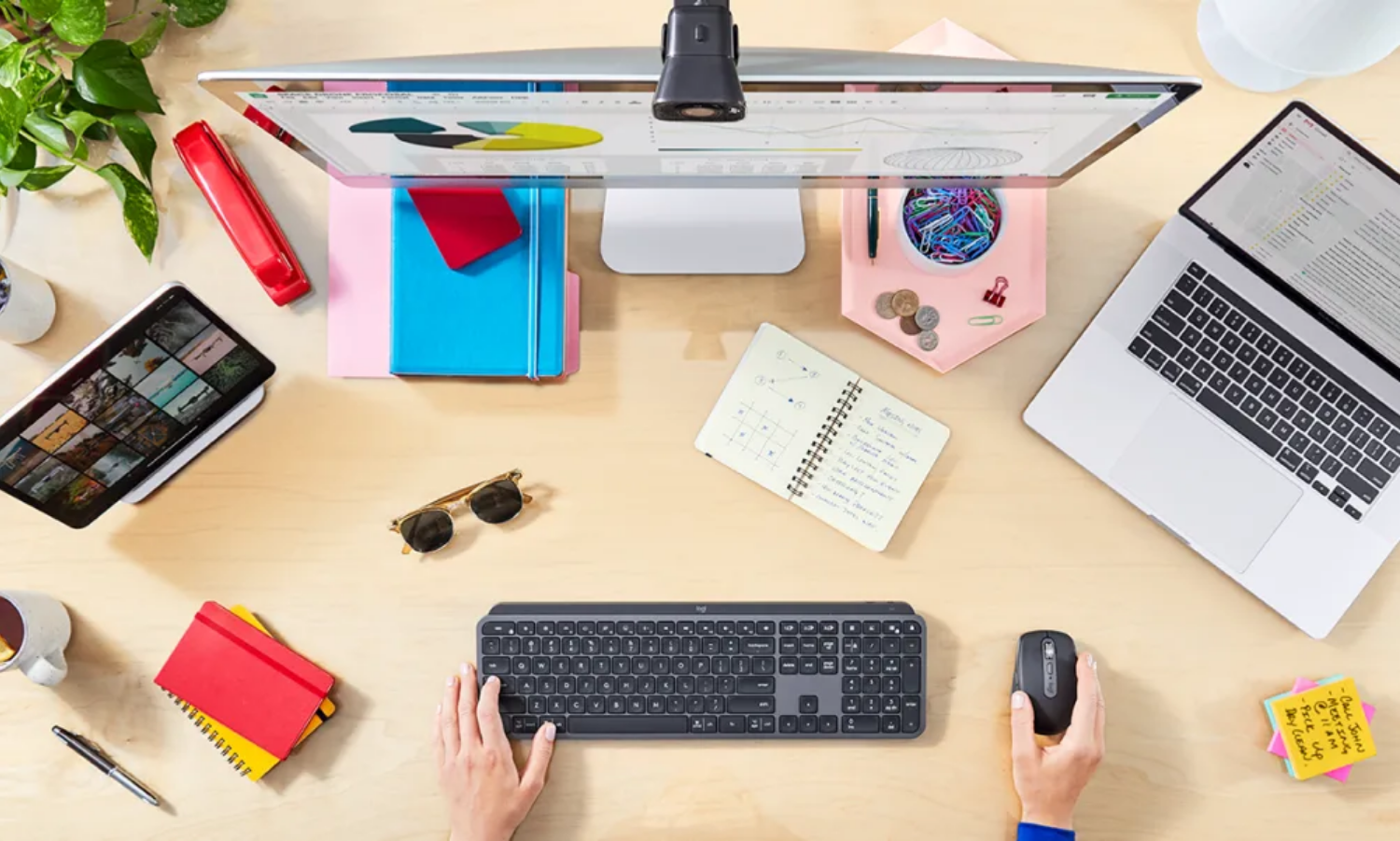
There are so many other tech accessories to consider for students.
1. Wireless mice and keyboards
As noted, if the child will be doing a lot of homework, it’s worth investing in a monitor with a wireless mouse and keyboard so they can enjoy the desktop experience when at home. Make sure it’s compatible with the laptop: some, for example, have a USB adapter that needs to be plugged in while some computers don’t have USB-A slots.
2. Portable power banks
For students who are often on the go and might use a phone as well since they take the bus, for example, or commute back home from public transit, a portable power bank is important. They can use it in case of emergency to recharge the phone if the battery is running low. Some are powerful enough, however, to also recharge a laptop. If they have a presentation in the afternoon and forget their laptop charger at home, they’ll be thankful they have this in their bag.
3. Headphones
Both at school and at home, a good pair of headphones can make a difference. When working silently on a project, some kids get easily distracted by others. What’s more, sometimes you need to listen to a video or audio and don’t want to distract other students. Headphones are the simplest solution and every student should have a pair in their bag.
To save space, consider a pair of true wireless earbuds for older kids who are comfortable wearing them. For younger kids, there are tons of headphones for kids that offer features like sound limiting technology and come in cool designs. While it’s tempting to choose wired headphones if you think the child will forget to charge them, consider a wireless pair instead, or one that can work as a wired pair if and when the rechargeable battery runs low.
4. Stylus
If they have a 2-in-1 laptop or they’re using a tablet, a stylus would be useful so they can more easily jot down notes, make sketches, and navigate menus while holding the device like a tablet, or even using it tabletop in tented mode. Check compatibility since some tablets only work with specific styluses. Some of the newest tablets with the latest USI 2.0 styluses offer enhanced features. Note that with brands like Apple, Microsoft, and Samsung, there are advantages in using a specific one, like the Apple Pencil, Microsoft Surface Pen, and Samsung S Pen, respectively. What’s more, you will also guarantee that they will work.
5. Smart items
For post-secondary students, it’s worthwhile looking into items to set up a smart dorm room. This might include items like a smart speaker, smart lock, Wi-Fi camera, and even smart lights. You might even want to consider a smart garden they can tend to in the room. They’ll not only learn more responsibility by caring for it, but it also provides fresh fruits, vegetables, or herbs for cooking.
Must-have tech accessories for students
- Wireless mouse and keyboard for desk setups
- USB-C hubs for connecting multiple devices
- Portable SSDs for extra storage and backups
- Laptop stands for better posture and airflow
- Power banks for charging on the go
- Noise-cancelling headphones for focus in busy environments
For students using multiple devices, USB-C hubs and external storage are especially useful for keeping everything connected and organized.
A smartphone to stay connected and organized
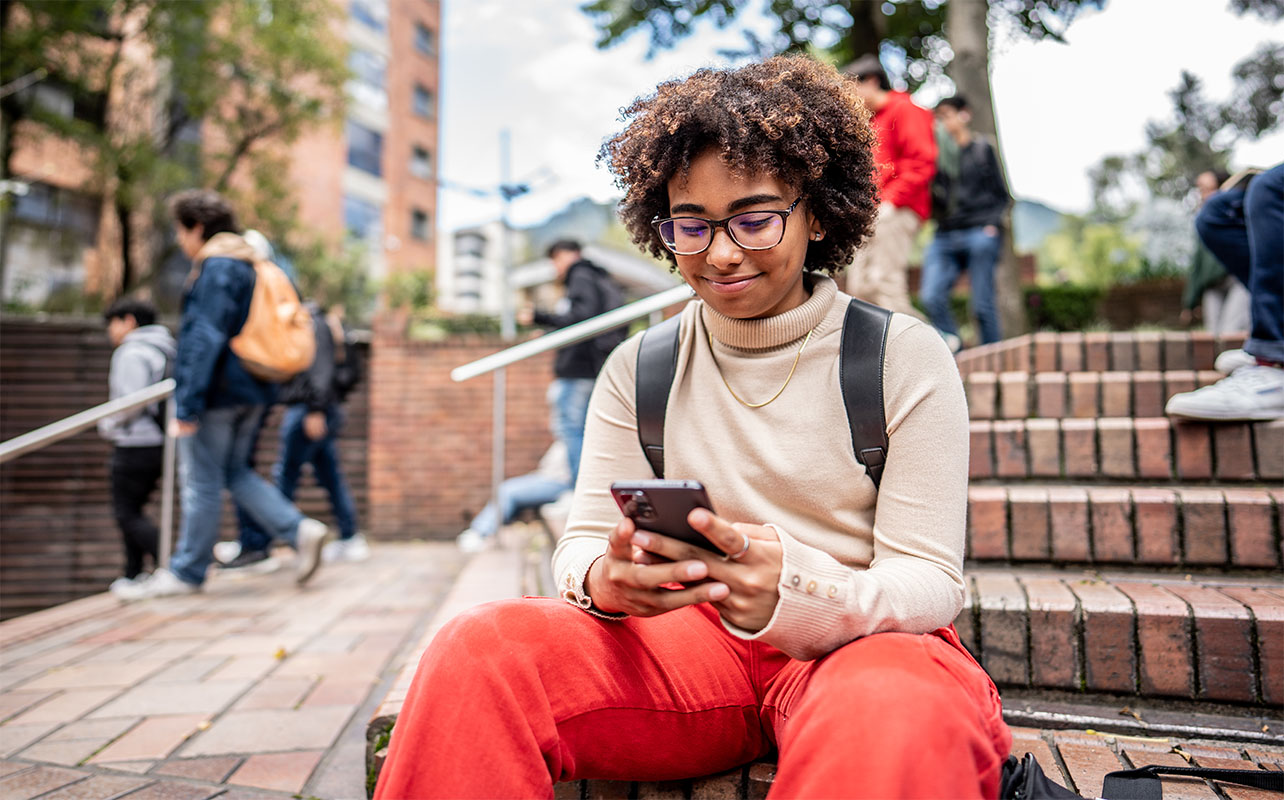
Every parent has the age they believe is appropriate for a child to have their own cell phone, and this can range from as young as 10. Whatever the age, there are certain things you should look into when choosing a phone for a student.
What to look for when choosing a phone
1. Affordability
Naturally, you want something affordable. Most kids will covet the latest iPhone or Samsung Galaxy device, and you can still get one of these models for an affordable price on a service plan. You could also opt for an entry-level model, like the iPhone SE. There’s also the option to get a refurbished or open-box phone, or an older model if they’re only using it for emergencies.
2. Favourable plan
The best thing to do is add the child to a family plan. Most carriers offer plans with secondary devices that you can add on and share buckets of data, call time, and more. Ask your carrier about these and inquire about the lowest-tier plan that covers only the essentials. When at home, they can leverage Wi-Fi and should only use cellular for emergencies.
3. Battery life
The phone should have good battery life so the student can never complain that their battery died and that’s why they couldn’t call home. Having an aforementioned portable charger is also useful in this respect since they provide back-up battery power.
4. Parental control features
Leverage the parental control features of the phone once you set it up. With most devices, you can do things like set screen time limits, turn off cellular data so they can only use it to make calls, and restrict certain websites and types of content. These settings can be set up under a PIN code so kids can’t get around them. Work with the kids to adjust as needed as they build trust. No parent ever wants to get that $1,000 bill because their child was downloading and streaming content for hours!
5. Durability
There are phones that are durable, drop, and water-resistant. These are features you should place value on for a student. Beyond the phone itself, make sure to invest in a rugged protective case and screen protector right away to protect the investment.
Tablets: does your student need one?

The question in this day and age is not which tablet to buy for a student, but if they even need a tablet at all. With phones being so robust, powerful, and with bigger screens nowadays, and laptops being lightweight and portable, is there room for a tablet?
Tablets are great for assisting with educational research, using apps, watching videos, and more. There are days when a child might be able to just bring their tablet to school to access apps or use creative programs. They might find the tablet easier to use as well. But if you have the best of both worlds with a 2-in-1 laptop, a tablet might not be needed. Keep in mind, however, that tablets can sometimes run mobile apps that a laptop can’t.
When deciding on a tablet, take the same considerations into account you would for a laptop, including size and weight, battery life, compatibility, RAM, storage, and processing power. With a laptop and tablet that work in the same ecosystem, students could also easily transition from one to the other. They might be more comfortable reading a book on their tablet while lounging in bed, for example, then having a laptop propped up.
Printer: does your student need one?
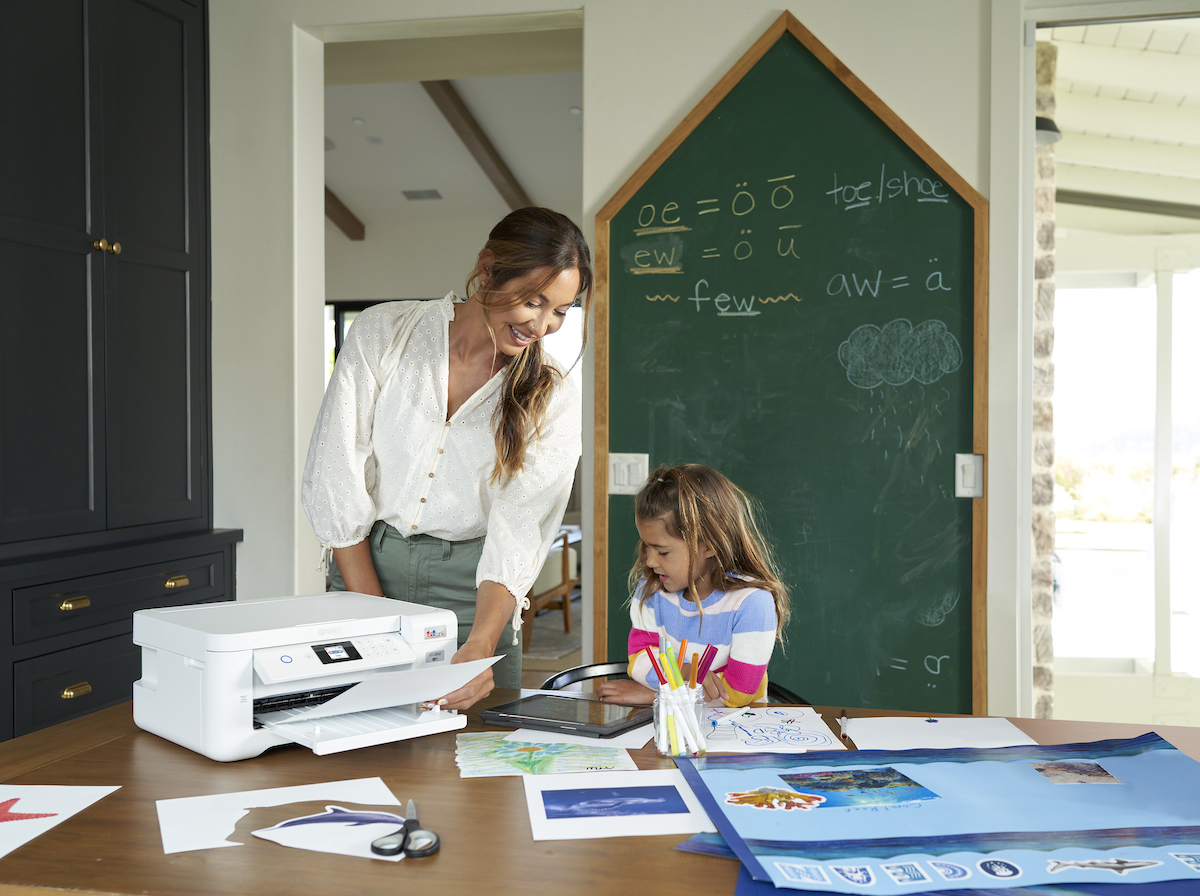
Another item that parents today wonder if they need for a student, is a printer. While most work is done digitally and in the cloud these days, there’s still a need for a printer, especially at home. For younger kids, they might be doing poster board projects that require printing images and text to arrange for a presentation. For older kids, even if they are writing and submitting written assignments digitally, it’s always useful to have a printout to read through and mark up with red pen to then make edits on the digital copy for finalizing.
Sure, we might be printing less often and in fewer quantities nowadays, especially with a focus on the environment. Features like double-sided printing and recyclable paper allow you to reduce the impact on the environment while still printing when necessary.
What to look for in a printer
1. Refillable ink printers
Refillable ink printers use refillable bottles of ink versus throwaway cartridges. Usually, they come with an ample supply in the box that can last for up to two years. With minimal printing, you could extend this through an entire run of high school or post-secondary education. Even when you do need to refill them, the replaceable ink bottles typically cost the same as cartridges, and last much longer.
2. All-in ones
An all-in-one printer can also scan and copy. This is useful for students who might need to make handouts for presentations, do group work, or scan book pages or other content to digitize.
3. Wireless printing
With wireless printers, especially those that work with a companion app, students can print from virtually anywhere. They could print assignment sheets or research papers from school and have it waiting for them when they get home. It also saves kids from having to go up and down the stairs if the printer is in the basement, for example, and they are working in their rooms. They can send items to print and pick everything up as needed.
4. Photo printers
School isn’t all about work: kids should be able to have some fun, too! The photo printer category is a neat way for them to enjoy some downtime, snapping candid photos with friends. They can use these tiny prints, usually printed on adhesive paper, to decorate their lockets, notebooks, binders, backpacks, and even computers.

Ready for back-to-school? No matter how prepared you are, there will always be one or two things you forget and need to grab once the school year begins. There’s a reason the back-to-school season often runs well into October. Don’t sweat it! Go through this buying guide and our budget-friendly student set up guide, get what you need urgently, and the rest will fall into place as you find favourable deals and realize the need.