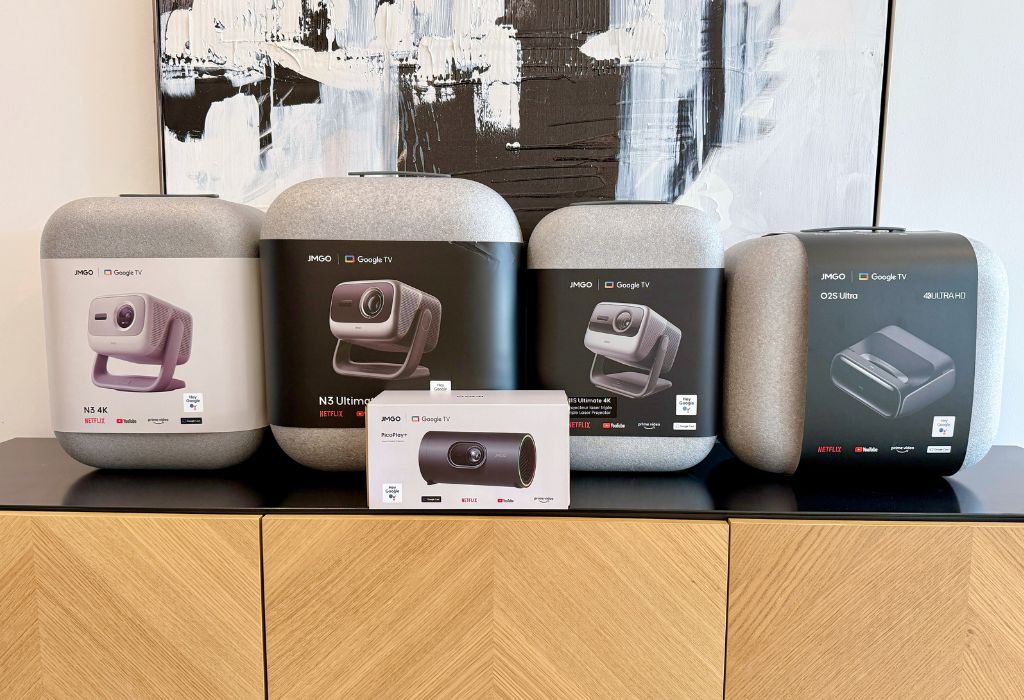
Projectors have changed dramatically in new and exciting ways over the last few years. What once required a dark basement, ceiling mount, several cables, and plenty of manual adjustments, can now be placed on a table and be ready for movie night within minutes. JMGO projectors are helping drive that shift with sleek designs, snappy automatic setup, built-in streaming, and razor-sharp triple-laser projection across its premium lineup.
In this comparison, I’ll be taking a closer look and testing out the JMGO N3, N3 Ultimate, N1S Ultimate, O2S Ultra, and PicoPlay+. While each model is designed to make big-screen entertainment more convenient, its strengths are tailored to different rooms, setups, and viewing needs. Some prioritize brightness and gaming, while others focus on small-room placement or portability. Here, I break down these differences in practical terms, helping you make the best choice based on where and how you watch.


JMGO projector quick comparison
Here’s a quick look at how they stack up.
| Model | Best for | Brightness | Key advantage |
| JMGO N3 | All-around home cinema | 1,800 ISO lumens | 1.3x optical zoom and strong value |
| JMGO N3 Ultimate | Flagship cinema and gaming | Up to 5,800 ISO lumens | Optical zoom, lens shift, AI gimbal, VRR |
| JMGO N1S Ultimate | Simple premium setup | 3,300 ISO lumens | Real-time automatic adjustment |
| JMGO O2S Ultra | Condos and small rooms | 3,600 ISO lumens | 0.16:1 ultra-short-throw design |
| JMGO PicoPlay+ | Travel and casual viewing | 450 ISO lumens | Compact 1080p three-in-one design |
Please keep in mind that the chart above includes manufacturer-rated ISO brightness figures. Real-world results will vary with picture mode, screen size, room lighting, and projection surface.
Why does triple-laser projection matter?
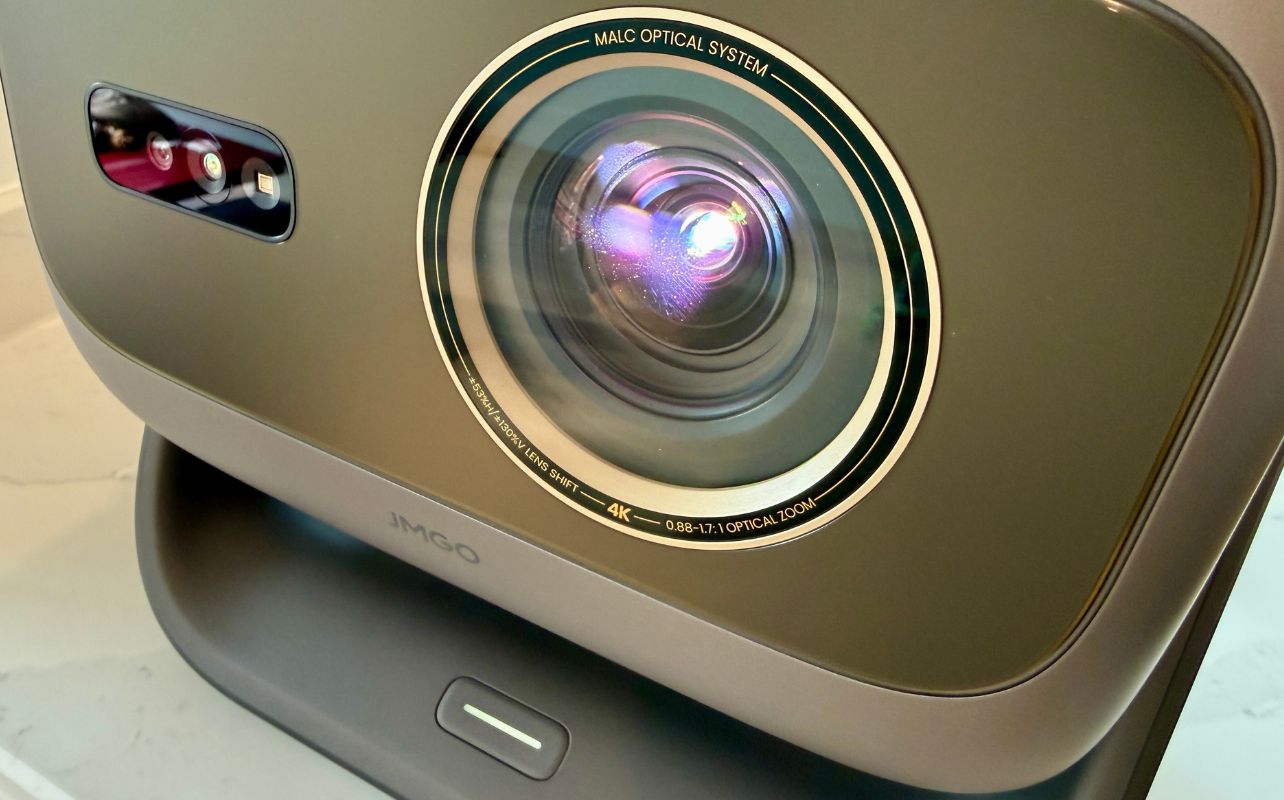
Before diving into each of these projector, remember that the JMGO N3, N3 Ultimate, N1S Ultimate, and O2S Ultra use separate red, green, and blue laser light to produce vivid colours. In everyday viewing, that can mean richer animation, more vivid sports viewing, brighter video game worlds, and stronger HDR highlights.
Laser light sources also avoid the replaceable lamps found in older projectors. More brightness still does not make room lighting irrelevant, though. Curtains, a suitable screen, and a sensible image size will improve contrast on any projector.
JMGO N3: best projector for all-around home cinema
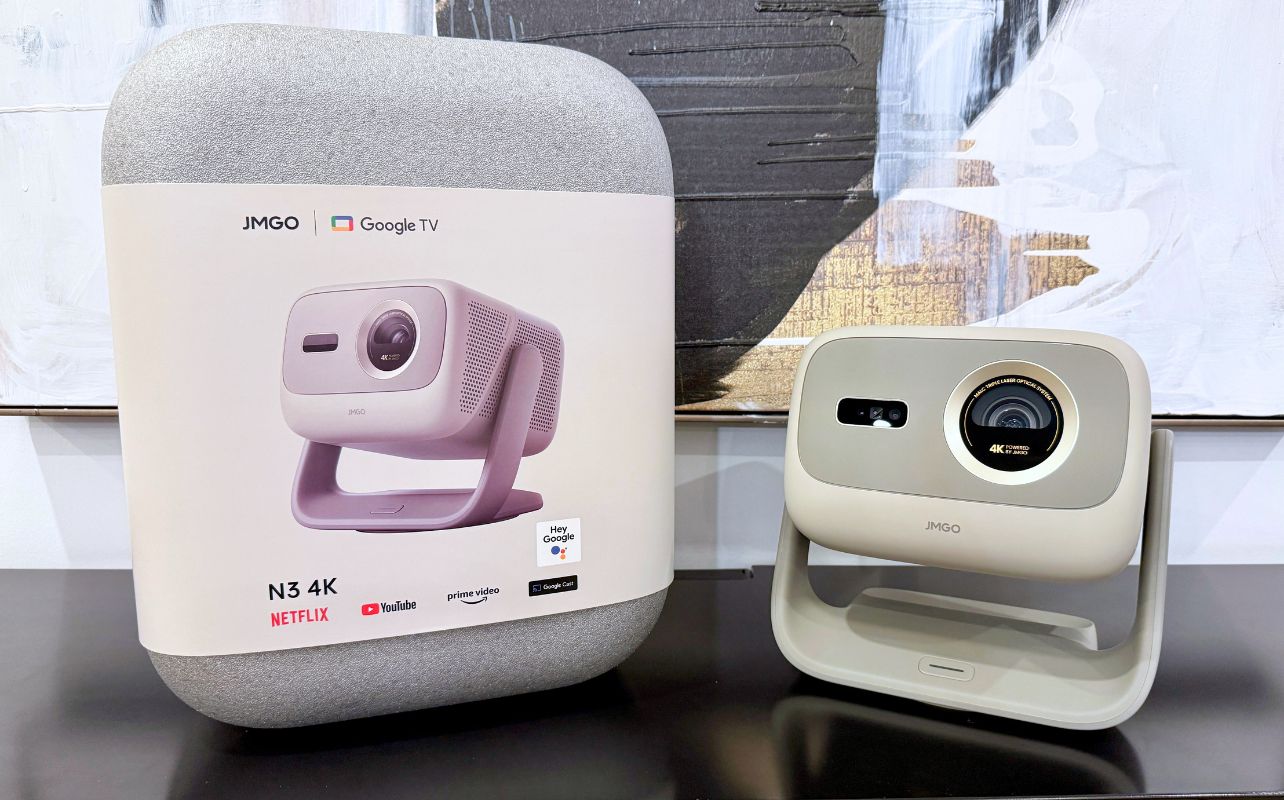
The JMGO N3 4K is the most balanced starting point for this projector lineup. Producing a 4K UHD image using JMGO’s MALC 3.0 RGB triple-laser system, it reaches 1,800 ISO lumens and supports screen sizes up to 300 inches. Its 1.3x optical zoom lets you resize the image without relying entirely on digital correction. This provided more flexibility as I adjusted it around furniture and my living room’s dimensions.
The integrated gimbal can aim the JMGO N3 4K at a wall or ceiling, while automatic focus, keystone correction, screen fitting, and obstacle avoidance help align the picture. The included Google TV platform, native Netflix, and dual 10W Dolby Audio speakers make it a great entertainment system right out of the box.
For a family room, bedroom, or multipurpose space, the JMGO N3 4K offers a strong mix of 4K clarity, flexibility, and value. Dimmer conditions with blinds, curtains, or evening viewing will bring out its best image.
JMGO N3 Ultimate: best projector for performance and gaming
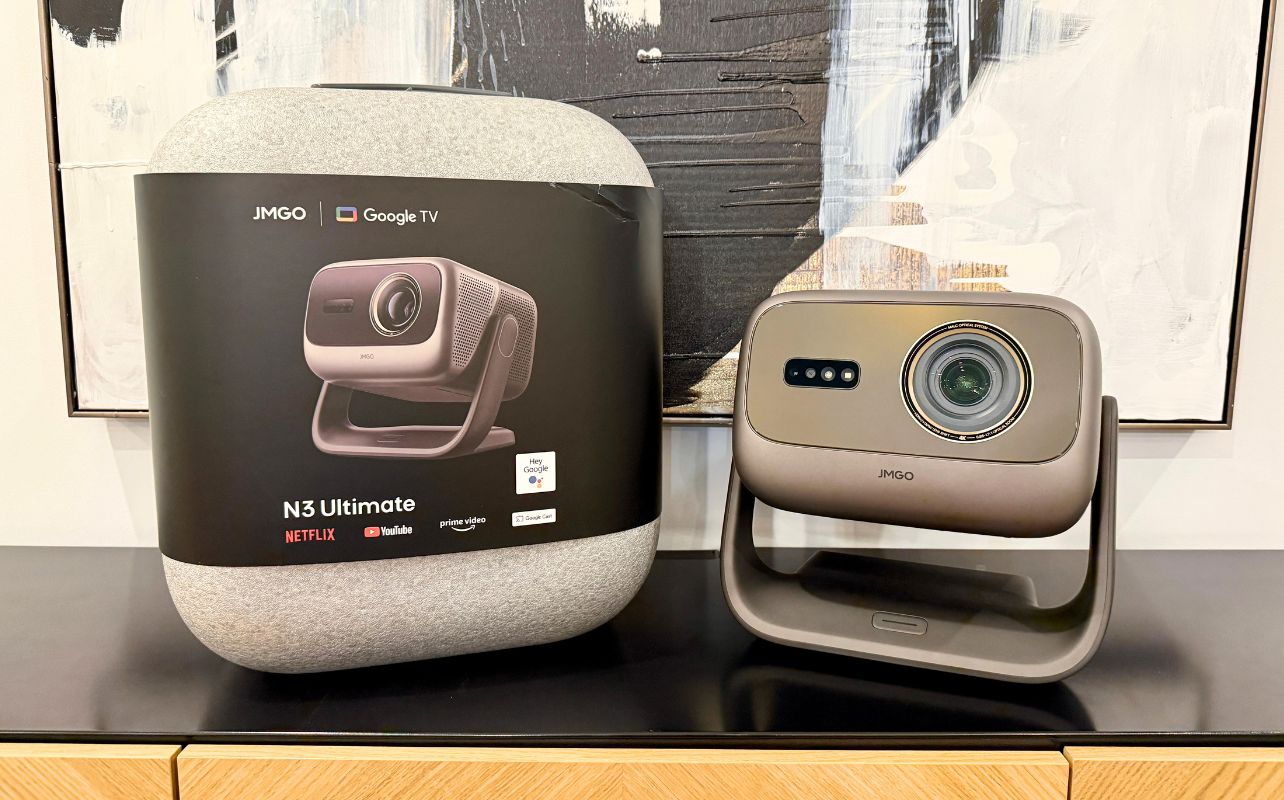
The JMGO N3 Ultimate is the flagship and the biggest leap in image output and placement flexibility. JMGO rates it at up to 5,800 ISO lumens with a 20,000:1 contrast ratio, Dolby Vision, HDR10, and screen sizes up to 300 inches.
Its defining feature is a three-part optical system combining a motorized AI gimbal, four-way lens shift, and a wide 0.88–1.7:1 optical zoom range. These tools optically move and resize the image, making the N3 Ultimate incredibly adaptable when it cannot sit directly in front of the screen.
It’s also the best JMGO projector for gaming in this comparison. JMGO advertises VRR, up to 240Hz refresh rates, and input lag as low as 1ms. Exact performance will depend on the selected resolution and gaming mode, but these features make it the clear choice for fast games and next-generation consoles.
JMGO N3 Ultimate vs JMGO N3 4K
What is the difference between the JMGO N3 Ultimate and JMGO N3 4K? The JMGO N3 is the value-oriented 4K model, while the N3 Ultimate is the high-end flagship projector. Both use RGB triple-laser light, include Google TV with Netflix, offer automated setup, and support large 4K images. The JMGO N3 4K provides 1,800 ISO lumens, 1.3x optical zoom, and an adjustable gimbal. The JMGO N3 Ultimate offers greater brightness up to 5,800 ISO lumens and adds Dolby Vision. It also has a wider optical zoom range, four-way lens shift, a motorized AI gimbal, wall-position memory, more storage, and high-refresh gaming features.
Overall, I would recommend choosing the JMGO N3 for strong 4K home cinema value. If you are looking for the “best of the best,” the JMGO N3 Ultimate offers maximum brightness, premium placement control, and the lineup’s best gaming performance.
Also, watch my review of JMGO N3 4K and N3 Ultimate
JMGO N1S Ultimate: premium projector with easiest setup
The JMGO N1S Ultimate is an excellent option for premium projection quality without turning setup into a weekend installation project. Its built-in gimbal offers 360-degree horizontal movement and 135 degrees of vertical adjustment, while JMGO’s FlexiSmart system handles focus, keystone correction, and image adaptation in real time.
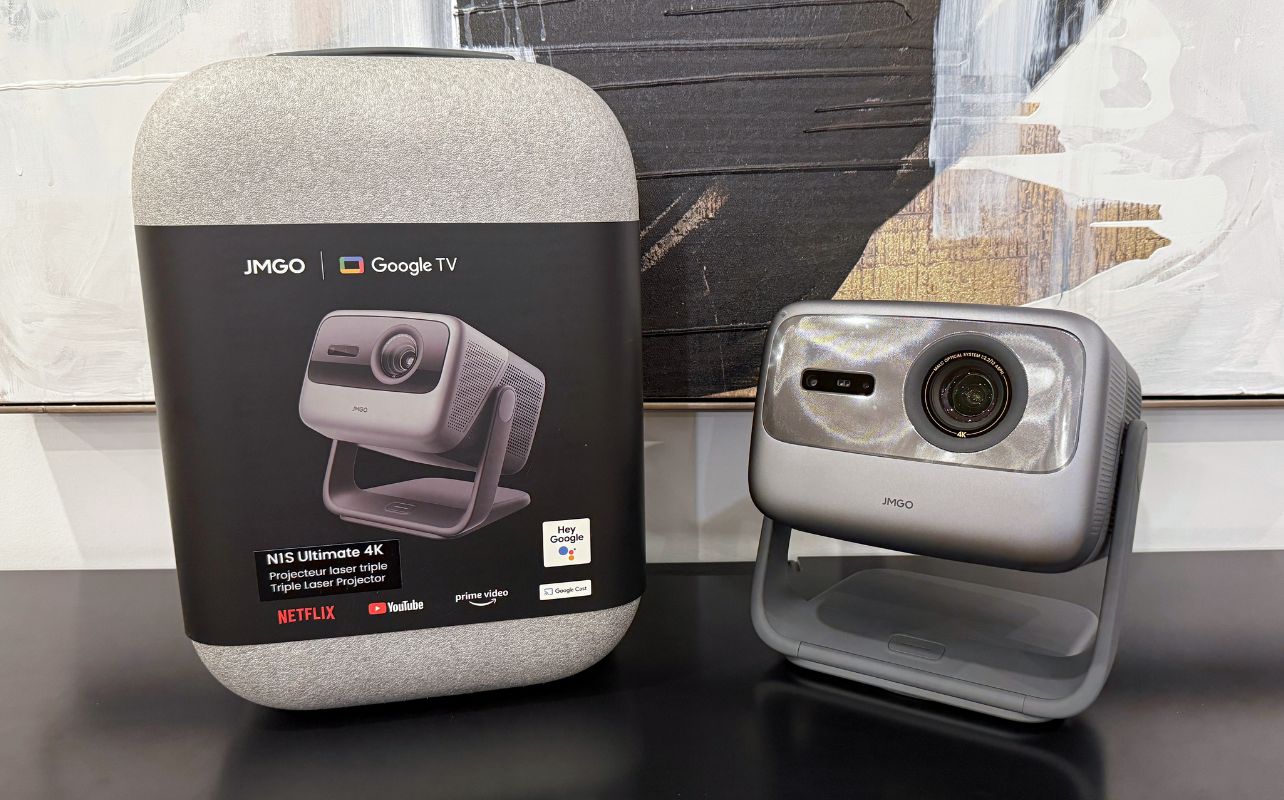
You get a picture at a very bright 3,300 ISO lumens, with support for images from 40 to 300 inches. Its RGB triple-laser source is HDR10-compatible, with two HDMI 2.1 inputs for modern AV equipment and game consoles. It also comes with Google TV with native Netflix installed, Wi-Fi 6, and a built-in 20W audio system to cover both streaming and connected entertainment.
The JMGO N1S Ultimate’s biggest strength is convenience. You can set it on a table, point it toward an open wall, and let the automatic tools do much of the work. In my testing, I also found it is bright enough for moderately lit rooms, supporting its role as a flexible living-room projector rather than one limited to a fully dark theatre space.
JMGO O2S Ultra: best projector for small spaces
The JMGO O2S Ultra approaches home cinema differently. This ultra-short-throw projector can produce a 100-inch image from roughly 6.6 inches away from a wall. Its compact body fits on many TV stands, making it especially appealing for condos and apartments.
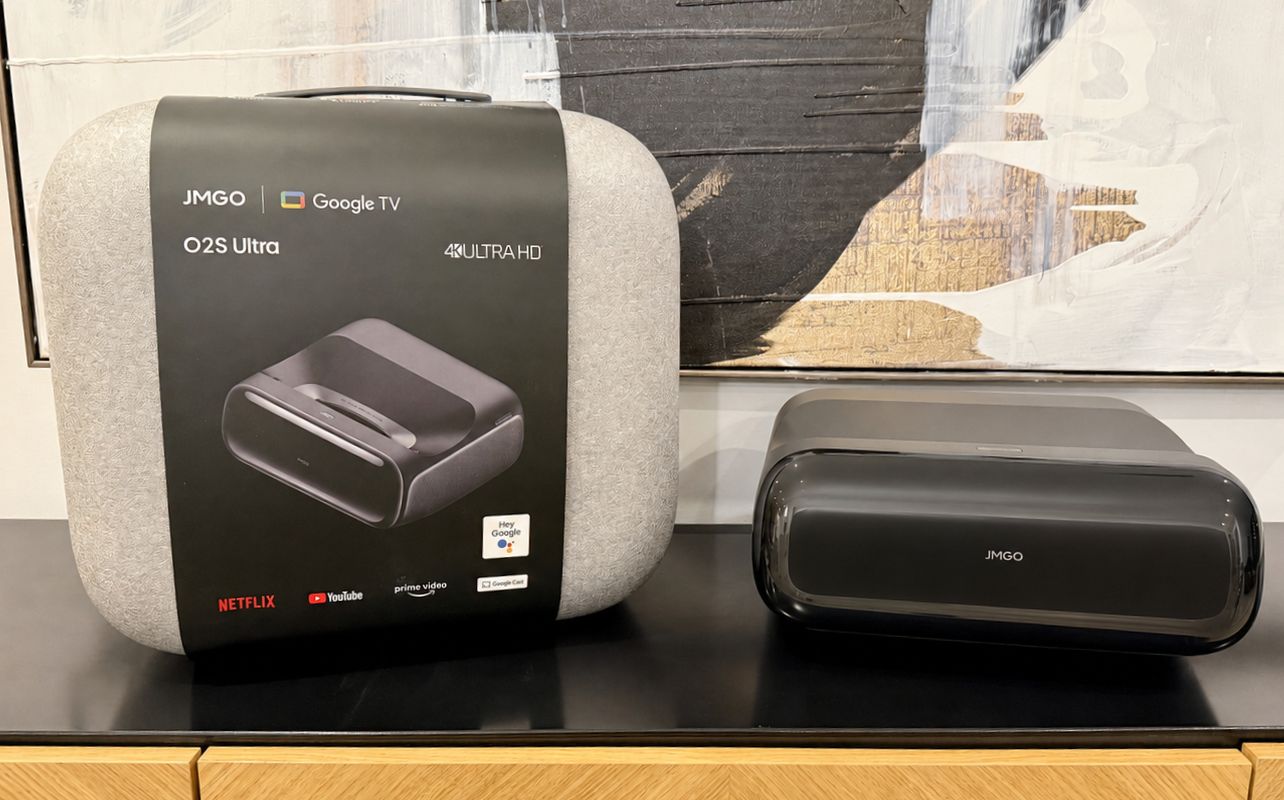
Despite its small footprint, the O2S Ultra produces 4K visuals using an RGB triple-laser system rated at 3,600 ISO lumens. It supports images from 80 to 150 inches, Google TV with Netflix, Dolby Vision and HDR10, motion smoothing, and 20W Dynaudio audio with Dolby Atmos and DTS. You get automatic focus and keystone tools that simplify the setup process.
In my testing, I found this model feels closest to replacing a living-room TV. It requires no ceiling mount or long throw distance, and connected devices can stay together on the same cabinet. If you are looking for peak performance, pairing it with a compatible ambient-light-rejecting screen will deliver a stronger daytime picture than projecting onto a plain wall.
JMGO PicoPlay+: best ultra-portable projector
The JMGO PicoPlay+ is the ultra-portable outlier in the lineup, but that’s what makes it useful. It is a compact 1080p LED projector rated at 450 ISO lumens and weighing approximately 0.73kg. Its rotating design supports wall and ceiling projection, while automatic focus and keystone correction reduce adjustment time.
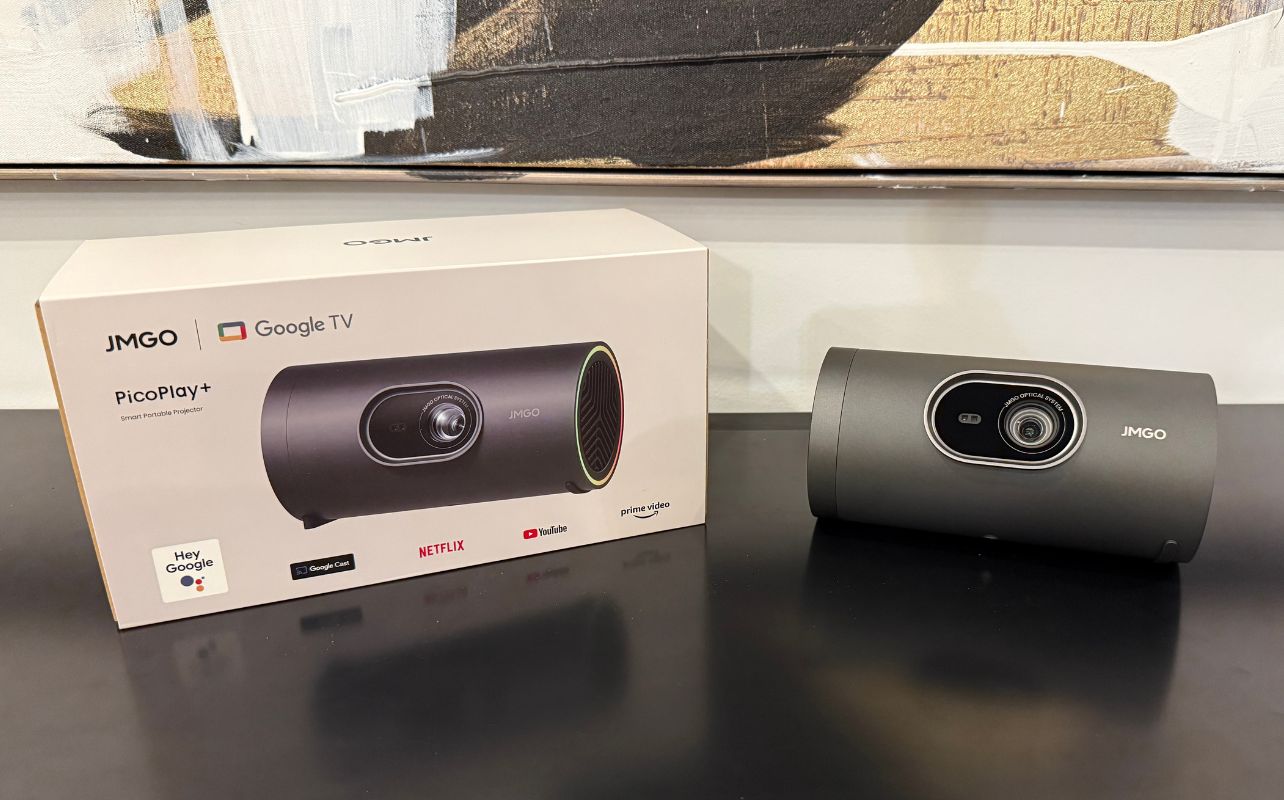
You can enjoy Google TV with native Netflix like in the rest of the lineup and an 8W Bluetooth speaker. It features an ambient light that turns it into a projector, speaker, and mood light in one device. Plus, it supports HDR10, 3D playback, and images up to 200 inches, although smaller images in dark settings will look brighter.
Portability does not mean a built-in battery, and you’ll still need a few accessories if you don’t want an A/C cord. Cordless use requires a compatible 65W USB-C power bank or JMGO’s optional battery stand. That makes PicoPlay+ well suited to backyard movie nights after sunset, cottage trips, bedrooms, and occasional travel.
Which JMGO projector should I buy?
Choosing the right JMGO projector depends on your room and how you plan to use it. The JMGO N3 offers the best balance of 4K quality, value, and flexibility for placement in a basement or dedicated home theatre, especially in a light-controlled space.
The brighter JMGO N3 Ultimate is the premium choice for a larger, sharper screen. It also performs great in spaces with more ambient light and in challenging installation positions. It offers the best overall gaming performance, so keep this in mind if it’s a priority for your setup. For simple setup, the JMGO N1S Ultimate combines a flexible gimbal with automatic focus, keystone correction, and built-in Google TV.
The JMGO O2S Ultra is ideal for condos and apartments because it can create a large image while sitting only centimetres from the wall. And finally, for travel, bedrooms, or casual backyard movie nights, the compact JMGO PicoPlay+ is the most practical option, particularly when used after dark or with the blinds closed.
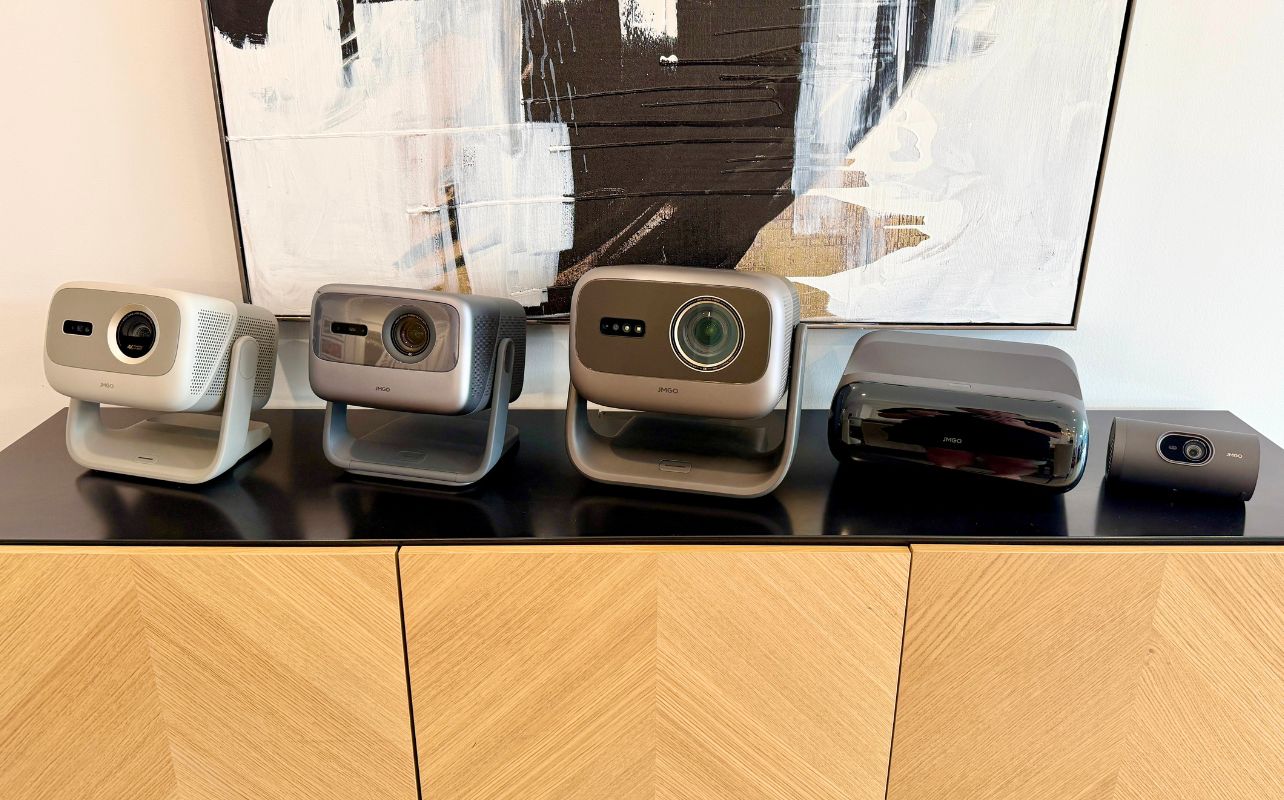
Is JMGO a good projector brand?
JMGO may be less familiar in Canada than some long-established television brands, but it isn’t a new startup. Founded in 2011, the company specializes in smart projection and has created high-quality products that rival those of other projector brands worldwide.
JMGO’s strongest appeal is that its premium technology feels approachable. Many of its devices feature automatic focus, optical zoom, flexible stands, and built-in streaming, delivering clear everyday benefits without setup headaches or constant troubleshooting.
Final thoughts on the JMGO projector lineup
There is no single best JMGO projector for every room. The JMGO N3 4K is the best all-around value, the N1S Ultimate is the easiest premium model to live with, and the N3 Ultimate is the performance leader. The O2S Ultra solves the space problem for condo and apartment users, while the PicoPlay+ makes big-screen entertainment easier to carry or take on the road.
That variety is JMGO’s biggest strength. The lineup brings premium projection into designs that are stylish, smart, and less intimidating than traditional home theatre equipment. Choose a JMGO projector based on your room, lighting, and viewing habits, and it can deliver a much larger entertainment experience than a conventional TV without making setup unnecessarily complicated.
Need help choosing the best projector for your home? Get useful tips from our projector buying guide.