
Wi-Fi isn’t just Wi-Fi. There are different capabilities depending on the generation of Wi-Fi device and type of network you have when it comes to speed, latency, and reliability. When it comes to Wi-Fi and networking products like routers and mesh devices, you’ll notice some are labeled as Wi-Fi 7, the latest standard, while others say Wi-Fi 6 or even Wi-Fi 6E. What does it all mean? And which one do you need? We’re here to help.
Whether you’re a heavy gamer, stream a lot of content, have a ton of smart home gadgets, or want to future-proof your home and your network, we can help you decide on the right Wi-Fi and networking devices for your household.

Wi-Fi 6, Wi-Fi 6E, and Wi-Fi 7: What’s the difference?
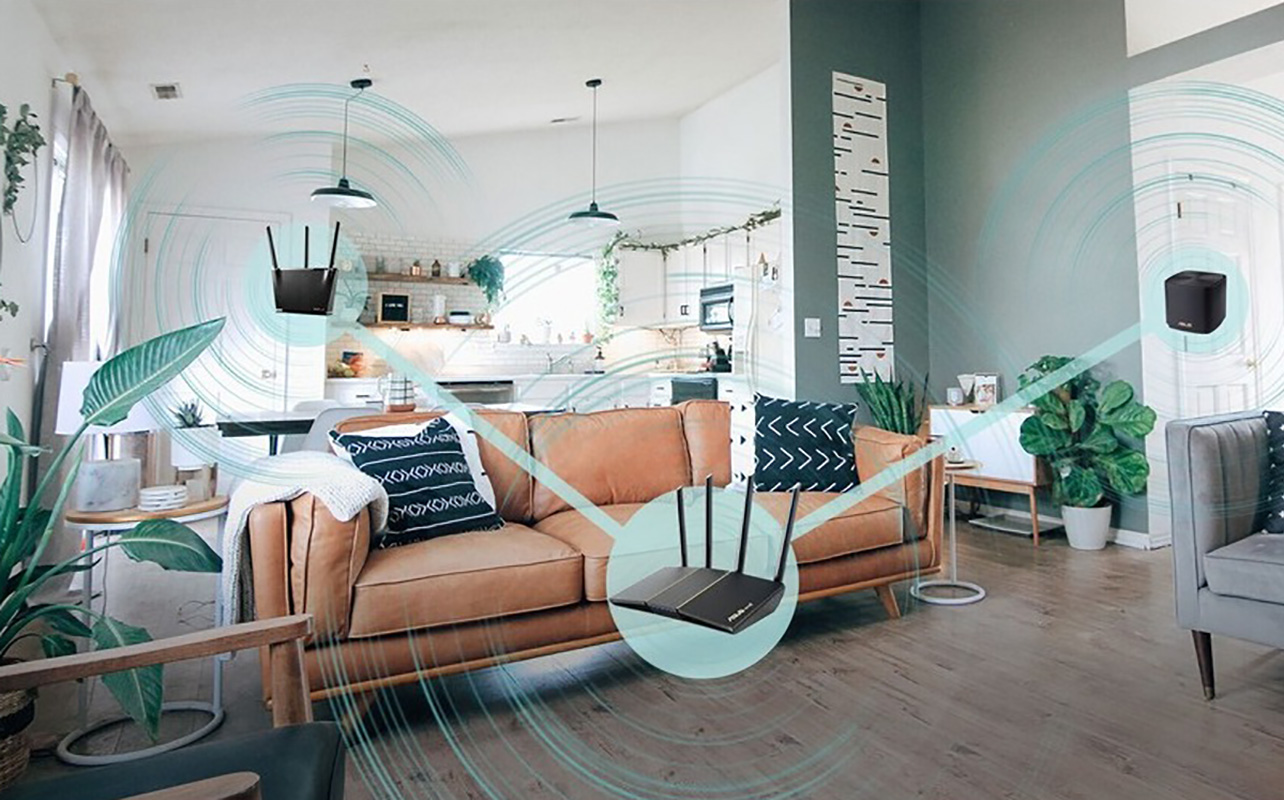
Before we dive into actual products, needs, and use cases, let’s look at the basic outline of what each of these Wi-Fi standards mean and the difference between Wi-Fi 6 and 6E and 7.
Wi-Fi 6
Introduced in 2019, Wi-Fi 6 is a wireless standard that supports both 2.4GHz and 5GHz bands. This allows it to handle more devices more efficiently. Consider the analogy of a highway. With 2.4GHz and 5GHz bands, it’s like a two-lane versus a single-lane road. If traffic backs up on the one lane (2.4GHz), compatible devices can be moved to the more open 5GHz lane (band) so everything can continue to run smoothly.
Wi-Fi 6E
A year later in 2020, Wi-Fi 6E was announced. It was finalized in early 2021, which is when you likely saw the first routers and other devices that support it. The advantage here is the addition of another band, 6GHz, which essentially serves like a third lane on that internet highway. Since devices can move over to yet another free lane, Wi-Fi 6E can support even more devices, and more devices with high-bandwidth needs.
Wi-Fi 7
Officially finalized in 2024, Wi-Fi 7 devices add even faster speeds, more capacity, and lower latency through the addition of 320MHz channel bandwidth, 4K-QAM, and Multi-Link Operation. Consider it like a wide open multi-lane highway with nicely paved roads and smooth offramps that provides a consistent ride with improved reliability and no buffering or congestion. Most Wi-Fi 7 routers include the 6GHz band as well though there are some dual-band models that don’t. Those are worth considering if you want faster speeds but don’t have any devices that support the 6GHz band anyway.

Are they backwards compatible?
All three standards are backwards compatible with other standards dating all the way back to Wi-Fi 4, so you won’t have any issues connecting older devices. They will, however, only operate at their maximum capable speeds and on the bands to which they are compatible. This includes Wi-Fi 6 devices that won’t gain access to the 6GHz band, for example. Keep in mind that older devices could slow down the entire network, though. So, your best bet is to upgrade devices alongside your router if you want the best possible overall performance.
Key terms to know
There are several key acronyms to know when it comes to the latest Wi-Fi routers.
What is QAM OFMDA?
QAM stands for Quadrature Amplitude Modulation while OFMDA is Orthogonal Frequency-Division Multiple Access. In plain terms, this references how the router allows for data to be transmitted efficiently and at high speeds. The higher the QAM number, the more data the router can pack at once (or using the analogy, the more cars that can be driving the highway). If the router lists OFMDA, it means you get lower latency, so more devices can connect at the same time without lag, buffering, and slowdowns.
What is MU-MIMO?
Mult-User, Multiple-Input, Multiple-Output or MU-MIMO means just what you might think: it pertains to a router’s ability to communicate with many devices at once, versus one by one. It accomplishes this by splitting the bandwidth so that everyone in the family, and every device, gets a reliable connection. Think of it like street signs or people on the roads directing cars to the right way to go so everyone gets to their destination on time and without hold-ups along the route.
What is MLO?
Standing for Multi-Link Operation, MLO needs to be supported on both a Wi-Fi 7 router and the hosted device. When it is, MLO allows the device to connect across two bands at the same time. This helps avoid network congestion and ensure a steadier connection.
Key differences at-a-glance

Let’s take a look at a Wi-Fi 7 comparison to see how the three standards stack up when it comes to specs.
| Feature | Wi-Fi 6 | Wi-Fi 6E | Wi-Fi 7 |
| Year Released | 2019 | 2021 | 2023-24 |
| Max Speed | ~9.6 Gbps | ~9.6 Gbps | 46 Gbps |
| Spectrum Bands | 2.4GHz, 5GHz | 2.4GHz, 5GHz, 6GHz | 2.4GHz, 5GHz, 6GHz |
| Channel Width | 20-160 MHz | 20-160 MHz | Up to 320 MHz |
| Tech Upgrades | 1024-QAM OFDMA, MU-MIMO | 1024-QAM OFMDA, MU-MIMO | 4096-QAM OFMDA, MU-MIMO |
| Ideal For | General use, stable connections | Smart homes, bandwidth-intensive devices | Heavy streaming/gaming, smart homes, businesses |
Performance and speed
Performance and speed for activities like streaming, smart home device connectivity, and gaming is where you’ll notice real-world benefits with wireless routers that meet these three standards. Wi-Fi 6 and Wi-Fi 6E are virtually identical in many respects, but for Wi-Fi 6E adding that extra 6GHz band. This band provides a lot more room to roam, so to speak, for your devices.
Wi-Fi 7 adds the expanded channel width up to 320MHz in the 6GHz spectrum. If the device achieves 4,096 QAM modulation, this means four times the amount of data can be transmitted in the signal. That speeds up processes, especially when you have multiple people doing bandwidth-heavy tasks online at once. Overall, you should get about 2.4 times faster speeds with Wi-Fi 7 versus Wi-Fi 6 at a maximum of 10Gbps with Wi-Fi 6 and 6E versus 40Gbps with Wi-Fi 7. But just like with internet service providers (ISPs), this speed is theoretical and can be impacted by many factors. But the higher up you go in the chain, and the better internet plan you have, the faster the connection should be.
Latency and reliability
Latency refers to the delay between the time it takes for your device to send a request for data to the internet and the time it takes to get a response. If there’s even a short delay in the server request, this can make a huge difference in applications like gaming, video streaming, and video calls.
Each generation of Wi-Fi helps improve latency, with Wi-Fi 7 of course being the best. This is thanks to the combination of MLO, wider channel width of 320Hz, and the 4K QAM modulation. This helps with potential interference as well. If you set up a Wi-Fi 7 router and it detects a clog in the network, it will use another part of the channel versus switching to a new channel altogether, something called puncturing.
You get good latency with Wi-Fi 6 and 6E as well. But for the best possible latency with supported devices, go with one that lists OFMDA for both uplink and downlink. If you have an older model Wi-Fi 6 router, you may need to update firmware to get this increased capacity if it’s available.
Device compatibility and ecosystem
As noted, you can connect virtually any device to any router and it will work. However, you won’t be able to enjoy the benefits of Wi-Fi 7, Wi-Fi 6, or Wi-Fi 6E without a device that supports them. Most premium devices introduced after 2023 support Wi-Fi 7. This includes phones dating back to the Apple iPhone 16, Samsung Galaxy S24 Ultra, Google Pixel 8 Pro, OnePlus 12, and others. Laptops that have at least Intel Wi-Fi 7 support it along with a wide range of routers from brands like TP-Link, ASUS, and Netgear. You may find that some older devices that support Wi-Fi 7, 6, or 6E with a software update.
When should you upgrade?
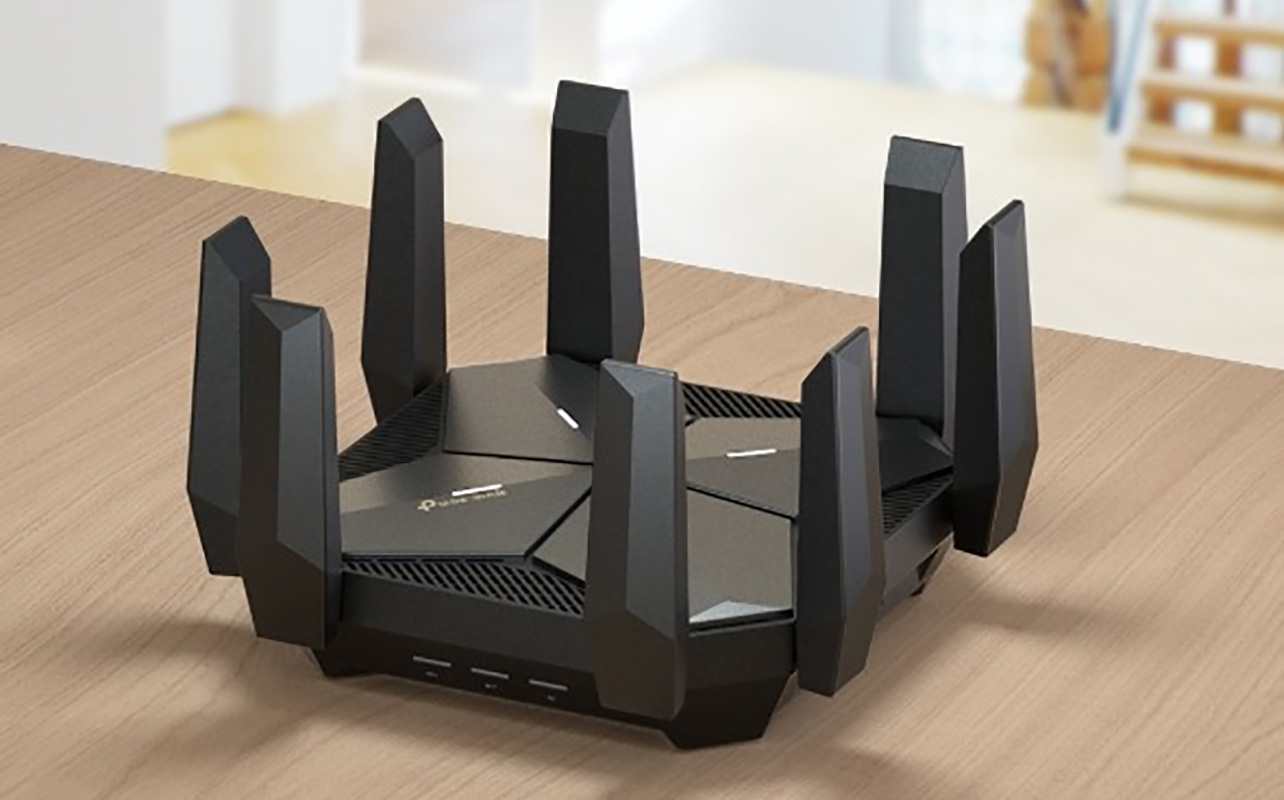
Now that you understand everything you need to know about Wi-Fi 7, Wi-Fi 6E, and Wi-Fi 6, you might be wondering if it’s time to upgrade. There are a few key indicators.
Slow or inconsistent connections: If you are signed up to a fast internet plan and you still notice interruptions to connectivity, the router could be the weak link in the network.
Larger home, bigger family: If you have a large home, upgrade to at least one of these standards. Ideally, get a mesh network with nodes to ensure reliable connectivity everywhere. The same goes for medium-to-large homes and bigger families where everyone is often trying to do bandwidth-intensive activities at once.
Expanded smart home: If you have a smart home with connected devices, especially ones that connect to the network constantly, like video doorbells or outdoor security cameras, get a router that can handle the constant traffic and multitude of devices.
Heavy gamers: Gamers and VR and AR device users need a speedy and premium router to ensure low latency, reliable connectivity, and that their gaming isn’t slowing down other device connections throughout the home.
Work-from-homers and students: You never want to deal with an embarrassing laggy connection during a Zoom meeting or hold-ups while in downloading or uploading large files that can impact productivity and efficiency. The same goes for students who require access to online courses and other streaming content.
Weighing the cost vs. benefits

If you go with an ultra-premium Wi-Fi 7 router, like one designed specifically for gamers, you can spend upwards of $1,000, more if you add a mesh system with nodes. But Wi-Fi 7 routers have come down in price, and you’ll find more entry-level models now than you could before. There are Wi-Fi 7 routers at Best Buy for as little as $130, all the way up to $900. Wi-Fi 6E routers can be just as expensive, depending on the specs and feature set, ranging from $330 all the way up to more than $700. You’ll find a wider choice of Wi-Fi 6 routers for as little as $70.
If you meet any of the criteria above, consider upgrading to Wi-Fi 7, even to future-proof your investment if you don’t yet have many Wi-Fi 7-capable devices in the home. But unless you’re a bandwidth-heavy user a home, a Wi-Fi 6E router can meet all your needs. If you live in a small home with just a few devices, upgrading from an older router to a Wi-Fi 6 or Wi-Fi 6E router will suffice. Whichever one you go with, consider a Wi-Fi router with AI technology that can further improve your home network.
Which Wi-Fi standard is right for you?
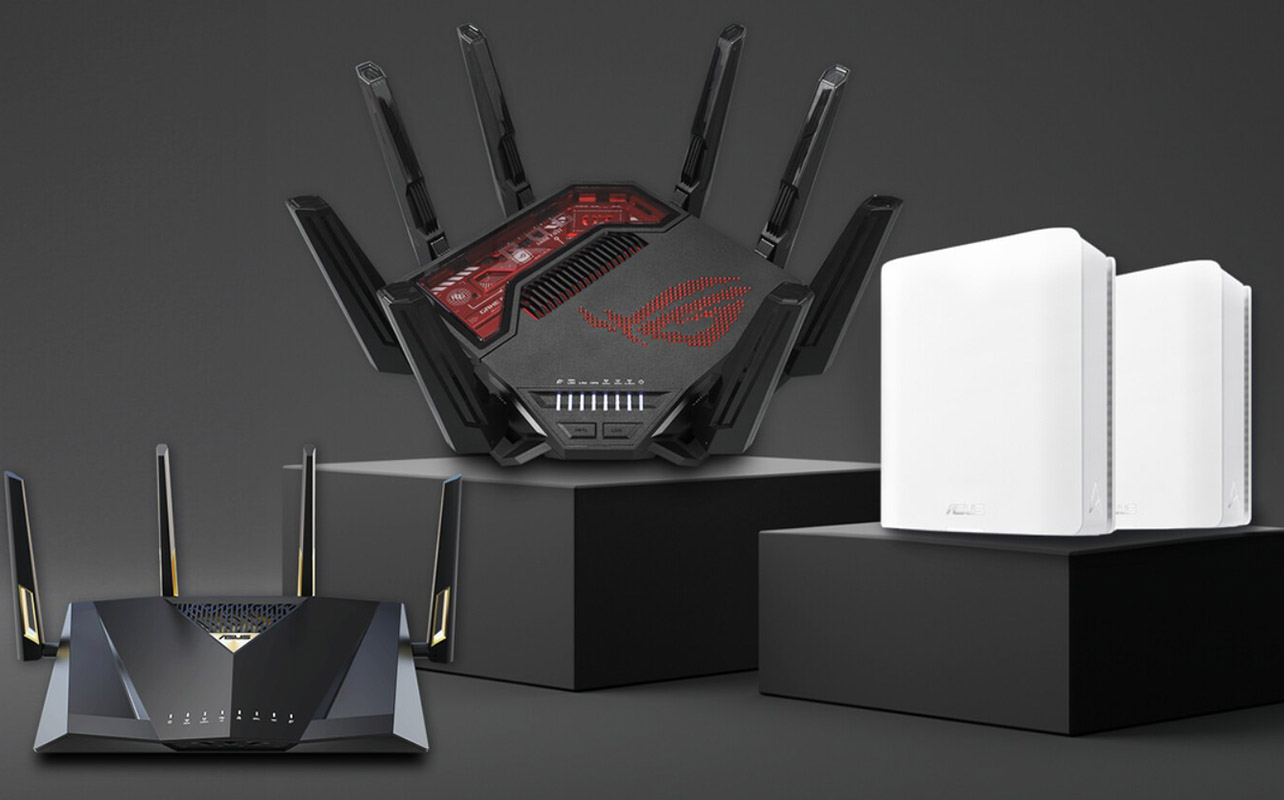
Just because Wi-Fi 7 is the best widely available wireless standard right now doesn’t mean you need to upgrade to it just yet. Stick with or upgrade to Wi-Fi 6 if you’re just looking for faster overall speeds and better efficiency. You’ll get this thanks to the addition of the 5GHz band. It’s more than enough for average everyday users with lots of connected devices.
If you notice consistent congestion issues in the home, however, especially if you have a lot of smart home devices or engage in a lot of bandwidth-intensive activities like gaming and streaming, your best bet is to step up to Wi-Fi 6E. For heavier users like big families, serious gamers, work-from-homers, content creators, and those with advanced smart homes, an upgrade to Wi-Fi 7 is worth a serious look.
Check out a wide selection of Wi-Fi and networking products at Best Buy Canada.
FAQ: Wi-Fi 7, Wi-Fi 6E, and Wi-Fi 6
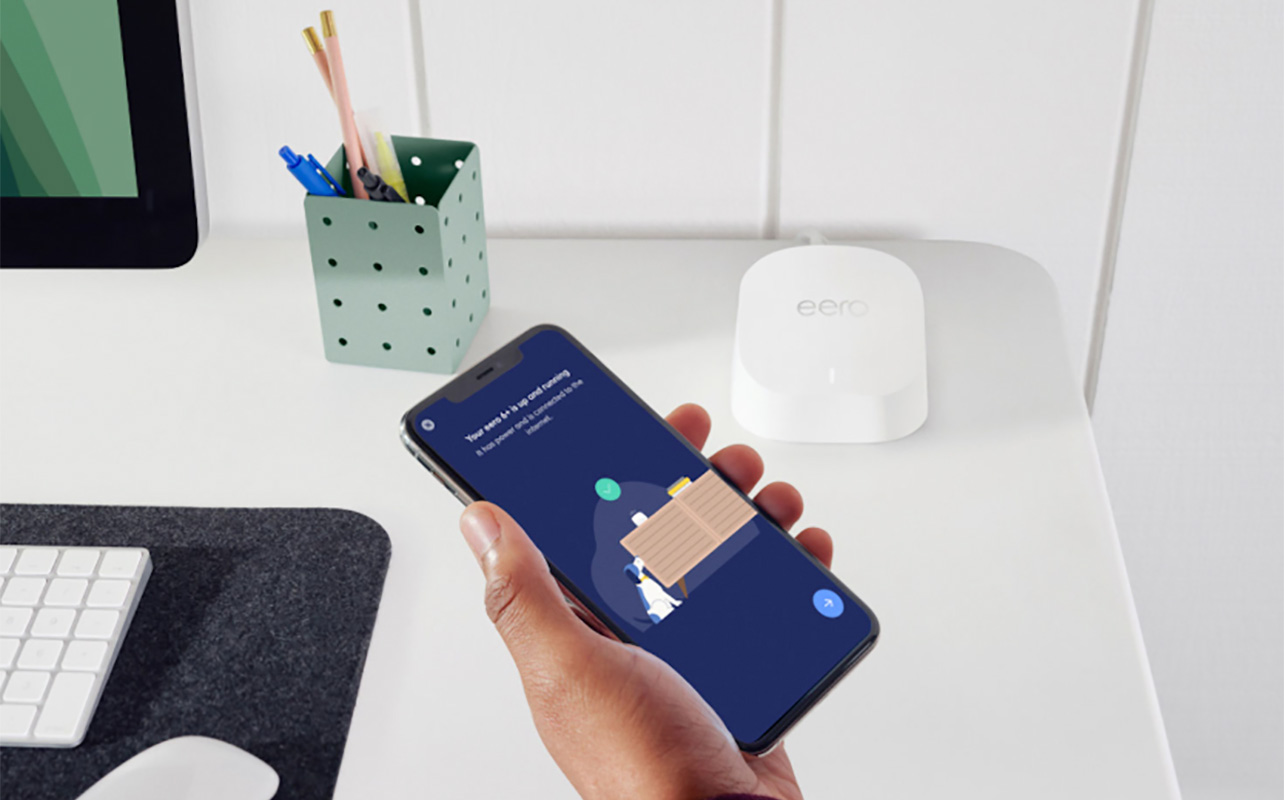
If you still have questions, hopefully these FAQs will answer them.
Is Wi-Fi 7 worth it over Wi-Fi 6E or Wi-Fi 6?
You get major speed and latency improvements with Wi-Fi 7, but these will only be realized for heavy users, like gamers, content creators, and work-from-homers, or if you have a large home with a big family. For most average users, Wi-Fi 6E and even for some, Wi-Fi 6, will meet your needs. But Wi-Fi 7 is worth considering for futureproofing if you’re buying new.
Can my current devices use Wi-Fi 7?
There aren’t many devices that support Wi-Fi 7 just yet, limited to some of the newest premium phones, tablets, and laptops, and gaming systems like the PlayStation 5 Pro. Older devices will still be able to use a Wi-Fi 7 router. But they won’t be able to benefit from all the features, bands, and speed improvements.
What’s the main difference between Wi-Fi 6E and Wi-Fi 6?
Like Wi-Fi 7, Wi-Fi 6E adds the third 6GHz spectrum band so there’s another option for connectivity if the 2.4GHz and 5GHz are congested or there’s too much interference. Consider the highway analogy, once again: the 6GHz spectrum is a third lane that your internet can swerve into when needed. But note that only compatible devices can use that new 6GHz band.
Will I need a new modem for Wi-Fi 7?
You shouldn’t. Most Wi-Fi 7 routers work with existing models. But if you have a really old modem, it’s not a bad idea to upgrade to help maximize performance overall. If you subscribe to a fast internet package, chances are your ISP has equipped you with an appropriate modem to match.
Does Wi-Fi 7 improve gaming or streaming?
Yes, that’s one of the biggest benefits with Wi-Fi 7. When you are engaging in bandwidth-heavy activities like gaming or 4K/8K content streaming, it will offer lower latency, faster speeds, and can better handle multiple streams. You’ll get a more reliable connection with compatible devices.
Do I need a mesh system or just a router?
Those with larger homes might find value in investing in a mesh system, especially if there are rooms, floors, or areas of the home that are plagued with poor signal. You’ll get overall stronger and more consistent coverage.