You’ll find artificial intelligence (AI) across every facet of technology these days. Yes, that even includes modern home networking. AI technology is being integrated into home routers and other connectivity products to enhance speed, stability, and security. The latest products provide smart device management through AI. They go beyond just offering fast Wi-Fi speeds and reliable connectivity, offering a tailored experience to the devices and use cases that need it the most.
In this article, I’ll help you understand how today’s AI technology works with modern home networking. This includes demystifying terms like AI-enhanced quality of service (QoS) and adaptive mesh routing. I’ll provide practical examples and highlight some of the latest networking products with built-in AI features.
You can refer to our networking buying guide for details on what to look for in a router, mesh Wi-Fi, and more.

What does “AI in networking” mean?
Leveraging built-in machine learning, AI in networking includes real-time optimization, pattern recognition for usage, traffic types, and devices, and adaptive learning. You can handle some of these tasks manually with smart routers, like choosing which devices to prioritize on the network (your work laptop and home security system, for example). But AI in networking automates this process, and intelligently determines what you need over time based on your typical usage.
Smarter traffic management with AI

A home networking system with AI technology can automatically prioritize bandwidth based on what’s most important to you. This way, your child playing video games online at noon on a P.A. Day won’t interfere with a seamless connection for your Zoom business call. This is achieved through something called AI-based QoS that adjusts network bandwidth priority in real-time. If you usually stream TV after dinner, the network can recognize that you are doing this. It will then prioritize connectivity to eliminate buffering or interruption.
It can even learn peak usage times and adapt the network accordingly. This could be that you’re in your home office using your laptop and other work-related connected devices from 9-5, Monday through Friday, usually streaming TV nightly from 8-10 p.m., game every Friday at 9 p.m., and your usual bedtime is 11 p.m. From here, it can prioritize everything from the laptop to the TV, gaming console, and outdoor security camera at the times when they need bandwidth the most.
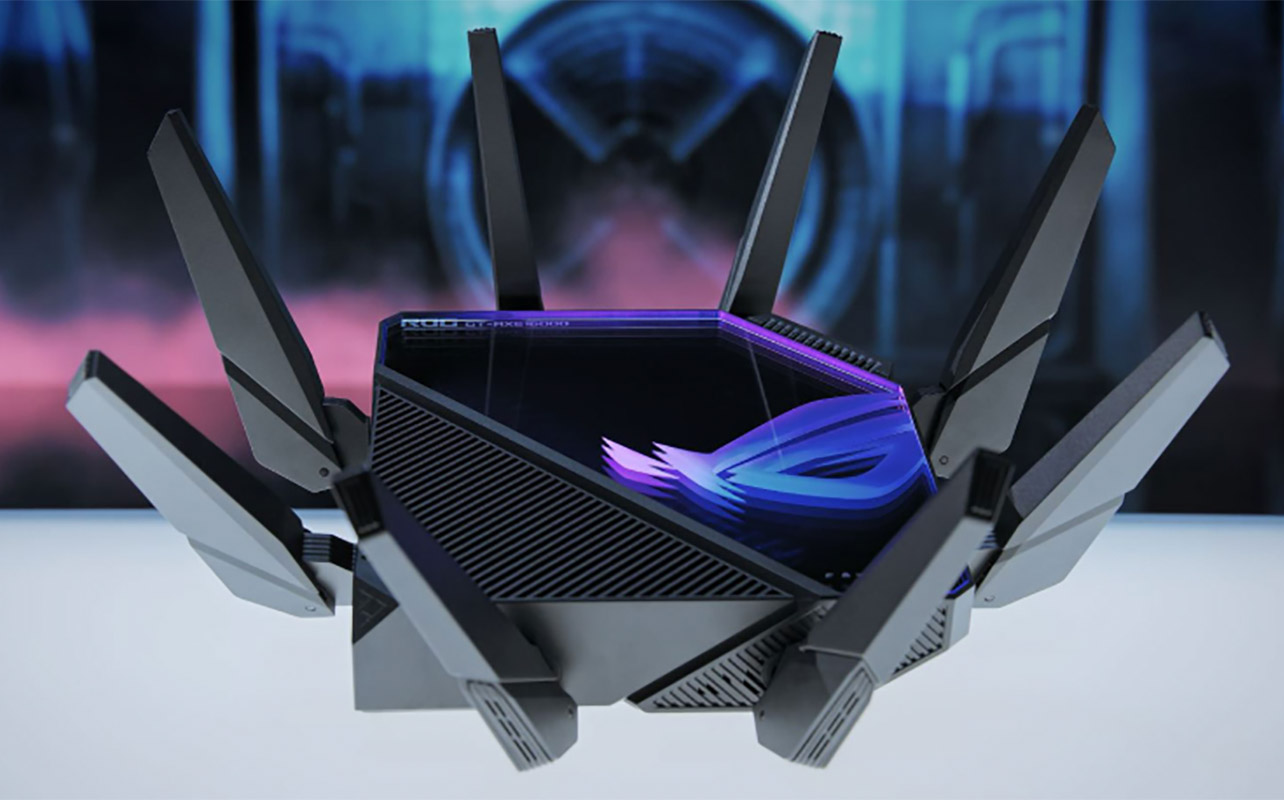
Overall, this helps prevent bottlenecks or lagging. For example, the Asus ROG Rapture GT-BE98 Pro wireless quad-band Wi-Fi 7 router has features like intelligent traffic prioritization specifically tailored towards gamers.
Improved coverage and stability

AI can improve the coverage and overall stability of your network.
Optimizing coverage
With AI mesh systems, multiple routers or routers with nodes placed throughout the home can optimize coverage and signal paths. This ensures you get reliable connectivity everywhere, even in traditional “dead zones.” They can auto-adjust as needed to help reduce interference. For example, the TP-Link Deco router with AI-driven mesh routing uses advanced AI algorithms and self-learning technology to gain a better understanding of your home network over time.
Learning behaviours to adapt
As noted, AI learns the behaviours of your frequently used and connected devices as well as your habits to offer predictive networking. It can understand patterns, like peak times to adjust resource allocation to accommodate your most important devices. From there, it can optimize the network speed as well as coverage by doing things like selecting the best route and/or band to use so you get the fastest, most stable experience. AI routers can also scan the signals throughout your home, identify dead or weaker spots, and adjust the balance of coverage. This might result in a more stable connection out on your back deck or in the basement where you usually experience slower connectivity.
Self-correction and prevention
AI Wi-Fi networks can also self-correct. The days of having to unplug the router, wait 10 seconds, and plug it back in to reset aren’t totally gone. But it continuously monitors the connection and can adjust settings before there’s an issue. Of course, there still may be times when a manual reset is needed. But AI can help reduce these instances. Even tasks like firmware updates and troubleshooting can be done automatically, in the background.
Intelligent device management
When you add a new device to the home, an AI router can recognize it. It can determine to which channel or band it would be best assigned, like 2.4GHz, 5GHz, or if available, 6GHz, and optimize the network accordingly. Since it’s context-aware, it knows what each device on the network is actually doing at any given time. This might be your gaming console running a huge update. As it continuously learns over time, it can make adjustments to accommodate a device you rely on heavily from day to day or conversely, one you only use sparingly. This eliminates the need for manual adjustments. You can also create usage profiles for different family members as part of smart Wi-Fi management.
Stronger network security
AI isn’t just about ensuring a fast and reliable streaming experience. It is also about enhancing security. Features like AI threat detection continuously monitor for malware, intrusions, and unsafe connections. It can then warn you or block access if something is amiss. Parental controls are also a standard part of the experience. You can set time limits and type of access to ensure a safe and appropriate experience for kids. Many also offer consistent vulnerability scanning.
Got a new Wi-Fi 7 router? Here’s our step-by-step guide on how to set up your Wi-Fi 7 router.
What’s next? The future of AI in home networking
This is just the tip of the iceberg of what AI can accomplish in home networking. In the future, AI will be able to handle more tasks and better optimize network speeds, reliability, and customization. Predictive diagnostics, for example, can prevent network slowdowns before they happen. Through continuous monitoring, AI may be able to help you save energy. This is in the same way a smart thermostat adjusts heating or cooling automatically when it knows you aren’t home or the ambient temperature rises or lowers outside.
You will find deeper smart home integration in the future as well through standards like Matter and IoT. This may allow you to add internet prioritization through scheduling. Make sure your laptop and home office gear are prioritized every day from 9-5, and that your outdoor security camera is top priority when your smart home is in Vacation or Away mode. Imagine a reality where you could use voice commands as well to troubleshoot, check in on, or even control your network allocation. You could say something like “Alexa, boost my internet” or “Hey Google, allocate bandwidth to my smart TV to run a major update.” The possibilities are endless.
Should you upgrade to an AI-powered router?

Not every household needs AI home network optimization. But many will find it worthwhile to upgrade.
Large households
If you have a large household, AI-powered router, ideally with a mesh network with nodes or satellites throughout the home, will help ensure more reliable coverage without lag or dropped connections.
Big families
Households with many family members, especially those who are connecting online at the same time to work, stream TV and music, play video games online, and more, can benefit from a smarter router. It can help eliminate network congestion when you need it.
Smart home owners
Advanced smart homes with multiple bandwidth-hungry devices like security cameras running 24/7 should make the router a key device upgrade. Consider that your home network is like a multi-lane highway. The more cars you add during rush hour, the bigger the highway you need and the faster they need to move to prevent gridlock. In the same way, as more devices connect and demand data at once, your Wi-Fi network needs greater bandwidth and faster speeds to keep everything running smoothly.
Working-from-home
Those who work from home need a reliable connection day and night. This will help in keeping up with downloading files and updates, video calls, and more.
Heavy streamers
If you stream a lot of content, be it TV and movies, music, social media, gaming, and more, an AI-powered router will be able to handle it with greater ease, and allocate resources accordingly. The same goes for content creators who like live streaming or are constantly uploading and downloading large files.
What to look for in AI-powered home networking gear
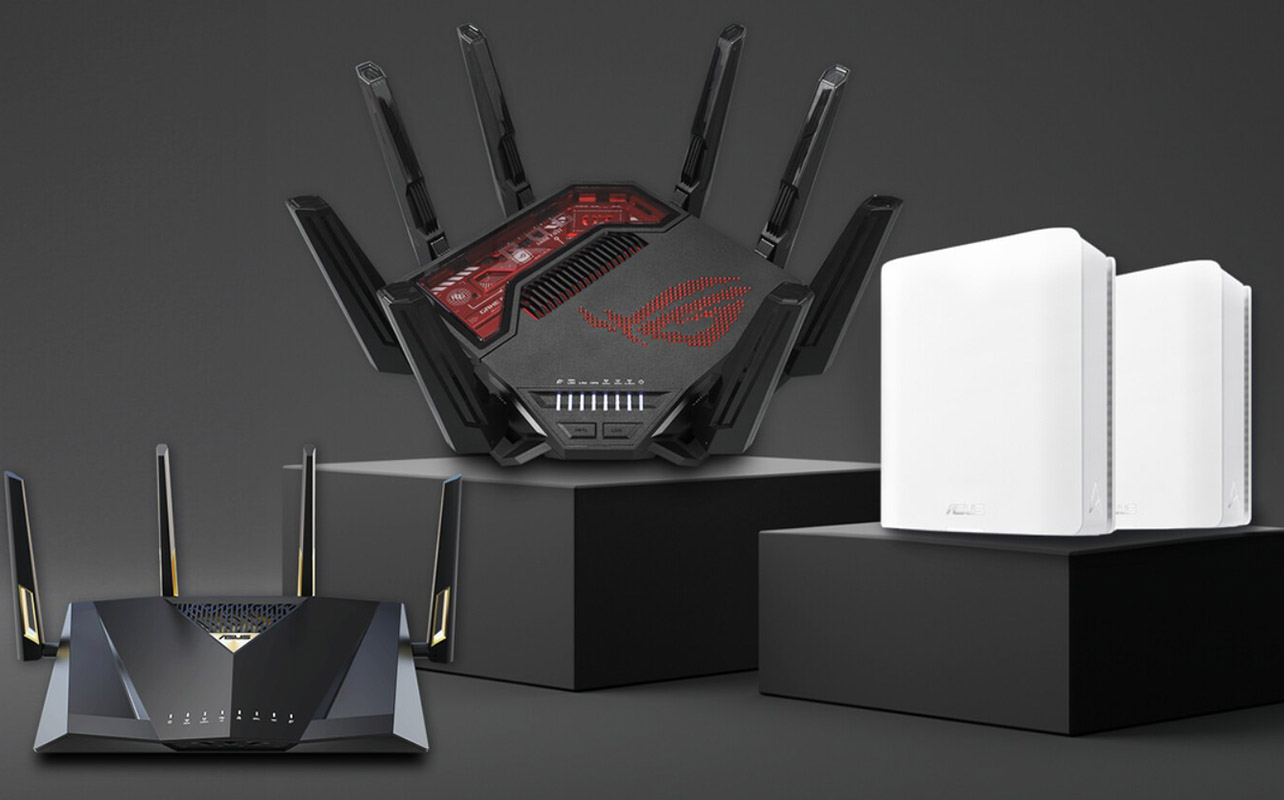
Time for a router upgrade? There are a few specifics you should look for:
- Built-in AI engine: Check that it has a built-in AI engine that can intelligently process network congestion, allocation, and speed. It should be able to make adjustments on the fly as it learns over time.
- Smart QoS: This can prioritize internet traffic based on your needs. Those who work from home want video calls to get top billing during the weekdays. If you play video games at night and want to ensure an uninterrupted connection, prioritize that for the evening or weekend hours. This will prevent less urgent but always connected devices from hogging bandwidth unnecessarily.
- Automatic threat detection: Intelligent network security is a crucial feature for Wi-Fi routers. You want to ensure that it’s leveraging AI to detect potential threats. This can keep your network and connected devices, and by proxy your personal and private information, protected and secure.
Pro tip: Fast and reliable internet is necessary. An AI-powered router and tons of advanced smart and connected devices need fast and reliable internet to work properly. They work hand in hand, so if you have a slower internet package, you may want to consider upgrading your internet plan as well to ensure that everything performs as it should.
Get ready for a smarter connected home
Once you’ve checked the boxes, you’ll be on the way to a new AI-powered router you can position front and centre in your home or tucked away with a series of stylish nodes/satellites. While the benefits of AI networking will be more largely felt in businesses, there are benefits in highly connected homes, too. They can manage space on your internet highway so it’s a multi-lane, fast, intelligent one that supports your entire smart home and connectivity needs, not leaving you bottlenecked.
Check out a wide range of AI-powered routers and home networking devices at Best Buy Canada.
FAQ: AI in home Wi-Fi networks
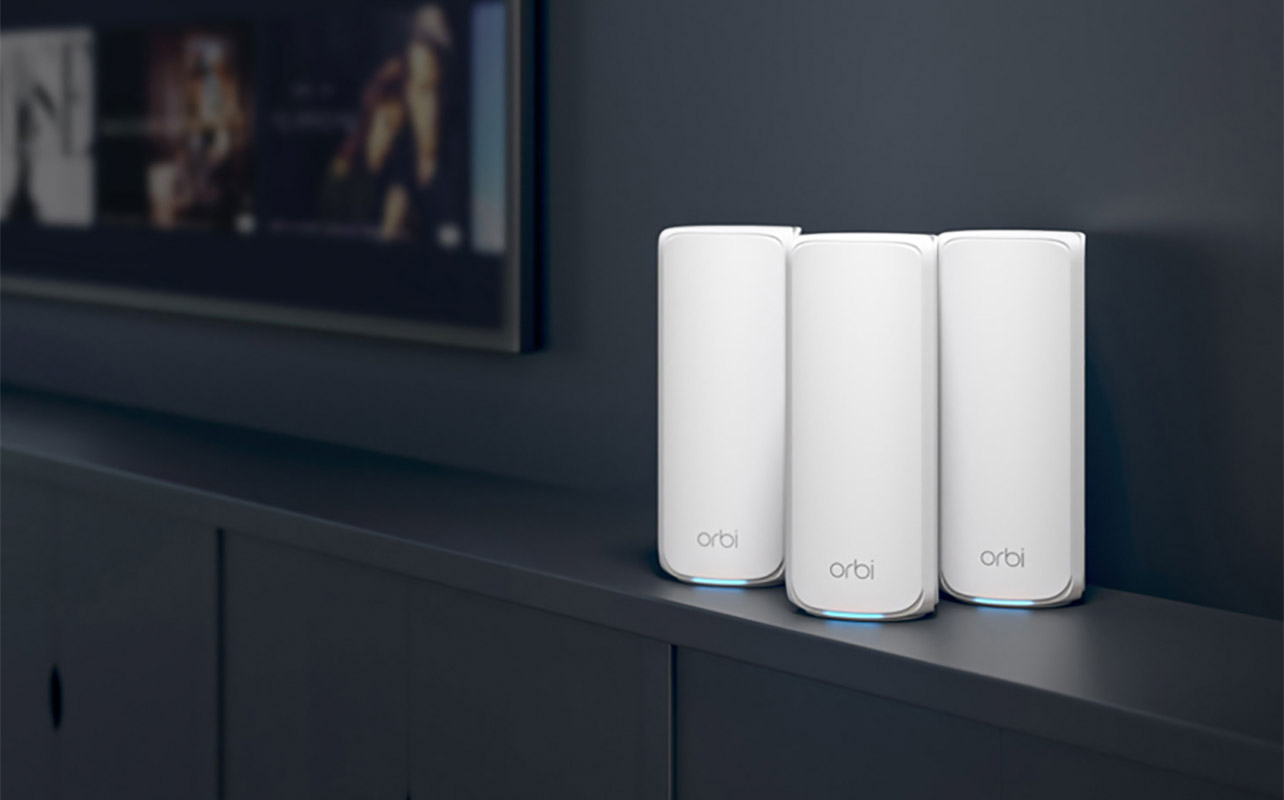
Still have questions? We have answers!
Do AI-powered routers use real artificial intelligence?
Like most AI devices nowadays, AI-powered routers use machine learning and pattern recognition to adapt and optimize network performance. They don’t, unlike more advanced AI products, use full generative AI. However, it’s still a way to use intelligence to optimize your network and device connectivity.
Is an AI router better than a regular router?
Typically, yes, because all AI routers are newer, more premium models by default as well. So, for large homes or families, and smart homes, they dynamically manage traffic, reduce interference, and protect against threats more effectively than a basic entry level, non-AI powered router.
Do AI routers collect personal data?
Since most AI functions operate locally on the router, no personal data is collected. However, some smart routers with cloud-based AI features do access the cloud and may collect anonymous data. To confirm what, if any, personal data is collected, why, for how long it’s kept, and how it can be used, consult privacy disclosures and the privacy policy.
Can I control an AI router with voice assistants?
There are some AI routers that work with Alexa or Google, but right now, you can only use basic voice commands. This might include asking to run a speed test or turning off a guest network. These such features, however, may be enhanced over time with future models and/or updates.