
PC Components
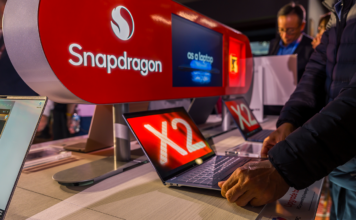
CES 2026: Qualcomm releases new Snapdragon X2 chips, doubles down on AI...
Qualcomm is making a splash at CES 2026 by looking to redefine what an ARM-based PC can do now through its latest Snapdragon processors.

Explore Intel PC gaming with the ultimate in-store experience at Best...
Visit the Intel experience in Best Buy stores to try out the newest Intel powered gaming computers, accessories, and components.

How much RAM and storage do you need for school?
Most students need 16GB RAM and a 512GB SSD. Budget users can get by with 8GB/256GB, but will hit limits faster than expected.

Building a PC? Start with the right case—here’s how
From the motherboard to GPU and cooling systems, ensure your PC case fits all components with our 2025 compatibility guide.

Ultimate SSD buying guide: choosing the best solid state drive for...
Learn how to pick the perfect SSD, compare types, and get tips on boosting performance and maintaining your drive.
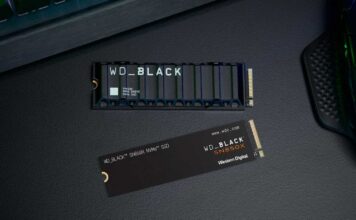
Comprehensive SSD compatibility guide: Ensuring your storage works seamlessly
Ensure a smooth SSD upgrade with this guide, covering key factors like interface types, form factors, and BIOS updates for seamless compatibility.
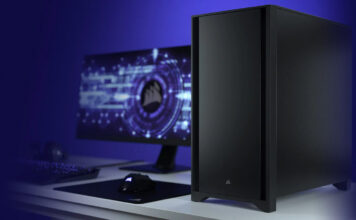
PC components buying guide
What do you need to build a PC? Explore our guide to learn which components are needed to build your own custom PC.
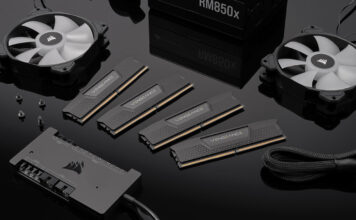
Why PC component prices are rising in 2026: the AI effect
Discover how AI demand, GPU shortages, memory constraints, and supply chain issues are impacting PC component prices are increasing in 2026.
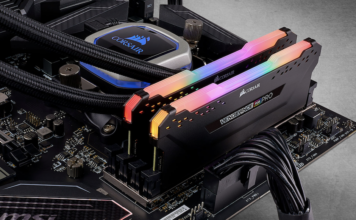
RAM buying guide: how to choose the best memory for your...
Discover the best RAM for gaming, productivity, and more in our ultimate RAM buying guide. Learn about different types of RAM, their uses, and top picks.

Ultimate PC Case buying guide: choosing the best case for your...
Discover the best PC cases for gaming, productivity, and more in our Ultimate PC Case Buying Guide 2024. Learn about different case types, features, and top picks.