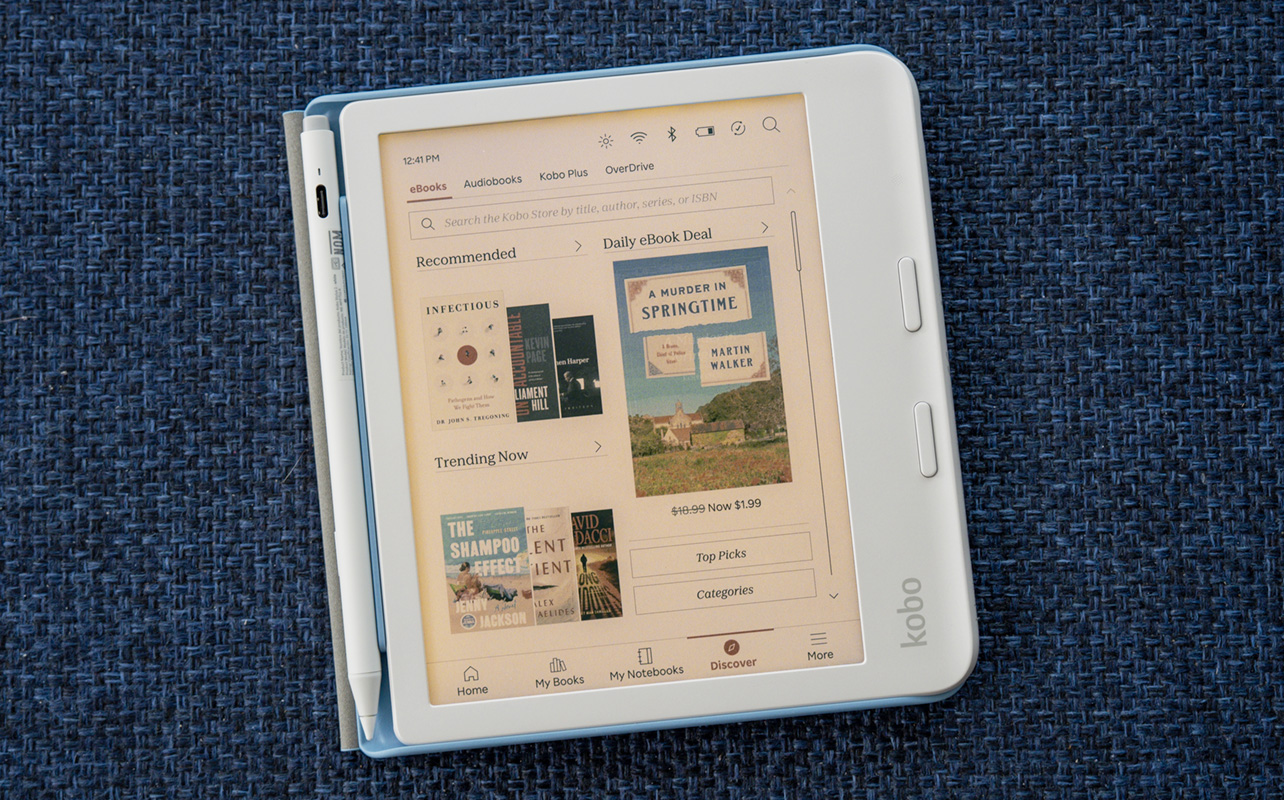
In 2024, the Kobo Libra Colour heralded a new era for the company’s eReaders that brought colour to its E Ink display. It took a long time for this to happen given how far back monochrome eReaders have gone but this move injects some variation to an otherwise slow-moving category.
One could argue books are usually just text on a page, though I would argue the opposite is true when you consider the covers, photos, illustrations, maps, and other visual elements that add colour and character to a book. The Libra Colour joins the Clara Colour as the first two devices in Kobo’s lineup to show content beyond just black and white.


Watch my review of the Kobo Libra Colour
The Kobo Libra Colour actually went through a slight refresh in late 2025 over the original released in 2024. In this video, I was able to get my hands on the original N428 model. The refreshed model is the N428B, which I also talk about in this article. You can find the model name by going to Settings > About Kobo Libra Colour > page 2.
Familiarity in a colour screen
The refreshed Kobo Libra Colour N428B model has the exact same body as the older Kobo Libra Colour N428. This is why cases and covers are equally compatible. That also goes for button placement and the lip on one side for easier one-handed handling, plus the back sporting the exact same textured finish. Nor has the weight changed in any particular way.
It retains IPX8 water resistance, meaning you can submerge it down to two metres of clear water for up to 60 minutes; good enough for the pool or tub, but not for saltwater. The power button is right where it’s been before, up in the corner. Much of the device’s outer shell also comes from recycled materials.
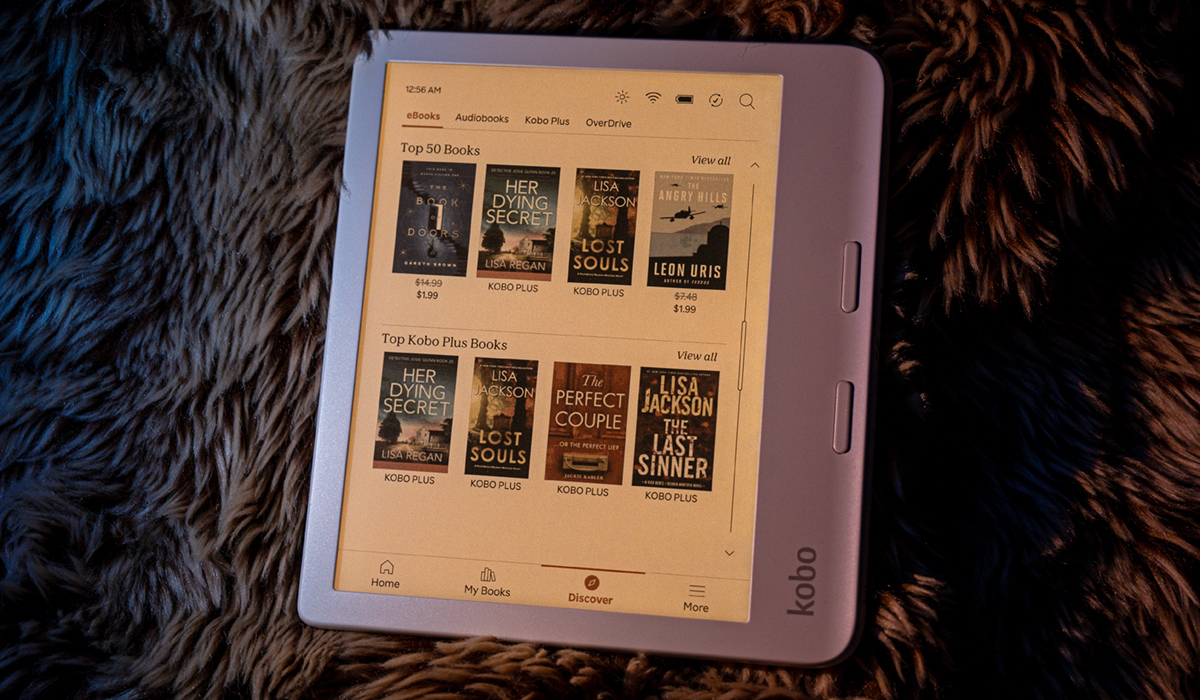
It’s the same seven-inch E Ink Kaleido 3 screen with colour that really adds some punch. Still muted punch, however, since the technology isn’t the same as your average tablet screen where millions of colours are available. Here, you’re limited to about 4,000, which is why solid colours will appear richer than gradients.
By now, colour on a Kobo product isn’t new but reading any ebook with any sort of image or illustration still stands out. While it makes little difference when simply looking at text onscreen, it’s hard to go back to monochrome view once you see the colours.
Granted, the muted and limited colour range isn’t going to “pop” like a tablet, though it opens the door to more content. While I’ve tried it before, reading comic books never feels the same on a monochrome eReader, whereas the Libra Colour made them come alive. The same is true of book covers and other images.
Bringing in the Kobo Stylus 2
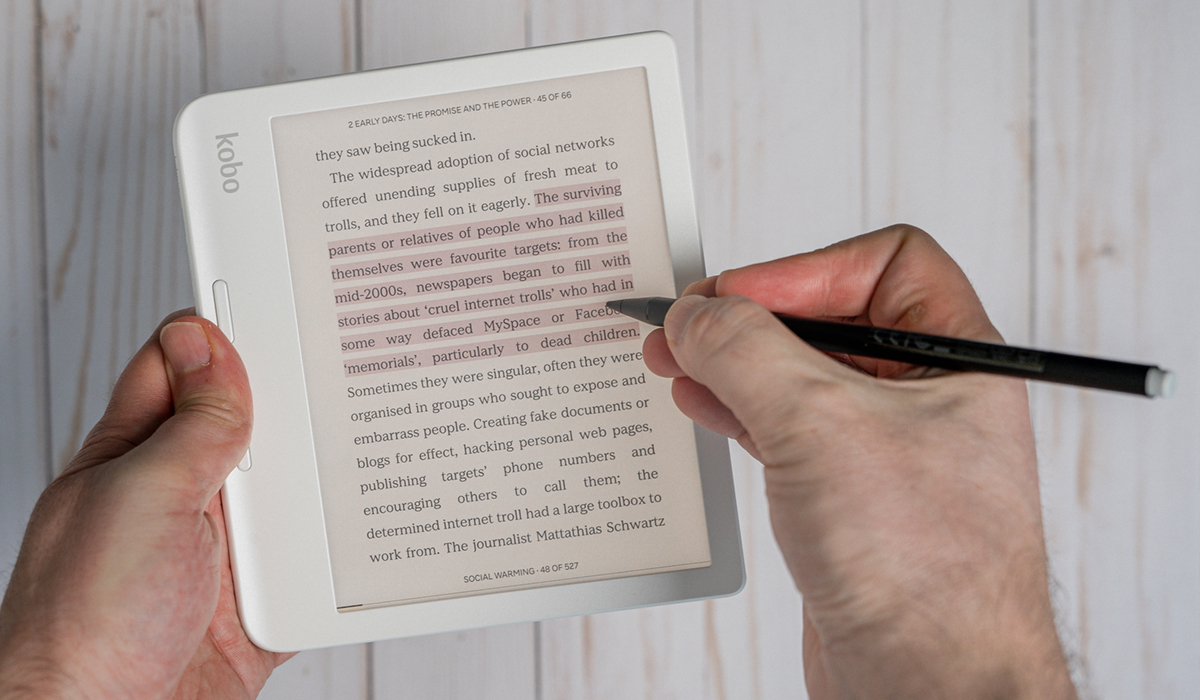
The Libra Colour doesn’t come bundled with the Kobo Stylus 2 pen but the eReader fully supports it, adding another functional element to the mix. This is the first Kobo Libra that works with pen input, borrowing the standard feature set available on the Elipsa series. The big difference is a seven-inch screen feels considerably smaller when you want to write on it, though the stylus works the same way, otherwise.
You can jot down notes on ebooks or any other document that allows it, like EPUB, PDFs and TXT documents but not CBZ files, for instance. Even better, you can highlight passages on ebooks—including in four different colours—letting you keep track of different passages based on your chosen colour. You can’t write anything on comic books.
Colour choices increase to 10 when using the stylus with My Notebooks, where you can basically create whatever documents or doodles you feel like anytime. Apart from the colour, creating notebooks will be the same as it is on the Elipsa, Elipsa 2E, and Sage, the only other Kobo models that currently support the stylus. It’s just that the Libra Colour is the smallest of the group, so while you have more screen real estate to work with on those devices, this one may feel more like a moderately-sized notepad.
Reading on the Libra Colour
The E Ink Kaleido 3 screen displays text at 300dpi whereas colour is at 150dpi. You may not realize it right away but when zooming in on a comic book or map, you’ll see details aren’t quite as sharp. This is where the seven-inch size works as an advantage for the device because that shift in density won’t be as easy to spot on a smaller display like this.
Colour doesn’t disappear regardless of the screen’s tonality. You still get the same brightness and natural light sliders, the latter of which can work automatically based on ambient light around you. By default, it cranks up almost all the way once the clock hits 11 p.m. to go easy on the eyes. To my own eyes, colours did stand out a little more with a cooler tone but not by any significant margin.
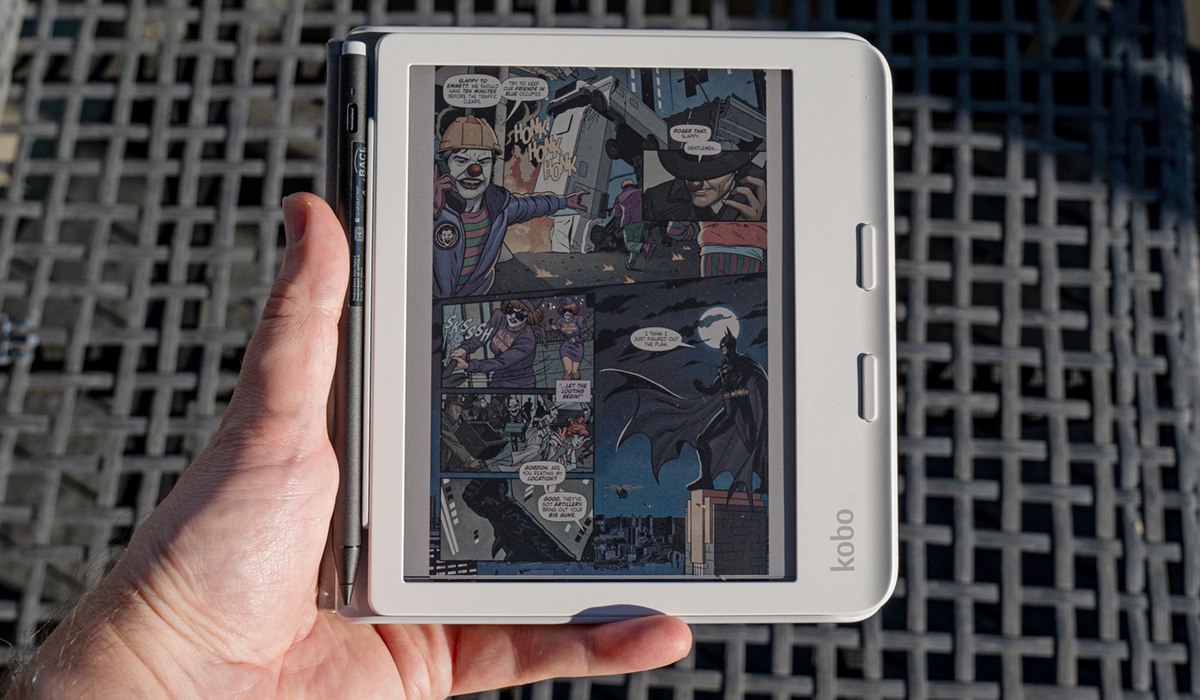
You may not feel it as much with an ebook (apart from the cover), but graphic novels and children’s books come with a bigger impact because of how important drawings are to the story. I also added PDFs and other documents to gauge how colour might look on the Libra Colour with different document types. It won’t beat a tablet, though this eReader can step in as a way to read any supported document, much like it has before.
Pocket and OverDrive integration continue to enhance access to content from the web and public libraries. If you routinely use Dropbox or Google Drive, you can also funnel over files from those cloud sources as well.
Then there’s Kobo Plus for a buffet-style monthly subscription to a fraction of the Kobo library, which you can sign up for anytime. Kobo Audiobooks are also available a la carte that you can listen to when paired with Bluetooth headphones or earbuds.
Bringing in the Kobo Remote
A remote for an eReader seems unnecessary but there’s a reason to consider it. The Kobo Remote connects via Bluetooth to the Libra Colour and serves a pretty narrow focus: turning pages. There are two buttons, with the bigger one turning the page forward, and the other turning back a page. Given you can just do the same thing by tapping the screen in either direction, it may seem redundant on its face. But after a while, it starts to make sense.
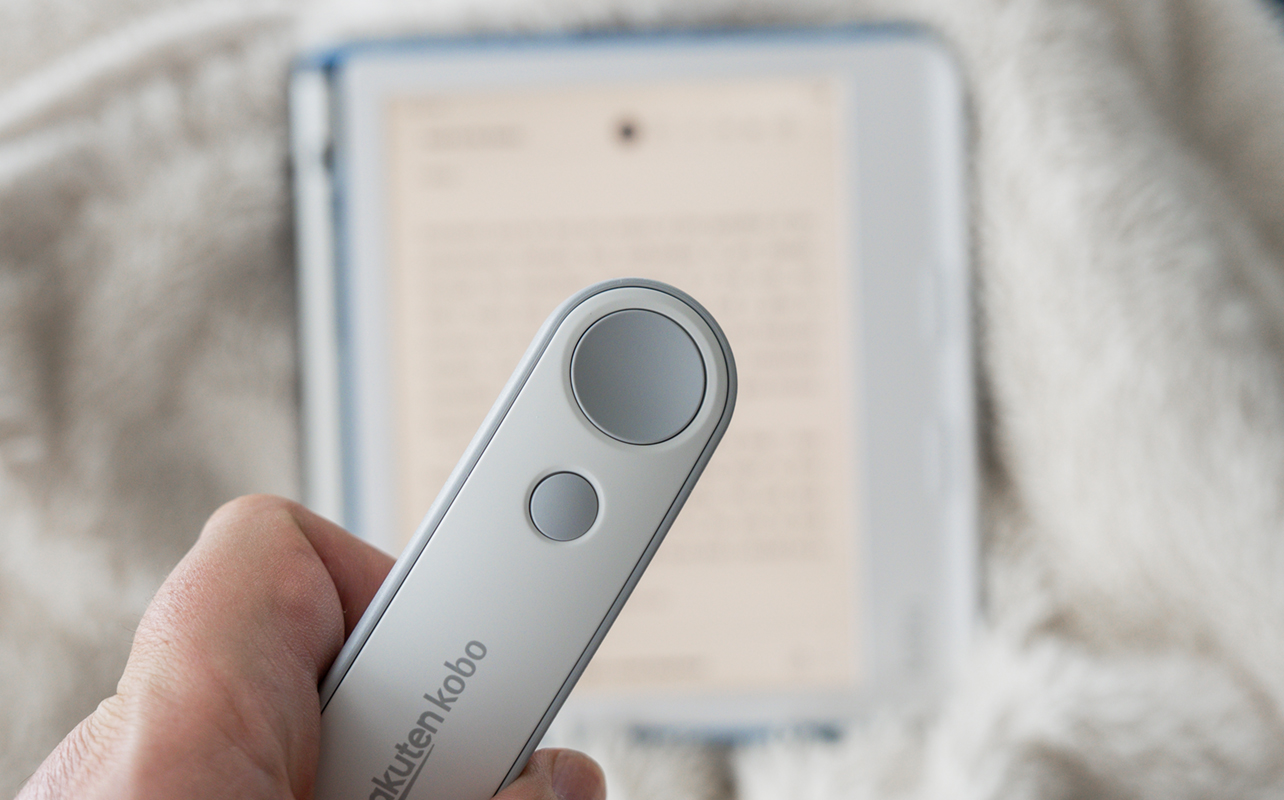
If you’ve set up the eReader to sit up or stand on its own, then there’s no need to reach over and tap or swipe the screen, which sounds like a tiny thing until you’re sitting comfortably on the couch or reading in bed. This is purely about convenience and has an element of using a clicker to run through a screen presentation.
It also has the benefit of keeping the screen relatively free of accumulating fingerprints and smudges. You still have to reach for the screen when navigating menus, highlighting something, or doing anything beyond basic page turning. I wouldn’t call this an essential accessory, but I can see the appeal after spending some time with it.
Storage and battery life
I’ve noted some of Kobo’s file support, but the list remains extensive. Not only do you get EPUB, EPUB3 and PDF, but also MOBI, TXT, HTML, CBZ, CBR and RTF files, along with JPEG, TIFF, GIF, PNG and BMP images.
The Libra Colour is no match for a tablet when it comes to images but at least they’re not going to show up in black and white anymore. You still have to load these files through a Windows PC or Mac, but it’s not hard to do.
With 32GB of internal storage, there’s a lot of room for ebooks, audiobooks and other content. Battery life is relative. Kobo rates it at 40 days based on 30 minutes of reading every day at 30% brightness and Wi-Fi and Bluetooth turned off. So, you could expect the battery to last for “weeks” but only if you’re not reading a ton each day. Screen brightness is the biggest drain and you’ll need that if you end up in bright sunlight.
The refresh actually gives the Libra Colour a larger battery amount to a 12% capacity increase. You won’t notice that right away but it’s enough to push things further before you need to plug in.
Final thoughts on the Kobo Libra Colour
For now, the Libra Colour is a novelty among Kobo devices. Only the smaller Clara Colour currently offers a colour display in the company’s lineup. Shedding the monochrome legacy doesn’t render all those other Kobo models obsolete. Black and white eReaders aren’t going away anytime soon, leaving colour ones as premium alternatives.
I enjoyed the Libra Colour more because it enabled me to read comics, though also appreciated how colour changes reading when it comes to using the stylus on the E Ink display.
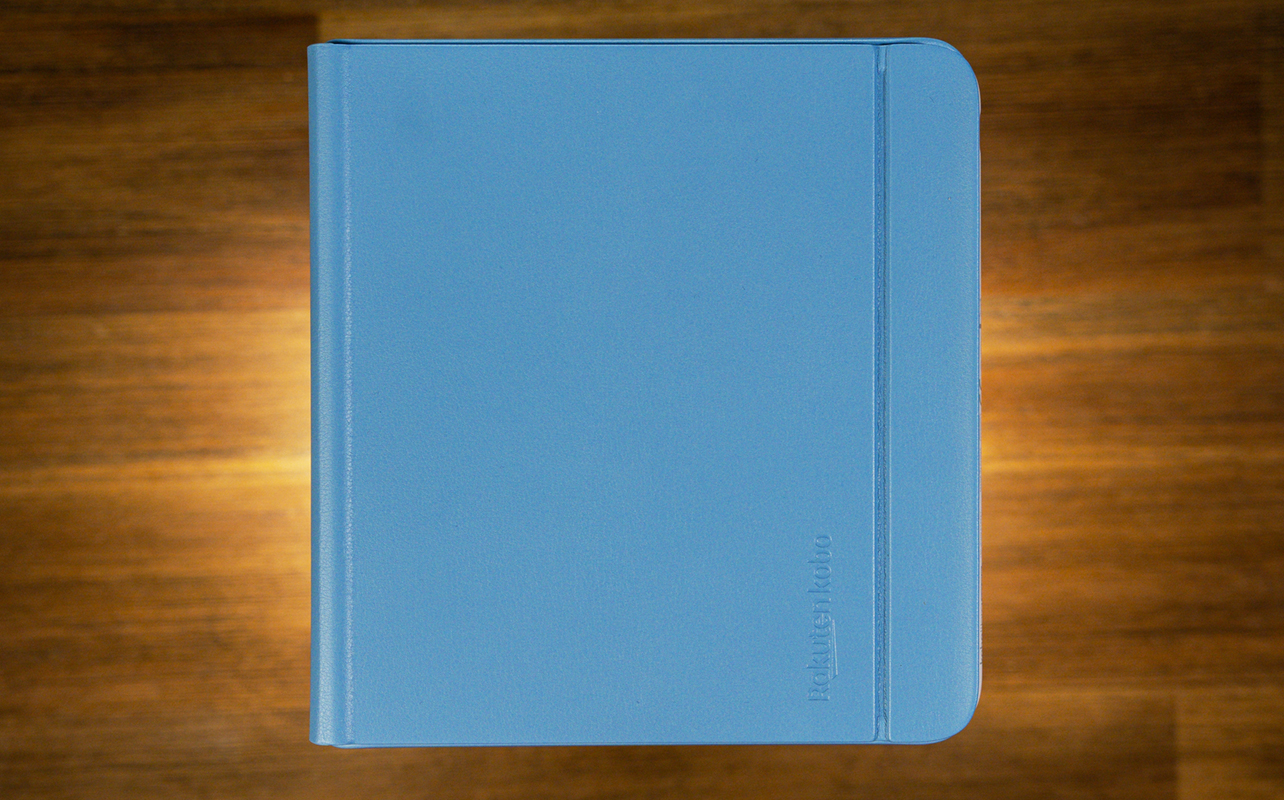
The Kobo Stylus 2, Kobo Remote, and SleepCover case are separately sold accessories. If you choose to pay extra to get them, know that the SleepCover has a magnetic slot for the stylus, ensuring you don’t end up misplacing or losing it.
Looking for the perfect eReader for you? Check out our eReader buying guide.