We all want the fastest internet possible. But before you sign up for the most expensive plan available for home networking, it’s important to know how fast you actually need your internet connection to be in order to keep up with your activities.
Everything you do online, from streaming movies to browsing websites, uploading files, video chatting, gaming, and more, requires the internet. But did you know that having more Mbps does not always translate to a better experience? Mostly, that’s because not everyone actually needs nor uses all that bandwidth. Much like you might sign up for a cell phone plan that has gigabytes and gigabytes of monthly data you never use, most Canadian households use less bandwidth than they think. So why pay for more than you need?

You don’t want to downgrade and get a plan that doesn’t meet your needs. But before upgrading to a faster fibre or gigabit plan, it helps to understand what actually impacts performance and how much speed your household truly requires. This means dispelling some of the most common misconceptions about internet speeds.
First, contrary to popular belief, faster internet doesn’t always improves performance. Second, while gigabit plans are tempting, they’re not necessary for most homes. Finally, slow Wi-Fi doesn’t always mean your plan doesn’t meet your needs. It could actually be your hardware. The right internet speed depends on how your household uses the internet, not just what is advertised by providers.
Key factors influencing internet speed requirements

Your internet speed needs are shaped by how your household uses the connection, not just the number on your plan.
Number of users and simultaneous usage
The biggest factor is how many people are online at the same time. A single person checking e-mail or browsing uses very little bandwidth. But when several people are streaming, gaming, or on video calls at once, the demand increases quickly. Even simple activities add up when done simultaneously, especially during evenings when most people are online together. If you work from home during the day and you’re the only one there, chances are a decent plan will suffice. If you have a large family and everyone is often trying to connect with high bandwidth applications during peak primetime evening hours, that might justify a higher-tier plan.
Types of online activities
Different activities use different levels of internet speed. Activities like web browsing and e-mail use very little data. Streaming video uses moderate to high bandwidth, depending on quality. A 4K movie uses about 7GB per hour, for example, while an HD one would use less than half that. Video calls need stable download and upload performance to reduce lag and ensure a strong connection. Large downloads and software updates can temporarily consume a lot of speed as well. If you’re running an update for a video game or smart TV, for example, this could use up significant data for the time it’s going.
Devices and connection load
Since every connected device shares the same internet connection, laptops, smart TVs, gaming consoles, smartphones (when connected to Wi-Fi), and smart home devices all contribute to overall usage. Even if each device is not heavily used, the total load can build up quickly in a busy household. The more connected devices you have, the more strain will be put on the network. Consider devices that run 24/7 in the background, too, like smart security cameras, even connected digital photo frames.
Download vs upload speeds: what matters most

Most people focus only on download speed when choosing a plan. But upload speed plays a bigger role than many realize.
Download speed
Download speed affects how smoothly you can stream movies and TV shows, browse websites, and download apps and files. This is usually the most noticeable part of your internet experience, which is why it’s the one people pay the most attention to.
Upload speed
Upload speed becomes important when you join video calls, upload files or photos, use cloud storage or backups, and share content online. It’s probably most notable for work-from-homers or hybrid workers who participate in more of these such activities. It’s also crucial for content creators as well as large families with members often online at the same time. If you rely on cloud services for content backups, you’ll want sufficient upload speeds as well.
Recommended internet speeds by household size and usage

Instead of chasing the fastest plan, it is more useful to match your internet speed to how your household actually uses it.
| Household type | Typical usage | Recommended speed |
|---|---|---|
| 1–2 users | Browsing, streaming | 50–100 Mbps |
| 2–4 users | Streaming, video calls | 100–300 Mbps |
| 4+ users | Heavy streaming, gaming | 300–500+ Mbps |
For many Canadian homes, plans between 100 Mbps and 300 Mbps offer a strong balance of performance and value. They handle streaming, gaming, and remote work comfortably when the network is set up well. But use this only as a guide. If you’re a single individual who works from home, uploads content, and maybe you’re a heavy gamer and live-streamer, you may want a plan that’s 300 Mbps or higher.
Internet speed for specific activities: streaming, gaming, and remote work

Different online activities depend on different parts of your internet connection, which is why “one speed fits all” does not always work.
Streaming
For streaming, for example, moderate speeds will suffice for HD content, but if you stream in 4K, you’ll need more bandwidth. A family with a 4K TV and a high-tier streaming subscription, for example, should go higher, while an elderly couple watching old sitcoms in standard def on a streamer doesn’t need massive speeds.
Gaming
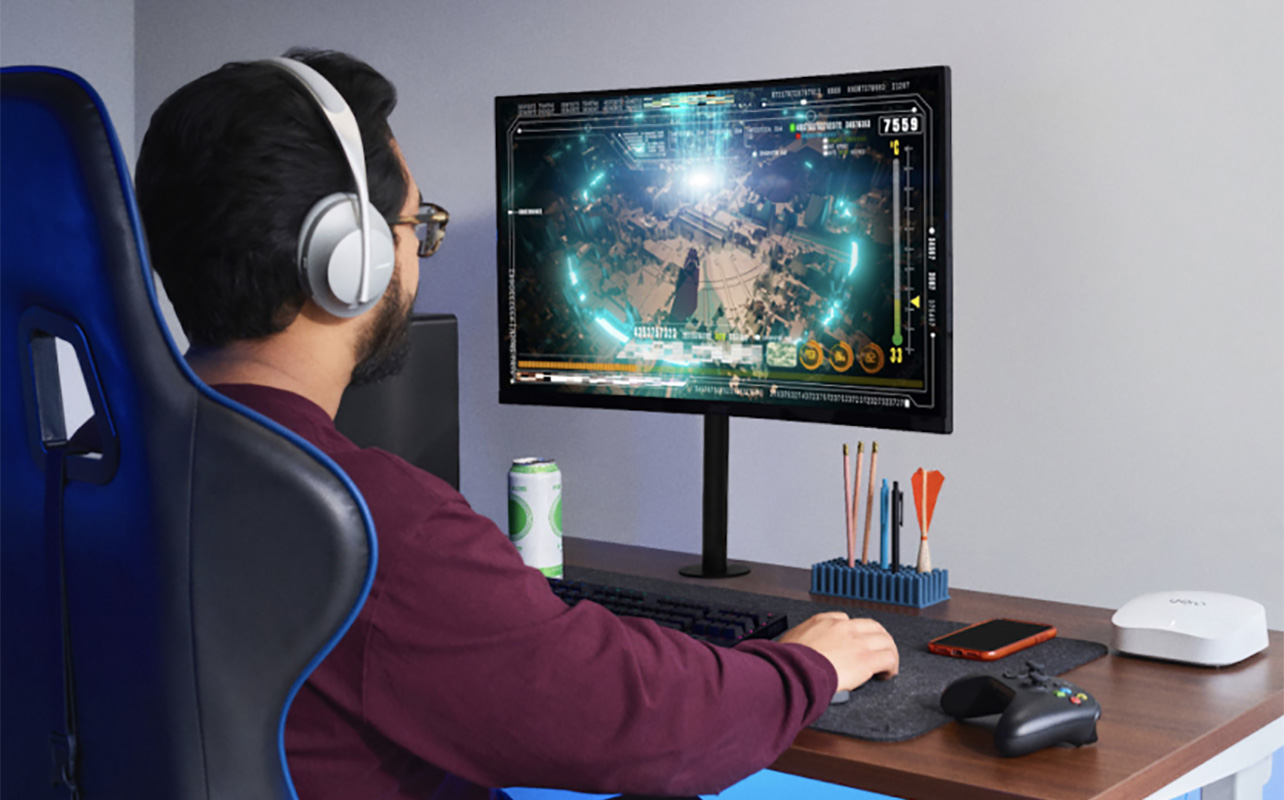
For gamers, you want consistency over speed, so stable connections matter most over high Mbps. You’ll still need a decent internet plan, but you might also want to consider setting up a mesh network and placing a satellite/node in the games room to ensure low latency and stability. You’ll benefit most from ultra-fast speeds for game downloads but you might not necessarily need top-line speeds for game play, though this may be dependent on the game. Kids playing fun games like Minecraft might be fine with a mid-tier plan, but adults in serious Call of Duty campaigns will want a connection that can keep up with them.
Remote work and video calls
Working from home puts more pressure on upload speed. Video calls require stable upload and download performance. If there are multiple meetings going on at once, that can strain your connection. Some couples do both work from home, each in their own areas. If this is the case, you’ll want a high-tier plan. Cloud tools and file sharing add background usage as well. If your work involves content creation or live streaming, you’ll need to take this into consideration, too.
How to test and interpret your current internet speed

Before upgrading your plan, it helps to see how your current connection is actually performing. To test your internet speed, use a reliable speed test tool: you can find many online. Run tests at different times of the day since peak times like weekday evenings will probably see slower speeds while the internet service provider’s network is dealing with heavier loads. Test both nearby the router and in other rooms to see if there’s a big difference. If you notice there is, you might want to consider a mesh Wi-Fi system or a Wi-Fi extender. Finally, compare these speeds with a wired Ethernet connection. A wired connection will always be faster and more stable, but if the connection is significantly faster when you connect via Ethernet, your plan doesn’t need upgrading. It’s likely you need to upgrade your router as it could be what is causing a slowdown.
Wired vs Wi-Fi results
| Result | What it usually means |
|---|---|
| Wired fast, Wi-Fi slow | Home Wi-Fi or router issue |
| Both slow | Possible ISP or plan limitation |
What to pay attention to
When reviewing results, focus on if speeds match what your plan states they should be (look at real-world speeds not maximum ones), if results are consistent over time, and if performance changes in different rooms. If speeds vary a lot inside your home, the issue may be your Wi-Fi setup rather than your internet plan. At this point, troubleshoot reasons your Wi-Fi could be slow.
Signs your internet speed is too slow
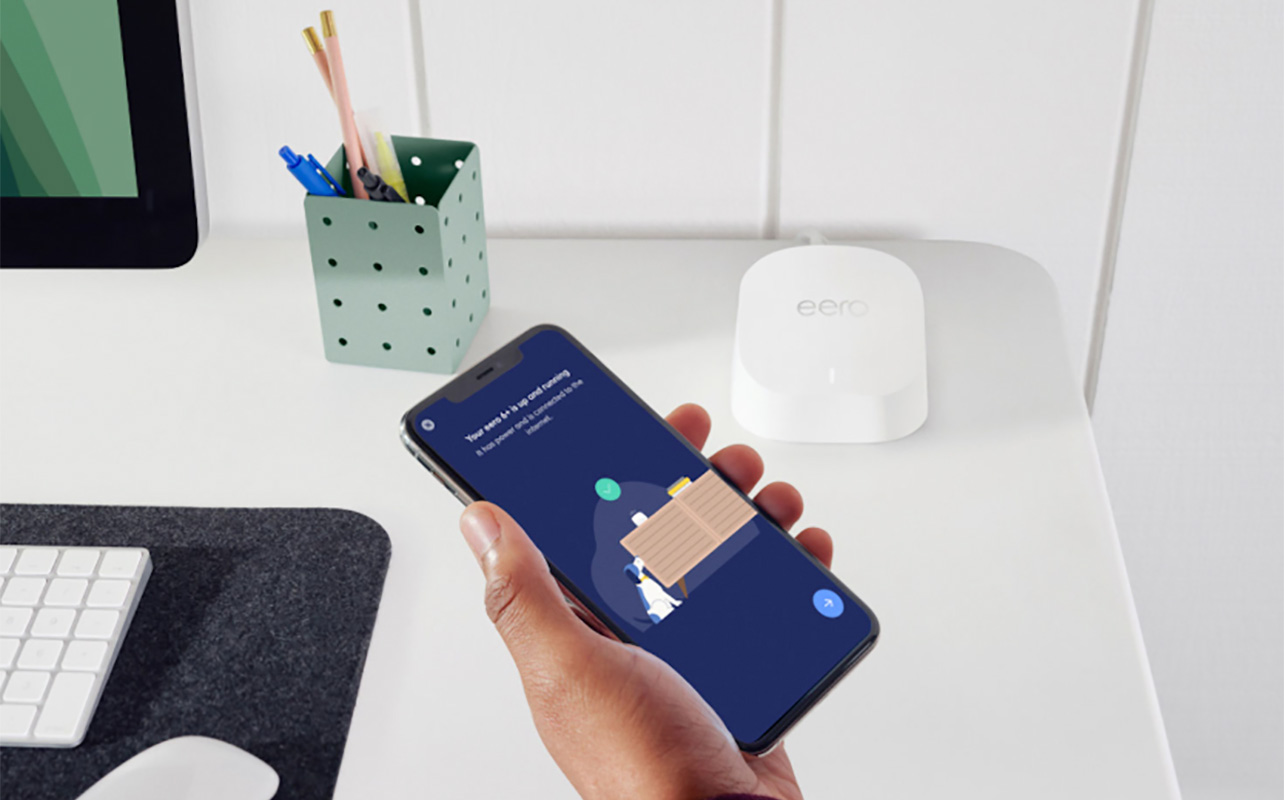
You might find that your internet is “fine” when you’re doing simple activities. But as soon as multiple activities happen at once, that is usually when limitations show up. Common signs include videos buffering or lowering quality unexpectedly, lag during video calls or gaming sessions, slow downloads or updates taking too long, or performance overall dropping. This might have been an acceptable reality in the dial-up days of AOL and Napster downloads. But we’ve move beyond that: no one should experience such issues at home today!
You can usually determine the root issue based on the symptom. Sometimes, an upgrade to a Wi-Fi 6, 6e, or Wi-Fi 7 router can solve the issue if you have good internet speeds but these issues keep popping up. If you already have one, you can troubleshoot why the router might be acting up.
| Symptom | What it often points to |
|---|---|
| Buffering or interruptions | Not enough bandwidth |
| Slow in certain rooms | Weak Wi-Fi coverage |
| Lag in calls or gaming | Latency or congestion |
| Slow everywhere | Plan or ISP limitation |
Summary of key insights and choosing the right plan

Choosing the right internet plan is less about chasing the highest number and more about understanding how your household actually uses the connection. Most Canadian homes are well served by 50 Mbps to 300 Mbps, depending on how many people are online and what they are doing at the same time. It is also worth remembering that speed is only part of the experience. Stability, upload performance, and latency all play a major role in how smooth your internet feels. This involves not only having a good internet plan but also a solid Wi-Fi router.
Before making changes, it helps to understand your household usage patterns. Are multiple people usually online at the same time running bandwidth-heavy activities, like streaming TV or music, gaming, and downloading or uploading content? Even if there aren’t multiple people, do you work from home and run multiple bandwidth-heavy applications all the time? Are you a big gamer? If so, the fastest speeds might be worth it. But for average use with only occasional peak times when everyone is online at the same time doing bandwidth-heavy activities, you can probably make do with a mid-tier plan.
Unsure where you fall on this spectrum? First, if you notice slowdowns that get in the way of productivity or fun, that’s a key indicator. Test your current internet performance over a period of a few weeks, at different times of the day and in different rooms to gauge how well it’s performing. From there, identify whether issues come from the internet speeds or your hardware. It could be that you need a new router and not a new plan. See our networking buying guide to help you find one to meet your needs.
If you are exploring better options or thinking about upgrading your home setup, you can browse networking and internet solutions here at Best Buy Canada.
Frequently asked questions

How much internet speed do you really need?
Most homes need between 50 Mbps and 300 Mbps depending on the number of residents and how they use the internet.
Is higher internet speed always better?
Not always. After a certain point, stability and connection quality matter more than extra speed.
What speed is best for streaming and gaming?
Streaming depends mainly on download speed, while gaming depends more on low latency and a stable connection.
How can you test your internet speed at home?
Run multiple speed tests at different times, compare wired and Wi-Fi results, and check performance in different areas of your home.

This article was drafted using AI technology and then reviewed, fact-checked, and revised by a member of our editorial team.