If you’ve ever set your phone down on a pad and watched it start charging without touching a cable, you already understand the appeal. Wireless charging is genuinely convenient, but it isn’t always the right tool for every situation. Whether you’re thinking about making the switch or just trying to figure out when to skip the cord, this guide will help you decide what actually makes sense for your setup.
The short answer: wireless charging is excellent as your primary home or desk charger, especially overnight or in a clean workspace. But wired is still faster and more practical when you’re in a hurry. Most people are best served by both.

Table of contents
- What is wireless charging and how does it work?
- When does wireless charging make sense?
- When doesn’t wireless charging make sense?
- MagSafe vs. standard wireless charging: what’s the difference?
- How do I choose the right wireless charger?
- Wireless vs. wired charging: which should you choose?
- What’s the right wireless charger for you?
- Frequently asked questions
What is wireless charging and how does it work?
Wireless charging uses a technology called inductive charging to transfer power from a pad or stand to your device without any physical connection. When you place a compatible phone on a wireless charger, a coil inside the charger creates an electromagnetic field, and a matching coil inside your phone converts that field back into electrical energy to charge the battery.
The standard that makes this all work is called Qi (pronounced “chee”). Qi is the universal wireless charging protocol supported by the vast majority of smartphones, including iPhones from the iPhone 8 onward, Samsung Galaxy devices, Google Pixel phones, and most other modern Android handsets. If your phone supports wireless charging, it almost certainly supports Qi.
A newer version of this standard, Qi2, launched more recently and introduces magnetic alignment to help your phone sit in the optimal charging position automatically. Qi2 was developed in collaboration with Apple and closely mirrors the MagSafe system found on iPhones. We actually covered some of the faster Qi2 charging highlights at CES 2026.
Most people don’t need to memorise any of this. The practical takeaway is simple: wireless charging works by contact, it requires a compatible device, and the speed depends on both your charger and your phone’s own wireless charging limit.
When does wireless charging make sense?
Wireless charging isn’t a universal upgrade; it’s a lifestyle fit. Here are the situations where it genuinely earns its place:
Is wireless charging good for overnight charging?
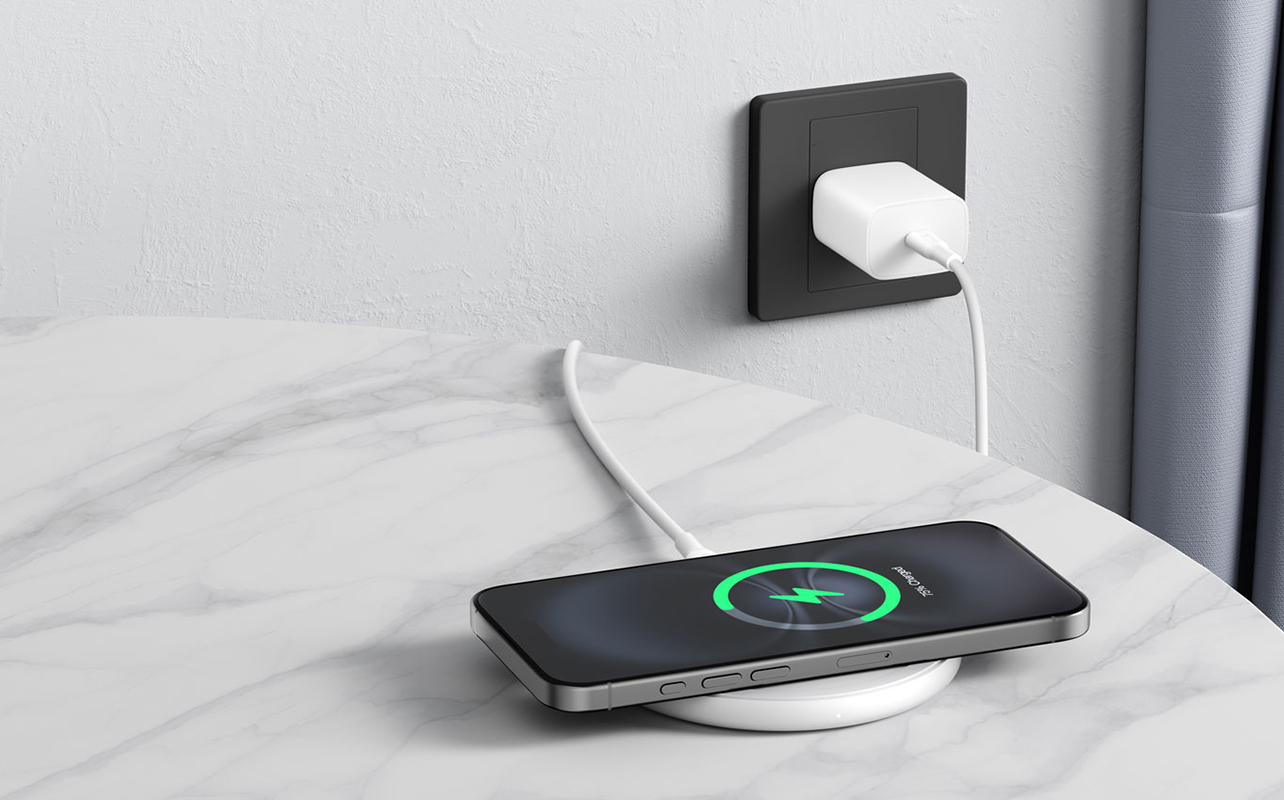
This is the strongest use case, full stop. When you’re sleeping, charging speed is irrelevant. You’re not watching a progress bar at 2 a.m., you’re just waking up to a full battery. Setting your phone on a wireless pad before bed requires zero effort, no fumbling with a cable in the dark, and no wear on your charging port over time. If you charge overnight and you don’t already have a wireless charger on your nightstand, this alone justifies the switch.
Does wireless charging work well for desk setups?
Yes, and this is where the “drop and go” habit really clicks. Rather than plugging in every time you sit down and unplugging when you get up, you simply set your phone on the pad. It starts charging. You pick it up when you need it. That’s it.
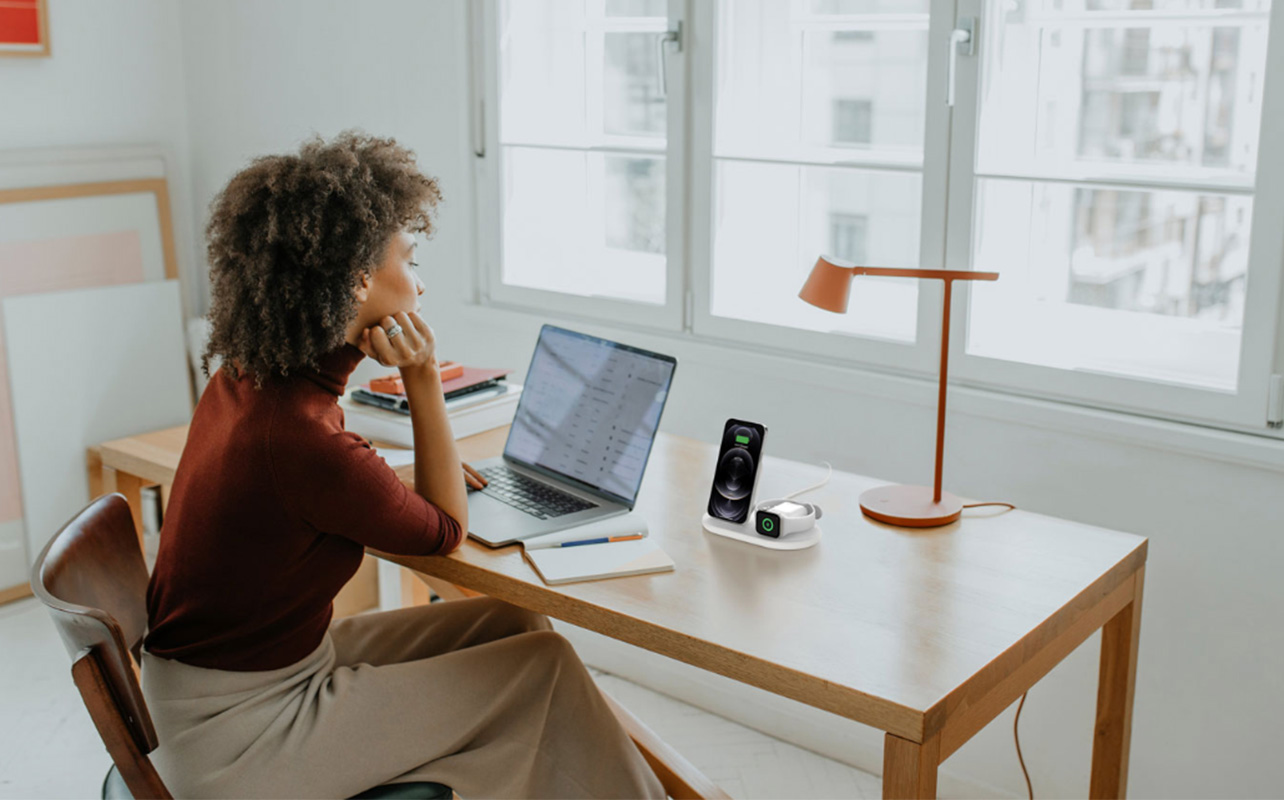
For anyone who works at a desk for several hours a day, a wireless charging stand (which lets you see and use your phone while it charges) makes for a noticeably cleaner, more relaxed experience. It also means your cable stays put away and your port stays dry.
Is wireless charging useful if you have multiple devices?
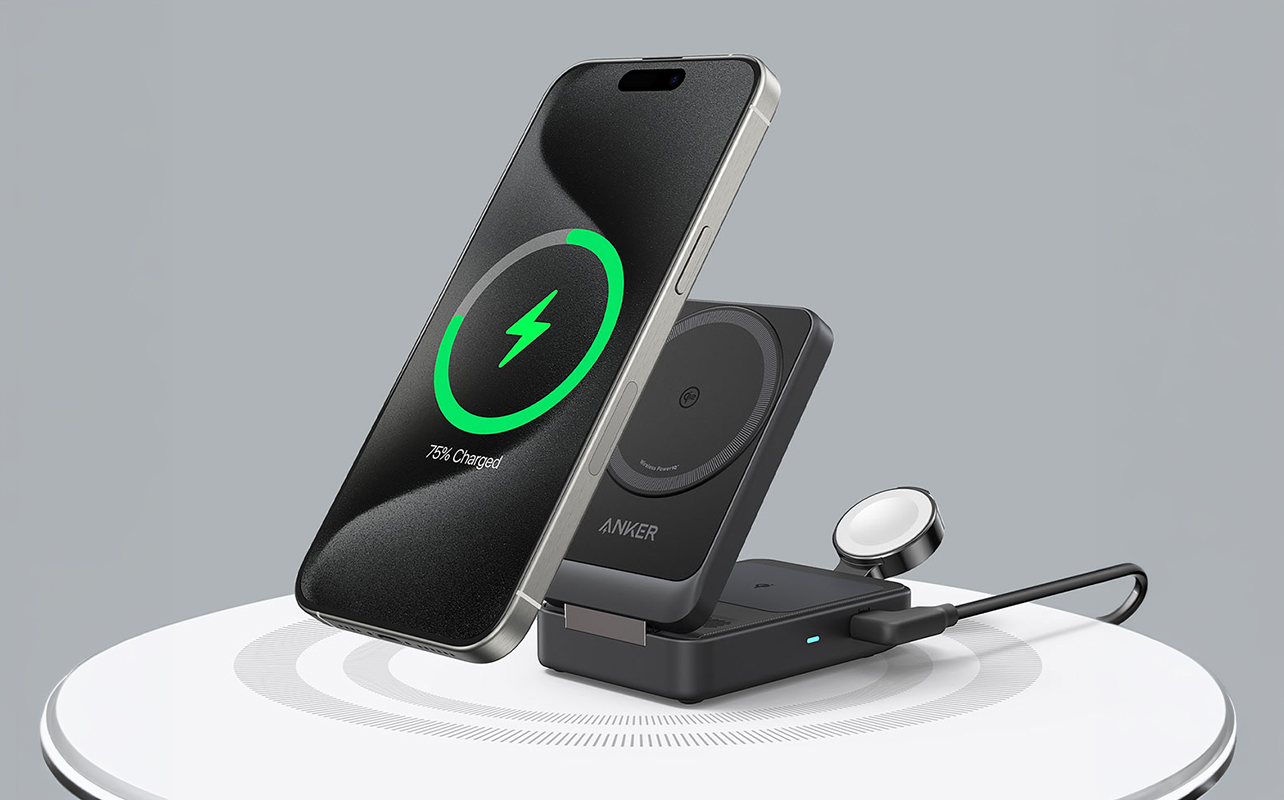
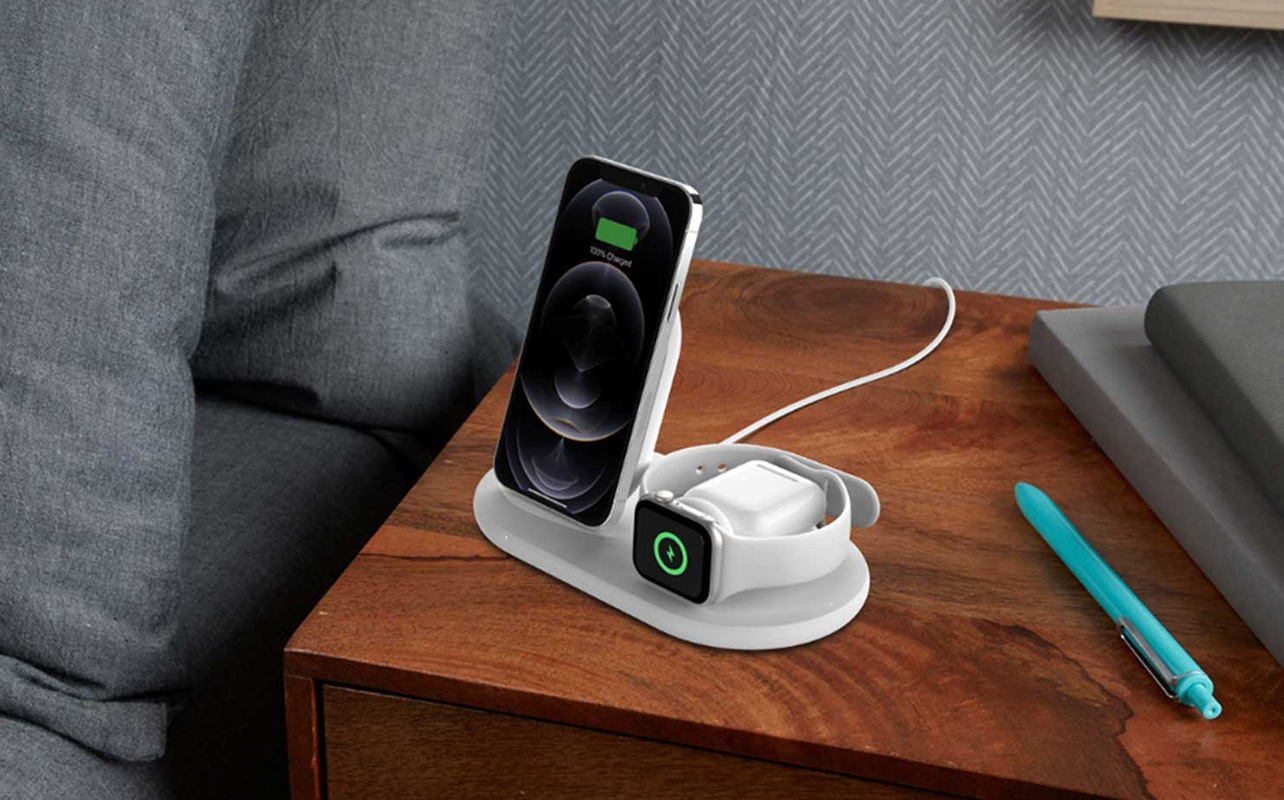
Absolutely. Multi-device charging stations, flat pads or stands that support two or three devices simultaneously, are one of the better quality-of-life upgrades for people with a phone, wireless earbuds, and a smartwatch. Instead of three separate cables, you have one surface. One plug in the wall. Everything topped up by morning.
A common pairing: iPhone + AirPods case + Apple Watch on a 3-in-1 MagSafe-compatible station. The Android equivalent pairs a Galaxy phone with Galaxy Buds and a Galaxy Watch. Both setups are genuinely tidier than managing three cables on a nightstand.
Does wireless charging reduce cable clutter?
It does, and this matters more than it sounds. Fewer cables on a desk or nightstand isn’t just an aesthetic preference; it simplifies your environment in a way that’s easy to underestimate until you’ve lived with it. If you’ve ever had a tangled charging cable pull your phone off a table, or struggled to find the cable end in the dark, a pad solves that quietly.
When doesn’t wireless charging make sense?
Honest assessment matters here. Wireless charging has real limitations, and knowing them helps you use it correctly rather than getting frustrated with it:
Is wireless charging slower than wired?
Yes, noticeably so in some cases. Most wireless chargers top out at 15W for fast wireless charging, while wired USB-C charging on flagship phones typically delivers 25W to 65W or more. For an iPhone 15, MagSafe charges at up to 15W; the wired Lightning or USB-C adapter can charge faster. For a Samsung Galaxy S24, wireless charging peaks at 15W while wired charging can reach 45W.
In practical terms, if you plug your phone in wired at 20% and leave for work in 30 minutes, you’ll get significantly more battery back than with wireless in the same window. That gap is real and worth knowing. The cable you use for wired charging matters more than most people realize, Why the right charging cable matters more with USB-C explains why.
Should I use wireless charging for a quick top-up?
Not if you’re in a hurry. Wireless charging is a slow-burn solution, it’s at its best when time isn’t a factor. If you need 30% battery in 20 minutes before heading out, plug in a cable. That’s not a knock on wireless charging; it’s just the honest use case.
Does phone placement affect wireless charging?
Yes, and this trips up more people than you’d expect. Qi chargers require your phone to sit within a fairly specific zone of the pad to maintain a solid charging connection. If you set your phone down at an angle or slightly off-centre, it may charge slowly or not at all, and you won’t always notice until you pick up your phone and find it at the same percentage you left it.
Magnetic systems like MagSafe and Qi2 solve this by snapping the phone into the correct position automatically, which is a real practical advantage over standard Qi pads.
There’s also a heat consideration worth knowing: wireless charging generates more heat than wired charging. A small amount of heat is normal, but repeated charging sessions that leave your phone noticeably warm over a long period can have a mild effect on long-term battery health. It’s not cause for alarm, but it’s worth not covering your phone or using a thick case that traps heat while it charges wirelessly.
Is wireless charging good for travel?
This is where it falls short. Wireless chargers still need to be plugged into a wall; they don’t eliminate the need for a power source, they just change the last step of the connection. A standard flat wireless pad is no easier to pack than a cable, and it requires its own adapter. For travel, a USB-C cable and a compact wall adapter is lighter, more flexible, and works with any power outlet configuration you encounter.
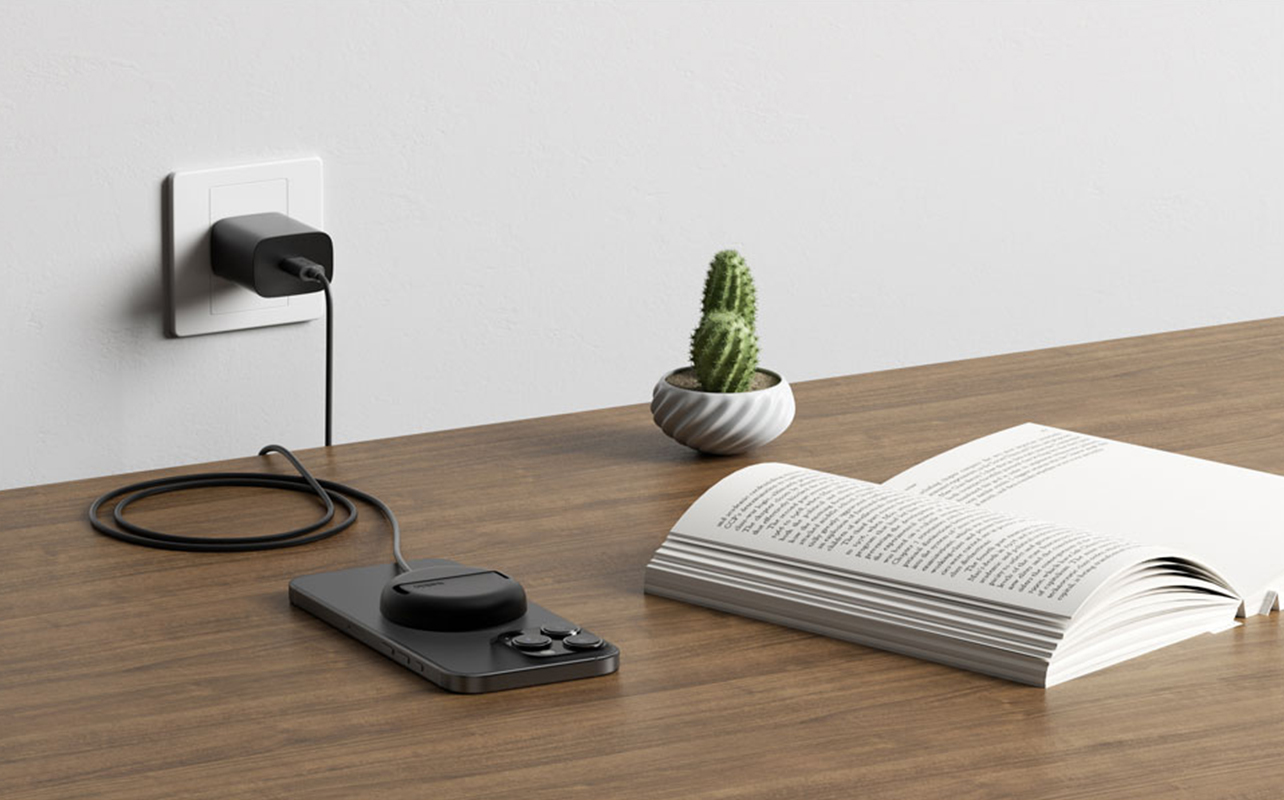
The MagSafe puck is a partial exception; it’s slim and easy to pack, but you still need a compatible USB-C power adapter with it.
MagSafe vs. standard wireless charging: what’s the difference?
This is where things branch depending on what phone you have:
Standard Qi charging
This is the universal option. It works with the widest range of devices, chargers are broadly available, and pricing is accessible. The downside is that alignment isn’t guaranteed, the phone has to be positioned correctly on the pad, and charging speeds are capped at 7.5W for iPhones and typically 10W–15W for Android devices.
MagSafe
MagSafe is Apple’s proprietary magnetic charging system, available on iPhone 12 and newer. The magnet array on the back of the phone snaps directly to a MagSafe charger, ensuring perfect alignment every time. That magnetic connection also enables the full 15W charging speed (on iPhone 13 and later), which is the fastest wireless option available for iPhone. Beyond speed, MagSafe unlocks an ecosystem of magnetic accessories, cases, wallets, car mounts, and stands that attach and detach cleanly without removing the phone.
If you have an iPhone 12 or newer, MagSafe is worth the investment. It’s more reliable than standard Qi, charges faster, and the accessory ecosystem is genuinely useful.
Qi2
Qi2 is the newer open standard developed with Apple’s involvement and modelled on MagSafe’s magnetic alignment. More Android devices are beginning to support Qi2, and it offers the same snap-to-position convenience without being locked to the Apple ecosystem. If you have a newer Android device, it’s worth checking whether it supports Qi2; some recent models from Samsung and Google do.
How do I choose the right wireless charger?
Once you’ve decided wireless charging suits your lifestyle, there are a few decisions that actually matter:
Does charging speed matter when choosing a wireless charger?
It matters, but only up to your device’s limit. Buying a 15W fast wireless charger won’t speed up a device that’s capped at 7.5W — your phone will only accept what it can handle. Before buying, check your phone’s maximum wireless charging speed and match the charger accordingly. For most people: iPhones charge at 7.5W on standard Qi, 15W on MagSafe; Samsung Galaxy flagships charge at up to 15W wirelessly; Google Pixel phones vary by model.
Single pad or multi-device charging station, which should I get?
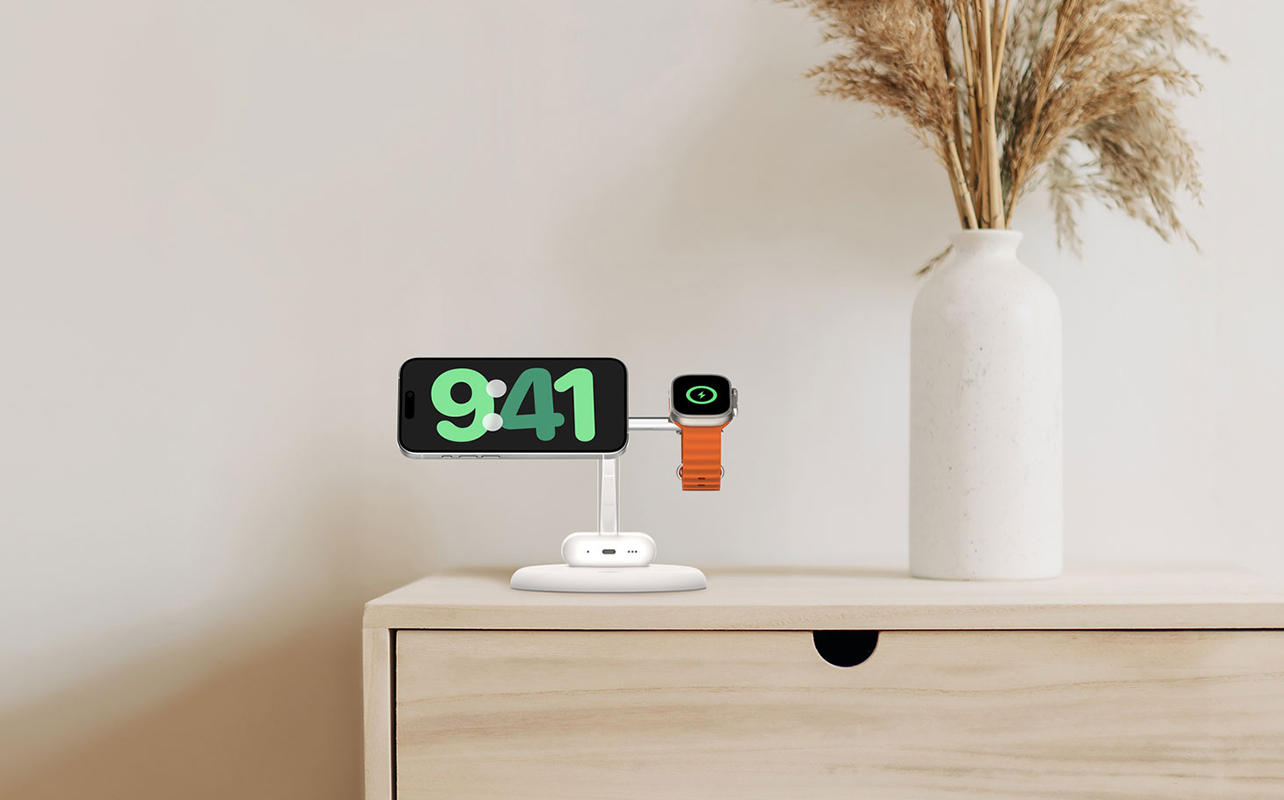
If you charge one device at night, a single pad or stand is all you need. If you regularly put down a phone, earbuds, and a watch at the end of the day, a 2-in-1 or 3-in-1 multi-device station is worth it, both for the tidiness and the single-plug convenience. Dedicated multi-device stations from brands like Belkin, Anker, and Apple (for MagSafe households) are widely available.
Wireless charging stand or flat pad, which is better?
Flat pads are better for overnight charging when you’re not using the phone, just set it down and forget it. Stands are better for desk use, because they prop your phone at a readable angle while it charges. If you’re buying one for a desk and one for a nightstand, go stand for the desk and pad for the bedside.
Wireless vs. wired charging: which should you choose?
This doesn’t have to be an either/or decision, and for most people, it shouldn’t be. Here’s a straightforward breakdown:
Use wireless charging when:
- You’re charging overnight, and speed doesn’t matter.
- You want a clean, cable-free desk or nightstand setup.
- You charge multiple devices (phone + earbuds + watch) regularly.
- You have a MagSafe-compatible iPhone and want the full ecosystem benefit.
Use wired charging when:
- You need fast top-ups before leaving the house.
- You’re travelling and want the lightest, most flexible option.
- Your device doesn’t support wireless charging efficiently.
- You’re at a low battery and on a time constraint.
The honest recommendation for most people: keep a wireless charger at your desk and on your nightstand, and keep a USB-C cable in your bag for when speed matters. That covers both situations without compromise. If you’re not sure whether your current wall charger is actually delivering the right wattage for your devices, Wall charger wattage explained is a useful next read.
What’s the right wireless charger for you?
Wireless charging has matured to the point where it’s genuinely reliable as a daily solution, especially for anyone who charges overnight, keeps a tidy desk, or manages multiple devices. The limitations are real but manageable once you understand them: it’s slower than wired, alignment matters on standard Qi pads, and it’s not the right tool when you need a quick charge in a hurry.
If you’re ready to cut down on cables at home, Best Buy Canada’s wireless charger collection covers everything from single Qi pads to MagSafe multi-device stations. If you’re an iPhone user on iPhone 12 or newer, start with MagSafe; the magnetic alignment and speed advantage are worth it. For Android users, look for Qi-certified chargers and check if your device supports Qi2 for the most seamless experience.
Frequently asked questions
Does wireless charging work through a phone case?
Yes, in most cases. Standard Qi charging works through cases up to about 3mm thick. Thick, rugged cases or cases with metal components may interfere. MagSafe works through Apple-certified MagSafe cases and most thin cases; the magnetic connection may be weaker through thicker non-MagSafe cases.
Is it safe to leave my phone on a wireless charger all night?
Yes. Modern smartphones are designed to stop drawing current once fully charged, so overnight charging won’t overcharge your battery. The mild heat generated during wireless charging is generally within safe limits, though it’s a good idea not to charge under a pillow or in a way that prevents heat from dissipating.
Can I use a MagSafe charger on an Android phone?
No. MagSafe is an Apple system and only works with compatible iPhones. Android users should look for Qi-certified or Qi2-compatible chargers for their devices.
What’s the difference between Qi and Qi2?
Both are wireless charging standards. Qi is the original universal protocol. Qi2 is the newer version, built with magnetic alignment (similar to MagSafe) to ensure the phone sits in the optimal charging position. Qi2 is backward compatible with standard Qi devices, but the magnetic alignment feature only activates on Qi2-supported phones.
Does wireless charging damage your battery faster than wired?
The difference is minimal in everyday use. Wireless charging generates slightly more heat than wired, which can have a marginal long-term effect on battery capacity over the years of use. Keeping your phone from overheating during charging by using a proper charger, avoiding thick cases, and not charging on warm surfaces is the main factor worth managing.