To ensure reliable Wi-Fi in your home, you might be considering a mesh Wi-Fi network or Wi-Fi extender. Mesh Wi-Fi uses multiple nodes alongside a router to extend coverage while a Wi-Fi extender boosts the signal in a specific area. Both accomplish the same thing. But which one is better for your home will come down to your specific needs.
In this article, I’ll discuss the key differences between mesh Wi-Fi systems and Wi-Fi extenders. I’ll look at how they compare in areas like coverage, speed, cost, ease of use, and reliability, and help guide you to the best choice. Your goal is probably to eliminate dead zones, or a single slow connection zone, in the home, right? Both will accomplish this. But one might fit better than the other for a key reason.
Mesh Wi-Fi vs. Wi-Fi extenders: how they compare and contrast
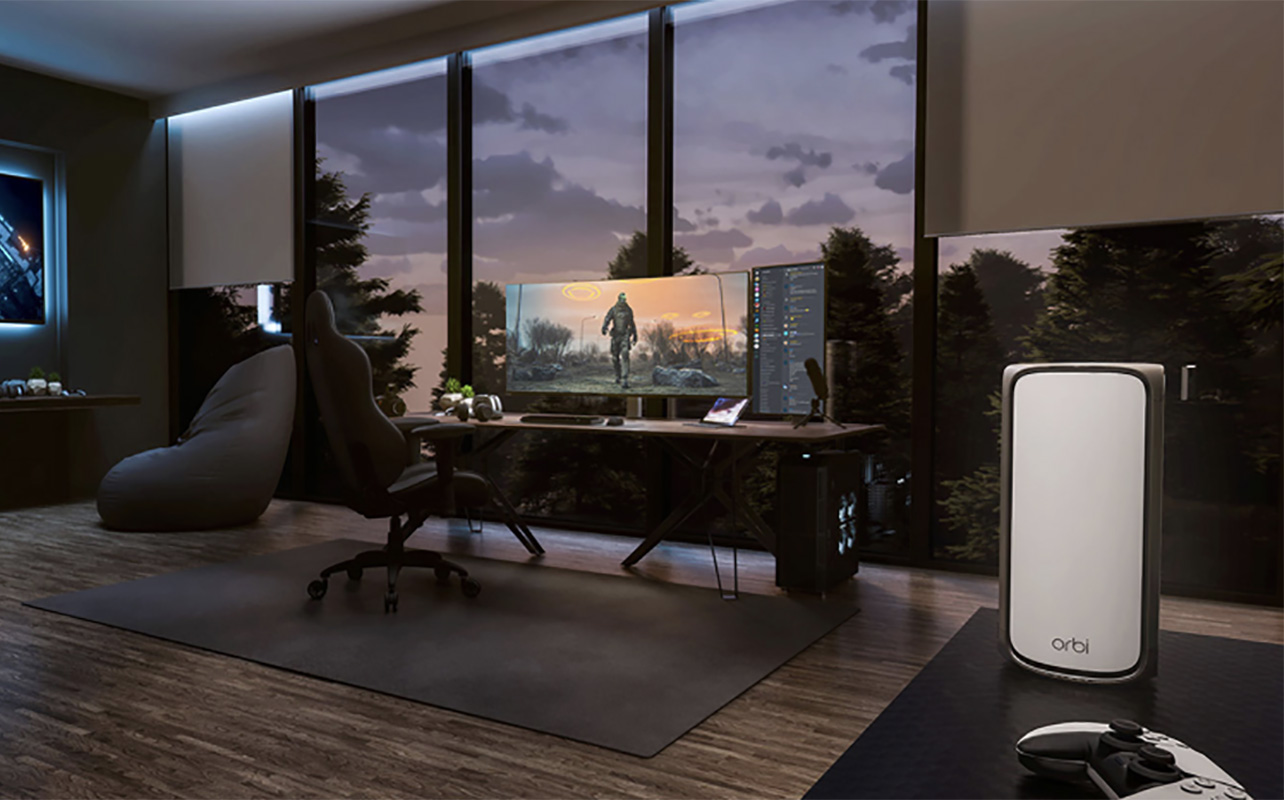
Mesh Wi-Fi and Wi-Fi extenders, as noted, accomplish the same thing. But they do this in different ways and for different purposes. A mesh Wi-Fi system consists of several nodes or satellites you can position in different rooms throughout the home, all of which connect wirelessly to the main router. It’s almost like you have a router in every room so that your connection is boosted, no matter where you are.
Wi-Fi extenders work similarly, except these are a single device you place in one location. This might be your home office to ensure the fastest, most reliable connection there during your 9-5 workday. It could also be in the basement or whatever room/floor is furthest away from the router and tends to be a “dead zone” with frequent dropped or slow connections.
In simple terms, a mesh Wi-Fi system is a whole-home solution, ideal for larger homes or homes with frequent dead zones due to thick walls or lots of obstructions. A Wi-Fi extender is a targeted solution, often using a separate network, to extend the Wi-Fi signal to one specific room or area.
How mesh Wi-Fi and Wi-Fi extenders work
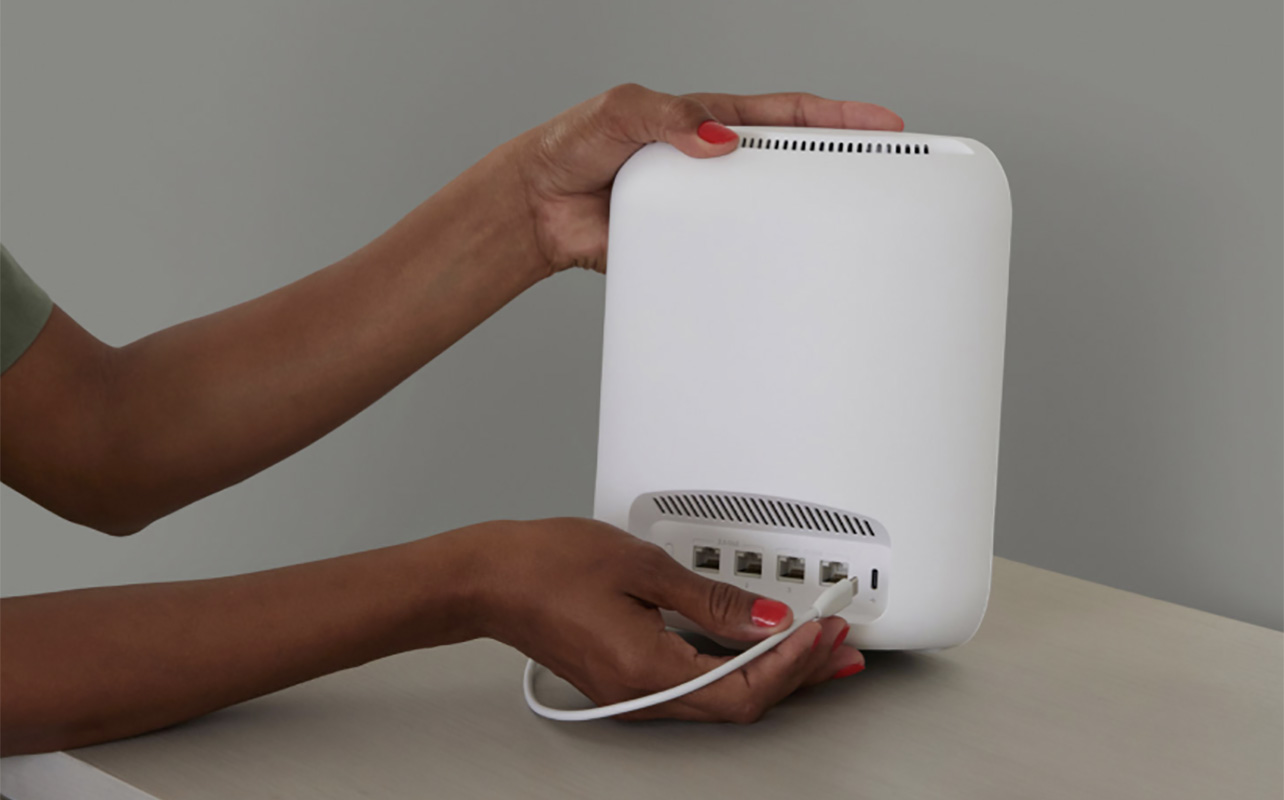
When it comes to setting up a mesh Wi-Fi system, once you connect the router to your modem, you can position the nodes throughout the home. They usually require AC power but then wirelessly communicate with the router. Working together as one network, it’s similar to when you daisy chain portable speakers so they all play the same music at the same time. Each node connects to the strongest signal so you get seamless internet coverage, no matter where you are in the home.
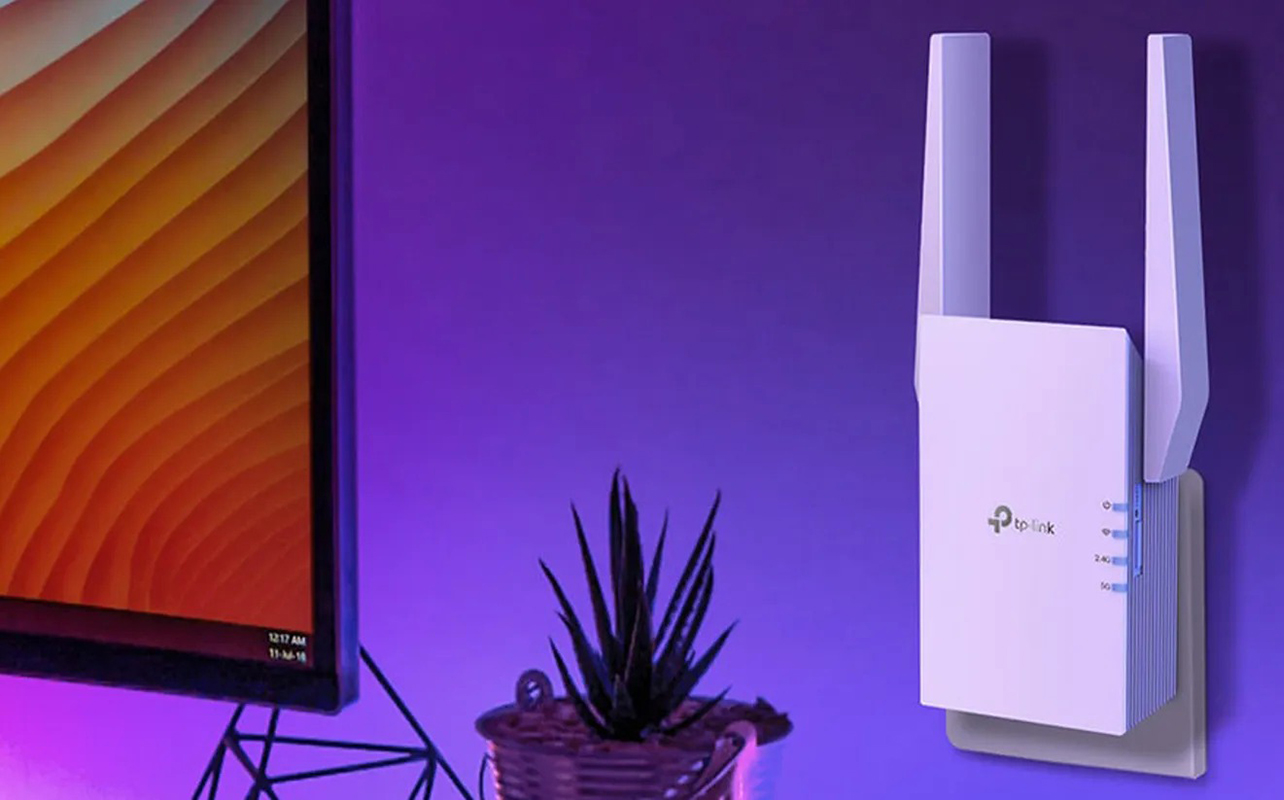
A Wi-Fi extender works by connecting wirelessly to your router as well. It rebroadcasts the signal coming from your router to extend the range. This is why they are sometimes called Wi-Fi repeaters. Think of your Wi-Fi like a bridge, the extender a piece that connects a missing or weak part in the middle so the signal can seamlessly cross it and reach your devices. Sometimes, Wi-Fi extenders create a second network to accomplish this. But it’s all tied to your same internet plan.
Coverage and performance of mesh Wi-Fi vs. Wi-Fi extenders
Now that you understand the differences, how do you know which one is right for you? Let’s compare based on the key factors.
Coverage area and scalability
Naturally, since mesh Wi-Fi systems include multiple nodes for different rooms, you get more expansive coverage. Even if you have pretty good Wi-Fi throughout the house, this can help boost the signal. This is important if you need it for demanding applications, like streaming, downloading, and gaming. You’ll get the best coverage for larger homes with multiple floors. Wi-Fi extenders are best if you just need to improve the signal in one room, like your home office, basement, or games room. Maybe it’s a room where signal degradation is common, like an upper-level bedroom when your router is in the basement.
Speed consistency and signal quality
Since a mesh network distributes the signal across nodes automatically and dynamically optimizes the network, you’ll get a more seamless experience. Wi-Fi extenders may require manual device switching to repeat the signal from the router. The signal rebroadcasting process can result in reduced speeds, though it will still be faster than without one.
Seamless roaming vs manual switching
You get more seamless coverage with a mesh Wi-Fi system, ideal if you move around the different locations in the home with your laptop or Wi-Fi-connected smartphone. Maybe you want reliable connectivity for smart TVs and other gear in different rooms. It’s the better choice for larger homes or ones with more complex layouts.
A Wi-Fi extender is, as noted, more targeted, so it’s best for a single location you might only need to boost the signal in at certain times. This might be during a 9-5 work-from-home day in your office. It could be that you need to facilitate downloads or Zoom calls at night while everyone else is home and bogging down the network with their activities. But, as noted, it may require manual switching.
Setup considerations
Mesh setups have more moving parts, but they’re seamless to set up. You can often use an app to guide you through the setup process. That makes it simple for even a non-tech-savvy person. Wi-Fi extenders are easy to set up, too, usually requiring just a plug and play process. If you want to mount it on the wall, this will require drilling and mounting hardware. The latter should come included.
Price and value
Not surprisingly, mesh Wi-Fi systems tend to cost more since they offer more expansive coverage and multiple pieces of hardware. You get better value, especially if you end up wanting to boost the signal in additional rooms over time: you’ll already have the set-up to do so. They’re also more reliable with minimal to no effort after initial setup. Wi-Fi extenders are more affordable, but they are limited to a single room. If you are looking to extend the signal in more than one room or zone, you’re better off going with a mesh Wi-Fi system.
Choosing the right solution for your home

The first important thing to note is that you need a good internet plan. If you have a slow internet plan, adding a mesh Wi-Fi system or Wi-Fi extender to the equation won’t improve it. It will just help boost the existing signal in a room, or multiple rooms, where it might otherwise be weak.
If you live in a large home or even a small multi-level home, you’ll benefit from a mesh Wi-Fi system, This is especially if you have dead zones. In my home, for example, a mesh extender in the kitchen helps boost the signal for the back deck, for which there’s a walk-out. If you have a big family with intense bandwidth needs for working from home, streaming, gaming, and more, a mesh Wi-Fi system will come in handy, too.
When might you need a Wi-Fi extender? If there’s one room known as a dead zone in the home, a Wi-Fi extender might be all you need. If you have specific bandwidth needs throughout the day to do things like facilitate presenting via video conferencing, downloading or uploading large files, or live streaming, a Wi-Fi extender is useful for that room. It may also be sufficient if you live in a condo of apartment where the entire space is effectively a single zone. If you’re on a tight budget, it’s a good temporary fix as well.
Pick one or the other
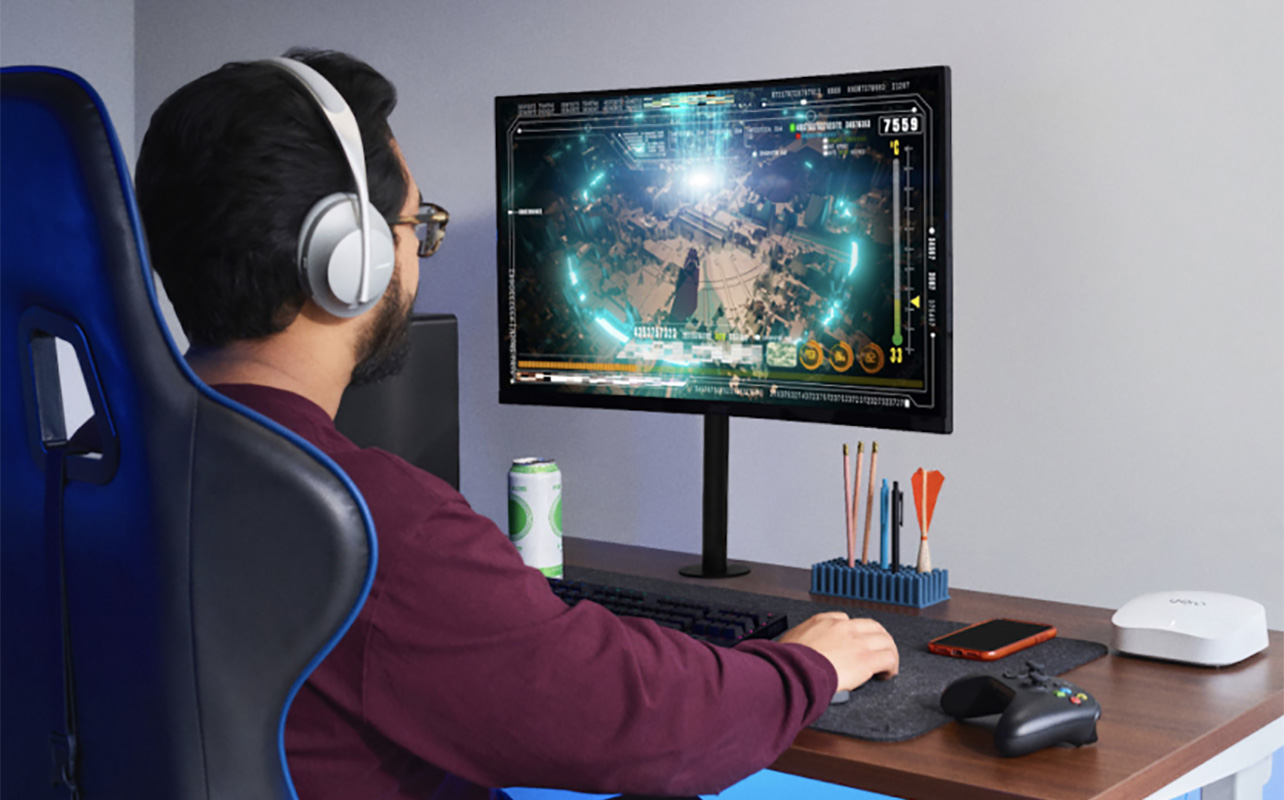
You should pick one or the other, as mixing the two typically doesn’t mesh (pun intended) well. It can cause network conflicts, create inconsistent connectivity, and reduce performance, which negates the purpose in the first place. See our networking buying guide to dive even deeper into the topic if you want to learn more.
Whole-home vs. one room
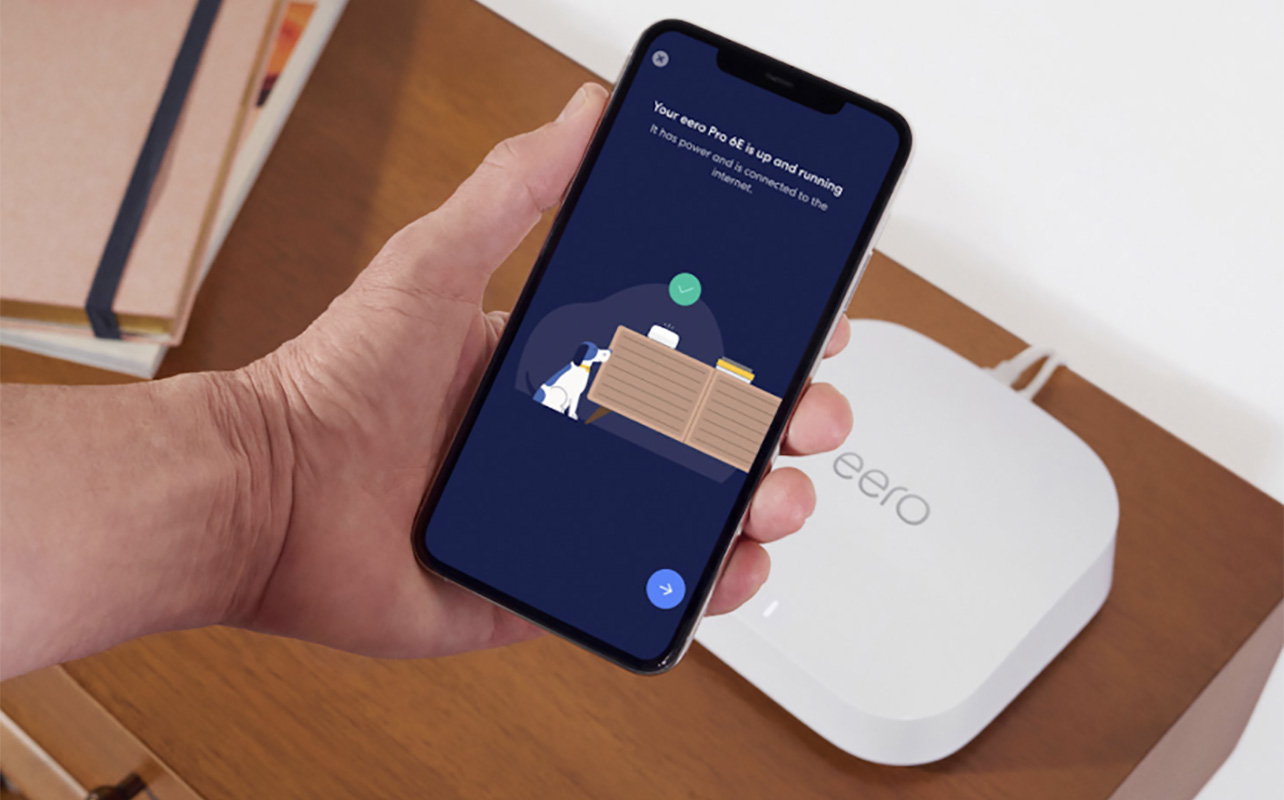
If you want seamless, whole-home coverage with an existing fast internet plan, eliminating dead zones and ensuring consistent speed, go with a Wi-Fi mesh system. This is not only a good option for larger homes but also homes with thick walls and basements. If you have a fibre internet plan, you’ll benefit more from a mesh system as well.
But for those on a budget or who need to boost speed in a smaller home or a single room or area, like a home office or gaming room, a Wi-Fi extender might be sufficient. It’s more of a quick fix for a single room or zone, or a budget-conscious option while you save up.
See a wide selection of Wi-Fi and networking products at Best Buy Online.
FAQs
Scan these final FAQs that answer any of your last-minute questions.
Is mesh Wi-Fi better than a Wi-Fi extender?
Generally, yes, if you need more expansive and reliable coverage and consistency. But if you’re looking to solve an isolated issue in a single room, a Wi-Fi extender has its purpose, too.
Does mesh Wi-Fi improve speed?
Mesh Wi-Fi can improve internet speeds in rooms, areas, or floors where it might be slow and choppy due to network congestion or weak signals. But it isn’t going to speed up the internet beyond what your plan allows.
Are Wi-Fi extenders slower?
They typically are because of the method of rebroadcasting a signal. You will have a better connection in a dead zone room than without an extender. But it won’t be as seamless and fast as with a mesh Wi-Fi system.
Which is easier to set up?
Both are simple, mesh Wi-Fi systems usually using an app for set-up. Extenders are typically plug and play, making them super simple as well. Neither is especially difficult once you have a router set-up.
Is a mesh system the same as Wi-Fi pods?
Some Canadian internet providers offer branded Wi-Fi pods you can plug into outlets throughout the home. They function like mesh systems, access points that pair with your main gateway. They usually create their own network, so they sort of lie between a mesh Wi-Fi system and an extender.