If you’re looking for a new Fitbit, it’s a tough call between the new screenless Fitbit Air and the Fitbit Charge 6, which has a small rectangular screen. There’s value with both, but the decision will come down to whether you want an ultra-comfortable, distraction free experience or the convenience of having an on-wrist display and controls.
Having used both devices, I can confirm that both are great fitness trackers that serve their purposes well. Which one is best for you comes down to needs and preference. In this article, I’ll help you weigh the pros and cons to determine which tracker would fit your lifestyle better.


Initial choice: Fitbit Air
Based on my experiences as per my review of the Fitbit Air, it is the better of the two devices. While the Fitbit Charge 6 is a solid option, it’s also older, introduced back in 2023. This doesn’t mean it’s outdated – it’s still very much a relevant option. The screen is small, but big enough to provide basic notifications, workout selection, and more.
Both work with the new Google Health app and the subscription-based Google Heath Premium upgrade. So, with either, you’ll want to leverage everything the app has to offer. This means even though the Fitbit Charge 6 has an on-wrist display, it’s still secondary to the experience.
That said, if you like having a screen to do things like select workouts on the fly and appreciate a GPS-connected workout experience without requiring your phone, the Fitbit Charge 6, which we reviewed when it launched a few years ago, is worth considering instead. And you if you would like to better understand what a screenless fitness tracker is, you can read this detailed feature on what it is and how it works.
But let’s dive deeper so you can make a more informed decision.
Fitbit Air: best for simple, screenless, low-distraction tracking
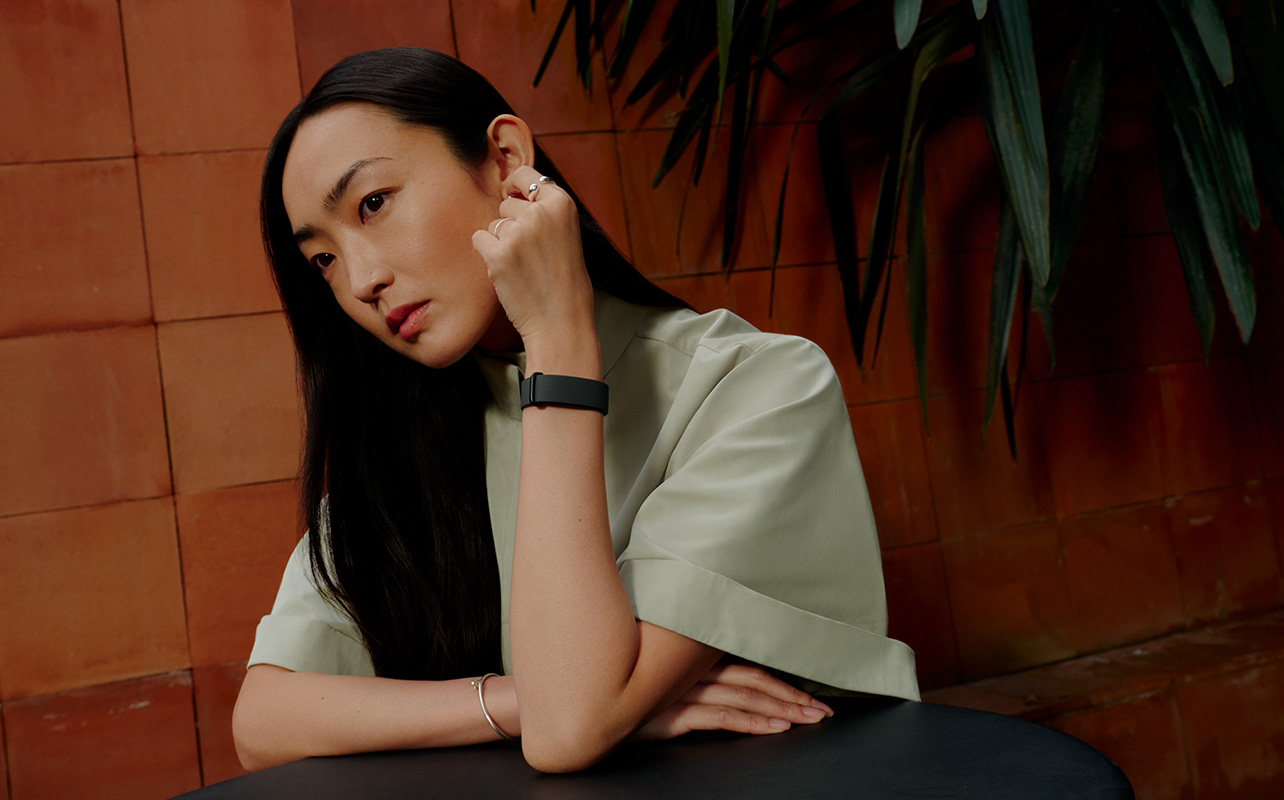
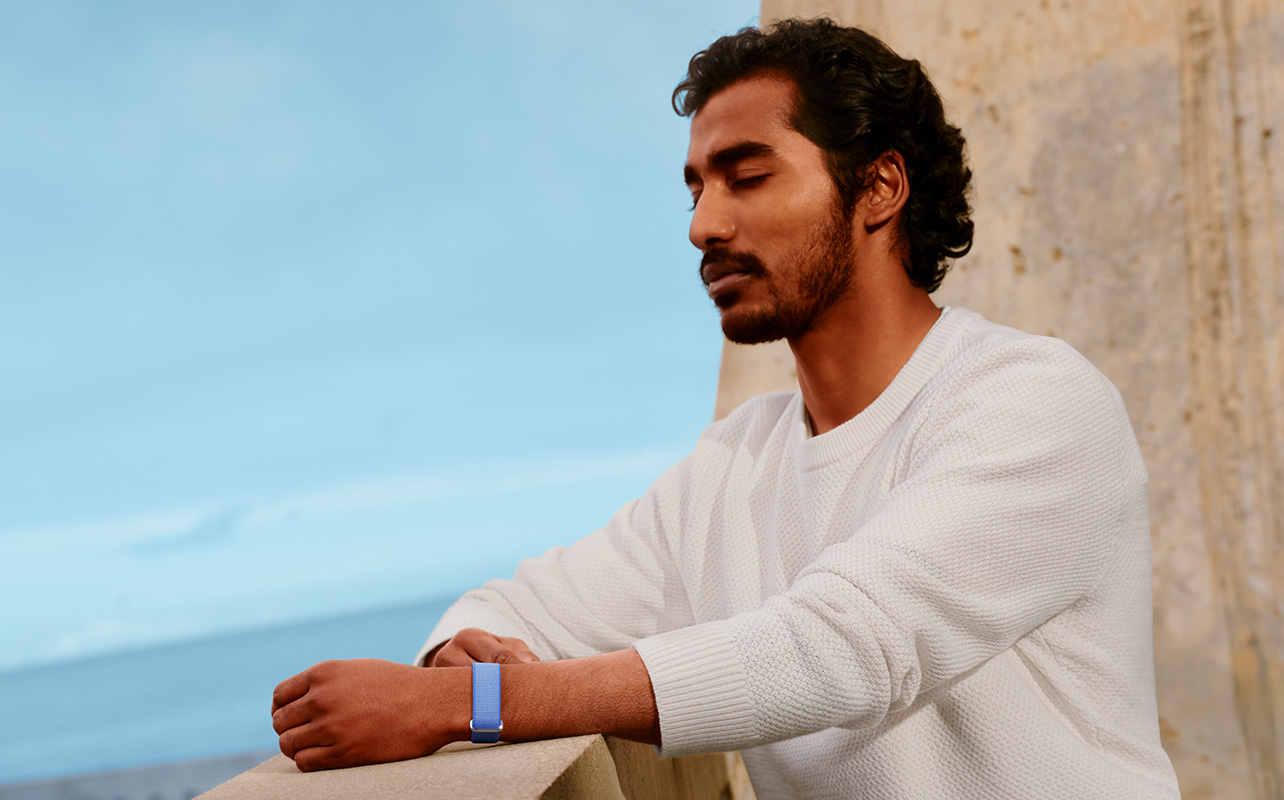
The beauty with the Fitbit Air is that it’s completely passive, one of the main reasons that fitness trackers are going screenless. All your interactions happen within the Google Health app. The only thing you can physically do with the actual tracker is set vibration alerts for notifications like alarms and tap the top twice to illuminate the tiny side LED to advise of battery status.
It’s incredibly comfortable such that you will forget you’re even wearing it. If you sign up for Google Health Premium, you may think you’d be inclined to visit the app on your phone more often than you would with trackers that have a screen. But once you get comfortable with its passive tracking, you might find that you only check in a few times a day, letting the Fitbit Air quietly do its thing in the background.
Fitbit Charge 6: best for people who want a display, GPS, on-wrist controls
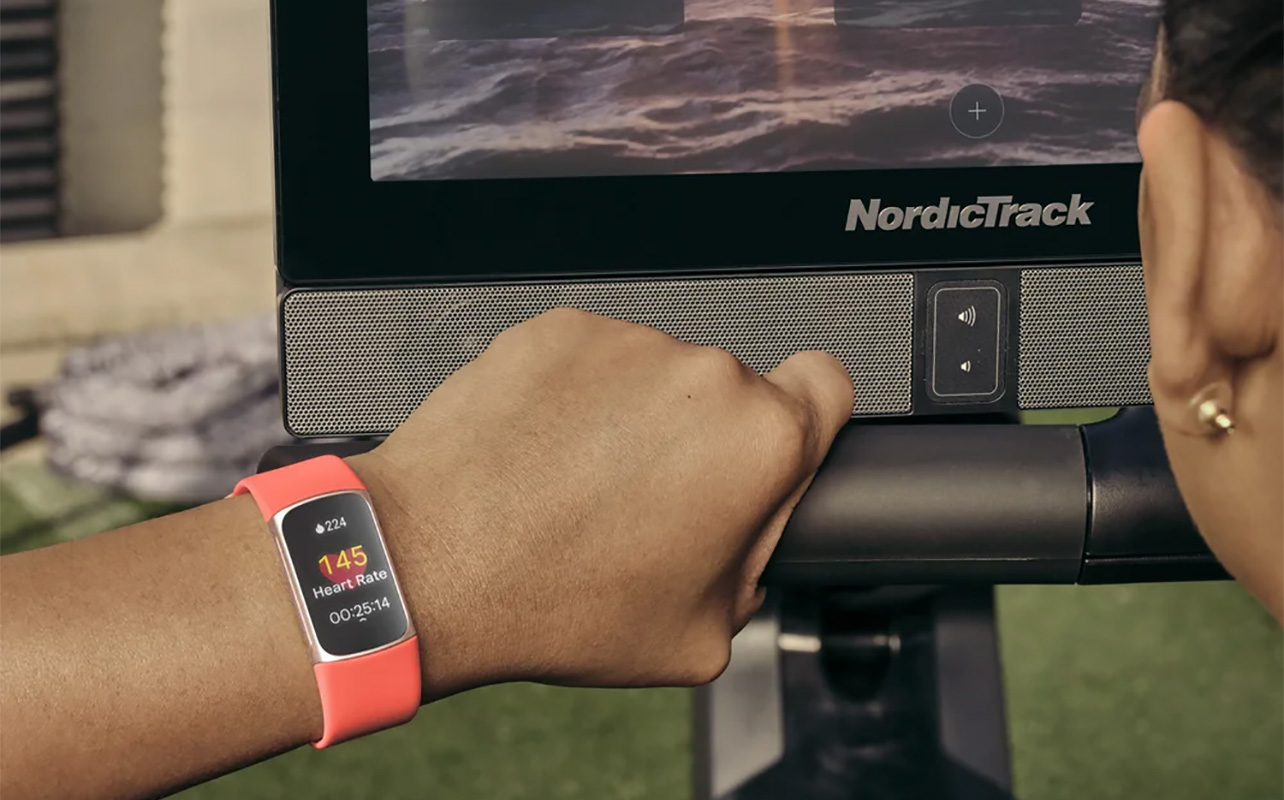
The Fitbit Charge 6’s display might be small, but there’s a lot you can do with it. It shows workout data, lets you choose a workout from the screen, see scrolling text for notifications, follow turn-by-turn directions via Google Maps navigation, and access Google Wallet for tap-to-pay. Since it has built-in GPS, you can go for a run and leave your phone at home. The Fitbit Air works with connected GPS, leveraging your phone, which has to be with you. If you’re used to the format with a screen, you might feel more comfortable with the Fitbit Charge 6.
Fitbit Air vs. Fitbit Charge 6: feature comparison table
Here’s a handy chart outlining the key specs of both trackers to help you decide.
| Fitbit Air | Fitbit Charge 6 | |
| Band Colours | Obsidian Black, Berry, Lavender, Fog | Coral, Porcelain, Obsidian |
| Band Material | Textile, stainless steel buckle, silicone | Silicone, aluminum buckle |
| Band Size | One Size (textile), small, large (silicone) | Small, large |
| Screen | None | 1.04-inch AMOLED |
| Sensors | Optical heart rate, accelerometer, gyroscope, temperature, Sp02 | Optical heart rate, accelerometer, gyroscope, temperature, Sp02, NFC |
| GPS | Connected | Built-in |
| Water Resistance | IP68 | IP68 |
| Battery Life | Up to 7 Days | Up to 7 days (real world less), 5-6 hours with GPS |
| Charge Time | 90 minutes, 5 minutes for extra day | 2 hours |
| App | Google Health, Google Health Premium | Google Health, Google Health Premium |
| Unique Features | Google Wallet, YouTube Music, Google Maps, automatic workout tracking | Automatic workout tracking, tap-to-pay, navigation, YouTube music controls, gym equipment syncing |
| Price | $130 (subject to change) | $220 (subject to change) |
Sleep tracking and comfort
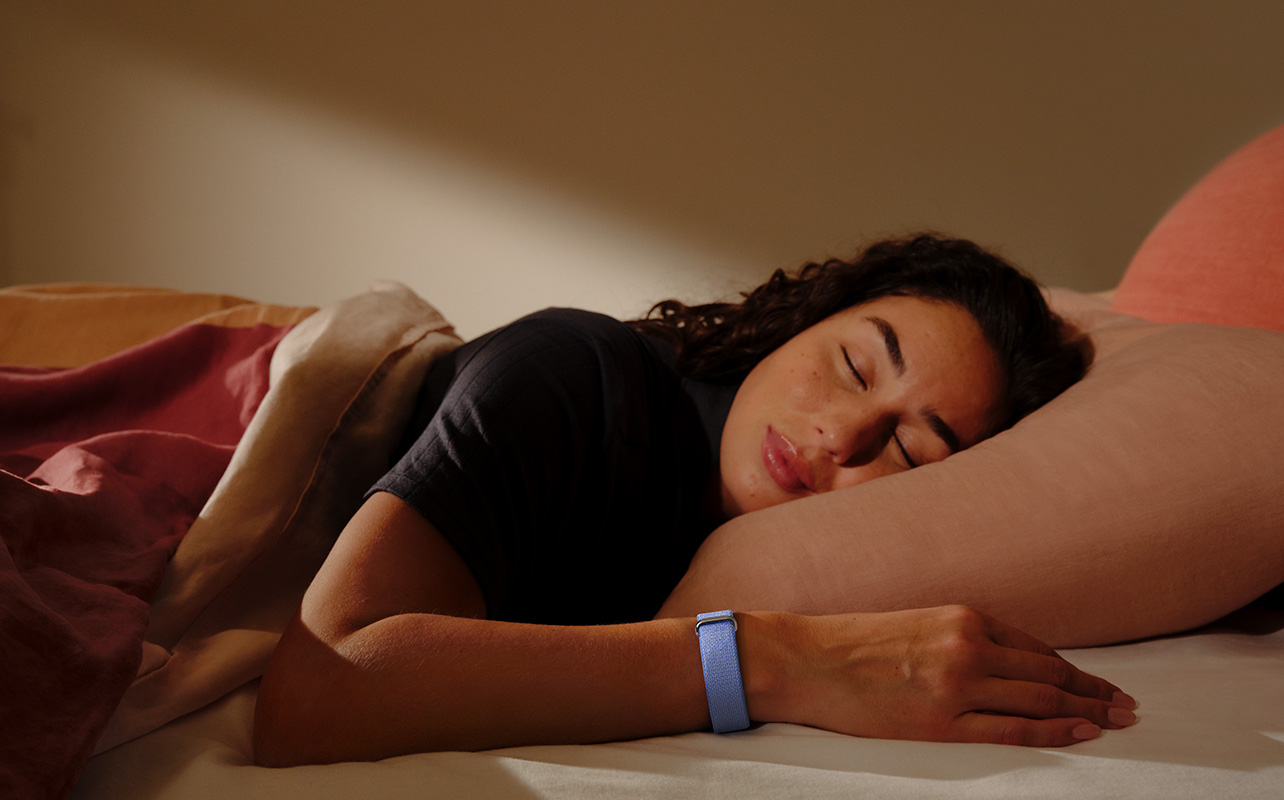
Sleep tracking is one of my favourite features of a smartwatch, fitness tracker, or smart ring. How long and how well I sleep is the first thing I check every morning, as it helps either kickstart my day or mentally prepare me if I didn’t get good quality sleep. Both these trackers do a good job at keeping on top of this.
With Google Health Premium, you get advanced insights, including analysis of your time to sound sleep, amount of sound sleep, restlessness, and interruptions, and if they are in line with the typical range of others of your age and gender. The biggest advantage with the Fitbit Air while sleeping is that it’s so slim and uniform throughout with its fabric band, that you won’t even feel it, no matter how much you toss and turn. The Fitbit Charge 6 is comfortable as well, and you can opt for a fabric band for a more comfortable wear at night. But the Fitbit Air takes the cake in terms of comfort.
Workout tracking simplicity
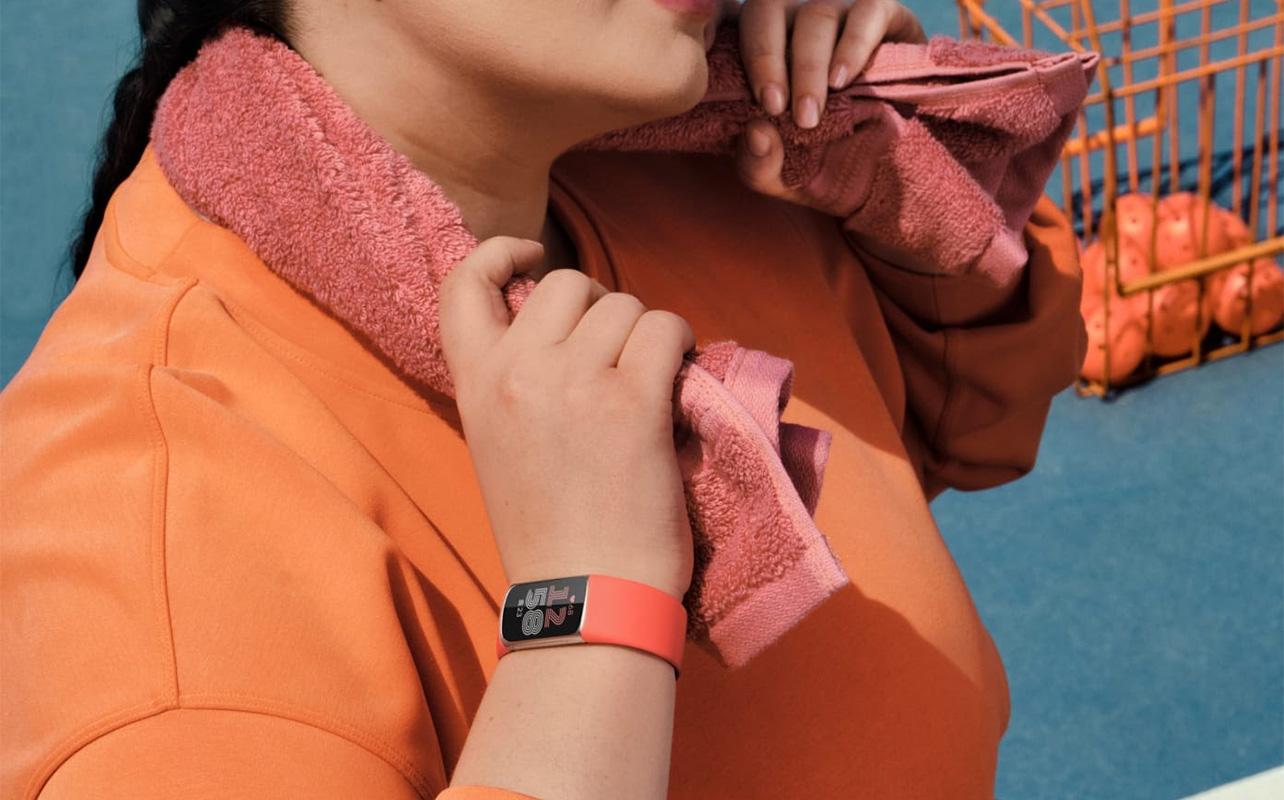
Both log your workouts through the Google Health app, where you can manually initiate one. The big difference here is that you can also start a workout right from the Fitbit Charge 6 screen. The Fitbit Air does work with automatic workout tracking, automatically sensing when you’re doing one of a handful of common activities with distinctive movements and sustained heart rate leaps. These include running, walking, bike riding, spinning, rowing, elliptical training, team sports, and more, as long as it’s at least 15 minutes long. But it doesn’t capture everything automatically.
Fitbit Charge 6 has SmartTrack, too. But for the most precise tracking, especially if you do uncommon exercises or activities, you’ll like that you can start and stop the workouts right from the Fitbit Charge 6 screen. Also, the inclusion of built-in GPS with the Fitbit Charge 6 is important if you do activities like walking, running, cycling, and hiking and prefer to leave your phone at home.
Smart feature enhancements
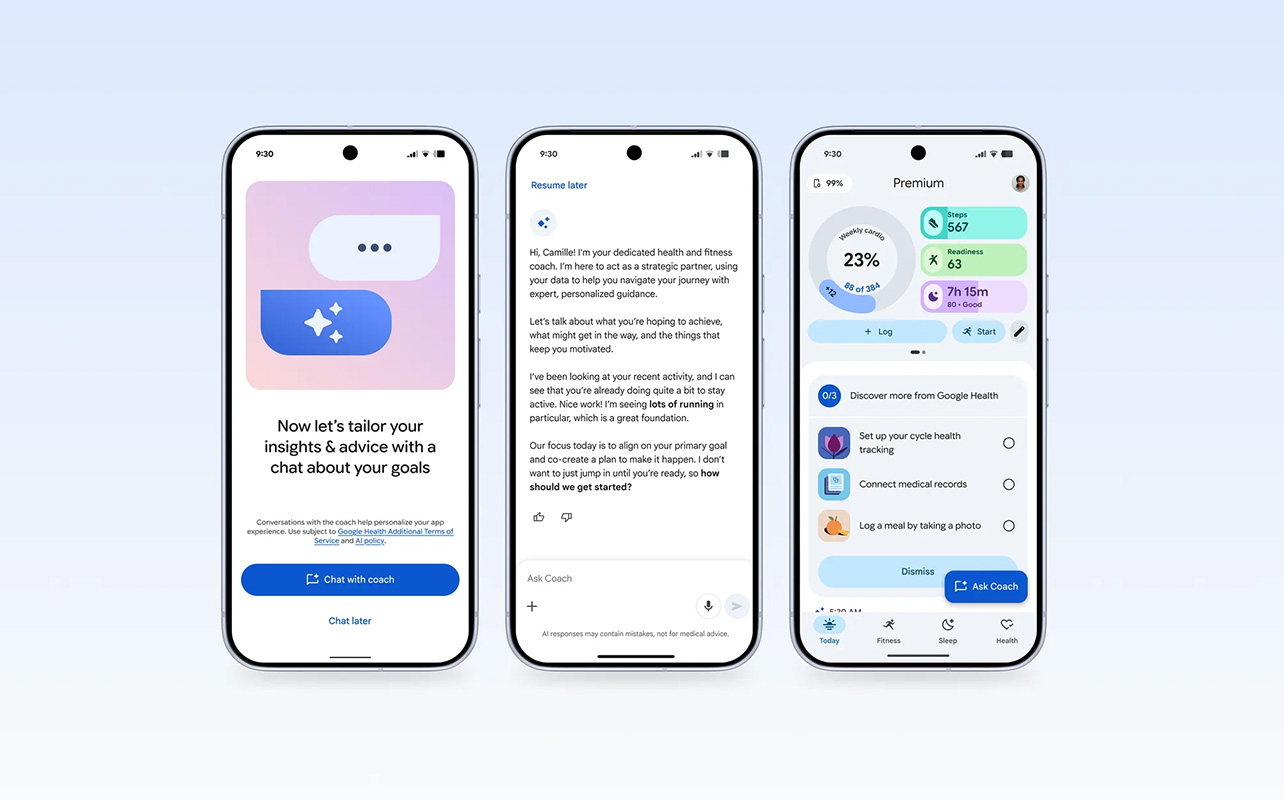
All the smartest, AI-driven features with both the Fitbit Air and Charge 6 happen in the Google Health app when you subscribe to Google Health Premium. So, you’ll get a similar experience with both trackers in this respect. But with the Fitbit Charge 6, you can enjoy display-led interactions. This could be real-time details about your heart rate zones while doing an intense cardio workout. With Fitbit Air, you won’t see this data until you’re reviewing the workout stats once done. The Fitbit Charge 6’s screen can also be used for things like Google Maps navigation and even controlling YouTube Music playing from your connected phone. You can also take on-the-fly measurements for stress and ECG.
You might find the Fitbit Charge 6’s screen useful for setting a stopwatch if you’re running track or want to time your gym sets. So, when it comes to AI smarts, the trackers are similar based on the app experience. But the Fitbit Charge 6 adds the opportunity for on-wrist controls for fitness and beyond, and display-led interaction that you don’t get with the Fitbit Air.
Battery life and everyday comfort

As noted, both trackers are comfortable, though the Fitbit Charge 6’s comfort depends on the band you choose. It comes with a standard silicone infinity band in both small and large, but there are tons of third-party options you can pick. The Fitbit Air comes with a fabric performance band with a Velcro fastener, useful to easily adjust the circumference by tightening or loosening it if you lose (or gain) weight. You can also upgrade to the sweatproof silicone active brand or stylish elevated modern band.
The Fitbit Air is rated to last for up to seven days per charge, and I have found this accurate in my tests. In fact, it can often last a few days longer, a benefit of not having a power-hungry screen. Using the proprietary charger, it takes about 90 minutes to fully recharge. and just five minutes will give you a full extra day. The Fitbit Charge 6 is surprisingly rated to last just as long at up to seven days, but real-world usage puts it closer to four-to-six days. If you turn off the always-on display, you can extend that a bit longer. But when you use built-in GPS, that eats up battery life faster. The Charge 6 uses a proprietary charger as well, and recharges in just over an hour and-a-half.
Fitbit Air vs. Fitbit Charge 6: Which one should you buy?

When considering which fitness tracker to buy, I’m partial to the Fitbit Air since the distraction-free experience is appreciated. When I do workouts, I typically initiate them from an app on my phone anyway, then AirPlay to my TV. So manually starting the workout isn’t an inconvenience. It works well for automatically capturing activities like walks, too. Plus, I like being able to still wear my traditional wristwatch on the opposite wrist.
But if you’re wearing this as both your watch and fitness device and want to use it independent of your phone, the Fitbit Charge 6 is a good choice to consider. The benefits of being able to see notifications, follow navigation directions, even tap to pay for that smoothie at the gym, will be invaluable to some.
If you want something you can control from your wrist and integrate more into your day-to-day life, go with the Fitbit Charge 6. If you prefer a passive tracking experience where you can tap into the app as you desire to check on things, the Fitbit Air is a solid option. Find both at Best Buy Online.