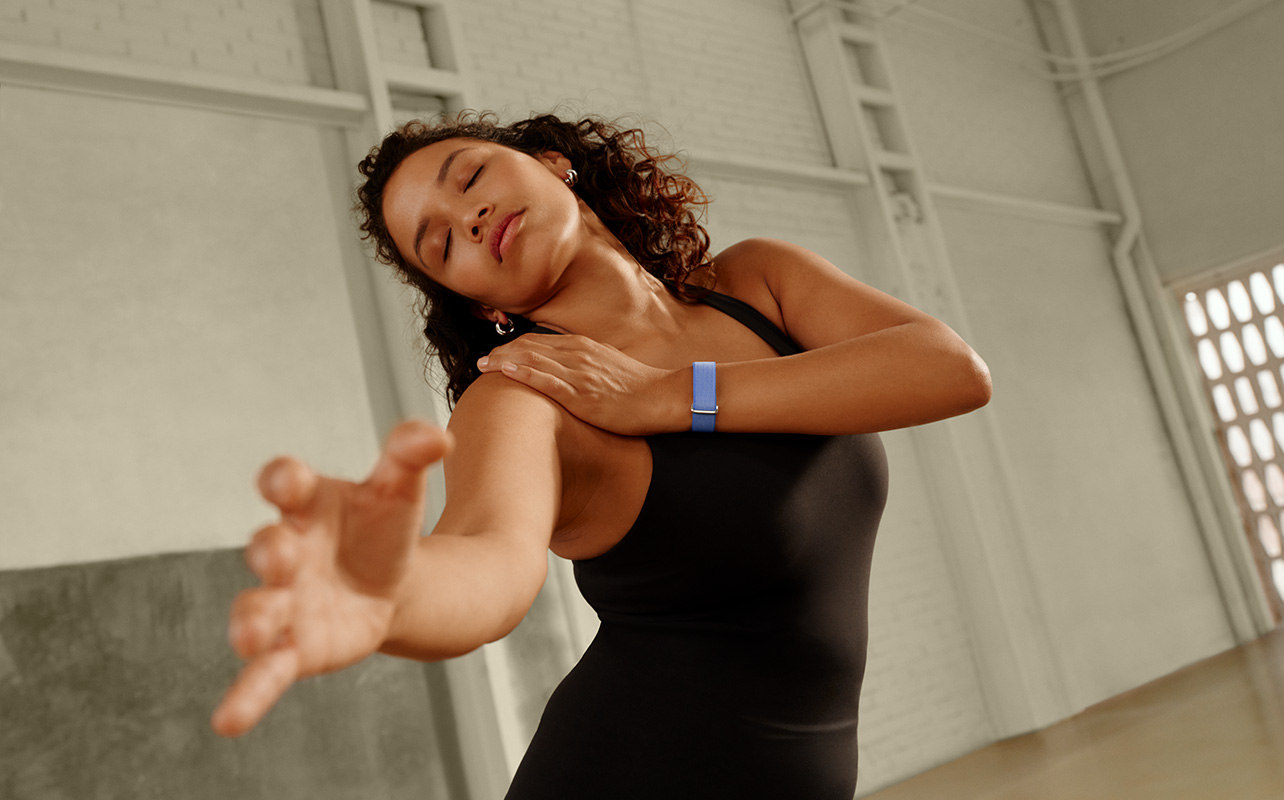
Fitness trackers usually have small, thin, rectangular screens, but lately, we’ve been seeing completely screenless models. One of the most talked about recent additions in this space is the Google Fitbit Air. There are lots of reasons driving this trend, and it isn’t just older generation shoppers that prefer the simplicity, but also younger ones who yearn for fewer distractions. The trend towards screenless trackers isn’t just the industry pushing something new, it’s addressing shopper needs and wants.


Why screenless wearables are getting attention
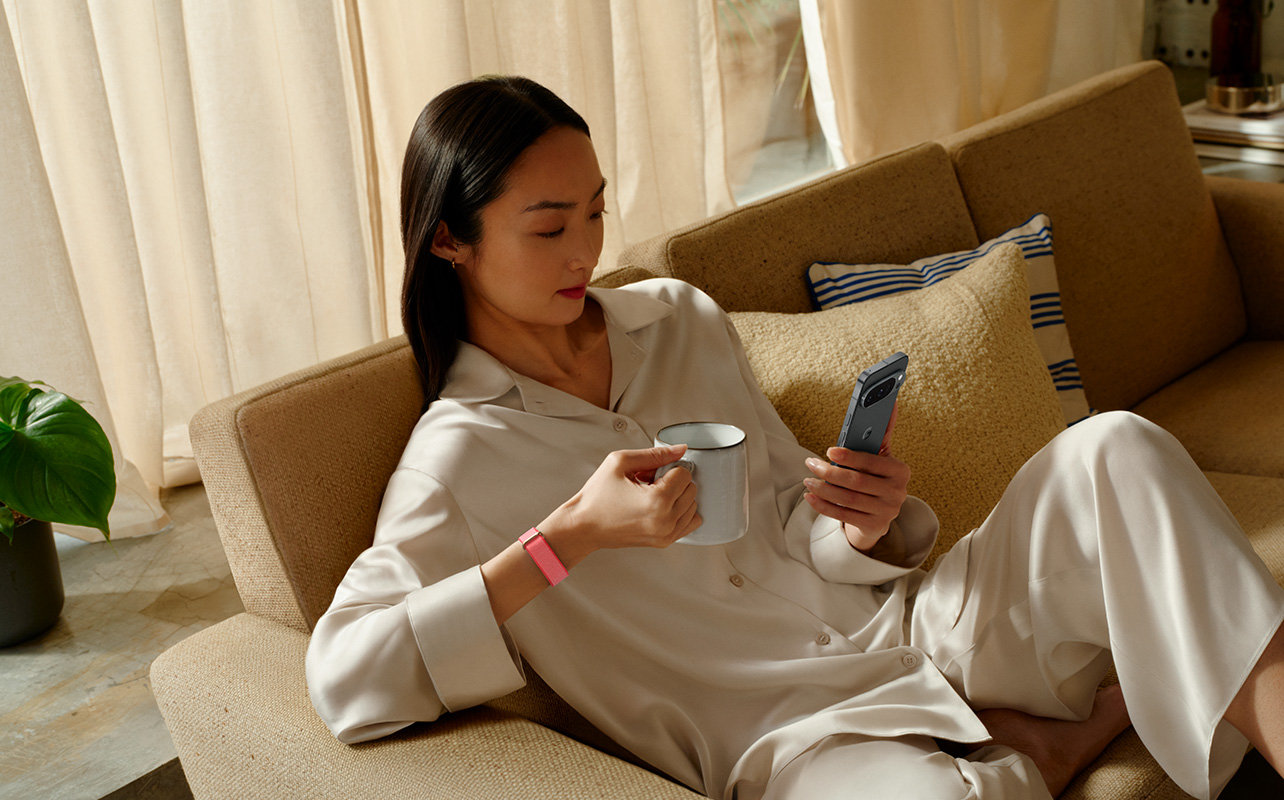
Screen and connectivity fatigue is setting in, which is why so many throwback technologies are coming back in style, like wired earbuds, vinyl through record players and turntables, and dumbphones reminiscent of flip phones of the early 2000s. Rather than have yet another screen to look at and obsess over, screenless fitness trackers work passively in the background. Yet they still capture just as much data as others without pulling you out of your day. When you want to get details, you refer to the app. It’s health data without smartwatch distractions.
It doesn’t hurt that since screenless trackers look like bracelets, you can wear them on the opposite arm of your fancy wristwatch without it looking weird. (I “double-wristed” it many times while reviewing smartwatches and got glances from airport security when traveling, wondering why I had two watches!) Additionally, without a screen drawing constant power, these trackers typically last for at least a week per charge.
The downsides of always-on wearables
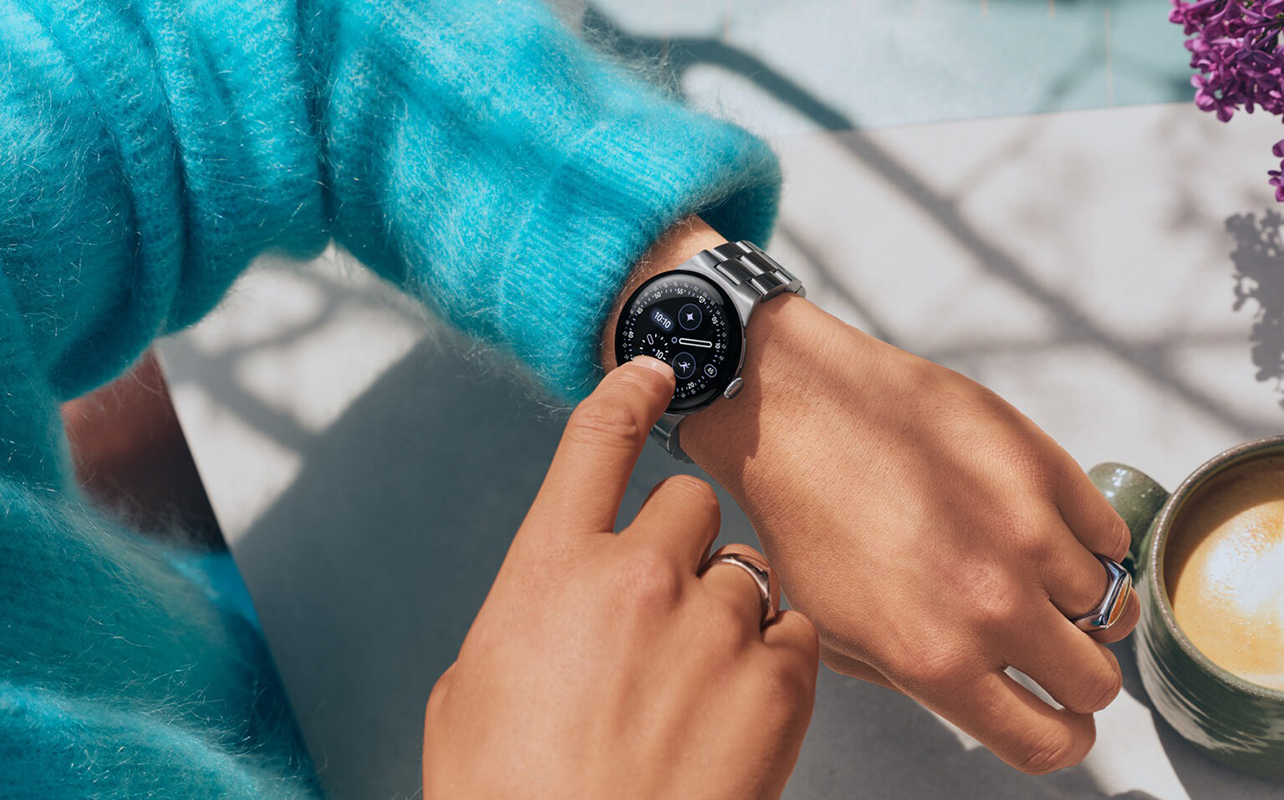
There are advantages to wearables like smartwatches and fitness trackers with screens, don’t get me wrong. On the most basic level, they function as watches to tell time. You can see notifications from your connected smartphone, access apps, and initiate workouts right from your wrist. With some, you can use tap-to-pay, see turn-by-turn navigation directions, control music, and more.
But that’s a double-edged sword because the more they can do, the more distracting they can become. Do you notice that even when your phone is put away in your bag or pocket, you’re always glancing at or fidgeting with your smartwatch? Without the temptation of these distractions, you might realize you don’t actually miss them.
Sleep tracking and comfort
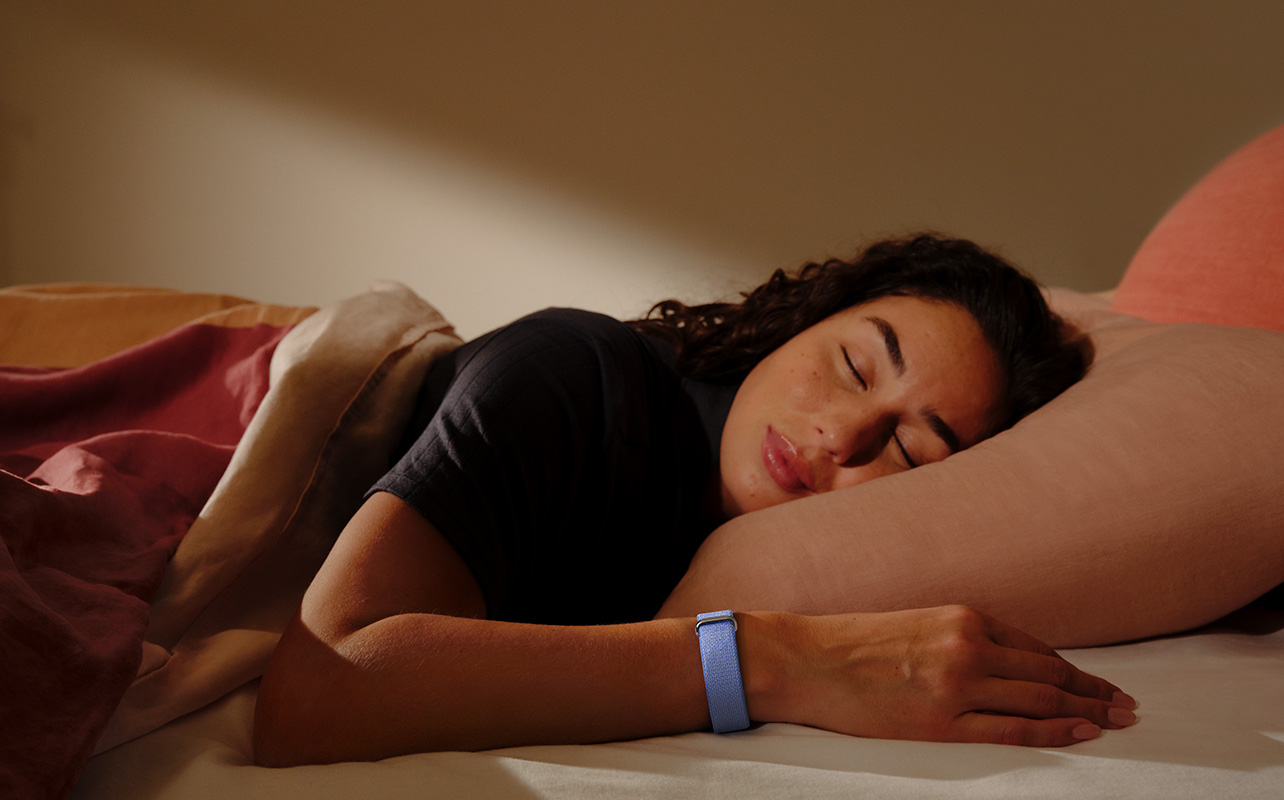
Some people find that larger and heavier smartwatches or screen-based trackers get in the way while they sleep. By contrast, screenless trackers are so thin and fitted to your wrist. They’re usually made with a soft fabric material that contours to the skin, hiding the sensor inside. The Fitbit Air, for example, which I reviewed, is so comfortable, I don’t even notice I’m wearing it during the day, much less at night. You don’t have to worry about putting it in Do Not Disturb mode. There are no notifications or flashing lights to distract you while you’re trying to get some rest.
App-first health insights
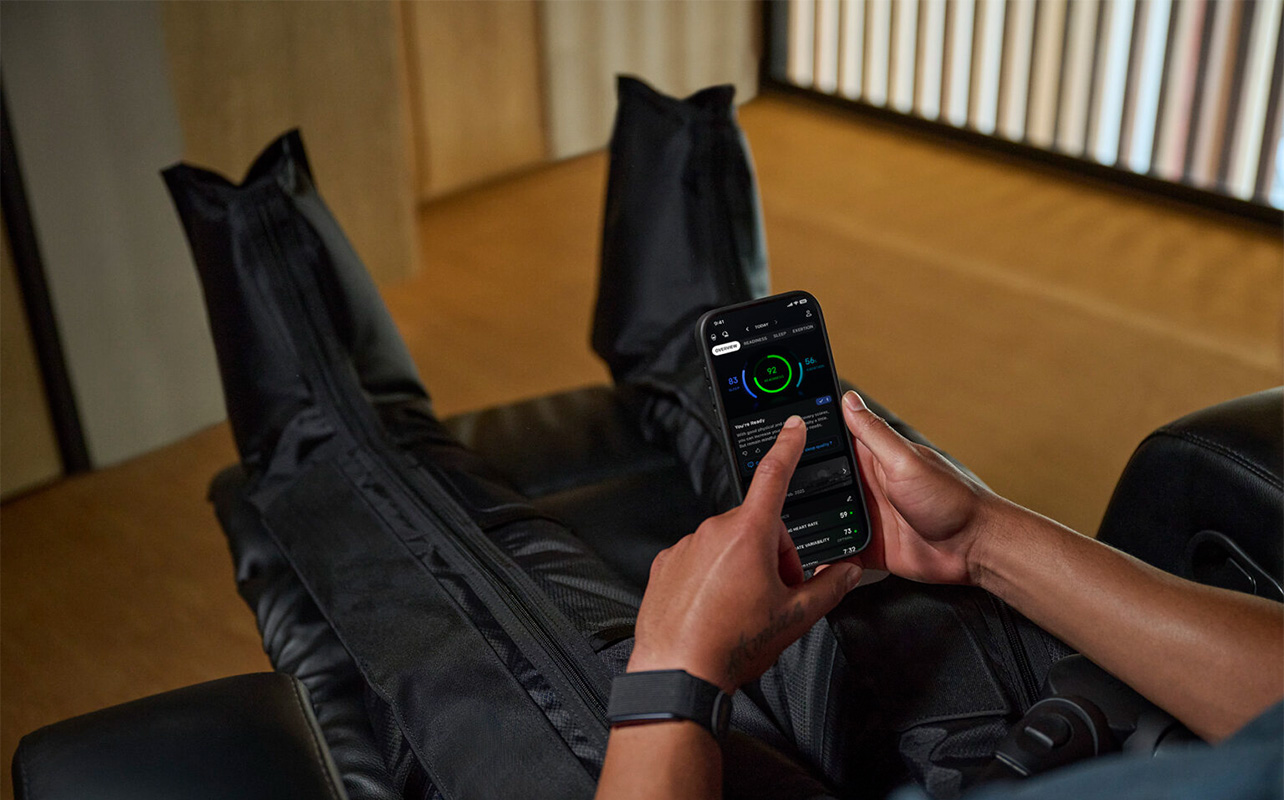
You could argue that without a screen, this prompts you to visit the app on your phone more often. But I have found that despite screenless trackers adopting an app-first model, this is not the case. In fact, you might find that you rely on the tracker to do its thing more so than you do with a smartwatch, only checking in on the app a few times per day. Since models like the Fitbit Air offer automatic workout tracking for common workouts like walking, cycling, and even team sports, you don’t even need to open the app to start many types of workouts: it will figure out that’s what you’re doing. (Note: it only works for certain exercises with distinct movements and that get your heart rate up).
I find with the Fitbit Air, I check the app in the morning, after lunch, in the evening, and before I go to bed. I may periodically log in to add details to my workout tracking, like what weights I lifted, or to snap a photo of my meal for nutrition tracking. But I’m not tempted to constantly check it. I’m happy to view progress periodically instead of constantly. You know the app is storing all the data the tracker collects, so there’s no rush to look. You can review when it’s convenient for you.
Subscription and AI coaching trends
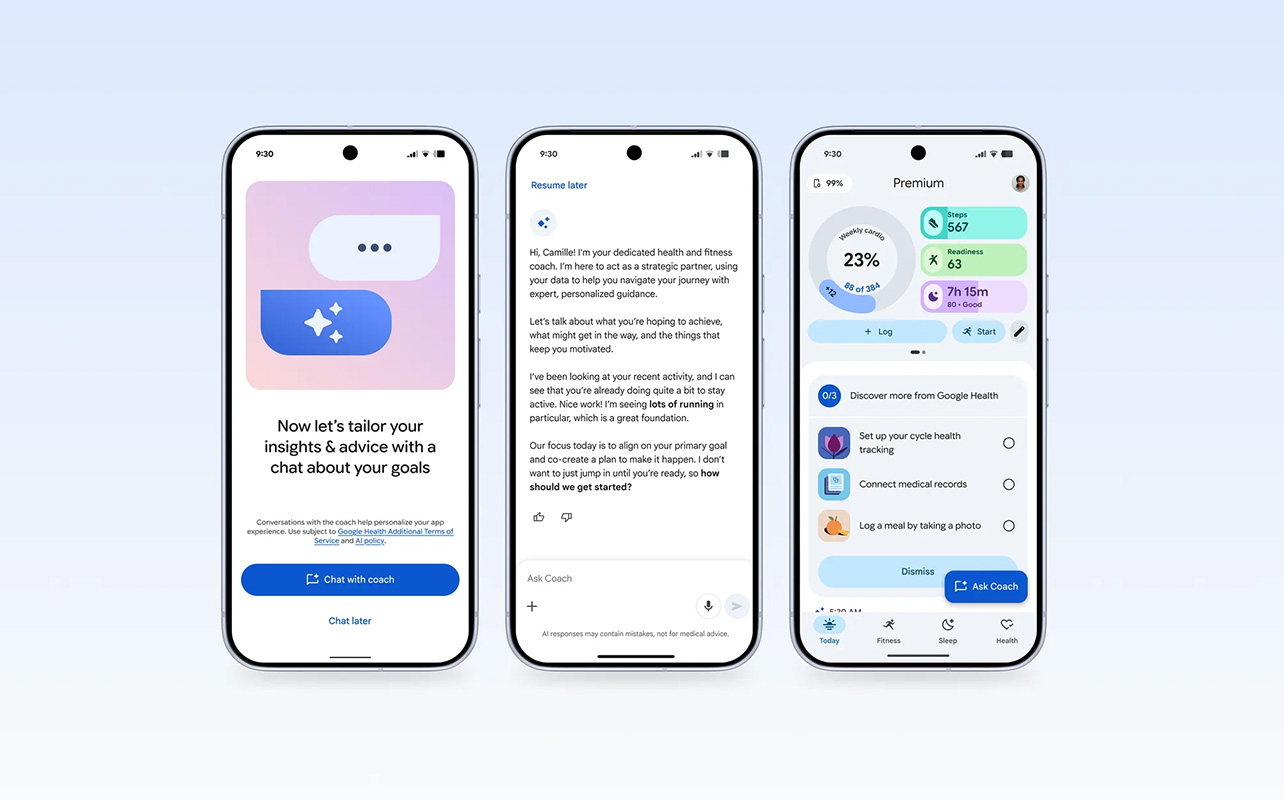
Not all screenless trackers require a subscription, like the Amazfit Tracker. But those that do like the Fitbit Air usually make it worth your while. The Google Health Premium app offers robust AI-driven insights, as I discussed in detail in my review. With AI coaching, while you might open the app from time to time to converse, being able to use natural language, whether spoken or text, makes it effortless. Still, you need to factor the subscription into the cost when considering what fitness tracker to buy. That said, most screenless trackers are a fraction of the price of a premium smartwatch.
The Google Health Premium subscription for a device like the Fitbit Air (note: you can get basic tracking without it so you don’t have to sign up for the $12.99/mo., and you get three months free) reinforces the shift from hardware to software and app-based health guidance. The device no longer needs to be something flashy on your wrist (or other part of your body). It can be simple yet functional, leaving all the heavy lifting to the app. The focus is less on obsessing over your stats as it is letting the tracker capture and analyze data while you go about your day as usual. From there, you can interact with the app to share context and review stats. See how you can improve or give yourself a pat on the back when you meet goals.
Why Fitbit Air matters for the category
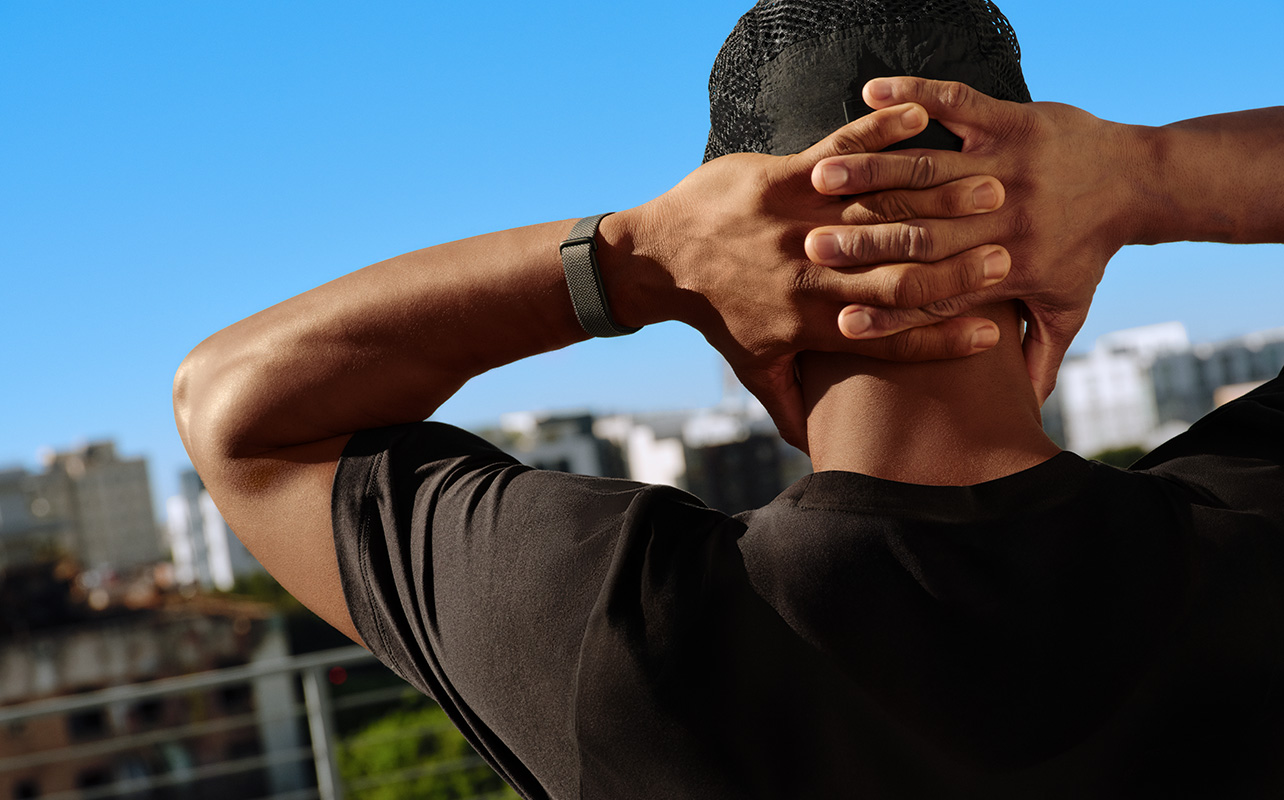
The Fitbit Air isn’t the first screenless tracker to hit the market. Whoop! has dominated the space for some time, and there are others like the aforementioned Amazfit Tracker and Luna Band. Plus, smart rings have become more popular of late. They offer the same advantage of having something unobtrusive and passive, though you need a sizing kit to ensure you get the right fitted size for your finger. Some require a subscription to unlock all the features, some do not.
But the power of Google behind the Fitbit Air along with the Google Health app and especially Google Health Premium, combined with Fitbit’s long reputation in the health tracking business, is a huge step forward for the category. In a way, Google participating in this category legitimizes it for the mainstream. It’s ironic that Google is so heavily involved in driving our screen-dominated society, yet is also getting behind this trend towards no screen on our wrist. It solidifies the importance, at least for some shoppers, of low-distraction health tracking and a more blended daily life wearable experience.
What screenless trackers still cannot replace
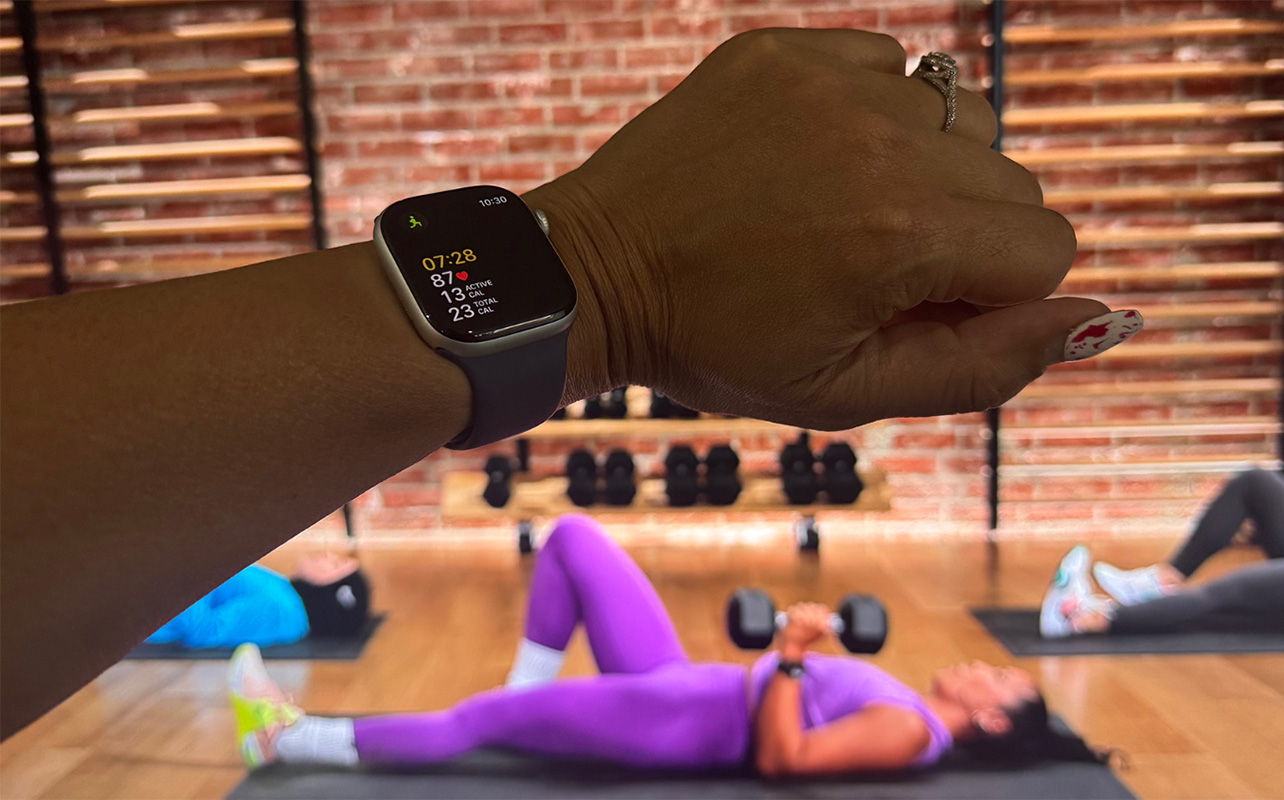
That said, there are some limitations with screenless trackers. If you value a wearable that doubles as a wristwatch, you won’t get that with a screenless tracker. It won’t keep you apprised of notifications, but for the possibility of vibrations to advise when you get a message or incoming call. You can’t initiate a workout manually without your phone. And you can’t quickly glance over to check your heart rate during an intense run or cardio workout session or to see how you’re progressing towards your daily step goals.
So, screenless trackers won’t be for everyone. It will take time to adjust to one if you’ve been accustomed to wearing a smartwatch or a fitness tracker with a screen. For some, you may find a screenless tracker valuable to wear alongside another device. For my entire time reviewing the Fitbit Air, for example, I still wore my Apple Watch Series 11 on the opposite wrist.
Consider a screenless tracker

You might want a screenless tracker to wear alongside a smartwatch. But more than likely, you want one for a simpler, background experience while making a concerted effort to disconnect in at least one way from your always-on lifestyle. They’re affordable, functional, and barely noticeable. But once when you open the app and sync, you’ll be blown away by how much data they collect and can tell you about yourself and your health, wellness, and fitness.
Find a selection of screenless trackers, including the Fitbit Air, as well as models with screens if you prefer, at Best Buy Online.