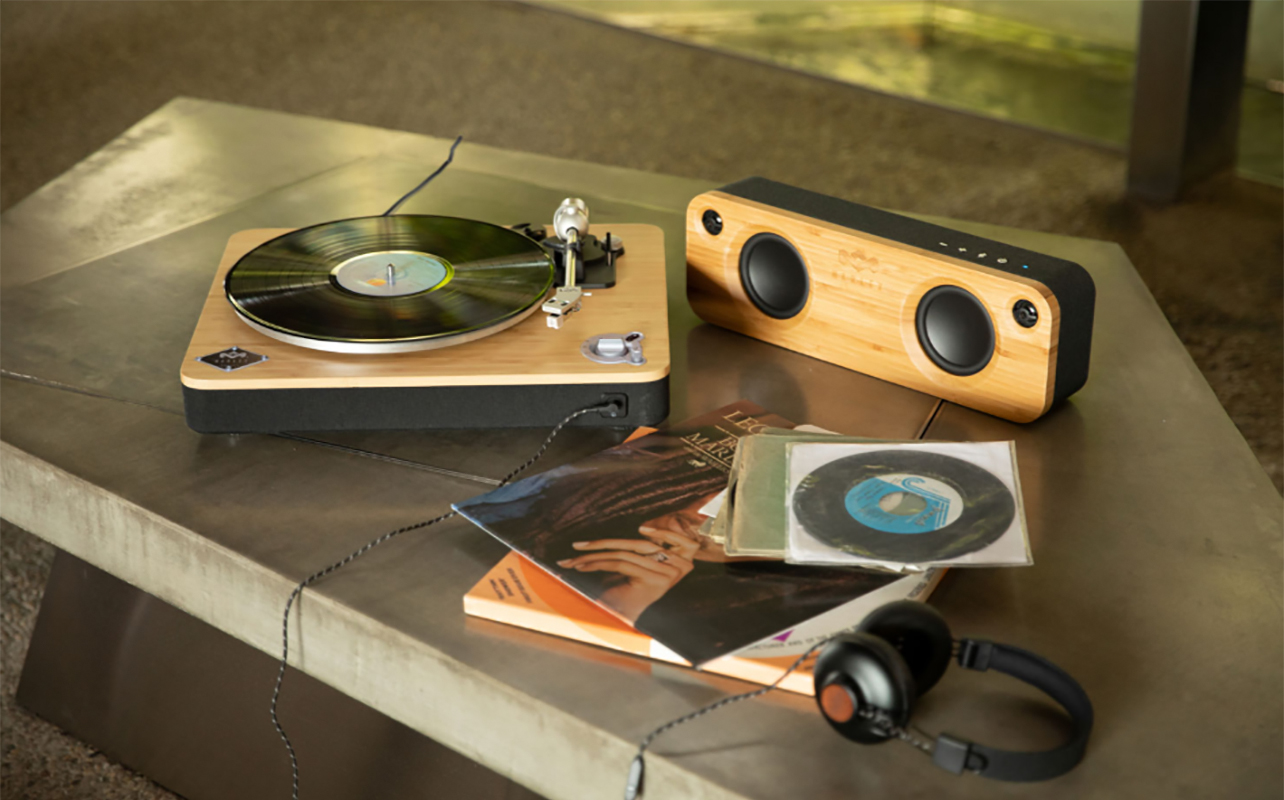
Whether you have a new record player with built-in speakers or a turntable that requires external ones, you can connect it to a speaker system for louder, better sound. Choosing the type of speakers depends on the set-up and record player or turntable. You could use powered speakers, a stereo receiver, Bluetooth or wireless speakers, even a soundbar. No matter if you already have a turntable or record player or you’re looking to buy one, speakers are an essential part of the mix.
If you’re confused about how to hook up a turntable to speakers or how to hook up a record player to speakers, this guide will help walk you through the essential steps. This includes not only the speaker type but what other gear you might (or might not) need, like a preamp and cables. I’ll cover common configurations, including wired, wireless, powered, passive, Bluetooth, soundbars, and more. By the end, you’ll know exactly what you need and what to do to get those records spinning and tunes filling the room!

Why turntable setups are unique
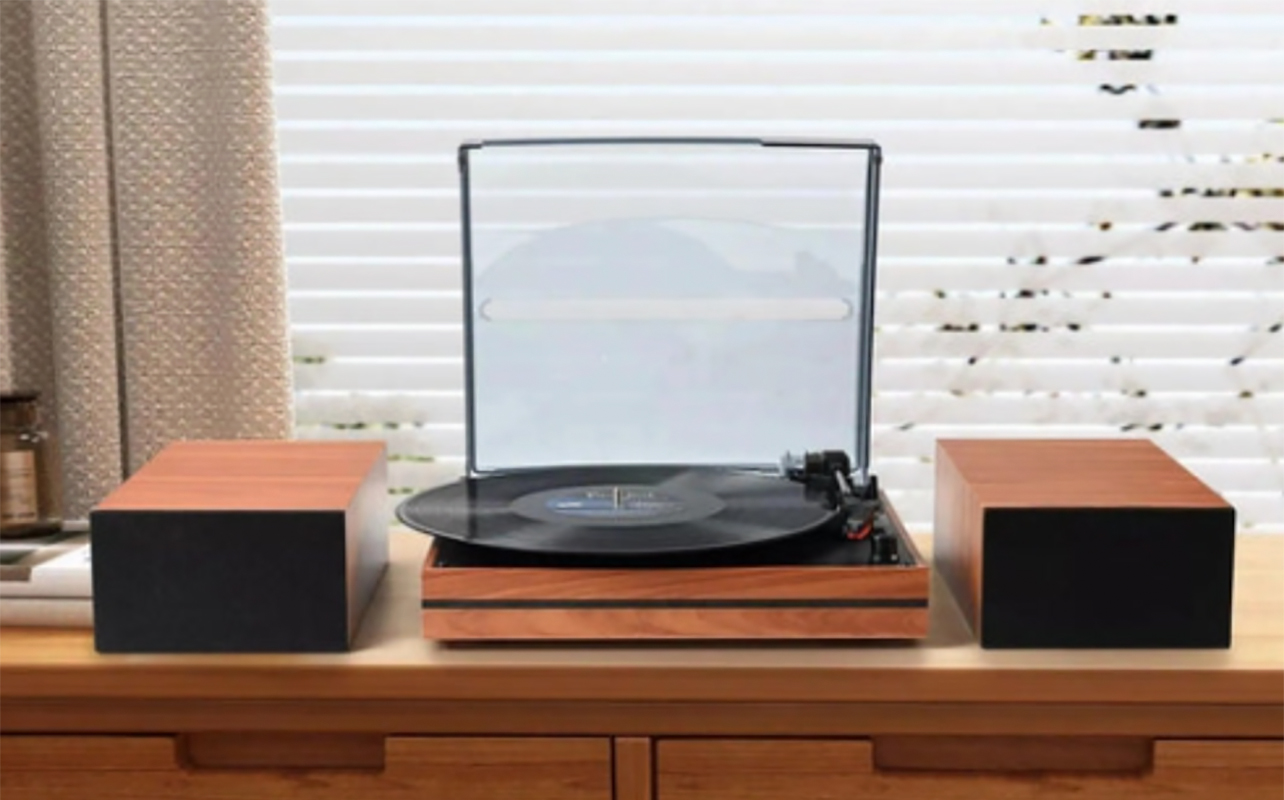
Unlike with a traditional source device, turntables are unique in that you get an audio signal when the needle or stylus hits the record and it begins spinning. This happens through either phono signal or line-level. A phono signal is a weaker signal that comes from the record player. It isn’t very loud, requiring further amplification. By contrast, a line-level signal is what you get with other devices like CD players. It’s stronger and does not require more amplification.
Most newer turntables and record players have a preamp built in. In rare cases, like with an older vintage turntable, you might have to buy one separately. This is what boosts the lower-level phono signal to a line level one so you get an improved listening experience through separately connected speakers.
Types of speakers
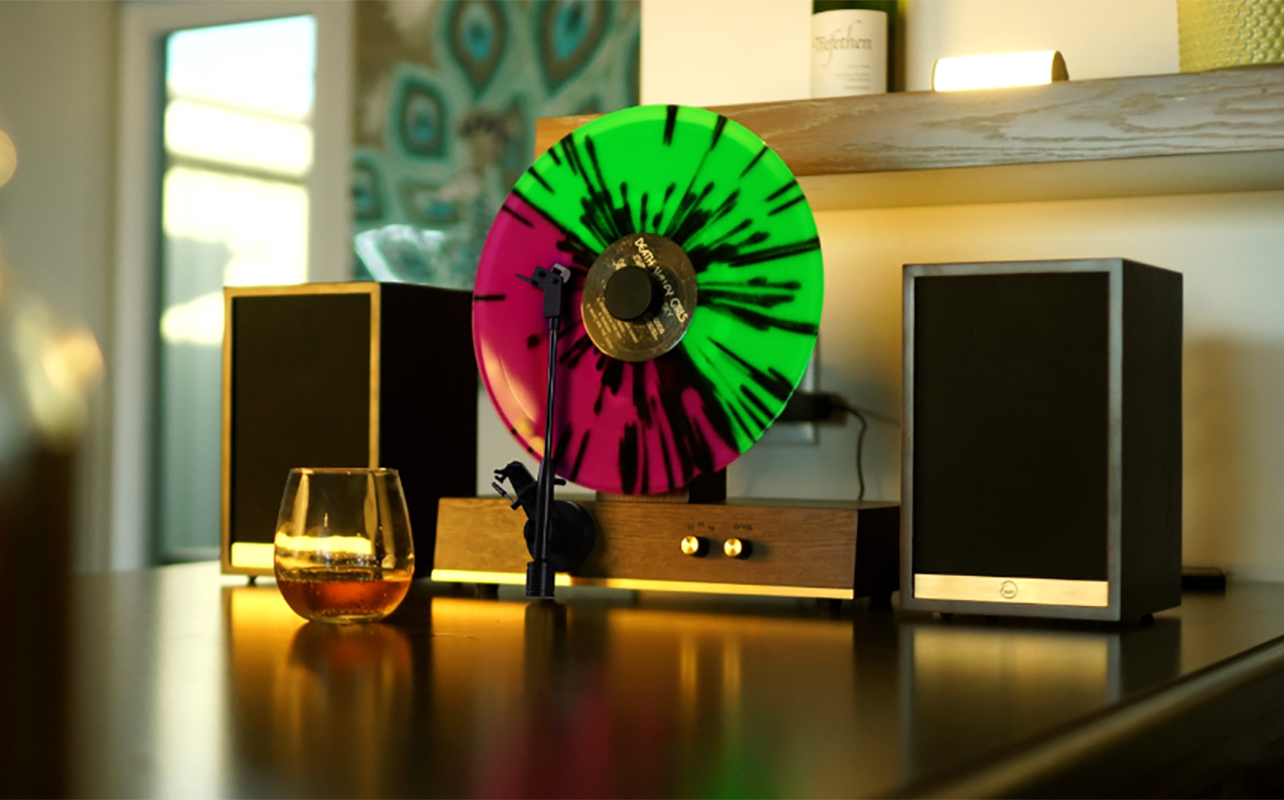
You can connect either a powered/active speaker or a passive speaker. A powered/active speaker has a built-in amplifier. If your turntable or record player has a built-in preamp, you connect it directly to that. If you are using an external amplifier, connect the speaker to it. The powered speaker itself needs to plug into power. With passive speakers, you need an amp but they don’t require additional power since they draw it from the amp. Powered speakers afford a simpler setup, passive more complicated with additional gear, but often with better sound quality.
Different ways to connect a turntable to speakers
Turntables can connect to speakers in several different ways, depending on whether your gear has built-in amplification, preamps, or wireless features.
1. Easiest setups for beginners
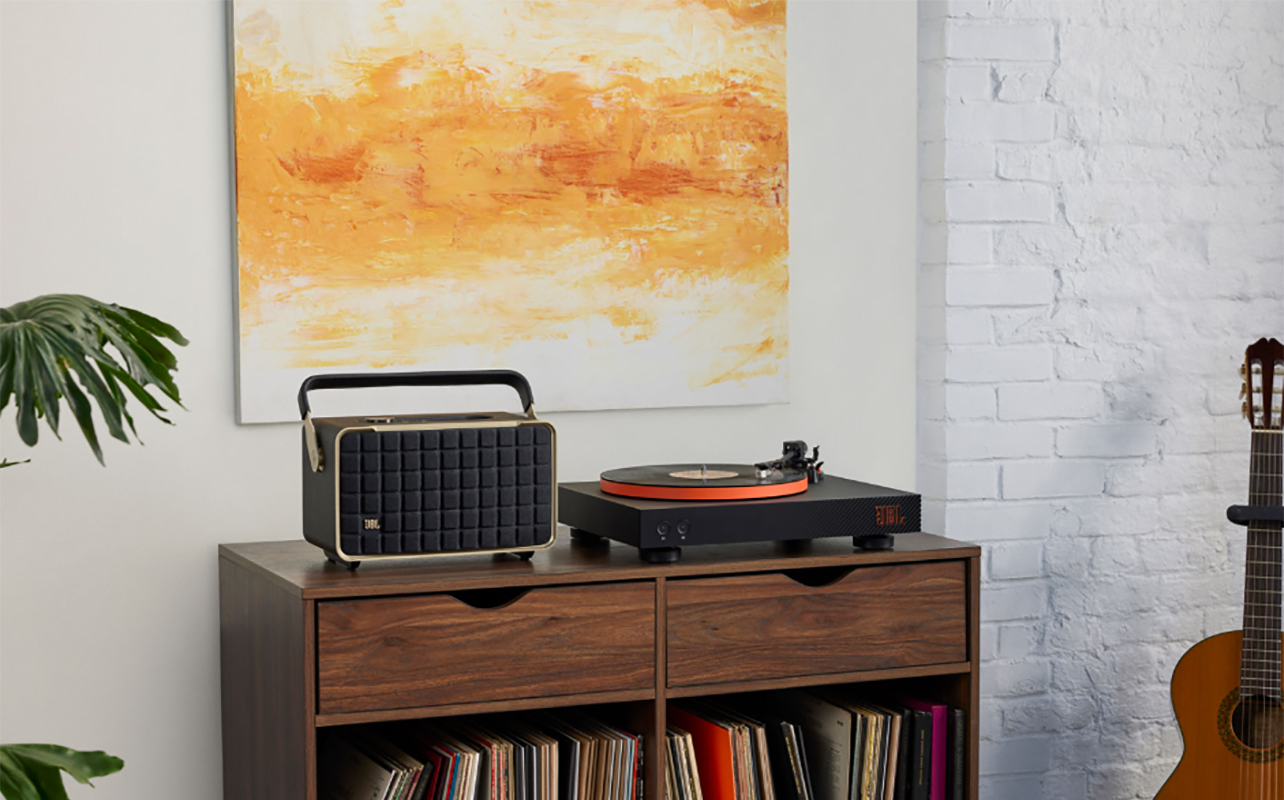
If you’re just starting out, consider one of these simple setups to get going.
Turntable with built-in preamp and powered speakers
First, look at the back of the turntable. If you see a Phono/Line switch or a port called Line Out, this means it has a built-in preamp. Connect the turntable to power, plug the speaker or speakers into the RCA port (or headphones via 3.5mm if one is available), and toggle the switch to Line. Then listen and the audio will play through the speaker(s).
If there’s only RCA outputs, you need to connect a separate preamp.
Turntable with built-in preamp, receiver, and passive speakers
Connect the receiver to the turntable via RCA cables and the speakers to the receiver using speaker wire. Switch to the proper input on the receiver, which is Aux, Line In, or CD if the turntable’s preamp is active: do not use the phono input.
2. Traditional audiophile setups
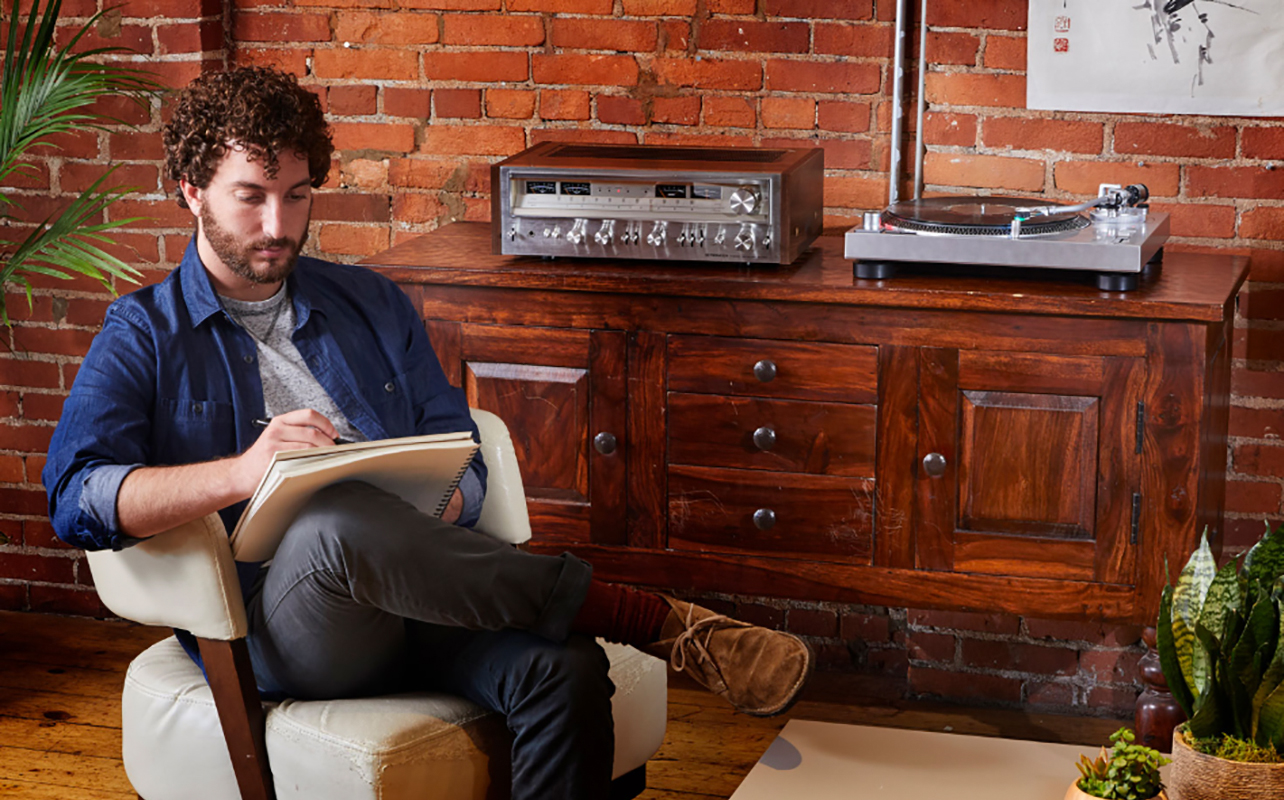
For a better-sounding setup if you’re using higher-end equipment, consider a more traditional audiophile setup.
Turntable without preamp and receiver with phono input
Connect the turntable to the receiver using the phono input: many modern receivers have a phono preamp built in. Connect the speakers to the receiver. Also connect a grounding wire from the turntable to the receiver, which helps prevent hum. If you are using a turntable that has a built-in phono preamp, connect it to one of the receiver’s other analog inputs to prevent distorted or “boomy” sound due to the cascading effect of the two preamps.
If it doesn’t have a built-in preamp, you need to also connect the turntable to an external preamp using RCA cables from the Phono Out port and connect the ground wire from the turntable to the preamp as well. In this situation, you’d connect to the preamp to the receiver, but using any input but phono.
Turntable, external preamp, amplifier, passive speakers
The turntable connects to the preamp via RCA cables, which then connects to the amp. The speakers plug into the amp. You will also need a grounding wire connected from the turntable to the preamp. Using all these external components can ensure clear and precise playback, along with louder volume and better sound quality, overall.
3. Connecting a turntable to a sound bar
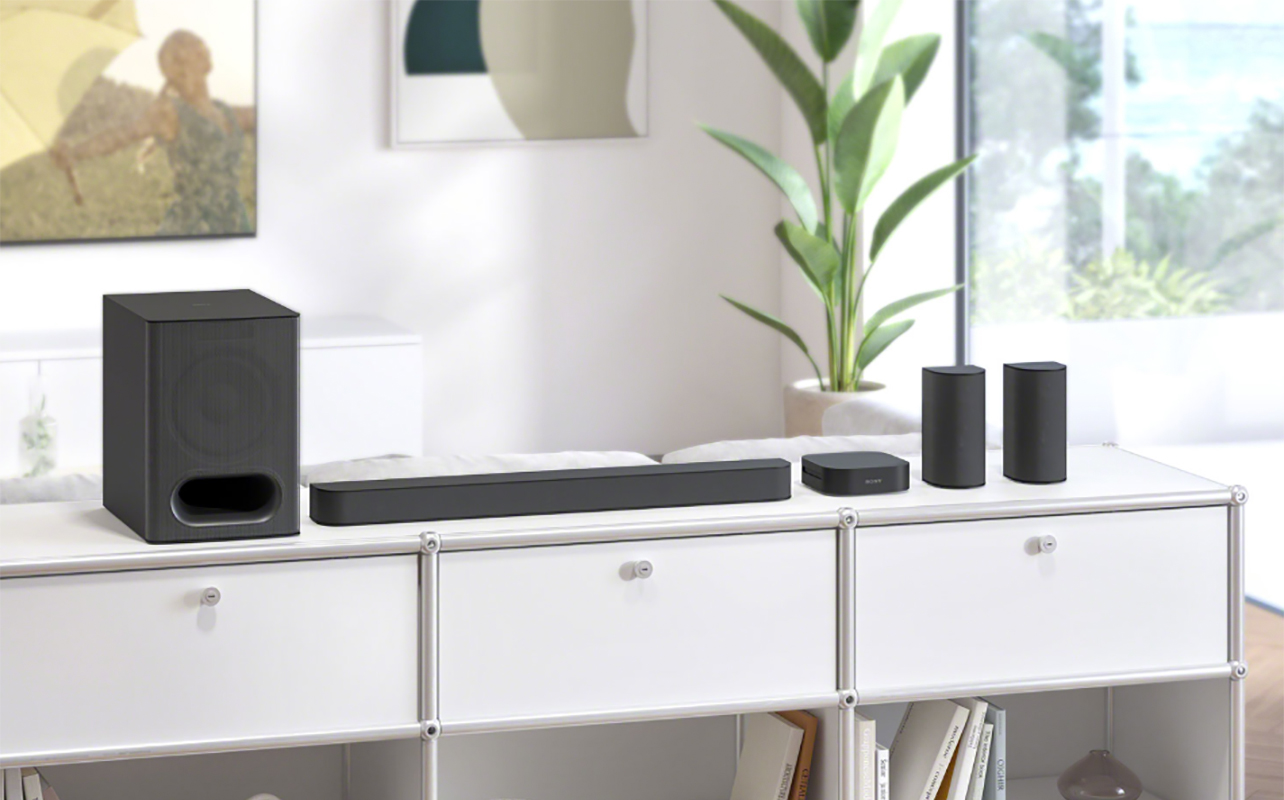
What about a sound bar? You can connect a turntable to a sound bar in a variety of ways. If available, connect a cable from RCA to 3.5mm input. You can also use a DAC converter and connect RCA to optical. If the record player has Bluetooth, consider wirelessly connecting to the sound bar using Bluetooth Out, the same way you’d pair the sound bar with any other wireless source device. There’s also the option to use a Bluetooth transmitter with devices that support one. But ideally, for the best sound quality possible, use a wired connection.
4. Going wireless: Connecting turntables to Bluetooth speakers
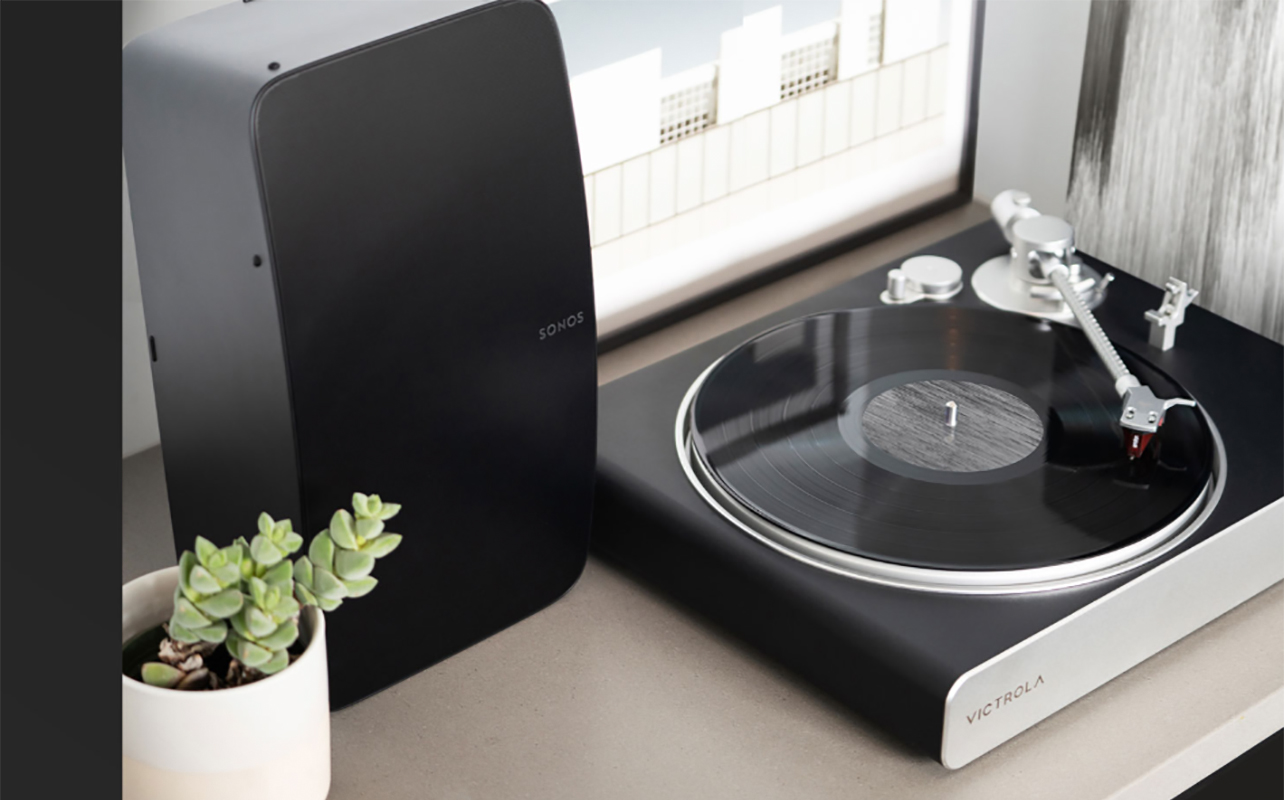
Some of the latest turntables and record players combine the best of both worlds, allowing you to play back streaming tunes from built-in speakers, or stream vinyl records to external wireless speakers.
Turntable with Bluetooth transmitter
If the turntable has a Bluetooth transmitter, you can pair it with a wireless speaker as you would any other source device, like your smartphone, tablet, or computer, then play back tunes. This also means that by default, it has a built-in phono preamp. Typically, these have a switch or mode knob and you’d need to select Bluetooth mode first. After the initial pairing, the turntable should connect to the speakers automatically any time it’s playing on Bluetooth mode and that speaker is on, nearby, and with Bluetooth active. They work similarly to any other Bluetooth device but there will be limitations. The source device needs to be nearby, as noted. Audio will also be compressed so you won’t get the same sound quality.
If the turntable does not have built-in Bluetooth, you can also connect a separate Bluetooth transmitter dongle to it if it has a built-in phono preamp, or to a separate phono preamp if it doesn’t. Another option is to connect the turntable to the wireless speaker via RCA cable to the 3.5mm input. This isn’t technically a wireless setup, but it allows you to use your wireless speaker as you would a wired one.
5. Using wireless multi-room systems
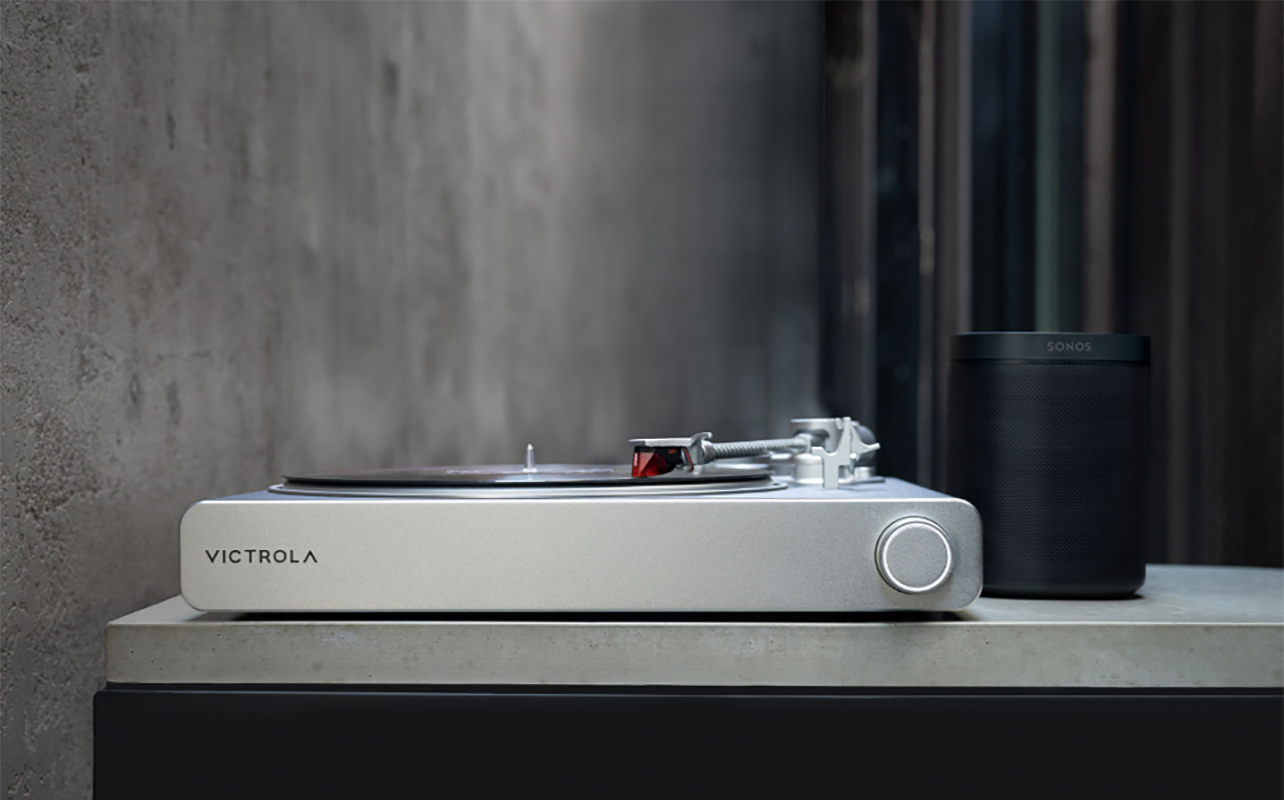
Along with connecting a turntable to a single wireless speaker, you could also theoretically connect it to a network of Wi-Fi speakers. The first option is to connect the turntable wirelessly to a single speaker in the system using Bluetooth. Another option is to use a wired connection via line-in, which means the system isn’t entirely wireless, but it gets the job done. If the turntable doesn’t have a phono preamp, however, you’ll need to connect one between the two. Note that a handful of turntables come with built-in Wi-Fi, like the Victrola Stream Carbon, but there aren’t many of them. If this is a set-up that interests you, however, it might be worth investing in one of these models.
Alternatively, consider investing in a music streamer that will transmit the signals from your turntable to a Wi-Fi-based speaker. This streamer connects to the wireless speaker via line-in then functions as a Wi-Fi conduit. If the turntable does not have a phono preamp, you need to connect an external one between the turntable and the streamer. This method will give you better quality sound and make it easy to play tunes to multiple speakers in the network. But it’s a more expensive option.
Troubleshooting common turntable setup issues
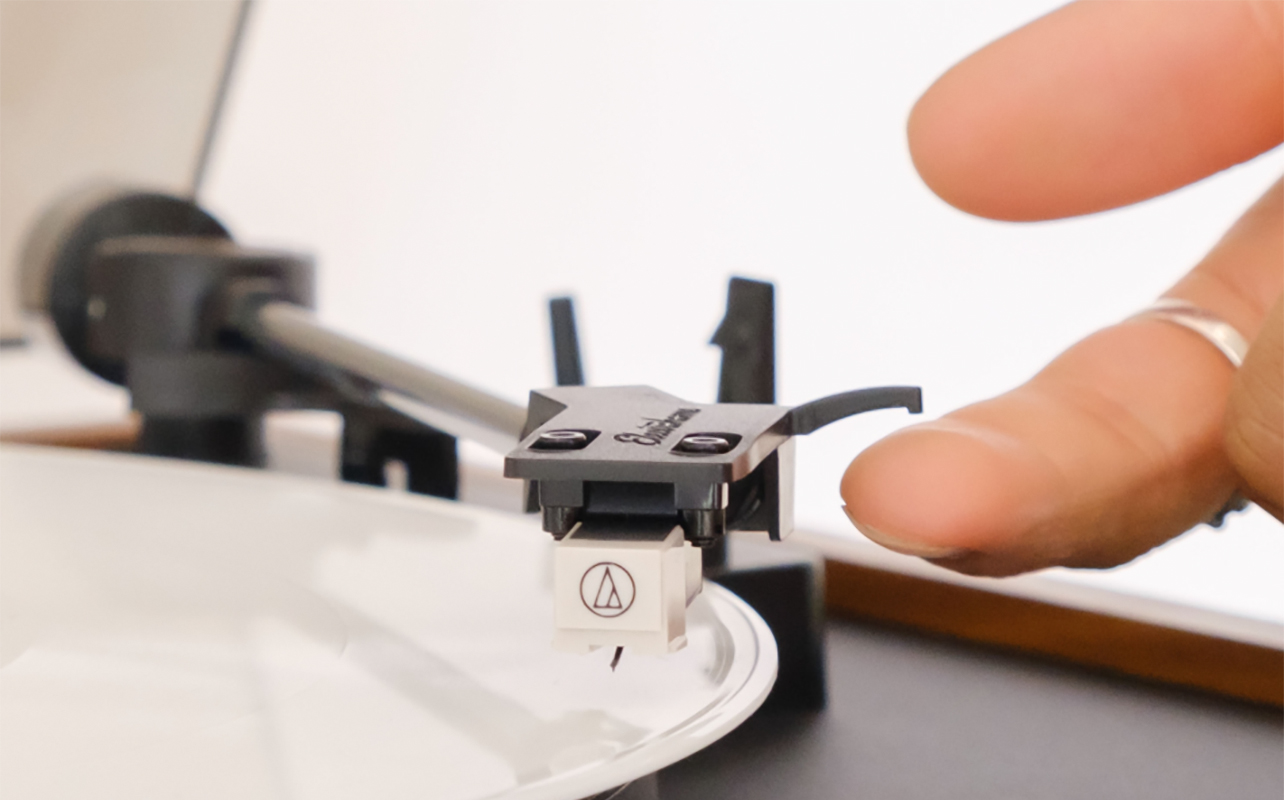
Don’t fret if something doesn’t seem right. There are common setup issues that are simple to rectify once you pinpoint what it is.
- No sound: If you don’t hear any sound at all or the volume is really low, check that the turntable is properly connected to the preamp or speaker. All cables need to be secure or the Bluetooth connect stable. Check that the dials are in the right positions, especially with record players or micro systems that have multiple modes. It goes without saying but also toggle the volume knob or switch to make sure it isn’t all the way down.
- Loud hum or buzz: This is likely due to a grounding issue. Verify that the cable is securely plugged in and that all equipment is positioned on a level surface.
- Low volume or distortion: Check that the switch is in the right position between phono and line signal. A simple flick of the switch to the right option will usually solve this.
- Record is skipping: This could be due to numerous factors, including dirty, dusty, or warped records, a pressing defect, or issues with the turntable setup itself. That could range from incorrect tracking force to a misaligned stylus or cartridge, worn or dirty needle, improper anti-skate, or unstable or uneven surface. Read our dedicated guide on why my record player is skipping for more details on a resolution.
- Bluetooth not pairing: You probably experience this hiccup with other devices, too. Turn both devices on and off, ensure the turntable is in pairing mode or switched to the right mode. Make sure the device is in pairing mode. This is usually through a dedicated pairing button or a press and hold sequence. Check range as well: the speaker needs to be close enough to the turntable.
Final setup tips for the best listening experience
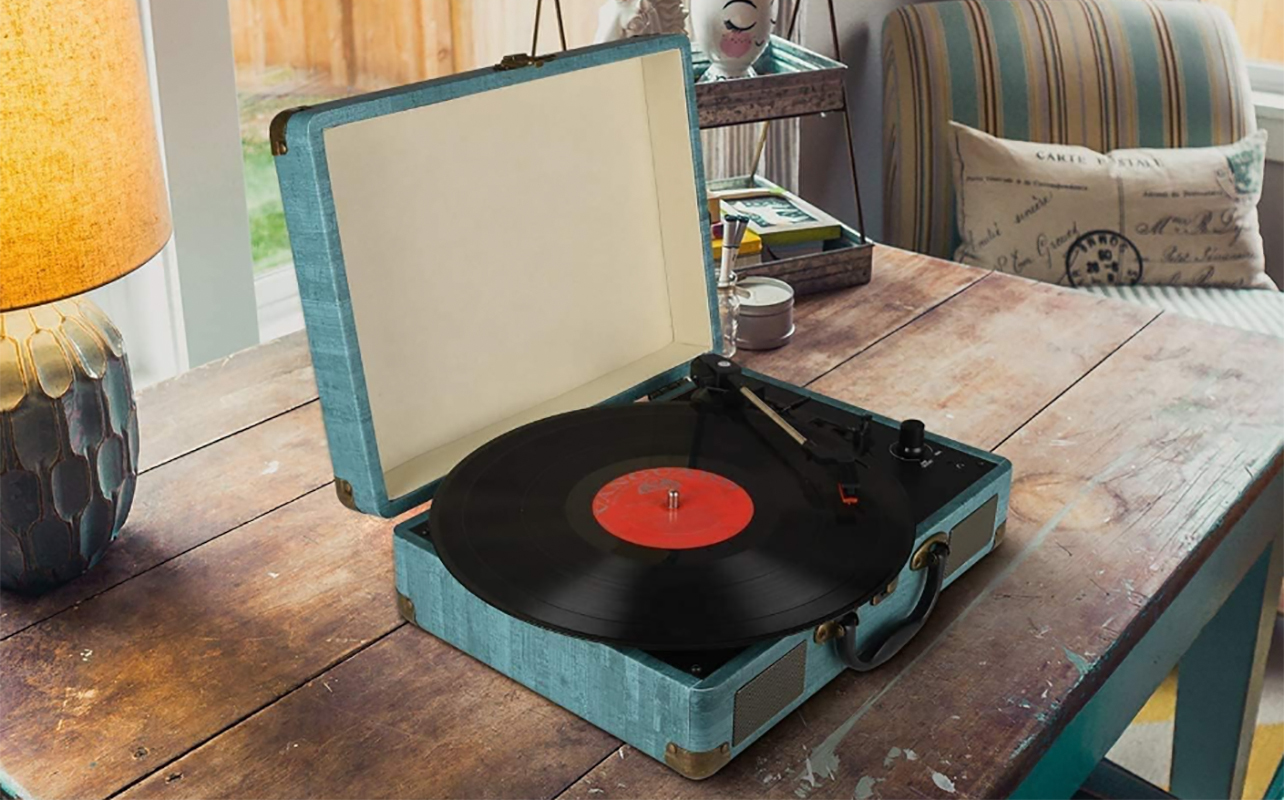
Once you have everything connected, there are a few final tips to consider.
Speaker positioning for vinyl listening: The turntable or record player should be on a flat surface and in a low-traffic area. This helps ensure levelling so the needle sits flat on the record and there are no vibrations. There should be sufficient space around it, including between the turntable and other gear, like speakers.
Maintenance tips: Dust the record player often to get rid of dust and debris. Store records in their sleeves and in a cool, dry place. Handle them with care, always holding them from the outer edges and not the surface to prevent scratches. Clean the stylus periodically with a special brush or gel cleaner, being mindful to use gentle strokes. The stylus will need to be replaced after about 1,000 hours of use.
A turntable and speakers are a match made in audio heaven
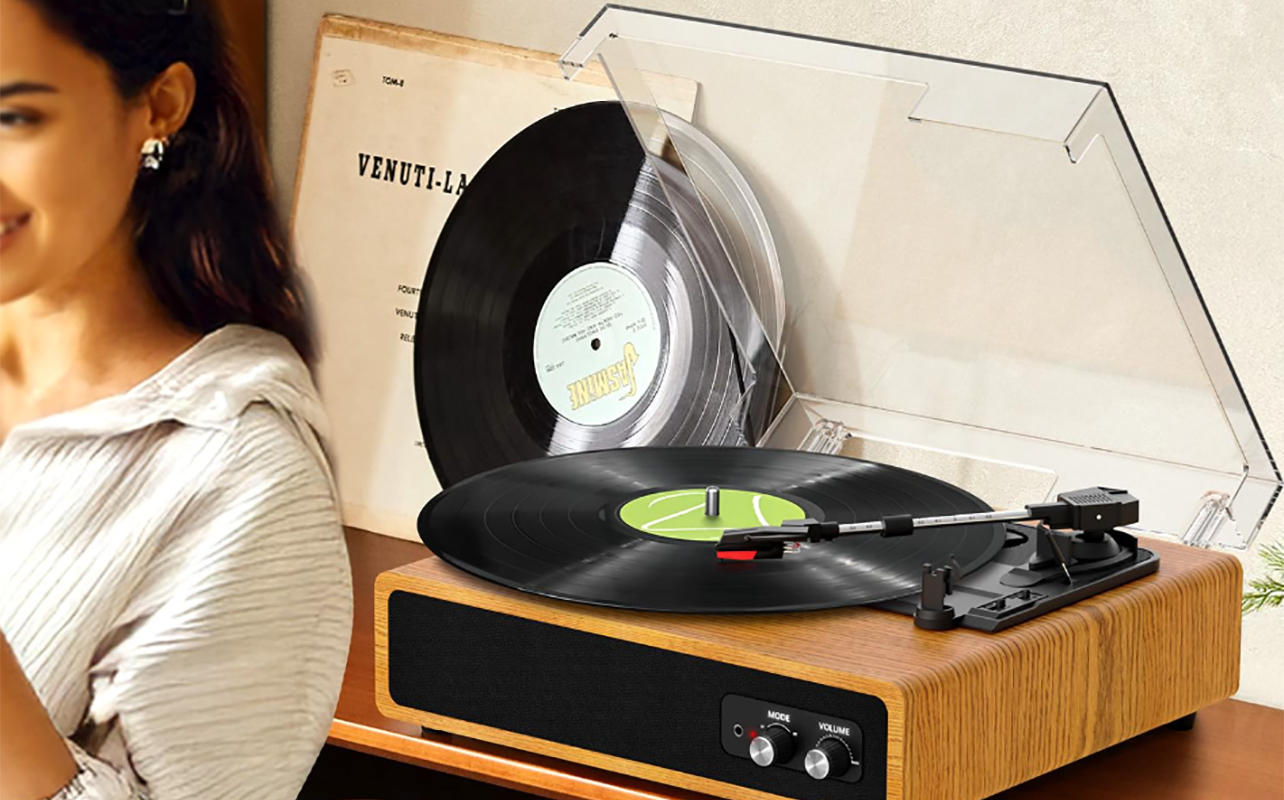
Once you have a turntable or record player connected to a speaker or speaker system, you’re off to the races with the perfect record player speaker setup. Make sure to understand what’s built into the unit and what isn’t. Note what ports it has to ensure you can connect the right gear. Choose the right type of speakers based on your preference and setup. Explore additional accessories down the line, whether that be higher-end cables, new speakers, a separate amp, or even Bluetooth adapter.
Find a wide range of turntables and turntable accessories as well as record players, from entry level to audiophile-grade, at Best Buy Canada.