When you set up Wi-Fi networking in the home through a modem and router, you should be off to the races, connecting all your devices, from laptops to smartphones, smart TVs, smart lights, and more. But you might notice something frustrating: Wi-Fi works perfectly everywhere except for one room where it’s spotty, laggy, or outright doesn’t connect. You know the Wi-Fi is functional, yet while you can stream a show in the living room without a hitch, step into the bedroom or basement and suddenly, that annoying “buffering” wheel shows up. These weak spots, often called Wi-Fi dead zones, are common in many Canadian homes. And there are ways you can fix them, including upgrading to a stronger Wi-Fi router, investing in a mesh Wi-Fi system, or opting for a Wi-Fi extender, also known as a range extender, Wi-Fi booster, or Wi-Fi repeater.
A Wi-Fi extender can be a quick fix, but it’s not always clear what it actually does or if it’s the right solution for your space. In this guide, we’ll explain what a Wi-Fi extender is, how Wi-Fi extenders work, and when using one actually makes sense. We’ll also look at their limitations and compare them with the other aforementioned ways to improve Wi-Fi coverage at home.

What is a Wi-Fi extender?
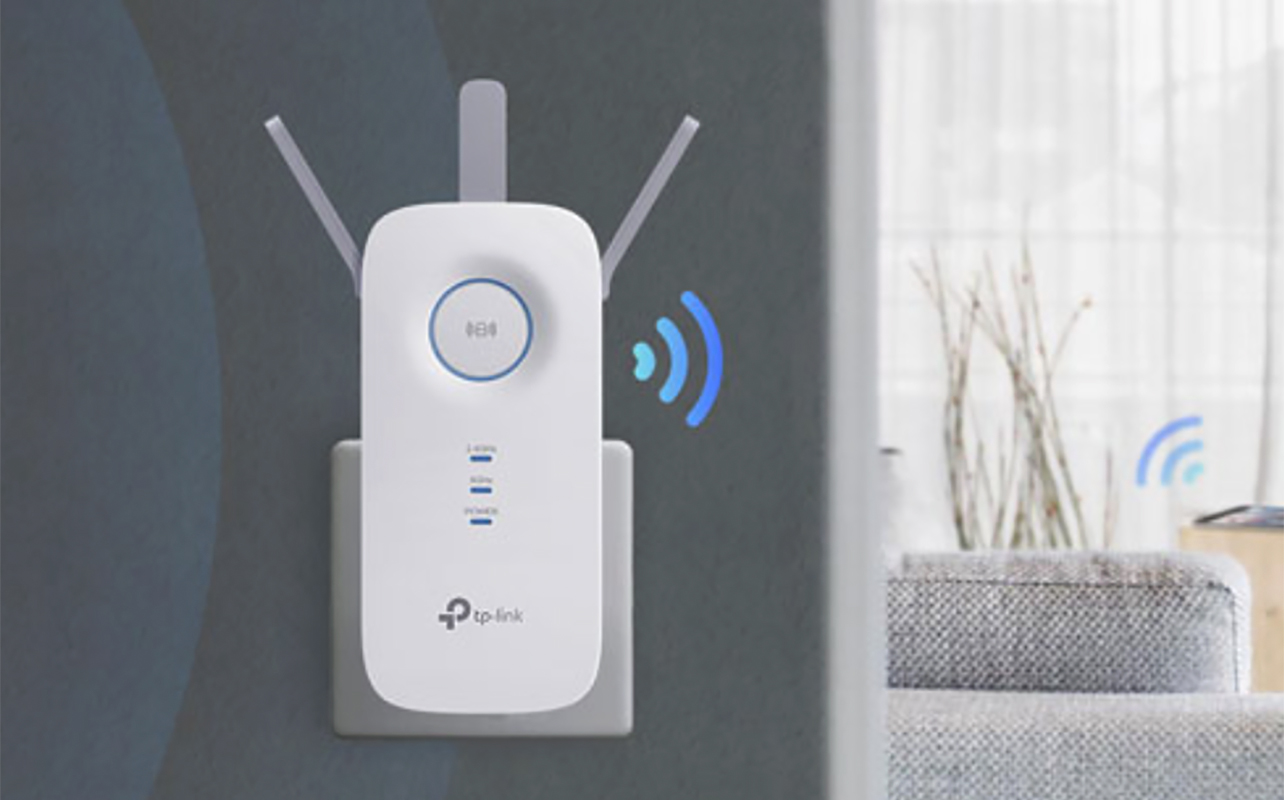
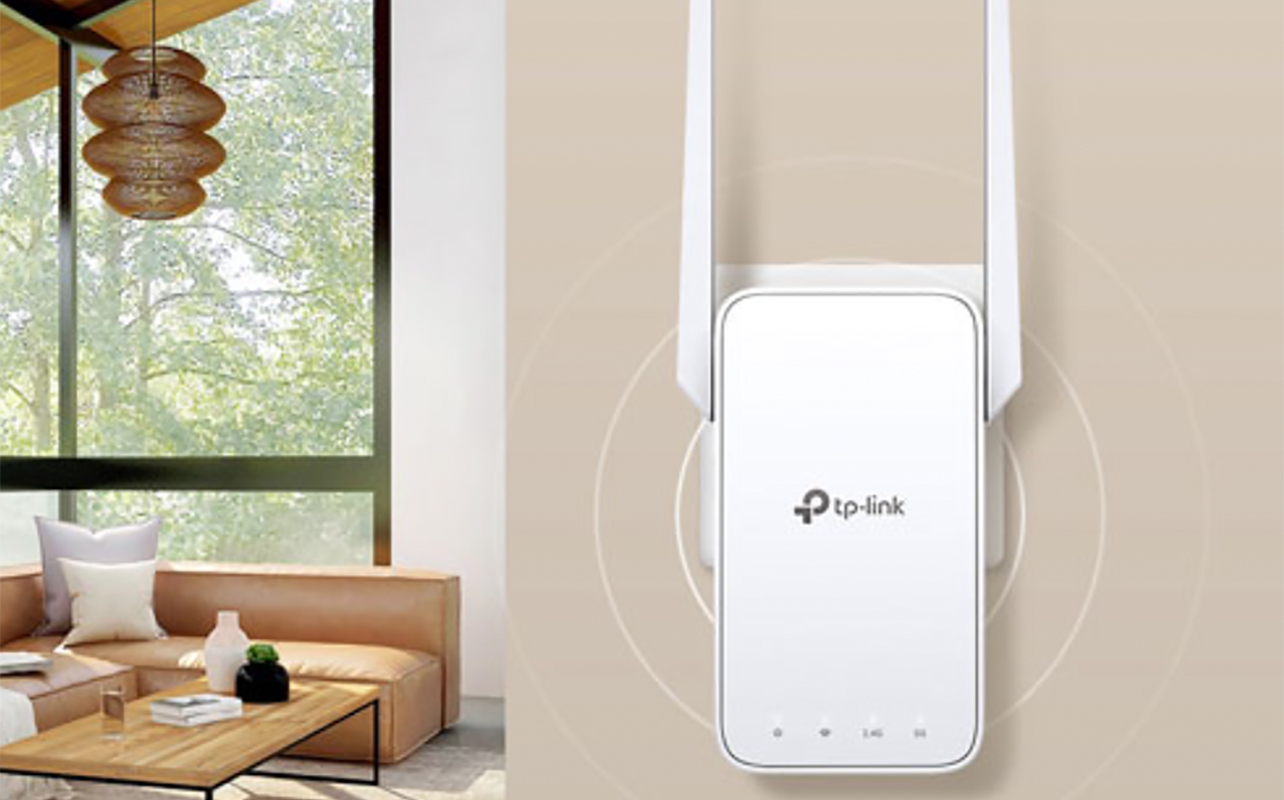
A Wi-Fi extender is a device designed to expand the coverage of your existing wireless network. Instead of upgrading your Wi-Fi router, it works alongside it by rebroadcasting your Wi-Fi signal to areas where coverage is weak or unreliable. While the names vary as noted, they all aim to solve the same problem: extending your Wi-Fi signal so it reaches farther throughout your home.
It’s worth noting that a Wi-Fi extender doesn’t increase your internet speed. If your internet plan is slow, an extender won’t change that. What it can do is help you get a more stable connection in rooms where Wi-Fi struggles to reach. If you’re just starting to explore solutions, browsing the full range of Wi-Fi and networking products available at Best Buy Canada can help you understand how extenders, routers, and mesh systems fit together.
How do Wi-Fi extenders work?
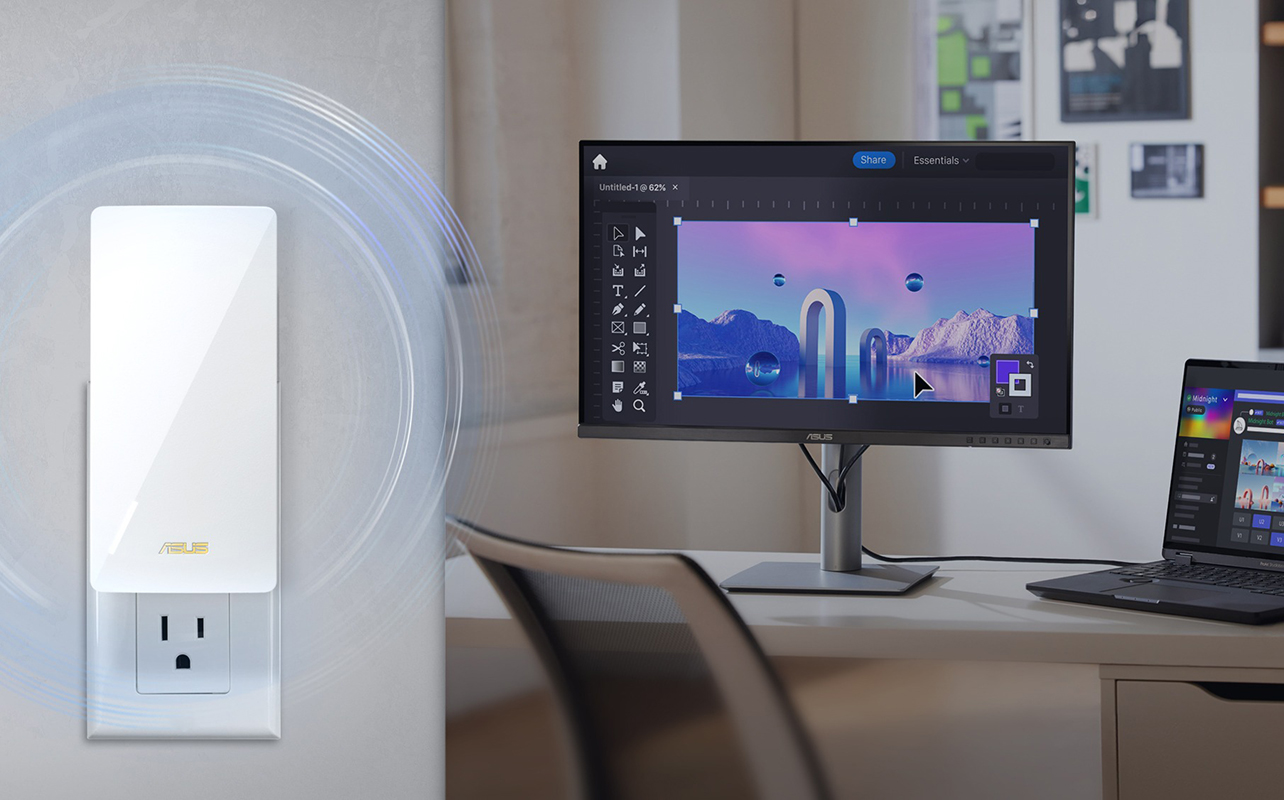
Wi-Fi extenders act as a middle point between your router and the devices that have trouble staying connected. The extender first connects wirelessly to your router, then rebroadcasts that signal to create a wider coverage area. Devices in the extended zone connect to the extender rather than directly to the router. This helps maintain a stronger signal where Wi-Fi would otherwise drop off.
Placement is critical. An extender needs to be close enough to your router to receive a solid signal, but far enough away to improve coverage in the problem area. In most homes, placing it roughly halfway between the router and the dead zone delivers the best results. Some extenders create a separate network name, while others use the same network name as your router. Even when the network name matches, you may notice a brief pause as your device switches between signals. This is normal behaviour for extenders.
Because data has to pass through an extra step, extenders can slightly reduce speeds. For everyday activities like browsing, video calls, and streaming, this reduction is usually minimal. Dual-band and tri-band extenders are designed to help minimize this effect. Most extenders plug directly into a wall outlet and can be set up in minutes using a WPS button or a mobile app.
When should you use a Wi-Fi extender?
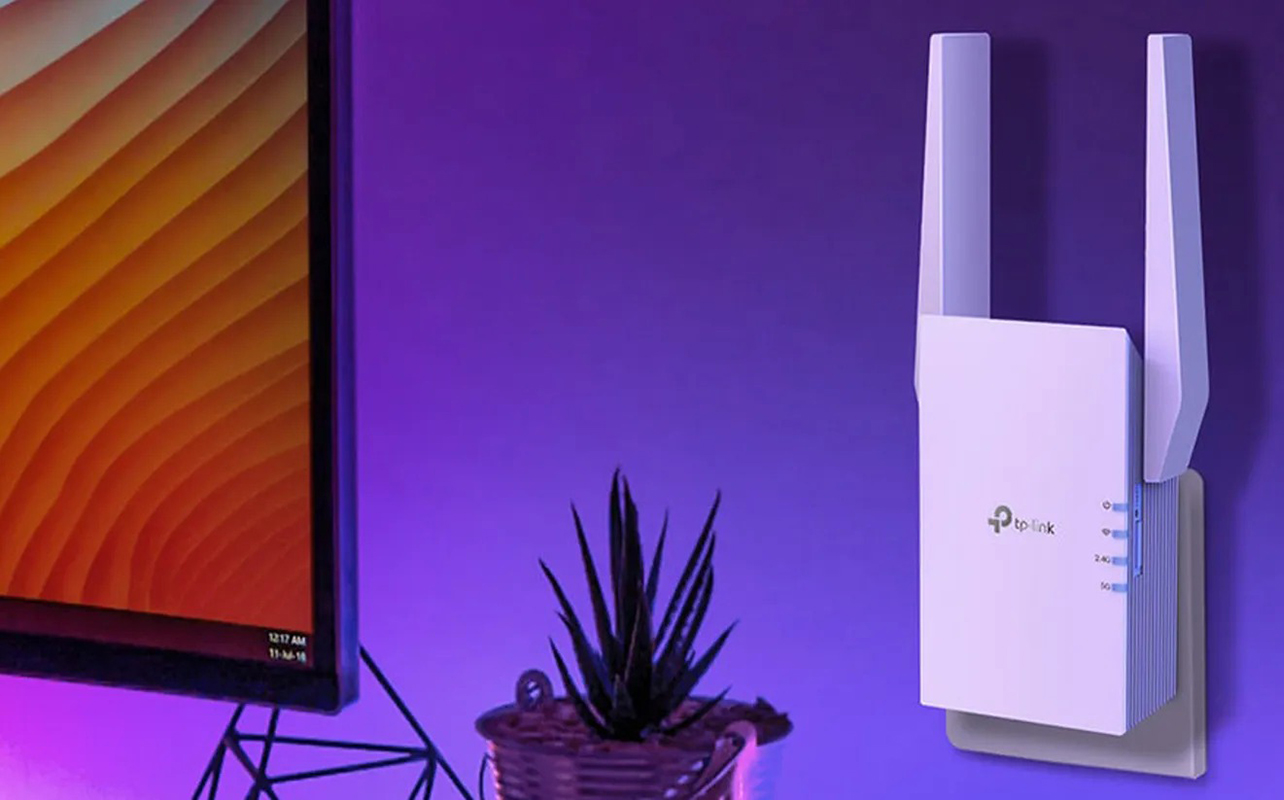
A Wi-Fi extender is best for fixing a coverage problem in a specific room or area of the home rather than improving Wi-Fi everywhere. If one room consistently has weak signal, such as a basement office, an upstairs bedroom, or a back room far from the router, an extender can often resolve the issue without changing your entire setup. This is especially helpful when you can’t easily move your router because of modem placement or wiring.
Wi-Fi extenders are also a practical choice if you’re looking for a more affordable solution. Compared to replacing your router or investing in a whole-home system, extenders offer a lower-cost way to improve Wi-Fi in a single area. They’re particularly effective in apartments, condos, and older homes where thick walls or construction materials interfere with signal strength. For light to moderate use like browsing, streaming, and video calls, an extender can significantly improve everyday reliability.
When a Wi-Fi extender may not be the right solution
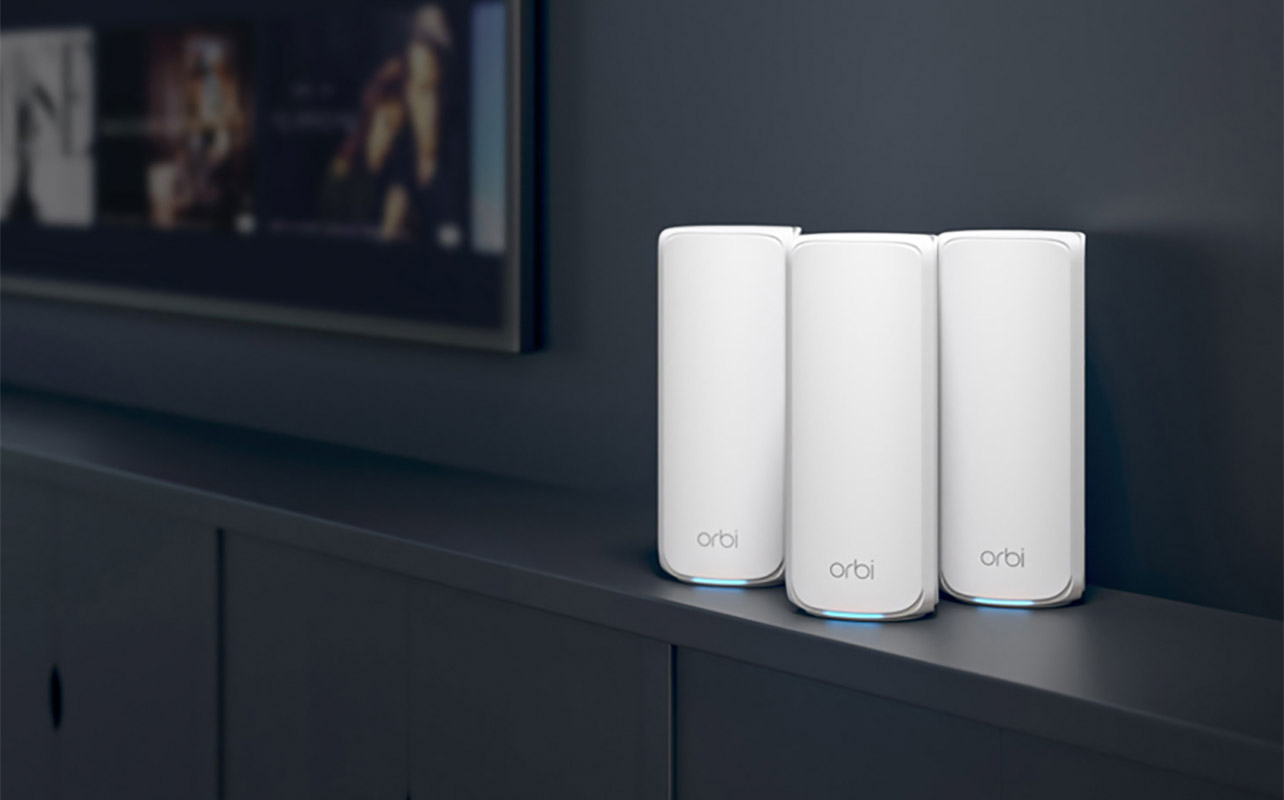
There are situations where a Wi-Fi extender may not deliver the experience you’re looking for.
Larger homes with multiple dead zones: A single extender often isn’t enough. Adding several extenders can complicate your network and lead to inconsistent performance. Multi-storey homes and open-concept layouts can also make it harder to predict where coverage will weaken.
Heavy-use homes: If your household relies heavily on Wi-Fi for activities like 4K streaming, online gaming, or managing a large number of smart home devices, an extender may struggle to keep up. Extenders are also less ideal if you want seamless roaming as you move from room to room without noticing any connection changes.
In these cases, it’s usually better to look at more robust networking solutions like a whole-home mesh Wi-Fi system.
Wi-Fi extenders vs mesh Wi-Fi systems
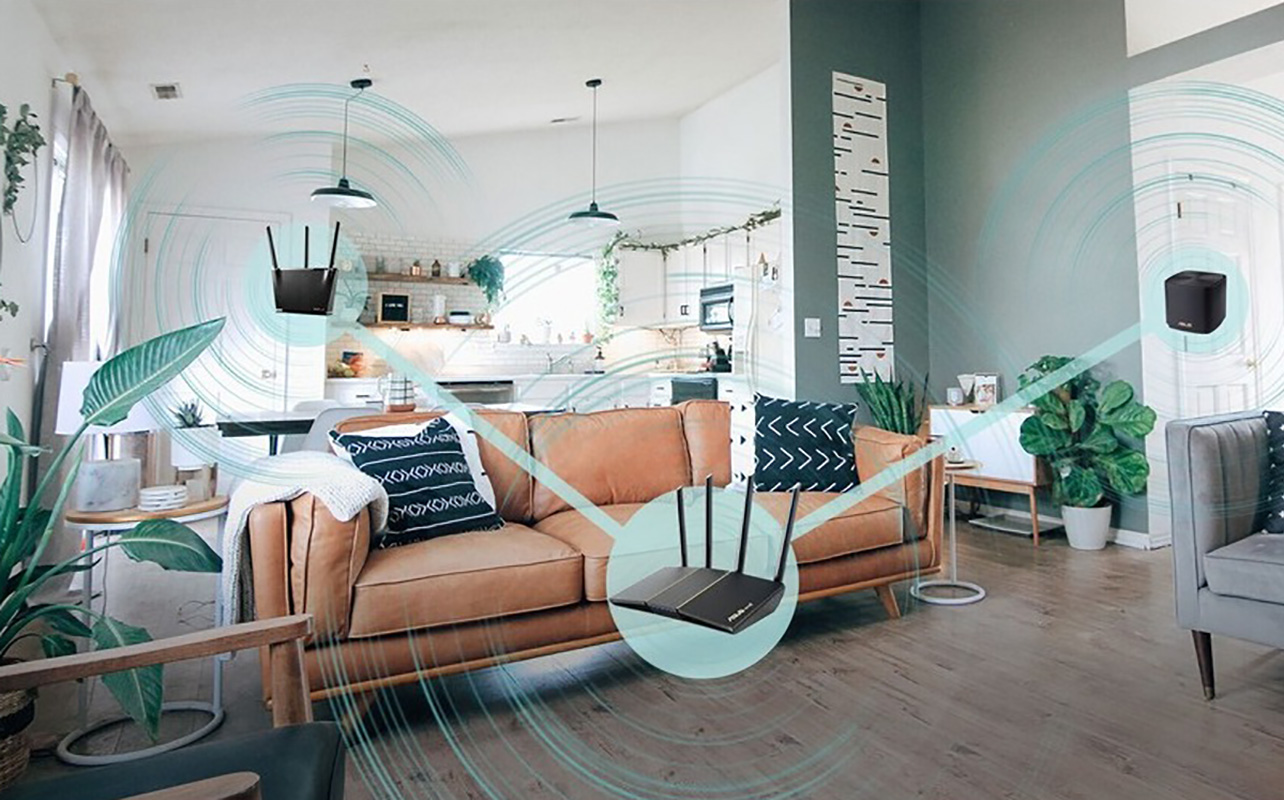
One of the most common questions people ask is whether a Wi-Fi extender or a mesh Wi-Fi system is the better choice. Wi-Fi extenders focus on solving one specific weak spot. They’re easy to set up and more affordable, which makes them appealing when the rest of your Wi-Fi works well.
| Feature | Wi-Fi Extender | Mesh Wi-Fi System |
| Setup | Simple | More involved |
| Cost | Lower | Higher |
| Coverage | Limited to 1 zone (one unit) | Whole home (comes with multiple units) |
| Performance | May slow down | Consistent speeds |
| Ideal For | Small/single dead spots | Full-home coverage |
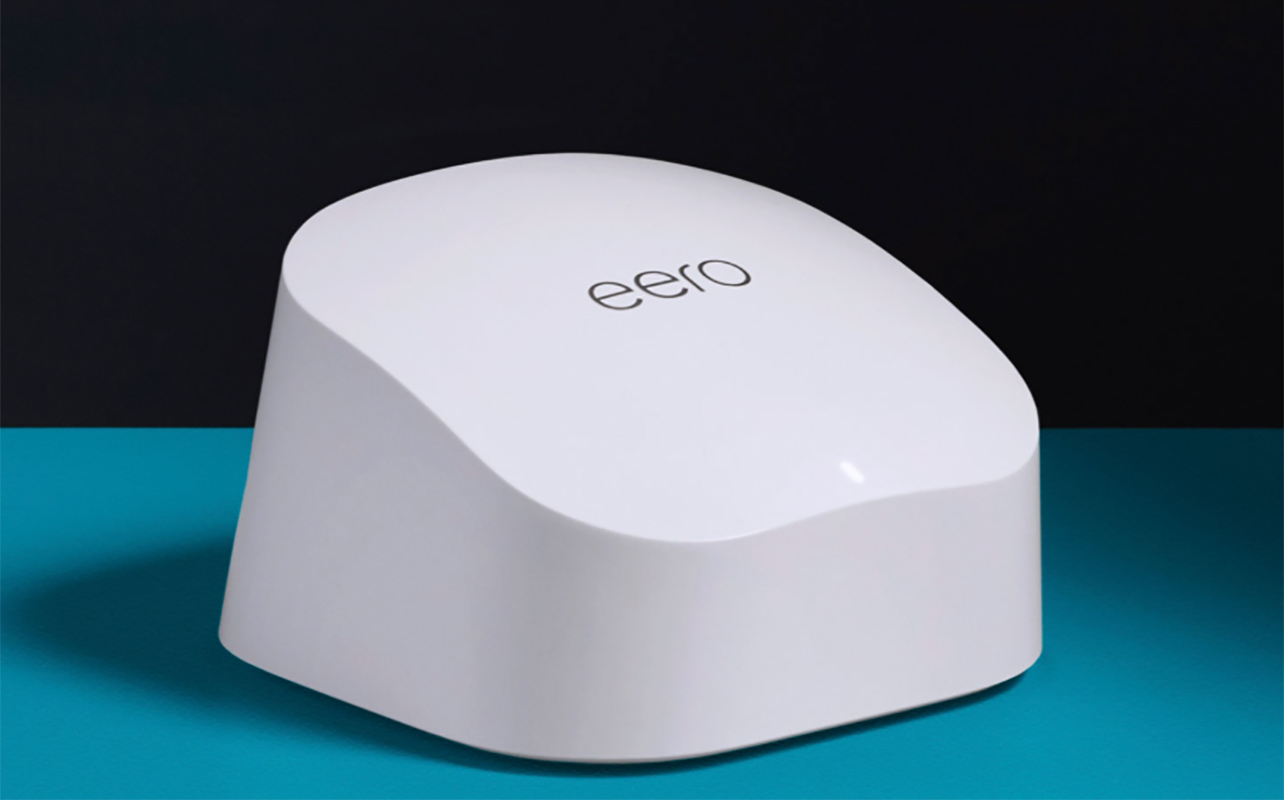
Mesh Wi-Fi systems are designed to provide consistent coverage throughout your entire home. Multiple nodes work together to create a single network, allowing devices to move smoothly from room to room without disconnecting or switching networks.
If you’re dealing with Wi-Fi issues in multiple rooms or across different floors, exploring whole-home mesh Wi-Fi systems that provide seamless coverage throughout your space is often the better long-term option.
Don’t forget, however, that the router is at the centre of the experience. If you have an older, slower router, it might be time to upgrade. Even a Wi-Fi extender won’t help with reliability and speed. In this case, consider a Wi-Fi 6, Wi-Fi 6E, or Wi-Fi 7 router. A modern router with AI technology as well can help ensure that your devices are properly allocated to bands where they can operate reliably and at optimal speeds.
How to choose the right Wi-Fi extender
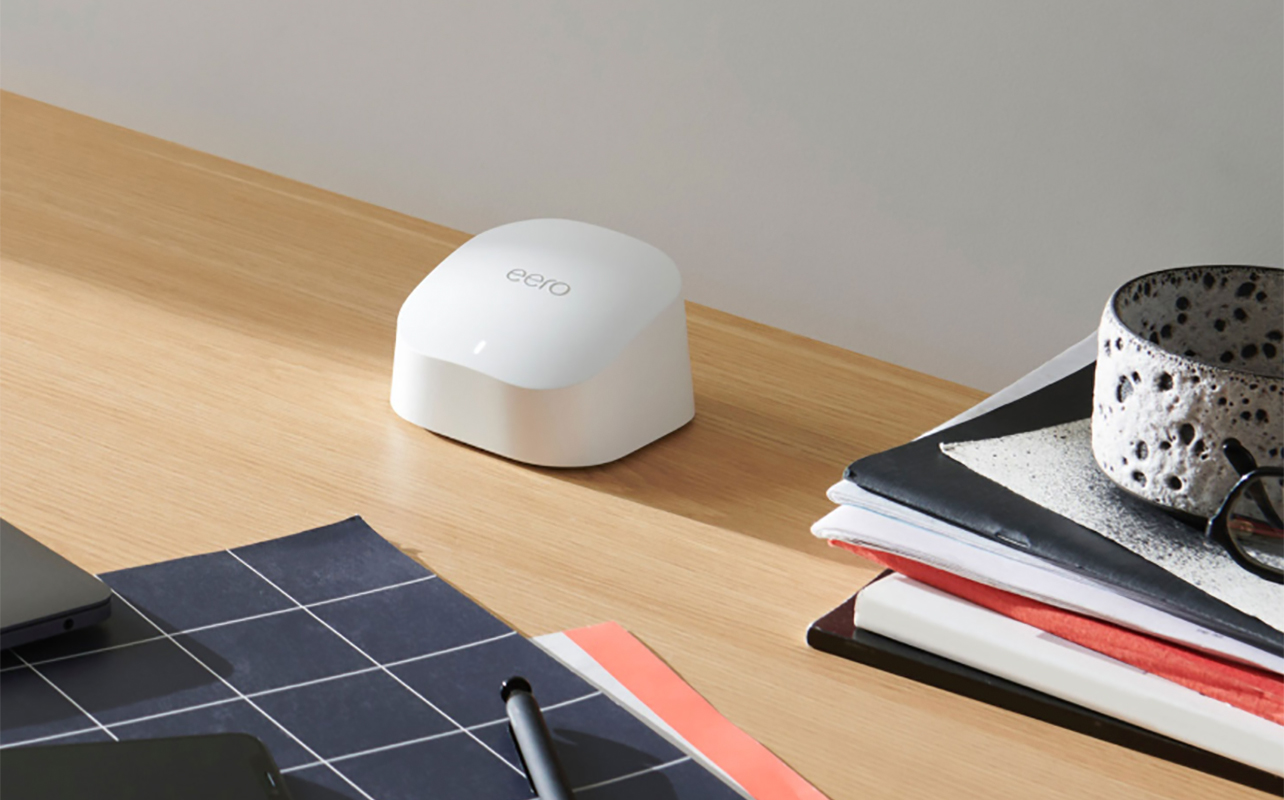
Choosing the right Wi-Fi extender starts with understanding your current router and how you use Wi-Fi at home.
Compatibility: Your extender should support the same Wi-Fi standard as your router. Many newer homes use Wi-Fi 6 routers, which are designed to handle more devices and deliver better performance. If you’re upgrading your network, looking at Wi-Fi 6 routers that offer improved speed and efficiency can help future-proof your setup. Wi-Fi 7 is beginning to emerge as the next generation of wireless technology. While adoption is still early, checking out Wi-Fi 7 devices that support faster speeds and lower latency can give you a sense of where home networking is headed.
Speed ratings: Speed ratings like AC1200 or AX1800 represent theoretical maximum throughput. While real-world speeds are lower, higher ratings generally support faster internet plans and multiple connected devices more comfortably.
Band support: Dual-band extenders work well for most homes, while tri-band models help reduce speed loss by dedicating one band to communication with the router.
Setup features: App-based configuration, WPS support, and Ethernet ports for wired connections all add flexibility. While most extenders work with any router brand, choosing one from the same manufacturer can simplify setup. Some of the top brands include TP-Link, Asus, Netgear, and eero.
Other ways to improve Wi-Fi coverage
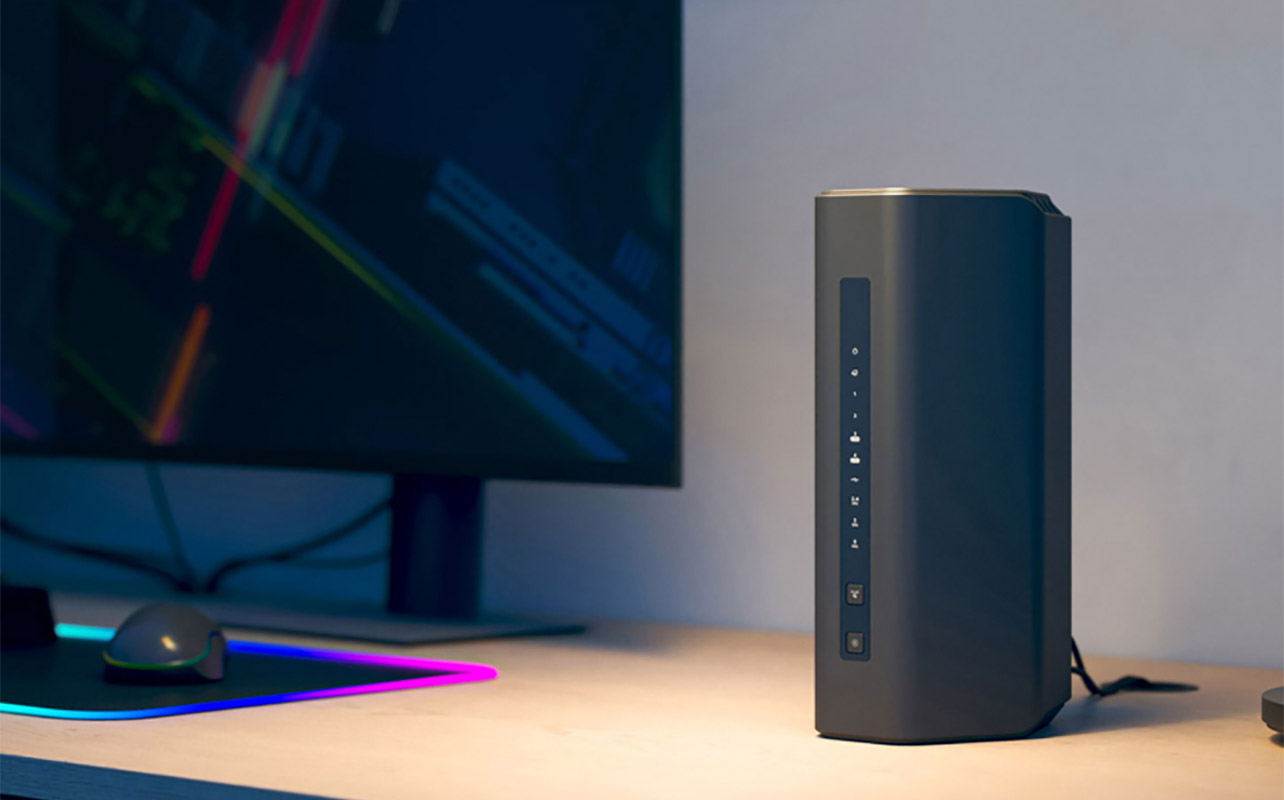
Before adding new hardware, there are a few other steps worth trying. Repositioning your router can sometimes make a noticeable difference. Placing it in a central, elevated location away from walls and large metal objects can improve signal strength throughout your home.
If your router is several years old, upgrading may be the simplest fix. Newer models offer stronger range and better performance. Browsing wireless routers designed for modern homes and connected devices can help you see what improvements are available. For homes with Wi-Fi issues in multiple areas, switching to a mesh system is often the most effective solution. For stationary devices like desktop computers or smart TVs, running Ethernet cables or using powerline adapters can provide a stable wired connection.
If troubleshooting is part of your process, guides like how to reset your Wi-Fi router and when it actually helps and how to set up a Wi-Fi 7 router step by step can help you fine-tune your setup before upgrading.
Frequently asked questions about Wi-Fi extenders
Have some more questions? Hopefully these FAQs answer them!
Do Wi-Fi extenders really work?
Yes. Wi-Fi extenders can be effective when used to fix a specific dead zone and placed where they can receive a strong signal from the router.
Will I need to switch networks manually?
Some extenders create a separate network name, while others mirror your main network. Even when the name is the same, switching between signals may still be noticeable.
Can I use a Wi-Fi extender with any router?
Most Wi-Fi extenders work with routers from different brands, though using the same brand can make setup easier and improve compatibility.
What’s the difference between a Wi-Fi extender and a mesh system?
Mesh systems create a single, seamless network across your home. Wi-Fi extenders are simpler and more affordable but may introduce speed drops or network switching. They are designed for use in a single “dead zone” versus improving the connection throughout a home.
Are Wi-Fi 7 extenders available yet?
Wi-Fi 7 extenders are starting to appear in 2026, but most current models support Wi-Fi 5 or Wi-Fi 6. Always check compatibility with your router.
Final thoughts
A Wi-Fi extender can be a simple and cost-effective way to fix a specific Wi-Fi dead zone without replacing your entire network. If your coverage issues are limited to one area, an extender may be all you need. For larger homes or more demanding setups, upgrading your router or switching to a mesh Wi-Fi system will provide more consistent results.
See a wide selection of range extenders at Best Buy Canada.

This article was drafted using AI technology and then reviewed, fact-checked, and revised by a member of our editorial team.