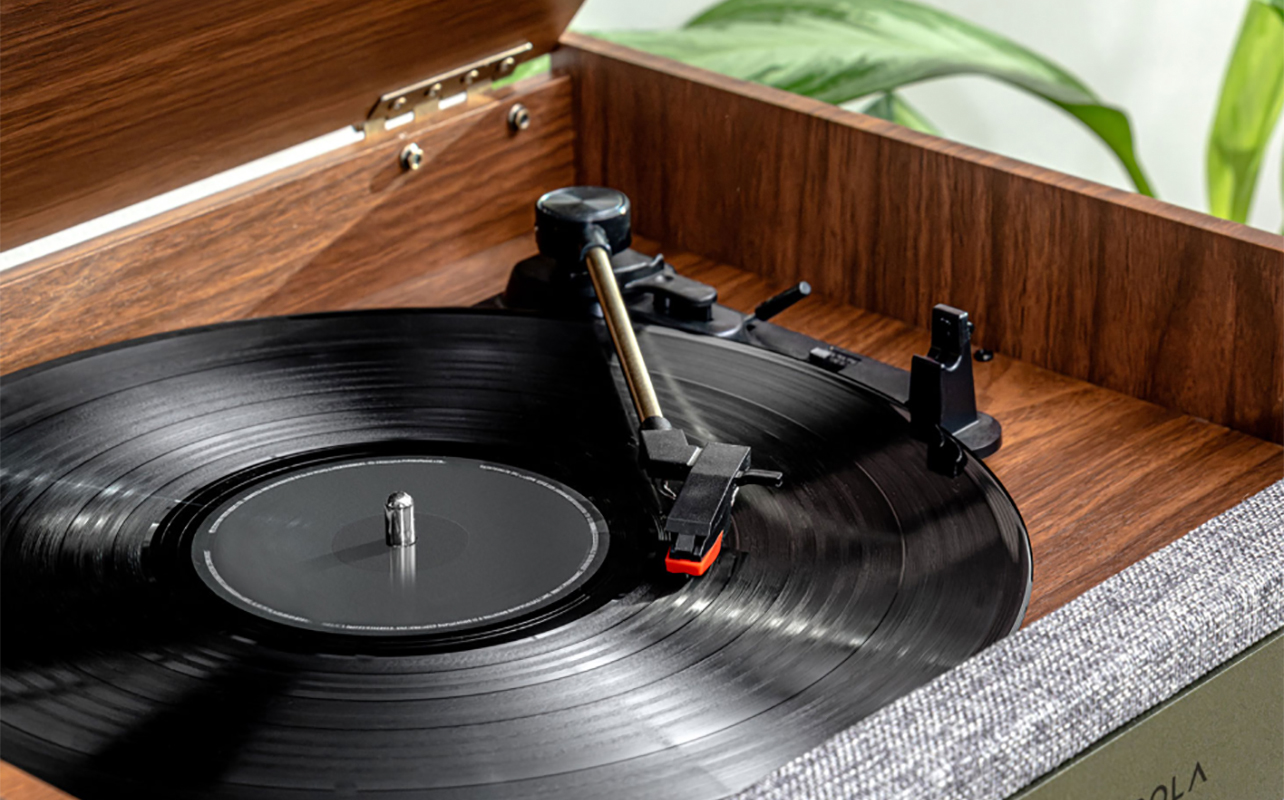
You cue up your favourite album, drop the needle, settle in, and then it happens: a loud pop, a jump, or a repeat loop that ruins the moment. Few things are more frustrating for vinyl lovers than record skipping on a turntable or record player, especially when you’re not sure what’s causing it. If you’ve ever asked, “Why is my record player skipping?” or “Why does my record player skip even on new vinyl?”, you’re not alone. Skipping can come from two places: the record itself or your turntable setup. The good news? Most issues are easily fixable.
In this guide, you’ll learn how to diagnose the root cause of vinyl record skipping, how to fix it, and how to prevent skipping altogether so your listening experience stays smooth, warm, and uninterrupted.


Common reasons your record player is skipping

Skipping, as noted, usually comes from one of two sources: record-related issues or turntable-related issues. Let’s walk through both so you can pinpoint the problem quickly.
When the record itself is the issue
Dirty or dusty records
Even a tiny speck of dust can lodge itself in the grooves of a vinyl record and make the stylus pop. Records attract dust easily, so if you notice periodic pops or jumps, dirt is very likely the culprit.
Warped vinyl
Vinyl is sensitive to heat, sunlight, and pressure. If a record bends or warps even slightly, the stylus has trouble maintaining consistent contact with the groove. Warping is especially common if records are stored horizontally, left in a hot car, or kept near a heat source.
Pressing defects (even on new records)
Brand-new vinyl can skip, too. Manufacturing defects happen, especially with cheaper or rushed pressings. If a brand-new LP skips in the same spot across different turntables, chances are the pressing is flawed and there’s nothing wrong with your setup.
When the turntable or setup is at fault
Incorrect tracking force
Tracking force is the downward pressure the tonearm applies on the record. If it’s set too light, the stylus can skate across the surface. Too heavy, and the needle digs too deep, potentially causing damage and increasing skipping. Manufacturers specify the correct tracking force for each cartridge, and setting it correctly is essential.
Misaligned stylus or cartridge
The stylus must sit precisely in the groove. If the cartridge isn’t aligned correctly, even by a millimetre, it can cause skipping, distortion, and long-term groove wear. Alignment issues often show up after installing a new stylus or cartridge.
Worn or dirty needle
A dirty or worn-out stylus can’t properly trace the grooves. Debris buildup restricts its movement, while wear reduces its ability to stay seated in the groove. If cleaning doesn’t help and your stylus is older than 500–1,000 hours of playtime, it may be time for a replacement.
Improper anti-skate
Anti-skate helps the tonearm maintain stable position by counteracting the inward pull toward the centre of the record. If anti-skate is set too high or too low, the stylus may drift outward or inward, causing skipping. Anti-skate, tracking force, and cartridge alignment all work together. If one is off, the whole system can misbehave.
Unstable or uneven surface
If your turntable isn’t sitting on a stable, level platform, the stylus may lose proper contact. Vibrations from speakers or foot traffic can also cause the needle to jump.
Quick comparison: record issues vs. turntable issues
Here’s a simple table to help you diagnose the source of the problem:
| Symptom | Likely record issue | Likely turntable issue |
|---|---|---|
| Skips in the same spot every time | Pressing defect, scratch | Stylus wear, alignment (less common) |
| Random skips throughout | Dust, dirt | Tracking force, anti-skate, vibrations |
| Tonearm visibly sways | Warped vinyl | Uneven surface |
| Skips only on certain records | Dirty/defective records | Cartridge compatibility |
| Distortion + skipping | Dirty or damaged grooves | Stylus wear or misalignment |
Step-by-step: troubleshooting a skipping record player

If you’re unsure where to start, follow this simple checklist to diagnose and resolve most skipping issues.
1. Check the record first (cleaning and inspection)
Hold the record up under a light and rotate it slowly. Look for visible scratches, deep marks, or any irregularities in the groove. Clean the record using a carbon brush. For deeper cleaning, use a record-cleaning solution and microfibre cloth or a dedicated record-cleaning brush. Apply solution sparingly and follow the product directions. Wipe along the groove direction, not across it. For very dirty records, a two-stage clean (brush + liquid) or a record-cleaning machine will give the best results. After cleaning, let the record dry fully before playing. Note that if a record skips in the same place on multiple turntables, it may be a defect or a deep gouge that is not repairable. To confirm it’s the record and not the player, swap in a record you know plays well to see if the same problem exists, or it plays fine.
2. Ensure your turntable is level
A turntable that tilts even slightly will change how the stylus tracks the groove. To check the level, place a small bubble level on the platter (with the platter removed or with the belt off if applicable) or use a smartphone level app. Check front-to-back and side-to-side. If you have adjustable feet, use them to level the chassis. If not, place shims under the feet until the bubble is centred.
3. Inspect and clean the stylus
The stylus (needle) is tiny and delicate. Dirt or debris on the tip causes mistracking and skipping. To inspect it, use a bright light and magnifying glass to examine it for debris, bent tips, or visible wear. To clean, use a stylus brush and brush gently from back to front (the same direction the stylus moves relative to the groove), never side-to-side or front-to-back. Commercial stylus cleaning fluid is available for stubborn grime; apply sparingly and according to the manufacturer. Never touch the stylus with your fingers or use compressed air; you can damage the tip by doing this. If cleaning does not restore consistent tracking, the stylus may be worn. They usually last from 500–1,000 hours of play depending on design and care. Follow the cartridge/stylus manufacturer’s guidance.

5. Check cartridge alignment
Misalignment changes the angle at which the stylus sits in the groove and can cause uneven tracking and skipping. Use a cartridge alignment protractor (Baerwald/Loefgren/Stevenson style are common) sized for your tonearm’s geometry. Place the protractor on the platter, align the cartridge body so the stylus tip sits on the reference points, and adjust the cartridge in its headshell until it matches the grid. Ensure the cartridge is tightened gently but securely once aligned.
Azimuth (side-to-side tilt): From a position directly above the cartridge, verify that the stylus is perpendicular to the record surface. If the cartridge leans left or right, it can induce skipping; some tonearms have adjustable azimuth, others may require shimming or a pro adjustment. Follow your cartridge and tonearm manuals or consider a pro setup.
6. Set proper tracking force and anti-skate
Tracking force controls how much downward pressure the stylus applies; anti-skate counteracts the inward pull toward the label.
Tracking force: Check the cartridge’s recommended tracking force range (printed in its specs). Set the counterweight so the tonearm balances horizontally, then dial in the recommended grams using the counterweight’s scale or a digital tracking force gauge for accuracy. If it’s too light, you might experience skipping or poor tracking. If it’s too heavy, you may hear distortion and experience possible record/stylus wear.
Anti-skate: Set anti-skate to match the tracking force as a starting point (many turntables recommend this). Listen and fine-tune: if the stylus drifts inward, increase anti-skate slightly; if it drifts outward, decrease it. Adjust and re-test playback after each change.
7. If all else fails, consider a professional tune-up
If you’ve followed these steps, even replaced the stylus, and there’s still skipping, this may indicate worn components or subtler alignment issues. Consider a professional tune-up. A reputable shop can perform precise cartridge alignment, set azimuth and VTA (vertical tracking angle), check overhang and anti-skate, and test with calibrated equipment. They can also diagnose less obvious problems (worn tonearm bearings, incorrect mounting geometry, or damaged headshell connectors).
Preventative tips to avoid skipping in the future
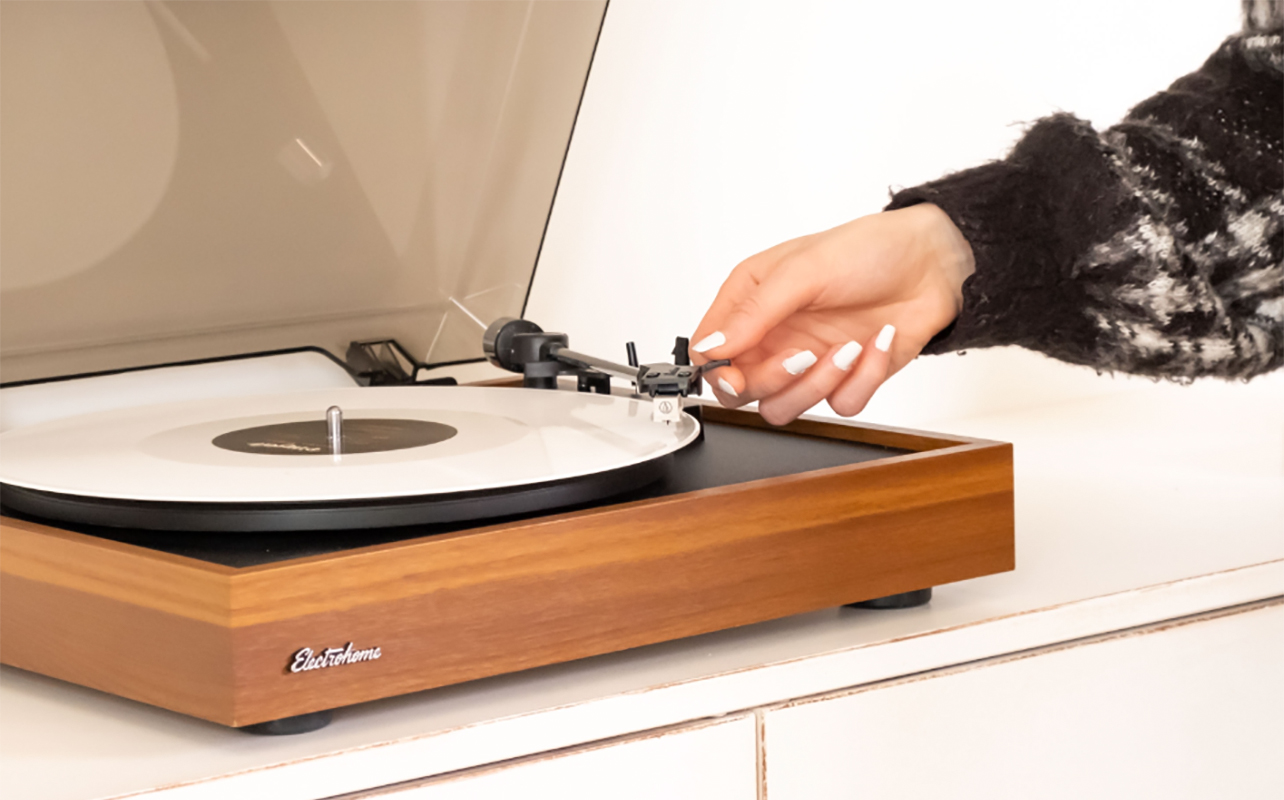
Preventing record skipping is all about consistent care and proper setup. Here’s how to keep your playback smooth:
- Store records vertically, in protective sleeves, and away from heat.
- Keep both records and the stylus clean.
- Replace stylus regularly before noticeable wear sets in.
- Place your turntable on a stable, vibration-free surface.
- Calibrate tonearm, tracking force, and anti-skate periodically.
- Inspect new vinyl before playing: budget pressings sometimes come with defects.
- Use a slipmat that offers good traction and reduces vibration transfer.
Following these habits will drastically reduce skipping while prolonging the life of your vinyl collection.
Eliminate the skip

Why is my record player skipping? Sometimes it’s the vinyl, sometimes it’s your setup, and often it’s a combination of both. By understanding the common causes like dusty grooves, warped records, stylus issues, and alignment problems, you’re better equipped to diagnose and fix issues quickly.
Go through the checklist, clean your vinyl, calibrate your turntable, and you’ll likely restore smooth, uninterrupted playback. With proper care and setup, your records will sound their best, and those frustrating skips will be a thing of the past.
Find a wide selection of turntables and record players at Best Buy Canada.