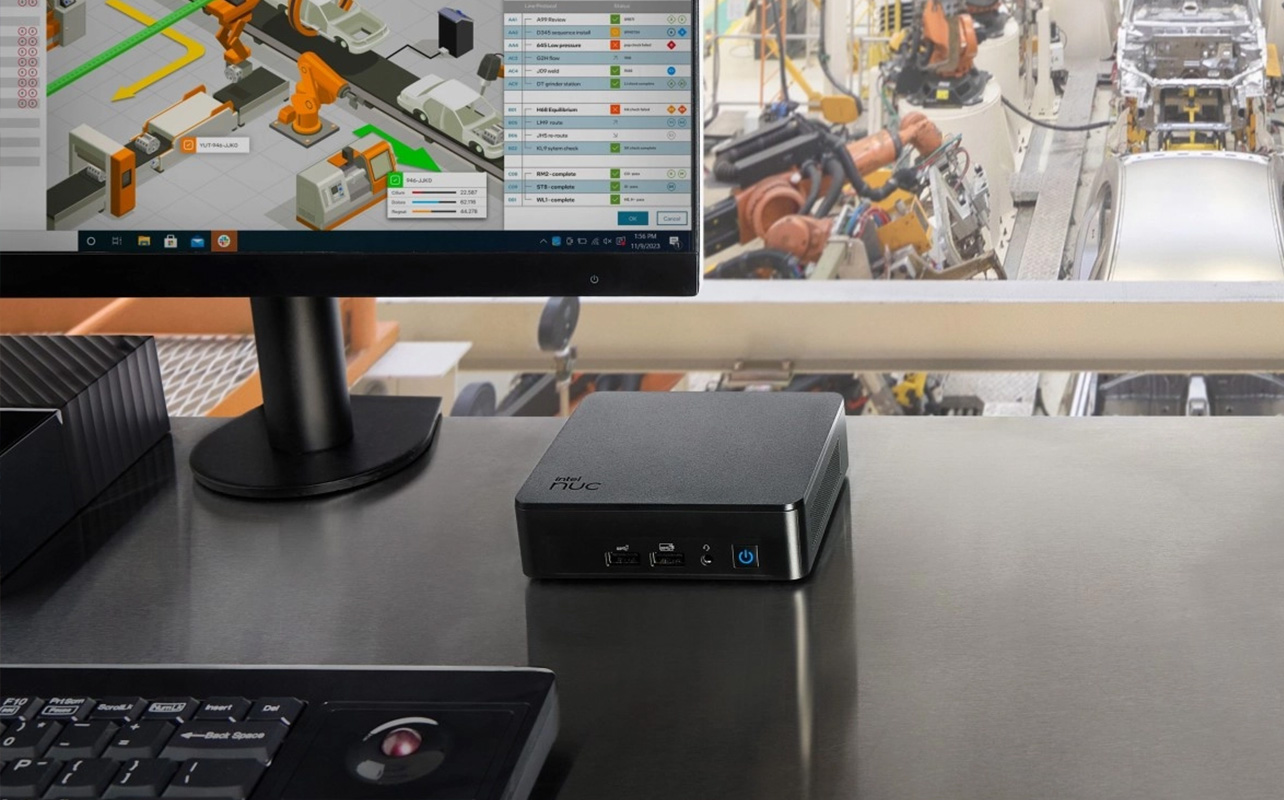
Mini PC use cases span everyday browsing and home office work through to schoolwork, entertainment, and even light gaming or home server projects, provided the internal specs match the job. Where a mini PC starts to struggle is heavy gaming, professional-grade video editing, and anything that needs serious internal upgrade room; those jobs are still better handled by a desktop tower.
That’s the short version. The long version depends entirely on what’s inside the box, because “mini PC” describes a shape, not a performance tier. Below, we’ll walk through exactly which tasks fit which kind of mini PC, and where the limits are.

What is a mini PC?
A mini PC is a compact desktop computer. It has the same basic parts as a desktop tower: a processor, memory, storage, and a set of ports just squeezed into a case small enough to sit on a desk, mount behind a monitor, or tuck into a media cabinet.
Most mini PCs don’t come with a screen, keyboard, or mouse included. You supply those separately, the same way you would with a desktop tower. That’s the trade you’re making for the smaller footprint: less bulk, but a bit more setup on your end.
It’s easy to lump mini PCs in with a few other compact computer categories, so here’s the quick distinction:
- Mini PC: a small, standalone desktop computer that needs an external monitor, keyboard, and mouse.
- Small-form-factor (SFF) desktop: a step up in size from a mini PC, usually with more room for a dedicated graphics card and better cooling, while still being smaller than a full tower.
- All-in-one computer: a desktop with the monitor and computer built into a single unit, so there’s no separate tower or mini PC box to place.
- Laptop: a portable computer with its own built-in screen, keyboard, and battery, built for moving around.
- Dedicated server: hardware built specifically for continuous, reliable operation running business applications, typically with redundancy and management features a consumer mini PC doesn’t have.
Performance across mini PCs varies more than the category name suggests. An entry-level mini PC is built for browsing and office work. A performance-tier mini PC, with a stronger processor and dedicated graphics, can handle photo editing, light gaming, or a home server. Matching the model to the job is really the whole point of this article.
What are mini PCs good for?
Here’s a fast-reference view before we go section by section:
| Use case | Is a mini PC suitable? | What to prioritize |
| Web browsing and everyday tasks | Yes | Entry-level processor, sufficient RAM, SSD storage |
| Home office | Yes | Multitasking power, monitor support, enough ports |
| Schoolwork | Yes | Reliable processor, Wi-Fi, room for webcam/headset accessories |
| Entertainment and streaming | Yes | Display output quality, quiet operation, easy connectivity |
| Digital signage | Yes | Compact mounting, reliability, low-noise operation |
| Point-of-sale | Yes | Port selection, networking, business-ready operating system |
| Casual gaming | Sometimes | Strong integrated graphics, or a modest dedicated GPU |
| Advanced PC gaming | Model dependent | Dedicated graphics, solid cooling, upgrade headroom |
| Photo editing | Yes, with the right configuration | More RAM, faster storage, capable processor and display support |
| Professional video editing | Model dependent | Powerful CPU/GPU combination, extra memory, strong cooling |
| Home lab | Yes | Networking capability, RAM, virtualization support |
| Business server | Usually not a direct replacement | Server-grade reliability and management tools |
Can a mini PC handle everyday, at-home computing?
Yes, and this is where mini PCs are most comfortably at home. Everyday computing covers things like:
- Browsing and online shopping.
- Email and video calls.
- Word processing and spreadsheets.
- Streaming video.
- Managing family photos and household files.
- Connecting to a TV or monitor for casual use.
None of this needs a high-performance configuration. An entry-level mini PC with a modest processor, enough RAM to keep several browser tabs and an app or two open at once, and a solid-state drive (SSD) for fast load times will cover this list comfortably. You’re not paying for power you won’t use, and you’re getting a computer that takes up a fraction of the desk space a tower would.
Is a mini PC a good choice for a home office or remote work?
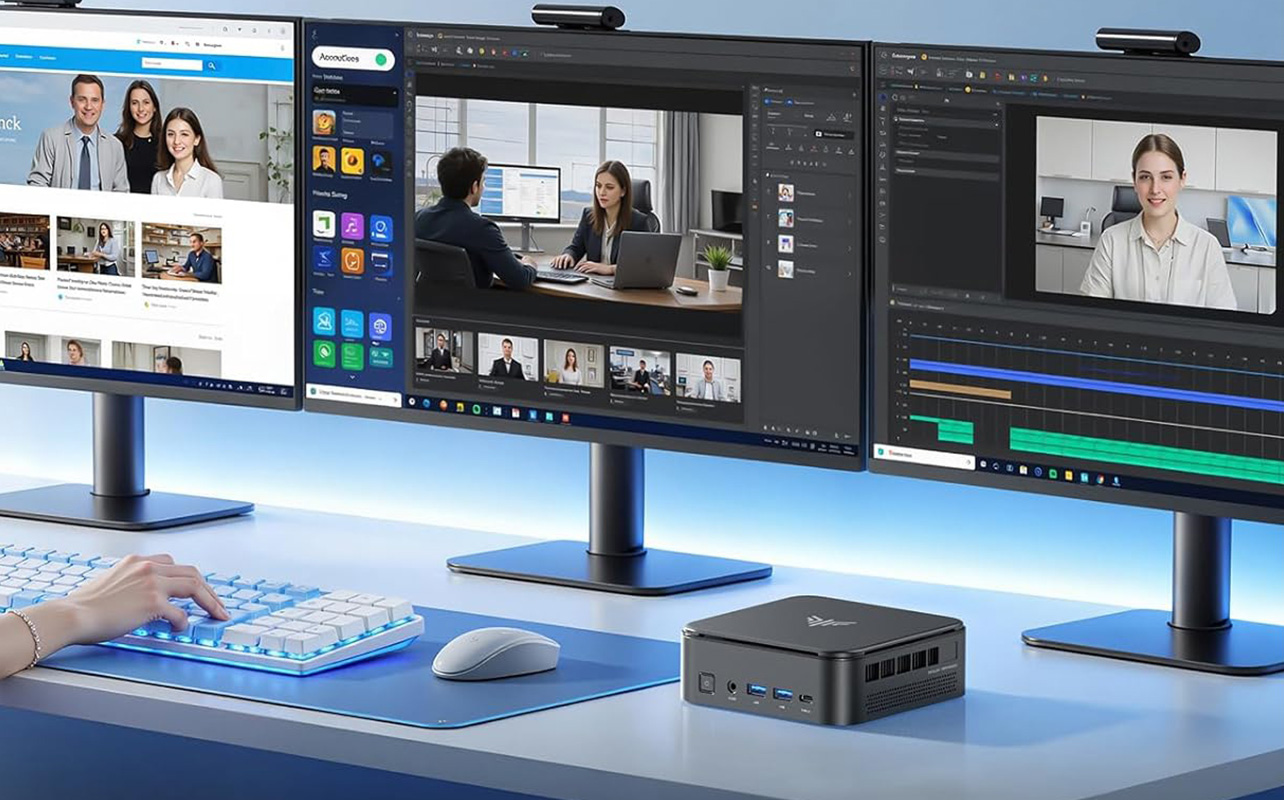
Yes, and this is one of the strongest arguments for choosing a mini PC over a laptop or tower in the first place. A compact desk setup benefits directly from a small footprint, and a mini PC gives you that without giving up a proper desktop experience.
A few things matter more here than they do for basic browsing:
- Multitasking power: Video calls running alongside spreadsheets, email, and a shared document need a processor and RAM combination that won’t bog down mid-meeting.
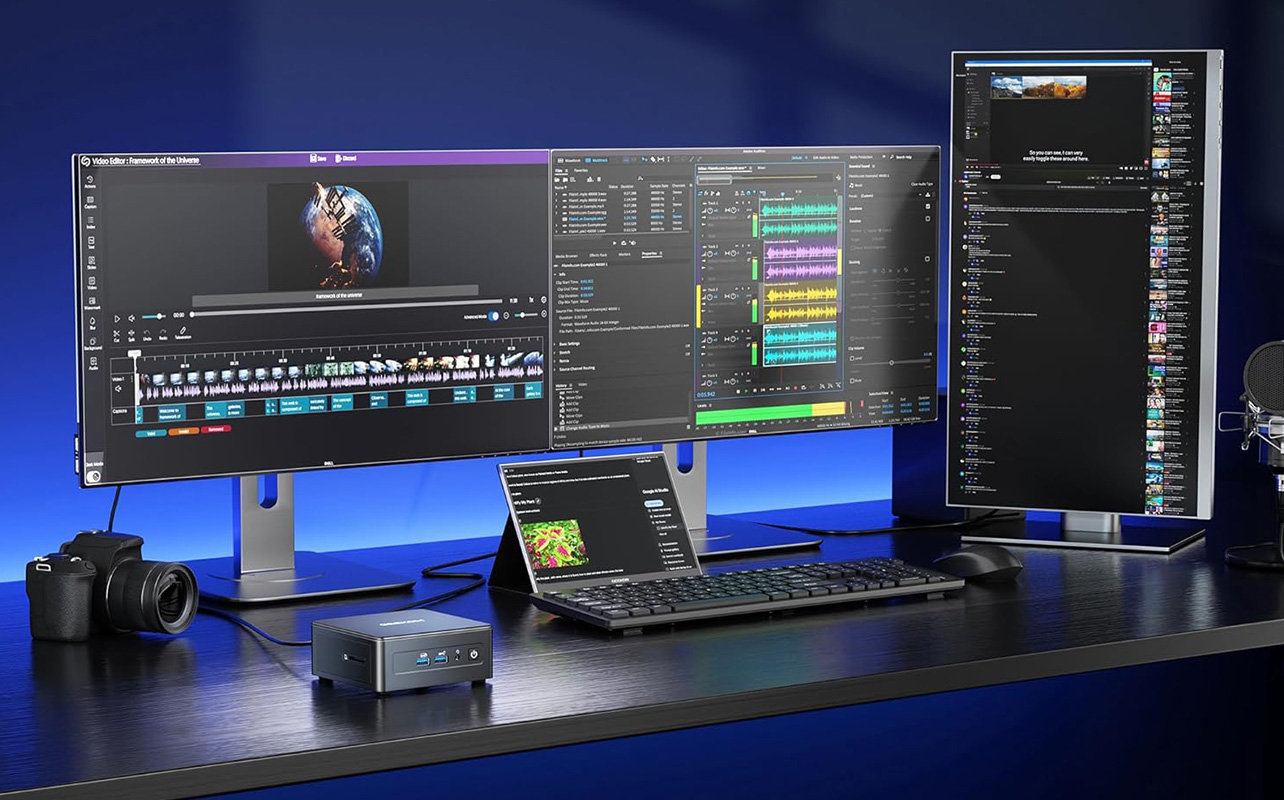
- Multi-monitor support: Many mini PCs can drive two or more displays, which matters a lot for anyone comparing documents side by side or running a dashboard alongside their main work.
- Port selection: Webcams, headsets, external drives, and docking stations all need somewhere to plug in. Check the number and type of ports (USB-A, USB-C, HDMI, DisplayPort) before buying, not after.
- Networking: Ethernet gives you a more stable video-call connection than Wi-Fi alone, which is worth having if your home office setup allows for a wired connection.
Are mini PCs good for students?
Yes, with one honest caveat: a mini PC is a fixed workstation, not a computer you carry to class.
For dorm rooms, shared family workstations, or a compact desk at home, a mini PC is a genuinely good fit for homework, research, online classes, and even introductory coding. It’s also often more affordable than a comparably powered laptop, since you’re not paying for a battery, screen, or portable chassis.
The tradeoff is convenience. If a student needs to move between a dorm, a library, and a lecture hall in the same day, a laptop is still the more practical choice. Mini PCs make the most sense for students who have one consistent place to work.
Can you use a mini PC as a media centre or entertainment hub?
Yes. Connected to a TV or home theatre setup, a mini PC can quietly handle streaming, local media playback, music, general web use, and light living-room gaming.
A few specifics matter more here than in an office setup:
- HDMI or DisplayPort output: matched to the resolution and refresh rate of your TV, so video looks as sharp and smooth as the screen is capable of.
- Quiet operation: A media centre PC sits in a living room, not a home office, so fan noise is more noticeable.
- Wireless input options: A wireless keyboard or a remote-style controller is far more practical than a wired keyboard and mouse in front of a couch.
Are mini PCs good for gaming?
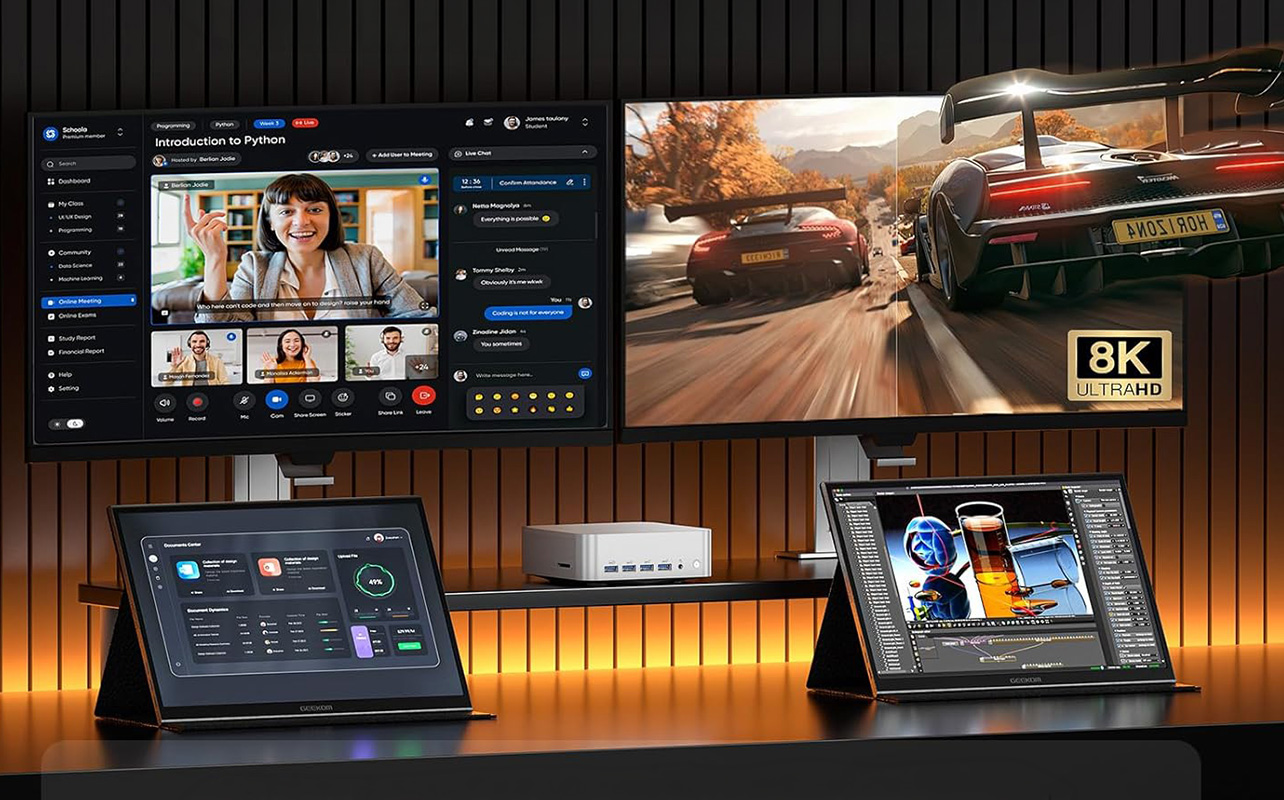
It depends entirely on the model, and this is the section where it’s easiest to overpromise, so let’s be precise.
Casual and cloud gaming
For lighter games, older titles, browser-based games, or cloud gaming services that do the heavy processing on a remote server, most mid-range mini PCs are a solid fit. You’re mainly relying on a stable internet connection and a decent processor rather than serious onboard graphics power.
PC gaming on a mini PC
For modern, graphically demanding titles, suitability comes down to a short list of factors:
- Integrated versus dedicated graphics: integrated graphics (built into the processor) handle lighter games; a dedicated graphics card handles heavier ones.
- Processor performance.
- Cooling capacity in a small case.
- RAM and fast storage.
- The resolution and frame rate you’re expecting to play at.
Some performance-tier mini PCs do include dedicated graphics and can genuinely game well. But a mini PC is not automatically a gaming PC just because it can run games at all; that distinction depends on the specific configuration, not the category. If gaming is your main priority, gaming desktop computers give you more consistent headroom and easier cooling.
Can a mini PC handle creative work like photo or video editing?
Sometimes, and the difference comes down to configuration rather than the mini PC form factor itself.
Photo editing, graphic design, music production, and light video editing are realistic on a mini PC that has enough RAM, a capable processor, and fast SSD storage. Where it gets more demanding, like professional-grade video editing, you’ll want to specifically look for:
- Additional RAM beyond what a basic configuration includes.
- A higher-performance processor.
- Dedicated graphics rather than integrated.
- Faster storage, since large media files move constantly during editing.
- Multiple display outputs, since editors commonly work across two or more monitors.
- Solid thermal management, since sustained rendering generates more heat than everyday tasks.
A mini PC configured for creative work can handle a genuine amount of it. A base-model mini PC bought for browsing will not.
Can a business use mini PCs?
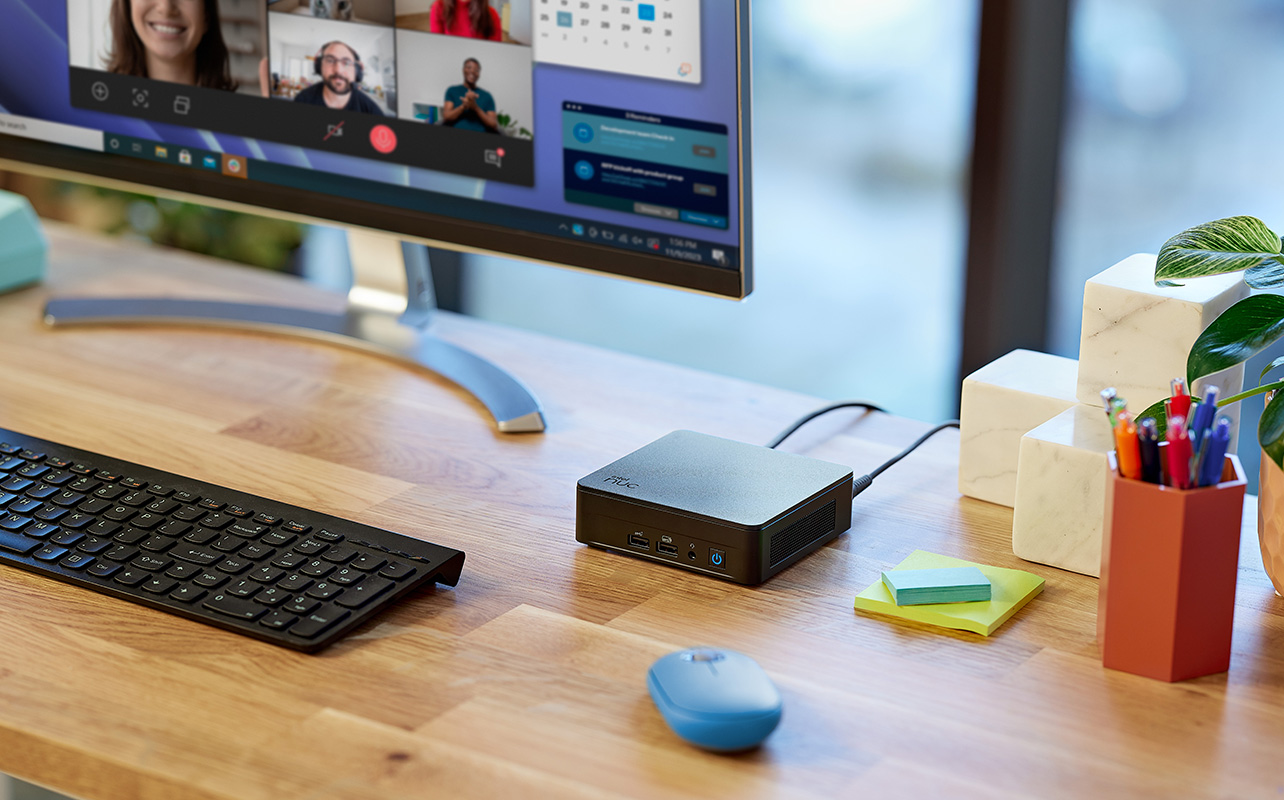
Yes, for a specific set of practical roles rather than as an all-purpose office computer:
- Reception desks.
- Shared office workstations.
- Conference room systems.
- Digital signage.
- Kiosks.
- Point-of-sale systems.
- Inventory and administrative applications.
Digital signage deployments in particular depend on compact mounting — most mini PCs are small and light enough to mount directly behind a screen or on a VESA bracket, which keeps the hardware out of sight and off a countertop entirely. Reliability matters more here too, since signage units typically run for extended hours with no one nearby to restart them if something goes wrong.
The compact size and quiet operation make mini PCs a natural fit for spaces where a full tower would be impractical or visually intrusive. That said, business buyers should also weigh security features, remote management tools, the operating system, and available warranty and support; these matter more in a commercial setting than they typically do at home.
Can you use a mini PC as a home server?
For personal, hobby-level use, yes. Some mini PCs handle:
- File sharing across a home network.
- Media libraries for streaming to other devices.
- Home automation systems.
- Development environments.
- Virtual machines.
- General home-lab projects.
This is worth separating clearly from business use: a home lab is a personal project with some flexibility for downtime. A business running critical applications needs server-grade reliability, redundancy, and management tools that a consumer mini PC isn’t built to provide. If your project starts as a home lab and grows into something a business depends on daily, that’s the point to look at purpose-built server hardware instead.
How do you choose the right mini PC for your needs?
Once you know which use case (or combination of use cases) applies to you, run through this checklist before buying:
- Processor: matched to your heaviest expected task, not your average one.
- RAM: more headroom for multitasking, creative work, or virtualization.
- Storage capacity and type: SSD for speed, with enough capacity for your files.
- Graphics: integrated is fine for office and everyday use; dedicated graphics matter for gaming and creative work.
- Operating system: confirm it fits your intended use, especially for business deployments.
- Ports: count and type, based on what you’ll actually be plugging in.
- Monitor support: how many displays it can drive, and at what resolution and refresh rate.
- Networking: wired Ethernet for reliability, Wi-Fi for flexibility.
- Cooling and noise: more important in a living room or shared office than a closed home office.
- Upgradeability: how much you can add or swap later, which is typically limited compared to a tower.
- Included accessories: confirm what is and isn’t in the box.
- Warranty and support: especially relevant for business use.
What are the limitations of a mini PC?
To keep expectations realistic:
- Less internal expansion room than a desktop tower.
- Fewer upgrade options over the computer’s lifespan.
- Limited space for a dedicated graphics card in many models.
- Potential thermal constraints in smaller cases under sustained heavy use.
- Fewer ports on some models, especially budget ones.
- A near-universal need for external accessories (monitor, keyboard, mouse).
- Real performance differences between models that look almost identical from the outside.
None of these make a mini PC a poor choice they simply mean the shape of the computer tells you less than the specifications inside it.
Start with what you’ll use it for, not the label
That’s the thread running through all of this: “mini PC” is a shape, not a performance promise, so the real question was never whether mini PCs are good enough on the whole. It’s which one fits what you’re actually planning to do with it.
Once you know that, narrowing things down gets a lot easier. Browse mini PCs with your use case in mind, and round it out with the computer monitors and keyboard and mouse combos your setup will likely still need. And if your workload changes down the line, whether that’s heavier games or a home-lab project that outgrows itself, the gaming desktop computers and desktop computers categories are worth a look before assuming your mini PC has hit its ceiling.
Frequently asked questions
For most everyday, office, and entertainment tasks, yes. If you need extensive upgrades, high-end graphics, or specialized expansion cards, a desktop tower is still the better fit.
Usually not. Most are sold as standalone units, so you’ll need to add a monitor, keyboard, and mouse separately.
Many can, but confirm the available HDMI, DisplayPort, USB-C, or Thunderbolt connections before buying, since this varies by model.
Some are. Entry-level models suit light or cloud gaming, while performance-tier models with dedicated graphics can handle more demanding titles.
For a personal home server or home lab, yes. For a business running critical applications, purpose-built server hardware is the more reliable choice.