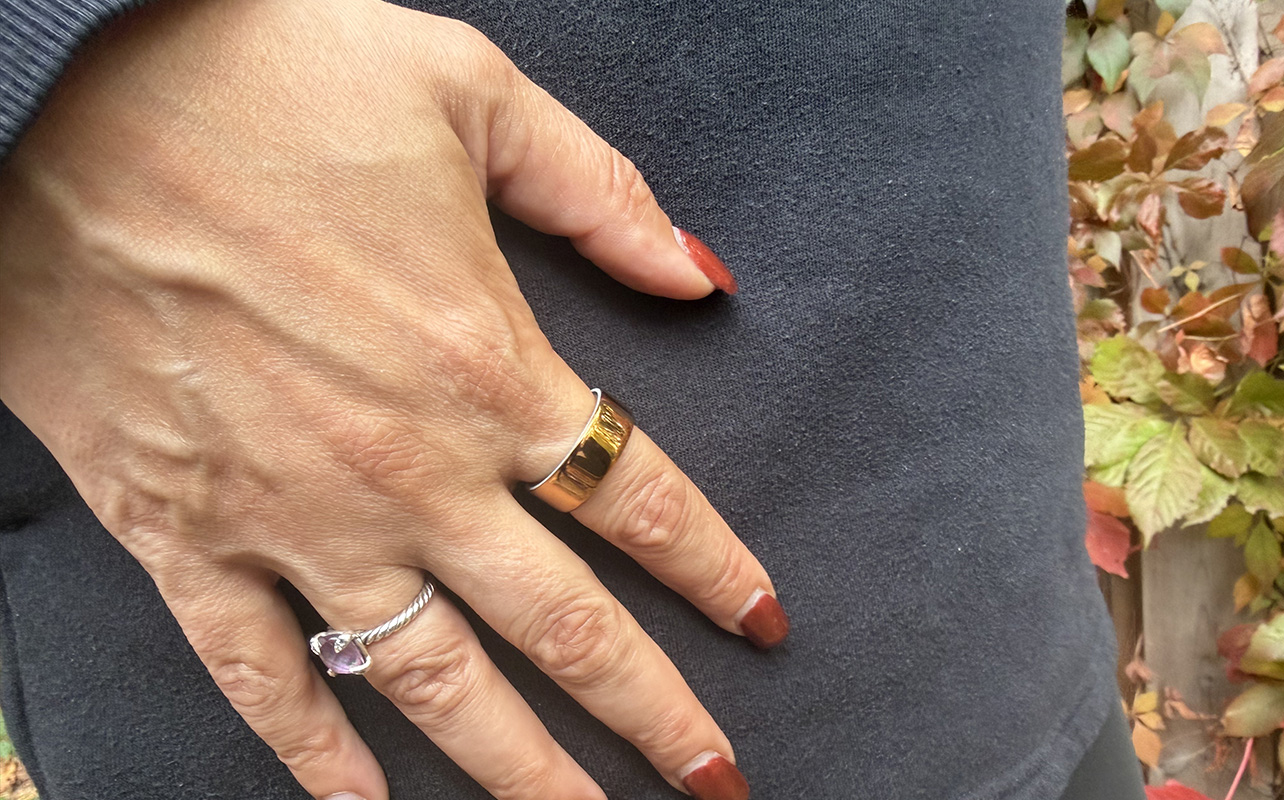
Smart rings come from various brands: Oura, Samsung, Ultrahuman, RingConn, and others all competing to be the best option for your finger. Whichever direction you want to go in, make sure you’ve got the compatibility side of things in check. Will the ring actually work with what you already own?
Smartwatches have clear lanes, like the Apple Watch for iPhone, and Samsung Galaxy Watch models being Android-only—and getting a few extras with Samsung phones. Wear OS is purely an Android pursuit—no iPhones work. Smart rings don’t generally follow that level of distinction, though there may be nuances you need to know to be certain. This guide walks through the compatibility checks that matter before buying.

Always check phone and app compatibility first
The first thing to do is confirm that a ring’s companion app supports your phone’s operating system, and that your device meets any minimum OS or Bluetooth requirements. Unless you’re using a much older phone, you shouldn’t run into any issues with that. Note that if you do switch phones, smart ring companion apps can transfer an account over since the data lives in the cloud. That goes for iOS-Android crossovers as well.
iPhone compatibility considerations
As an iPhone user, you’re pretty much already set but go through the motions to verify. Find the app in the App Store. Most major smart ring apps require iOS 16 or later, but it may vary slightly by brand. If you’re on an older iPhone that can’t be updated anymore, it may become a problem later on.
Check whether the ring integrates with Apple Health, as it often acts as the central health data hub on iOS. If you like using it yet the ring doesn’t write data to it, it could create a fragmented experience. If it’s not a deal-breaker, that’s totally fine, but something to consider before you dive in.
One key to remember is that the ring will always send data to the companion app first, then to Apple Health. Data typically flows from the ring to its companion app first, then to Apple Health except how each app handles data from other health sources varies by manufacturer.
Android compatibility considerations
Android compatibility is more variable because the platform runs on a wider range of devices, manufacturers, and OS versions. A smart ring app may officially support Android 10 and above, but there’s more to it than that.
Since Android is more fragmented as to which OS version people use on their devices, it’s worth noting which one you’re on. Older and budget Android phones might no longer get OS updates, for instance. Bluetooth Low Energy (BLE) has been standard on most phones manufactured after 2015. Don’t just check whether Bluetooth exists on the phone, but whether it supports the Bluetooth version the ring requires.
Samsung ecosystem considerations
Samsung occupies a distinct position in the Android landscape because the Galaxy Ring is designed to work through the Samsung Health app, including requiring a Samsung account. Some features, like the Energy Score, are only available on Samsung Galaxy devices. Galaxy AI health features have additional hardware requirements, generally limited to recent Samsung flagships. So even within the Samsung ecosystem, not all Samsung phones unlock every feature.
On a non-Samsung Android phone, the situation is more fluid now. In 2025, Samsung updated Galaxy Ring compatibility to extend basic functionality to non-Samsung Android devices, albeit with some limits. You can track core metrics, but features tied to Samsung Health’s deeper ecosystem, be it the Energy Score and Galaxy Watch integration, are either unavailable or reduced. The Samsung account is a must no matter what phone you’re using.
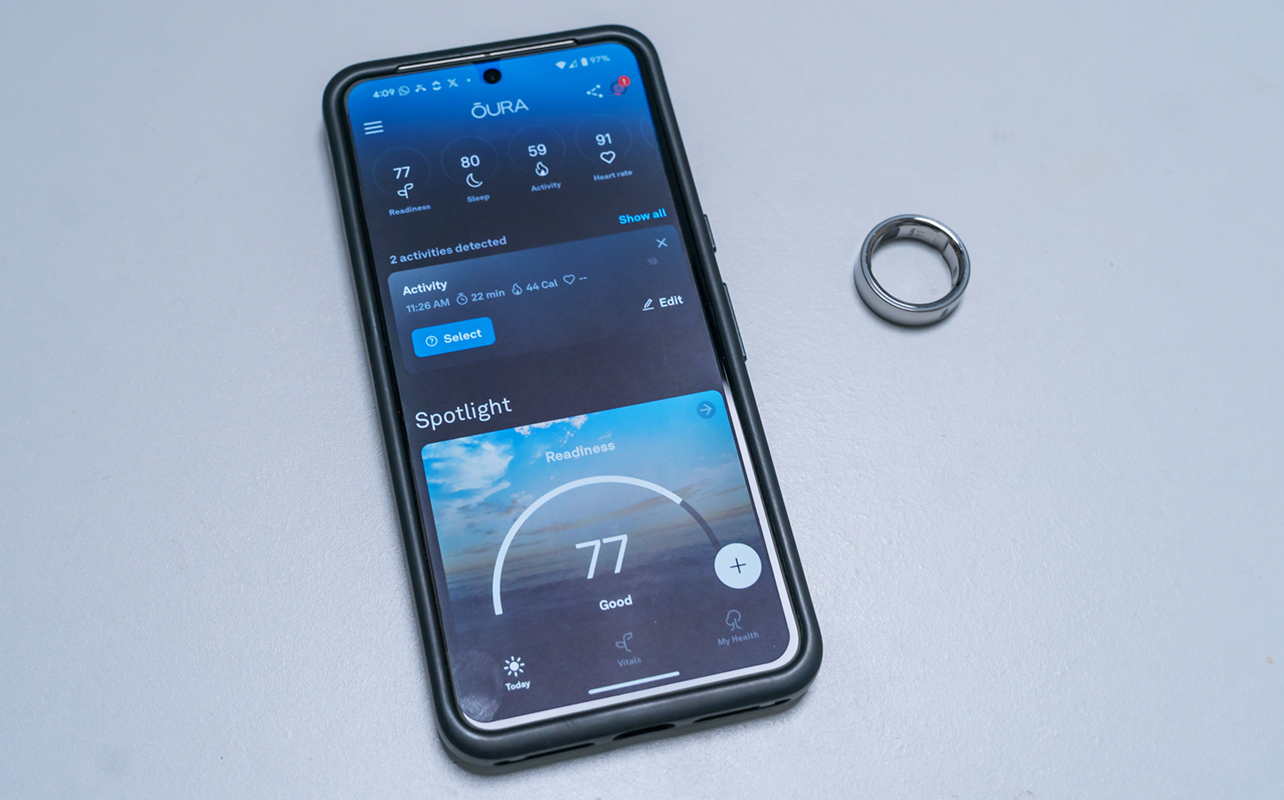
Health app integrations
Platforms like Apple Health, Google Fit, Samsung Health, or Strava can all be part of the mix, depending on their habits. The quality of that integration with the ring’s companion app can vary significantly by brand. Some rings send a broad range of metrics to Apple Health or Google Health Connect. Others sync only a subset of data—steps, maybe sleep, but not heart rate variability or skin temperature. The only way to know is to check what the ring manufacturer says in the fine print.
Oura has relatively robust Apple Health integration, sending a broad range of metrics including HRV, resting heart rate, sleep stages, and activity. It’s generally one of the better integrations in the category.
Samsung Galaxy Ring prioritizes Samsung Health, whereas Google Health integration is more limited. Since there’s no doesn’t support iOS at all, Apple Health is off the table entirely.
RingConn has more limited third-party health app integration overall because it’s more siloed to its own app.
Ultrahuman integrates with Apple Health but, like others, the depth of what it sends varies.
Strava carries some relevance for activity-focused rings but isn’t a meaningful integration target for most smart rings given they tend to focus more on sleep and recovery.
Seeing terms like “health app integration” may not mean everything you assume it does. If you rely on a health app to aggregate data from multiple devices, it’s important to know where that data sits. The companion app will always display more than others do.
What to check before gifting a smart ring
Getting someone a smart ring as a gift is a little more complicated because you need to make sure the pieces are in place. The first one is ensuring the ecosystem is correct. For example, don’t buy a Galaxy Ring for someone using an iPhone. Best also not to assume that you know their ring size without getting them a sizing kit first. It may take away some of the initial elation in receiving a smart ring as a gift since it’s just a dummy model first but it’s the smart way to go about it.
In short, make sure to verify the recipient’s phone OS and version and whether the ring requires any account they don’t already have. Rings like those from Oura, Ultrahuman, and RingConn are OS-agnostic, so it’s more about which phone and version they’re using.
Smart ring compatibility checklist
Use this before finalizing any smart ring purchase:
- Confirm companion app is available in your app store (App Store or Google Play)
- App supports your current OS version (iOS or Android)
- Bluetooth Low Energy supported on your device
- Understand brand account requirements (Samsung Account, Oura account, etc.)
- Identify any subscription or ongoing costs
- Confirm health app integrations (Apple Health, Google Health Connect, Samsung Health)
- Verify regional availability of app and features
- Don’t make assumptions about size. Lend a sizing kit (if you have it) or gift one to make sure the ring fits nicely
Check out the latest smart rings available now.
FAQ
Why is compatibility so important when buying a smart ring?
Smart rings function through a companion app on your smartphone. If the app doesn’t support your device, OS version, or region, the ring’s features could be inaccessible.
Should I always check phone and app compatibility before buying a smart ring?
Yes. It’s the first thing to confirm before comparing features, price, or sensor accuracy.
What should iPhone users confirm before choosing a smart ring?
That the companion app is available in the App Store, that it supports their current iOS version, and whether Apple Health integration is available if they want it.
What should Android users confirm before choosing a smart ring?
That the app is available on Google Play, that their Android OS meets the minimum requirement, and that Bluetooth LE is supported.
Do smart rings require a minimum iOS or Android version?
Most do. Requirements vary by brand, but check the manufacturer’s app listing for current requirements.
Why does Bluetooth version matter for smart ring compatibility?
Smart rings use Bluetooth Low Energy for syncing. Devices without BLE support, or with incomplete implementations, may experience unreliable connections or be entirely incompatible.
Do I need Google Play Services for some smart ring apps to work properly?
Yes. Many Android apps depend on Google Play Services for core functionality. Android devices in North America usually have it anyway, so it’s a rare case of a foreign device that might not.
Can some smart ring features depend on a specific app ecosystem?
Yes. Certain features may require Samsung Health, Apple Health, or a brand-specific platform to function. Features described in marketing materials may not all be available outside their intended ecosystem.
Do some smart ring features require a brand account or Samsung Account login?
Yes. The Galaxy Ring requires a Samsung Account, and some features depend on Samsung Health. Other brands, such as Oura, require their own account for cloud sync and data access.
How do health app integrations affect the buying decision?
If you rely on Apple Health, Google Health Connect, or another platform to centralize your health data, confirm which metrics the ring actually syncs. Even if integration exists, it doesn’t mean it transfers all data.
What should I check before gifting a smart ring to someone else?
Verify the recipient’s phone OS, the app’s availability, and any account requirements. Better to know and avoid mismatching the ecosystem.
Can regional availability affect smart ring features or app support?
Yes. App availability, certain connected services, and even specific health features can vary by country. This is particularly relevant for international purchases or gifts sent across borders.