If you’re comparing a rack server vs tower server for the first time, or your growing business has outgrown the one server you already have, the decision really comes down to your space, your growth plans, and how much infrastructure you’re ready to manage, not which option is “better.”
Choose a tower server if you need a straightforward, standalone system and you don’t already have rack infrastructure in place. Choose a rack server if you’re centralizing multiple systems, need to make the most of limited floor space, or expect your infrastructure to keep growing over the next few years.
Form factor doesn’t determine raw performance; a well-configured tower and a well-configured rack server can handle comparable workloads. The real decision comes down to your workload, your location, your growth plans, noise tolerance, cooling, and how much supporting infrastructure you’re willing to set up.

Rack versus tower server comparison
| Feature | Tower server | Rack server |
| Physical design | Standalone upright chassis | Horizontal chassis mounted in a rack |
| Rack required | No | Yes |
| Best environment | Small office or remote location | Server room or data centre |
| Starting infrastructure | Simpler | Requires additional equipment |
| Scalability | Good for limited growth | Better for dense, multi-server growth |
| Noise | Often easier to accommodate in an office | Can be louder, depending on system and environment |
| Cable organization | Simple with one system | Easier to centralize at scale |
| Cooling planning | Similar to a desktop-style installation | Requires rack-level airflow planning |
| Maintenance | Easy access for small deployments | Organized access when properly installed |
| Best for | First servers and smaller environments | Growing and centralized infrastructure |
Key takeaways
- Rack and tower describe a server’s physical form, not necessarily its performance.
- Tower servers are standalone systems that don’t need a server rack.
- Rack servers are built to mount horizontally inside a standardized rack.
- A tower server can be a practical fit for a smaller office with limited infrastructure.
- Rack servers help you organize and centralize multiple servers, switches, and storage systems as your setup grows.
- Rack deployments need more upfront planning; racks, rails, airflow, cooling, power, and cable management all have to be accounted for.
- The right choice depends as much on your environment and growth plans as it does on hardware specs.
- Comparable rack and tower servers can support similar workloads when they’re configured with similar components.
What is a tower server?
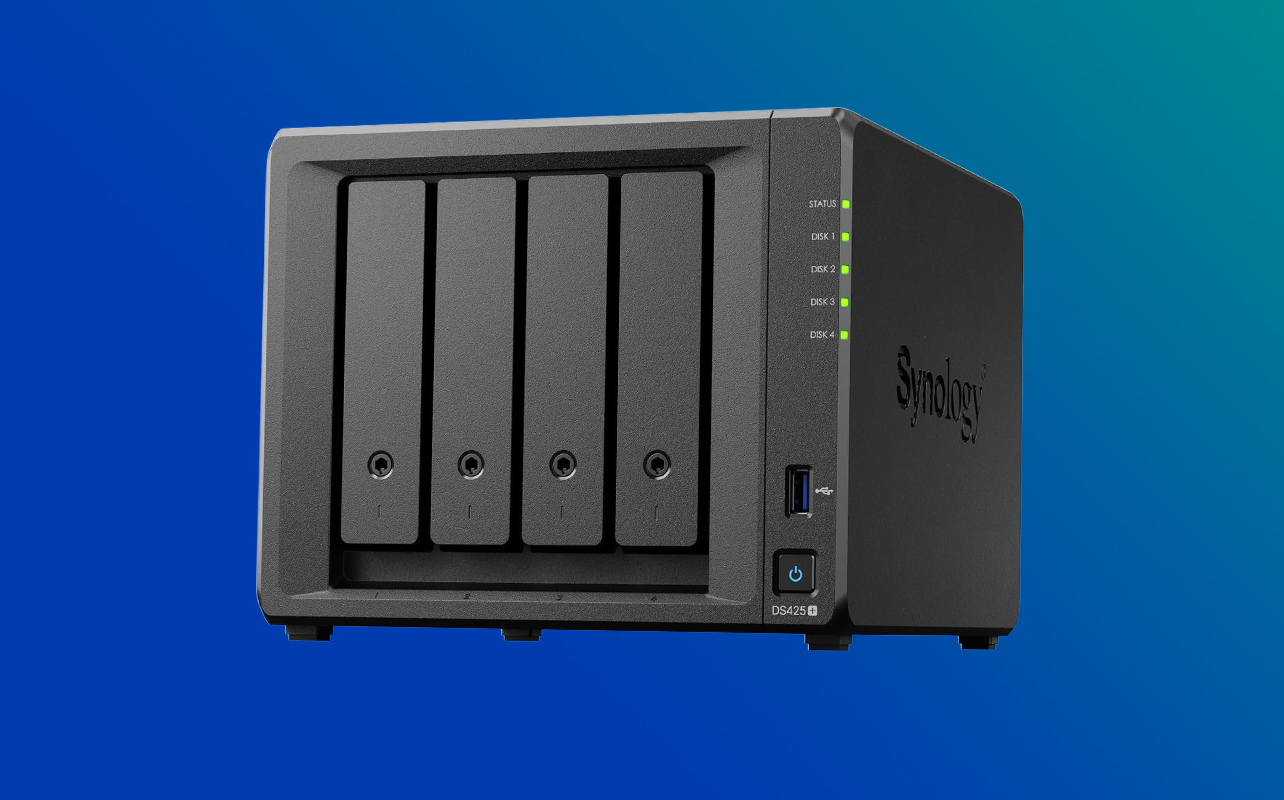
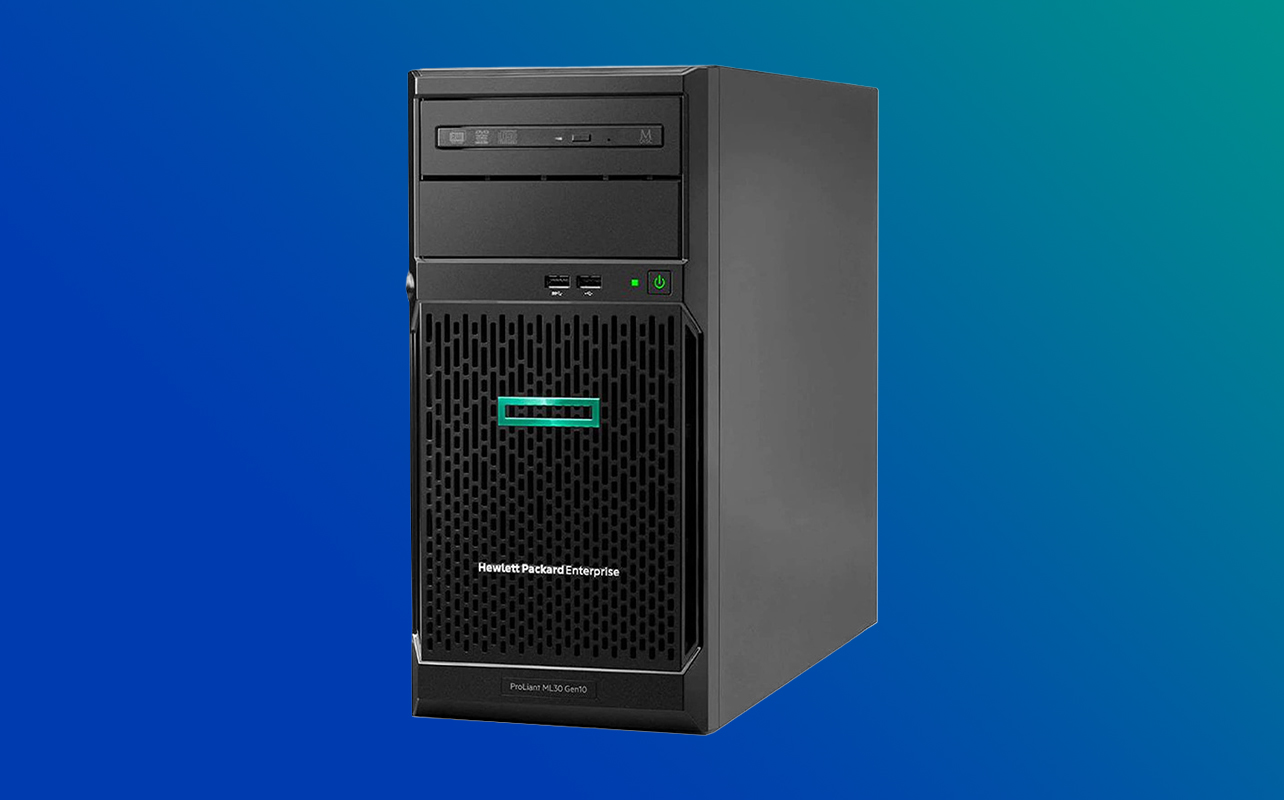
A tower server is a standalone unit that sits on the floor, a desk, a shelf, or any similarly sturdy surface. It doesn’t need a rack, rails, or any special mounting hardware; you place it, plug it in, and connect it to your network.
At a glance, a tower server often looks a lot like a desktop tower PC. That resemblance is intentional and also a little misleading. Inside, it’s built with server-grade components things like error-correcting memory and remote management tools that a regular desktop doesn’t have, even though the outside shape is familiar and unintimidating. This makes tower servers a natural fit for offices, branch locations, and smaller deployments where you’re running one or two systems rather than a whole fleet.
What is a rack server?
A rack server is designed to mount horizontally inside a standardized server rack, alongside other servers, networking equipment, and storage hardware. Instead of a floor footprint, it’s measured by height in rack units (U). One rack unit is about 4.45 cm (1.75 inches), so a “1U” server takes up a single slim horizontal slot and a “2U” server takes up two.
Because it slides into a rack rather than standing on its own, a rack server needs rails and a rack that match its dimensions and weight. This is why rack servers show up most often in dedicated IT environments, server rooms, and data centres where multiple pieces of equipment are already organized the same way.
What are the main differences between a rack and tower server?
How much physical space does each option need?
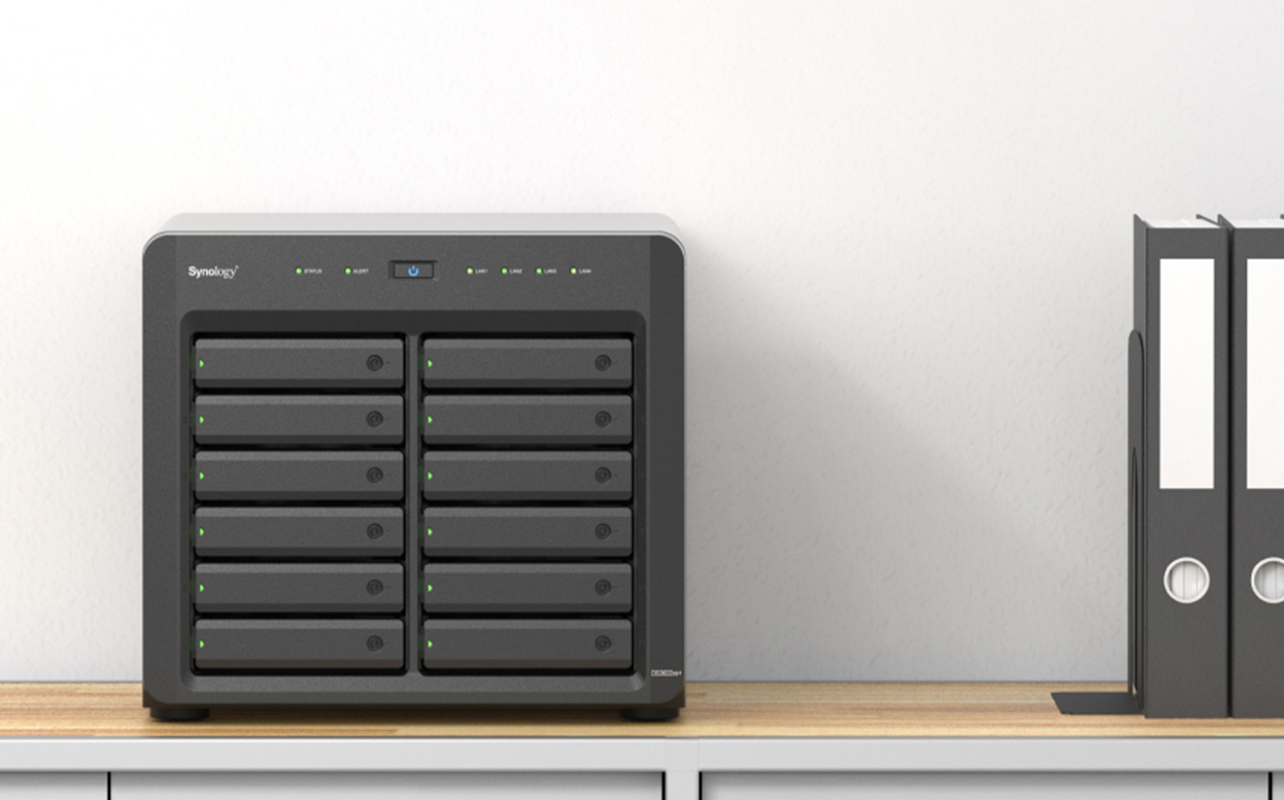
A tower server takes up one standalone footprint, similar to a large desktop PC or a small filing cabinet. A rack server takes up horizontal rack-unit space inside a shared enclosure, and you’ll also need clearance behind the rack for cabling and airflow. One tower is easy to tuck into a corner; a rack needs a planned spot with room in front and behind it.
What’s involved in installing each type?
Setting up a tower server is close to setting up a desktop: place it, connect power and networking, and you’re running. A rack server involves installing rails and mounting the unit into a compatible rack, a job that takes more planning, since rack servers can be heavy and awkward for one person to handle, and rack depth and compatibility need to be confirmed before you buy anything.
How does scalability compare?
With tower servers, growth means adding another standalone tower and then another. Each one works fine on its own, but they’re separate boxes you’re managing individually rather than as one organized system. Rack servers are built for this kind of growth: expansion happens within the structure of the rack itself, so a growing fleet of servers stays organized as a unit instead of turning into a scattered collection of towers.
Which server is quieter?
This is one of the more misunderstood parts of the decision. Noise comes down to the individual system’s fan design and workload, not automatically to whether it’s rack or tower. Rack servers are usually intended for dedicated IT spaces built to handle fan noise, and tower servers are often designed with office placement in mind, but a heavily loaded tower can still get loud. If noise matters to you, check the acoustic specifications for the specific model rather than assuming based on form factor alone.
How do cooling and airflow needs differ?
Rack servers use front-to-back airflow, which only works well with proper rack-level planning: clearance, reasonable room temperature, real ventilation, and enough space to avoid trapping heat from multiple systems in an enclosed area. A tower server’s cooling needs are closer to a desktop installation, still worth decent airflow, but without the same room-level planning a rack setup demands.
How does cable management compare?
One tower server means a handful of cables, simple to keep tidy without much effort. A rack, once it holds several servers plus switches and storage, has a lot more going on, but the design works in your favour: cable-management arms and consistent labelling make it realistic to keep even a fairly dense rack organized. The tradeoff is that without labelling and structure from the start, a rack’s cabling can get messy faster than a single tower’s ever would.
What about power and redundancy?
Power-supply configuration depends on the specific server model, not on whether it’s rack or tower. A rack environment does make it easier to centralize your UPS (uninterruptible power supply) and power distribution in one place. But don’t assume a rack server automatically comes with a redundant (dual) power supply; that’s a spec to confirm model by model, not a given of the format.
How do upgrades and maintenance compare?
A tower server usually gives you easy physical access for a small deployment: open the case, get to what you need. A properly installed rack server can actually be just as convenient, since hot-swappable drives let you replace failed components without shutting the system down, and slide rails let the unit pull forward for service. The catch is that this convenience depends on correct installation — a crowded or poorly planned rack can make physical access harder, not easier.
Advantages and disadvantages of tower servers
Advantages
- No rack required.
- Simpler initial installation.
- Well-suited to a small number of systems.
- Can fit into office or branch environments without special planning.
- Lower infrastructure requirements overall.
Limitations
- Multiple towers become harder to organize as you add them.
- Uses more floor or shelf space as your environment grows.
- Cable management gets more complex once you’re running several units.
- Not well suited to a dense server room.
Advantages and disadvantages of rack servers
Advantages
- Efficient organization of multiple systems in one place.
- Centralized power, networking, and cable management.
- High infrastructure density for the floor space used.
- Easier to scale within a properly designed server room.
- A standardized installation environment for future equipment.
Limitations
- Requires a compatible rack and rails.
- More upfront infrastructure planning.
- Noise and cooling need real consideration.
- Installation is more involved than plugging in a tower.
- Rack depth, weight capacity, and compatibility all need to be checked before buying.
Which server is best for your situation?
| Scenario | Recommended starting point | Why |
| First server for a small office | Tower server | Simpler, standalone deployment |
| Branch or remote office | Tower server | Lower supporting infrastructure needs |
| Business expecting several servers | Rack server | Easier centralized organization |
| Dedicated server room | Rack server | Built for rack-based infrastructure |
| Limited floor space with multiple systems | Rack server | Greater equipment density per square foot |
| Office without isolated IT space | Tower server | Often easier to accommodate, depending on noise |
| Home lab | Either | Depends on your space, budget, noise tolerance, and growth plans |
What do you need for a rack server?
Buying the server is only part of the setup. A rack deployment typically also needs:
- A compatible server rack, sized to fit your equipment.
- Rails matched to your specific rack server model.
- Power distribution for the rack.
- A UPS to protect against outages.
- A network switch.
- Ethernet cabling.
- Cable-management arms and labelling supplies.
- Proper ventilation and cooling for the space.
- A rack with the right depth and weight capacity for what you’re installing.
- Physical security for the rack, where that matters for your business.
It’s a longer list than a tower server needs, which is exactly why the “starting infrastructure” line in the comparison table above matters as much as the price of the server itself.
Can a tower server be converted to a rack server?
Sometimes, but not automatically. Some specific tower models support official conversion kits that let them mount in a rack, but this isn’t true across the board; plenty of tower servers simply aren’t designed to be rack-mounted at all. If you’re considering this route, compatibility needs to be verified directly with the manufacturer for your exact model. Improvised mounting isn’t something to rely on here; if a proper kit doesn’t exist for your server, it’s worth treating that server as tower-only rather than trying to force a fit.
Start with the space you have
If you’re setting up your first server with no rack in place, a tower server gets you running with the least setup and the fewest extra purchases. If you’re already planning for growth or managing more than a system or two, the extra planning a rack takes is worth it.
Best Buy Canada carries both tower and rack servers, along with refurbished options for tighter budgets, refurbished servers and the racks, rails, and networking gear you’ll need to build a rack setup from scratch, and commercial-grade servers. If you’re still weighing what your business actually needs, our server buying guide and small-business server use-cases guide will go deeper.
Frequently asked questions
Not necessarily. Form factor alone doesn’t determine performance. Processor, memory, storage, networking, and the overall configuration are what decide what a server can actually handle; a rack chassis doesn’t make a server faster on its own.
Yes. A rack server is built specifically to mount inside a compatible server rack using the right rails or mounting hardware; it isn’t designed to sit freestanding the way a tower server is.
A tower server is often a practical starting point when infrastructure is limited, and you’re only running one or two systems. Once you expect to deploy multiple servers, or you’ve already set up a dedicated server room, a rack server tends to be the better long-term fit.
Usually, but not automatically. Tower servers are often designed with office environments in mind, while rack servers are typically intended for dedicated IT spaces. That said, noise varies by individual model and workload; it’s worth checking the acoustic specifications and thinking about where the unit will actually sit before assuming either way.
Once you need multiple servers, centralized networking, better physical organization, or infrastructure that can scale cleanly over time, a rack-based setup starts paying off. If you’re still running a single system with no immediate plans to add more, there’s often no need to make that jump yet.