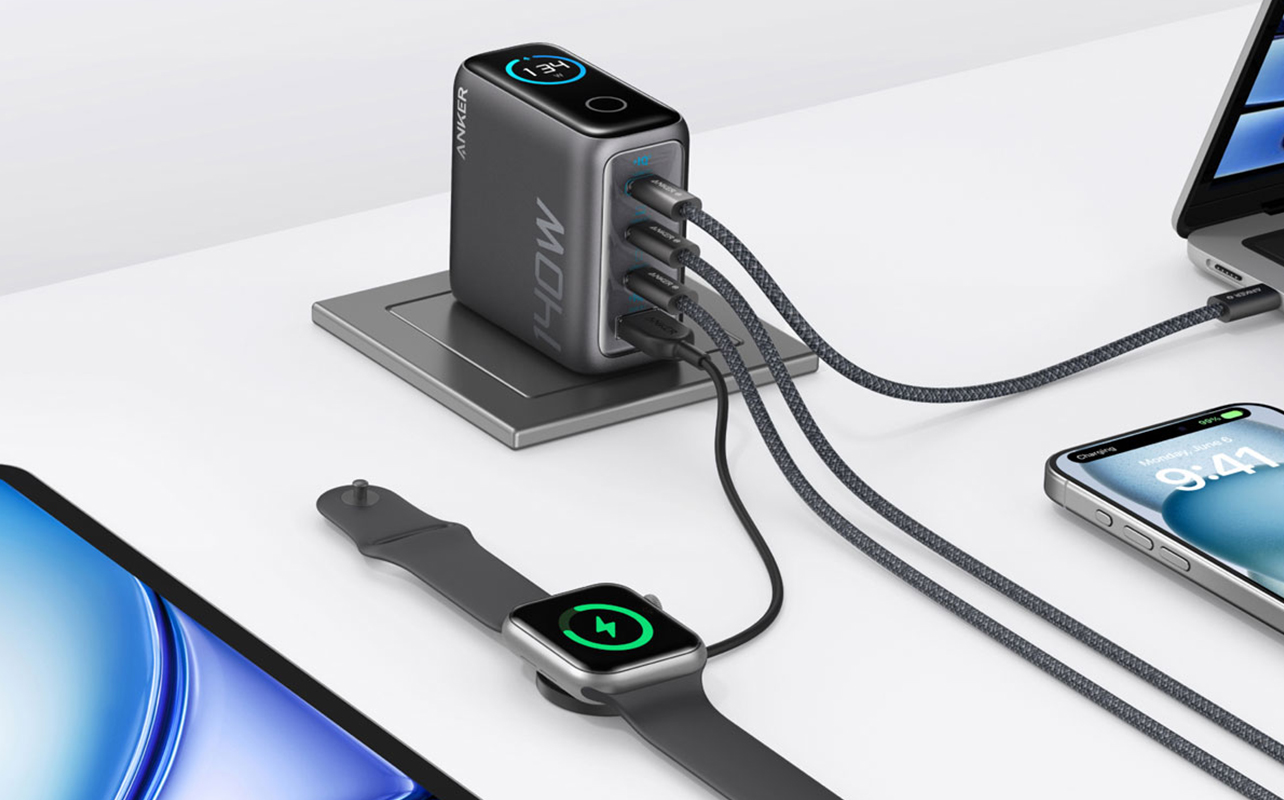
If you’ve ever grabbed a random charger from a drawer and wondered why your laptop was barely gaining battery life, or why your phone charges twice as fast at a friend’s place, the answer almost always comes down to wattage. It’s the single most important number on a wall charger, and once you understand it, buying the right one becomes surprisingly straightforward.
Here’s the short answer: wattage is the measure of how much power a charger can deliver. The higher the wattage, the faster a compatible device can charge. But that doesn’t mean you should always buy the highest number on the shelf. Different devices need different amounts of power, and matching the right charger to the right device is where most people get tripped up.
This guide will walk you through everything you need to know, from what wattage actually means, to how much your phone, tablet, or laptop actually needs, to what to look for when you’re ready to buy.

Table of contents
- What does wattage mean for charging?
- How much power do common devices actually need?
- Why using the wrong wattage matters
- Fast charging: what is USB-C Power Delivery?
- Single-port vs. multi-port chargers: which should you get?
- GaN chargers
- How to choose the right wall charger
- The right charger makes a real difference
- Frequently asked questions
What does wattage mean for charging?
Wattage (measured in watts, abbreviated W) is a unit of electrical power. When it comes to wall chargers, it tells you the maximum rate at which the charger can push energy into your device.
You’ll sometimes see chargers labelled with voltage (V) and amperage (A) instead of or alongside watts. These are the two components that produce wattage, and the relationship between them is simple: watts = volts × amps. A charger rated at 5V and 3A, for example, delivers 15W of power. You don’t need to do this math yourself at the store, but it helps explain why two chargers that look identical on the outside can perform very differently.
Think of it this way, voltage is like water pressure in a pipe, and amperage is how much water is actually flowing. Wattage is the combined result of the total power getting through. A charger with more watts can fill your device’s battery faster, as long as the device itself is capable of accepting that much power.
That last part matters. A charger’s wattage is its ceiling, not a guarantee. Your device will only draw as much power as its internal charging controller allows. Plug a 65W charger into a phone that maxes out at 25W, and the phone will charge at 25W; it simply won’t use the rest.
How much power do common devices actually need?
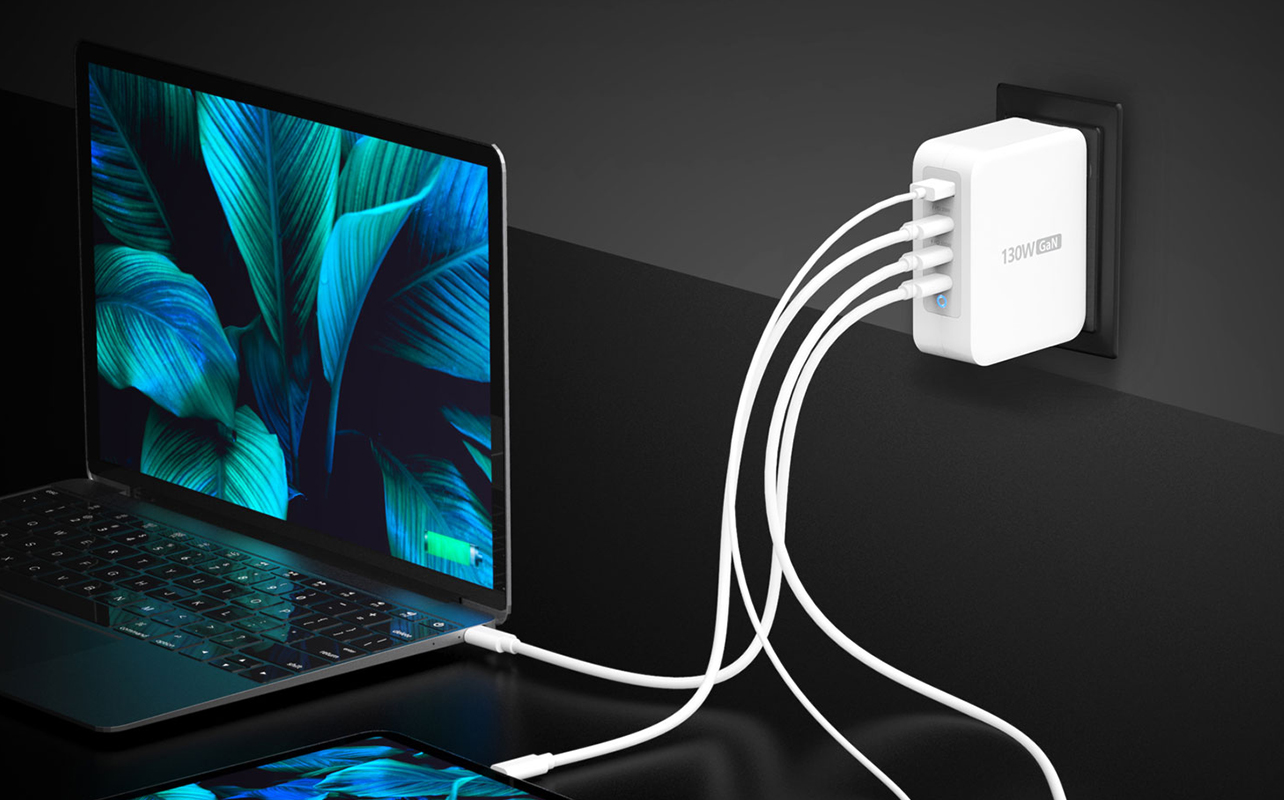
Every device has a maximum charging wattage it can accept. Going below that means slower charging. Going above it is generally safe, but more on that in a moment. Here’s a practical breakdown by device type:
Smartphones: 18W to 45W
Most modern smartphones charge comfortably between 18W and 30W. Flagship models from brands like Samsung and Apple have pushed this higher; some Android phones now support 45W or more, but even a 20W charger will serve most people well for daily overnight charging. One thing worth knowing: many phones now ship without a charger in the box, or include a basic 5W brick that barely qualifies as fast. If your phone supports faster charging, it’s worth getting a charger that actually takes advantage of it.
Tablets: 20W to 45W
Tablets have larger batteries than phones, which means charging takes longer overall, but a higher-wattage charger can close that gap. Apple’s iPad lineup typically charges well with a 20W adapter, though iPad Pro models can benefit from 30W or higher. Android tablets vary widely, so it’s worth checking your device’s manual or the manufacturer’s website for the recommended wattage.
Laptops: 45W to 140W+
This is where wattage really starts to matter. A thin, lightweight laptop like an ultrabook typically needs 45W to 65W for normal use. If you plug in a 30W charger, it may charge but slowly, and it may not keep up if the laptop is under heavy load. Larger laptops, gaming machines, and mobile workstations often require 90W to 140W or more. Using an underpowered charger with one of these will result in the battery draining even while plugged in. When in doubt, check the wattage on your original charger; that number tells you exactly what your laptop was designed to run on.
Earbuds, smart watches, and accessories: 5W to 18W
Small accessories charge slowly by design and need very little power. Even a basic 5W charger will do the job here. There’s no benefit to using a high-wattage charger for a device this small; it will still draw the same few watts regardless.
Why using the wrong wattage matters
Wattage mismatches are more common than most people realise, and they’re usually the reason a device charges slower than expected, or not at all under load. The consequences depend on which direction you get it wrong.
When the wattage is too low
Using an underpowered charger won’t damage your device, but it can be genuinely frustrating. A laptop plugged into a charger that can’t keep up will drain faster than it charges during demanding tasks. A phone on a 5W charger when it’s capable of 25W will take three or four times as long to top up. For most people, this is the more common and more annoying problem using an old or mismatched charger without realising there’s a better option.
When the wattage is too high
Here’s the reassuring part: modern devices are designed to regulate their own power intake. The charging controller built into your phone, tablet, or laptop acts as a gatekeeper; it accepts only as much power as it can safely handle and rejects the rest. Plugging a 100W charger into a phone that supports 20W is perfectly safe. The phone will simply draw 20W and ignore the rest.
The one caveat worth mentioning is charger quality, not wattage. Cheap, uncertified chargers, regardless of what they claim on the label, may not regulate voltage and current properly. A reputable charger from a known brand, or one carrying certification marks like UL or CE, is far more trustworthy than an unknown brand promising extreme wattage at a very low price. The number on the box means little if the electronics inside aren’t built to deliver it safely.
Fast charging: what is USB-C Power Delivery?
“Fast charging” is a general term for any charging standard that delivers more power than the old 5W baseline that was once universal. But not all fast charging is the same, and the most important standard to understand right now is USB-C Power Delivery, commonly abbreviated as USB-C PD.
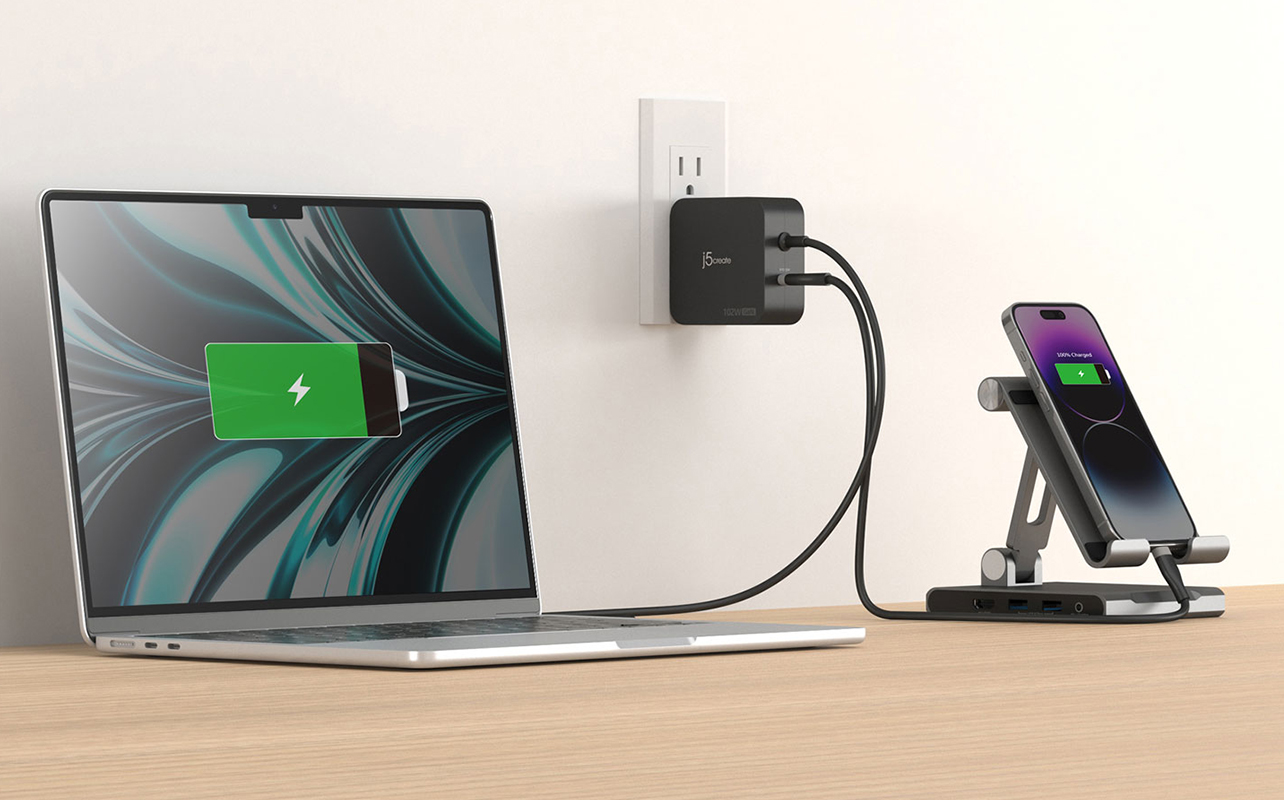
USB-C PD is a universal charging protocol that allows a USB-C charger and a compatible device to communicate with each other and agree on the highest safe wattage for that session. This is how a single USB-C PD charger can safely deliver 20W to your phone, 30W to your tablet, and 65W to your laptop, all from the same brick, just by negotiating with each device individually.
For fast charging to work, both the charger and the device need to support the same protocol. A USB-C PD charger paired with a device that supports USB-C PD will fast charge. The same charger plugged into an older device that doesn’t support PD will charge at a standard rate. Neither will be damaged; the charging will just be slower.
There are other fast charging protocols out there, Qualcomm Quick Charge is common in many Android devices, but USB-C PD has become the dominant standard, particularly for laptops and newer smartphones and tablets. If you’re buying a new wall charger and want something versatile, a USB-C charger with Power Delivery support is the most future-proof choice for most households.
One more thing worth knowing: a high-wattage charger is only as fast as the cable connecting it to your device. A USB-C PD charger paired with a low-quality or non-rated cable won’t deliver full charging speeds. If you’re investing in a proper fast charger, it’s worth pairing it with a quality USB-C cable rated to handle the wattage.
Single-port vs. multi-port chargers: which should you get?
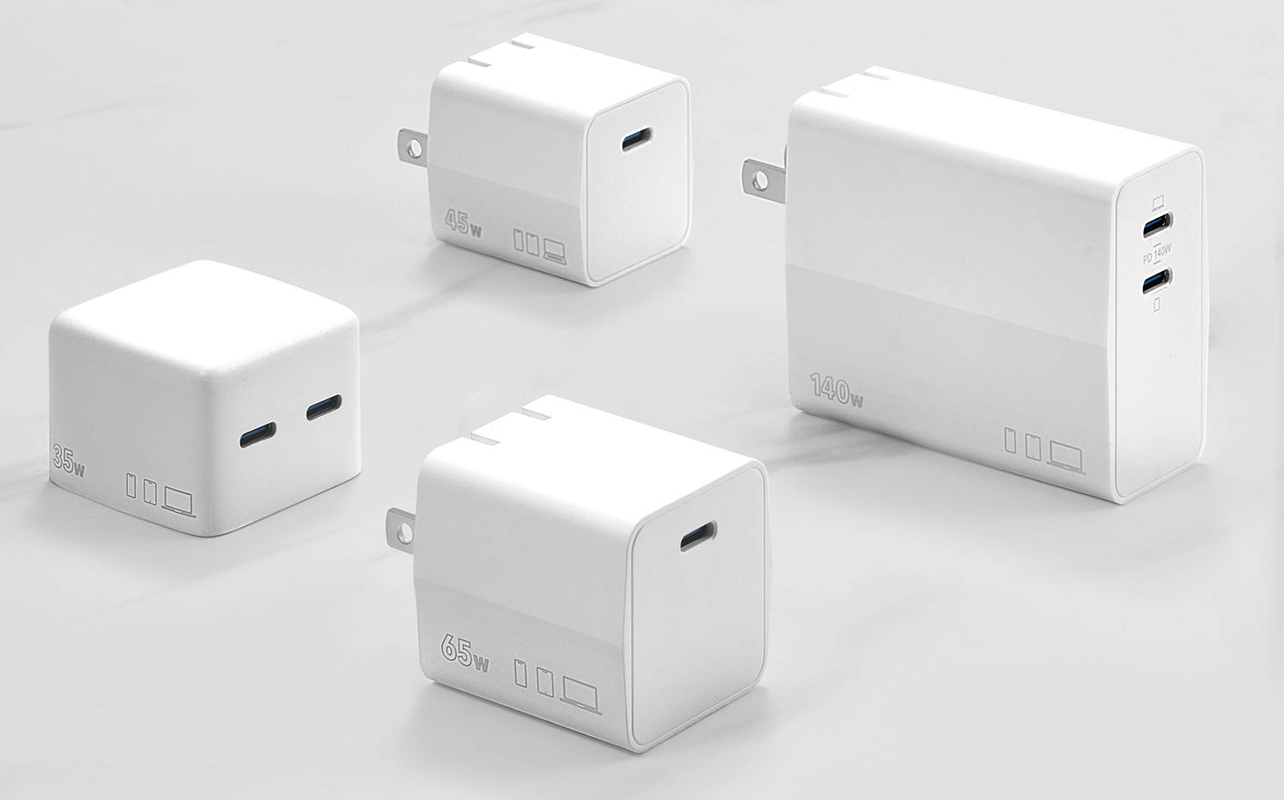
- Single-port chargers are simple and focused. All of the rated wattage goes to one device. If you need to charge a laptop at full speed, a dedicated single-port charger is the most reliable way to do it.
- Multi-port chargers let you charge two or more devices from a single plug, convenient for a desk, nightstand, or travel bag. But there’s an important detail most people miss: the total wattage is shared across all active ports.
A 65W dual-port charger, for example, might deliver 45W to the first device and 20W to the second when both are plugged in. Some chargers split evenly; others prioritise the first port. If you plug a laptop into a multi-port charger expecting full-speed charging, check whether the charger can deliver its maximum wattage to a single port while others are in use. Some can, many can’t.
For most households with phones, tablets, and earbuds to charge, a multi-port charger in the 65W to 100W range is a practical and efficient choice. For laptop users who need reliable full-speed charging, a dedicated single-port charger or a high-wattage multi-port model that clearly states per-port output is the smarter option.
GaN chargers
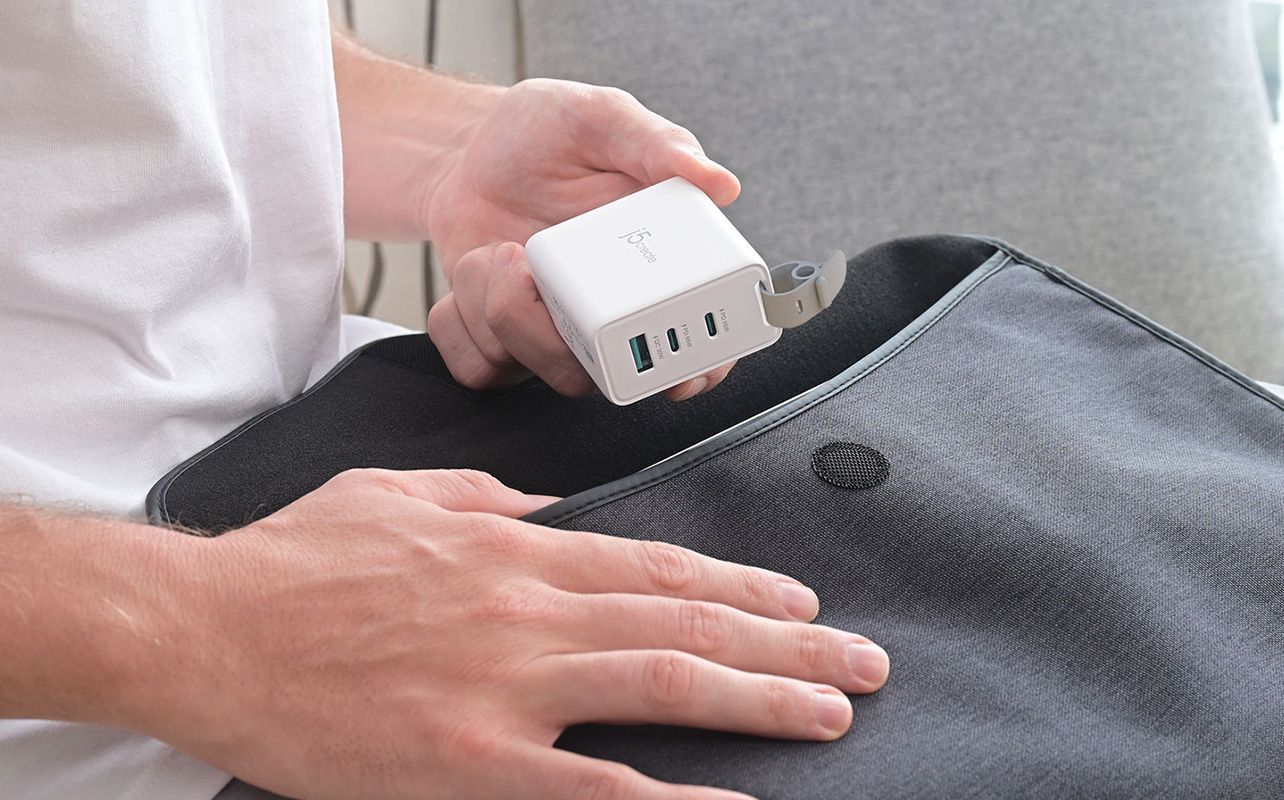
If you’ve been shopping for wall chargers recently, you may have noticed some labelled as GaN (gallium nitride). GaN is a newer charging technology that allows chargers to be significantly smaller and more efficient than traditional silicon-based designs. A GaN charger can deliver 65W or 100W in a package not much larger than a standard phone charger. They run cooler, waste less energy, and are particularly popular for travel. If you’re in the market for a high-wattage or multi-port charger, GaN models are worth considering.
How to choose the right wall charger

Choosing a wall charger comes down to a few practical questions: how much power your devices need, how many you want to charge at once, and what kind of setup suits your life. Work through these factors, and the right option becomes clear quickly. With all of the above in mind, here’s a practical decision guide:
Start with your highest-demand device
The wattage floor for your charger should match your most power-hungry device. If you have a laptop that needs 65W, that’s your starting point. Everything else you own will charge fine from the same charger; it will just draw less than the maximum.
Count your ports
If you regularly charge more than one device at a time, look for a multi-port charger with enough total wattage to cover your devices simultaneously. A phone plus a tablet plus earbuds might need 30W + 25W + 10W, so a 65W multi-port charger would handle that comfortably.
Choose USB-C over USB-A for modern devices
USB-A (the rectangular port) is the older standard and is limited in how much power it can deliver. USB-C is faster, more versatile, and used by virtually every new phone, tablet, and laptop. It also powers most wireless charging pads and multi-device stations. If you’re weighing whether wireless charging makes sense for your setup, When wireless charging makes sense and when it doesn’t covers that decision in full. If your devices are less than a few years old, prioritise USB-C wall chargers. A charger with a mix of USB-C and USB-A ports can cover older accessories too.
Consider travel vs. home use
If you’re buying a charger for travel, look for compact designs with foldable plugs and, ideally, support for multiple voltage standards (100–240V) so it works internationally. GaN models are well-suited here. For a desk or nightstand, a larger multi-port charger with more ports may be more practical.
Stick to reputable brands
Wattage claims are easy to print on packaging. Reputable brands back those claims with proper electronics inside. Look for safety certifications and buy from a retailer you trust; your devices are worth protecting.
The right charger makes a real difference
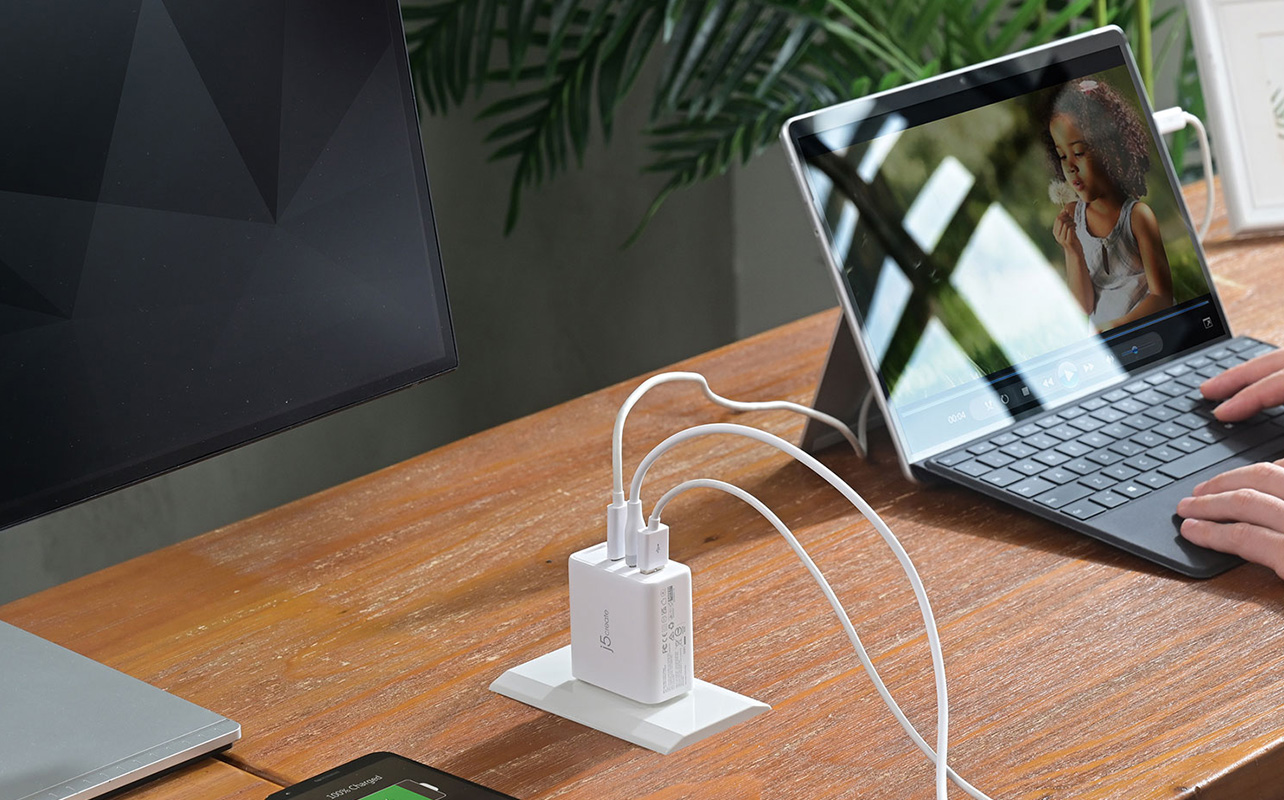
Wattage isn’t just a technical detail; it’s the difference between a device that’s ready to go when you need it and one that’s been sitting on a charger for two hours and barely moved. Once you know what your devices actually need, choosing the right charger becomes simple: match your highest-demand device, pick the right number of ports, choose USB-C where possible, and buy from a brand you can trust.
If you’re ready to find one, browse wall chargers at Best Buy Canada, You’ll find options across every wattage range, port configuration, and form factor, from compact travel chargers to high-wattage multi-port charging stations for the whole household.
Frequently asked questions
Can a higher-wattage charger damage my phone?
No. Devices regulate their own power intake through a built-in charging controller. A 100W charger plugged into a phone that supports 20W will charge the phone at 20W; the extra capacity is simply unused. The risk comes from uncertified, low-quality chargers that don’t regulate voltage properly, not from high wattage itself.
Why is my laptop draining even when it’s plugged in?
This usually means the charger isn’t delivering enough watts to keep up with what the laptop is consuming under load. Check the wattage on your original charger and compare it to whatever you’re currently using. Even a small shortfall can result in the battery losing ground during intensive tasks.
Do I need a special charger for fast charging?
Yes. For fast charging to work, both the charger and the device must support the same protocol. A standard charger plugged into a fast-charge-capable phone will charge it, just slowly. For USB-C Power Delivery fast charging, you need a USB-C PD charger paired with a USB-C PD-compatible device and cable.
What does it mean when a multi-port charger says “65W total”?
It means that 65W is the combined maximum output across all ports simultaneously. The available wattage per port decreases as you add devices. If you need a specific port to deliver maximum wattage, check the charger’s per-port specifications, not just the total.
Is USB-A or USB-C better for charging?
USB-C supports significantly higher wattage and is the current standard for fast charging across phones, tablets, and laptops. USB-A is slower and mostly relevant for older accessories. For any modern device, USB-C is the better choice.
What is a GaN charger?
GaN (gallium nitride) chargers use newer semiconductor technology that allows them to be smaller, more efficient, and cooler-running than traditional chargers. They deliver the same wattage as conventional chargers in a noticeably smaller form factor, a practical advantage for travel or a tidy desk setup.