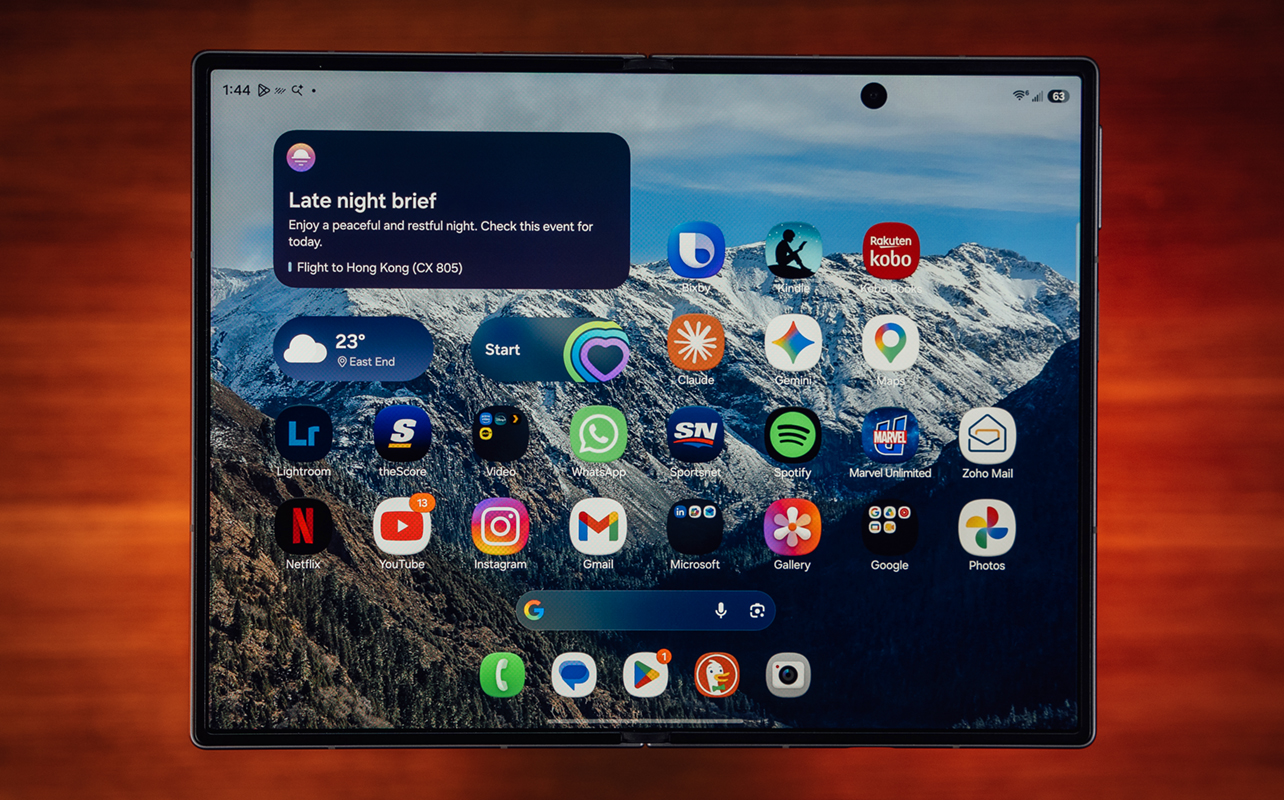
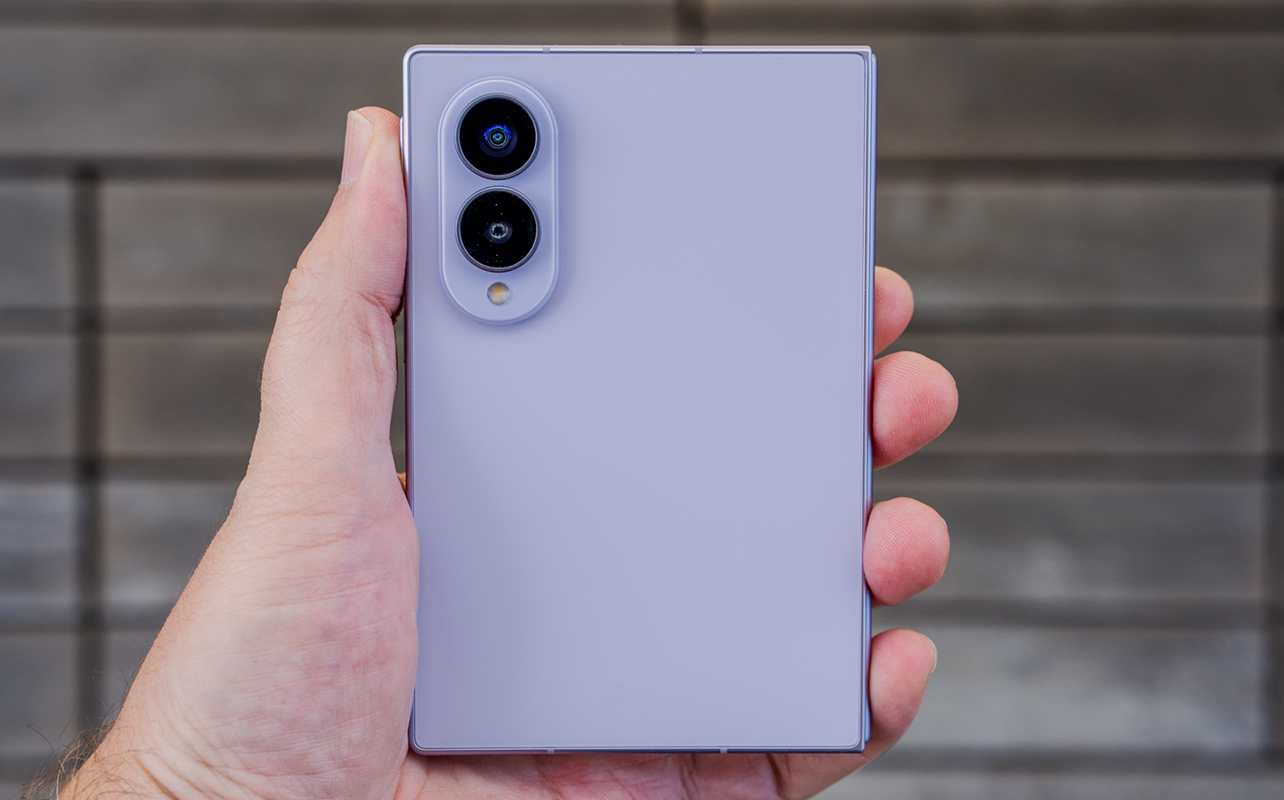
Samsung makes one of the biggest changes to its foldable lineup in the Galaxy Z Fold8 by simply changing its dimensions. What you get is more of a passport-style design that feels like a mini-book rather than what we’ve known as a typical foldable.
While it takes a little getting used to off the bat, the size shift carries some interesting benefits that have more to do with how you view content than how you create it. That goes for everything from video to ebooks and on to websites. It may very well usher in a new class of foldables because of what it feels like to use it—despite the trade-offs involved.

What makes the Galaxy Z Fold8 different
Samsung Galaxy Z Fold8 (as tested):
|
The most obvious change is the dimensions. Shorter and wider than the past Galaxy Folds, including the current Galaxy Z Fold8 Ultra, the Fold8 doesn’t quite resemble any phone we’ve seen here in North America for a long time. Even more so because it folds. What helps the cause is Samsung makes notable improvements to augment the experience.
Unfold the device and the crease in the middle doesn’t seem all that noticeable on the 7.6-inch display. The shorter stature also makes one-handed folded use a little easier to manage, though the wider space sometimes obstructs that.
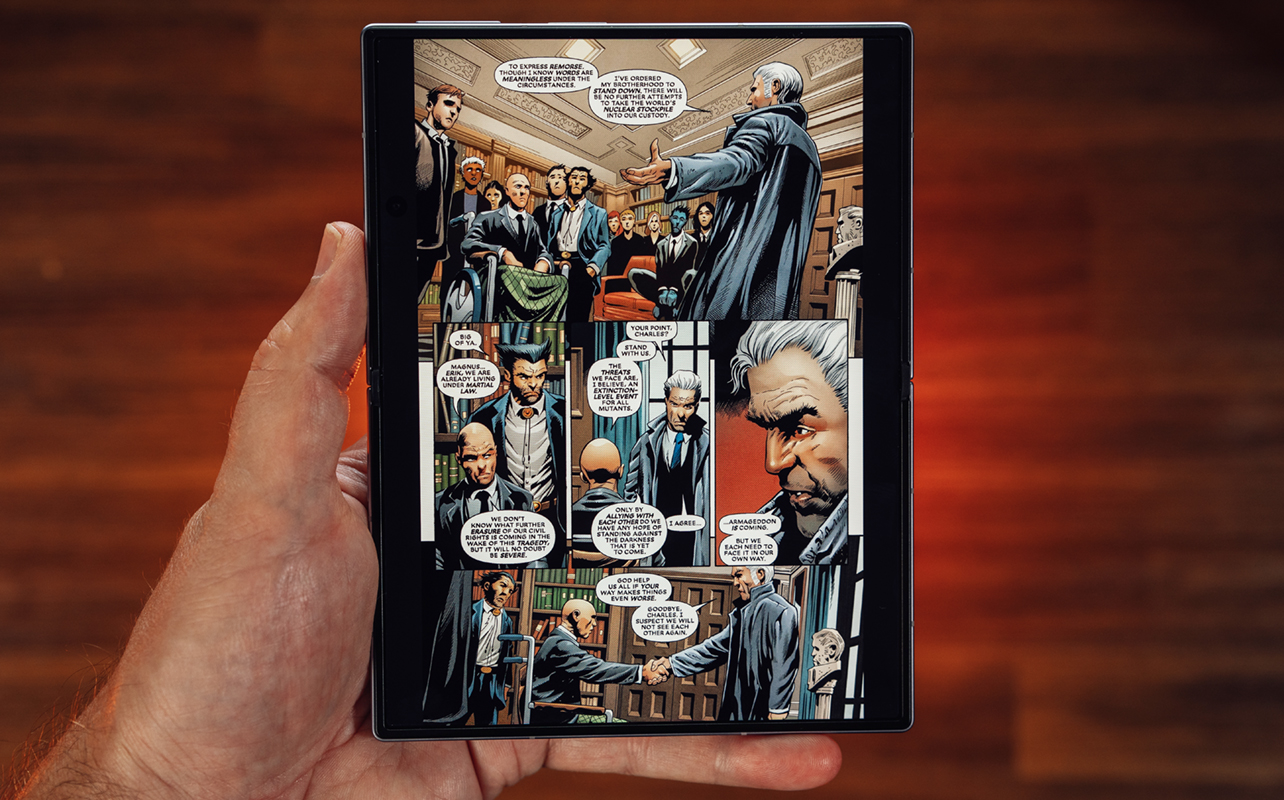
The bigger impact, at least for me, is that it feels particularly useful unfolded in either landscape or portrait orientation. This is one area where I feel the Fold8 differs considerably from its larger sibling because the longer length of the latter doesn’t always hold an advantage. For instance, reading an ebook or comic book is just more natural when looking at the screen upright. Tilt it to landscape to watch a show or movie and the black bars almost completely disappear.
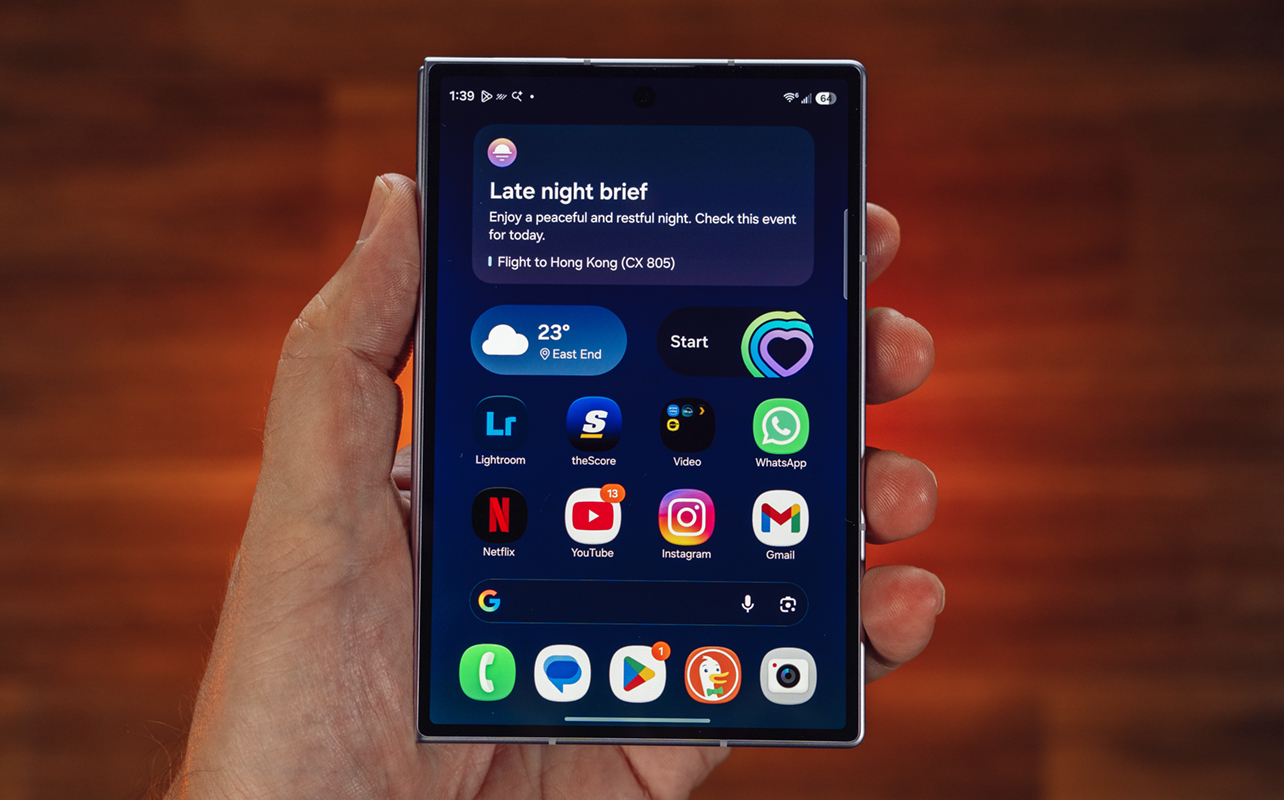
Ironically, the smaller size somehow makes better use of the available screen real estate. That’s not universal, mind you, as I would argue multitasking is better on the larger Fold, but for content, it feels like a more natural fit here. My one gripe is that you can’t alter the grid onscreen to show five app icons across despite the additional space.
At the same time, Samsung also keeps certain features away. There’s no S Pen support, nor the ability to use it in Flex mode, where the screen splits in two when folding it at a 90-degree angle.
Using the Galaxy Z Fold8
Samsung applies an anti-reflective coating on the screens that make them less susceptible to glare outside or in bright lights. That not only makes it easier to view content outside but also to recognize you’re looking at something bigger onscreen. What I mean by that is the 4:3 aspect ratio reduces the black bars above and below a movie or show compared to what they would be on other Galaxy Folds.
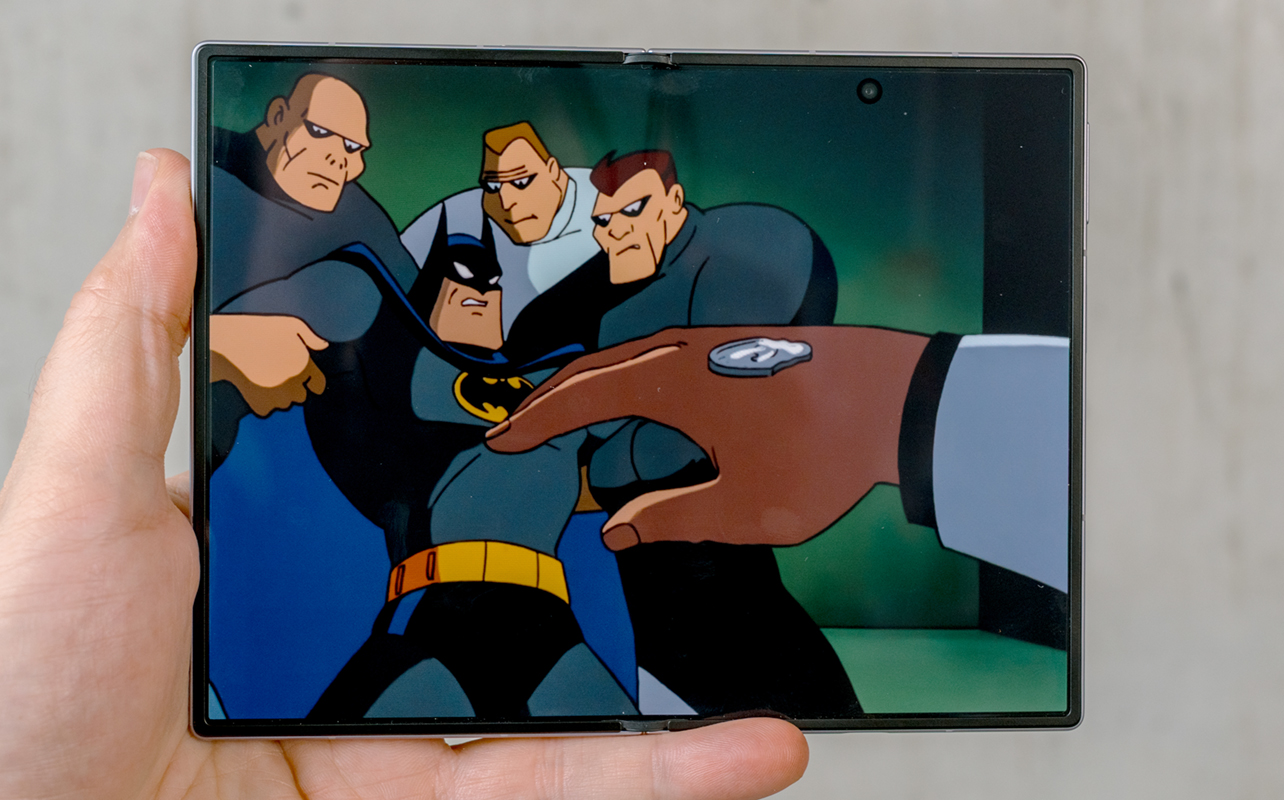
I admit some of this is perception because the screen itself is neither bigger nor brighter. You don’t actually get more physical space, but you do get more out of the space you have, if that makes sense. This has consequences in various ways, not least of which is the array of content it affects. Slab phones with 6.7- or 6.8-inch screens are common today but that extra inch of space in this unfolded screen makes a big difference. I appreciate not having to carry a tablet or colour eReader to read comics. The additional irony is that older shows originally filmed in 4:3 format take up the entire display.
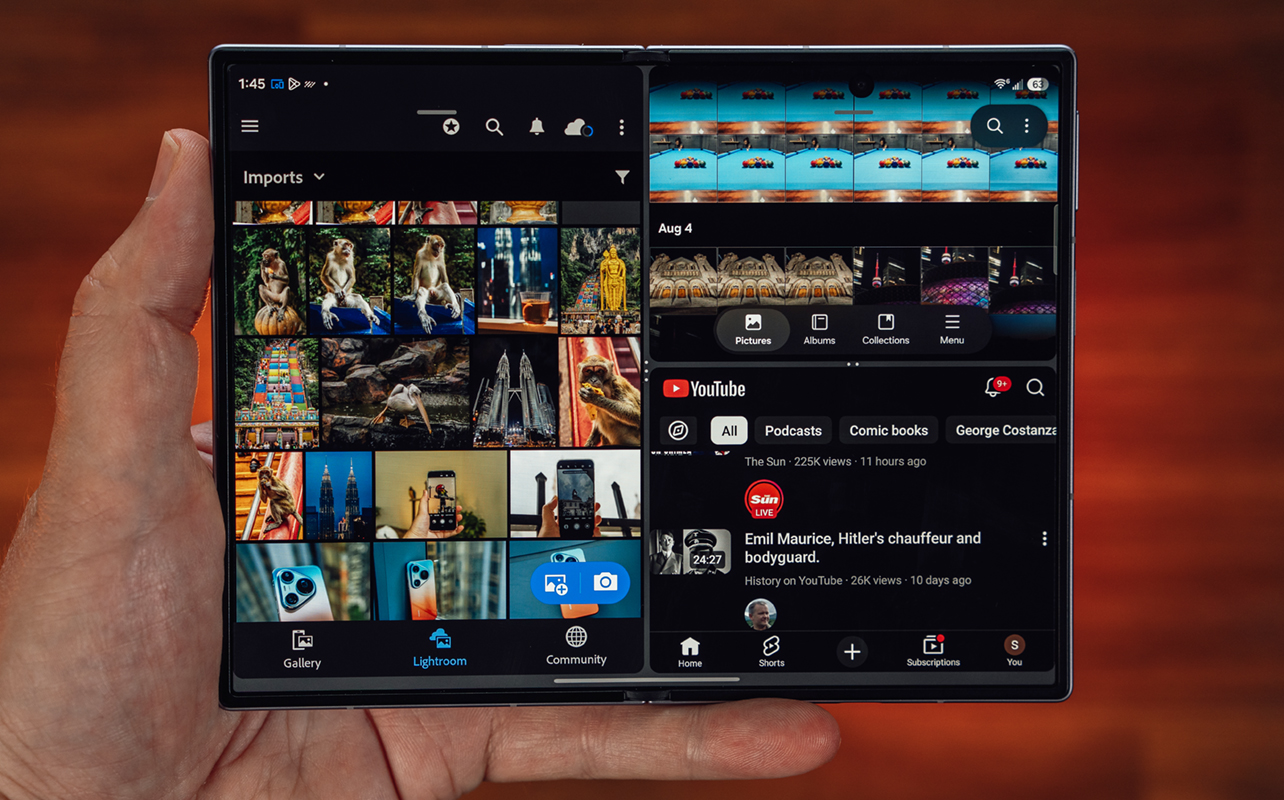
Multitasking is familiar because it works the same way as before with Samsung’s foldables. Two apps in split-screen work nicely together, and you can add a third, either split on one side or as a floating window. Now Nudge uses Galaxy AI to suggest an app you can bring in for split-screen from the app you’re using. It’s neat but limited because it doesn’t apply to every app. For example, if I take a photo with the phone unfolded, it doesn’t suggest Gallery as an option. Technically, Capture View (on the top left) does a similar job but Gallery has the editing suite, so it’s not the same. It also doesn’t work as well with third-party apps.
Performance works out nicely
Running on the Qualcomm Snapdragon 8 Gen 5 chip with 12GB of RAM and (starting at) 256GB storage, the Fold8 is primed for solid performance. While I would hesitate to call it a gaming device, it can handle them reasonably well. Pair a controller and you could play games on Xbox Game Pass Cloud.
Samsung promises seven years of Android and security updates for the phone, ensuring its long-term support. The Fold8 doesn’t necessarily introduce new software tricks but is somewhat of a new way to visualize things because of the design. The Now Brief presents the option to add cards, including custom ones to populate it with information you actually want it to show you.
All the Galaxy AI features Samsung has already rolled out apply here, too. That also includes access to Bixby and Perplexity as AI assistants, though you have the option to use Google Gemini as your preferred choice.
Caveats along the way
One of the biggest for me is durability, particularly the IP48 dust and water resistance. While the Fold8 holds its own well in clear water, dust and particles can be a problem over time. I would avoid things like sand, lint, and crumbs because you’d be surprised how difficult they can be to remove if they get into any crevices.
The good news is Samsung designed the two screens to avoid a gap that might trap debris, as has happened with previous models. It may seem trivial off the bat but believe me, when you’re putting a foldable in your pocket over and over, unfolding it countless times, and repeating the process, you get the idea on how it builds up. That doesn’t affect the phone’s overall performance but it makes safety a reasonable concern.
Another is the lack of Flex mode. I’m not necessarily referring to the mode itself—Samsung’s way of utilizing a single app in a split-screen way. Lay the phone down on one side and tilt up the other. It’s great for video calls or watching something on top and typing on the bottom but that’s not possible here. Including the camera—a point I find particularly annoying.
Lacking that kind of ability works against the idea of this phone being a foldable; almost like there’s no point in propping it up like that. For instance, there’s an astrophotography mode in the camera yet I can’t see the interface properly because it merely bends as I tilt the phone.
Camera
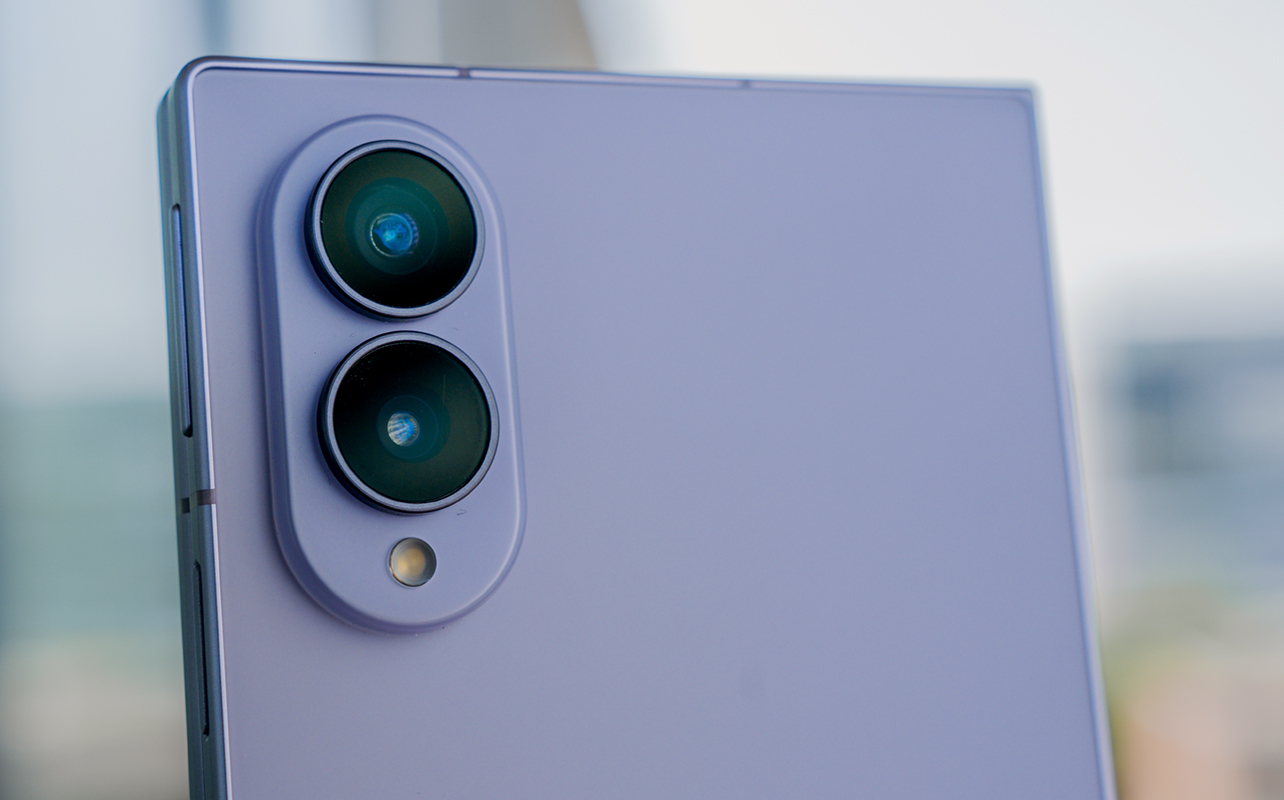
The rear cameras are fine but not exceptional in any way. This is one area Samsung cut to bring down costs, which also explains why there’s no telephoto camera. It’s sorely missed because there’s no optical way to get closer and using digital zoom leads to predictably poor results.
I’m not saying you won’t get good photos out of it—you certainly can—but the limits become obvious. And for a phone that costs this much, it’s a trade-off you have to accept. The Galaxy Z Fold8 Ultra, on the other hand, treats that as a bigger priority. The same goes for video, where footage is okay, but not at a flagship level.
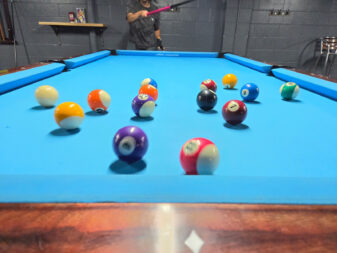
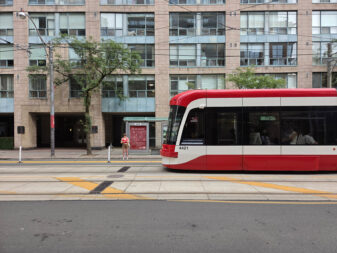
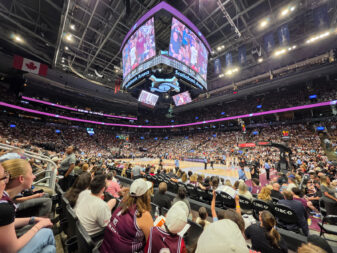




One interesting new feature is called MyFanCam. Using Galaxy AI, you can choose to isolate a human subject in a video, where it will crop in on them and save a video that way. What’s cool is it works with any video, so find some highlights on YouTube or from a friend’s phone and you can apply the same effect there.
Battery life
Foldables have long forced compromises in battery life but it doesn’t really feel like that with the Fold8. One of the understated reasons why is because the technology inside is different: silicon carbon. This allows for more capacity in a smaller space, and is widely used by Chinese phone brands, so it definitely works.
I’m not going to say battery life is great but it’s far from bad. I found mixed usage didn’t really put me into danger territory on any given day, though I would have to charge by bedtime. Fortunately, it supports 45W charging, quickening the time it takes to get back up and running with plenty of juice. With the cable in the box, I managed to get to 65% in 30 minutes. I’ve seen better but that’s not bad.
Wireless charging also gets a boost from 15W to 20W, which is nice. If you want MagSafe support, you’ll need to buy a case with it built-in to benefit from magnetic wireless chargers.
Watch the Samsung Galaxy Z Fold8 in action
Final thoughts
Samsung sent me the lavender variant to test out. While that wouldn’t have been my first choice of colour, from a design stand point, the Galaxy Z Fold8 feels like it’s foreshadowing a new foldable class that looks and feels less like a conventional smartphone. Apple is rumoured to follow suit, so we’ll see how it all shapes out.
Generally, it feels like a more polished take on what the Microsoft Surface Duo tried to do back in 2021. Even so, it’s got room to grow on the software side because developers have to optimize their apps for an aspect ratio no one’s really done before. Hence, stretched-out apps are part of the experience. As are the other additions and omissions.
The Samsung Galaxy Z Fold8 is available now in graphite, cream, and lavender.