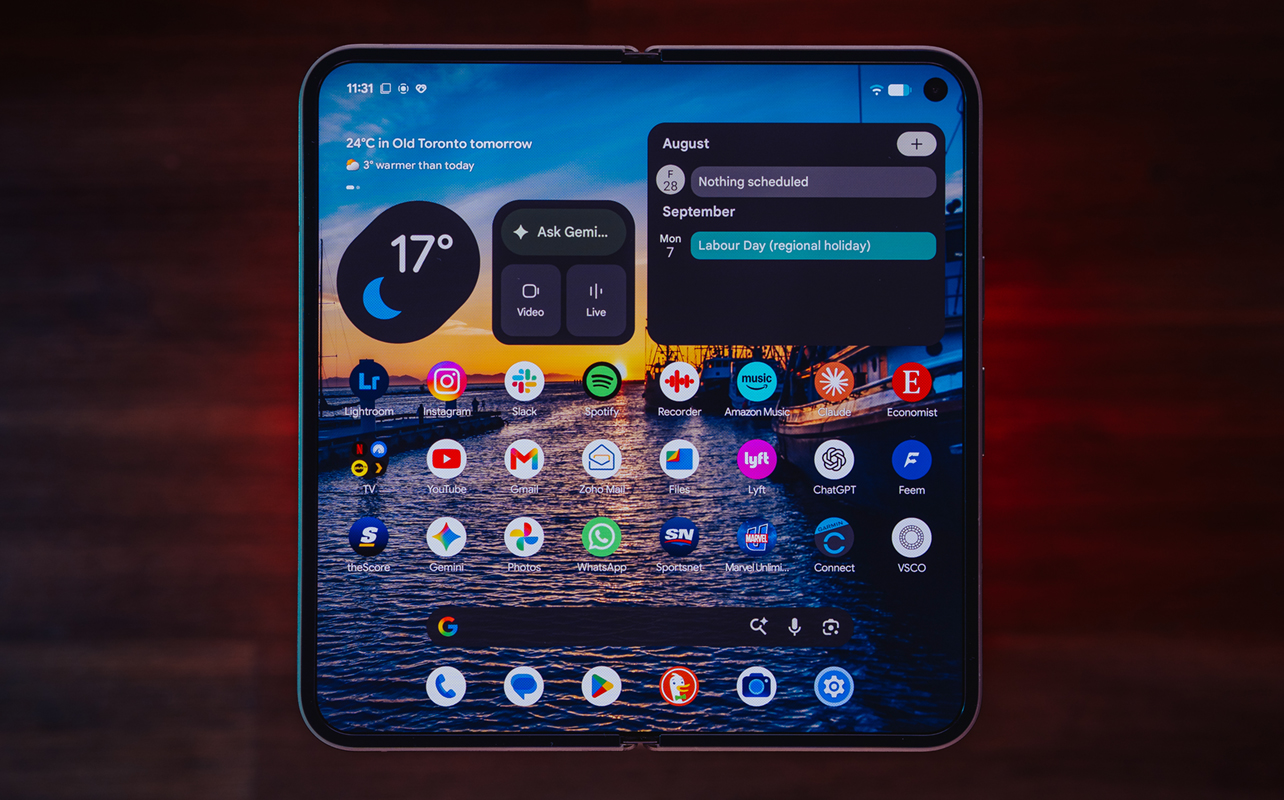
The Google Pixel 11 Pro Fold is hardly a hardware upgrade but if you’ve never used a Google foldable before, it may feel like a whole new experience. That’s where the line sits for a device like this, meaning one that borrows very heavily from its predecessors without introducing much that’s new in the grander scheme.
If you’ve never used a foldable phone—or use a standard Pixel phone—this will feel different for obvious reasons. But if you have used a foldable before, regardless of brand, you’ll have to gauge whether there’s something special here to win you over.

Pixel 11 Pro Fold review video
Pixel 11 Pro Fold design
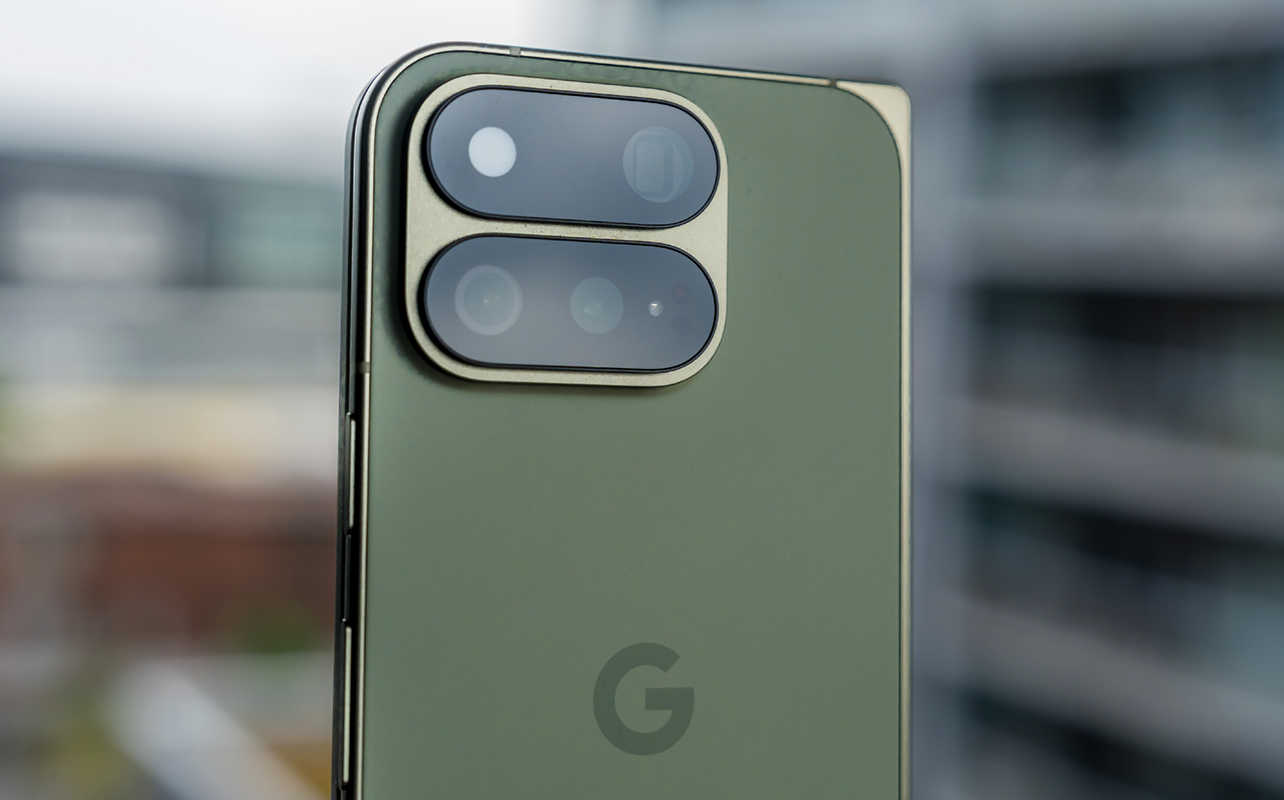
Google Pixel 11 Pro Fold (as tested):
|
In foldable terms, Google still has one that’s thicker and heavier than competitors but part of that is defensible given what’s inside. For starters, the IP68 dust and water resistance is more durable than what competitors, including Samsung and Motorola, currently offer, though matches what the Apple iPhone Duo offers. I can attest to this by the mere fact the Pixel 11 Pro Fold can ward off dust from getting into crevices. That’s been a years-long battle with Samsung’s foldables, in particular.
On the other hand, Google’s latest foldable is thicker and heavier than Samsung’s Galaxy Z Fold8 Ultra. The Pixel Fold’s extra durability arguably makes up for the additional girth but there’s no question you can feel the difference when comparing the two. Indeed, the Pixel 11 Pro Fold has almost the exact same dimensions—though slightly lighter—body as the previous Pixel 10 Pro Fold. The cover display is made of a tough ceramic glass while the inner screen is ultra-thin glass and the back is made of a glass composite that feels like an improvement over last year’s model.
Apart from all that, Google clearly chose to retain the same design language, so there aren’t any significant changes on the outside. One cool thing that sticks around because of it is Pixelsnap, the magnetic ring in the back that enables you to attach magnetic accessories. Aside from the iPhone, Google Pixel Pro devices are the only others that have it built-in. Other brands support MagSafe through cases.
HiLight in the back
The LED flash in the back of the phone doubles as an indicator light Google calls HiLight. The feature is available through the Pixel 11 Pro line, so not exclusive to the Fold, but the gist is that it flashes different colours based on contacts or Gemini alerts. This only works when the phone is face down, acting as a way to avoid distractions from the screen, while also screening incoming calls, messages, or notifications that you don’t want to miss.
For example, when you tap the star on a contact to make them a favourite, HiLight lets you assign a custom glow colour that appears in the flash when they call. For those who remember, BlackBerry did something similar with its LED notification light years ago, where later models changed colour based on the type of notification or who called or messaged.
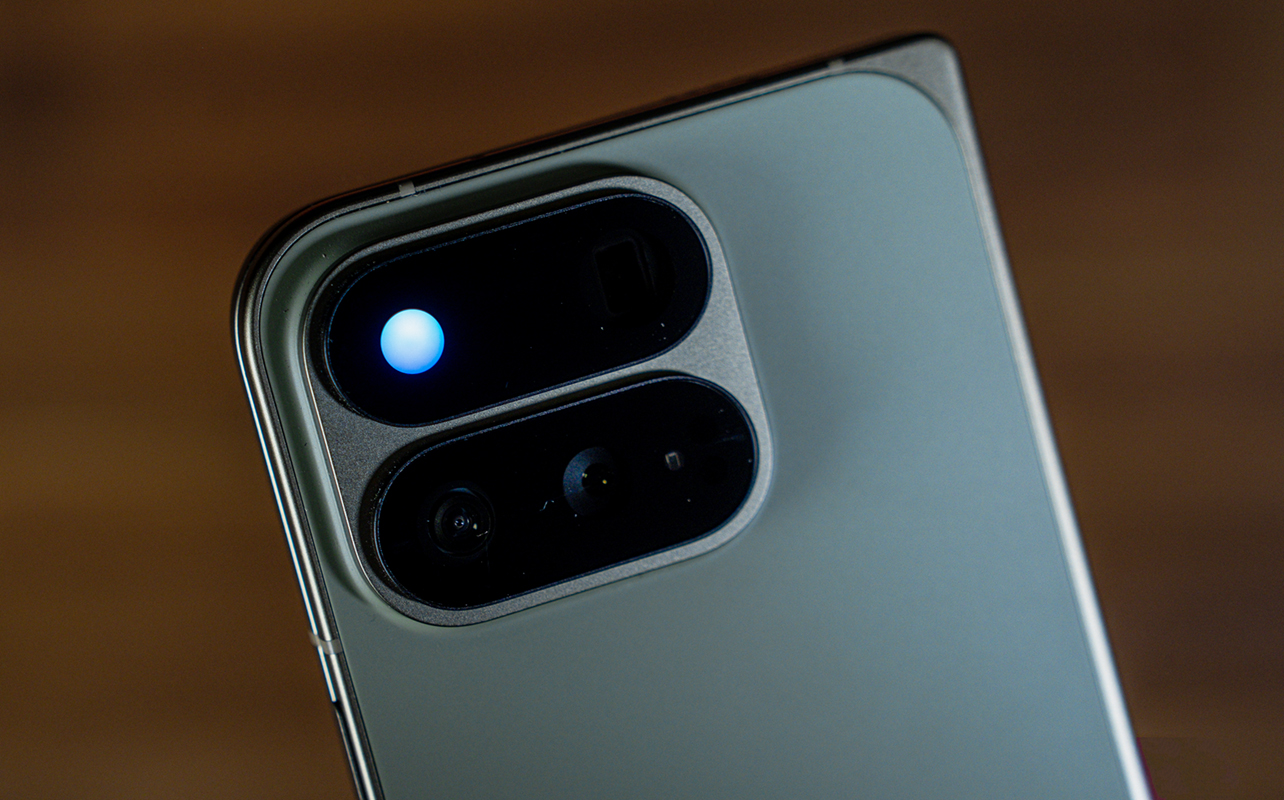
As of this review, the feature is limited to calls. You won’t know if someone’s sent a message. Google says it’s looking to add to the feature but what’s not clear is how that might apply to third-party apps. For instance, if you get a text in Google Messages, will another from WhatsApp, Signal, or Telegram show up the same way? We’ll have to wait and see.
It also works with Gemini, where saying, “Hey Google,” lights it up to indicate that it’s listening. Since the phone is face down, Gemini responds audibly through the speakers, making it a usable feature when keeping the screen down.
Software and Performance
The Pixel 11 Pro Fold doesn’t have the “wow” factor when it comes to breakneck performance but it has a day-to-day reliability you’d want in a foldable. Google’s Tensor G6 processor is optimized to better run Google’s own software features, including Gemini and the other AI-driven settings and functions.
AI features figure prominently in the broader software experience, as has been the case for the last few years. One that I like is Rambler under Settings->Gboard->Voice typing, which allows you to verbally speak your messages and turn your natural speech into coherent text. Live translations for video, along with established features like Magic Cue are solid entries, even if they could use some improvement.
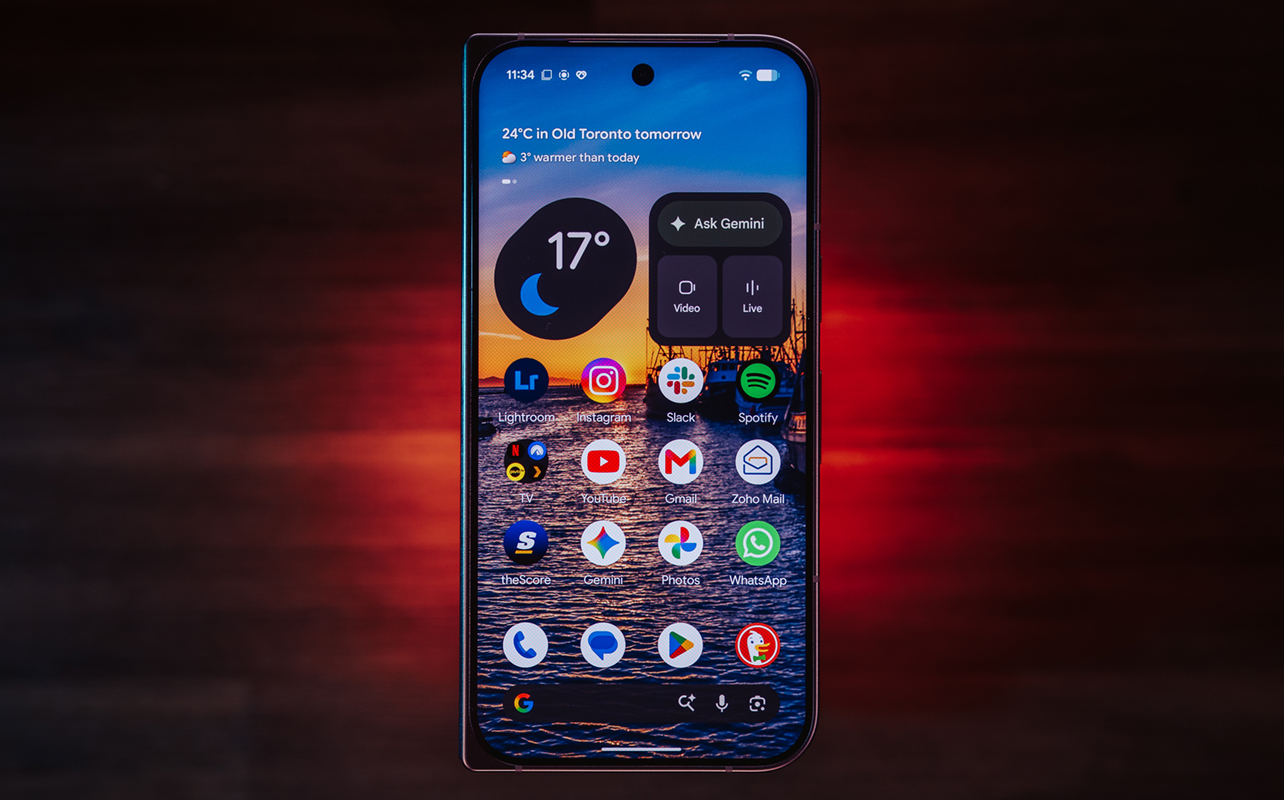
What’s unfortunate is that some AI tools still aren’t active in Canada. In my case, I still don’t have Call Screen, Take a Message, Ask Photos, and Daily Hub active. It’s worth noting these are features Google introduced with the Pixel 10 series but are expected to roll out now that the 11 series is out. We’ll have to see.
If you’re new to Pixel phones or not sure if you’ve missed anything practical, you can always go to My Pixel. Just start typing it into the Google search bar and it shows up. Inside is a set of instructive explanations and details about various settings and features that you might not otherwise encounter. While not new, it’s an excellent way to lay out and customize the device based on what you want it to do. More than likely, you’ll find something in there you didn’t realize you wanted.
Gemini integration feels immersive
I’ve liked Gemini from the start and it continues to stand out. Granted, some of the same features apply to other Android phones—hold the power button and Gemini Live pops up. You can ask what you want or share your screen and hold a conversation with the AI over what you’re looking at. This is useful in real-time, particularly when it comes to wanting to know more about a landmark, dish, or anything else of interest. True, you could do the same with Circle to Search (hold down at the bottom of the screen and then circle the item of interest).
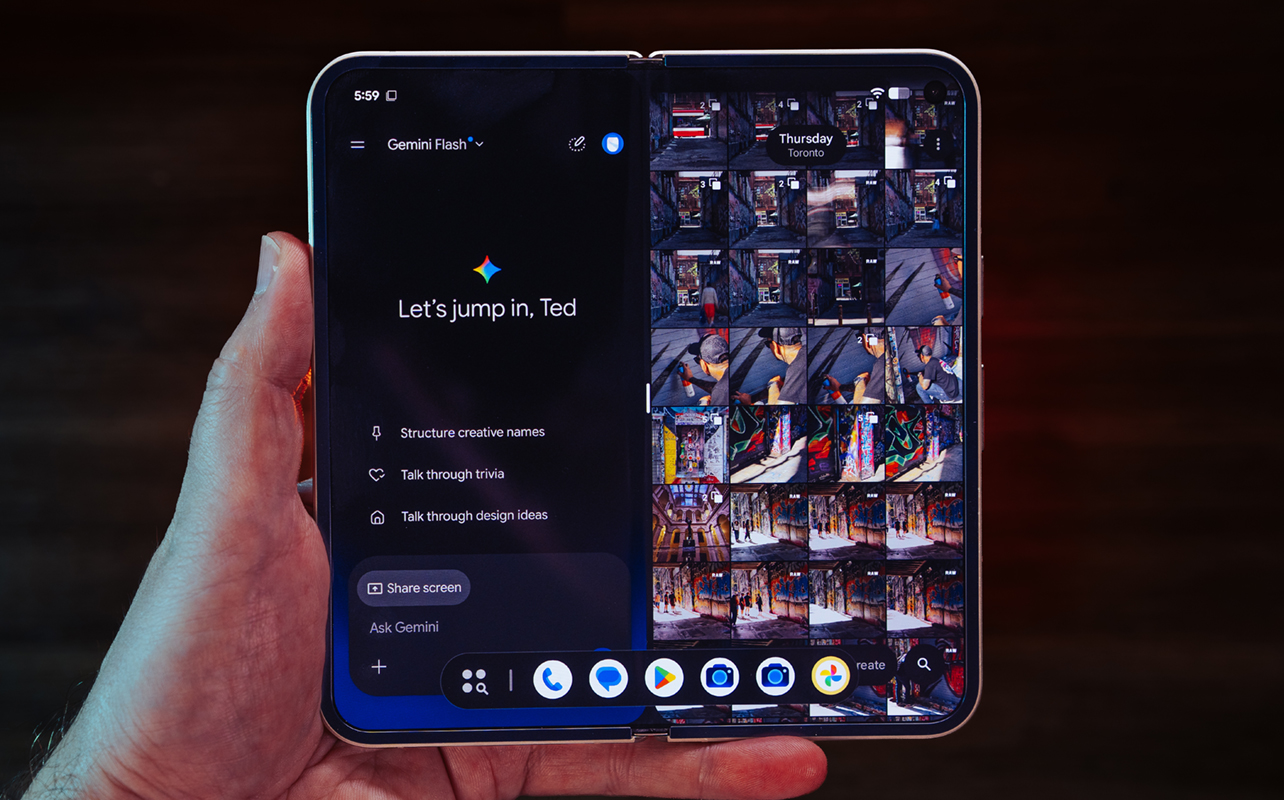
Again, none of this is exclusive to Pixel devices since they’re Android features but on a foldable, it feels like a more immersive experience. You could also start the query on the cover screen and then unfold the device to see it on the larger main one. That’s helpful when extra screen real estate makes a difference.
I also talk to Gemini all the time when running Android Auto, which is a great way to brainstorm ideas or converse about anything related to history or how things work. Google’s AI assistant can have a significant presence over the whole Pixel 11 Pro Fold but you can decide just how far that goes. On the other side of the coin lie the aforementioned features that still haven’t fully rolled out in Canada.
Gemini Pro subscription
Google cut the free trial for Gemini Pro (version 3.1 thus far) to six months from the previous 12 for all Pixel 11 Pro models, including the Fold. Veo 3.1 still creates short 8-second AI-generated video clips based on your own prompts.
The subscription maintains access to Flow, the AI-powered filmmaking tool that can create cinematic clips based on your direction. It’s not pre-installed, so you have to download the app from the Play Store first. You can also use your existing photos and video to create content through the app as well.
Deep Research is also part of this, with a version freely available without a subscription, while a deeper, more capable one stands as part of the subscription. This is a cool feature that I think is worth exploring, going back to the Pixel 10 series. You can upload any document to it and it can go over key details, what you need to know, and how to interpret some of the language inside. Just be aware that whatever you upload does go to Google’s servers.
If it’s a sensitive document, like something personal or legal, I would suggest turning off Keep Activity before uploading it. You can do that in the Gemini app by tapping your profile icon in the top-right corner->Gemini Apps Activity and toggling it off. Google will retain the data for 72 hours before removing it. If it’s highly sensitive, especially under a non-disclosure agreement (NDA), then I’d avoid it altogether.
Camera quality
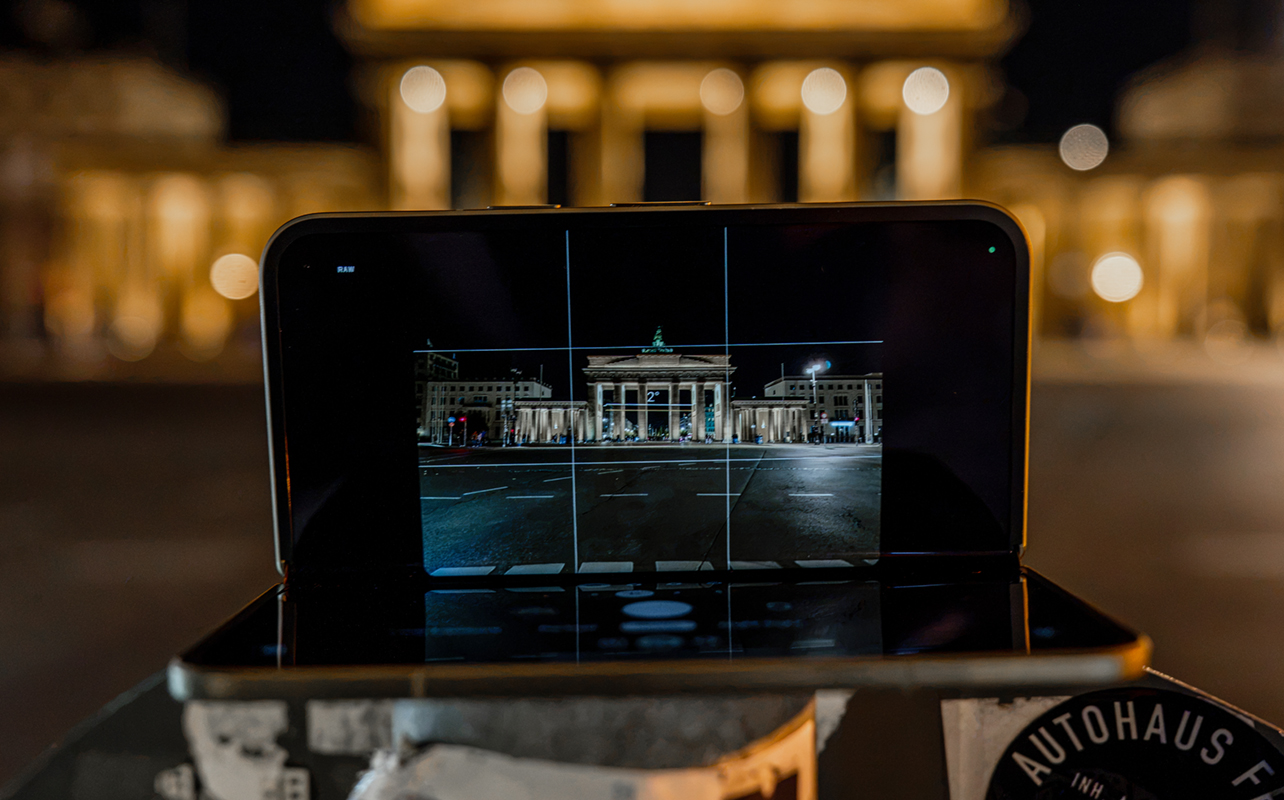
The biggest difference here is the main 48-megapixel rear camera, which has a larger sensor than its predecessor, leading to moderately better light gathering and low-light output. The rest of the rear and front cameras are exactly the same.
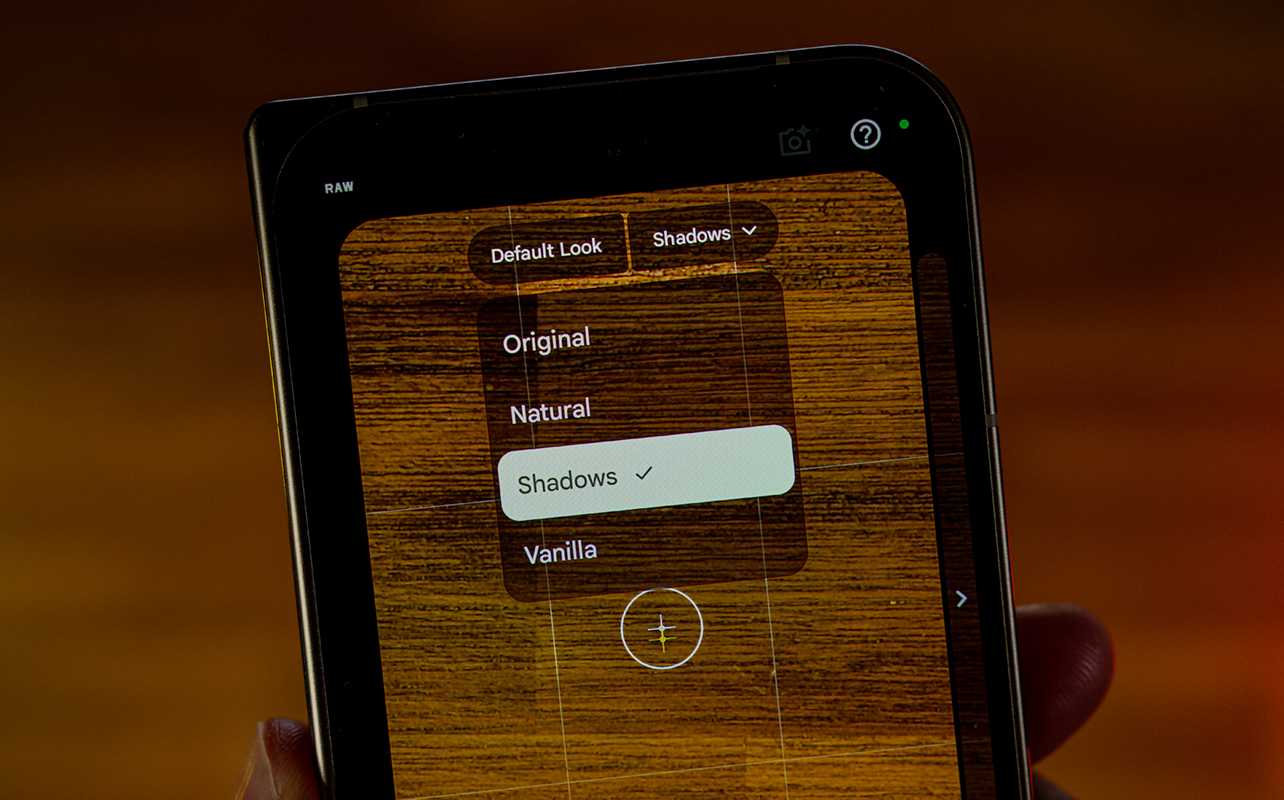
The rest of the changes are all software. One that I especially like is Camera Looks, which are kind of like filters, but more like customized photography styles that you can tweak in different ways. Swipe across and you can go from the default look and on to Editorial, Velvet, Classic, Digi, Black Tie (the only monochrome one), or Minimal. Additionally, from the default look, you can adjust what kind of Google processing you want: Original, Natural, Shadows, or Vanilla.









To narrow that down, Original is how Google would normally process the photo. Natural dials that back for a more natural look. Shadows adds extra contrast, especially for shadows to pull out a more dramatic tone. Vanilla adds a warmer colour temperature and aims for a film-like tonality.
This has been a long overdue move on Google’s part because it finally adds a new level of creativity and thoughtfulness to how users capture photos. All that said, while the main camera shows improvement, the rest of the camera system feels stagnant, as some of the ultra-wide and telephoto images (though you can go up to 30x hybrid zoom) I got here would be the same with the previous model.
Magic Capture
This is another new feature that uses AI to help freeze action at the most opportune moments. The gist is that the phone captures a short video clip and splices still images out of it. The AI analyzes all the frames and comes up with multiple options designed to capture the most dramatic moments.
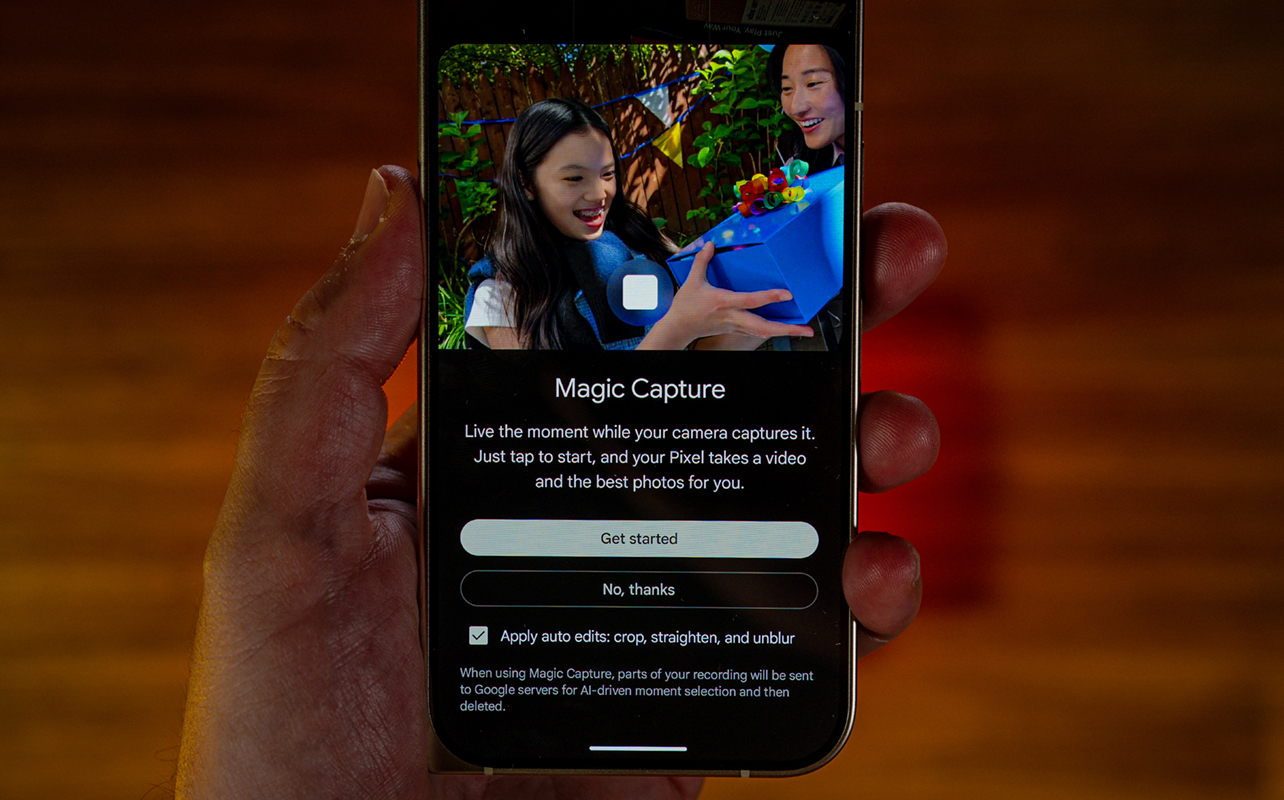
It’s not bad because it seems to be optimized to do this when people or animals are in the frame. I like how accessible it is to make it easier for any user to get the right shot. The one drawback is that it can struggle to freeze faster action, or at least parts of the action. For example, while a player might be in focus in a basketball game, the ball might turn out a little unfocused. It also matters how close said action is in the frame. The closer the subject, the tougher it is to freeze. Either way, it’s a neat feature that can help in these situations.
Creator mode for video
Another neat feature that works particularly well, being a foldable, is Creator mode. You will find this by switching the camera to video, tapping the gear icon in the lower left and switching to Creator. Here, you can use a teleprompter to read off a script and work within a social media grip to get the framing right.
The best part is that this can work simultaneously with both the cover and main screens. Tap the button to turn on the cover screen in the Photo app and both a live view of the rear camera and the other Creator settings show up on that side. Since the Fold has Pixelsnap, you can use a magnetic mount to prop up the phone on a tripod and still get the job done.
Battery life
By today’s foldable standards, the Pixel 11 Pro Fold has a smaller battery. There isn’t much of an improvement over the previous model, either. It’s good enough to get you through a full day but that also depends on what you’re doing. Consistently use the main screen at higher brightness, and you see the device sap the battery faster. I was able to get through a full day, though I suspect battery life will be further impacted with future Android updates.
Charging doesn’t change at all. Maxing out at 30W with wired charging, the phone can hit about 50-55% after 30 minutes. Wireless charging is actually a respectable 25W, so not that far off, especially when using a Qi2 magnetic charging stand or base.
Final thoughts
With seven years of Android and security updates, the Pixel 11 Pro Fold is built to stick around for a while. I don’t know how aging hardware will hold up in 4-5 years time but time will tell how the Tensor G6 handles future Android versions in due time.
As is, Google’s latest foldable doesn’t do a whole lot to move the category forward—nor the Pixel Fold lineup itself. I do like some of the newest features that come with it but you also get those with either the Pixel 11 Pro or 11 Pro XL. If you like Pixel phones and the idea of a foldable, this could be your best bet so long as you understand the price relative to what you get for it.
The Google Pixel 11 Pro Fold is available now.