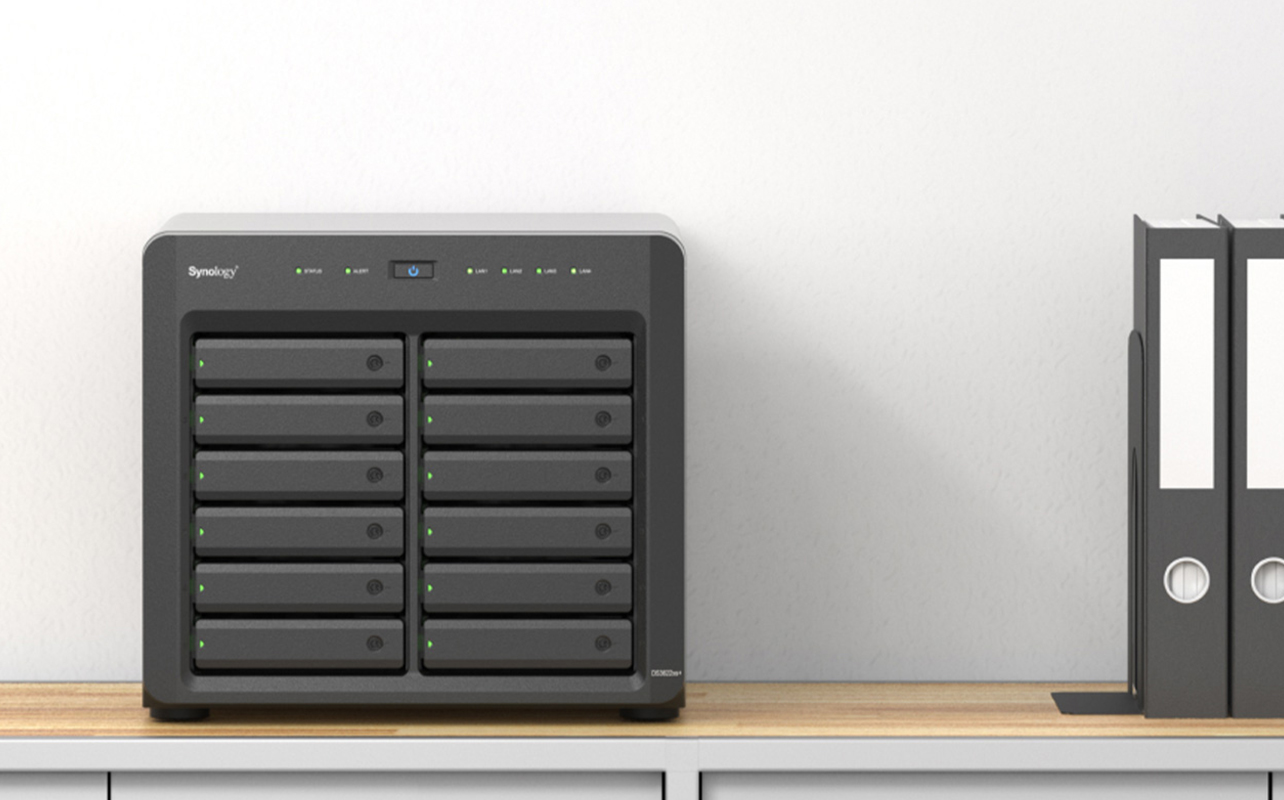
If employees are emailing files back and forth, passing around a USB drive, or waiting for someone to unlock a shared spreadsheet, your business may have outgrown its current setup, and it may be time to consider a small-business server. A small-business server is a dedicated computer that centralizes the files, applications, backups, and permissions your team uses every day, so nobody has to guess where the current version of anything lives. That’s the short answer.
The longer answer depends on what’s actually slowing your business down, because “server” covers a lot of ground: file sharing, backups, accounting software, a database, your point-of-sale system, remote access, or all of the above running on one machine. This guide walks through the real business problems a server solves, how to tell if you’re ready for one, and when you’re genuinely better off without one.

Table of contents
- What is a small-business server and do you need one?
- What can a server do for your small business?
- Can a server support point-of-sale and retail operations?
- How does a server manage users, permissions, and devices?
- What is server virtualization?
- Can a server host a website or other business services?
- Server vs. NAS vs. cloud: which is right for your business?
- Tower vs. rack server: which is right for a small business?
- How do you choose the right server for your small business?
- When might a small business not need a server?
- Frequently asked questions
What is a small-business server?
A small-business server isn’t a fundamentally different type of technology; it’s a server sized and configured for a smaller organization’s workload, budget, and available IT support. The same core hardware that runs a large company’s data centre can be scaled down to run a five-person office.
What makes a server different from a typical personal computer is primarily how it’s designed and used: it provides centralized services to everyone and everything connected to it:
- Employees and their individual computers
- Business applications (accounting, inventory, scheduling)
- Multiple store or office locations
- Point-of-sale terminals and other connected devices
Instead of each employee’s laptop holding its own copy of files or running its own version of an application, the server holds the master copy, and everyone connects to it.
Does your small business need a server?
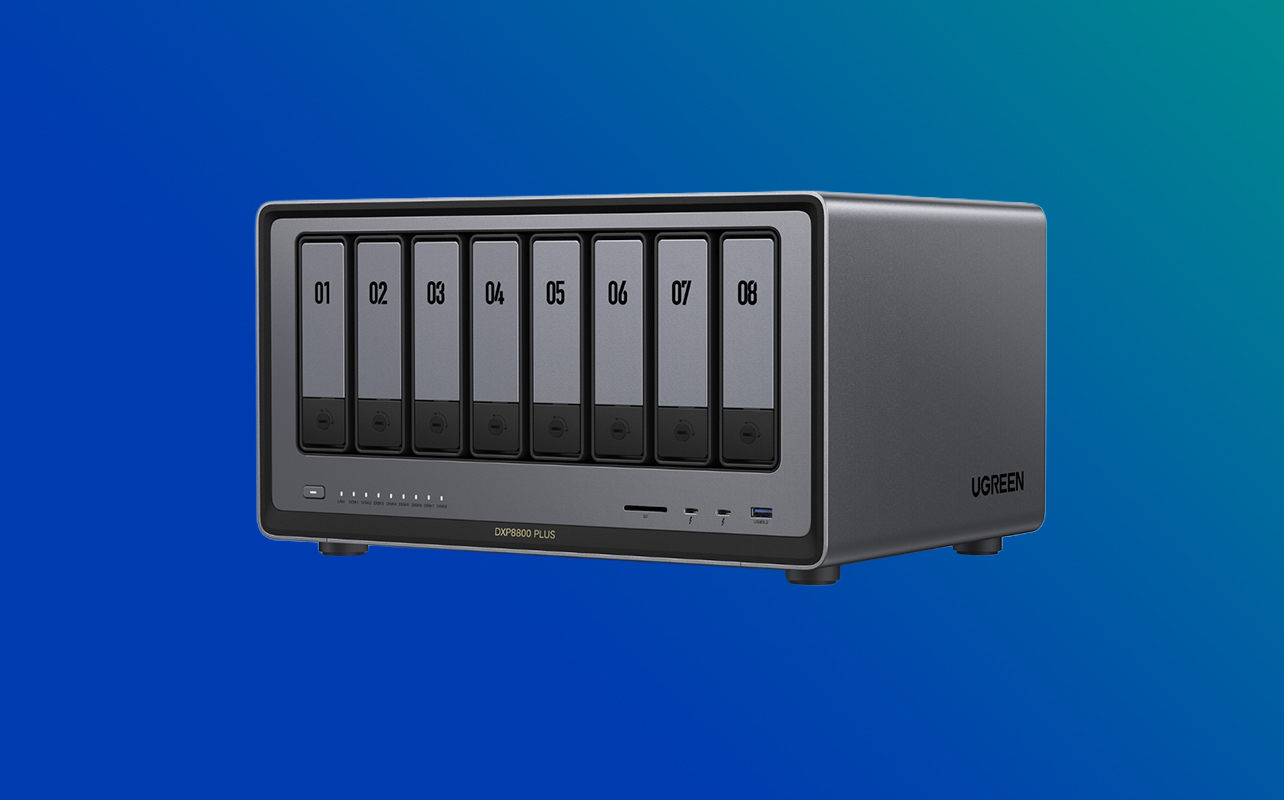
There’s no employee count or revenue figure that triggers this decision; it comes down to how your business actually operates day to day. You’re likely ready for a server if several of these sound familiar:
- Employees frequently email files back and forth instead of working from one shared version
- Important data lives on individual computers rather than anywhere central
- External drives get physically passed between people
- More than one person needs access to the same application at the same time
- Backups happen manually, inconsistently, or not at all
- Managing who can see or edit what is becoming difficult to track
- Storage needs are growing faster than your current setup can handle
- You need more direct control over where your data and applications live
- Downtime is starting to affect customers, not just internal convenience
- You’re adding employees, opening a new location, or both
One or two of these on their own don’t necessarily mean you need a server; a stronger cloud plan or a network-attached storage (NAS) device might solve them just fine. It’s when several show up together, especially the ones involving backups and simultaneous application access, that a server starts to make more operational sense than a workaround.
What can a server do for your small business?
Most small businesses end up using a server for one or more of these roles. A single physical server can often handle several of these roles at once, particularly with virtualization.
| Business need | Server use case | Main requirements |
| Shared documents | File server | Storage, permissions, networking |
| Data protection | Backup server | Capacity, redundancy, backup software |
| Accounting or inventory | Application server | Software compatibility, processor, RAM |
| Customer and product data | Database server | Memory, storage speed, reliability |
| Multiple workloads | Virtualization server | CPU cores, high RAM capacity, storage |
| Retail operations | Point-of-sale backend | Reliability, networking, application support |
| Remote access | Centralized remote services | Security, networking, access controls |
| Internal website or tools | Web or application server | Security, uptime, software support |
How does a server centralize file storage and sharing?
A file server keeps a single, authoritative copy of your business’s documents in one place, accessible to whoever needs it. Instead of five versions of the same spreadsheet floating around in different inboxes, everyone opens the same file from the same location.
In practice, a file server can provide:
- Central folders organized by team, project, or department
- Shared access so multiple people can reach the same files without emailing them around
- User permissions that control who can view, edit, or delete specific folders
- A clearer file-management process, since there’s one central source of truth instead of scattered copies
- Easier backup coverage, because everything worth protecting is sitting in one location instead of on ten different laptops
- Consistent access across whichever devices your business has approved
One clarification worth making early: a file server is not automatically a document-management platform. It centralizes storage and access, but it doesn’t provide the workflow features, approval chains, audit trails, and automated retention rules that dedicated document-management software offers. If your business needs that level of control, a file server is the foundation, not the whole solution.
How does a server handle business backups?
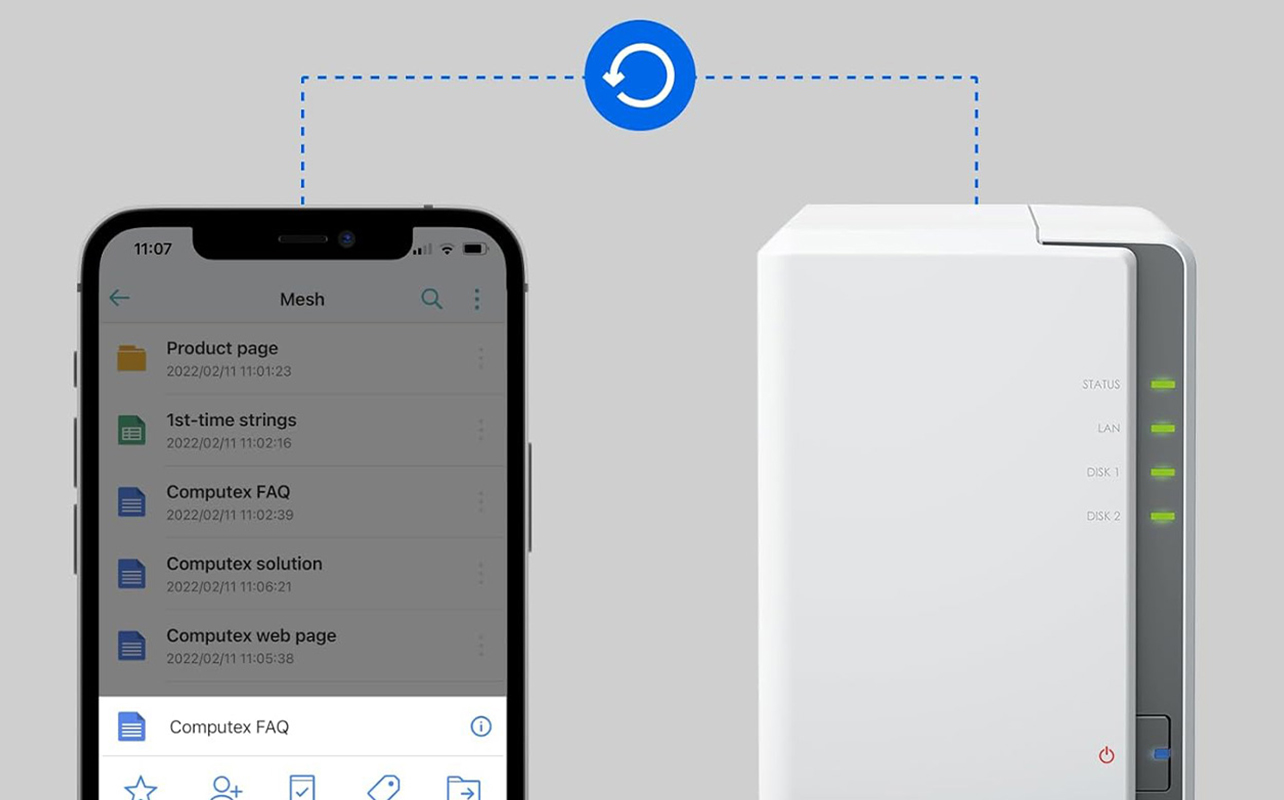
Centralized backups are one of the most common reasons small businesses adopt a server in the first place, largely because manual backups tend to quietly stop happening. A server can back up:
- Employee computers, so individual laptop failures don’t mean lost work
- Application data, including whatever your accounting, inventory, or scheduling software has stored
- Local and off-site copies, so a single disaster (fire, theft, flood) doesn’t wipe out both the original and the backup
- Scheduled backups, running automatically instead of relying on someone remembering
- Backup testing, helping confirm that your backups can actually be restored when needed
- Retention requirements, keeping data for as long as your business or industry requires
One detail that’s easy to overlook: the server itself needs to be backed up too. Centralizing your data on one machine makes protecting it easier, but it also means that machine becomes a single point of failure if it isn’t backed up on its own schedule.
Can a server host business applications like accounting or inventory software?
Yes, this is one of the most common reasons a growing business needs dedicated infrastructure rather than software running locally on individual computers. Applications commonly hosted this way include:
- Accounting software
- Inventory management systems
- Customer relationship management (CRM) tools
- Scheduling software
- Practice-management software for professional services
- Manufacturing or other operational tools
The software vendor’s own requirements should drive your hardware decisions here, not the other way around. Check what operating system, processor, RAM, storage, and database configuration the specific application calls for before choosing server specs, since running under-provisioned hardware is one of the more common (and avoidable) sources of slow performance and application crashes.
Can a server run a business database?
A dedicated database workload, the kind that tracks customer records, product catalogues, or transaction history, has its own set of demands separate from general file storage:
- Enough memory to handle queries without slowing down
- Fast storage, since database performance is often limited by disk speed rather than processor speed
- Reliable, tested backups (databases are usually the most business-critical data on the network)
- Reliable network connectivity, since interruptions can disrupt or affect in-progress database transactions
- Access controls limiting who can view or modify records
- Processor performance matched to how much simultaneous activity the database handles
That said, not every small database needs its own dedicated physical server. A modest customer list or simple inventory tracker might run comfortably as one role on a shared or virtualized server. Dedicated database hardware becomes worth considering once query volume, simultaneous users, or data sensitivity climb high enough that performance or reliability start to suffer.
Can a server support point-of-sale and retail operations?
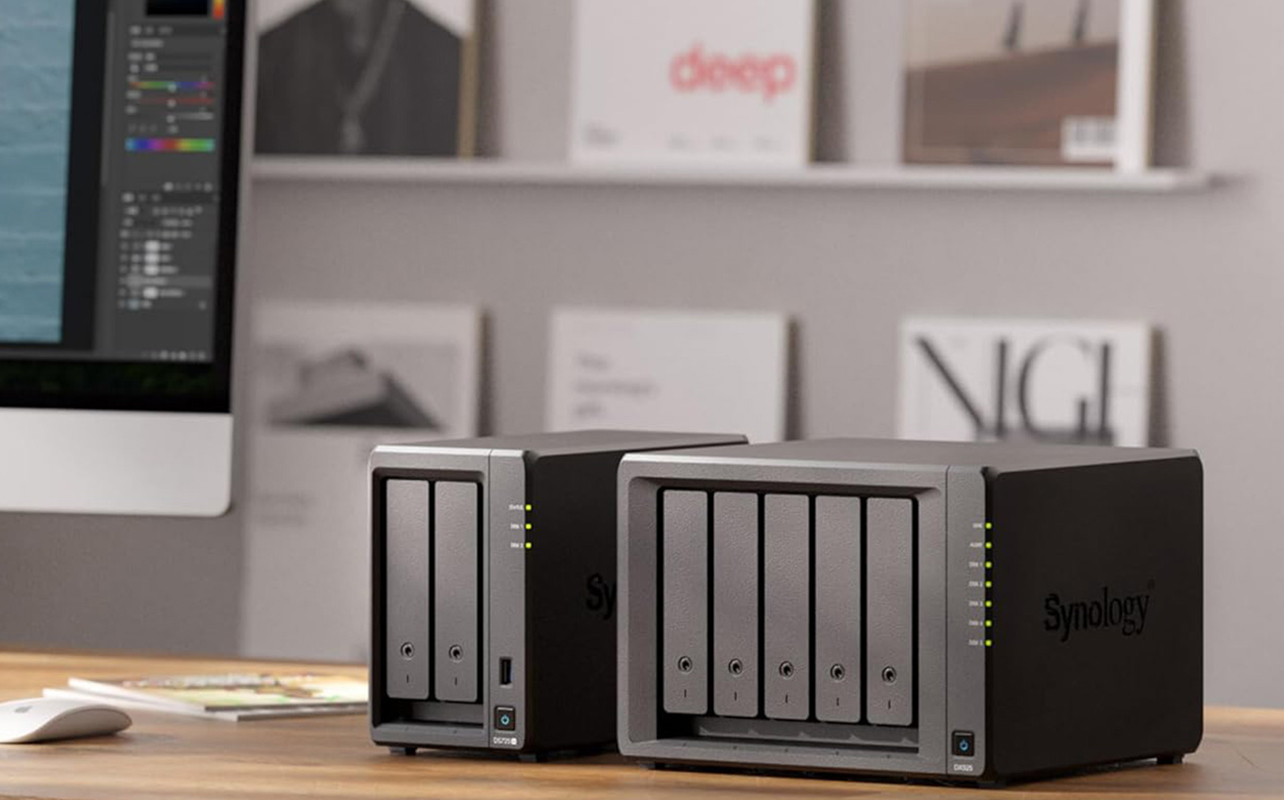
Depending on the POS system, a server can act as the backend, helping keep transactions, inventory, and product data synchronized across a store or multiple locations. This typically covers:
- Product and inventory databases that update in real time as items sell
- Transaction systems processing sales at the till
- Local applications tied to the POS setup
- Store networking connecting registers, scanners, and back-office systems
- Multi-location requirements, syncing inventory and sales data across branches
- Continuity planning for what happens if the internet connection drops mid-transaction
Payment processing and the security requirements around it are specialized territory; that piece should be handled by a qualified payment processor or POS provider, not treated as a general IT configuration decision.
How does a server manage users, permissions, and devices?
As a business grows past a handful of employees, manually tracking who has access to what becomes error-prone. A server can centralize:
- Employee accounts, so access is managed in one place instead of per-device
- Shared-resource access, controlling who can reach specific folders, applications, or printers
- Department-based permissions, so a new hire in sales doesn’t automatically see finance records
- Authentication, confirming that whoever’s logging in actually should be
- Policy management, applying consistent security rules across the organization
- Onboarding and offboarding, so access can be granted or revoked immediately rather than department by department
Platform-specific setup (Windows Server, for example, versus other options) varies enough that it’s worth keeping recommendations general here, unless your article or setup is built around one specific operating system.
Can a server support remote and hybrid employees?
Yes, and this has become one of the more common reasons small businesses upgrade their infrastructure. A server can provide:
- Secure remote access to company files and applications from outside the office
- Virtual private network (VPN) connections, creating a secure encrypted connection between remote employees and the business network
- Remote desktop access, letting employees work on a company machine from anywhere
- Cloud integration, blending on-site infrastructure with cloud-based tools
- File access matched to the same permissions employees have in the office
- Identity and authentication checks to confirm who’s connecting
- Enough network bandwidth to support multiple remote connections without slowing everyone down
One important caution: a server should never be exposed directly to the open internet without proper professional configuration. Remote access needs to be set up through a VPN, firewall, or similarly secured method; doing it incorrectly is one of the more common ways small businesses end up with a security incident.
What is server virtualization?
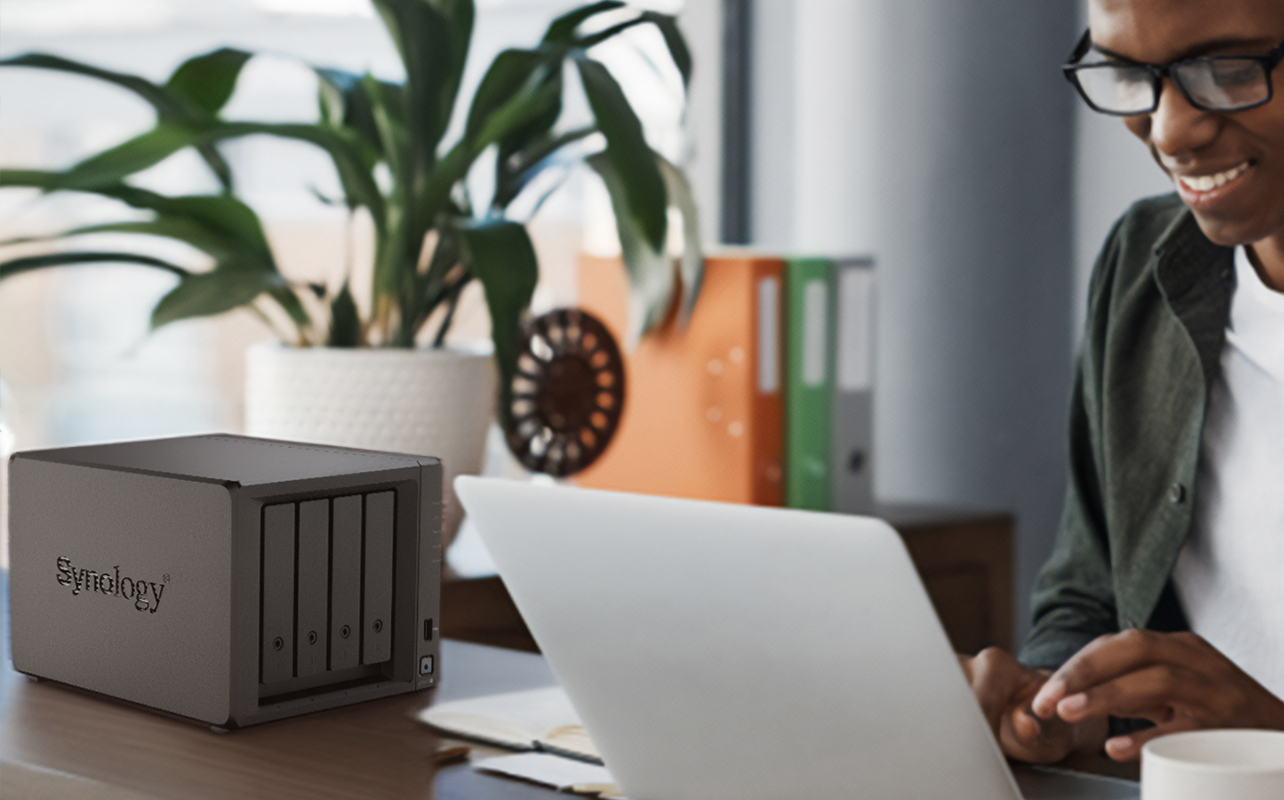
Virtualization lets one physical server run several separate “virtual” servers at once, each behaving like its own independent machine even though they share the same hardware. A single physical box could, for example, run:
- A file server
- An application server
- A test environment for trying out software updates before rolling them out live
- Domain or identity services for managing logins
This is a big part of why one server can cover multiple use cases from the table above instead of needing a separate machine for each. The tradeoff is that virtualization asks more of the hardware: enough processor cores, RAM, and fast storage to handle several workloads simultaneously, and it comes with its own backup and software licensing considerations, since each virtual server may have its own backup and software licensing requirements.
Can a server host a website or other business services?
Technically, businesses can host their own websites, email servers, and other internet-facing services, but doing so requires significantly more security, maintenance, redundancy, and technical expertise than using a managed provider. Before doing so, it’s worth weighing:
- Security, since an internet-facing service is a more exposed target than internal-only systems
- Availability, meaning your website or email goes down if your internet connection or power does
- Internet connection reliability, which small-business connections don’t always guarantee
- Ongoing maintenance and software updates
- Spam protection and filtering
- Backups
- Compliance requirements relevant to your industry
- Managed-hosting alternatives, which shift most of this responsibility to a provider
On-premises hosting isn’t automatically the more economical option once you factor in the time, expertise, and redundancy needed to keep it reliable for many small businesses; managed hosting may be the more practical option.
Server vs. NAS vs. cloud: which is right for your business?
This is often the real decision small businesses are weighing, and each option suits a different situation.
| Option | Best suited for | Main considerations |
| Business server | Applications, databases, virtualization, centralized services | Requires administration and maintenance |
| NAS (network-attached storage) | Shared storage and backups | More limited application flexibility |
| Cloud service | Remote access and scalable hosted applications | Recurring costs and provider dependency |
| Hybrid approach | Combination of local and cloud requirements | Greater planning and integration |
A NAS is purpose-built for network storage and related services like backups; it’s a strong, simpler option if storage and sharing are your main problem. A general-purpose server supports a much wider range of applications, databases, and virtual machines, which matters if your needs go beyond storage.
For many businesses, the choice doesn’t have to be all cloud or all on-premises. A hybrid approach can combine local infrastructure with cloud services based on the business’s specific needs.
Tower vs. rack server: which is right for a small business?
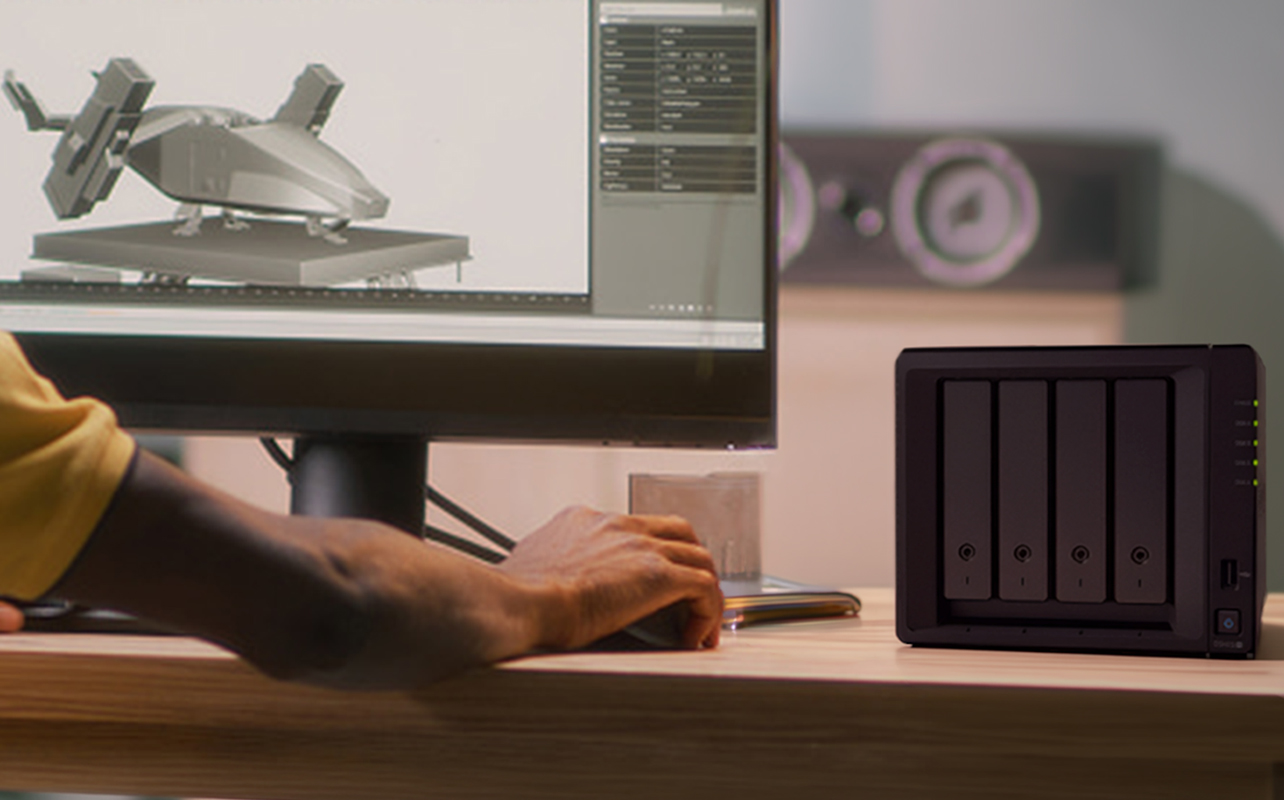
At a high level, tower servers are often a practical starting point for a first server or smaller office because they don’t require rack-mounting equipment and can be easier to install in a conventional office environment. Rack servers become more suitable once you’re centralizing several systems together, since they’re built to stack efficiently and scale as needs grow.
The right choice also depends on noise tolerance, cooling, physical security, available power, and how much room you have to expand later. Since this decision has enough nuance to deserve its own breakdown, it’s covered in full detail in the dedicated comparison guide.
How do you choose the right server for your small business?
Once you’ve confirmed a server is the right move, work through these in order rather than starting with hardware specs:
- The specific business problem you’re solving
- Which applications need to run on it
- How many users will connect
- How much storage you need now, and roughly how fast that’s growing
- Your backup and recovery requirements
- Processor and memory needs based on your applications
- Networking requirements
- Operating system
- Remote management capabilities
- Availability and uptime expectations
- Physical location and available space
- Growth plans over the next few years
- Budget, including ongoing costs, not just the upfront purchase
- Available IT support, whether that’s in-house or a contracted provider
Working through this list before comparing hardware is what turns a vague “we need a server” into a purchase that actually matches how your business runs.
When might a small business not need a server?
A server isn’t the right call for every business, and it’s worth being honest about that. You may not need one if:
- You’re a very small team relying mostly on cloud-native software
- Your shared-storage needs are limited
- You don’t run local applications that require centralized hosting
- You don’t have IT support available to manage a server
- Your existing cloud services already meet your security and availability needs
- A NAS already covers your file-sharing and backup requirements
In these cases, upgrading your cloud plan or adding a NAS is often a lower-cost, lower-maintenance way to solve the same problems a server would address without taking on hardware you don’t have the support to maintain.
It comes down to fit, not size
None of this hinges on how many people work for you; it hinges on whether your current tools are helping your business run or quietly getting in its way. A ten-person team juggling manual backups and shared spreadsheets can be more ready for a server than a fifty-person office running smoothly on cloud tools alone, and once you’ve made that call, you can browse small-business servers to see what’s currently available.
If you’ve recognized more than a couple of these signs in your own day-to-day, the next move isn’t picking a model off a shelf; it’s mapping out exactly what you need it to do, which is where our server buying guide picks up from here. And if storage and access are already sorted but you’re weighing physical setup, the rack vs. tower server guide will help you land on the right fit for your space.
Frequently asked questions
It can centralize files, backups, applications, databases, user permissions, virtual machines, and other shared business services in one place.
There’s no universal threshold. The decision depends on your applications, data volume, collaboration needs, security requirements, and how much you’re currently struggling to manage without one.
Not quite. A NAS is primarily designed for network storage and related services like backups. A general-purpose server supports a much broader range of applications, databases, virtual machines, and business services.
It depends on your applications, internet reliability, need for direct data control, cost tolerance, security requirements, and remote-access needs. Many small businesses end up using a hybrid mix of both rather than choosing one exclusively.
A tower server is often a practical first choice for a smaller office, while a rack server tends to suit businesses building out more centralized or expandable infrastructure.