The MacBook Air vs MacBook Pro decision for students comes down to one honest question: how demanding is your actual workload? For most students, whether you’re writing essays, attending lectures, browsing research, or learning to code, the MacBook Air (M5) is genuinely enough. It’s fast, light, quiet, and built to last a full day on a single charge. The MacBook Pro is designed for students whose programs push hardware beyond what the Air can comfortably sustain over long sessions.
If you’re short on time, the quick verdict is simple: buy the MacBook Air M5. It handles the overwhelming majority of university and college workloads without breaking a sweat, and it costs significantly less than the entry MacBook Pro. The Pro is worth serious consideration only if your program regularly involves video editing, 3D rendering, engineering simulations, or professional creative software running for hours at a time. Everything else in this article will help you figure out exactly where you fall.

Table of contents
- Which MacBook fits school, college, and university needs?
- MacBook Air vs MacBook Pro: key differences for students
- Which MacBook is best for your major?
- Value, longevity, and student budget
- Which MacBook should you buy?
- FAQs

Which MacBook fits school, college, and university needs?
| Student type | Best choice | Why |
| General arts, humanities, business | MacBook Air M5 | More than enough performance; excellent portability |
| Note-taking and research | MacBook Air M5 | Light, silent, all-day battery |
| Coding and software development | MacBook Air M5 (most students) | Handles everyday coding well; Pro for advanced workflows |
| Engineering and STEM | Depends on workload | Air works for many; Pro better for simulations and compiling |
| Design, video editing, creative programs | MacBook Pro M5 Pro | Sustained performance, better display, more ports |
| Budget-conscious students | MacBook Air M5 | Best overall value for most academic workloads |
MacBook Air vs MacBook Pro: key differences for students
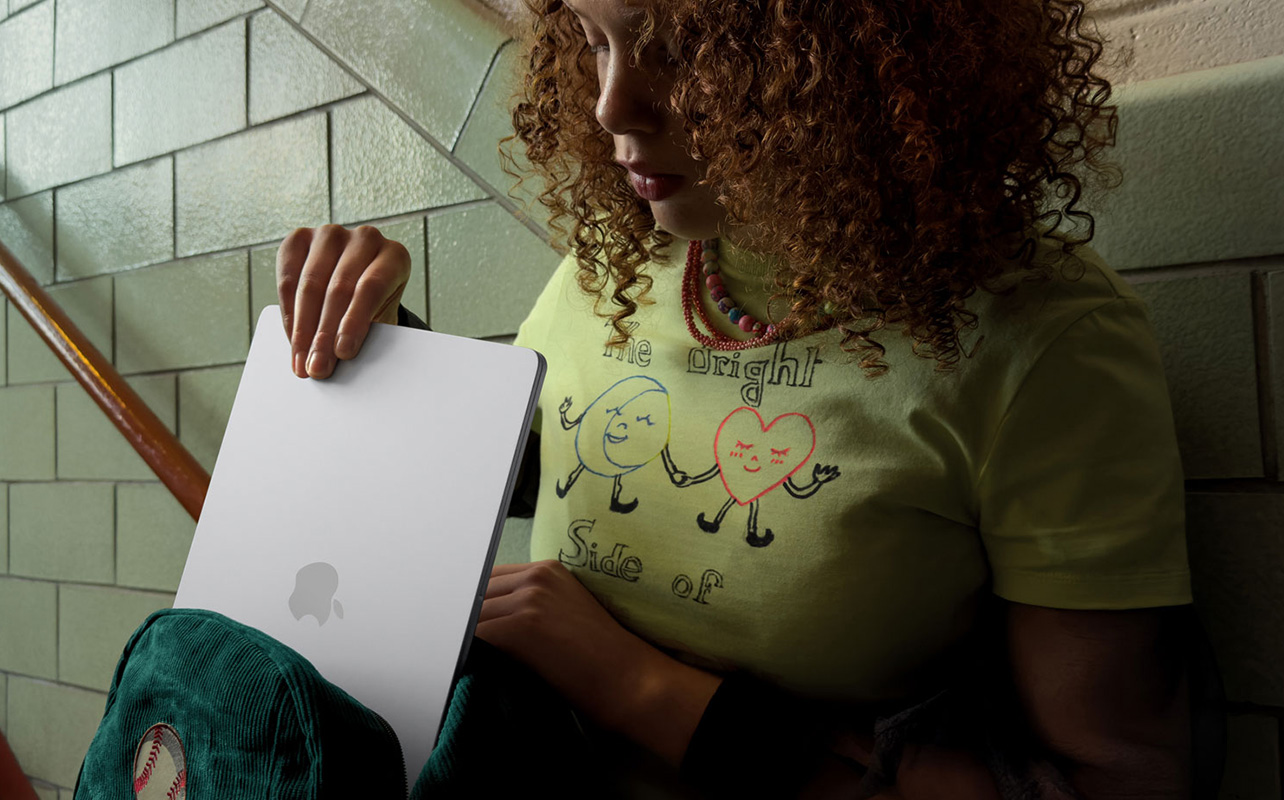
Before comparing them side by side, it helps to understand what actually separates these two laptops at a fundamental level, because it’s not just price. The MacBook Air is Apple’s thin-and-light everyday laptop. It has no fan inside, which means it runs completely silently. If you’re coming from a Windows laptop, the transition is smoother than most students expect. Switching from Windows to MacBook for school: what to know covers everything you need to get comfortable quickly.
Under everyday use, writing, browsing, video calls, coding assignments, spreadsheets, it performs excellently. The tradeoff is that when workloads become very heavy and sustained (think: rendering a long video or running a complex simulation for an hour straight), the Air will eventually slow itself down to manage heat. This is called thermal throttling, and it’s a natural consequence of the fanless design.
The MacBook Pro has an active cooling system with actual fans inside that kick in when the processor is working hard. This means it can sustain peak performance for much longer without slowing down. It also has a brighter, higher-contrast display, more ports, and a larger battery. These advantages matter a lot for certain students, but they come at a significant cost.
Here’s how the MacBook Air vs MacBook Pro stacks up on the specs that matter most for students:
| Feature | MacBook Air M5 | MacBook Pro M5 Pro |
| Chip | Apple M5 | Apple M5 Pro |
| Base RAM | 16GB | 24GB |
| Base storage | 512GB | 1TB |
| Cooling | Fanless (silent) | Active cooling (fans) |
| Battery life | Up to 18 hours | Up to 24 hours |
| Display | Liquid Retina (60Hz) | Liquid Retina XDR, ProMotion (120Hz) |
| Ports | 2x Thunderbolt 4 + MagSafe | 3x Thunderbolt 5 + HDMI + SD card + MagSafe |
| Weight (13″/14″) | 1.24 kg (2.7 lbs) | 1.61 kg (3.5 lbs) |
| Best for | Most students | Demanding creative and technical workloads |
Is the MacBook Air powerful enough for university?
Yes, for the vast majority of students, comfortably so. The M5 chip inside the MacBook Air is a genuine generational step forward. It’s up to 15% faster than the M4 in CPU tasks, offers significantly stronger GPU performance, and handles AI-assisted workflows in apps like Pages, Keynote, and even Lightroom without hesitation.
What the Air handles well without any compromise:
- Writing papers and managing citations
- Spreadsheets, presentations, and Office apps
- Web research across many tabs
- Video calls and remote learning
- Light photo editing in apps like Lightroom or Photos
- Learning to code in Python, Java, Swift, or web languages
- Streaming, music, and casual gaming
Where the Air starts to show its limits is under sustained, processor-intensive workloads, the kind that run continuously for 30 minutes or more without letting up. If you’re in a program that regularly involves those kinds of tasks, that distinction matters.
Which MacBook is best for your program?

The right MacBook for school depends largely on what your program demands and how you plan to use it day to day. Here’s how the two models break down across the most common student programs:
General arts, humanities, and business students
The MacBook Air M5 is the clear choice here. Programs built around writing, research, presentations, spreadsheets, and communication software put almost no strain on the hardware. Even with a full suite of browser tabs, Zoom calls, and Microsoft 365 running at once, the Air handles everything smoothly.
For these students, the MacBook Pro’s advantages in sustained performance, display quality, and ports are genuinely irrelevant to their daily work. Choosing the Pro here would mean paying for capabilities that simply never get used.
Coding and software development students
This one depends on where you are in your program. The MacBook Air M5 works well for most coding students running code editors like VS Code, learning programming languages, building web applications, and completing typical computer science coursework. For introductory through mid-level development work, the Air is genuinely capable.
The MacBook Pro becomes worth considering when your workflow involves compiling large codebases that take several minutes to process, running multiple virtual machines simultaneously, or working with machine learning models that require heavy computation. If you’re in your second or third year and those workflows sound familiar, the Pro’s sustained performance will save real time. If you’re just getting started, the Air is the smarter buy, but you can always assess your needs as the program progresses.
Engineering and STEM students
Engineering is the category where the answer is most nuanced. Many engineering students spend the majority of their time in note-taking, research, and report-writing tasks, which the Air handles perfectly. The question is whether your specific program involves heavy simulation software, computational fluid dynamics tools, or extended MATLAB or finite element analysis sessions.
For light-to-moderate engineering work, the Air holds up well. For students who know their program involves sustained computational work running simulations, processing large datasets, or using software like ANSYS or COMSOL, the MacBook Pro’s active cooling and higher-tier chip configurations make a genuine difference. If you’re unsure, consider starting with the Air and upgrading RAM to 24GB for longer-term flexibility.
Design, media, and video editing students
The MacBook Pro M5 Pro is the right choice for students in dedicated design, film, animation, or media production programs. Here’s why it matters concretely:
The Liquid Retina XDR display on the Pro is meaningfully better for colour-sensitive work; it’s brighter, has deeper contrast, and covers a wider colour gamut than the Air’s Liquid Retina panel. For students doing colour grading, print design, or any work where accurate colour reproduction matters, that difference is visible and relevant.
More importantly, the Pro’s active cooling means it sustains peak performance during long export sessions rendering a short film, exporting a high-resolution project in Final Cut Pro, or processing a batch of RAW photos in Photoshop. The Air can handle these tasks, but it will throttle under extended runs. If video editing or professional-level design is central to your program, that throttling becomes a recurring frustration rather than an occasional inconvenience.
The added ports, HDMI, SD card slot, and three Thunderbolt 5 connections also matter for creative students who regularly connect external drives, cameras, and displays. The Air’s two ports can feel limiting in a studio setup.
How much RAM and storage do students actually need?
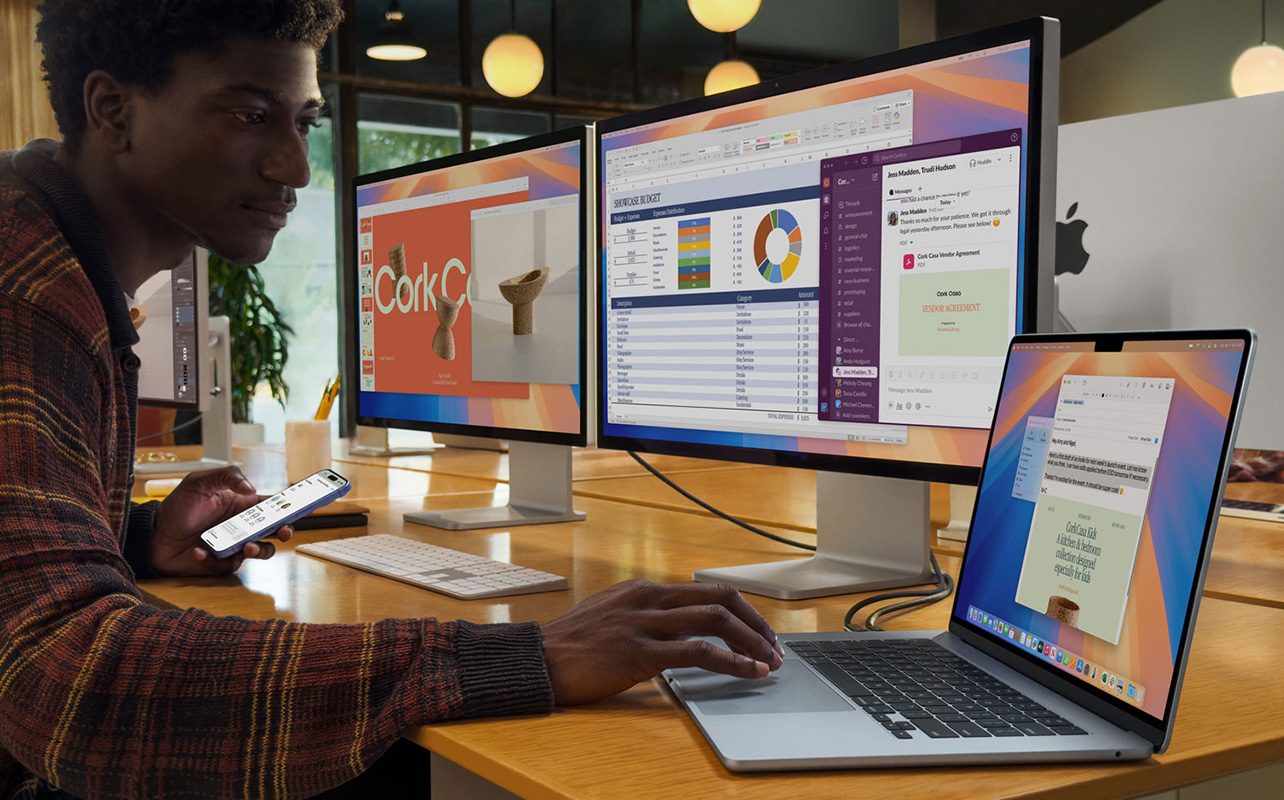
This is one of the most important decisions you’ll make in the MacBook Air vs MacBook Pro comparison, and one you can’t revisit later. Unlike most laptops, modern MacBooks have their RAM and storage soldered to the motherboard, which means whatever you configure at checkout is what you have for the life of the machine. If you want a deeper breakdown beyond MacBooks, our guide on how much RAM and storage you need for school covers the full picture across all student laptops. Here’s what to consider:
RAM (unified memory)
Both the MacBook Air and MacBook Pro now start with 16GB of unified memory, which is the right baseline for most students. Unlike traditional RAM, Apple Silicon’s unified memory is shared efficiently across the CPU, GPU, and Neural Engine, so 16GB goes further than it might on other laptops.
For everyday coursework, coding, and general multitasking, 16GB is enough and will remain enough for most use cases through a four-year degree. The exception is students in creative or engineering programs who plan to run memory-intensive software regularly for those students, upgrading to 24GB is a practical investment in longevity. Pushing to 32GB is unnecessary for almost every student-level use case.
Storage
The MacBook Air M5 now starts with 512GB of storage, a meaningful improvement over previous generations. For most students, 512GB is workable if you use cloud storage for large files. If your program involves storing large video projects, working with uncompressed RAW files, or keeping a substantial local library of assets, 1TB is a more comfortable starting point.
The rule of thumb: don’t buy the minimum storage, thinking you’ll manage around it. Storage is one of the few things you cannot upgrade after purchase on a MacBook.
How does battery life compare for students on campus?
Battery life is one area where both MacBooks genuinely impress, and it matters a lot for students moving between classes, libraries, and study spaces without always having access to a power outlet.
The MacBook Air M5 is rated for up to 18 hours of battery life. In real-world use across a mix of writing, browsing, and video calls, most students comfortably get through a full day without charging. It’s one of the most reliable all-day laptops available.
The MacBook Pro M5 Pro is rated for up to 24 hours, a significant jump that reflects both the larger battery in the 14-inch and 16-inch chassis and the efficiency of the M5 Pro chip. In practice, this gives Pro users even more buffer for heavy-use days.
For most students, the Air’s 18-hour battery is more than sufficient. The portability advantage of the Air at 1.24 kg (2.7 lbs) for the 13-inch model is also worth factoring in. The 14-inch MacBook Pro weighs 1.61 kg (3.5 lbs), which is a noticeable difference when carried across campus daily.
If commuting light and going all day without a charger are priorities, the Air is the better campus companion. If you’re mostly based in one location and do heavy work, the Pro’s extra battery headroom is a genuine comfort.
What about price, student discounts, and Back to School value?
The price gap between the two laptops is substantial enough that it should require a strong, specific reason to cross it:
Apple Education Pricing
Apple offers reduced pricing for eligible students, educators, and parents purchasing on behalf of students. Both the MacBook Air and MacBook Pro qualify for education pricing, and the savings on the Pro in particular are worth factoring into the comparison. Education pricing on the MacBook Air is also available and worth checking. You can access Apple Education Pricing through the Apple Education Store or through qualifying promotions at Best Buy Canada during the Back to School season.
Back to School promotions
Best Buy Canada’s Back to School season often includes bundled offers and promotions on MacBook models, such as gift card inclusions, trade-in credits, or accessory bundles that can meaningfully change the value calculation. Checking current Best Buy Back to School MacBook deals before purchasing is always worthwhile, as these promotions can close part of the gap between Air and Pro configurations.
Long-term value
The MacBook Air M5’s lower price also means more budget left over for accessories, software subscriptions, or storage solutions that genuinely affect the student experience, such as external drives, a quality monitor for your desk setup, or a year of Microsoft 365. Choosing the Pro and then running short on accessories budget is a common regret.
Both models are well-built and designed to last several years. If the Air covers your workload, it represents significantly better value over the life of a degree.
Which MacBook should you buy?

For most students, the answer is the MacBook Air M5. It is fast, light, quiet, and built for all-day use. The 16GB of RAM and 512GB of storage it ships with give it a strong foundation for a full degree program. The 13-inch model is one of the best-value laptops for students available today, and the 15-inch is worth considering if you prefer a larger screen for reading and multitasking.
The MacBook Pro M5 Pro earns its price for students in video production, professional design, or advanced engineering programs who need sustained performance, a colour-accurate display, and a more connected workspace. If that’s you, the investment makes sense and will pay off across your program. If it’s not, if you’re still figuring out your workload or your program doesn’t demand that level of performance, the Air is the smarter starting point. Once you’ve made your choice, essential MacBook tips every student should know is a practical next read to help you get the most out of your new machine from day one.
Frequently asked questions
Is the MacBook Air M5 enough for most students?
Yes. The MacBook Air M5 handles note-taking, research, web browsing, Microsoft 365, coding, streaming, light photo editing, and the vast majority of university coursework without any meaningful performance limitations. For most students, it is the better buy.
When should a student buy the MacBook Pro instead?
When their program regularly involves sustained, processor-intensive work such as video editing long projects, running engineering simulations, 3D rendering, or working with professional creative software like Adobe Premiere Pro or DaVinci Resolve for extended sessions. The keyword is “regularly.” If you do these tasks occasionally, the Air manages. If they’re central to your program, the Pro is the smarter long-term choice.
Which is better for coding: MacBook Air or MacBook Pro?
The MacBook Air M5 handles most coding and software development coursework well. Students working with large codebases, virtual machines, or machine learning environments may benefit from the MacBook Pro’s sustained performance and additional RAM configurations.
How much RAM do students need in a MacBook?
16GB is the right starting point for most students and will handle everyday academic workloads comfortably. Students in creative or engineering programs who plan to use memory-intensive software regularly should consider upgrading to 24GB for longer-term flexibility.
Is the MacBook Pro worth the extra cost for students?
For most students, no. In the MacBook Air vs MacBook Pro comparison, the Air offers excellent performance, portability, and battery life at a significantly lower cost. The MacBook Pro is worth the investment specifically for students whose coursework demands sustained high-performance output, not for general academic use.
What is the MacBook Neo, and should students consider it?
The MacBook Neo is Apple’s most affordable MacBook, powered by the A18 Pro chip. It’s designed as an entry-level option, but for most students planning to use their laptop through a full degree program with academic software, the MacBook Air M5 offers a more capable and future-proof foundation.
Which MacBook is better for video editing students?
The MacBook Pro M5 Pro. Its active cooling sustains performance during long export sessions, the Liquid Retina XDR display offers better colour accuracy, and the included HDMI port and SD card slot simplify studio workflows. The Air can handle video editing, but it may throttle under extended rendering workloads.