
What if you could get fast, reliable internet almost anywhere, even far from cities, fibre lines, or cable infrastructure? That is the idea behind Starlink, a satellite internet service designed to bring broadband connectivity to places traditional networks cannot easily reach.
In simple terms, Starlink delivers internet using thousands of small satellites orbiting the Earth. Instead of relying on underground cables or local telecom infrastructure, the system connects a satellite dish at your home directly to satellites in space. This approach allows people in rural areas, remote communities, cottages, farms, and even RV travellers to access high-speed internet.
Operated by SpaceX, the aerospace company founded by Elon Musk, Starlink now provides service in more than 110 countries, including most regions across Canada. Typical speeds range from about 100 to 300 Mbps with latency around 25 to 60 milliseconds. That’s fast enough for streaming, video calls, online gaming, and remote work.
In this guide, you will learn what Starlink is, how the satellite network works, where it is available, how much it costs in Canada, what equipment you need, and how it compares with traditional internet options like cable, DSL, and fibre. If you are exploring satellite connectivity, you can also browse available hardware and accessories from the Starlink lineup.

Global availability and coverage of Starlink

Starlink has expanded rapidly since its initial launch. Coverage continues to grow as more satellites are added to the network.
In Canada, Starlink is widely available across provinces and territories, including many rural and remote communities where traditional internet options are limited. Northern areas and regions with challenging terrain can often benefit the most from satellite connectivity.
Availability can vary by location, and some regions may have waitlists depending on network capacity. The easiest way to confirm service availability is by checking your address or postal code on the official Starlink website.
How Starlink works: technology and infrastructure

Starlink uses a constellation of thousands of small satellites that orbit the Earth at relatively low altitudes. These satellites communicate with each other and with ground stations, creating a network that delivers internet data across large distances.
How does the system work? Satellites in low Earth orbit transmit internet signals across the network. Ground stations connect the satellite network to the global internet infrastructure. A user terminal at your home receives the signal and connects it to your local network. The user terminal is often referred to as a Starlink dish. Once installed with a clear view of the sky, the dish automatically aligns itself to communicate with passing satellites.
Compared with traditional satellite internet, which relies on a few satellites much farther away from Earth, this approach reduces signal travel time. That helps improve speed and responsiveness for everyday online tasks.
Traditional internet services like cable, DSL, and fibre rely on physical infrastructure such as underground cables and local network hubs as well. Satellite internet bypasses those limitations, making it useful in areas where building wired networks is difficult or expensive.
Starlink internet performance and speeds

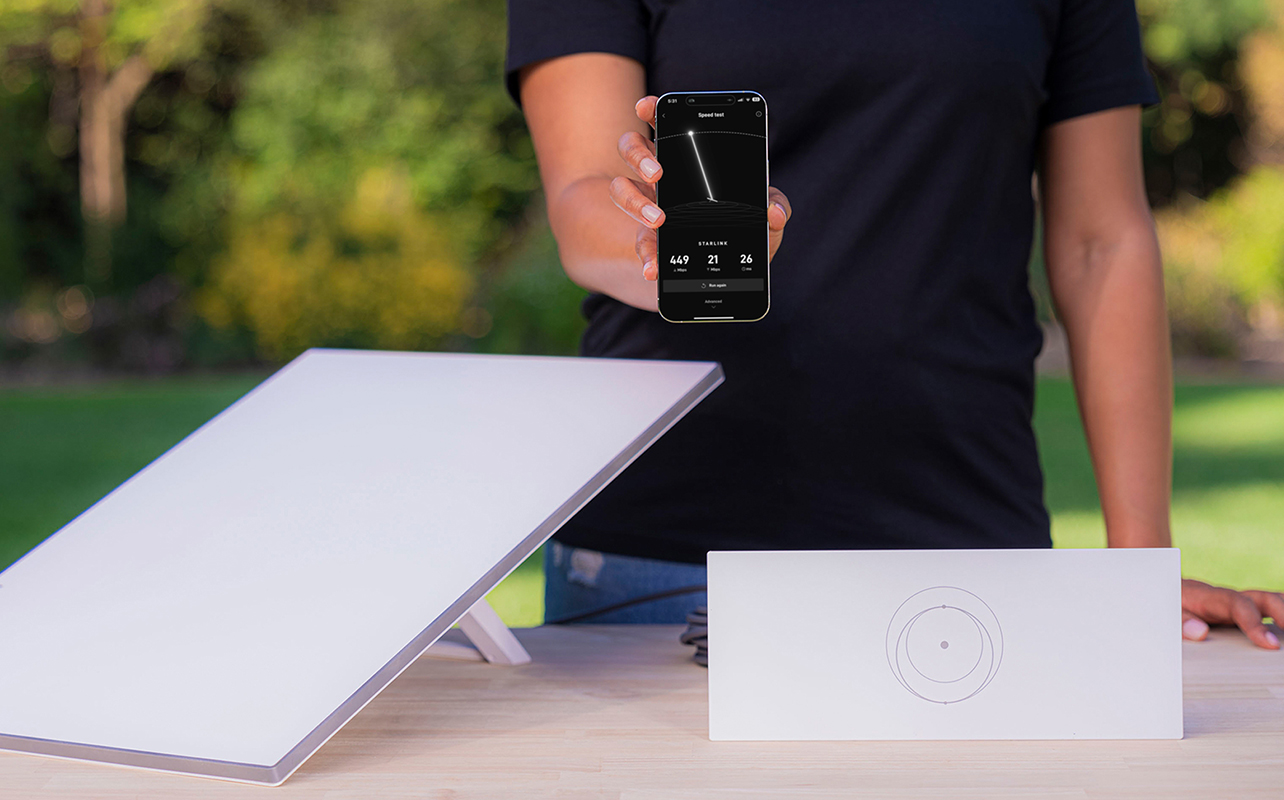
Starlink performance has improved steadily as the satellite network has expanded. Typical speeds for residential users include download speeds between 100 and 300 Mbps, upload speeds that usually range from 10 to 30 Mbps, and latency around 25 to 60 milliseconds.
These speeds are fast enough for many everyday internet activities, including streaming movies and TV shows in HD or 4K, video calls for work or school, online gaming, and large file downloads and cloud storage
Actual performance can vary depending on several factors, including network congestion, geographic location, and if your dish has a clear view of the sky. Trees, buildings, and other obstructions can affect signal quality.
Equipment needed for Starlink service
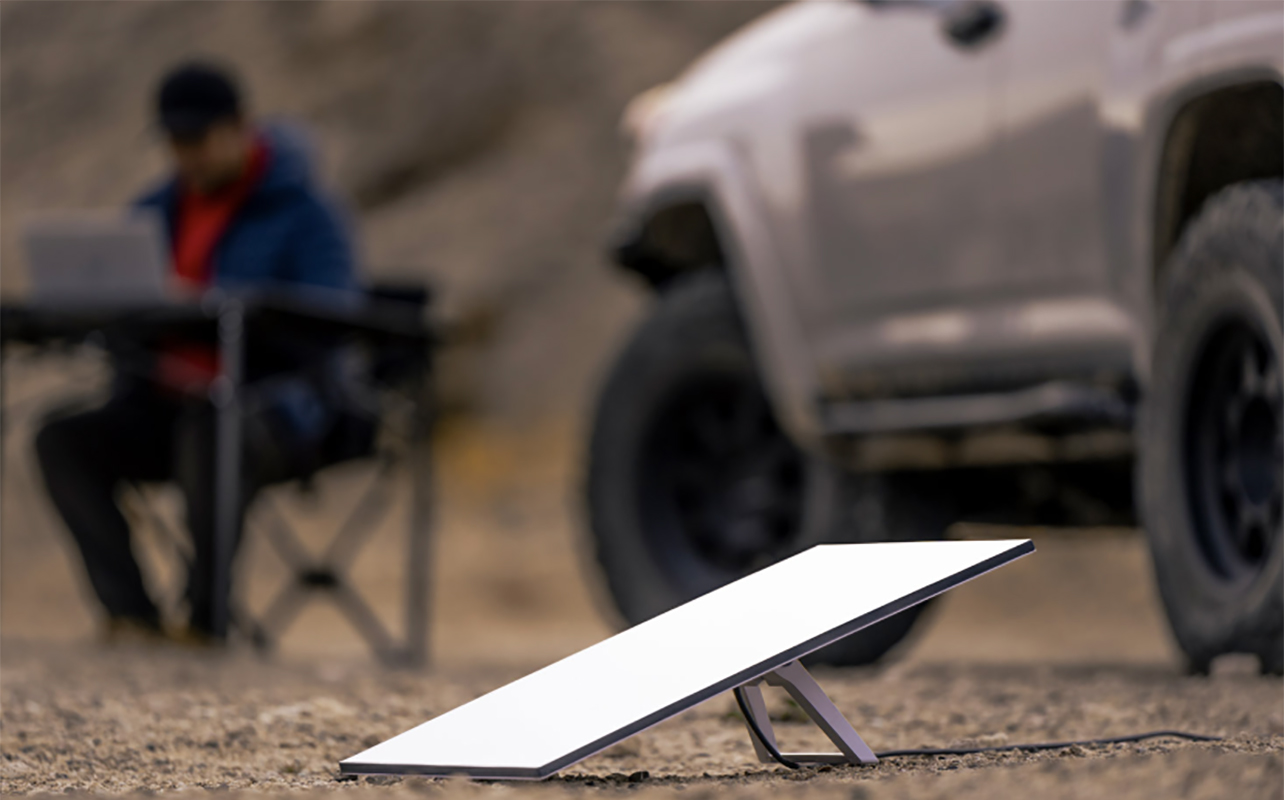
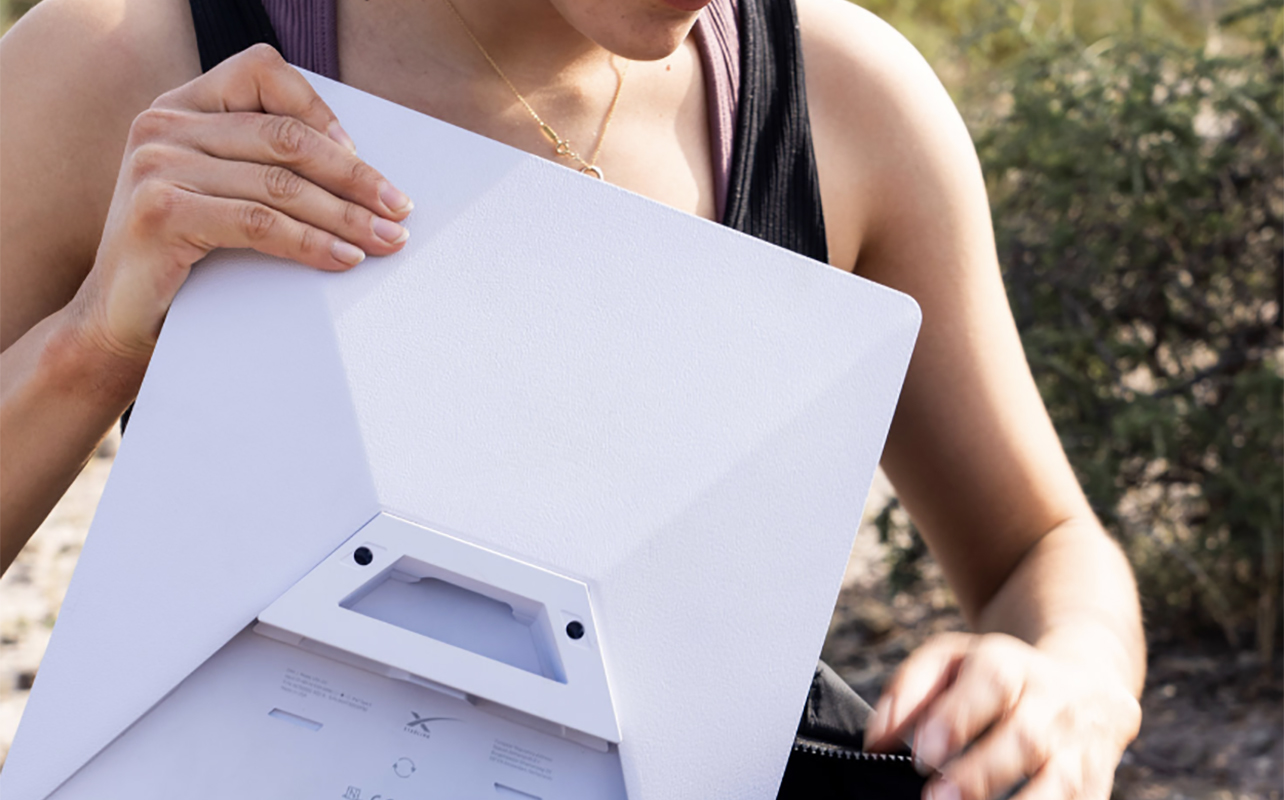
To use Starlink internet, you need a hardware kit designed to connect your home or workspace to the satellite network. A standard Starlink kit typically includes a satellite dish (user terminal), Wi-Fi router, mounting hardware, and power supply and cables. The dish is designed for simple installation and often sets itself up automatically once powered on and positioned correctly.
Depending on your installation setup, you may also need optional accessories such as roof mounts or pole mounts, extended cables, and Ethernet adapters. You can browse compatible hardware and accessories in the satellite internet equipment section at Best Buy to help you plan your setup.
There’s also the Starlink Mini Kit, a portable option for internet connectivity on the go. It can easily fit in a backpack and includes an integrated router, kickstand, pipe adapter, power cable, and power supply.
Costs and pricing plans for Starlink in Canada

The cost of Starlink service typically includes an upfront hardware purchase and a monthly subscription fee. For residential users in Canada, typical pricing can run anywhere from $499 up to $759 for the equipment kit, while the Mini Kit is $349. Residential monthly service plans generally range from about $70 to $140, depending on region and service tier.
Additional plan options are available for specific needs such as business connections or portable internet for RVs and travellers. These plans may cost more but offer features like higher priority bandwidth or roaming access. Other potential costs can include accessories, installation support, or upgraded mounting equipment.
Benefits and drawbacks of Starlink satellite internet
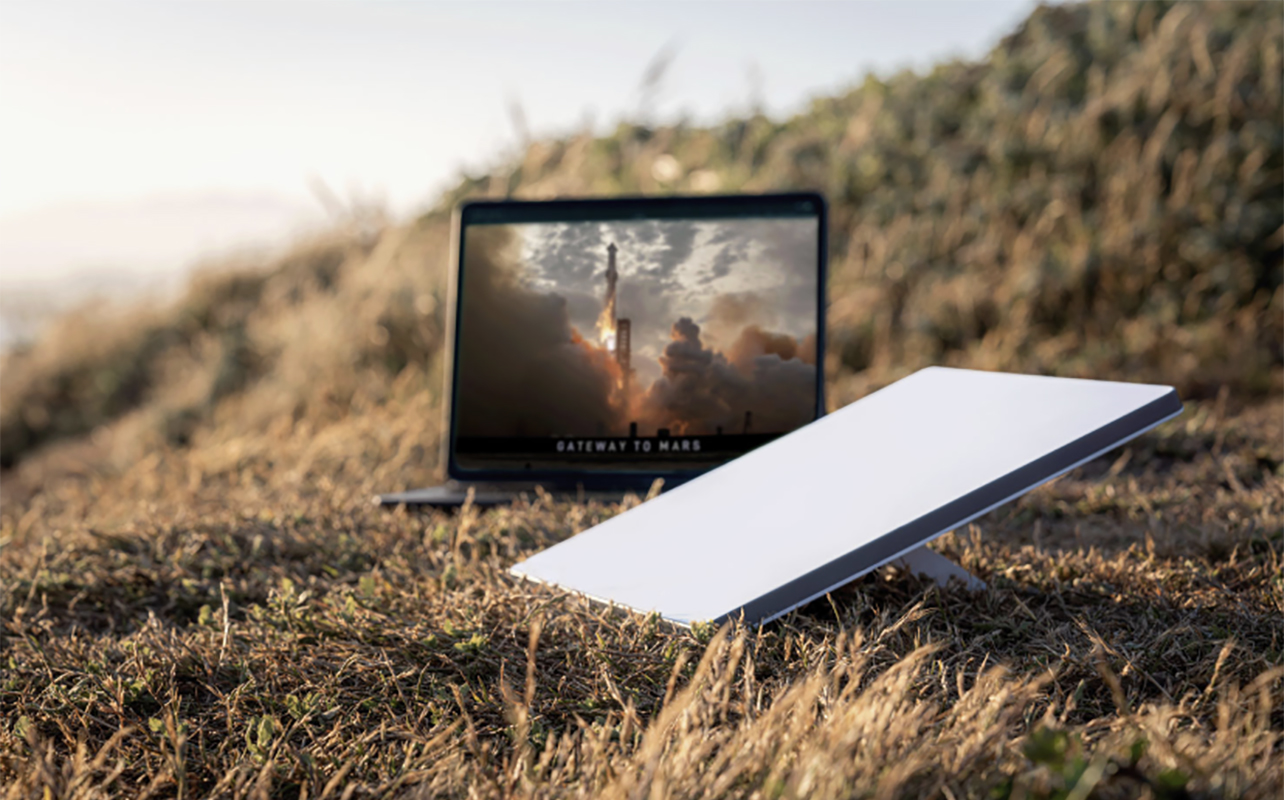
Starlink has quickly become one of the most widely discussed satellite internet services because it offers performance that is closer to traditional broadband than earlier satellite systems. With Starlink, you get reliable internet in rural or remote areas, without the need for cable or fibre infrastructure. You should experience faster speeds than many legacy satellite services and installation is usually very simple, guided by the companion app. As noted, there are also portable options available with roaming plans.
But there are some potential drawbacks. It’s a higher upfront hardware cost. The dish requires clear sky visibility, which can be impacted in dense areas or weather conditions. As with other types of internet, speeds can also fluctuate depending on network demand.
For many households without access to fibre or cable internet, however, the benefits outweigh these limitations.
How to sign up for Starlink service
Getting started with Starlink is a fairly straightforward process.
- Visit the Starlink website.
- Enter your address or postal code to check availability.
- Select the service plan that best fits your needs.
- Order the Starlink hardware kit.
- Install the dish and connect the router once your equipment arrives.
After installation, the system will automatically connect to available satellites and begin delivering internet service.
Final considerations

Starlink represents a major shift in how satellite internet can be delivered. By using thousands of low Earth orbit satellites, it provides faster speeds and lower latency than older satellite systems. For people living in rural areas, remote communities, or locations without reliable wired internet infrastructure, Starlink can be a practical solution for staying connected.
Before choosing a service, it is helpful to consider factors like hardware costs, monthly pricing, installation requirements, and if your location has a clear view of the sky.
Starlink vs traditional internet services
| Feature | Starlink (Satellite) | Cable / DSL | Fibre |
|---|---|---|---|
| Infrastructure | Low Earth orbit satellites | Ground-based cable lines | Fibre optic lines |
| Availability | Rural and remote friendly | Urban and suburban | Mostly urban |
| Typical speeds | 100–300 Mbps | 50–1000 Mbps | 300–3000+ Mbps |
| Latency | 25–60 ms | 10–40 ms | 5–20 ms |
| Installation | Self-install dish | Technician visit | Technician visit |
| Portability | Yes (Roam plans) | No | No |
| Weather impact | Possible signal disruption | Rare | Rare |
| Upfront cost | Higher hardware fee | Low or moderate | Low or moderate |
Frequently Asked Questions
What is Starlink and how does it work?
Starlink is a satellite internet service operated by SpaceX. It uses a network of low Earth orbit satellites and a user-installed dish to deliver broadband internet without relying on traditional cable or fibre infrastructure.
How do I know if Starlink is available in my area?
Starlink is available in more than 110 countries, including most regions of Canada, with expanding global coverage. Check the Starlink website, enter your postal code, and you can instantly find out if it’s available where you live.
How does Starlink internet compare to fibre?
Fibre internet is generally faster and can be more reliable in adverse weather conditions. But Starlink is a good option if you live in a rural, remote, or off-grid area where fibre isn’t available.
How long does it take to set up Starlink?
You can set up Starlink internet within minutes. Installation requires mounting and connection. It may take up to 30 minutes for the system to get fully online, longer if there’s a firmware update. You can use the Starlink app to find a clear view of the sky and adjust positioning until you get the perfect installation.
Ready to explore Starlink for your home?
Starlink is changing how people connect to the internet, especially in places where traditional cable or fibre services are limited or unavailable. With expanding global coverage, competitive speeds, and relatively simple setup, it offers a practical way to bring reliable broadband to rural homes, remote cabins, and mobile lifestyles. While it may not replace fibre in every situation, it can be a strong alternative where wired connections are not an option.
If you are considering satellite internet, take a look at available kits, accessories, and connectivity solutions in our Starlink collection to see what hardware might work best for your setup.

This article was drafted using AI technology and then reviewed, fact-checked, and revised by a member of our editorial team.