So, you’re thinking about buying a 3D printer. Whether you want to explore a new hobby, create custom accessories, repair household items, build models, or bring your own designs to life, a 3D printer gives you the ability to turn digital ideas into physical objects.
Choosing the right 3D printer can feel overwhelming. With different printing technologies, materials, build sizes, features, and price points available, the best printer for you depends on what you want to make, how much time you want to spend learning and maintaining your printer, and your budget.
For most beginners, an FDM (filament) 3D printer is the best place to start. These printers are affordable, easier to use, and versatile enough for everyday projects like organizers, replacement parts, prototypes, and creative builds. Resin printers are better suited for users who need highly detailed prints, such as miniatures, jewellery designs, and intricate models.
In this 3D printer buying guide, we’ll explain the different types of 3D printers, compare FDM and resin printing, highlight the key features to consider, and help you choose the right printer based on your projects, experience level, and budget.

Table of contents
- Which 3D printer should you buy?
- What can you make with a 3D printer?
- How does a 3D printer work?
- Different types of 3D printers
- Key features to consider before buying a 3D printer
- What 3D printer materials and accessories you’ll need to print
- How much should you spend on a 3D printer?
- Frequently asked questions
- Read more about 3D printers
Which 3D printer should you buy?
The best 3D printer depends on what you plan to create. Before comparing brands or features, think about how you’ll use it.
| If you want to… | Best choice | Why it’s a good fit |
|---|---|---|
| Print your first 3D object | Beginner-friendly FDM printer | Easy to set up, affordable, and ideal for learning the basics |
| Create household items, replacement parts, or organizers | FDM printer with PLA and PETG support | Great for durable, everyday functional prints |
| Print highly detailed miniatures, figurines, or jewellery | Resin (SLA/MSLA) printer | Produces exceptional detail and smooth surface finishes |
| Print large models or cosplay props | Large-build-volume FDM printer | Fits bigger projects without splitting them into multiple pieces |
| Create multicolour prints | FDM printer with a multicolour filament system | Makes colourful models and decorative prints with minimal manual filament changes |
| Print stronger, heat-resistant, or engineering parts | Enclosed FDM printer with high-temperature material support | Handles advanced materials like ABS, ASA, and nylon more reliably |
| Learn, experiment, and upgrade over time | Customizable FDM printer with a strong community | Plenty of tutorials, upgrades, and troubleshooting resources available |
For most people buying their first 3D printer, we recommend starting with an FDM printer. It offers the best balance of affordability, ease of use, and versatility.
What can you make with a 3D printer?
A lot of people picture 3D printing as something used only by engineers or manufacturers. Today, however, consumer 3D printers are affordable tools for creativity, learning, and solving everyday problems.
Here are some of the most common things beginners start with:
- Desk organizers, cable clips, and storage solutions
- Wall hooks, brackets, and mounts
- Replacement parts (like broken knobs or clips)
- Phone stands, tablet holders, and laptop risers
- Kitchen tools like measuring scoops or bag clips
- Toys, puzzles, and learning aids for kids
- Custom gifts, decorations, and seasonal items
This is where a 3D printer really shines. It lets you solve small problems around your home without having to search for a replacement part or accessory.
It’s also a powerful tool for learning and creativity, making it a wonderful gift. Students can build models for science, engineering, and design projects, making abstract concepts feel more real. Hobbyists can create cosplay props, miniatures, model parts, and custom builds. And small businesses can prototype ideas without large upfront costs.
How does a 3D printer work?
At its core, 3D printing is the process of turning a digital design into a physical object. Unlike traditional manufacturing methods that remove material from a larger piece, 3D printers use additive manufacturing, which means they build objects layer by layer.
The process usually involves four steps:
1. Create or download a 3D model
Every print starts with a digital model. You can:
- Download ready-made designs from online 3D model libraries
- Create your own designs using CAD software
- Modify existing designs to fit your needs
Common 3D model file types include STL and OBJ files. Many websites offer thousands of free and paid models that can be printed immediately.
2. Prepare the model using slicer software
A slicer is a program that converts your 3D model into instructions your printer understands.
The software:
- Splits the model into thin layers
- Controls print speed
- Adjusts print quality
- Selects material settings
- Creates printer instructions
The final file is called G-code, which tells the printer where to move, how quickly to print, and when to release material.
3. Print the object layer by layer
Once the printer receives the G-code file, it begins creating the object from the bottom up.
Depending on the size and complexity of the model, printing can take anywhere from a few minutes to several hours. You don’t need to master every detail to get started, but understanding this workflow helps make everything else easier to grasp.
4. Finish and use your print
After printing, you may need to:
- Remove support structures
- Sand rough areas
- Wash and cure resin prints
- Assemble multiple parts
The amount of post-processing depends on the printer type and material used.
What to consider before you buy a 3D printer
Choosing a 3D printer is easier when you start with what you want to make—not the technical specs. The right printer depends on your projects, experience level, available space, and how much you want to spend.
Before comparing printers, answer these four questions:
1. What do you want to print?
If you want practical items like replacement parts, organizers, tools, prototypes, or larger models, a filament printer is usually the best choice. If you want highly detailed miniatures, jewellery designs, or display pieces, a resin printer may be a better fit.
2. Do you need multicolour printing?
Single-colour printers are simpler and more affordable, while multicolour systems let you create more creative prints but add cost, complexity, and potential material waste.
3. How much space do you have?
Consider the printer’s footprint, whether you need an enclosure, and how much noise you can tolerate. Some printers are compact enough for a home office, while others are better suited for a workshop.
4. What is your budget?
Entry-level printers are easier than ever to use, but spending more can get you faster printing, automatic calibration, better reliability, and features that make the experience smoother.
The sections below explain the key differences so you can find the type of 3D printer that best matches your needs.
Filament vs resin: which type of 3D printer should you choose?
The two most common types of consumer 3D printers are filament (FDM) and resin (SLA/MSLA). Both create objects layer by layer, but they offer very different printing experiences. The type you choose affects the materials you use, print quality, maintenance, and the projects you can create.
Filament printers
Filament 3D printing, also known as FDM (fused deposition modelling), is the most common and beginner-friendly approach. It works by melting a solid plastic material and depositing it layer by layer to build an object. The material used, called filament, comes on a spool and looks like a thin plastic wire, similar to a long strand of flexible plastic wound around a reel. This is the type of 3D printing most people picture, and it’s widely used for everyday items, functional parts, and larger prints.
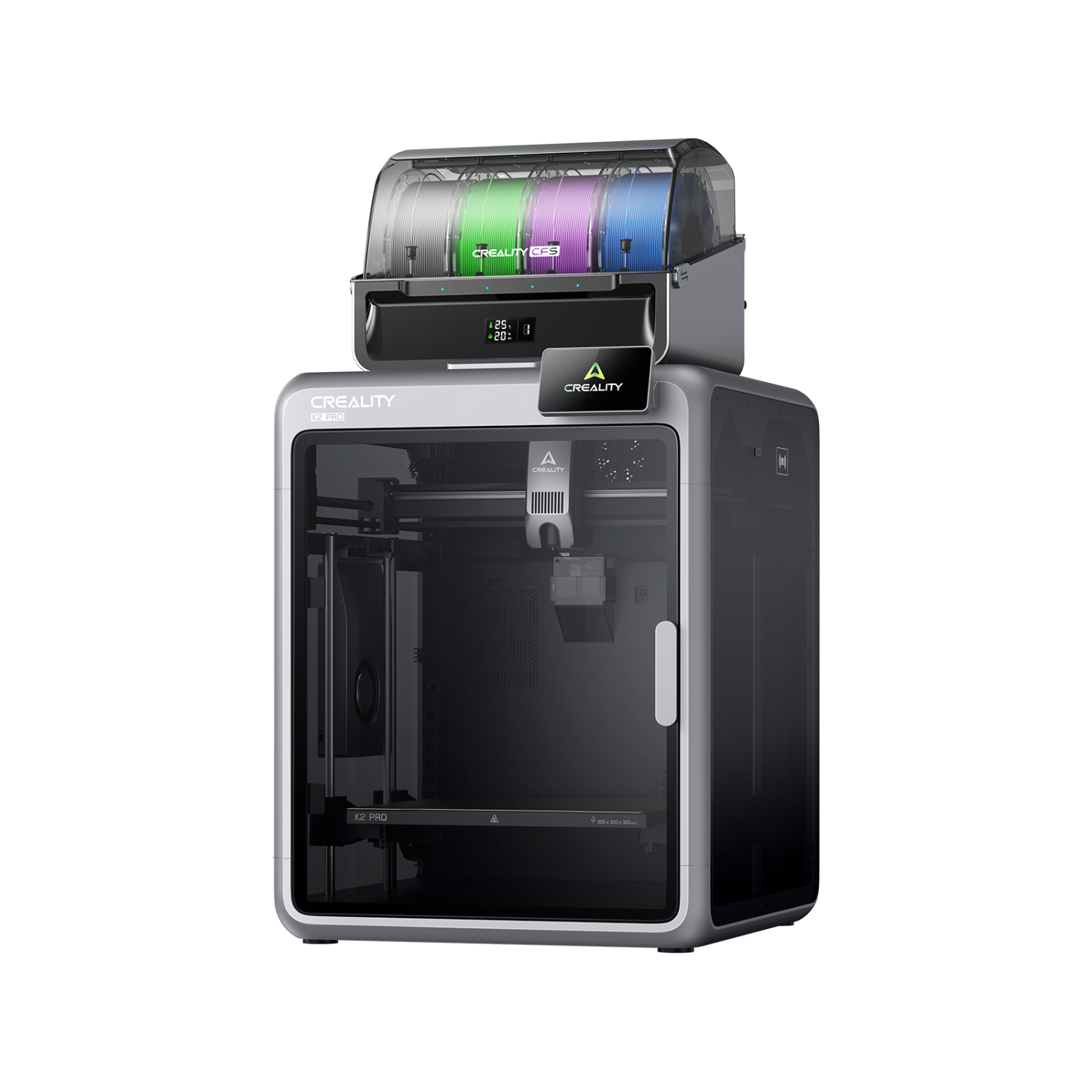
Filament 3D printers are a versatile choice for anyone looking to explore a wide range of projects. Because they use solid plastic material, they’re generally easier to handle, cleaner to operate, and more forgiving for beginners. They’re ideal for printing practical objects, prototypes, and larger models where extreme detail isn’t the main priority.
Resin printers
Resin 3D printing, often referred to as SLA (stereolithography) or MSLA (masked stereolithography), works quite differently. Instead of solid plastic, it uses a liquid resin stored in a small tank or vat. A light source, usually ultraviolet (UV) light, hardens the resin layer by layer to form the object. The resin itself looks like a thick liquid, similar to syrup, and requires careful handling. This method is known for producing highly detailed and smooth prints, making it popular for miniatures, jewellery, and intricate designs.
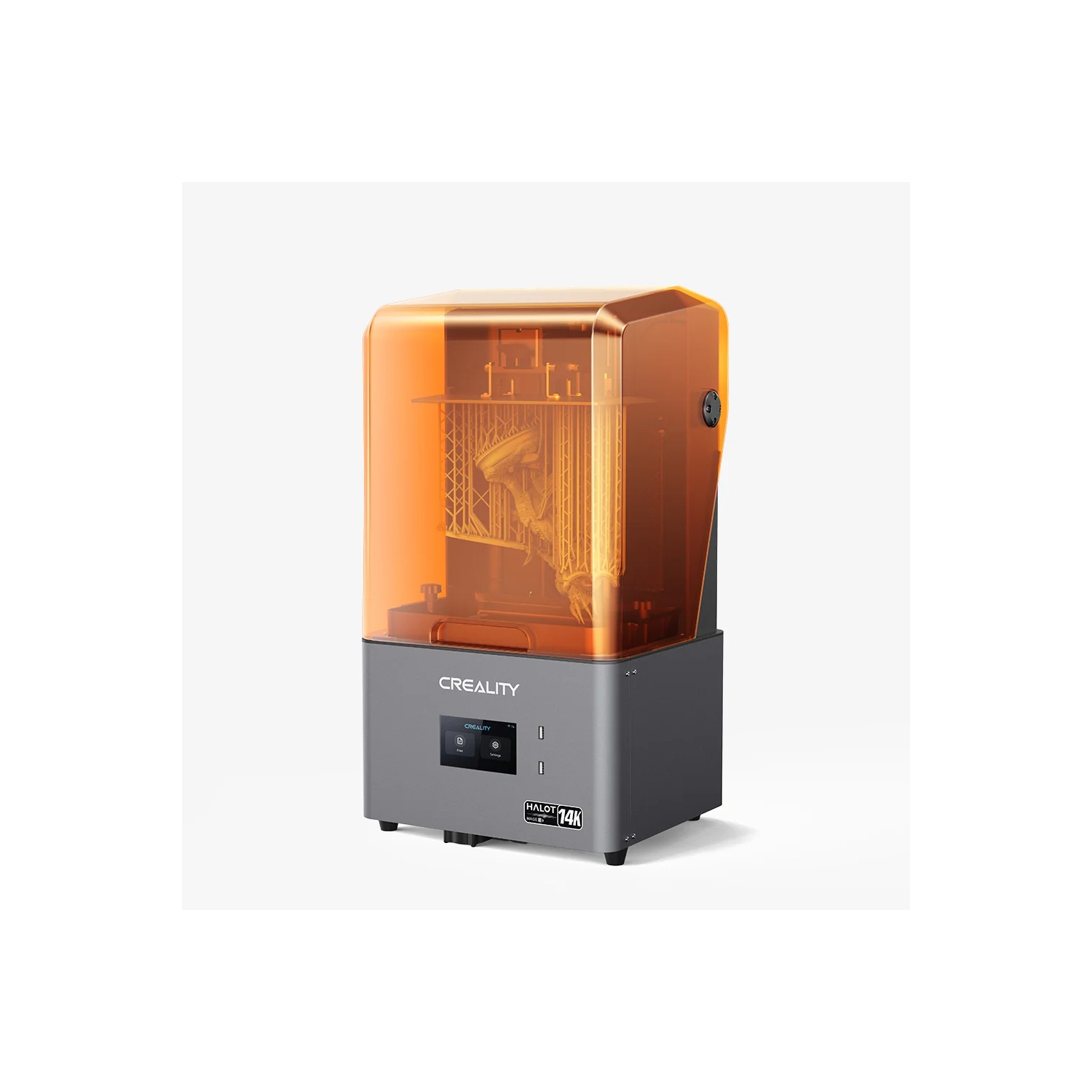
Resin 3D printers are designed for precision and detail. By using liquid resin and light-based curing, they can produce incredibly smooth surfaces and fine features that are difficult to achieve with filament printers. However, they require more setup, cleanup, and safety precautions, making them better suited for users who are comfortable with a slightly more involved workflow.
Here’s how the two stack up on the factors that actually affect your buying decision:
- Cost per print: Filament is cheaper per gram, and a single spool stretches across many projects. Resin costs more per print once you factor in the resin itself plus isopropyl alcohol for cleanup.
- Surface detail and finish: Filament produces good, functional results but visible layer lines on close inspection. Resin produces smooth, high-resolution surfaces well suited to fine detail.
- Cleanup and ventilation: Filament printing needs almost no cleanup beyond removing support material. Resin printing needs gloves, a wash-and-cure step, and a ventilated space, since uncured resin has a noticeable odour and requires careful handling.
- Best use cases: Filament suits functional parts, replacement pieces, and larger everyday objects. Resin suits miniatures, jewellery, and models where fine surface detail matters more than size or speed.
FDM vs resin 3D printers comparison
| Feature | Filament (FDM) 3D printers | Resin 3D printers |
|---|---|---|
| Ease of use | Very beginner-friendly | Moderate learning curve |
| Print quality | Good for most uses | Extremely detailed |
| Maintenance | Low | Higher (cleaning required) |
| Safety | Lower handling requirements (especially with PLA) | Requires gloves/ventilation |
| Cost | Lower overall | Higher ongoing costs |
| Best for | Everyday items, large prints | Miniatures, jewellery, detailed models |
For most first-time buyers, an FDM printer is the better choice. It is easier to learn, requires less maintenance, and gives you more flexibility for everyday projects. Choose a resin printer if your priority is creating highly detailed models where surface quality matters more than convenience.
Important features to consider before buying a 3D printer
Once you know which type of 3D printer fits your needs, the next step is understanding the features that affect your printing experience. The best printer is not always the one with the highest specifications. It’s the one with the features that match how you plan to use it.
Print quality and resolution
Print quality determines how smooth, detailed, and accurate your finished objects will look. One of the main measurements used to describe 3D printing quality is layer height. This refers to how thick each individual printed layer is.
- Smaller layer heights create smoother surfaces and more detailed prints.
- Larger layer heights allow for faster printing but may leave more visible layer lines.
For most everyday projects, a printer with adjustable layer heights provides enough flexibility to balance detail and speed. Other factors that affect print quality include:
- Nozzle quality and size
- Printer frame stability
- Motion system
- Calibration features
- Material settings
A printer with automatic calibration can make a noticeable difference, especially for beginners.
Build volume: how large can you print?
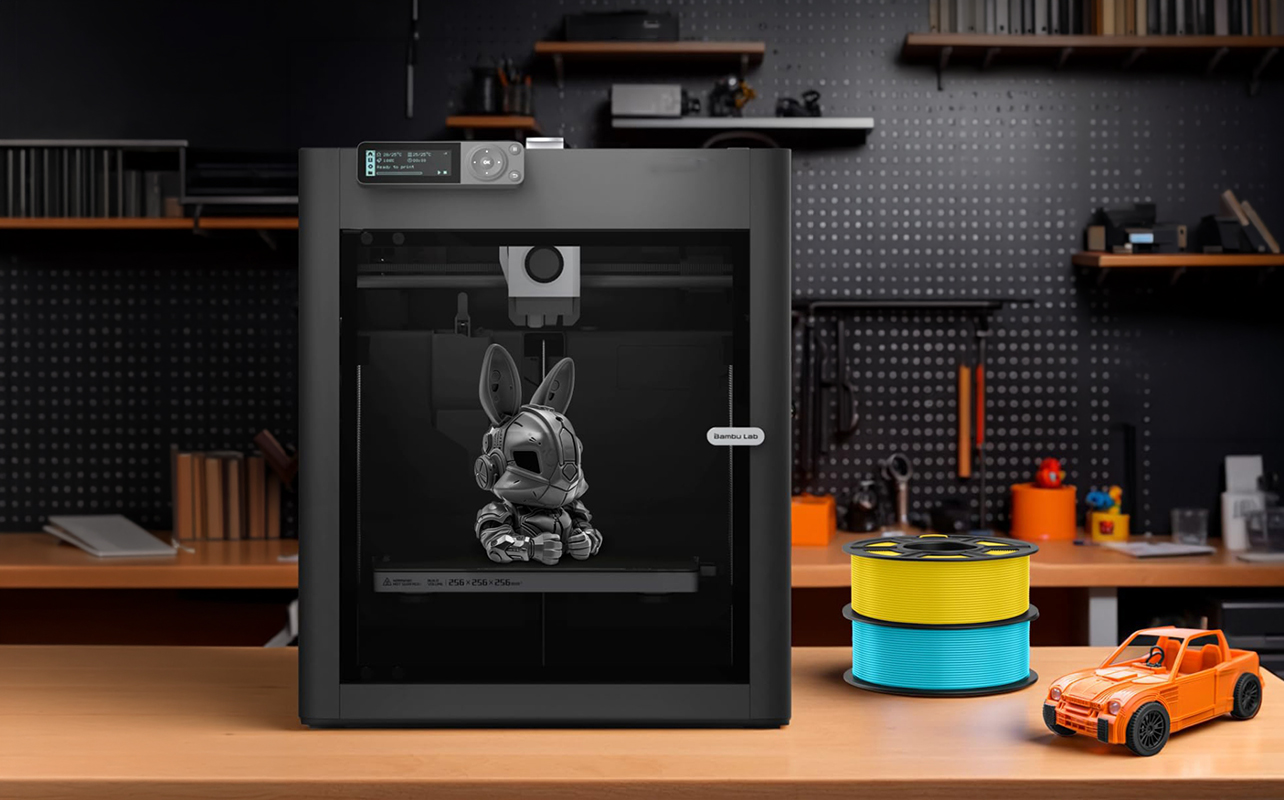
Build volume refers to the maximum dimensions of an object a printer can create. It is usually listed as three measurements: Width × depth × height. For example, a 256 × 256 × 256 mm build volume means the printer can create objects up to approximately 25 cm in each direction.
Consider the types of projects you want to create:
| Build volume | Best for |
|---|---|
| Small (under 180 mm) | Miniatures, small accessories, learning projects |
| Medium (180–300 mm) | Most household items and hobby projects |
| Large (300 mm+) | Cosplay pieces, large models, prototypes |
A larger build volume gives you more flexibility, but it also usually means a larger printer footprint and higher cost. For most beginners, a medium-sized printer provides the best balance between capability and price.
Print speed: faster isn’t always better
Modern 3D printers advertise impressive speeds, with some models reaching 500 mm/s or higher. However, print speed is only one part of the equation. A faster printer can reduce wait times, especially for large projects, but speed can affect:
- Surface quality
- Print accuracy
- Reliability
A good 3D printer balances speed with consistent results. For beginners, a reliable printer that produces good-quality prints is usually more valuable than choosing the fastest model available.
Material compatibility: what can you print?
The materials a 3D printer supports determine the types of projects you can create. Most beginners start with PLA, while more advanced users may choose materials like PETG, ABS, ASA, or TPU for projects that require extra strength, heat resistance, or flexibility.
| Material | Best for | What to know |
|---|---|---|
| PLA | Decorations, toys, models, learning projects | The easiest material to print with, affordable, and widely available. It’s the best starting point for most beginners. |
| PETG | Functional parts, outdoor projects, durable everyday items | Stronger and more moisture-resistant than PLA, with good layer adhesion and reliability. |
| ABS and ASA | Mechanical parts, outdoor applications, heat-resistant objects | More durable and heat-resistant, but harder to print. These materials typically work best with an enclosed printer and proper ventilation. |
| TPU | Phone cases, flexible parts, protective covers | A flexible material that opens up more creative projects, but not all printers handle it equally well. Check compatibility before buying. |
Bedslinger vs. CoreXY: does motion system matter?
Once you’ve settled on filament, the next practical question is how the printer actually moves and this has a bigger impact on speed and reliability than most beginners expect.
- A bedslinger moves the print bed back and forth on one axis while the print head moves on the other. It’s the traditional, simplest design, and it’s why entry-level printers tend to be less expensive: the mechanism is easy to manufacture and easy to repair. The tradeoff is speed and precision at high velocity because the bed itself is moving (and often carrying a fair amount of mass). Fast movements can introduce wobble, which shows up as ringing or ghosting on tall prints.
- A CoreXY system keeps the bed still and moves the print head across both axes using a coordinated belt system. This is inherently more stable at speed, which is why most of today’s fast printers (500mm/s and up) use it. The tradeoff is a more complex mechanism, which historically meant a higher price, though that gap has narrowed significantly as CoreXY has become standard on more mid-range printers.
For a first printer where you’re learning the basics and don’t need blistering speed, a bedslinger is perfectly capable and easier on the budget. If speed and consistent quality on taller or more detailed prints matter to you, a CoreXY printer is worth the step up.
Open-frame vs enclosed 3D printers
This is one of the most overlooked buying criteria, and it’s really a materials question in disguise.
- An open-frame printer has no walls around the print area. That’s completely fine for PLA and PETG, the two most common and forgiving filaments; they’re not especially sensitive to temperature swings in the room, so an open frame won’t hurt your print quality.
- An enclosed printer maintains a stable internal temperature. That matters a great deal once you want to print with ABS, ASA, or nylon materials that are prone to warping and cracking if they cool unevenly during a print. An enclosure also helps contain fumes from these materials and adds a layer of safety around hot components.
If you only ever plan to print PLA or PETG, an open-frame printer will serve you well and cost less. If you know you’ll eventually want stronger, more heat-resistant materials, factor an enclosure into your decision now rather than discovering the limitation later.
Single-colour vs multicolour 3D printing
Multicolour printing has become increasingly popular among hobbyists., but it comes in two very different flavours with very different tradeoffs.
- AMS/MMU-style systems (Automatic Material System or Multi-Material Unit) feed multiple filament spools into a single nozzle, purging and swapping colours as needed throughout a print. This gives you the most colour flexibility and works with a wide range of existing single-nozzle printers, but every colour change purges some filament, which adds up to real material waste on colour-heavy prints.
- Multi-toolhead systems use a separate nozzle for each colour or material, so there’s no purging between colour changes and far less wasted filament. The tradeoff is a higher upfront cost and a more complex machine overall.
If you’ll mostly print single-colour functional items with the occasional multicolour project, an AMS-style system is the more affordable and flexible choice. If multicolour or multi-material printing is a core part of what you plan to do and waste and cost efficiency matter to you at that volume, a multi-toolhead system pays for itself faster than you might expect.
Software and connectivity features
The software experience can make a big difference, especially for beginners. Look for features such as:
- Easy-to-use slicer software
- Preconfigured print settings
- Mobile app support
- Wi-Fi printing
- Remote monitoring cameras
- Integrated model libraries for downloadable models
A printer with beginner-friendly software can reduce frustration and help you spend more time creating.
3D printer materials and accessories you’ll need
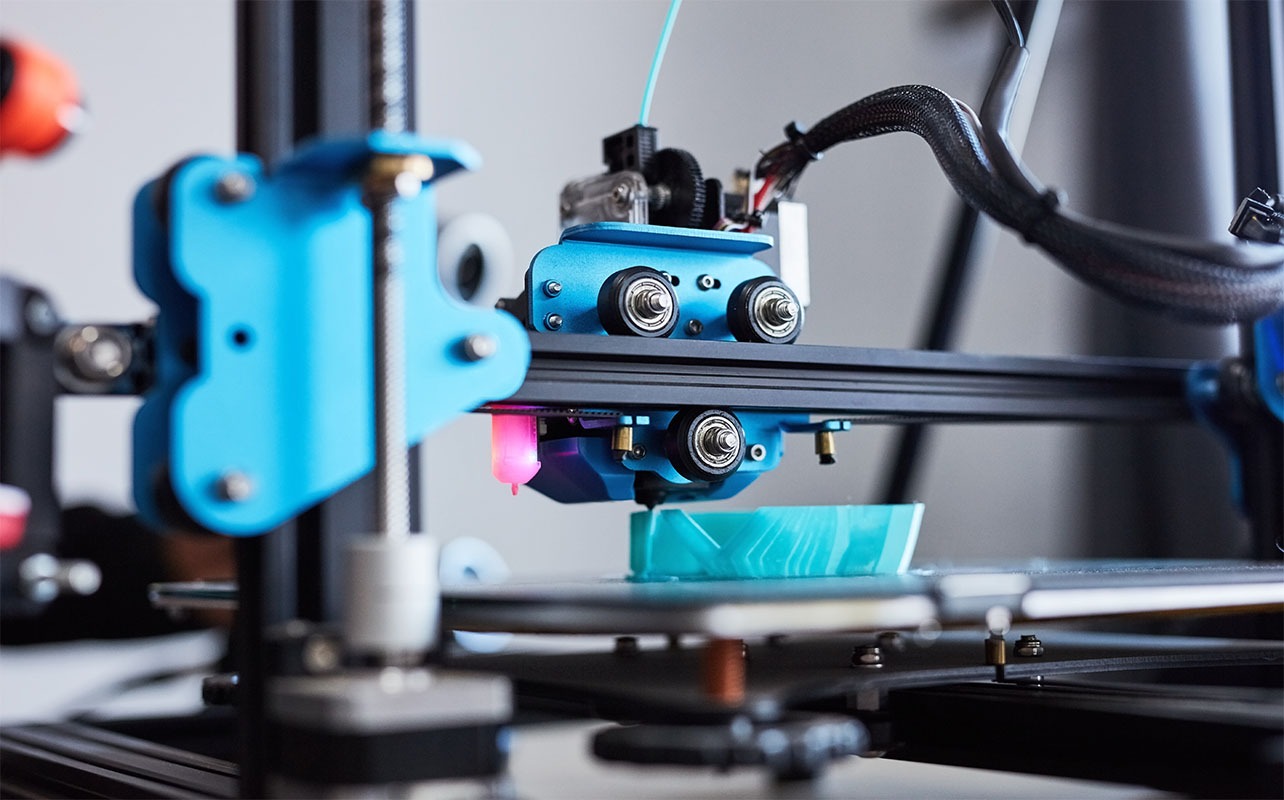
Buying a 3D printer is just the beginning. Having the right materials and accessories ready can help you get better results, spend less time troubleshooting, and enjoy a smoother first printing experience.
Before you start your first project, consider adding a few essentials to your setup—from extra printing materials to basic tools that make everyday printing easier. For a complete breakdown of what beginners should have on hand, check out our guide to essential 3D printer accessories for beginners.
Filament and resin: your printing essentials
The 3D printing material you need depends on the type of 3D printer you choose. FDM printers use filament, while resin printers use liquid resin. Keeping extra supplies available means you can continue creating without waiting for your next spool or bottle to arrive.
Basic tools for easier printing
A few simple tools can make a big difference in your day-to-day workflow. A scraper helps remove finished prints from the build plate, flush cutters make it easier to clean up supports and excess material, and tweezers are useful for handling small details.
For resin printers, additional supplies like isopropyl alcohol are essential for cleaning uncured resin before the curing process.
Spare parts and maintenance supplies
Like any tool, 3D printers need occasional maintenance. Keeping spare nozzles on hand can help you quickly replace worn or clogged parts and get back to printing without a long interruption.
Storage and organization
Proper material storage is often overlooked but can have a big impact on print quality. Filament can absorb moisture from the air, which may lead to inconsistent results. Storing filament in sealed containers or a dry box with desiccant packs helps keep materials ready for use.
Upgrades to consider as you grow
Once you become more comfortable with 3D printing, optional upgrades can help you take on more advanced projects. A filament dryer can improve results in humid environments, while an enclosure can provide better temperature control when printing with materials like ABS or ASA.
Ready to complete your setup? Explore 3D printer accessories at Best Buy to find the materials, tools, and upgrades you need to get the most from your printer.
How much should you spend on a 3D printer?
Once you understand what you want to print and which features matter most, the next step is deciding how much to invest. 3D printers are available across a wide range of price points, and the right choice depends on your experience level, how often you plan to print, and the features you need.
A lower-cost printer can be an excellent way to learn the basics and explore 3D printing, while higher-priced models typically offer faster speeds, larger build areas, better automation, and more advanced capabilities.
Budget 3D printers (under $300)
Entry-level 3D printers are a great starting point for beginners, students, and casual hobbyists. They provide an affordable way to learn the fundamentals of 3D printing and experiment with different projects.
At this price range, expect smaller print volumes and fewer advanced features, but you can still create a wide variety of useful and creative prints.
Mid-range 3D printers ($300–$700)
Mid-range printers are often the best balance of price, performance, and convenience. They are a strong choice for hobbyists who want a more reliable printing experience, faster speeds, and features that make printing easier as they take on more projects.
Premium 3D printers ($700+)
Premium 3D printers are designed for experienced makers, professionals, and users who need higher performance. These models typically offer larger build volumes, faster printing speeds, improved material compatibility, and advanced features for more demanding projects.
When you’re ready to compare specific models, explore our recommendations for the best 3D printers by budget and use case to find the right option for your projects.
Related 3D printing guides
Ready to explore specific recommendations and projects? Continue learning with these guides:
- Bambu Lab vs. Creality: which 3D printer should you buy?
- How to start 3D printing at home: beginner guide & essentials
- Common 3D printing problems and how to fix them
- Beginner 3D printing projects for kids & students
Frequently asked questions
Yes, for most people. A beginner-friendly FDM printer costs less than many other hobby setups, and modern auto-calibration features mean you can be printing useful items within your first day of ownership.
Most beginner FDM printers use PLA filament, but many also support PETG, TPU, ABS, and ASA. The materials your printer can handle depend on its nozzle temperature, heated bed, and whether it has an enclosure. Resin printers use liquid photopolymer resin instead of filament.
Usually yes, at least to prepare your first print. You’ll use a computer to download or create a 3D model and slice it into printable instructions. Many modern printers also support Wi-Fi, cloud printing, USB drives, or mobile apps once they’re set up.
Only if you plan to print materials like ABS, ASA, or nylon, which need stable internal temperatures to avoid warping. If you’re sticking with PLA or PETG, an open-frame printer works just fine.
Most everyday prints cost only a few cents to a few dollars in material. The total cost depends on the size of the object, the material used, print settings, and electricity consumption. PLA is generally the most affordable material for beginners.
Consumer 3D printers don’t print solid metal or wood. Some specialty filaments contain wood or metal particles for appearance, but they’re still primarily plastic. Printing solid metal requires industrial machines that are far more expensive.
Yes, when used correctly. PLA filament is generally considered the easiest material for home use, while some materials such as ABS and resin require better ventilation and additional safety precautions. Always follow the manufacturer’s instructions and keep hot components out of reach of children.
Thousands of free and paid 3D models are available online from popular model libraries. Many beginners start with ready-made designs before learning how to create their own using CAD software.