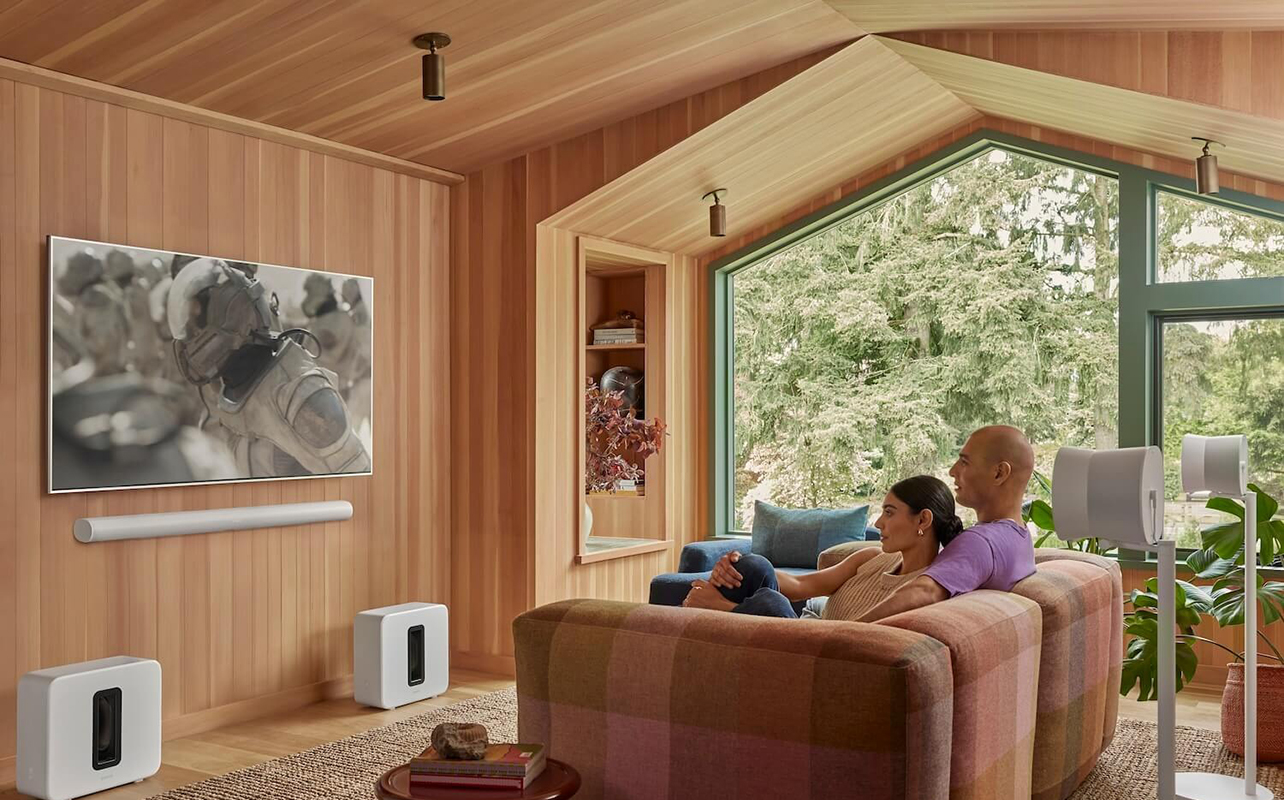
What was once a tidy TV room can quickly turn into a claustrophobic space once you add a piece of gear here, a speaker there, and cables to connect them all. Maybe your kids leave the gaming controllers lying around and the TV remote never seems to find its perfect home beyond being stuffed between the couch cushions. Perhaps you added a speaker or source device with the intention of it being temporary but it’s seems to now be a permanent fixture.
The good news is that it’s simple to organize your home theatre with a few simple tips and some TV and home theatre accessories. You don’t need a full renovation or an interior designer to make your setup feel cleaner, more organized, and more enjoyable to use. Small changes can make a surprisingly big difference not only in aesthetics, but also usability, maintenance, and even device performance.
Here are some of the most common home theatre organization mistakes people make without realizing it, and how to fix them.


1. Keeping cables “just in case”

Almost every entertainment room has a mysterious drawer or basket filled with random cables that you’re keeping just in case. Maybe it’s an old HDMI cord that you want to keep as a spare, or one of dozens of USB-C cables that come with various gadgets you can’t bear to get rid of. It might be adapters, audio cables, and other gadgets you never seem to need. As the saying goes, it’s better to have and not need than need and not have. But cable clutter spreads quickly.
If you haven’t used a cable in years and you don’t even recognize what it belongs to, it’s probably safe to recycle or donate it. Cables are pretty cheap and abundantly available. So, if the situation arises in the future where you discover you needed that cable you sent in for recycling, you can buy a new one, label it, and keep it somewhere safe with proper identification for next time. If the cable is of an old spec, chances are as you upgrade gear, you will never have any use for it anyway.
For the cables you do decide to keep, there are simple ways to organize them. Use reusable fastener or small bins to prevent a tangled mess. Label the cables so you know what each one is. You can use masking tape and a marker or invest in an affordable label maker, which will come in handy for other household needs. If you have old plastic kitchen containers lying around with lost lids (they always seem to disappear, don’t they?), repurpose them to organize in a drawer as a receptacle to hold loose cables.
Looking to upgrade your TV?
From the newest LED TVs to the cinematic OLEDs, read our guide on key considerations when choosing the right one for your home—from TV size to resolution, display types and more.
2. Letting wires take over the room
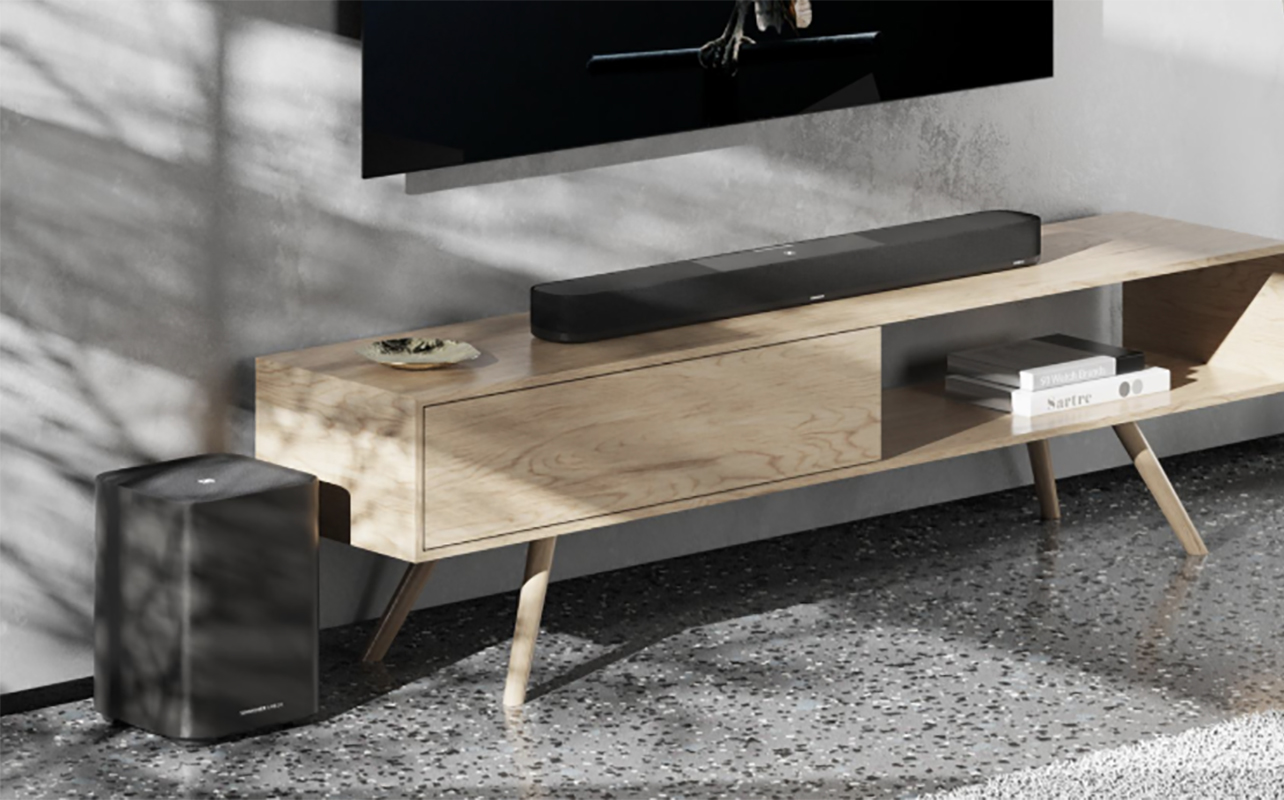
Messy cables are one of the biggest reasons entertainment rooms can look cluttered, even with an otherwise tidy setup. You can go wireless with a lot of gear, but a wired connection is always the best and most reliable option. It’s just a matter of organizing them properly to keep them out of sight.
A good solution is to use cable covers or raceways. They hide television wires and other related cables that are running along walls and help everything look more intentional. Some can even be painted to match your wall or baseboard colour. You can also use cable ties to bunch together long or cluster cables, keep them neat and tidy behind the TV. These are also helpful when mounting a sound bar under your TV.
Another easy improvement is mounting power bars behind your TV stand instead of leaving them exposed on the floor. It’s a bit more challenging to access it to plug or unplug gear. But you can also use the power bar’s main switch to turn everything off at once, reducing your electricity usage in the process.
Wireless accessories, as mentioned, can also help reduce the mess. Wireless rear speakers, wireless gaming headsets, and wireless subwoofers cut down on long cords running across the room while still delivering an immersive experience. A wireless sound system can also help create cleaner walkways in smaller condos or apartments where running speaker wire across the room simply isn’t practical.
Need more tips? Here’s our step-by-step guide on how to hide TV wires.
3. Blocking airflow around electronics

This is one of the most overlooked home theatre mistakes. Many people stack gaming consoles, streaming devices, routers, or AV receivers tightly together inside enclosed cabinets without realizing they generate heat while running.
For example, an AV receiver acts like the central hub for your sound system. It powers speakers and manages audio and video signals from connected devices. Because it works hard during movie nights or gaming sessions, it needs ventilation space around it. Without proper airflow, electronics can overheat. That may lead to louder cooling fans, slower performance, unexpected shutdowns, or shortened device lifespan over time.
If your console cabinet feels unusually warm after a few hours of use, that’s usually a sign airflow needs improvement. Try to leave a bit of breathing room around devices whenever possible. Open shelving can help, especially for larger electronics like gaming consoles or receivers. If you use closed cabinets, consider leaving doors open during longer gaming or movie sessions.
If you have multiple pieces of gear to include in the set-up, like video game console, Blu-ray player, streaming box, and more, look into a piece of furniture that can organize it nicely while giving each the proper ventilation space they require. Consider dedicated wall-mounted shelving or a TV stand with multiple cabinets to space them out. This small organization change not only helps reduce clutter but can also help protect expensive electronics.
4. Keeping too many devices connected
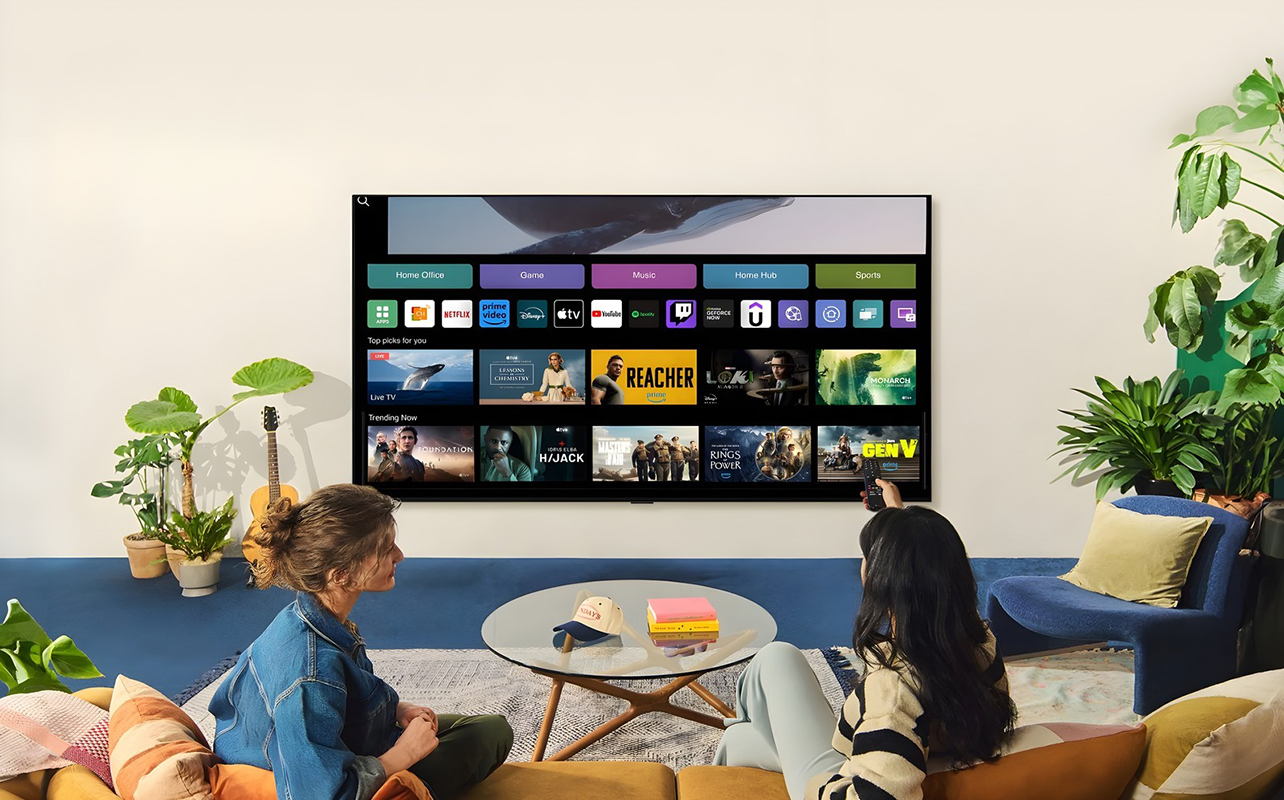
Maybe there’s an old Blu-ray player you haven’t touched in years. A streaming stick that got replaced by your smart TV. An older game console gathering dust but still occupying valuable shelf space. The more devices you keep connected, the more complicated, not to mention cluttered, your setup becomes.
Many smart TVs now include built-in streaming apps for services like Netflix, YouTube, and Disney+. That means you may not need multiple streaming devices connected at the same time. Consider moving ones that double up what you already have to another room, like the TV in the kids’ bedroom. Similarly, consolidating accessories can help reduce visual clutter. Instead of having separate chargers scattered everywhere, a multi-device charging station can keep phones, controllers, and earbuds organized in one place.
5. Ignoring storage for remotes and controllers
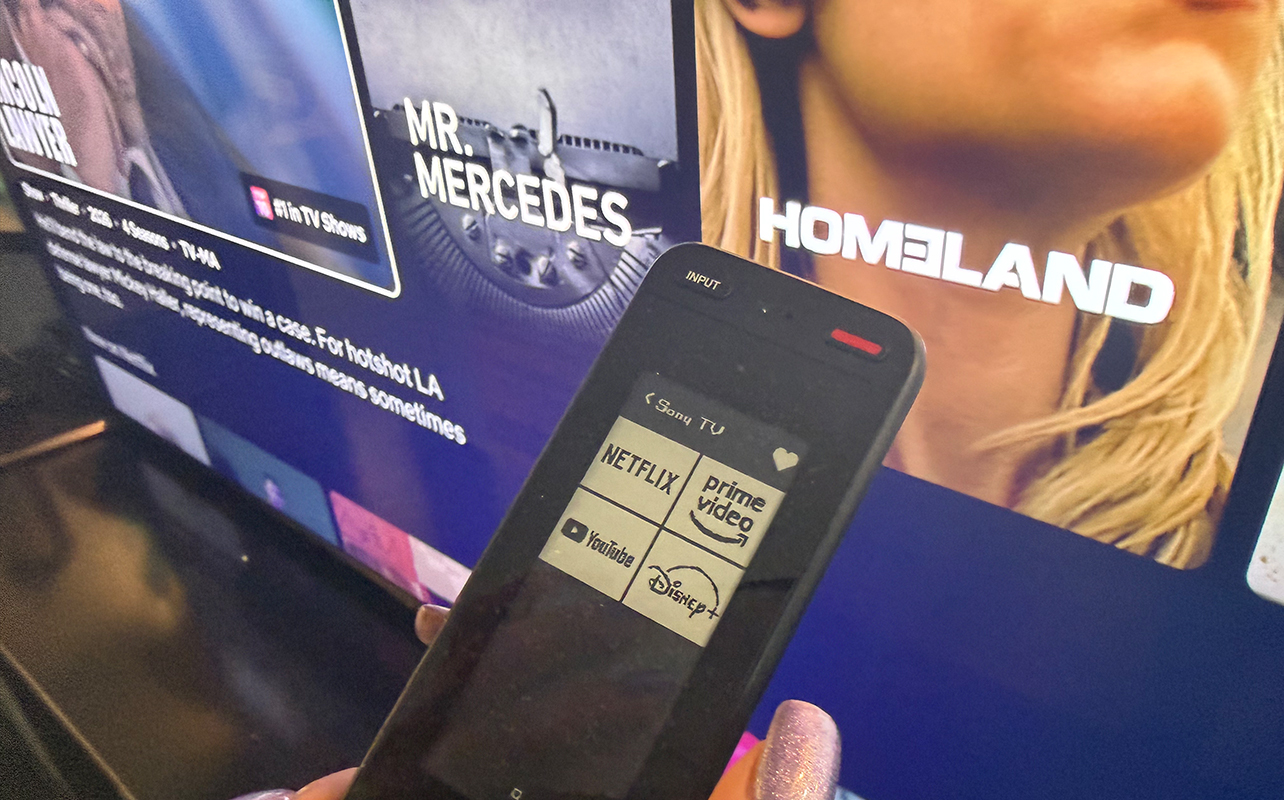
There’s no one on planet Earth who hasn’t spent at least 10 minutes searching for the TV remote. It’s never where it should be, is it? Without designated storage spaces, accessories tend to spread everywhere. To solve this, create “homes” for frequently used items. It could be a small basket on the table beside the couch, a drawer organizer, a charging dock for controllers, or even a storage pouch that hangs over the arm of the couch. Getting your family members to actually put things back in their place is another story. But at least having these dedicated spots can help encourage them.
You might also want to consider a smart universal remote to simplify your setup. Modern universal remotes can control your TV, streaming devices, sound system, and even smart lighting from a single controller. Instead of juggling multiple remotes during movie night, you can streamline everything into one easier-to-manage device while reducing clutter on your coffee table. Tuck all the other remotes in a drawer to use as back-up so they don’t make for an unsightly mess out in the open.
6. Using furniture that doesn’t support your setup
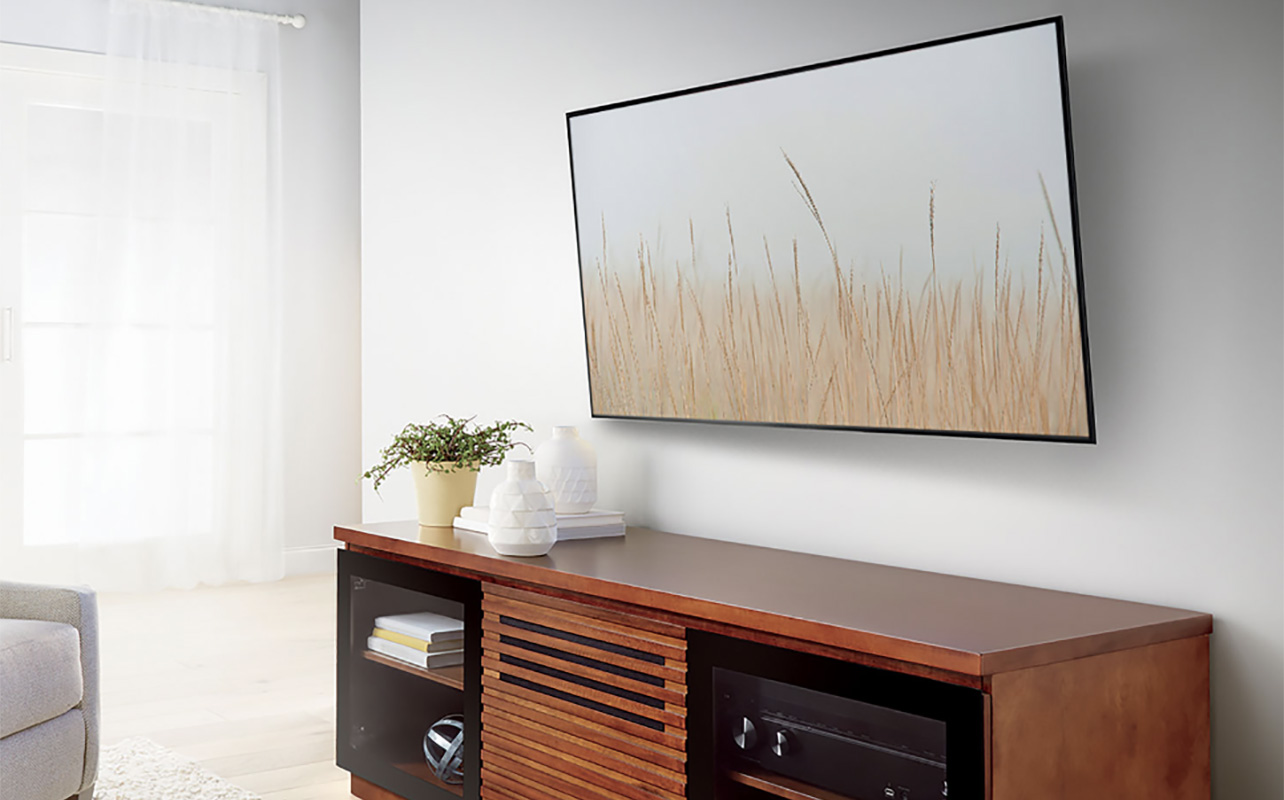
Whether you prefer a TV stand, floating console, or wall-mounted TV setup for mounting your TV, choosing the right furniture can make a big difference in how organized and comfortable your entertainment area feels. The best setups create enough room for your devices while helping manage cables, accessories, and airflow more effectively.
For example, modern TV stands and entertainment consoles often include cable-routing holes, hidden storage compartments, ventilation space, or adjustable shelving designed specifically for electronics. Meanwhile, a properly positioned TV mount can free up surface space entirely and create a cleaner, more open look, especially in smaller condos or apartments. Even adding a floating shelf for gaming consoles or streaming devices can help reduce crowded surfaces around your TV area.
The goal isn’t necessarily to buy all new furniture. It’s to choose a setup that gives your electronics enough space to function comfortably without everything feeling cramped or piled together.
7. Not leaving space to clean nor dusting often enough
If your TV stand is packed tightly against the wall with tangled wires underneath, dust can collect around vents, speakers, and electronics over time. This is especially in homes with pets, where fur and dander tends to gather quickly. Because it’s difficult to reach, many people simply avoid cleaning behind the setup altogether. Leave a bit of space behind furniture and use cable sleeves to bundle cords together to make routine cleaning easier. Some people even place electronics on small risers or stands to make dusting underneath simpler.
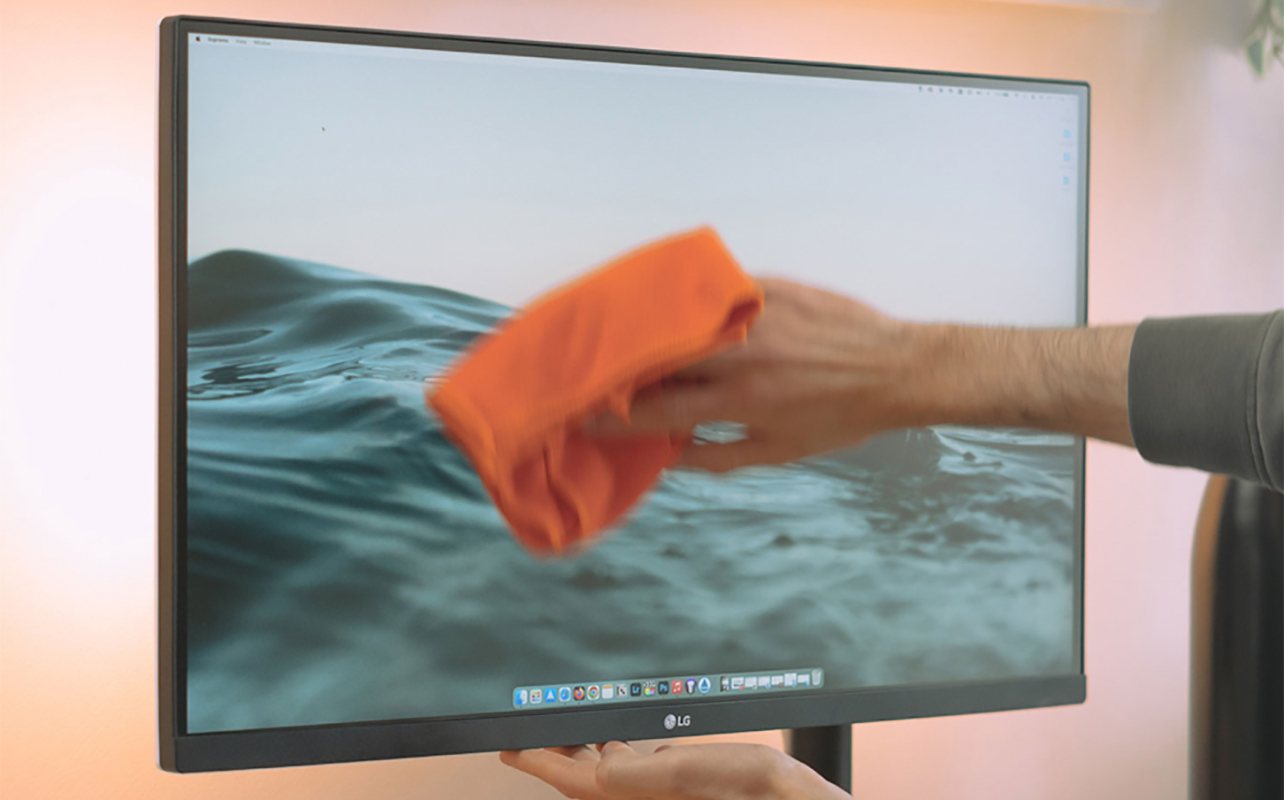
TV screens also tend to attract fingerprints, dust, and smudges that can slowly affect picture clarity, especially in bright rooms or during daytime viewing. Using a soft microfibre cloth designed for electronics can help safely clean your TV screen without scratching it or damaging the display coating.
8. Treating the entertainment room like a storage room
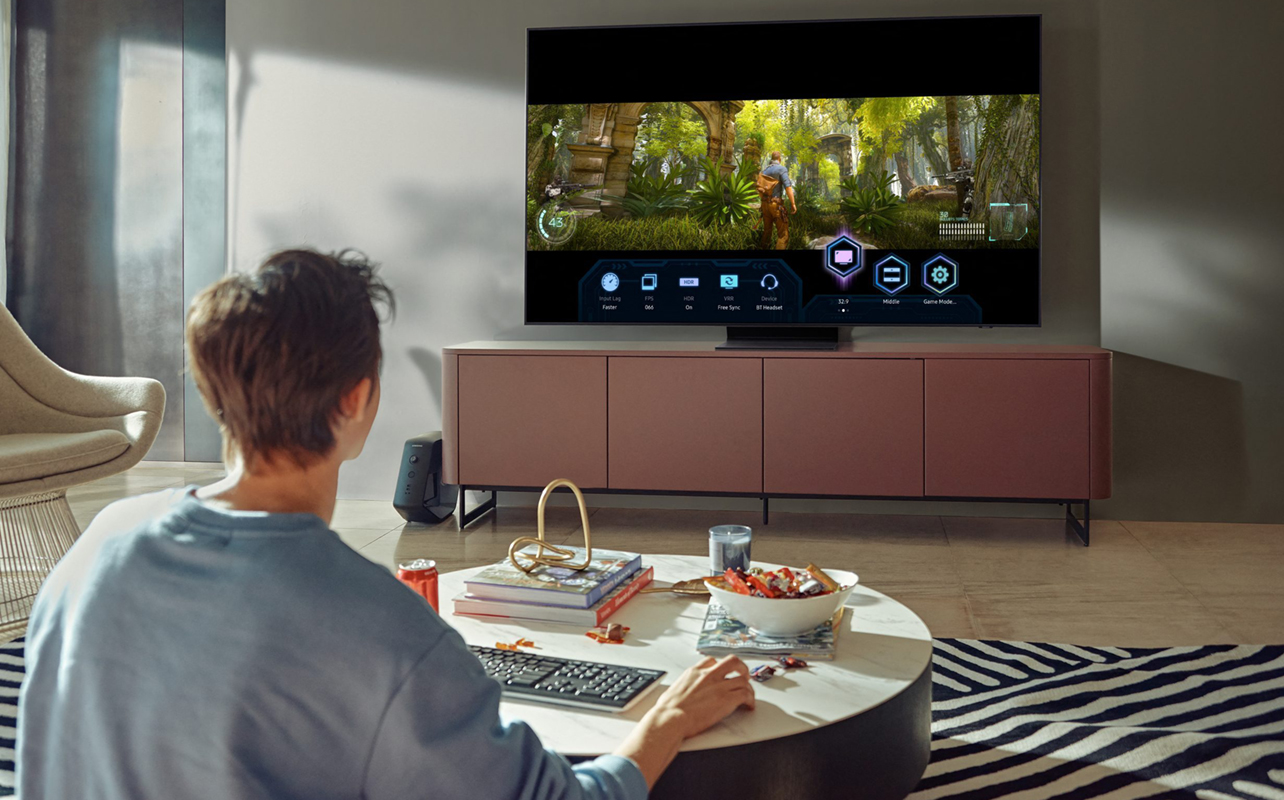
Entertainment spaces often become accidental dumping grounds for unrelated items. Workout equipment. Board games. Old mail. Seasonal decorations. Random shopping bags. Before long, the room starts feeling cluttered even if the tech itself is organized.
One of the easiest ways to improve your entertainment space is simply defining what belongs there. If the room is meant for relaxing, gaming, or watching movies, keeping non-entertainment clutter elsewhere helps the space feel calmer and more intentional. This doesn’t mean your room needs to look minimalist or empty. A few thoughtfully chosen decorations, books, or blankets can make the space feel cozy and lived-in. The key is avoiding overcrowding and making the heavily used space one where random items are left behind.
9. Overcomplicating smart home setups

Smart lighting, voice assistants, and automated entertainment systems can improve movie nights and gaming sessions. But too many disconnected smart devices can also create confusion.
The best smart entertainment spaces feel seamless. For example, smart lighting that dims automatically during movie night can enhance the atmosphere without adding clutter or frustration. Wireless smart lighting is particularly helpful because it reduces the need for additional switches or complicated wiring. LED light strips behind TVs can also create a cleaner, more modern look while reducing eye strain during dark-room viewing.
10. Forgetting that organization affects the experience
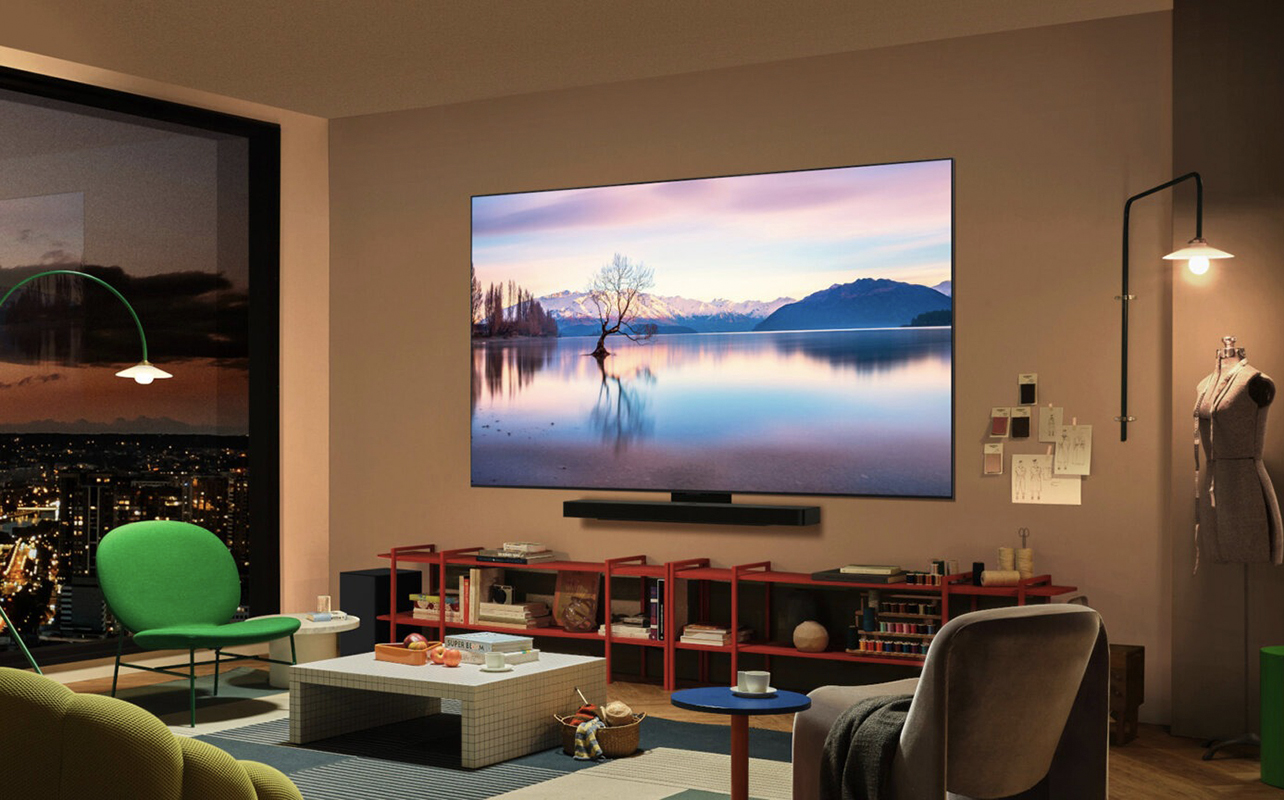
Many people think organization is purely about aesthetics, but it directly affects how enjoyable your entertainment room feels. A cluttered setup can feel visually stressful. Tangled cords make cleaning harder. Overcrowded shelves can make even expensive electronics look messy.
Meanwhile, a cleaner and more organized entertainment room tends to feel more relaxing and easier to use. Movie nights become simpler when remotes are easy to find. Gaming sessions feel more comfortable when charging stations and accessories are organized. Guests feel more welcome in a room that feels open instead of cramped.
And perhaps most importantly, you spend less time managing your setup and more time actually enjoying it.
Small changes can make a big difference
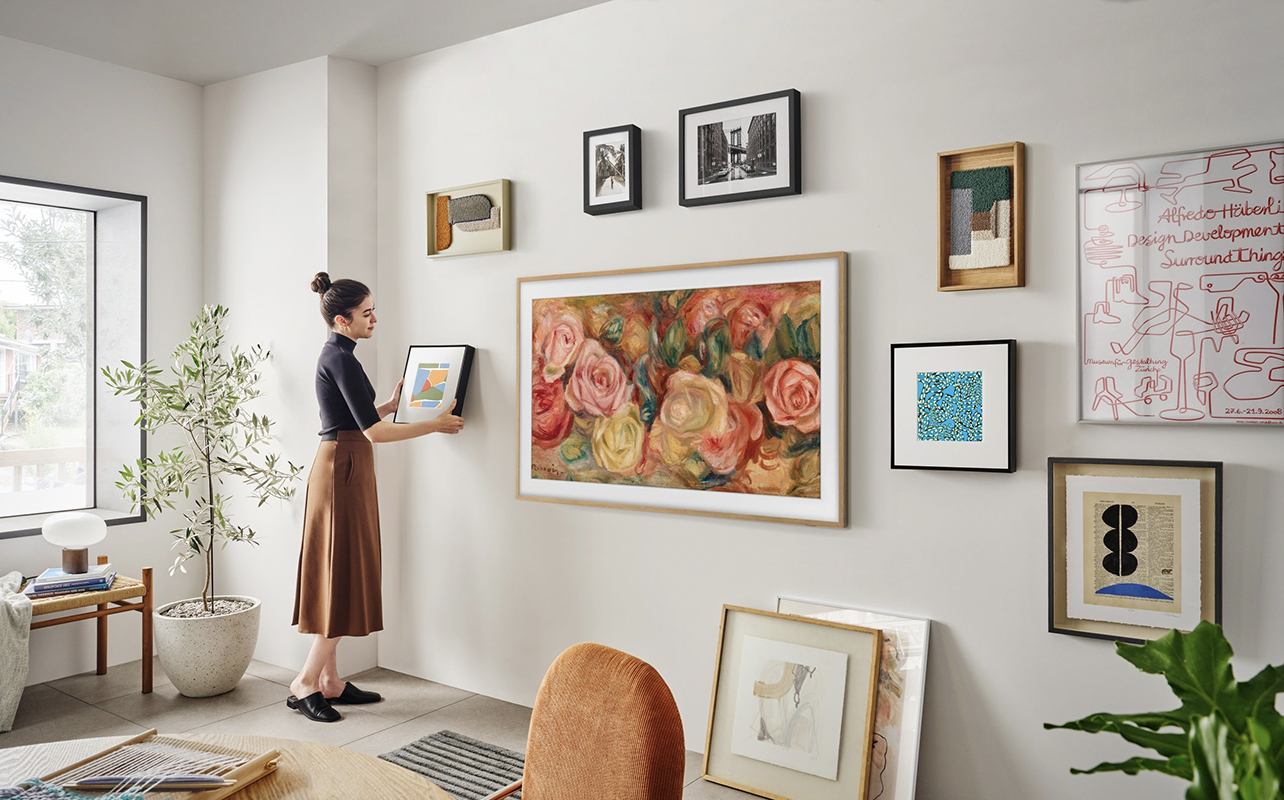
You don’t need to completely redesign your entertainment room or create a perfectly minimalist setup overnight. In many cases, the biggest improvements come from small, practical changes like hiding visible wires, organizing accessories, improving airflow around electronics, and creating dedicated spots for remotes and controllers.
Even tackling one area at a time can make your home theatre feel noticeably cleaner, calmer, and easier to use. At the end of the day, your entertainment space should help you relax and enjoy your favourite movies, shows, and games, not stress you out with clutter. Sometimes the best upgrade isn’t a bigger TV or a more powerful sound system. Sometimes it’s simply creating a space that feels easier to live in.
Here are some must-have home theatre gear to make your home entertainment setup neat, tidy, and enjoyable at Best Buy Canada.

This article was drafted using AI technology and then reviewed, fact-checked, and revised by a member of our editorial team.