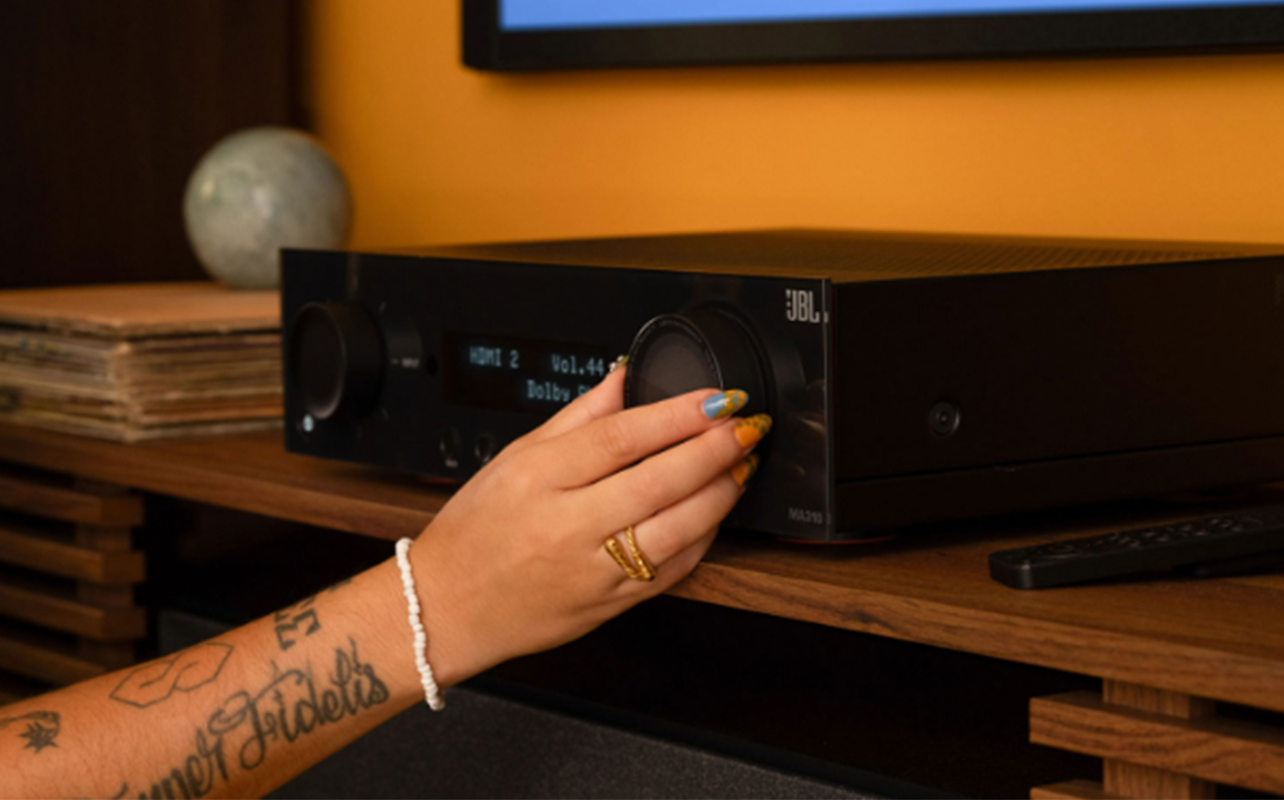
AV receivers today have evolved far beyond just being used within simple surround sound systems. Many models support advanced features like HDMI 2.1, 4K at 120Hz (or higher) gaming, Dolby Atmos, wireless streaming, and multi-room audio. There’s also intelligent room calibration that optimizes sound automatically for your space.
Whether you’re setting up your first surround sound system or upgrading an older receiver, choosing the right model can dramatically improve your home theatre experience. In this AV receiver guide, we’ll run through everything you need to know about choosing the right model for your home theatre. We’ll look at basic features, channels, HDMI specs, Dolby Atmos, and more. There are also special features that may be worthwhile if your priority is movies, music, and/or gaming.

Table of contents
- What to consider when choosing an AV receiver
- What’s new in AV receivers for 2026?
- Common AV receiver buying mistakes
- Different types of AV receivers
- Best AV receiver types for different uses
- Frequently asked questions

What to consider when choosing an AV receiver
Choosing the right AV receiver depends on more than just features and specifications. Your room, devices, and entertainment habits all play a major role.
Room size and layout
The size and layout of your room should heavily influence both your receiver choice and speaker configuration. Smaller spaces often work best with a 3.1 setup, 5.1 setup, or compact Dolby Atmos system. Otherwise, additional speakers may not have enough room to create noticeable improvements.
Larger rooms, on the other hand, can benefit from additional surround channels, more powerful amplification, and multiple subwoofers for better sound coverage and bass performance. You’ll also want to consider seating position, ceiling height, and speaker placement options when planning your setup. These factors affect how immersive the surround sound experience will feel.
Device compatibility
Device compatibility is another important consideration. Your AV receiver should support all of the devices you plan to connect, including gaming consoles, streaming boxes, Blu-ray players, PCs, and cable boxes. It’s also a good idea to choose a receiver with extra HDMI inputs so you have room for future upgrades or additional devices later on. Of course, check speaker compatibility as well.
Future-proofing
Because AV receivers are long-term purchases, future-proofing matters as well. Features like HDMI 2.1, Dolby Atmos support, eARC compatibility, VRR support, 8K passthrough, and ongoing firmware update support can help extend the lifespan of your system. Even if you don’t need every advanced feature today, modern connectivity standards will help ensure your receiver remains compatible with future TVs, gaming consoles, and streaming devices.
Ventilation and cabinet space
Ventilation and cabinet space are often overlooked but extremely important. AV receivers generate a significant amount of heat, especially during long movie sessions or gaming marathons. Proper airflow helps improve reliability and longevity. Before buying, make sure your entertainment cabinet or shelf provides enough open space around the receiver for adequate ventilation.
Budget
Budget also plays a major role when choosing a receiver. Entry-level models are ideal for basic surround sound upgrades and smaller spaces. Mid-range receivers often provide the best overall value because they combine Dolby Atmos support, HDMI 2.1 gaming features, improved room correction, and stronger streaming capabilities. Premium receivers are best suited for enthusiasts building dedicated home theatre rooms with larger speaker systems and advanced calibration needs.
From matching your receiver to your speakers to wattage considerations, learn more from our receiver buying guide.
What’s new in AV receivers for 2026?
AV receivers continue to evolve and improve in various ways with exciting new features, and existing ones that have been enhanced.
Audio and video improvements
There’s wider adoption of HDMI 2.1 with 48Gbps bandwidth. The latest receivers also offer support for 4K/120Hz gaming for fluid motion. 8K passthrough is worthwhile if you invest in an 8K TV and find 8K content to watch. This will also future-proof the investment. Ports include HDMI eARC as well for uncompressed audio.
For gamers, there are three additional AV receiver features that are especially useful:
- Variable Refresh Rate (VRR) ensures that refresh rate is adjusted in real-time to match the frame rate of the device, like a connected gaming console. If the two figures don’t match, you can see screen tearing, splitting, or stuttering. VRR helps eliminate that.
- Auto Low Latency Mode (ALLM) is a specific Game Mode that ensures the TV and the connected device both understand you’re playing video games and helps reduce lag. It eliminates the need for you to go into the menu and switch to this mode manually.
- Quick Frame Transport (QFT) further helps reduce latency by speeding up video frames as they are transmitted from your source device via the HDMI cable. It reduces input lag, the time between when you push a button and something happens on screen.
There’s also HDR10+, Dolby Vision, and HLG Support, all of which relate to improvements in picture quality. You get better brightness, colour, and contrast as scenes are analyzed frame-by-frame. Some AV receivers support one or the other, some all of the above.
Surround sound format support
One of the main reasons people invest in AV receivers is for immersive surround sound. Modern receivers commonly support advanced audio formats like Dolby Atmos, DTS:X, and IMAX Enhanced. Together, these formats help movies, sports, and games feel larger, more realistic, and far more engaging than standard stereo sound. All of them use different techniques to achieve spatial audio effects and make scenes feel more lifelike. Formats like Dolby Atmos, Auro-3D, Sony 360 Reality Audio, and Eclipsa Audio (found in Samsung TVs), all provide vertical height channels. Sounds like rain and airplanes really feel like they’re coming from overhead.
Smart integration
There’s smart integration with other devices in the home through features like Works with Sonos, Apple HomeKit, or Denon HEOS. They can also work with products like Bluesound NODE streamers for high-res wireless streaming and app control.
Room correction and auto calibration
Room correction and auto calibration technology have also become major selling points for AV receivers. Even premium speakers can sound disappointing in a poorly optimized room. Walls, ceilings, flooring, and furniture all affect how sound travels through a space. Modern receivers use calibration microphones and software to measure your room acoustics and automatically optimize speaker performance.
Popular room correction systems include Audyssey, Dirac Live, Dirac Bass Control, YPAO, and Anthem ARC Genesis, and Sony 360 Spatial Sound Mapping. Audyssey is commonly found on many mid-range receivers, while Dirac Live is known for advanced sound optimization and detailed bass control. YPAO is used on many Yamaha receivers, while ARC Genesis is found on premium Anthem models. Many AV receivers include AI-assisted calibration tools as well.
In many home theatre setups, proper room correction can improve sound quality more noticeably than simply adding more power. This feature has become a big differentiator for the latest batch of AV receivers for this reason.
Wireless streaming and smart features
AV receivers have also evolved into full-featured music streaming hubs. Many modern models support Apple AirPlay 2, Bluetooth, Spotify Connect, Sonos compatibility, HEOS (Denon), MusicCast (Yamaha), DTS Play-Fi, Chromecast built-in, Wi-Fi streaming, and TIDAL Connect. Some receivers support multi-room ecosystems that facilitate music playback throughout your home using compatible wireless speakers. Roon-Ready receivers support high-res streaming and whole-home playback. These smart streaming features make AV receivers much more versatile for both home theatre and everyday music listening.
Common AV receiver buying mistakes
Learn about these common AV receiver buying mistakes.
- Buying too many channels for your room: Many people assume a larger 9.2 setup is automatically better. But smaller rooms often perform better with a properly configured 5.1.2 system that has more practical speaker placement.
- Overlooking HDMI compatibility: Some older receivers support 4K video but still lack important modern gaming features like VRR, ALLM, or 4K at 120Hz support for newer consoles.
- Ignoring room acoustics and speaker placement: Even expensive speakers and receivers can sound disappointing if speakers are placed incorrectly or the room acoustics are poorly optimized.
- Forgetting about ventilation: AV receivers generate significant heat during use, and cramped entertainment cabinets with poor airflow can shorten the lifespan of the receiver over time.
- Focusing too heavily on wattage alone: Higher wattage does not automatically guarantee better sound quality. Speaker matching, room calibration, and room layout all play major roles in overall performance.
- Overpaying for features you won’t use: Getting everything but the kitchen sink is great. But don’t be tempted by features you might not use. Compare and contrast once you narrow it down to a few models. Run down the spec list for features you’ll actually use, or may use in the future. If there’s a huge difference in price, you may discover you don’t actually need the more expensive model.
Different types of AV receivers
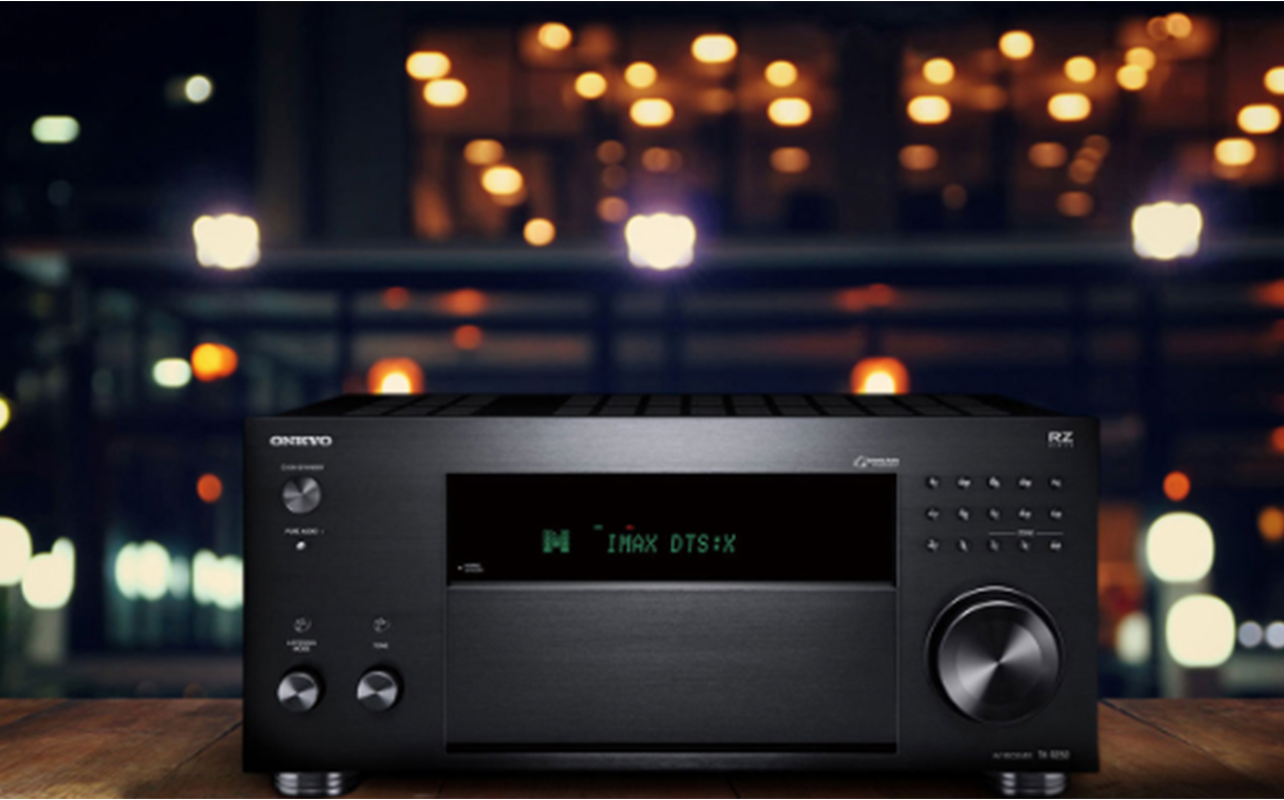
In home theatre systems, a “channel” refers to one powered speaker connection. More channels allow you to connect more speakers for a larger and more immersive surround sound setup.
3.1 channel AV receivers
A 3.1 channel AV receiver supports three front speakers and one subwoofer. This type of setup improves dialogue clarity and bass performance significantly compared to built-in TV speakers. That makes it a popular choice for smaller living rooms, apartments, condos, and first-time home theatre buyers. For many people, a 3.1 setup is the simplest and most affordable entry point.
5.1 channel AV receivers
A 5.1 channel receiver adds two surround speakers positioned behind or beside the listening area to create a more immersive soundstage for movies, sports, and gaming. This is one of the most popular home theatre configurations. It offers strong surround sound performance while still being relatively easy to set up in an average-sized living room. For many households, a 5.1 system delivers the ideal balance with immersion, affordability, and manageable speaker placement.
Dolby Atmos AV receivers
Modern AV receivers increasingly support Dolby Atmos configurations like 5.1.2 or 7.1.2. The additional numbers refer to dedicated height channels that create overhead sound effects. Dolby Atmos can make movies and games feel dramatically more realistic by placing sound above and around the listener. Effects like rainfall, aircraft, thunder, and stadium crowd noise become more cinematic and immersive. They sound like they’re actually coming from above you, not off to the sides. This is why Dolby Atmos support has quickly become one of the most desirable features in home theatre receivers.
7.1 and 9.2 channel AV receivers
Larger 7.1 and 9.2 channel AV receivers support additional surround speakers, extra height channels, and multiple subwoofers for more advanced home theatre systems. These receivers are best suited for larger living rooms, dedicated theatre rooms, and enthusiasts looking for the most immersive surround sound experience possible. While these systems can sound incredible, they also require careful speaker placement. They also need enough physical space to fully benefit from the additional channels. You could, however, opt for a 7.1 or 9.2 channel AV receiver and upgrade your system over time. This way, you know it can support a more advanced set-up once you’re ready.
How many channels do you actually need?
That depends on your room setup. You can look at our home theatre speakers buying guide for more detail, but here’s some handy information to consider:
- 3.1 channel: Ideal for a small room, condos and apartments, secondary viewing room, or if you’re on a budget. A kids’ bedroom, for example, might be good for a 3.1 set-up, or an open-concept living room in an apartment.
- 5.1 channel: Suitable for most living rooms, providing an immersive experience for watching movies, TV, and playing games.
- 5.1.2 channel: Adding the height channel gives more of a stadium feel with sports and more immersive movies and gaming. This is a good option for a games room, den, or living room.
- 7.1 channel: Fill larger rooms to get consistent sound throughout. It’s good for a big living room or a large open-concept basement.
- 7.2.4 channel: Best for a dedicated theatre room or large living room used often for family (or solo!) movie nights or gatherings.
Best AV receiver types for different uses
The best AV receiver for your home theatre depends on your room size, entertainment habits, connected devices, and long-term upgrade plans.
- Best for small apartments: An entry-level receiver with a 3.1 speaker system will provide an improvement over built-in TV speakers.
- Best for gaming: Look for a receiver that supports gaming features such as VRR, ALLM, and QFT. It should have high refresh rate support and be able to support 4K video quality.
- Best for music lovers: A receiver with streaming support through Spotify Connect and Apple AirPlay. Ideally, you’ll want something that fits with the rest of your speakers, like Sonos or HEOS compatibility. It’s a good idea to pick a platform first and go from there.
- Best for Dolby Atmos: Find one with multiple HDMI ports, including eARC, for connecting source devices like a Blu-ray player and video game console. You don’t have to go high-end. Many mid-range models include Dolby Atmos support and even features like improved room correction systems.
- Best budget receivers: If you have a 3.1 set-up, a budget receiver should do just fine. The good news is that even if you upgrade down the line, you can move it to another room, like basement or kids’ bedroom, and still get use out of it.
- Best for home theatre: This should be a premium model from the last year or two if you want to get the most up-to-date feature set. They typically offer more channels, stronger amplification, more advanced room correction, and better support for complex Dolby Atmos configurations.
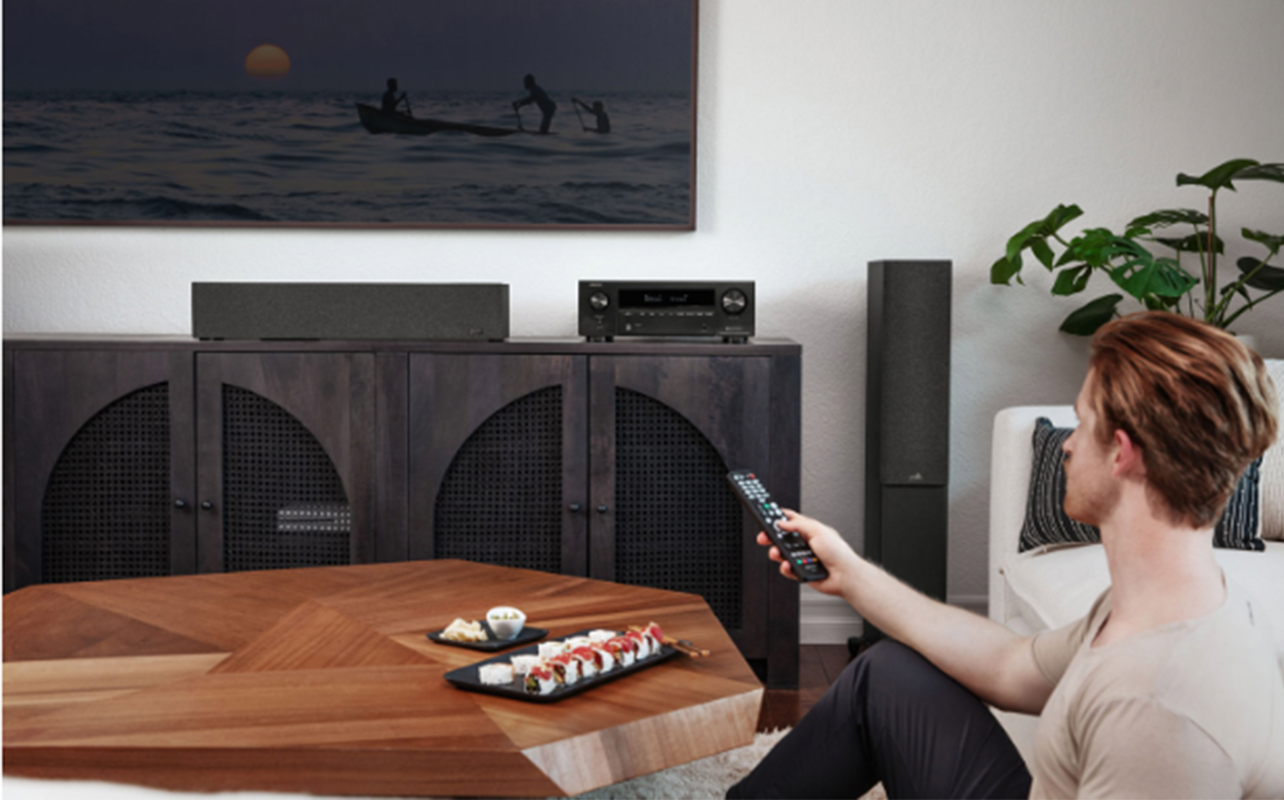
AV receiver vs sound bar
While you can theoretically connect an AV receiver to a sound bar, it doesn’t make much sense. Sound bars have built-in amplifiers, so they are designed to connect directly to your TV to provided enhanced audio. You risk audio distortion if you connect a sound bar to an AV receiver, so you’re better off choosing one or the other.
There are passive sound bars, which you can learn more about in our sound bar buying guide. If you really want both, this is the way to go. But they tend to be more expensive, on the premium end of the price scale. Unless you are tied to the bar-shaped sound bar design that you can position right under the TV, you’re best off to go with separate speakers to connect to the receiver.
When looking at sound bar versus speakers, sound bars are ideal for smaller rooms and simpler set-ups. An AV receiver with speakers is the better choice if you want to connect multiple speakers and have many source devices.
| Considerations | AV Receiver | Sound bar |
| Expandability | Excellent | Limited (for source devices) |
| Surround sound realism | Better | Moderate |
| Setup simplicity | Moderate | Easy |
| Upgrade flexibility | High | Low |
| Cost range | Wide | Wide |
Do you need an amplifier instead? Compare receivers vs amplifiers to find the right one for your needs.
AV receiver future-proofing checklist
Here’s a handy checklist to remind you of what to consider.
- HDMI 2.1: Also features like eARC for at least one port
- Immersive audio: Choose which format you prefer or works best for your other gear
- Gaming features: If you’re a gamer, look for VRR, ALLM, QFT, and other features that cater to gaming needs, like low input lag.
- Room correction: Automatic features that leverage AI and/or a companion app are great for first-timers, helping you tweak audio for your space.
- Streaming ecosystem support: Make sure it supports the wireless speakers you have at home if you plan to use streaming for music.
- Firmware update support: Ensure it’s easy to access firmware updates and learn if you need to manually download these or set them up to run automatically.
Ready to kickstart your home theatre experience? It’s time to head out and find the best AV receiver for your home. Brands like Denon, Marantz, Sony, Onkyo, Yamaha, and Anthem all offer strong home theatre options to match your budget and space. Ultimately, the right receiver should match your room and entertainment needs.
Find a wide selection of AV receivers at Best Buy Canada.
Frequently asked questions
Is an AV receiver worth it in 2026?
Yes. An AV receiver remains one of the best ways to achieve immersive surround sound and a true home theatre experience at home.
Do I need HDMI 2.1 on my AV receiver?
If you own a modern gaming console or high-refresh-rate TV, HDMI 2.1 is highly recommended for features like 4K at 120Hz and VRR.
Can you connect a sound bar to an AV receiver?
Technically, a sound bar can connect to an AV receiver, but you should use one or the other. A sound bar has a built-in amplifier and is designed to connect directly to the TV. There are premium passive sound bars if you do want to combine an AV receiver and sound bar.
Is a sound bar better than an AV receiver?
Sound bars are simpler and take up less space. But AV receivers offer better surround sound, greater upgrade flexibility, and more powerful home theatre performance overall.
How many channels do I need for home theatre?
For most living rooms, a 5.1 or 5.1.2 setup provides an excellent balance between immersion and practicality. Larger rooms and dedicated theatres may benefit from 7.1 or 9.2 systems.
How long should an AV receiver last?
A quality AV receiver can often last seven-to-10 years or longer, especially if it supports modern connectivity standards and receives firmware updates.
Can I use wireless speakers with an AV receiver?
Some receivers support wireless multi-room systems or wireless surround speakers. But most primary home theatre speakers still use wired connections for the best performance and reliability.
How much power do your speakers need?
The type of power output your AV receiver needs will be determined by how much power your speakers need. You’ll want to ensure your AV receiver is powerful enough to match your speaker size so audio can reach every corner of your room.
What should I look for in an AV receiver for PlayStation 5, Xbox, and PC gaming?
HDMI 2.1 is a must, along with 4K at 120Hz support. That’s especially if you’re a serious gamer playing 4K titles. eARC support will ensure the best possible audio as well as video from the same cable. VRR, ALLM, and QFT are all essential, too. They help ensure a much more pleasurable gaming experience.
Overall, you want a receiver that supports low input lag. If you play on multiple consoles, you’ll want a receiver with enough ports to connect all your source devices without having to physically switch.

This article was drafted using AI technology and then reviewed, fact-checked, and revised by a member of our editorial team.