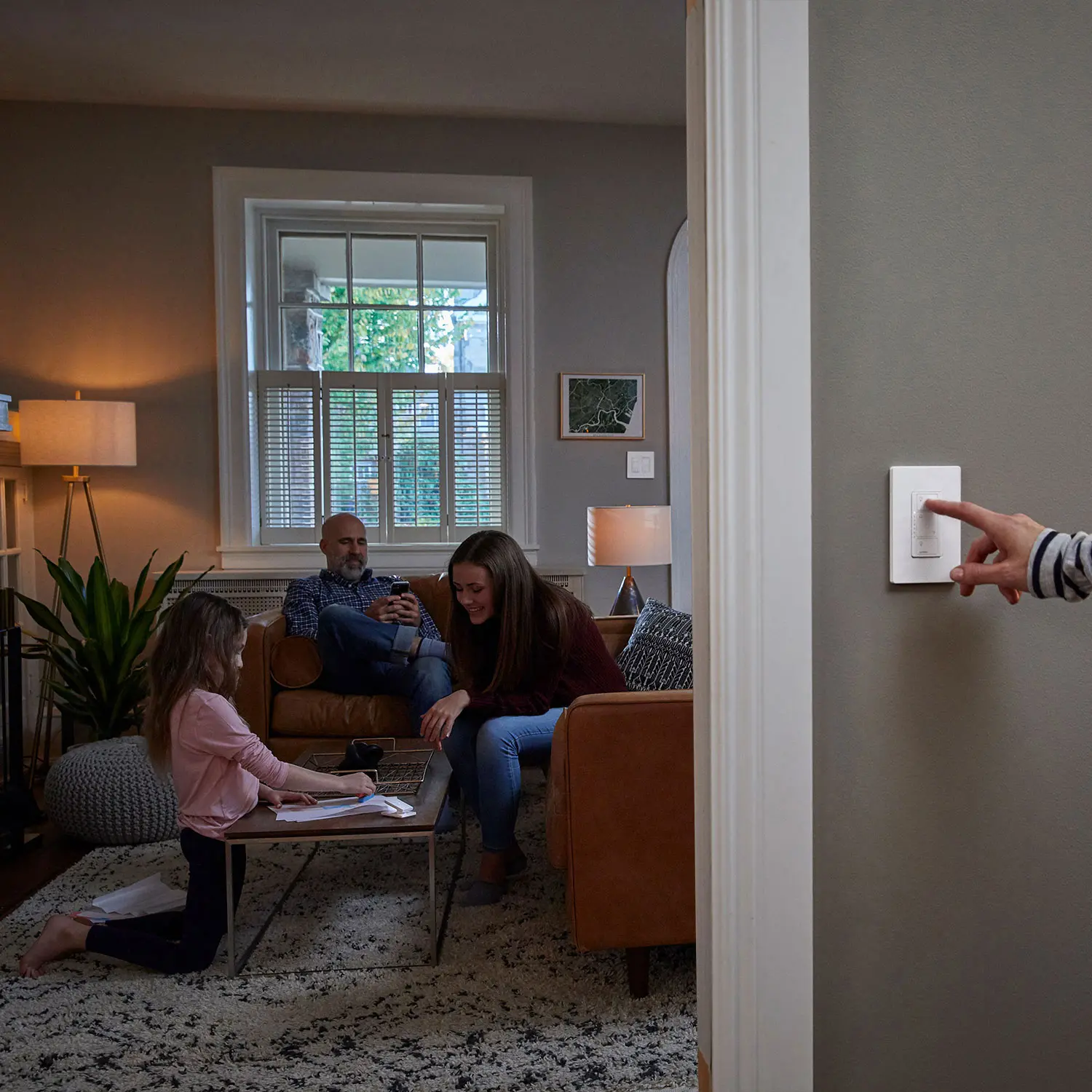
Retrofitting a home with new Smart Home products is a fun project for DIYers. In most cases, it’s literally like changing a light bulb—with smart light bulbs. However, there are some instances where you want to upgrade to Smart Switches. It’s another way to control existing lights and group them together. Installing smart light switches is easy, but there are some things you need to know.
Ensure your home uses copper wiring
Before buying a smart switch, verify your home uses copper wiring. Don’t assume this to be the case—I learned this the hard way. Recently, I was helping my brother renovate a home he purchased. I recommended he install smart switches. However, after opening up one of the light switches, we realized the entire home had aluminum electrical wiring. Homes built between 1965 and 1973 are more likely to have aluminum wiring due to high copper prices. While they are still deemed safe, the threat of hazard is likely when incorrect receptacles are installed. Double check that your home has copper wiring if it was built during the 60s or 70s.

Assess your home Wi-Fi signal strength
Smart switches have wireless adapters to connect to your home Wi-Fi network. This allows it to communicate with other smart home devices like smart speakers. Double check that your home has a strong Wi-Fi signal near the light switch you want to replace. This is especially important for areas like hallways, basements, and garages. If you don’t have reliable Wi-Fi, the smart switch may not work.
If you do find Wi-Fi dead spots, consider upgrading to Whole Home Mesh Wi-Fi. Read this networking buying guide to learn more about building reliable home Wi-Fi networks.
Determine the type of light switch you need
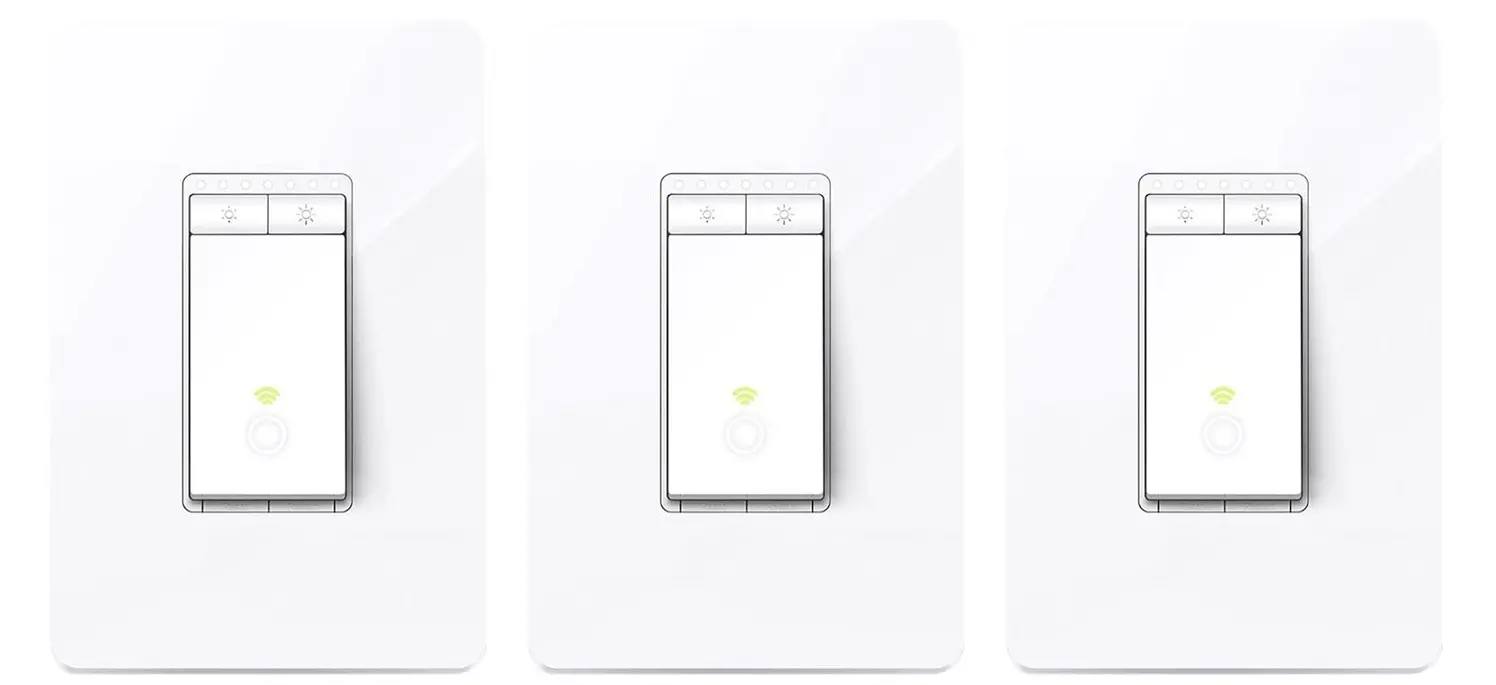
Modern homes use a variety of light switch setups. Some rooms like bedrooms have a single switch whereas other rooms have panels with two or more switches.. A light switch with a single switch is known as a single-gang switch. Conversely, a light switch with two switches is known as a two-gang light switch. This is common for bathrooms with one switch for the light and another for the bathroom fan.
It’s important to retrofit with the same type of switch. There are a wide variety of smart switches available in different configurations, so ensure you purchase the right type for the one you’re looking to replace.
Turning the power off at the breaker
I’m comfortable doing electrical work, but only when I know there is no power coming in. This happens at your breaker panel. Each light switch is assigned to a certain breaker. If your lucky, this will be written out beside each breaker. If not, you’re going to have to do some testing. Leave the light on and switch through the different breakers until the light goes off. For extra peace of mind, I use a little electrical tester to verify there is no power coming into the light switch.
Removing the existing switch
First, unscrew the wall plate with a flat head screwdriver. Then you’ll be able to unscrew the light switch from the box. If your new to this, my advice is to take a picture of the wiring before removing it. You should see red, black and white wires. These are the in and out wires and the ground wires respectively. If you find this part confusing or can’t find the ground wire, have a professional electrician do the install.
Replacing the new smart switch
If you see all the necessary wires, check the colour code in the instructions to ensure you install the wires in the right location. Screw the switch in and apply the faceplate on. Then turn your breaker on and use the respective smart switch app to complete the installation. The app will connect your smart switch to your Wi-Fi network. Next, ensure you can control the smart switch with your smart speaker. From here, you can group switches together or set schedules for it to turn lights on and off.
Why add smart switches over smart lights
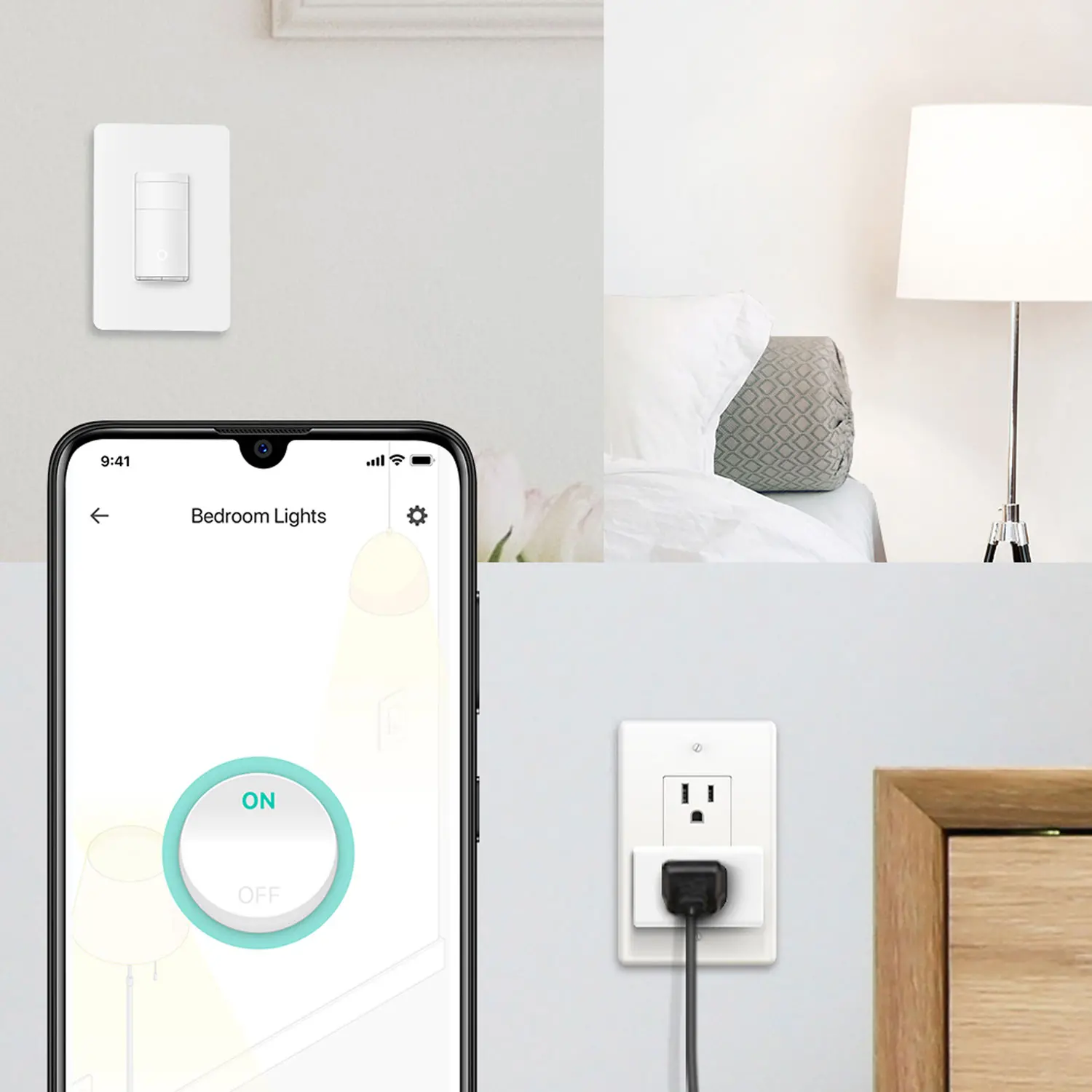
When I did my smart home upgrade, I retrofitted my entire home with smart lights. If I had to do it again, I would have chosen smart switches instead. Not everyone wants to turn lights on and off with their voice. Many family members would turn my smart lights off at the switch. This kills the power to the light so I can’t turn them on with my voice. With smart switches, you can turn the light at the switch or with your voice. That’s the flexibility I wish I had. Instead, I put tape on the light switches to remind family members to use their voice. That didn’t work very long.
Smart lights are a good choice if you want to change the colour of the light. With smart bulbs, users can turn the lights on and off and change the colour—all through voice. For the most part, smart switches just turn lights on or off via voice, schedule, or through an app. My recommendation is to combine both. Look for smart light bulbs that offer circadian features. This matches the sun light with your indoor lights. This gives you the best of both world—smart light switches, with colour changing smart light bulbs. Group lights together for the ultimate lighting control in your home.
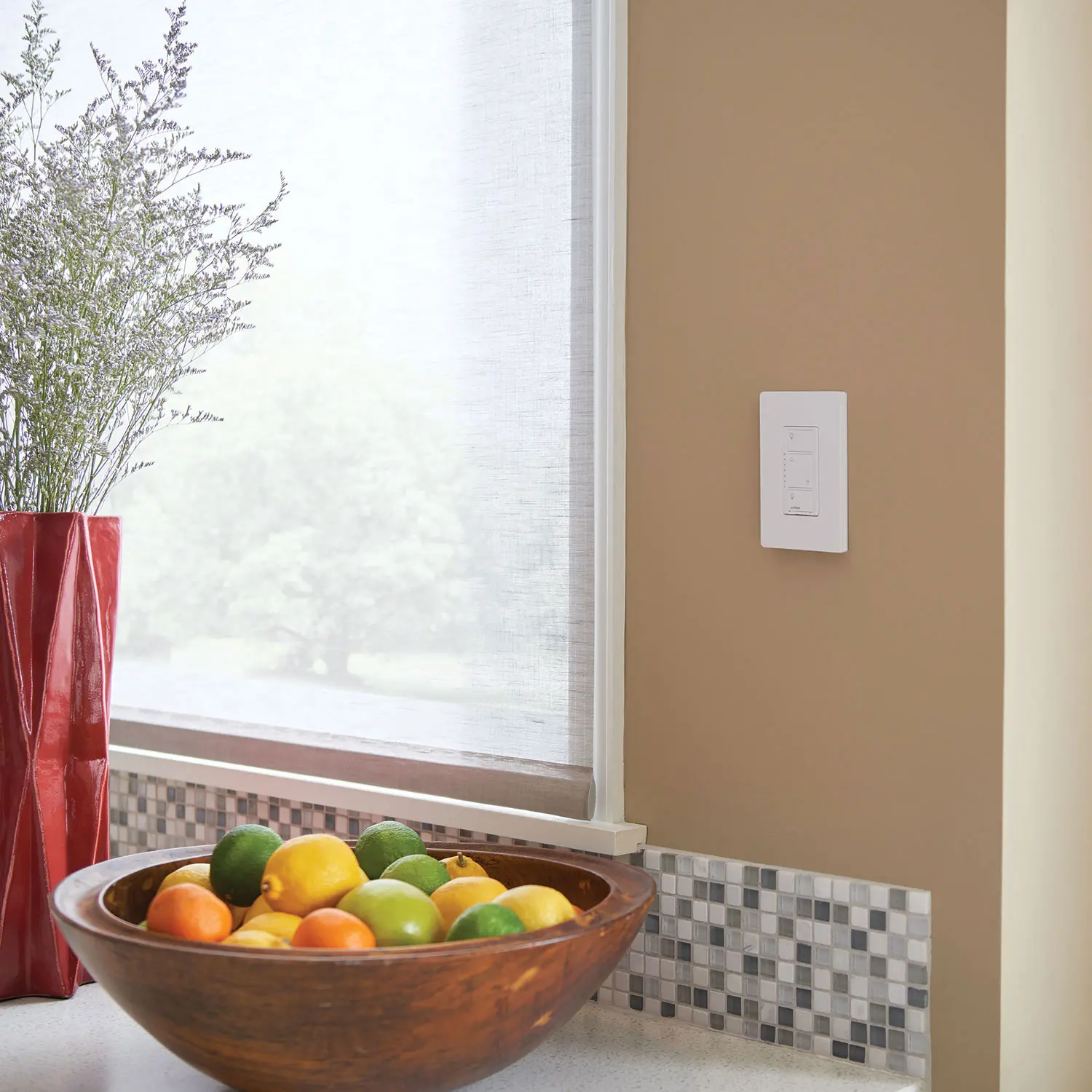
Invest in your home with smart switches
We spend so much time in our homes, it makes sense to make them smart. Smart switches are easy to install and add a ton of convenience for families. Imagine turning all your lights off from your bed. With a bedside smart speaker and smart light switches, you can do that. Another benefit is remotely controlling your home lights. For example, imagine being on vacation with your family and getting a motion detection alert from your outdoor smart security camera. Remotely turn all the lights on to make it seem like your home. You can even set new schedules remotely from your smartphone. With smart light switches, the options are endless.
To get started, read this smart home buying guide. This will tell you everything you need to know to get started. Then take the time to read this smart plug and switches buying guide. That will put you in the best position to find the right Smart Switches for your home.