
 Much like computers, TVs use computer operating systems. You’ll already no doubt be familiar with the likes of Windows, Apple iOS platforms, or Android from their use on phones, desktops, laptops, or tablets. So let’s get familiar with the various operating systems in new smart TVs, and what differentiates them from eachother.

All about TV operating systems
Do I really need a TV with a computer brain?
Smart TVs are extremely common and those TVs include capabilities like streaming, internet connection and the ability to access content remotely. Since streaming massively popular, it makes sense that smart functions are standard on most new TVs now.
One advantage of having a smart TV is that you won’t need a separate external device for TV streaming or for playing content from your phone, tablet or computer, to your TV. Smart TVs make sense because they take the most used appliance in the home and make it even more useful to everyone in the family.
What are the major TV Operating systems?
Let’s take a look at some of the brands and operating systems you might find when shopping for a new smart TV:
 Web OS
TV OS: WebOS
Manufacturer/TVs you’ll find it on: LG Smart TV
Key features:
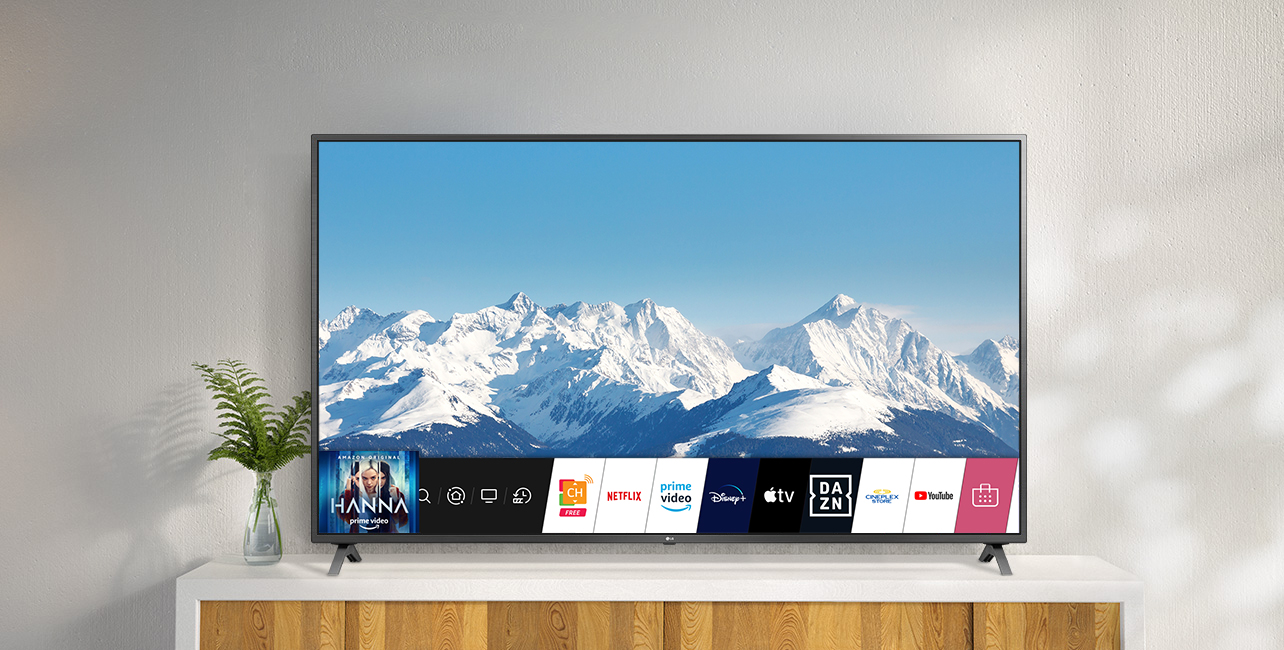
- Users can customize their favourite channels, adding them into the bottom launcher bar to keep them close at hand.
- You can access the LG Content Store, the company’s one stop shop for TV programs, Movies, apps, and more.
- A motion activated remote control, not unlike a Wii controller, helps you navigate the colourful and easy to understand menus
- Smart Share feature lets you share multimedia like photos or home videos from your computer or smart device, directly to the TV.
Impressions: It’s sleek, easy on the eyes and a simple operating system to navigate. WebOS actually used to be the software that Palm devices used (remember Palm Pilot from back in the day?). It was sold to LG and vastly improved upon to make it more versatile, and it’s since migrated to function on TVs.
 Tizen
Tizen
TV OS: Tizen
Manufacturer/TVs you’ll find it on: Samsung
Key features:
- Samsung calls Tizen the “OS of Everything” since it’s used in devices from wearables to mobile smartphones and even in vehicles.
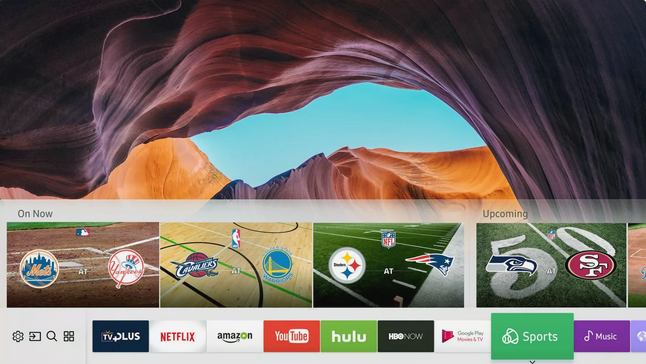
- Very similar to LG’s WebOS, Tizen uses ‘cards’ along the bottom navigation bar to stash channels or apps.
- Tizen is said to be fast and responsive
Impressions: Critics love the Tizen OS, praising it as uber-responsive, very easy to use, and a joy to look at and interact with.
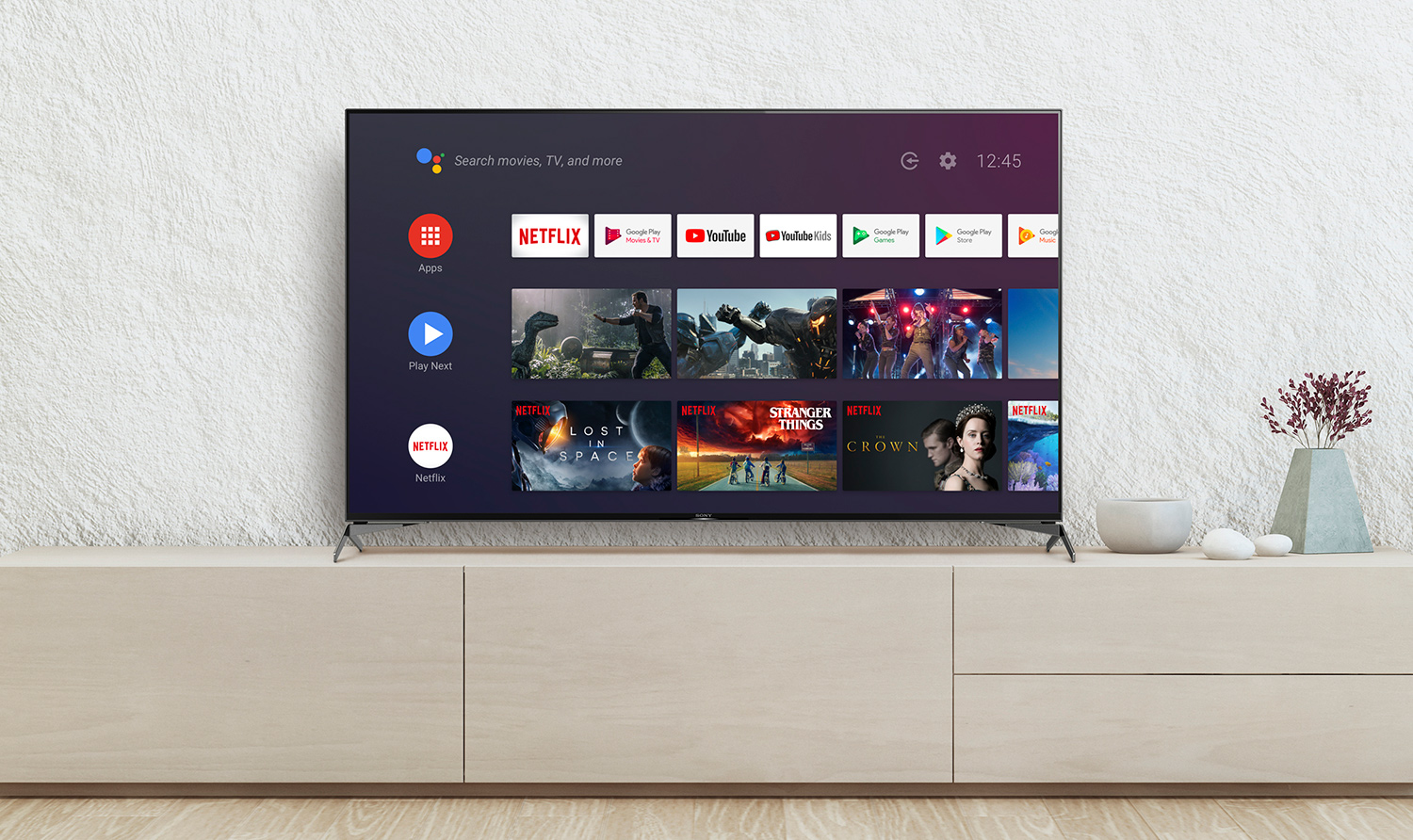
 Android
TV OS: Android
Manufacturer/TVs you’ll find it on: Sony, Philips, Sharp
Key features:
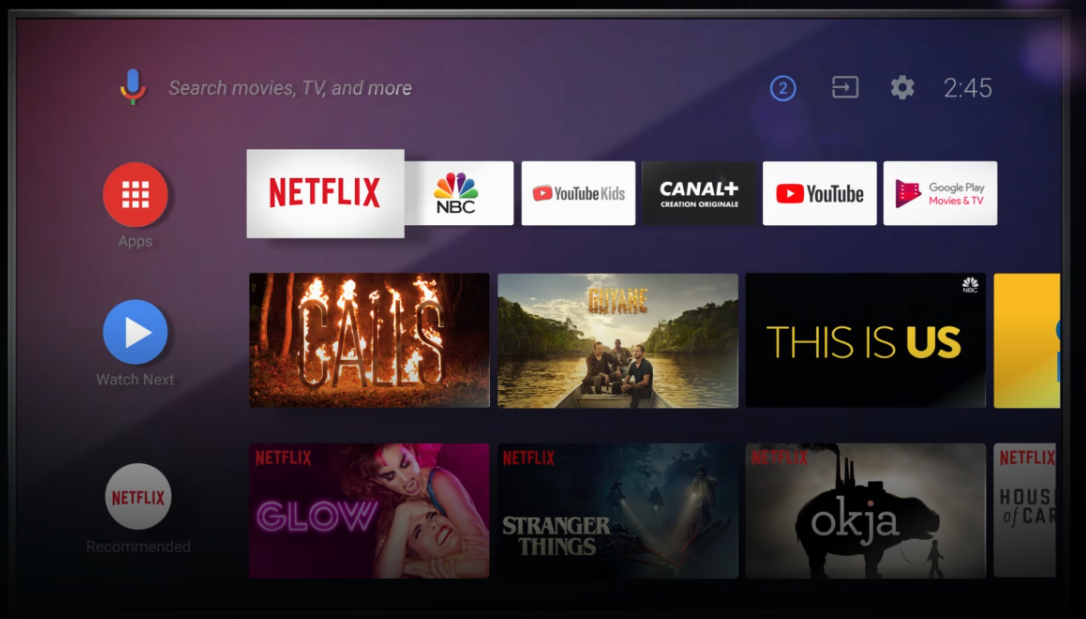
- Made by powerhouse Google, Android TV aims to bring all the things you enjoy on your Android smartphone, to your TV set.
- Cast content from your smartphone or computer directly to the TV
- Provides a familiar interface to Android users
- Voice control and easy to navigate menus keep the operation simple and streamlined. You can also customize your TV interface to make it look exactly as you want it.
- Users of Google Chromecast TV will find similarities in how this system operates now that it also comes built into TVs
Impressions: I’ve had the pleasure of testing Android TV and I’ve found it ultra easy to use and to navigate. Everything you could want is with easy reach, and you can also easily cast content from even your Apple laptop to the Google Chromecast device thanks to the easy to use OS.
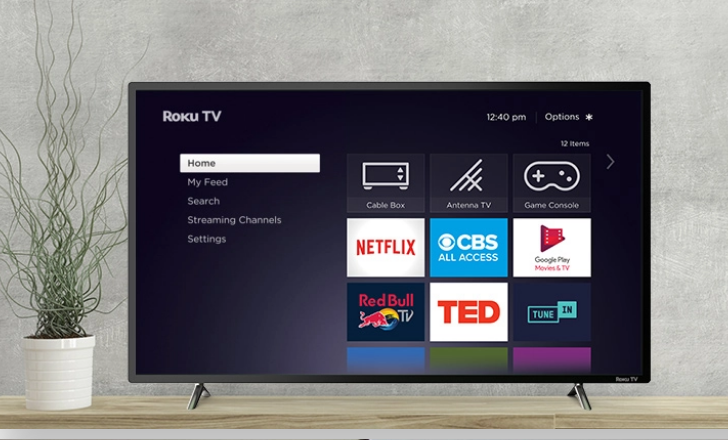 Roku
Roku
TV OS: Roku
Manufacturer/TVs you’ll find it on: Insignia, Sharp, some LG TVs
Key features:
- A simple to use and easy to navigate layered menu helps you surf available channels and keep content organized.
- Cast media from your smartphone or computer to your TV via the Roku OS.
- Roku TVs use a simple, personalized home screen, 3,000+ streaming channels and powerful search and discovery features of the Roku OS with our TV manufacturers various hardware designs
Impressions: Having used the Roku Streaming Stick extensively over the last few years, I can tell you the platform is easy to use and bug-free. All the channels you’ll want, and even hundreds you may not want yet are all available on the system. I’ve never had any bugs or crashes.
Apple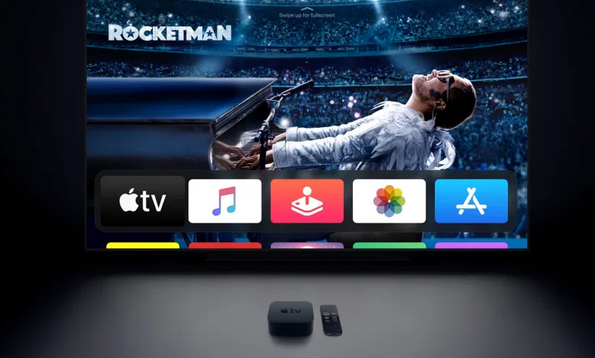
TV OS: AppleTV
Manufacturer/TVs you’ll find it on: Apple TV
Key features:
- easy to operate and understand
- huge array of available content, often exclusive or early access content too
- voice search capabilities on newer models
- available in 4K resolution
Impressions: While you won’t find apple making physical TV sets, they are continuing to offer Apple TV as a content portal and streaming device. For many years they’ve had the most available content and the best offerings, making it a worthwhile investment. Bugs and crashes are rare if you keep up with firmware upgrades.
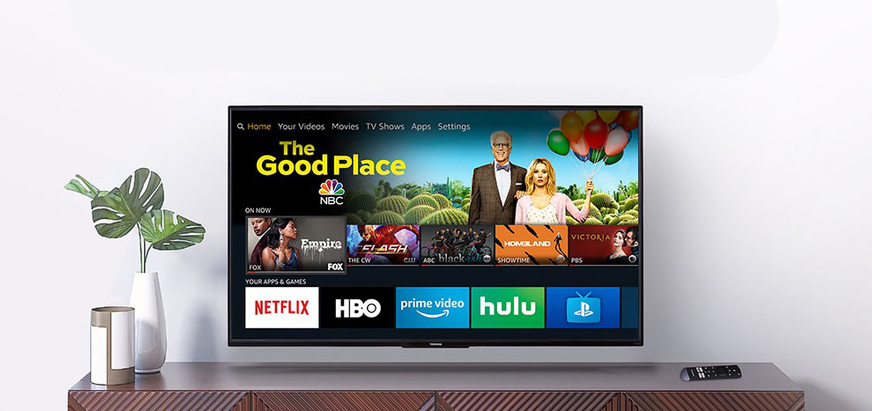 Fire TV
TV OS: Amazon
Manufacturer/TVs you’ll find it on: Amazon Fire TVs, Toshiba, Insignia
Key features:
- easy to use and navigate
- seamless and intuitive interface, stream media from your Android devices
- huge array of available content, including Netflix and now Apple TV’s app
- voice search capabilities on newer Fire TV models and TV sets
- also available in 4K resolution
Impressions: Amazon’s Fire TV is a joy to watch and navigate. The hands-free Alexa functionality turns your TV into a digital assistant too!
What you need to get the most from your Smart TV
 You’ll need two key things when moving to a smart TV, but fortunately many people already have them in their homes. High speed internet and a good, fast and powerful router (see what’s at Best Buy here) but you can also often connect via Ethernet cable if you don’t have Wi-Fi.
These days, as more of these TV platforms share apps and streaming services there’s less need to choose a TV based on what kind of phone you have. Operating systems are fast becoming very secondary to great video quality. The main reason you may want a TV that’s compatible with your phone is if you like to share videos from your phone or tablet, to the screen. Do you research and ask for help so you can make sure you get the most from your new smart TV, whichever OS you end up with.




What about TV channels, LOCAL TV station content in particular. If I “cut the cable” how can I get local TV content?
Buy a NViida Shield tried others and found streaming sucks with cheap China junk spend once and be happy
Hi Wilf, Just choose your preferred streaming device, then plug it in to the Sharp’s HDMI port. Switch the Input on the TV to HDMI1 or HDMI2, depending where it’s plugged into. Follow the device’s account setup instructions. All the best,
Erin
I agree, I had a similar television sitting in my basement for years that I gave to my son when he went to university: he just connected a Roku express to it and presto it is now smart.
Hi I have a Sharp LC-37D44U and Rogers TV/Internet – What must I do to make my TV into a Smart TV??
Purchase an Apple or Android device plugin and enjoy
Comments are closed.