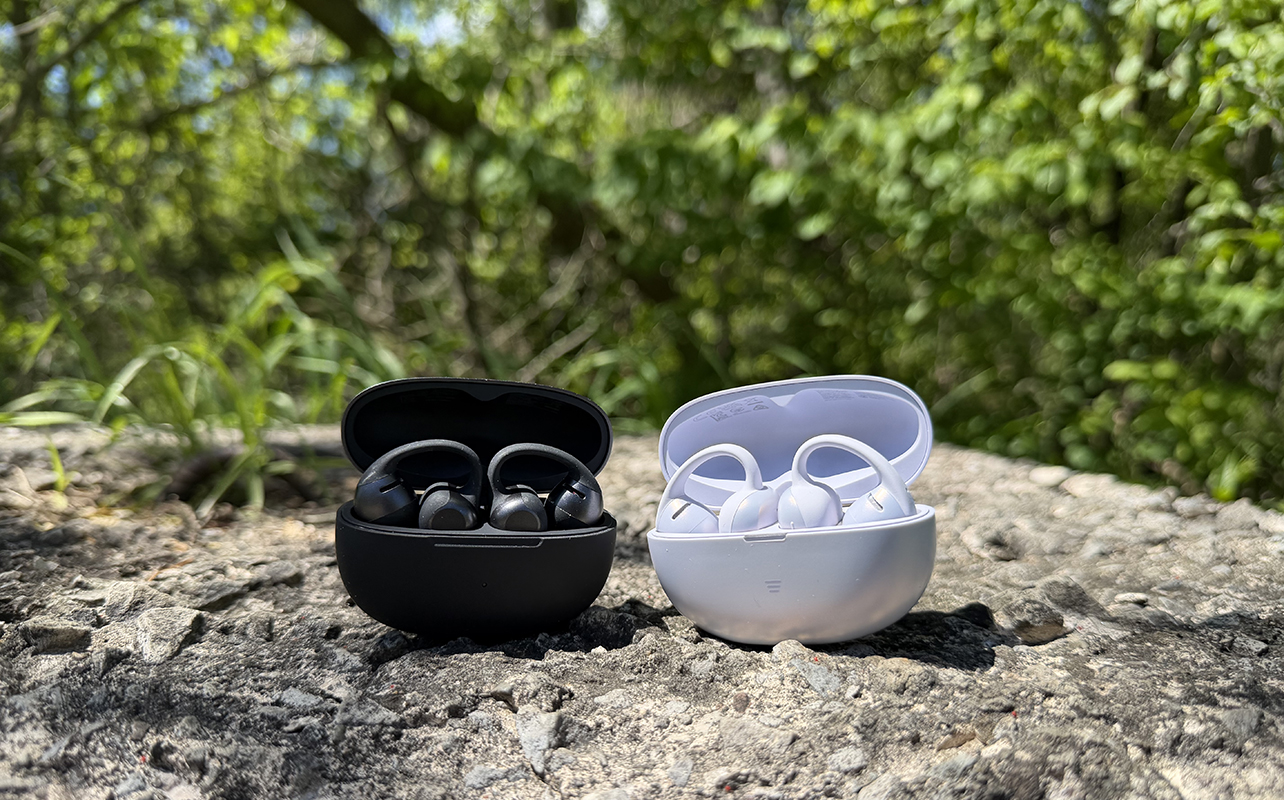
Shokz has a reputation for making fantastic open-ear headphones, one of my favourites being the Shokz OpenFit Pros that I reviewed earlier this year. The company has just launched two new pairs, this time clip-on earbuds called the OpenDots 2 and OpenDots Air. They’re very similar to one another, so before deciding which one is right for you, it’s important to understand the differences between them. Here, I’ll walk you through the core specs, what makes the OpenDots 2 the more expensive model of the two, and if it’s worth the upgrade. I spent time with both pairs to compare design, fit, sound quality, and more to help you make an informed decision.


How they both work
First, how do these earbuds work? They are huggie-style earrings, fitting around the side of the lobe such that one side sits atop your eardrum and the other behind your ear. They use bone and air conduction technology, which allows them to transmit sound without plugging your ears. Instead, your eardrum vibrates when it hears the audio. This signal transmits to the bones in your inner ear, and your brain interprets it.
Because your ears aren’t plugged like they would be with in-ears, you can expect some sound leakage. But the benefit of models like the Shokz OpenDots 2 and OpenDots Air is that you remain fully aware of your surroundings. You can hear your baby crying from the monitor while he’s taking a nap or cars coming from behind while going for a run or cycle on a busy urban street. Some people prefer open-ear headphones because they don’t like in-ears or simply can’t find ones that fit them right. I have several friends and family members who fit this category, and you might, too. As with any clip-on earbuds I have tried, this style is best for those with smaller ears: the larger your lobes, the more difficulty you’ll have positioning them properly.
Shokz OpenDots 2 vs. OpenDots Air: The specs
Before looking further, here’s a handy chart running down the basic specs of these two earbuds.
| Shokz OpenDots 2 | Shokz OpenDots Air | |
| Colours | Black, Grey, Pearl White | Black, Daybreak Purple |
| Fit | Clip-on | Clip-on |
| Noise Reduction | AI-powered call noise reduction, dual air conduction mics | DirectPitch technology to reduce sound leakage |
| Transparency Mode | None | None |
| Spatial Audio | Dolby Audio, MirrorPitch technology | None |
| Battery Life | Up to 10 hours, 40 hours with charging case (fast charging, Qi charging compatible) | Up to 9 hours, 36 hours with charging case |
| Sweat/Water Resistance | IP57 | IP55 |
| Standout Features | Shokz Bassphere 2.0, dual 11.8mm drivers, multi-point pairing, dynamic ear detection, auto pause/resume, customizable EQ settings, Find My Earbuds, Fast Pairing | Shokz Bassphere, dual 11.8mm drivers, multi-point pairing, dynamic ear detection, lightweight design, customizable EQ settings |
Shokz OpenDots 2 vs. OpenDots Air: Similar style, subtle differences
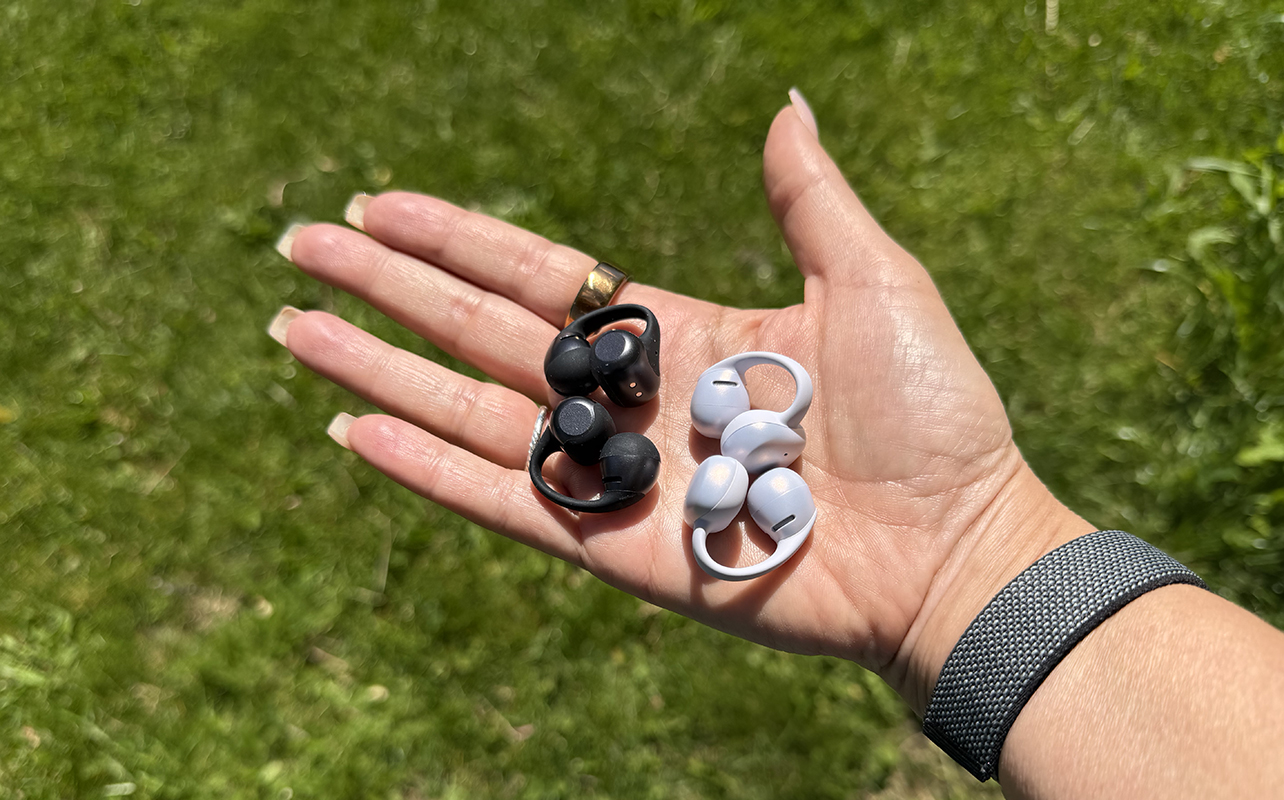
The Shokz OpenDots 2 and OpenDots Air look almost identical to one another from afar, but there are some subtle design differences.
The Shokz OpenDots 2 come in Black, Grey, or Pearl White, giving them a more refined, elegant look. They weigh a bit more, but it’s not enough that you would notice. The piece that goes behind your ear is a tiny barrel shape, contributing to the spherical acoustic structure that Shokz says affords improved sound quality. They meet an IP57 dust and water resistance rating, so they can withstand temporary water submersion, like falling in a puddle or an accidental drop in the toilet.
The OpenDots Air are, as the name implies, the lighter weight option of the two, weighing just 6.3 grams per bud. Available in Black or a more fun Daybreak Purple, they focus on style, secure fit, and comfort. The flexible JointArc structure feels more rigid than the OpenDots 2, though I found that both fit equally securely around my ears, even during workouts. The piece behind the ear of the OpenDots Air is flatter and rectangular in shape and the bud is bigger overall, though not by a huge amount. They meet an IP55 rating for resistance against some dust and splashes, like from a rain shower or residual cannonball water from the pool.
Set up was incredibly simple with both, each effortlessly connecting to my phone and laptop via Bluetooth. They also connect to the Shokz app for accessing features and status. I ran firmware updates for both before getting started. Once using them, gesture controls work well with pinch gestures on the back half to adjust volume, tracks, and answer/end calls.
Shokz OpenDots 2 vs. OpenDots Air: Sound quality specs
As the higher-end model of the two, the Shokz OpenDots 2 promise a premium sound experience through Bassphere 2.0 acoustics, dual 11.8mm drivers, and an optimized diaphragm that affords deeper bass and better clarity. This includes for calls as well thanks to a dedicated bone conduction microphone that works with the dual air conduction ones to isolate your voice. AI noise reduction is designed to reduce background noise as well.
There’s also upgraded Dolby Audio and MirrorPitch technology that together provide a wider, more immersive soundstage by directing sound more precisely towards the ear for a focused listening experience.
The OpenDots Air have the same dual 11.8mm drivers with Shokz Bassphere technology, but not the 2.0 improved version. DirectPitch helps reduce sound leakage while you can further tweak sound using the EQ settings in the Shokz app, as you can with the OpenDots 2 as well.
Shokz OpenDots 2 vs. OpenDots Air: Sound quality comparison




Switching back and forth between these earbuds during my usual neighbourhood walks, I noticed subtle differences. Audio is surprisingly loud with the OpenDots 2, even without having to crank the volume. Voices during a podcast are crisp and clear, easily heard through traffic, wind, and other typical outdoor noises. I was pleasantly surprised with how well these performed, despite not plugging my ears.
You’ll hear the biggest difference when using Dolby Audio, which provides a more expansive soundstage. It’s sort of like listening from within a stadium versus a smaller, enclosed room. It’s especially noticeable with spoken word content, like podcasts, giving them a larger-than-life feel.
Listening to music at home from Apple Music, the Shokz OpenDots 2 add a similar sense of dimension with Dolby Audio. Radiohead’s “Creep” sounds slightly hollow, as if you’re in a public bathroom with an echo. I preferred the sound without Dolby effects, which lacks in detail compared to more expensive headphones and in-ears, though that is to be expected. That said, you can create a Private EQ mode by running tests in the app to get a nicer balance between vocals and instruments that suits your listening preference.
I tried a more bass-heavy tune with twenty one pilots’ “Stressed Out” in a Spatial Audio playlist, and you get the same stadium-like but hollow feel. It’s missing the atmospheric effect you get with other headphones, feeling almost artificial. It was night and day, for example, when comparing them to another pair of on-ear headphones I had nearby, the Marshall Milton A.N.C.s.
Even with ANC off on those, the immersion is more pleasant. You can pump up the bass on the OpenDots 2, but you can’t use the Bass EQ mode and Dolby Audio at the same time. Bass is noticeable better than with the OpenDots Air, but it isn’t as powerful if you run an A-B test with more traditional headphones. This isn’t to say these earbuds don’t sound great. Bass is impressive for their design, but if you’re looking for something bass-heavy, they might not meet your needs.
How do the OpenDots Air compare? Listening to the same tunes in the same settings, sound was virtually indistinguishable when using regular EQ modes like Standard and Private. You’ll notice the difference most with the OpenDots 2 when turning on Dolby Audio. It really comes down to your listening preference, what type of music or audio you listen to most, and the source.
It’s worth noting that despite the included technology, you need to expect sound leakage. This wasn’t an issue wearing either buds in my quiet home, even on walks unless loud cars passed by. But at a coffee shop with music and people milling about, the lack of noise cancelling shows. These aren’t earbuds you’ll want to use in louder environments unless you are willing to crank up the volume. That said, this is the case for any huggie-style buds, one of the sacrifices you’ll have to make for the sake of the design.
Shokz OpenDots 2 vs. OpenDots Air: Battery life and other features
Along with improved sound quality for audio playback, the OpenDots 2 purport to offer better call clarity through AI-powered call noise reduction with bone conduction and dual air conduction microphones. You also get features like multi-point pairing, dynamic ear detection, and auto pause/resume. I made a few calls with both and never had any issue hearing the person on the other end, nor they me.
The Shokz OpenDots 2 offer up to 10 hours of battery life, a total of 40 hours with the charging case. They support fast charging as well as Qi wireless charging. The OpenDots Air don’t last quite as long at up to nine hours per charge and 36 hours with the case, and they don’t support fast or wireless charging. I found that both lived up to their battery life promises: through weeks of wearing them for an hour or so at a time for testing, working, and going for walks, I have yet to recharge either case. The batteries also seem to deplete at a similar rate.
Shokz OpenDots 2 vs. OpenDots Air: Which one is right for you?
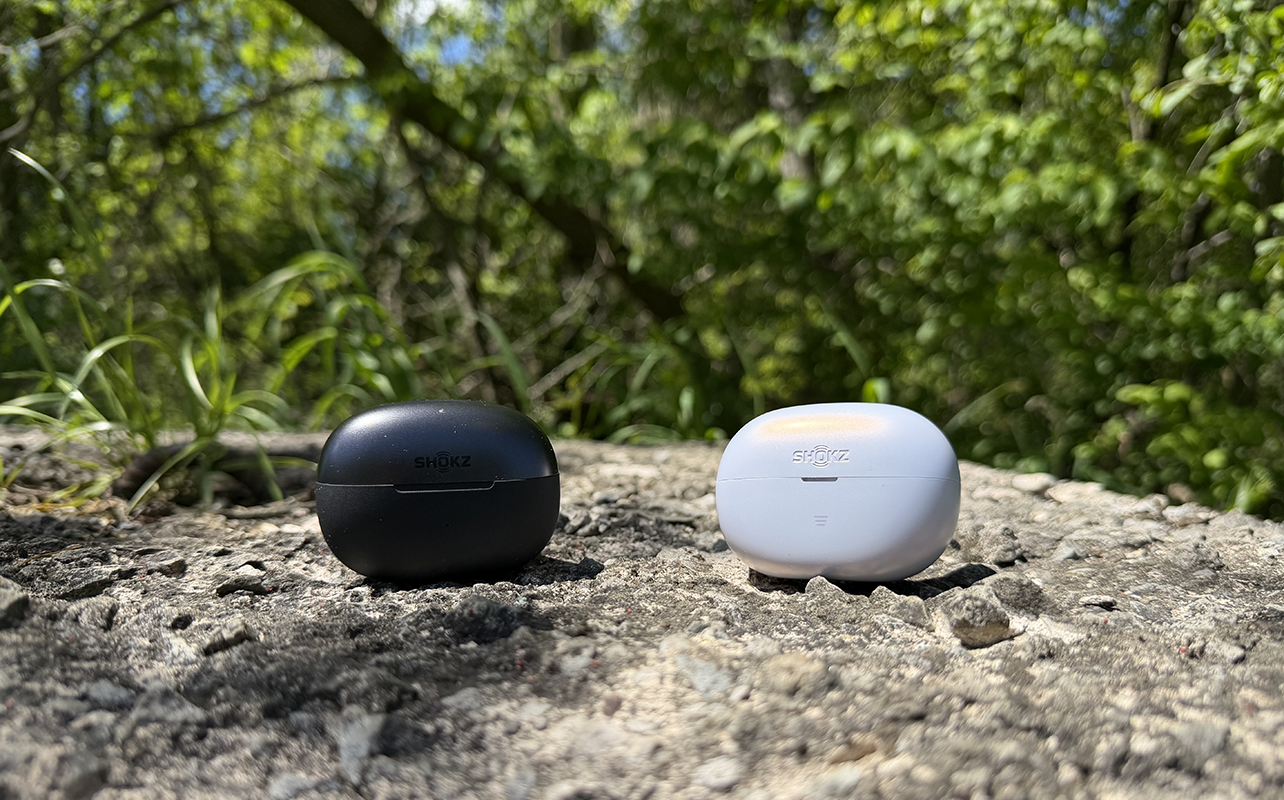
The Shokz OpenDots 2 and OpenDots Air are near identical in their style and feature set. Specs-wise, the Shokz OpenDots 2 are a leg up with audio enhancements like Dolby Audio and less sound leakage, slightly longer battery life and faster charging, and better durability along with a more refined design. But if sound quality and leakage are your primary concerns, you’ll probably want to go with a different style of earbuds altogether. If you don’t like in-ears, I would recommend the Shokz OpenFit Pros instead. They are more expensive but sound better. And noise reduction means you can wear them in a coffee shop or busy subway and still get some level of quieting.
Between these two earbuds, however, most people will probably be fine with the OpenDots Air, which are $80 less. There are a few reasons to upgrade to the OpenDots 2, as noted. But Dolby Audio isn’t the same with these buds as you’d get with higher-end in-ears. It’s an odd inclusion for earbuds of this style, but there is some value if you like how it sounds and are deadset on clip-ons. The OpenDots Air will save you some money, but if the noted improvements in the OpenDots 2 appeal to you, spend a bit extra for those ones.
Find both the Shokz OpenDots 2 and OpenDots Air at Best Buy Canada.